News and tips
All Posts
These are the posts we write when the same question comes up on the phone for the third time in a week. They cover moving a copier, reading a Toshiba code, why a printer keeps jamming and when it makes sense to stop repairing a machine, all written by the Laser Printers Brisbane team. Browse everything below, or go straight to Printer Tips or Industry News.
Brisbane printer service and photocopier repairs, plus machine sales
Two shelves, Printer Tips and Industry News
Printer Tips holds the how to posts: moving, fixing, deciding. Industry News is for changes in the copier trade that touch machines Brisbane offices already own. Each shelf has its own page, and anything new lands on one of them.
Three steps to a price
- Name the machineMake, model and the trouble it is giving you.
- Hear the price firstWe ring you back with it before a visit is booked.
- A certified technician attendsSame day wherever the diary allows.
Moving Office in Brisbane? The Photocopier Relocation Checklist
A copier treated as furniture on moving day is a copier that will not scan on the Monday after. This post walks through what to settle before, during and after the move, and in what order. Written 19 August 2026, two minutes to read. Open the checklist
Toshiba e-STUDIO Error Codes Explained (And When to Call for Help)
Some Toshiba codes clear with a restart and a look at the paper path. Others are telling you a technician needs to attend. This post separates the two groups. Written 19 August 2026, two minutes to read. Read the codes post
How Much Does a Used Photocopier Cost in Brisbane? (2026 Guide)
Ask five sellers and you hear five answers. The guide lays out three price bands, what pushes a machine up or down inside a band and the one trap worth steering round. Written 19 August 2026, two minutes to read. Open the cost guide
What the Ricoh and Toshiba Changes Mean for Your Toshiba Photocopier
If a Toshiba copier sits in your office, you may have heard the news about Ricoh and Toshiba and wondered if your machine is affected. This is a plain look at what changed and what stays the same. Written 19 June 2026, two minutes to read. See what it means
Why Does My Printer Keep Jamming? Common Causes and Fixes
A printer that jams again and again is rarely unlucky. The post covers the usual causes, a few checks that are safe to try yourself and the point where a technician should take over. Written 19 June 2026, two minutes to read. Read about jams
Should You Repair or Replace Your Office Photocopier?
An honest framework for deciding, with the signs that point to repair and the ones that point to a new or second hand machine. Written 19 June 2026, two minutes to read. Read the guide
Need help now
If a machine is down, ring (07) 3073 5255. See photocopier repairs for service, printer and photocopier sales if you are thinking about buying, and the contact page for the form.
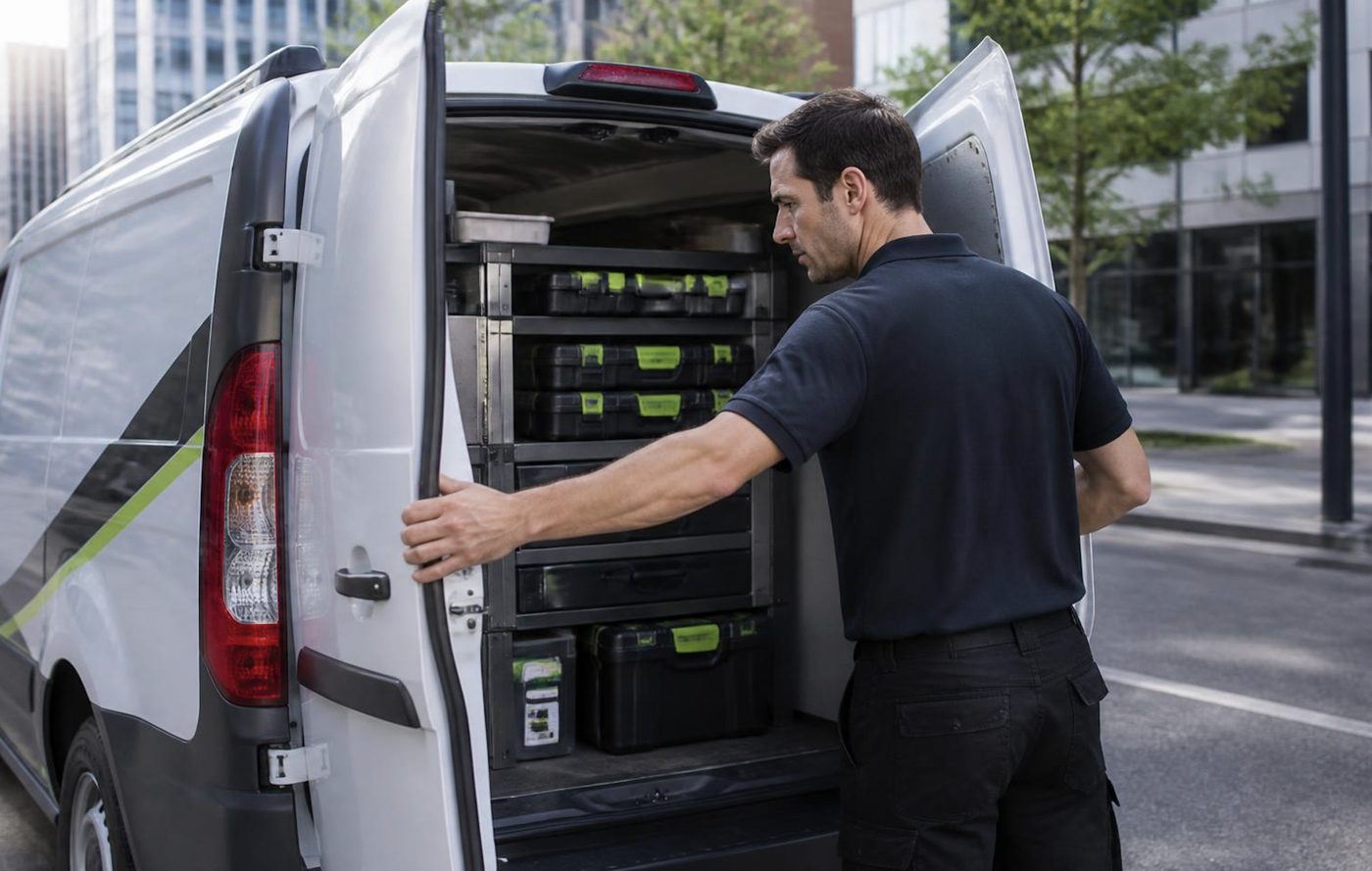
Parts on the van
The right part has to be in the van
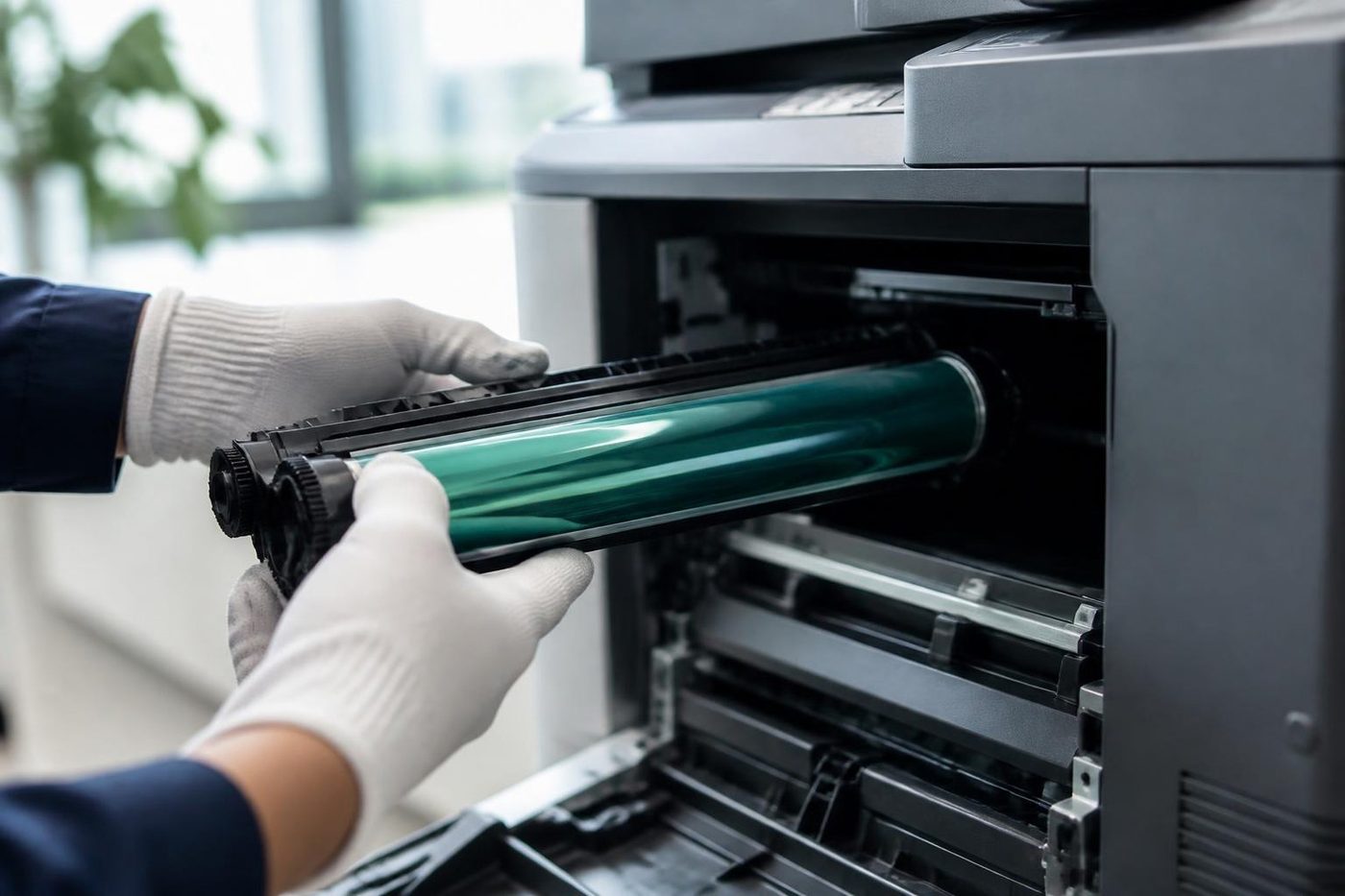
A one visit repair only happens if the part is on board. We carry the common wearing items for the makes we see most, Toshiba and Kyocera above all: drums, fuser units, pickup rollers, cleaning blades, waste toner containers.
Because we also buy and sell machines we see which parts fail early on which models, and that shapes what rides in the van.
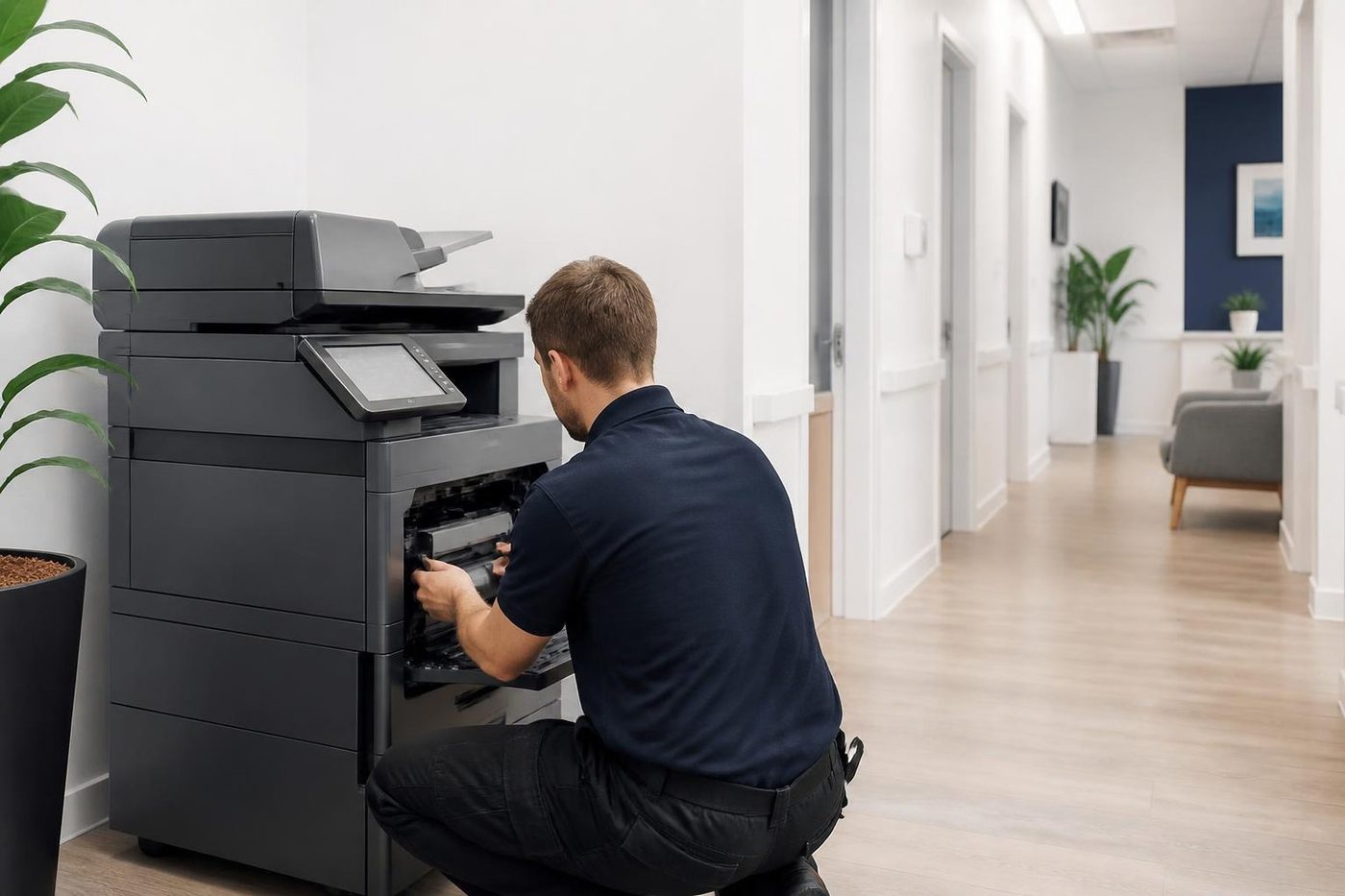
- Common spares carried. Most jobs finish without a wait.
- Ordered on proof. Not on a hunch.
- Fitted once. And warranted.
Keep reading around Brisbane
Buy, sell and lease
Buy, sell and lease commercial copiers in Brisbane
We also sell new and refurbished commercial copiers and buy used ones. Same team, same technicians.
From the van to the machine
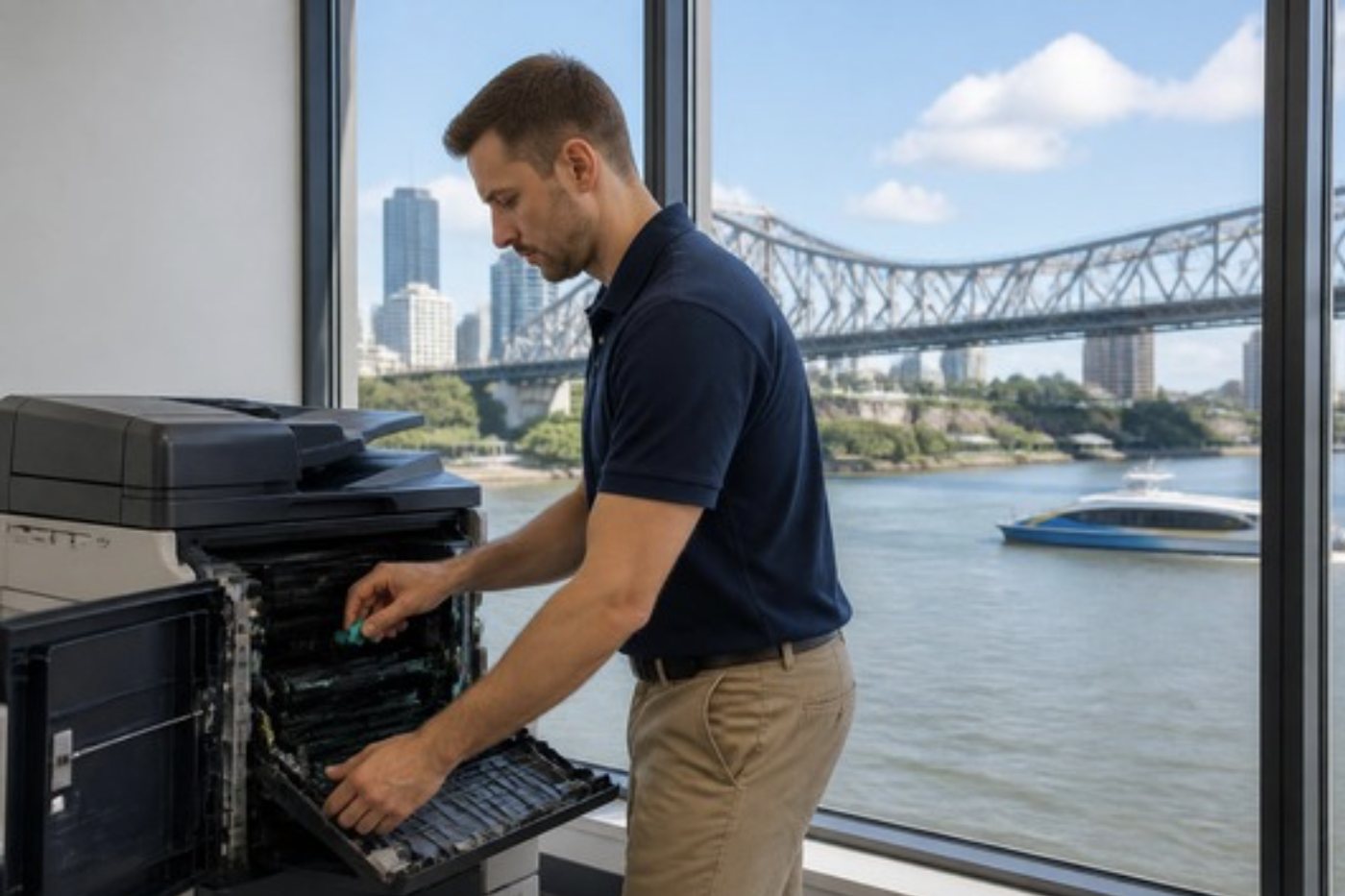
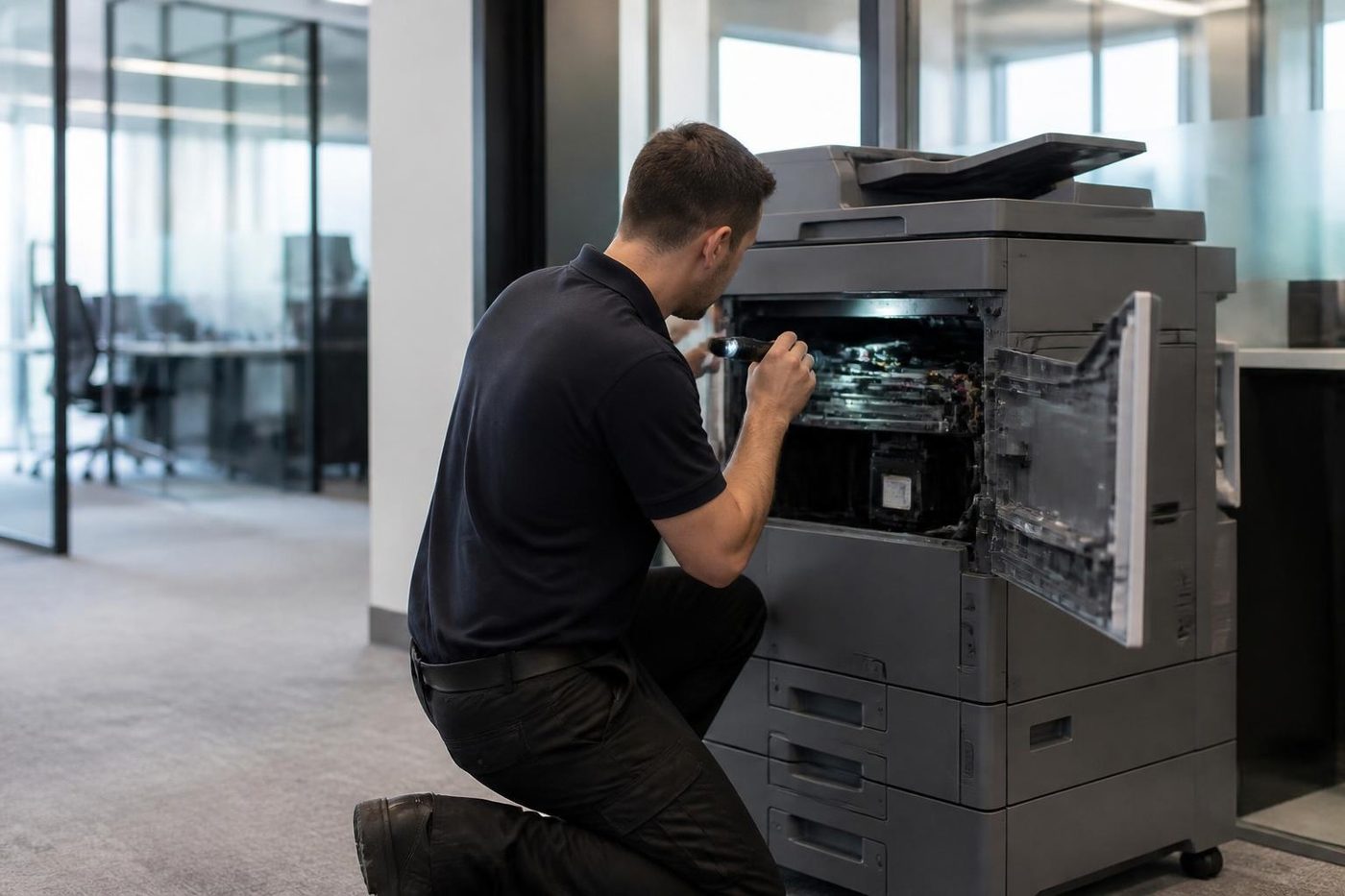

Questions people ask us on the phone
Who writes these posts?
The Laser Printers Brisbane team, who service and sell commercial printers and photocopiers across Brisbane.
Can I ask for a post on a topic?
Yes. Use the contact page and tell us what you would like covered.
Where do I look for a fault by fault guide?
The copier and printer faults page starts from the symptom and points you to the next step.
How often do new posts appear?
There is no set timetable. A post goes up when the same question has come up often enough on the phone.

Something odd on the panel
Read us the code
A code is a pointer, not a verdict. We work out what it points to and quote you before we move.
Send the code
Printer service Brisbane, from one desk printer to a whole floor
Copier and printer repairs across Brisbane
Fault guides
- Copier and printer faults Brisbane
- Photocopier paper jams Brisbane
- Copier black lines and streaks Brisbane
- Copier error codes Brisbane
- Copier not printing Brisbane
- Scan to email not working Brisbane
- Toner smearing and fuser faults Brisbane
- Printer offline and network faults Brisbane
- Copier noise, grinding and squealing Brisbane
- Is my copier worth repairing Brisbane
- Toshiba e-STUDIO error codes Brisbane
- HP LaserJet error messages Brisbane
- Kyocera TASKalfa error codes Brisbane
Makes we work on
- Toshiba copier repairs Brisbane
- HP printer repairs Brisbane
- Kyocera copier repairs Brisbane
- Fujifilm copier repairs Brisbane
- Xerox copier repairs Brisbane
- Canon copier repairs Brisbane
- Ricoh copier repairs Brisbane
- Lexmark printer repairs Brisbane
- Brother printer repairs Brisbane
- Epson printer repairs Brisbane
- OKI printer repairs Brisbane
- Zebra printer repairs Brisbane
- Konica Minolta copier repairs Brisbane
- Sharp copier repairs Brisbane
- Fuji Xerox copier repairs Brisbane
Suburbs and districts we cover
- Printer service Inner West Brisbane
- Printer service Brisbane CBD
- Printer service Milton, Toowong and Inner Brisbane
- Printer service Centenary Suburbs
- Printer service Ipswich Corridor
- Printer service Logan
- Printer service Brisbane Northside
- Printer service Acacia Ridge and Archerfield
- Printer service Toowoomba
- Printer service Eastern Suburbs and Airport Precinct
- Printer service Southside: Sunnybank and Mount Gravatt
- Printer service Redcliffe and Moreton Bay
- Printer service Redlands, Capalaba and Cleveland
- Printer service Caboolture, Morayfield and the North
- Printer service Fortitude Valley and Newstead
- Printer service Indooroopilly, Toowong and Kenmore
- Printer service Springfield and Ripley
- Printer service Ipswich, Booval and Amberley
- Printer service Beaudesert and the Scenic Rim
- Printer service Lockyer Valley and Gatton
- Printer service Beenleigh and Yatala
- Printer service Bribie Island and Moreton Bay
- Printer service Carindale and Camp Hill
- Printer service Wynnum and Manly
- Printer service North Lakes, Strathpine and Petrie
- Printer service South Brisbane and Woolloongabba
- Printer service Logan Central and Browns Plains
- See every Brisbane area
Got the make and the fault? Send those two things and we will price it.
Looking at a machine for your office?
Tell us if you are buying, selling, leasing or moving one, and roughly how much the office prints. We ring back and talk through the options. You can also phone (07) 3073 5255.