What counts as an office printer to us
Machines built to be used all day by several people on a network. Workgroup laser printers for a department. A4 multifunction machines for a small office. A3 colour multifunctions for a busy floor. Wide format plotters for plans and posters. Toshiba, Kyocera, Canon, Ricoh, HP and Brother all turn up, and no maker owns us.
A cheap home inkjet is outside what we sell. The cartridge usually costs more than the printer, and a business that asks gets told so.


Match the machine to the need
A starting point, not a verdict.
| Need | Machine | Watch |
|---|---|---|
| A few people, mostly black and white | A4 mono laser or A4 mono multifunction | Quick and cheap to run |
| A small team that needs colour | A4 colour laser or colour multifunction | The cost of colour toner |
| A department that scans and copies too | A4 or A3 multifunction | Scan to email and folder |
| A busy office with big jobs | A3 colour multifunction with a finisher | Duty rating and finishing |
| Plans, posters, drawings | Wide format plotter | Roll width, media, ink or toner |
| Labels and dispatch | Thermal label printer | Label size and volume |
Laser only, or multifunction
A laser printer prints. A multifunction prints, copies and scans, often faxes, and joins your network and mail. For most offices the multifunction wins because the scanner pays for itself inside a week. A single function laser suits a department that already has a copier, or a place that only prints.
Setting up a multifunction takes longer. Scan to email, scan to folder, user codes and security each need configuring. On every machine we supply we do all of it, then check it works by sending a scan from a desk.
What to compare before you buy
Whatever the brand.
- Print speed in pages a minute, and how it holds on a long job.
- Duty cycle and the monthly volume the machine is built for.
- Toner and drum cost, and how many pages each gives.
- Paper sizes, trays and two sided printing.
- Scan to email, scan to folder, secure release and mobile printing.
- Drive encryption and user sign in, for practices and financial offices.
- Who services it, and how quickly someone answers the phone.
The last one catches a lot of buyers. A machine from a seller who vanishes after the sale is a gamble.
New or second hand
New suits an office that wants a long run and the latest features. Second hand or reconditioned suits an office watching its spending, and a good one has plenty of life left. Whatever we sell is warranted, and we go through that cover with you by phone before you make up your mind.
Colour on the office floor
Colour is part of most offices now and the question is how much. A colour machine mostly used in mono is fine if the default is mono and people know how to choose colour. If most pages are colour, cost per page matters and we put the numbers in front of you. Colour machines also need more care: registration, drum condition and the transfer belt affect the result, and an uncared for machine drifts.
Plotters
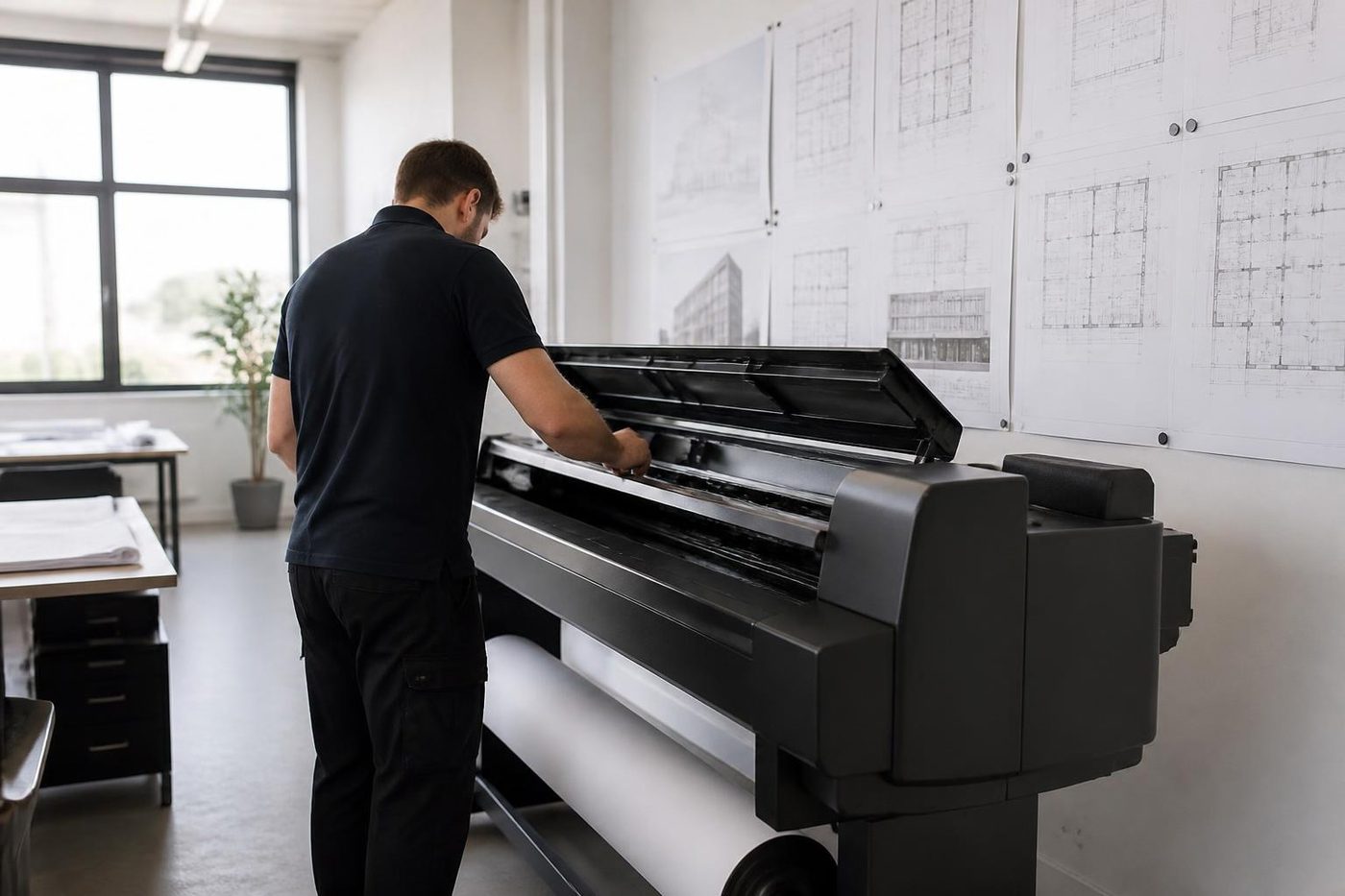
Plans, drawings and posters need a plotter. We supply wide format plotters for architects, engineers, builders and signage, and we service them. Roll width, media and ink or toner all matter, so we ask what you print before recommending one.
Set up and handover
A printer that arrives and does not print is no use. Our people deliver across Brisbane, connect the machine to the network, load drivers, configure scanning and security, walk your team through the basics and leave the settings written down.
Toner, drums and the cost behind the price
The machine is only part of the cost. Toner, drums, fusers and service add up over years, and a bargain machine with dear consumables is no bargain. We list the consumables, how many pages each one gives and which parts wear. Kyocera is known for long life drums and low running costs, and that suits offices with heavy print volumes.
The humidity and storm tax
Brisbane summers are hard on printers in a way people only notice after the first bad January. Paper takes on moisture and feeds in pairs. Toner stored in a hot cupboard clumps. The storm season drops the power at short notice, and a printer caught mid job can restart with a corrupt queue or a fault code. A decent surge protected board and sealed paper stored flat help more than most people think.
Where office printers usually fail
The pattern across many jobs.
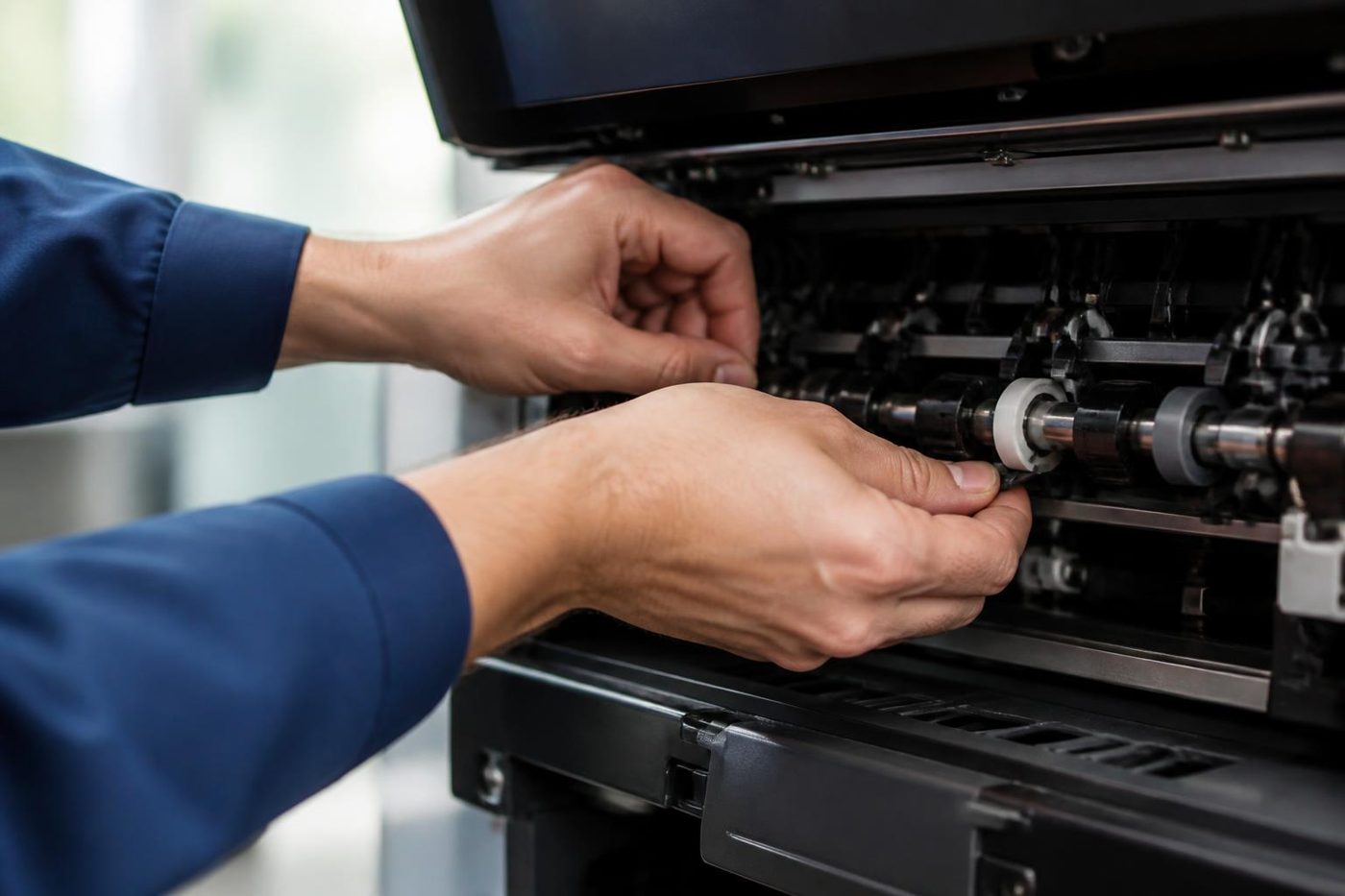
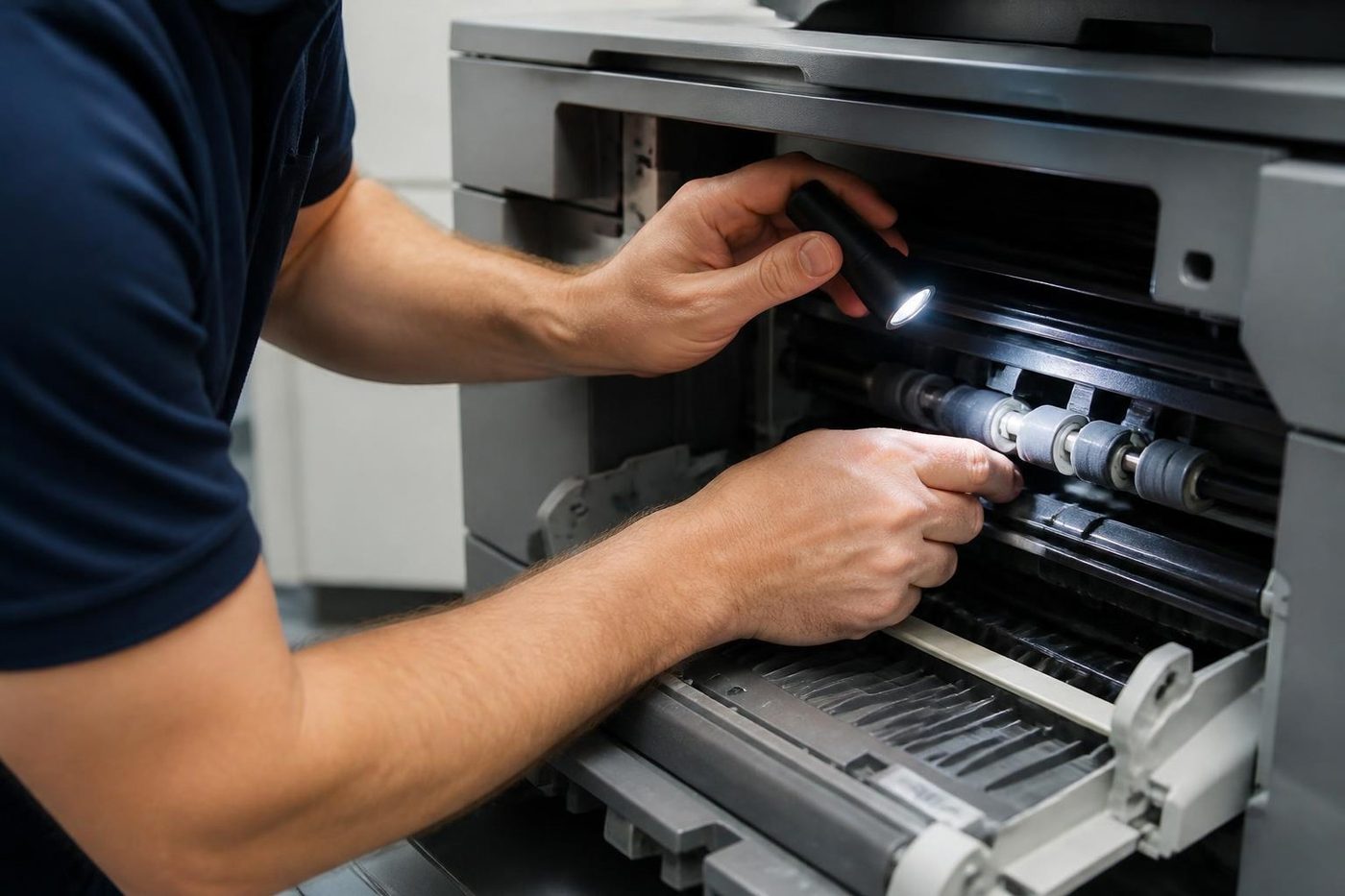
- Feed rollers worn smooth, giving misfeeds and double picks.
- Fusers at the end of their life, so paper creases and toner rubs off.
- Scanning to email that quits after a change of mail server or password.
- Network settings lost after a router swap, so nobody can print.
- Drums and belts wearing on colour machines.
- Toner and paper kept in damp or hot rooms.
Most are cheaper to prevent than repair.
Replacing a pile of printers with fewer machines
Many offices have a mix bought over years: a laser in each department, a colour in the manager's office, a multifunction at reception. Replacing the lot with fewer multifunctions can cut toner types, power use and service calls, as long as people can still reach one. We look at what you have and what you print and say honestly whether fewer machines would work.
Brisbane offices and the paper they print
The mix of offices here is wide. Medical and dental practices in Spring Hill and around the Wickham Terrace end of town, accountants and solicitors in the CBD, creative studios in Fortitude Valley and Newstead, trade and distribution offices out at Rocklea, Acacia Ridge and Eagle Farm. A practice wants secure release and a scanner that behaves. A builder wants something sturdy that survives dust. A distribution office wants mono, quick, and label printers on the floor. Same word, printer, and four different machines.
So we ask where it will stand and who will use it before we mention a model. The questions are dull and they save money.
Security
A modern printer is a computer on your network with a drive that stores jobs and an address book of scan destinations. Practices and financial offices should ask about drive encryption, secure release by card or PIN, and what happens to the drive when the machine leaves. We set up the features that fit the office and erase the drive on any machine we take away.
Service, and the old printer
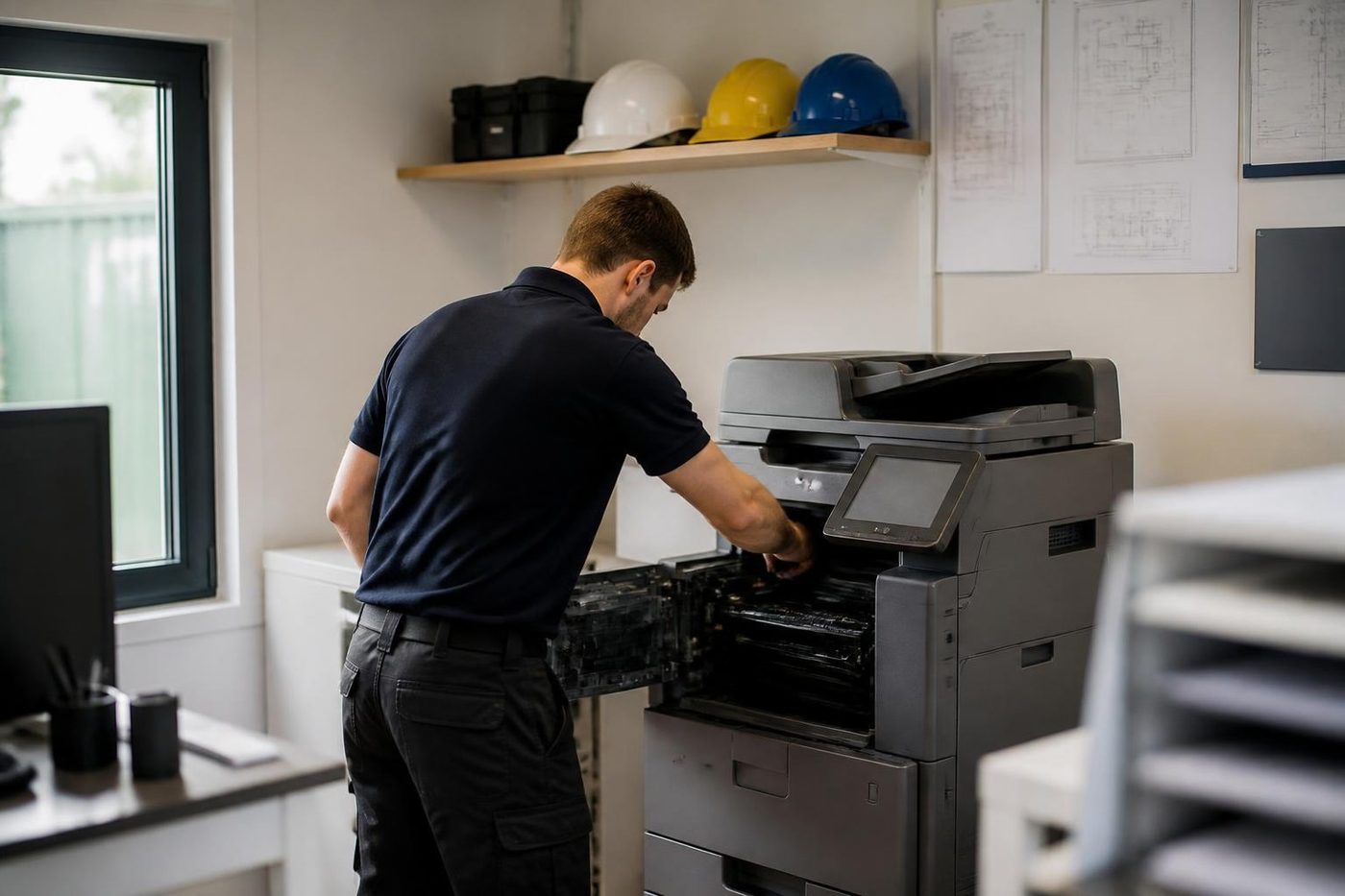
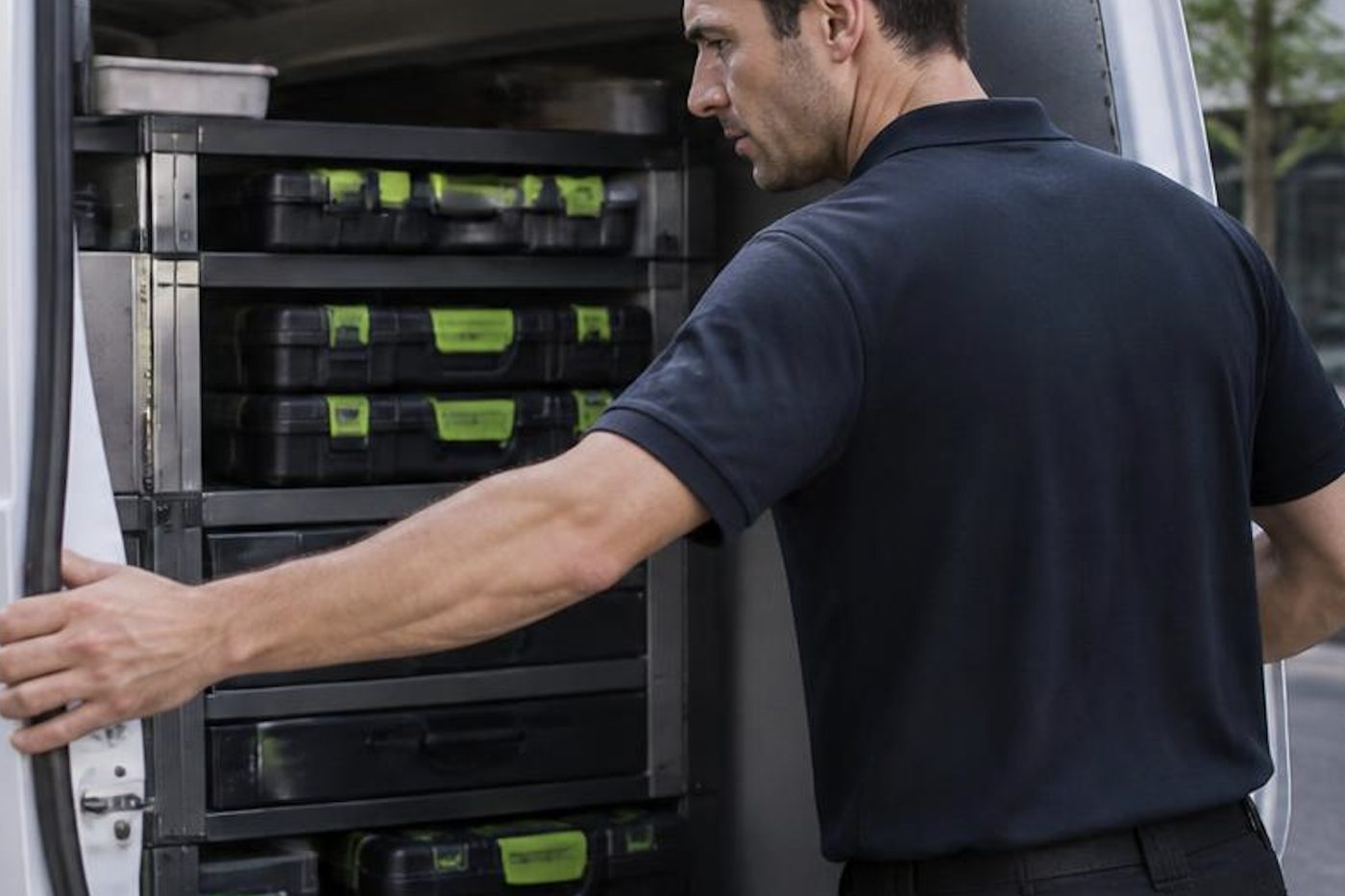
Servicing is done by trained, experienced and certified technicians with common spares on board. Out of every hundred repairs, 98 are finished first visit, and a fault that returns is fixed again free of charge. Printers we sell get serviced at your premises, as do many other makes. A commercial printer you own outright is something we also buy and collect. Phone (07) 3073 5255 or send a message through the contact page. If every line is busy, your call is logged and returned.
A trader sees the whole life
We know which models soldier on
If a machine is finished we say so in plain words, and only talk about a replacement after the repair options are laid out.
The work is warranted, and so is any machine we sell.
- Repair options first. Replacement second.
- Plain about age. No upsell on a machine with years left.
- Warranted either way. Repair or replacement.
Keep reading around Brisbane
New photocopiersNew commercial copiers, delivered and set up. A3 photocopiers for saleA3 copiers and multifunction machines.
 Used and refurbished photocopiersTested and warranted used, refurbished and ex demo commercial copiers, delivered and set up.
 Commercial printer repairsWorkgroup and desktop laser printers, colour lasers and label printers, repaired at your premises.
 Plotter serviceHP DesignJet, Canon imagePROGRAF and Epson SureColor plotters, repaired at your premises.Photocopier buyersWe buy used commercial copiers and printers.
Buy, sell and lease
Buy, sell and lease commercial copiers in Brisbane
We also sell new and refurbished commercial copiers and buy used ones. Same team, same technicians.

A few recent visits


Questions people ask us on the phone
Do you sell office printers in Brisbane?
Yes. Commercial laser printers, A3 and A4 multifunction machines and wide format plotters, new and second hand.
Do you sell home inkjets?
No. We supply commercial machines only.
Printer or multifunction?
For most offices a multifunction is the better buy. A single function laser suits a department that already has a copier.
Will you set it up on our network?
Yes. The machine is connected, drivers are installed, scanning is configured and we try it from an ordinary desktop before we leave.
Are second hand printers warranted?
They are. We go through what is covered over the phone, before you commit.
Can I rent or lease one?
Yes. Rental, lease, hire and finance can all be arranged.
Do you service them afterwards?
Yes, on your premises, and many other makes too.
Will you buy my old printer?
A commercial machine you own outright is something we buy, and we collect it.

