Scan to email not working: the four places a scan can die
Think of the scan as a parcel. The copier packs it, the network carries it, the mail server decides whether to accept it, and the person at the other end has a mailbox that may or may not let it in. When someone says the scan has stopped, they have only told us the parcel did not arrive.
The copier can fail at the first step (the scanner glass is dirty, the feeder is mangling pages, the machine has hung). The network can fail at the second (a changed address, a moved server). The mail server can refuse at the third (a changed password, a retired sign in method, a size limit). The recipient can bin it at the fourth (spam filter, full mailbox, a sender address the filter does not like).
Most of our time on these jobs goes into finding the step, not mending it.


What the message on the panel is really saying
Wording differs from one make to the next and the same fault can be worded three ways. These are the patterns we see, and where to look first.
| What you see | Usually means | First place to look |
|---|---|---|
| Cannot connect to server, or a timeout | The copier cannot reach the mail server at all | Server name, port and security setting, or a network change |
| Authentication error, or login failed | The server answered and refused the sign in | The account password, a locked account, or a retired sign in method |
| Sent, but nothing arrives | The server accepted it, then something downstream dropped it | Junk folder, mail filter, the sender address the copier uses |
| Large scans fail, small ones go through | A message size limit somewhere along the route | Resolution, colour, page count, and the limit set by IT |
| Data too large, or memory full | The copier ran out of room while building the file | Fewer pages per scan, lower resolution |
| Access denied on scan to folder | The copier signed in to the folder and was turned away | Account, password, share permissions, or the folder has moved |
The Friday change and the Monday complaint
A copier that emails has a mail account of its own, whether anyone remembers creating it or not. It carries a server name, a port, a security setting, a user name and a password. Change any one of those on the mail side and the copier is not told. It carries on knocking on the old door.
So the story is often the same. Someone resets passwords after a security notice. A managed IT provider moves an office to a new mail service on a quiet Friday. A policy goes on that bans an older kind of sign in. Monday comes, the accounts team scans a batch of invoices and nothing arrives.
Microsoft has been withdrawing basic sign in for some kinds of mail sending, and a lot of older copier setups depend on it. Where that is the cause there are usually other routes: a mail relay that trusts the office's address, a newer sign in method on machines with current firmware, or a mail service set up for devices. Which route suits you is your IT provider's call, and we tell them what your machine supports so nobody has to guess.
One tip that saves grief later. Give the copier a mailbox of its own rather than a staff member's login. A scan setup tied to one staff member stops working the week that person changes a password, takes leave or moves on.
Scan to folder, and why old machines meet new Windows
Scan to folder works like scan to email with a file share at the end instead of a mailbox. The copier signs in to a shared folder with a user name and password, and drops the file in. It fails for the same sorts of reasons, plus a few of its own.
The folder moved to a new server and the copier still points at the old name. The service account expired. The password rule changed. And the one that surprises people: an older machine speaks an older version of the Windows file sharing protocol, and newer Windows has switched that version off. Nobody touched the copier, but a Windows update did the damage. Newer firmware often fixes it, and sometimes the answer is a change on the server side, so we say plainly which one your office needs.
If a machine can scan to its own address but not to a folder, or to a folder but not to email, say so on the phone. One destination working tells us the scanner is healthy and the problem is the road to the other.
Twenty pages is not twenty pages
A colour scan at high resolution can run to several megabytes for a single page. A twenty page contract scanned that way can become a file bigger than most mail servers will carry, and bigger again if the recipient's limit is lower than yours. The same pages in black and white at an ordinary resolution are a fraction of the size and read perfectly well.
Check the settings on the panel before you ring. Black and white for text documents, colour only when the colour matters, and one page of the contract in a test send to see whether the setup works at all. Many copiers can split a long job into several emails, which is handy when a client's limit is small.
Five minutes at the panel before you phone
None of this needs a cover opened or a setting changed.
- Send a single black and white page to your own address. If it turns up, the setup is alive and the trouble is size or the recipient.
- Read the failure report on the panel word for word and write it down. Photograph the screen if that is quicker.
- Look at the date and time on the copier. After a power cut it can be wrong, and secure connections get awkward when the clock disagrees with the server.
- Ask whoever looks after your email whether anything changed in the last week: a provider, a password, a security rule.
- Try the other destination. If scan to a folder works and scan to email does not, tell us.
- Leave the server settings alone. A wrong guess can lock the mail account, and your IT provider holds the right values.
When the scan itself is the fault
Sometimes the sending is perfect and the scan is rubbish: a grey line down every page, a shadow along one edge, pages that arrive crooked or blank on the back. Make a plain copy of the same page. If the copy shows the same line, the fault is in the scanner glass, the feeder or the scan head, not in anything to do with mail.
A line that appears only when pages go through the feeder, and never when the sheet sits on the glass, usually means a mark on the narrow strip of glass the feeder scans across. Wipe it with a dry soft cloth. If it is still there, it is ours to look at. Please do not spray anything onto the glass, because liquid can run under it.
Settings, written down
When we arrive we read the failure report on the machine, test a send to an address and to a folder, and compare what the copier has stored with the values your IT provider gives us. If the mail side is at fault we say so, in words a network person can act on. If the machine is at fault, whether a controller that hangs or a scanner that lines every page, we repair it at your premises.
We write down what the copier was set to and what we changed, and leave that with you. The next time a password rotates, the person fixing it is not starting from nothing. Technicians are trained, experienced and certified, and the price is agreed on the phone before anyone is booked. Same day service is available. If the lines are busy, the call is logged and returned.
Offices where we see it most
Scan to email gets the heaviest use in practices and professional offices where paper arrives all day: GP and allied health rooms around Chermside and Indooroopilly, solicitors and accountants in the CBD and Spring Hill, builders' offices on the northside. After a summer storm cuts the power for a minute or two, we check the clock on the copier as a habit.
Fuser heat
Respect the hot part
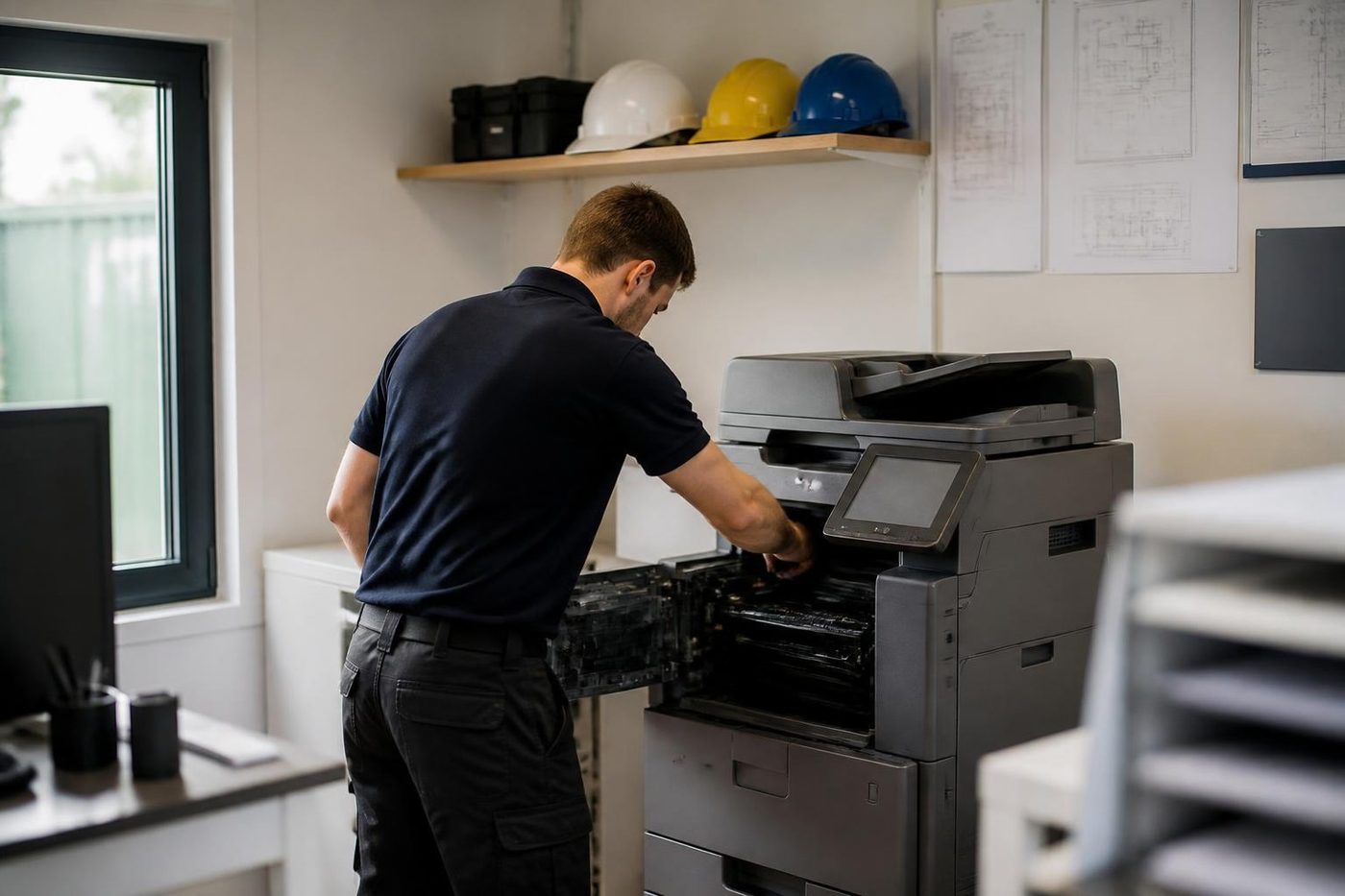
The fuser is the hottest thing in the machine, and in a Brisbane summer it starts the morning already warm. Fit a roller badly or reseat the thermistor carelessly and you get wrinkled pages, toner that rubs off on your thumb, or a code that keeps coming back.
We let it cool, check the rollers and the gap, then fit the part. The same look tells us how much life is left if you are weighing up a replacement.
- Cooled first. Nobody pulls a fuser out hot.
- Checked as a set. Rollers, thermistor and gap, not one part in isolation.
- Honest about age. A tired fuser on a finished machine is a different conversation.
Keep reading around Brisbane
Copier error codesHow to read a code and what to note down.Copier not printingJobs sent, nothing comes out.Printer offline and network faultsPrinter offline, missing or unreachable on the network. Installation and setupA new machine set up so it prints, scans and sends from day one.
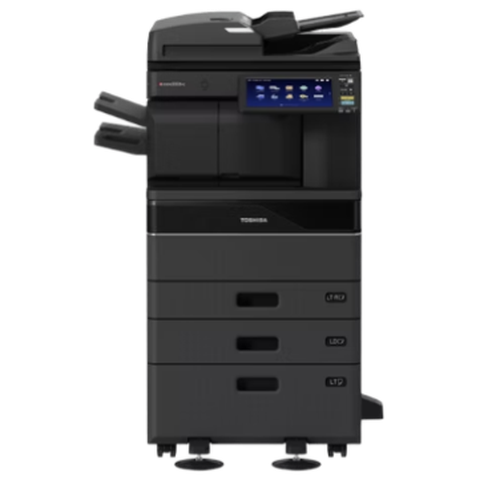 Toshiba repairse-STUDIO colour and mono copiers, fixed where they stand.
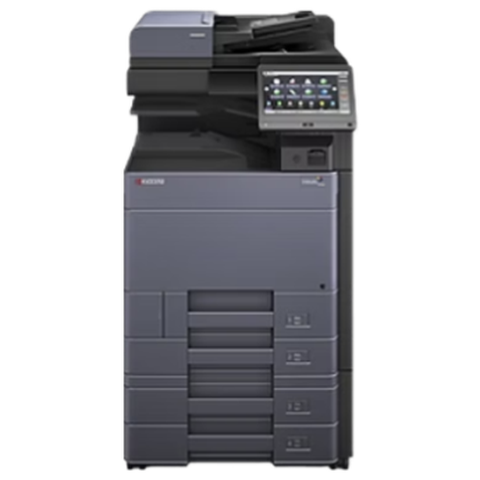 Kyocera repairsTASKalfa copiers and ECOSYS printers, repaired on site.
 Printer and photocopier repairsCopiers and printers repaired at the desk where they broke.
Buy, sell and lease
Buy, sell and lease commercial copiers in Brisbane
We also sell new and refurbished commercial copiers and buy used ones. Same team, same technicians.

A few recent visits




Questions people ask us on the phone
Why did scan to email stop working when nothing changed on the copier?
Almost always something changed elsewhere: a mail password, a provider, a security rule or a retired sign in method. The copier keeps using its old settings and gets refused.
Is it our Microsoft 365 account causing it?
It can be. Microsoft has been withdrawing basic sign in for some mail sending, so an older copier setup can fail without anyone touching the machine. Newer firmware and other sending routes often solve it, and your IT provider chooses which.
The copier says sent, but nobody receives anything. Where did it go?
Check the recipient's junk folder first, then ask IT whether the sender address the copier uses is being filtered. A server can accept a message and a filter can still hold it back.
Why do some scans go through and others fail?
Size. Colour, high resolution and many pages build a big file, and mail servers cap what they will carry. Try black and white at a lower resolution, or split the job.
Scan to folder says access denied. What now?
The account the copier signs in with has probably expired or changed, or the shared folder has moved. It can also be an older copier meeting a newer Windows setting. The fix is on the server side and we help your IT provider with the machine side.
Will you change our email settings?
Only with the values your IT provider supplies, and we leave a written note of what was changed.
Can a personal mailbox be used for scanning?
It works until the person changes their password or leaves. A mailbox set up for the copier is the cleaner answer.
Scans arrive sideways or upside down. Is the machine faulty?
No, that comes from how the original was placed and the orientation setting on the panel. We can show staff the setting.
Do you attend at our premises for scan faults in Brisbane?
Yes. We work on site across Brisbane and test with a real scan before we leave.