City floors, on site
Photocopier Service and Printer Repairs in the Brisbane CBD
The CBD copier does not get a quiet life. Bundles go out for hearings, contracts get scanned the minute they are signed, and a stalled machine means a queue on the next floor. We service photocopiers and printers across the Brisbane CBD, from Queen Street and Adelaide Street to Eagle Street and the William Street end. Tell us the building, the level, the make and model and what the display says. Same day service is available, and you hear the price on the call before anyone comes up in the lift.
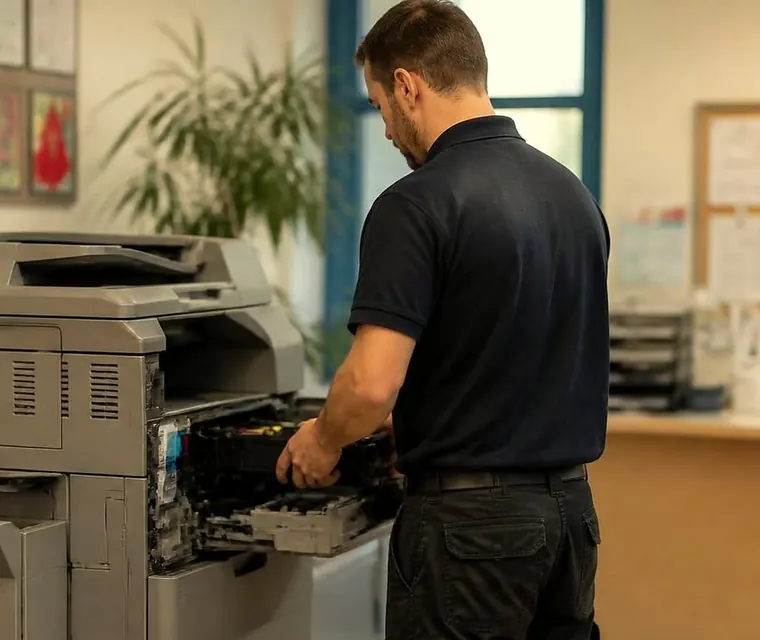
Printer and copier service for Brisbane CBD
Photocopier service in the Brisbane CBD: what we ask first
Four things first. The building and the level. The make and model, which is on a label on the front or side of the machine. What the display says, word for word if possible. And whether the machine is on a floor shared with other tenants.
Then we say what that symptom usually points to on that kind of machine and give you the choices. You decide with the facts in front of you, rather than after a visit when it is too late to say no. Nothing is locked in by the first call.



Three steps to a price
- Name the machineMake, model and the trouble it is giving you.
- Hear the price firstWe ring you back with it before a visit is booked.
- A certified technician attendsSame day wherever the diary allows.
Around the grid
The CBD runs on a few distinct patches, and the printing is different in each.
| Patch | Who is there | What gets printed |
|---|---|---|
| Queen Street, Adelaide Street, Elizabeth Street | Retail head offices, banks, advisers and the older commercial buildings | Client letters, statements, signed forms, lease documents |
| Eagle Street, Creek Street, Mary Street | Law firms, finance, resources companies and professional services in the riverside towers | Court bundles, board packs, deal documents, executed agreements |
| George Street and William Street | Government departments, the courts, the parliamentary precinct nearby | Briefs, correspondence, forms, case files |
| Albert Street and the Roma Street end | Property, consulting, engineering and the rail and bus hubs | Drawings, tender packs, project reports |
| The Riverside and Southbank edge | Smaller firms, consultants, medical and allied health | Letters, invoices, patient and client paperwork |
The mix will not fit every tenant, so ring and tell us what you do.
Bundles, hearings and the four o'clock deadline
A legal team printing a court bundle needs a machine that finishes a long job, staples cleanly and does not hiccup on page 340. The finisher is a common place for faults on that kind of run: staple heads that jam, stackers that misalign, hole punch units that pull a sheet. We carry common spares for those, and we ask about the finisher as soon as we know the model.
Finance teams scan more than they print. Signed contracts, ID documents, executed forms. When scan to email or scan to a shared folder fails, the cause is usually on the network or the mail account rather than the copier itself. A password rotation, a new certificate, a firewall change. We can often tell from the symptom, and we will say so if the fix is on your IT side and not ours.
Lifts, docks and the building manager
Tall buildings come with their own steps. Access passes, a sign in desk, a loading dock with its own booking, a goods lift that has to be reserved. We do not know the rules of every building, and we do not pretend to. Tell us when you ring who needs to be told, and we will arrive with what the building expects.
Some towers keep the print room on a service floor and some leave a machine in the corridor beside a window. In older buildings, a copier that was lifted in through a window decades ago may have no easy way out. Where a machine has to be moved, we explain on the phone what that involves, and our relocation team handles the lift booking questions with you.
Quiet hours
Plenty of city offices would rather have a repair done at the edge of the day, when the floor is empty. Ask. Timing is not something we promise, but once we know the building and the fault we will tell you plainly what can be done. Early notice makes same day service easier to arrange.
The faults that stop a floor
Most calls sort into a short list.
- A fuser that has aged and leaves toner that rubs off or pages that curl
- Feed rollers and separation pads, behind most double feeds and misfeeds
- A finisher that will not staple, punch or stack, or that throws a jam on a long job
- Scan to email and scan to folder that stopped after an IT change
- Streaks and bands from a drum, a belt or a dirty laser window
- Error codes that come with a Call service message, which are pointers to an area of the machine, not a verdict
Machines in the towers
City floors run mid to high volume colour machines. Expect a Konica Minolta bizhub beside a Ricoh IM C, a Canon imageRUNNER ADVANCE down the corridor and a Toshiba e-STUDIO or Kyocera TASKalfa in the print room, plus the odd workgroup laser in an executive suite. Some tenants add a plotter or a large format printer for drawings.
Fleet contracts often cover many machines on one floor plan. If your machines are under a managed arrangement with someone else, check the agreement before you ring for a repair. If they are yours, or the arrangement has ended, we are happy to take it on.
Storms over the river
Brisbane summer storms can drop power for a moment and bring a surge. A copier on a floor with no backup can fall over, and some do not wake up cleanly. If a machine died during a storm, tell us on the call. We would begin with the power side of the machine and its network connection.
Repair or replace, and buying and selling
If a machine has had two big repairs in a year, we will tell you plainly it is not worth a third. We also buy and sell commercial machines, so when replacement is the better answer we can supply another, warranted, and we keep that conversation separate from the repair. If a floor is being cleared, we buy used photocopiers too.
Government floors and the paper trail
Around George Street and William Street the work is steady and formal. Departments print briefs, minutes, correspondence and forms, and a good deal of it has to be kept. Machines on those floors often have sign in or card release set up, so a user taps a card at the panel before the job prints. When that stops working, the copier itself is fine and the fault is in the link between the reader and the print server. We ask early whether card release is in use, because it changes who we need to speak to.
Security conscious floors may also restrict what a technician can bring in. Tell us what applies and we plan the visit around it, rather than turning up with a bag that has to be turned away at the desk.
A machine that is one of forty
Larger tenants run a fleet. Dozens of devices across several floors, all with an asset number on a sticker. When one fails, the asset number is the quickest way for us to know what we are looking at, so read it out along with the model. If you keep a simple list of the machines on your floor and the faults they have had, send it to us. A pattern across five machines in the same building, such as five fusers going in a wet summer, tells us something a single call never does.
We look after single machines and small fleets. A big managed fleet that is under a service contract with someone else stays with them. If you are unsure what your agreement says, read it before you ring.
What we check before opening the machine
A panel stays shut until we have looked at the outside. The paper first: right weight, dry, loaded the right way up. Then the tray guides against the sheet size. Then the maintenance counter, which tells us whether a roller kit or a fuser is due. And a question for whoever is nearest: has anyone been inside the machine this week? A jam pulled out roughly leaves a torn scrap behind a roller, and that scrap causes the next jam.
Those checks take minutes and they explain more faults than people expect. If the answer is on the outside, we say so and show the person at the desk what to watch for next time.
Behind the price
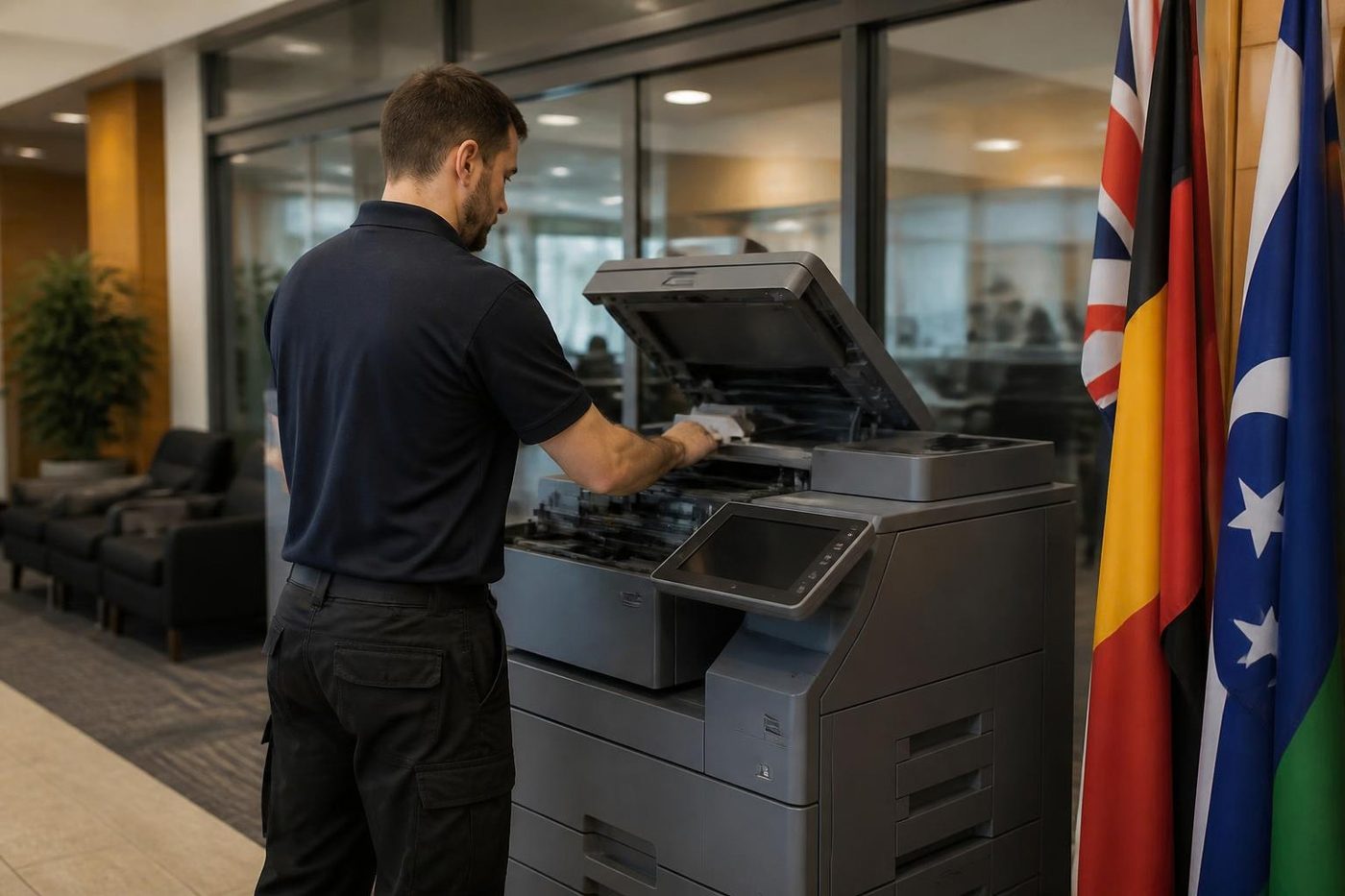
Whoever comes up in the lift is trained, experienced and certified, and picked for the model in front of us. First visit fixes run at 98%. A fault that returns is ours to put right again, free. When the lines are busy your call goes in the log and gets returned, so leave the building and the model.
Ask the people who print
The operator knows first
The person who feeds the paper in every morning knows when the machine started misbehaving. Tuesday after the storm, perhaps, or since somebody loaded the heavier stock. That one detail is worth more than a service manual.
Tell us the first thing you noticed, even if it sounds small. Often it is nearly the whole answer.
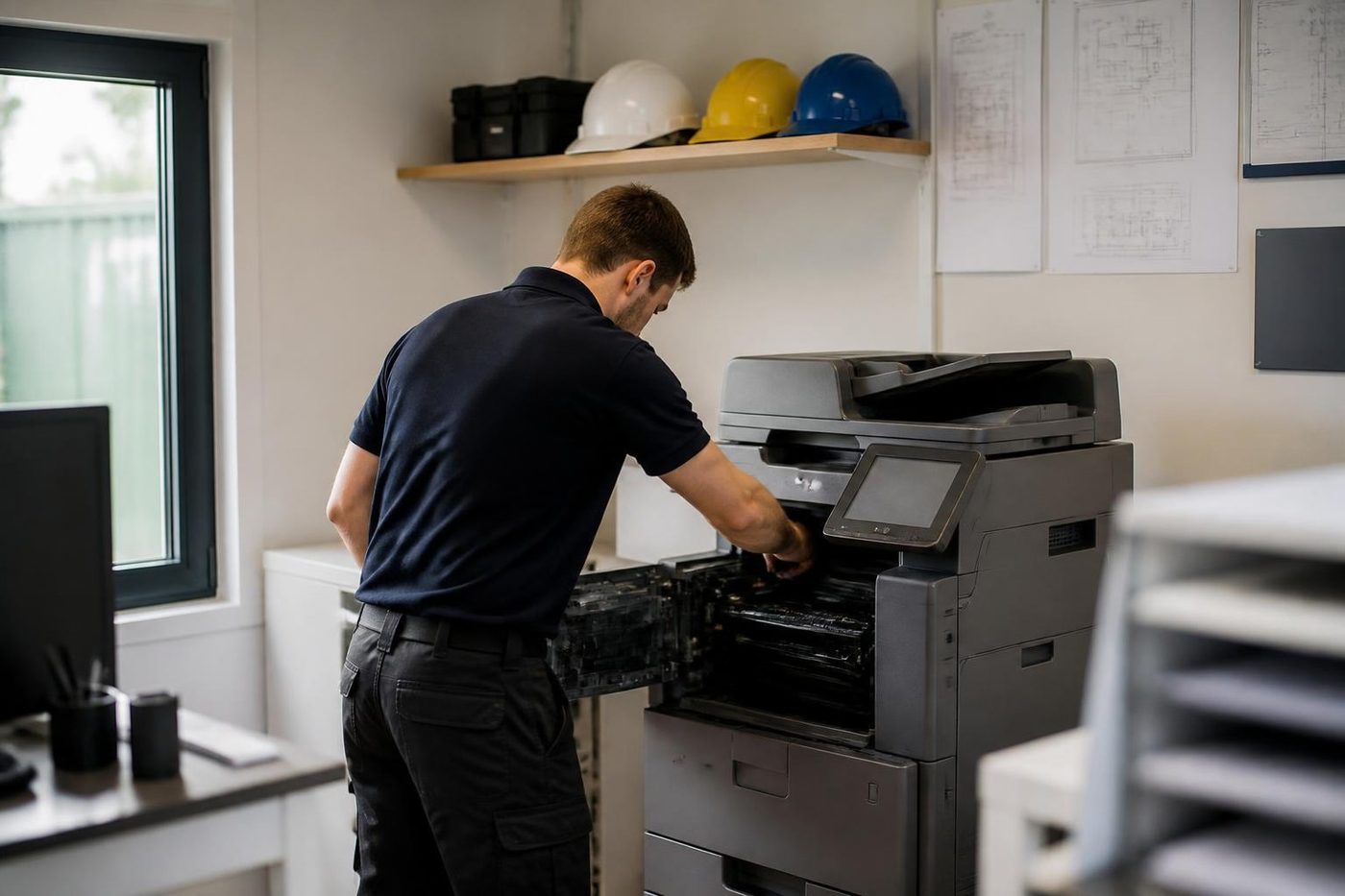
- Asked first. The users are the first source.
- Written down. What you said goes on the job record.
- Checked against the machine. Then the covers come off.
Keep reading around Brisbane
 Milton and inner BrisbanePark Road, Rosalie, Toowong and the inner ring
 Fortitude Valley and NewsteadFortitude Valley, Newstead, Teneriffe, New Farm and Bowen Hills studios and offices.
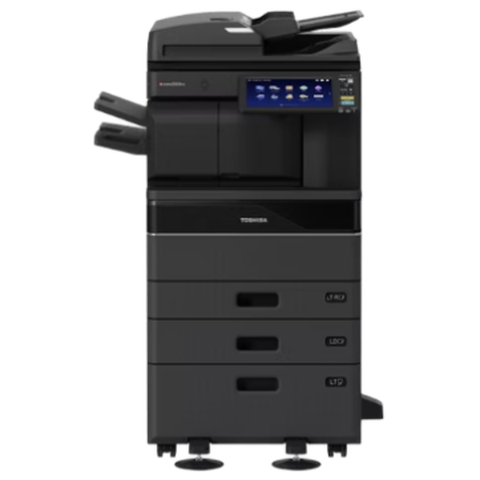 Toshiba repairse-STUDIO colour and mono copiers, fixed where they stand.
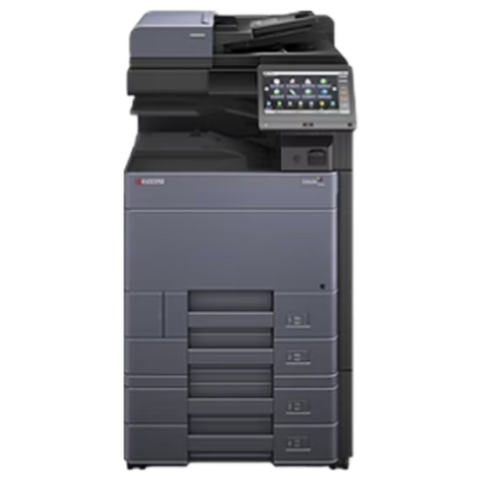 Kyocera repairsTASKalfa copiers and ECOSYS printers, repaired on site.
 Scan to email not workingScans that never reach an inbox or a shared folder.
 Copier error codesHow to read a code and what to note down.
 Relocation and setupCopier moves, installation and network setup, tested before we leave.
 Inner westMilton to Sherwood, the river suburbs and the hills behind them
Buy, sell and lease
Buy, sell and lease commercial copiers in Brisbane
We also sell new and refurbished commercial copiers and buy used ones. Same team, same technicians.
A few recent visits




Questions people ask us on the phone
Do you offer photocopier service on high floors in the Brisbane CBD?
Yes. Tell us the building, the level and any sign in or lift booking rules and we plan the visit around them.
Can a repair be done outside normal business hours?
Ask when you ring. We make no promises on timing, but we will tell you what is possible once we know the building and the fault.
Our finisher stopped stapling. Is that a job for you?
Yes. Finishers, staple heads, stackers and punch units are common repair jobs. Tell us the model of the copier and which part fails, and we bring the likely spare.
Scan to email stopped after our IT supplier changed something. Who fixes it?
Often the setting that changed is on the mail or network side. We can tell from the symptom, and we say if the fix belongs with your IT supplier or with us.
What do you need to know before a CBD visit?
The building, the level, the make and model, the display message, and who needs to be told that we are coming.
Do you cover Roma Street, Eagle Street and the Riverside?
Yes, along with Queen Street, Adelaide Street, George Street, William Street and the edges of Spring Hill and South Brisbane.
The copier is old and keeps failing. Should we replace it?
We tell you honestly what the repair would cost and whether it is likely to hold. If replacement is better, we can supply another machine, warranted, and buy the old one.
Newstead to Wacol
Floor standing or desk top, we repair both
The technician is matched to the machine, and the price is settled on the call.
Get a price
Printer service Brisbane, from one desk printer to a whole floor
Copier and printer repairs across Brisbane
Fault guides
- Copier and printer faults Brisbane
- Photocopier paper jams Brisbane
- Copier black lines and streaks Brisbane
- Copier error codes Brisbane
- Copier not printing Brisbane
- Scan to email not working Brisbane
- Toner smearing and fuser faults Brisbane
- Printer offline and network faults Brisbane
- Copier noise, grinding and squealing Brisbane
- Is my copier worth repairing Brisbane
- Toshiba e-STUDIO error codes Brisbane
- HP LaserJet error messages Brisbane
- Kyocera TASKalfa error codes Brisbane
Makes we work on
- Toshiba copier repairs Brisbane
- HP printer repairs Brisbane
- Kyocera copier repairs Brisbane
- Fujifilm copier repairs Brisbane
- Xerox copier repairs Brisbane
- Canon copier repairs Brisbane
- Ricoh copier repairs Brisbane
- Lexmark printer repairs Brisbane
- Brother printer repairs Brisbane
- Epson printer repairs Brisbane
- OKI printer repairs Brisbane
- Zebra printer repairs Brisbane
- Konica Minolta copier repairs Brisbane
- Sharp copier repairs Brisbane
- Fuji Xerox copier repairs Brisbane
Suburbs and districts we cover
- Printer service Inner West Brisbane
- Printer service Milton, Toowong and Inner Brisbane
- Printer service Centenary Suburbs
- Printer service Ipswich Corridor
- Printer service Logan
- Printer service Brisbane Northside
- Printer service Acacia Ridge and Archerfield
- Printer service Toowoomba
- Printer service Eastern Suburbs and Airport Precinct
- Printer service Southside: Sunnybank and Mount Gravatt
- Printer service Redcliffe and Moreton Bay
- Printer service Redlands, Capalaba and Cleveland
- Printer service Caboolture, Morayfield and the North
- Printer service Fortitude Valley and Newstead
- Printer service Indooroopilly, Toowong and Kenmore
- Printer service Springfield and Ripley
- Printer service Ipswich, Booval and Amberley
- Printer service Beaudesert and the Scenic Rim
- Printer service Lockyer Valley and Gatton
- Printer service Beenleigh and Yatala
- Printer service Bribie Island and Moreton Bay
- Printer service Carindale and Camp Hill
- Printer service Wynnum and Manly
- Printer service North Lakes, Strathpine and Petrie
- Printer service South Brisbane and Woolloongabba
- Printer service Logan Central and Browns Plains
- See every Brisbane area
Got the make and the fault? Send those two things and we will price it.
Describe the fault and we will ring you
Tell us the suburb as well, so we can plan the visit. Or ring (07) 3073 5255 and say it out loud.