Printer service near me can mean two different jobs
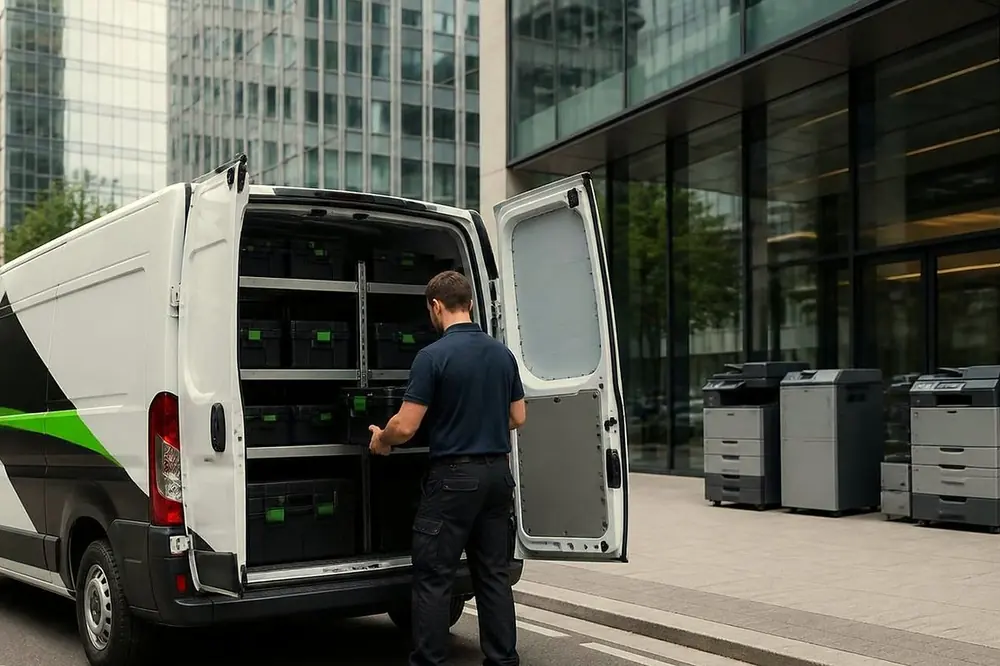
People search for printer service near me when a printer has stopped, and also when they want it looked after before it stops. A shop nearby answers neither well for a business machine, because a network printer or floor standing copier is serviced where it stands. For an office, near me means a technician who comes to you.
It is worth deciding which job you are ringing about, because the call goes differently.
| Fault call | Planned service | |
|---|---|---|
| Starting point | Something has failed or is failing | The machine works and you want it kept that way |
| On the phone | Describe the fault, make and model | Describe the machines and how heavily they are used |
| Price | Agreed on the phone | Scope and price agreed on the phone |
| Timing | Same day service is available, depending on the fault and the diary | Visits are scheduled with you |
| Where to read more | Printer repair near me in Brisbane | The sections below |
Many offices need both. A machine on a planned service can still jam on a Friday afternoon, and a machine that is only ever repaired can wear parts out without warning.
What a planned printer service typically covers
The exact scope depends on the machine, and it is agreed on the phone. In general terms, a planned service visit typically covers these things.
- Cleaning the paper path. Dust, paper fibre and toner build up along the route paper takes, and that is where many jams and marks begin.
- Checking wear parts against their page ratings. Rollers, drums, fusers and similar parts are rated for a number of pages. The technician compares the machine page count with those ratings, so you know what is coming due.
- Test prints and copies. A clean test page shows whether lines, streaks, skew or toner marks are developing.
- A look at the machine settings and condition. Trays, doors, covers and panel messages are checked for anything that has been tolerated rather than fixed.
- A note of what was done and what is coming due. That gives you something to plan around.
Our post on what planned service visits typically cover goes through the same ground in more detail, and regular maintenance versus fixing it when it breaks weighs the two approaches.
How often an office might plan a service
There is no single right rhythm. What matters is how hard the machine works and how much its failure would cost you. Use the table as a starting point for the conversation, not as a fixed rule.
| How the machine is used | Planned service suggests |
|---|---|
| A busy shared copier used all day by a whole floor | More frequent visits, because paper path wear builds quickly |
| A school or council office with heavy periods and quiet periods | A visit before the busy period, such as before term starts or before a reporting deadline |
| A practice with one printer that must work at every appointment | Regular visits, since a failed printer holds up patients |
| A label printer on a warehouse packing bench | Regular visits, since a stopped printer stops dispatch |
| A lightly used printer in a small office | Less often, or fault repair only |
Ask the technician what the page count and the wear parts say about your own machine. A rule of thumb helps less than the numbers from the machine itself, and the post on page counts and wear parts shows how to read them.
What a good service report should show
A planned visit is only worth paying for if you can tell afterwards what happened. As general good practice, whoever services your machines, ask for a record that shows the following.
- The make, model and location of each machine, so the record matches the equipment on your floor.
- The page count at the time of the visit.
- What was cleaned, checked or replaced, in plain words.
- Any wear part approaching its rated life, and what it will mean when it does.
- The result of the test prints, and whether any fault was found.
- Anything the technician recommends, kept separate from what was done.
A report that says only that the machine was serviced tells you nothing. Our post on what a good service report tells you explains how to read one. Ask on the call what the record will look like for your machines.
Planned service contracts, and what to ask first
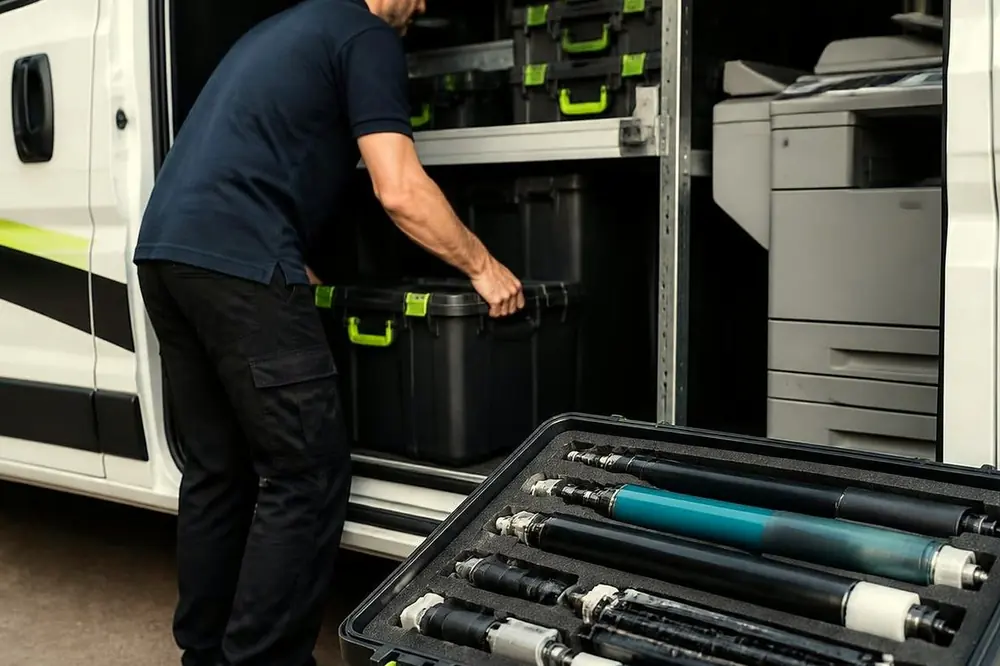
A planned service contract spreads visits across a period, so you are not deciding each time. We offer planned service contracts for commercial clients, and the scope and the price are agreed on the phone. We do not publish terms here, because they depend on the machines.
Whoever you speak to, these questions are worth asking before you agree to anything.
- Which machines are included, and does the arrangement cover copiers, network printers and label printers alike?
- What is a visit expected to cover, and what happens if a fault is found?
- If a machine fails between visits, how is that handled?
- What does the record from each visit look like?
- Is the technician certified for the make?
With us, a fault that returns is fixed again at no charge, and about 98% of repairs are completed on the first visit.
Printer servicing for different kinds of Brisbane premises
We work for commercial clients only, which means offices, practices, schools, councils, warehouses and strata. The service looks different for each.
- Offices and professional firms: shared copiers and a few network printers. Planned service keeps the paper path clean and flags worn parts before a deadline.
- Medical and allied health practices: printers for scripts, referrals and forms. A planned visit can be set for a quiet time of day, agreed with you.
- Schools: heavy use in term and quiet use in holidays. Service before term is a common sense choice.
- Councils and government: several machines across floors, often a mix of makes.
- Warehouses and logistics sites: label and barcode printers, including Zebra printers, where a stopped printer stops dispatch.
- Strata and building managers: a shared copier in a manager office or common area.
Brisbane humidity matters too. Paper takes up moisture in a wet summer and can jam more readily, which is one reason some offices schedule a visit before the season. See humid summers, storms and copier faults for what to look for.
Makes covered by printer service
Printer and copier service applies to the makes below. Each links to a page for that brand.
| Type | Makes |
|---|---|
| Printers | HP, Lexmark, Brother, Epson, OKI and Zebra |
| Copiers | Toshiba, Kyocera, Fujifilm, Xerox, Fuji Xerox, Canon, Ricoh, Konica Minolta and Sharp |
| Wide format | Plotters for studios and site offices |
For mixed fleets, which is common in a business that has grown over time, see commercial printer repairs. If a copier is part of the picture, photocopier service near me in Brisbane deals with copiers specifically.
Where we attend across Brisbane
Printer service is available across metropolitan Brisbane. These are the area pages, grouped by the main routes in and out of the city. Name your suburb when you ring and we will confirm.
- The city and the river. Law, government and professional offices around Queen, Adelaide, Eagle, Creek and Edward streets are on the Brisbane CBD page. Also see Fortitude Valley and Newstead, South Brisbane and Woolloongabba and Milton.
- The western corridor. Indooroopilly, Toowong and Kenmore, inner west Brisbane and the Centenary suburbs lead out to Ipswich, Booval and Amberley, the Ipswich corridor and Springfield and Ripley, then up to the Lockyer Valley and Toowoomba.
- The northern corridor. Chermside, Northgate and Nundah are on the northside page. Further out are North Lakes and Strathpine, Caboolture and Morayfield, Redcliffe and Bribie Island.
- The southern corridor. Sunnybank and Mount Gravatt offices, the trade premises of Acacia Ridge and Archerfield, then Logan, Logan Central and Browns Plains, Beenleigh and Yatala and Beaudesert and the Scenic Rim.
- The east and the bay. Warehouses and offices near the airport and the Trade Coast are on the eastern suburbs and airport page. Also Carindale and Camp Hill, Wynnum and Manly and the Redlands.
The general overview is on photocopier service Brisbane.
A worked example: deciding between the two
Picture an office with one large shared copier, three network printers and a label printer in a small stock room. The copier is in constant use and has started to jam once or twice a week. One of the printers is in the finance team and is only used at month end.
The sensible split is easy to see. The copier belongs on planned service, because its jams are the early sign of paper path wear, and a failure would stop the whole floor. The finance printer can stay on fault repair only, since it is used lightly and a stop is an inconvenience rather than a crisis. The label printer sits between the two: if dispatch depends on it, plan it; if labels are printed rarely, repair it when needed.
Work out where your own machines sit, then ring (07) 3073 5255 and describe them. We will agree the scope and the price on the phone.