Southside industrial
Photocopier and Printer Repairs, Acacia Ridge and Archerfield
A label printer that prints half a barcode is a loading dock problem, not a stationery problem. Acacia Ridge, Archerfield, Rocklea, Coopers Plains and Salisbury run on paper that leaves the building with the load: consignment notes, packing slips, compliance forms and plans. We repair the copiers, printers and docket machines behind it, on site, and a same day visit is on offer. The price comes first, on the call.
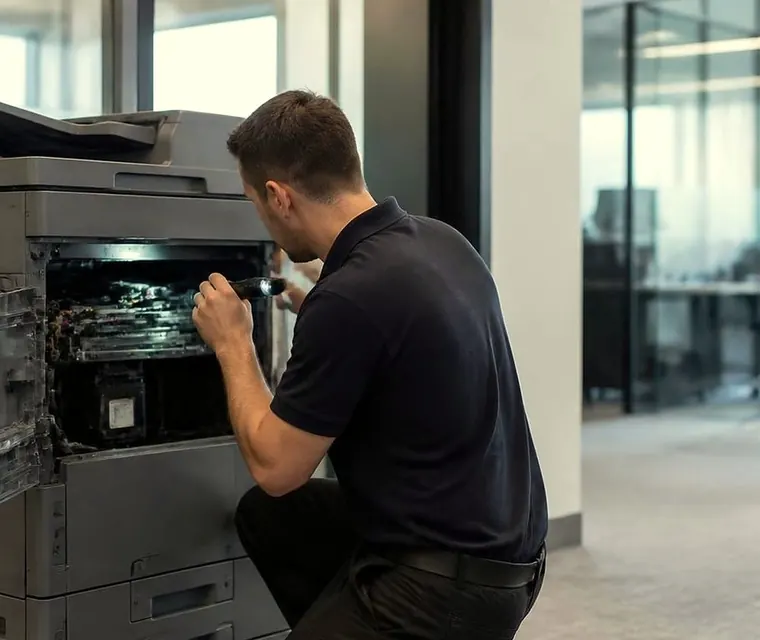
Printer and copier service for Acacia Ridge and Archerfield
Printer and photocopier repairs in Acacia Ridge and Archerfield
Beaudesert Road runs through the middle of it. To the east of the road, Acacia Ridge has a heavy industrial area with warehouses, a big rail freight terminal and a lot of road transport businesses. To the north west, Archerfield has the airport and its hangars, aviation workshops and a scatter of depots. Rocklea has the wholesale markets and the produce businesses around them, and Coopers Plains and Salisbury fill in the gaps with trades, distributors, motor businesses and small factories.
Everything here is spread across wide streets and large lots. The office is rarely the main building. It is a demountable, a mezzanine, a room behind the loading dock, or the front of a shed with a window on to the floor.

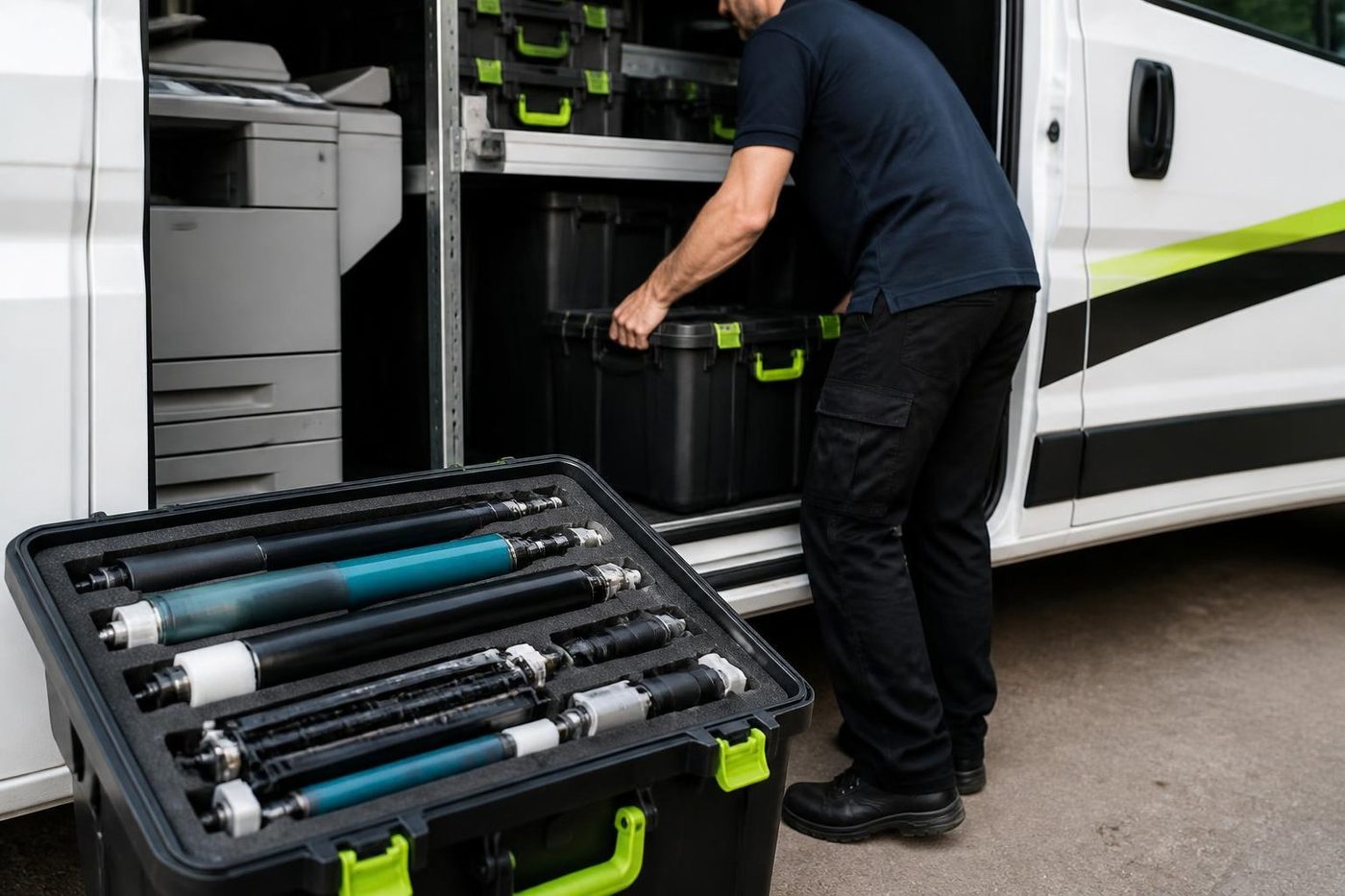

Three steps to a price
- Name the machineMake, model and the trouble it is giving you.
- Hear the price firstWe ring you back with it before a visit is booked.
- A certified technician attendsSame day wherever the diary allows.
Early starts and the markets
The Rocklea markets work on a schedule that most offices would find hard. Produce arrives and moves in the small hours of the morning, and the paperwork has to keep pace with it. Dockets and invoices come off printers before sunrise, and a printer that stops at three in the morning is not found until someone arrives. If your site runs odd hours, tell us. We cannot promise a time, but we can say what is possible.
Three kinds of machine in one suburb
Most sites down here have more than one type of printing, and each type breaks in its own way.
| Machine | What it does here | What fails |
|---|---|---|
| Label and thermal printers | Barcode labels, pallet labels, shipping labels, price tickets | Print heads with a faded stripe, platen rollers worn flat, label sensors confused by dust |
| Docket and dot matrix printers | Multi part dockets and delivery notes on a counter or a dispatch desk | Ribbon and head wear, paper feed errors, paper that drags on the tractor |
| Office copiers and multifunctions | Quotes, compliance forms, scans of signed documents, payroll | Dust in the feed path, aged fusers, scan faults after a network change |
| Wide format printers | Plans, signage, engineering drawings | Media feed, ink or toner supply, cutter and sensor faults |
If your machine does not fit any of these, ring and describe it.
Dust, forklifts and floors
A copier in a warehouse office sees a heavy load of fine dust, much of it from cardboard. Cardboard dust is sticky. It collects on rollers and in the sensors and slowly builds a film on every surface inside the machine. In a machine that has been neglected the sensors can end up buried in it, unable to see the sheet, and a proper clean often brings the machine back.
Forklifts shake the floor. A copier on a mezzanine or a timber floor above the shed floor can be vibrating all day, which loosens connectors and skews pages. We check that it sits level and firm.
Heat is the third factor. Metal roofs and no air conditioning mean the machine runs hot, and heat related errors tend to appear on the afternoons that matter. We look at vents, filters and where the machine stands.
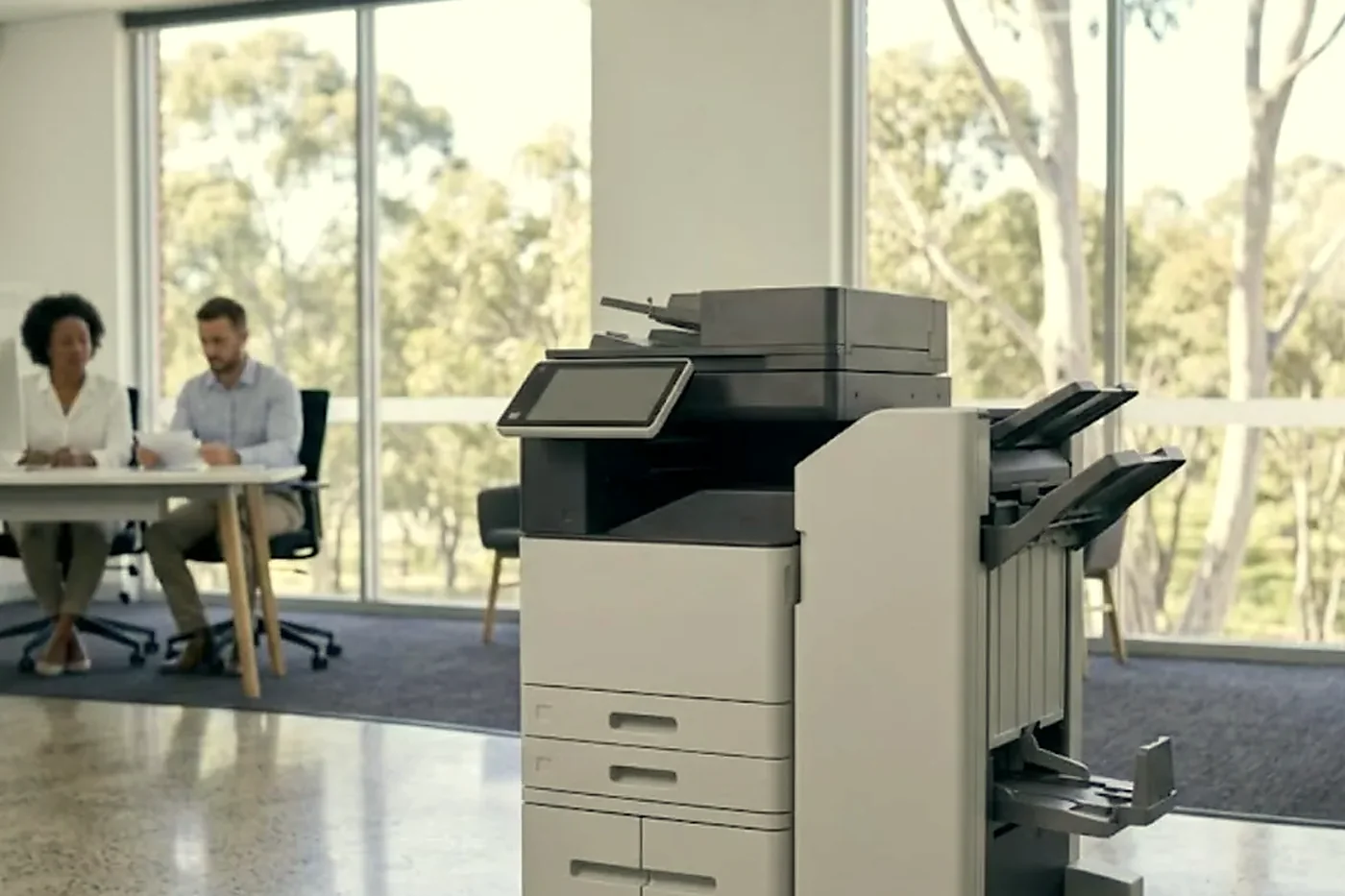
Thermal printers up close
A thermal label printer has three wear points: the print head, the platen roller and the label sensors. A faded stripe down the label usually means a worn or dirty head. A label that creeps out of position, or a gap sensor that cannot find the gap, points to the sensor or the platen. A ribbon that wrinkles points to tension or a worn spindle.
Direct thermal and thermal transfer machines differ. Direct thermal prints by heat on the label itself and needs no ribbon. Thermal transfer uses a ribbon and gives a more durable print. Tell us which you have. Dust on the head is the first thing we look for, and a clean with the right swab fixes more than people expect.
Dot matrix and the carbon copy world
Some freight and wholesale businesses still run multi part dockets on dot matrix machines because the carbon copies are the paperwork. These machines are old and sturdy but not immortal. Print heads wear, pins break, and the tractor feed can drag. We ask the make, the model and the symptom, and we say what we can do. If a part is no longer made, we say that too.
Paperwork that goes out with the load
At a freight terminal or a distribution centre, the printed page often goes with the goods: consignment notes, packing slips, delivery receipts. When the printer stops, a truck waits or a pallet sits. The cost is not the printer. The cost is the dock. That is why we ask about urgency on the call, and why we plan the repair so that it is finished on the first visit wherever we can.
After the floods
Rocklea and Archerfield flooded badly in 2011 and again in 2022, and many businesses here had to rebuild their offices more than once. That experience has changed how people set up. Equipment goes on stands. Cabling goes up the wall. Some businesses keep a spare machine on a high shelf. If you are rebuilding, we are happy to talk about where to put the machine and how to protect it.
A machine that was in flood water or a damp room afterwards may behave oddly weeks later, with boards that glitch and connectors that have corroded. We say honestly whether it is worth fixing.
What to have in front of you when you ring
A few details speed everything up.
- The make and model, from the label on the front or side
- What the display shows, word for word if you can
- What the page looks like, and whether the fault repeats at the same spot
- Where the machine stands, and what is around it
- Who will be on site and when the gate is open
- Whether the printer is shared, or sits on a dispatch counter in constant use
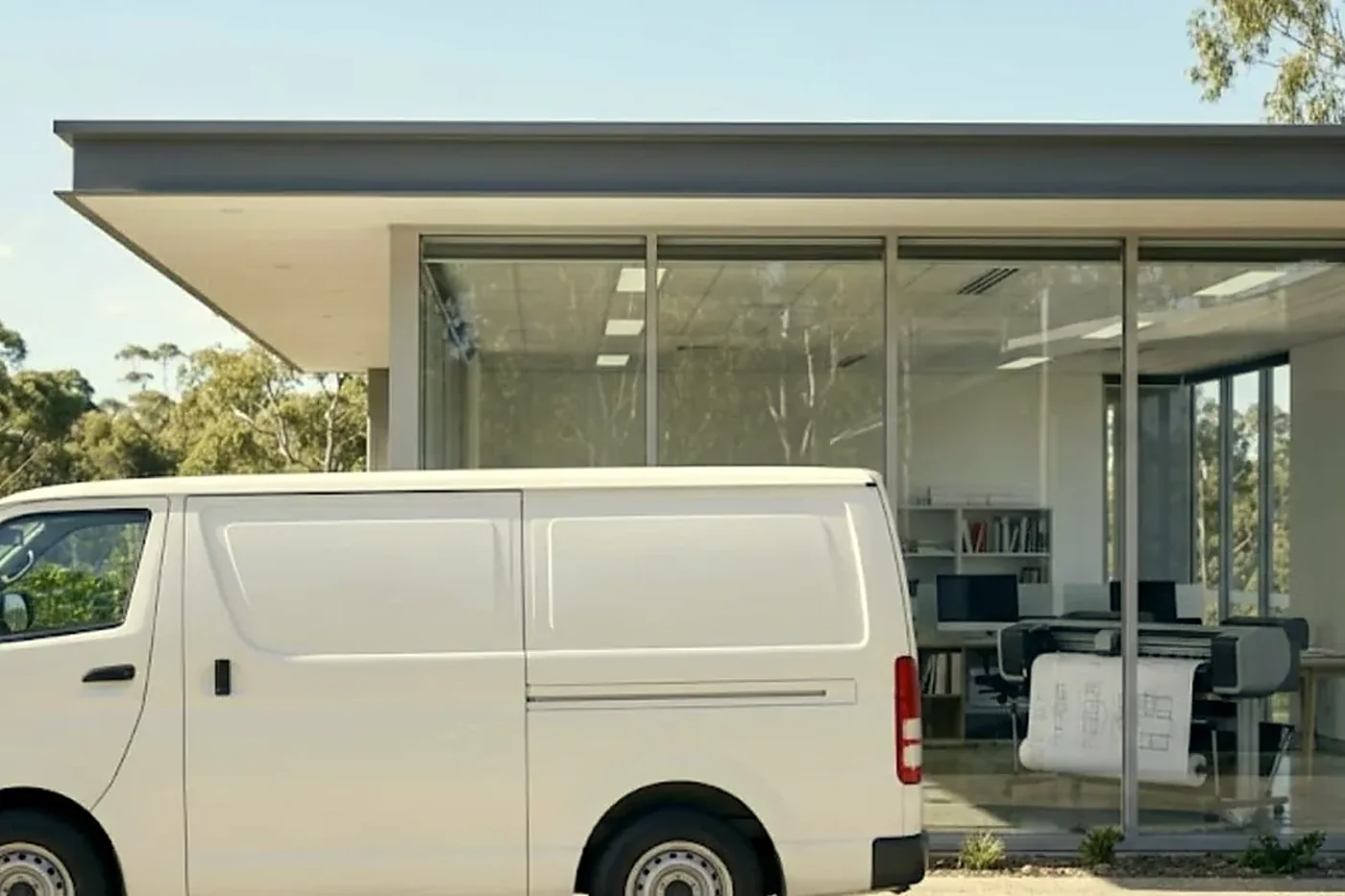
Machines in the sheds
Copiers in the sheds are usually Kyocera TASKalfa or Toshiba e-STUDIO, with Canon, Ricoh or Konica Minolta here and there. Zebra and similar thermal printers sit beside nearly every dispatch desk. No maker is behind us, and we say so.
Plans, drawings and signage
Builders, engineers and signage businesses in the area run wide format machines. Those need roll feed, media sensors, cutters and ink or toner supply all in working order. A roll that tracks off to one side, or a cutter that drags, is a common fault. We ask about the make, the model and the media, and we say what we can do.
Cardboard, shrink wrap and what they leave behind
Packaging businesses and distributors have their own mess. Cardboard dust is fine and sticky, shrink wrap leaves static, and glue from labels can end up on rollers and in the paper path. A machine near a packing bench will pick all of it up. We clean with materials that suit rubber and plastic, and we say where the machine ought to stand to see less of it.
Aviation offices at Archerfield
The airport precinct has small aviation businesses, flying schools, maintenance workshops and charter operators. They print maintenance records, flight paperwork and compliance documents. Records matter, and so does reliability. If a machine has stored any of those documents, we talk about what happens to them before a repair or replacement.
What you can hold us to
The people we send are trained, experienced and certified, and with the common spares on board 98% of repairs are done in the first visit. A fault that comes back is fixed again free. You hear the price on the phone before anyone is booked. If the lines are busy we log the call and ring back.

How a repair here is paced
We pace a repair on an industrial site around the work. Can the machine be off for an hour? Does the dispatch desk have a backup printer? Is anyone waiting on a page right now? Where a part has to be ordered, you hear that before we leave, so the gap can be planned. If it is safe we leave the machine limping rather than dead, and say what to avoid until the part comes.
When a shed copier is finished
If a machine is finished we say so, and we can supply another that is warranted. A business clearing a unit can sell us used copiers too.
Fuser heat
Respect the hot part
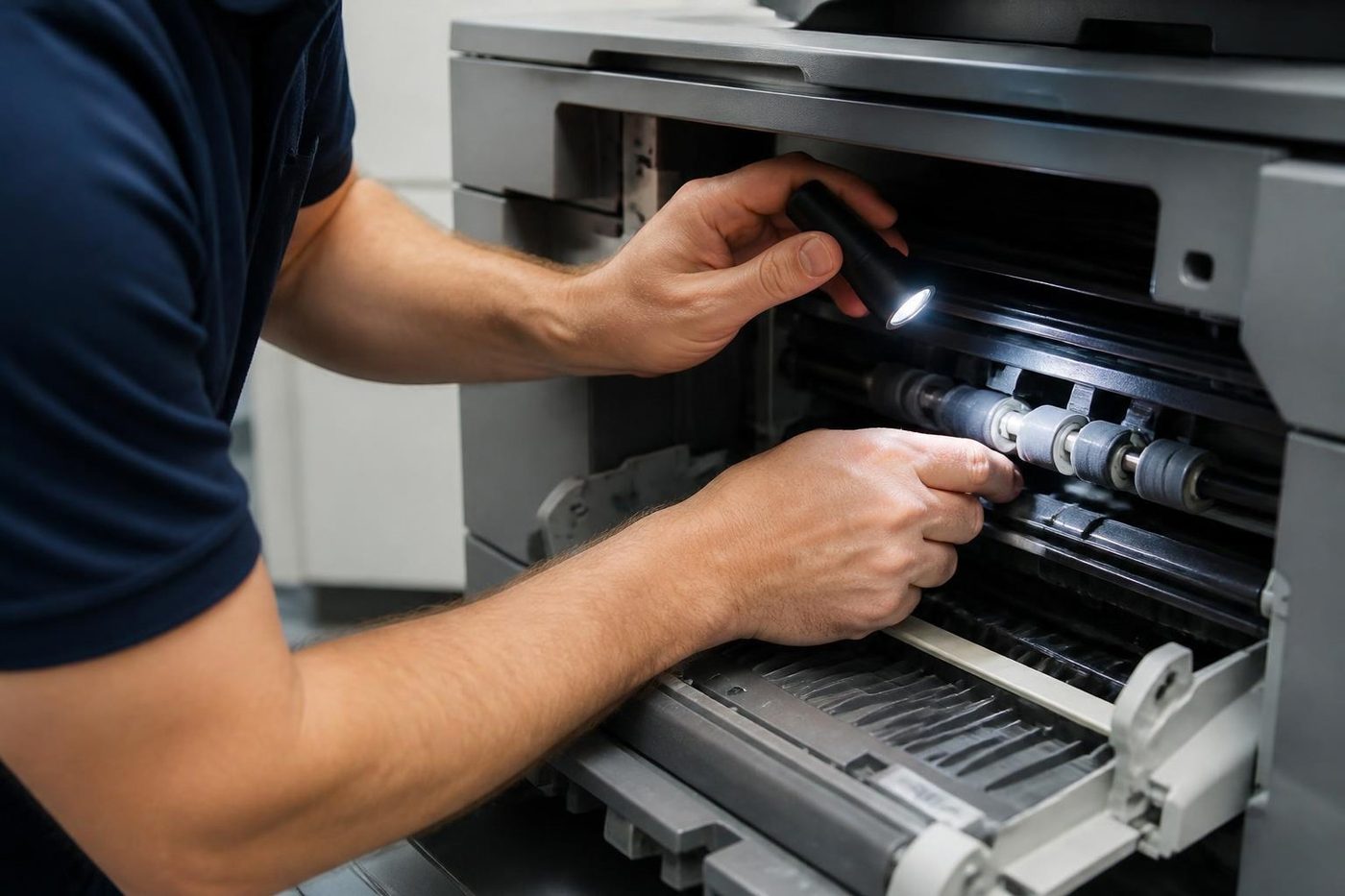
The fuser is the hottest thing in the machine, and in a Brisbane summer it starts the morning already warm. Fit a roller badly or reseat the thermistor carelessly and you get wrinkled pages, toner that rubs off on your thumb, or a code that keeps coming back.
We let it cool, check the rollers and the gap, then fit the part. The same look tells us how much life is left if you are weighing up a replacement.
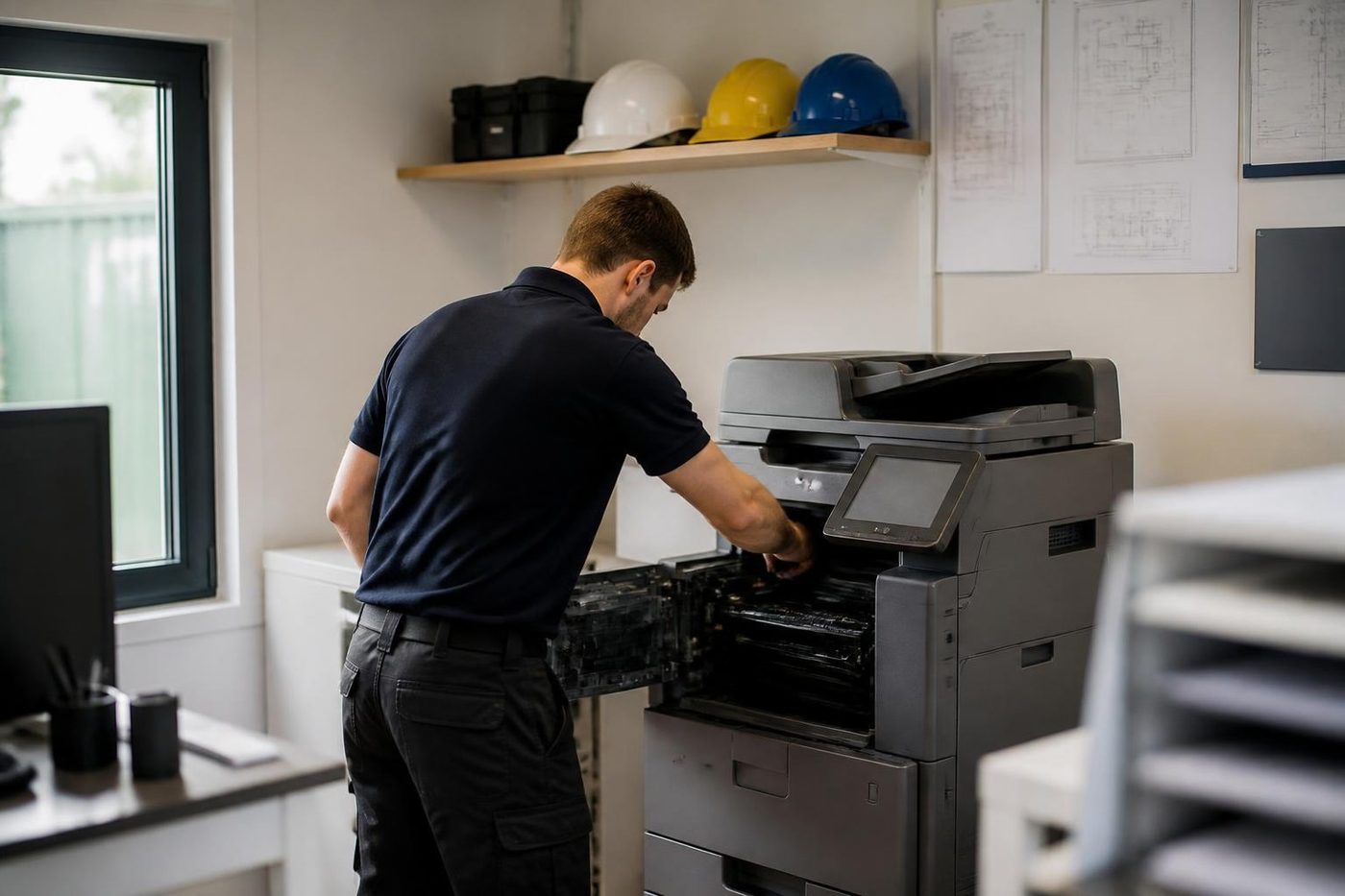
- Cooled first. Nobody pulls a fuser out hot.
- Checked as a set. Rollers, thermistor and gap, not one part in isolation.
- Honest about age. A tired fuser on a finished machine is a different conversation.
Keep reading around Brisbane
 Centenary suburbsDarra, Sumner Park, Mount Ommaney, Jindalee, Oxley and WacolLoganSpringwood, Underwood, Slacks Creek, Meadowbrook and Beenleigh
 Sunnybank and Mount GravattSunnybank, Mount Gravatt, Nathan, Eight Mile Plains, Coorparoo and Holland Park
 South Brisbane and WoolloongabbaSouth Brisbane, West End, Woolloongabba, Kangaroo Point and Dutton Park: clinics, studios, towers and event offices.
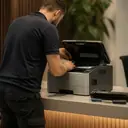 Commercial printer repairsWorkgroup and desktop laser printers, colour lasers and label printers, repaired at your premises.
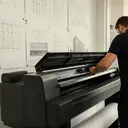 Plotter serviceHP DesignJet, Canon imagePROGRAF and Epson SureColor plotters, repaired at your premises.
 Photocopier paper jamsWhy it jams and what to try first.
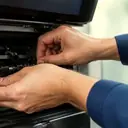 Photocopier servicePlanned servicing before the machine makes the decision for you.
Buy, sell and lease
Buy, sell and lease commercial copiers in Brisbane
We also sell new and refurbished commercial copiers and buy used ones. Same team, same technicians.
Machines and offices we know



Questions people ask us on the phone
Do you offer photocopier service and printer repairs in Acacia Ridge and Archerfield?
Yes. Acacia Ridge, Archerfield, Rocklea, Coopers Plains, Salisbury, Moorooka and the industrial streets between them.
Can you repair a Zebra label printer?
Yes. Ring with the model and the symptom, for example a faded stripe or labels that creep out of position.
Our site starts work at four in the morning. Can you help?
Tell us when you ring. Timing is not something we promise, but we will say honestly what can be arranged.
The copier is on a mezzanine and shakes. Does it matter?
Yes. Vibration can loosen connectors and skew pages. We check it sits level and firm.
The machine was in the 2022 flood. Is it worth fixing?
We take a look and say honestly. Sometimes it is, sometimes it is not.
Do you handle aviation records stored on a machine?
We talk about stored data before any repair that could affect it.
Why does our label printer print a faded stripe?
A worn or dirty print head is the usual cause. We look at the head, the platen roller and the sensors.
Do you work on dot matrix docket printers?
Parts for older machines can be hard to find and we tell you so. Give us the make, model and symptom.
Do you buy used copiers when we close a unit?
Yes. Tell us the make, the model and its condition.

Same fault, no second bill
If it comes back, we come back
The repeat fix on the same fault costs you nothing. Ask us how it works.
Get a price
Printer service Brisbane, from one desk printer to a whole floor
Copier and printer repairs across Brisbane
Fault guides
- Copier and printer faults Brisbane
- Photocopier paper jams Brisbane
- Copier black lines and streaks Brisbane
- Copier error codes Brisbane
- Copier not printing Brisbane
- Scan to email not working Brisbane
- Toner smearing and fuser faults Brisbane
- Printer offline and network faults Brisbane
- Copier noise, grinding and squealing Brisbane
- Is my copier worth repairing Brisbane
- Toshiba e-STUDIO error codes Brisbane
- HP LaserJet error messages Brisbane
- Kyocera TASKalfa error codes Brisbane
Makes we work on
- Toshiba copier repairs Brisbane
- HP printer repairs Brisbane
- Kyocera copier repairs Brisbane
- Fujifilm copier repairs Brisbane
- Xerox copier repairs Brisbane
- Canon copier repairs Brisbane
- Ricoh copier repairs Brisbane
- Lexmark printer repairs Brisbane
- Brother printer repairs Brisbane
- Epson printer repairs Brisbane
- OKI printer repairs Brisbane
- Zebra printer repairs Brisbane
- Konica Minolta copier repairs Brisbane
- Sharp copier repairs Brisbane
- Fuji Xerox copier repairs Brisbane
Suburbs and districts we cover
- Printer service Inner West Brisbane
- Printer service Brisbane CBD
- Printer service Milton, Toowong and Inner Brisbane
- Printer service Centenary Suburbs
- Printer service Ipswich Corridor
- Printer service Logan
- Printer service Brisbane Northside
- Printer service Toowoomba
- Printer service Eastern Suburbs and Airport Precinct
- Printer service Southside: Sunnybank and Mount Gravatt
- Printer service Redcliffe and Moreton Bay
- Printer service Redlands, Capalaba and Cleveland
- Printer service Caboolture, Morayfield and the North
- Printer service Fortitude Valley and Newstead
- Printer service Indooroopilly, Toowong and Kenmore
- Printer service Springfield and Ripley
- Printer service Ipswich, Booval and Amberley
- Printer service Beaudesert and the Scenic Rim
- Printer service Lockyer Valley and Gatton
- Printer service Beenleigh and Yatala
- Printer service Bribie Island and Moreton Bay
- Printer service Carindale and Camp Hill
- Printer service Wynnum and Manly
- Printer service North Lakes, Strathpine and Petrie
- Printer service South Brisbane and Woolloongabba
- Printer service Logan Central and Browns Plains
- See every Brisbane area
Got the make and the fault? Send those two things and we will price it.
Start with the make and the symptom
Make, model and fault. A photo of the panel helps. We ring with a price, or you can phone (07) 3073 5255.