What printer repair near me should mean for an office
A search for printer repair near me is answered by map distance, so it favours shop counters. That suits a small desktop printer you can carry under one arm. It does not suit a floor standing copier, a network laser printer wired into a comms cupboard, a label printer on a packing bench or a plotter in a design studio. None of those can be wheeled to a counter, and an office should not have to try.
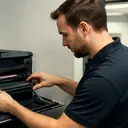
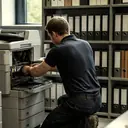
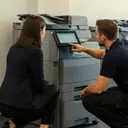
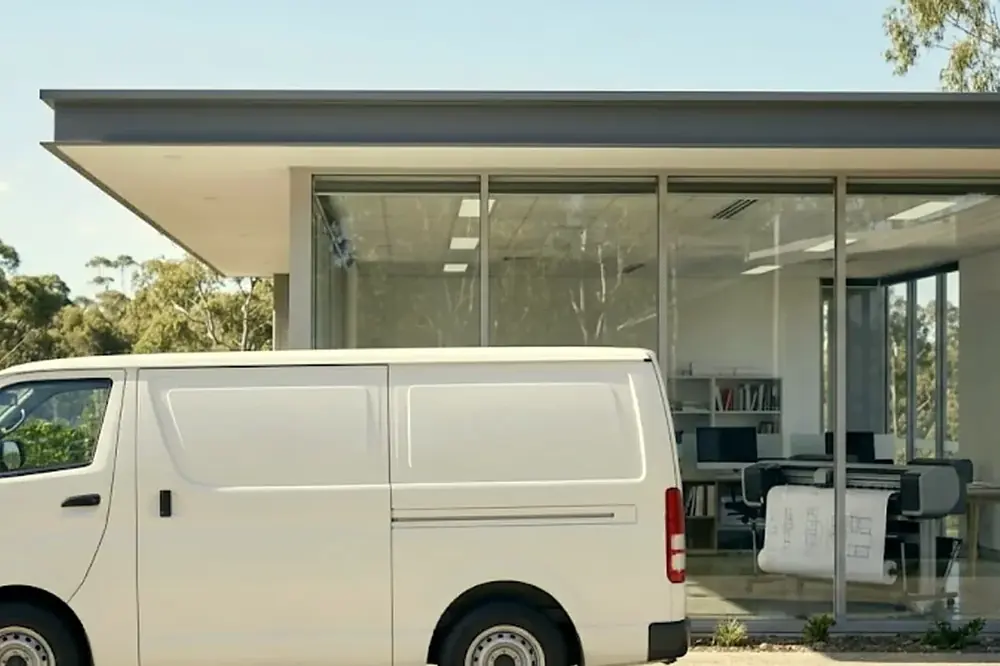
For a business, the useful meaning of near is simple. Does the company repair at your premises, and does it cover your suburb? Laser Printers Brisbane repairs business printers and photocopiers at the customer premises across metropolitan Brisbane, for commercial clients only: offices, medical and professional practices, schools, councils, warehouses and strata. The technicians are certified, and the repair happens at your desk, in your print room or on your loading dock.
This page is for the moment something has broken. If you are after regular upkeep instead, our page on printer service near me in Brisbane covers planned visits.
Which printers and faults we repair
Business laser printers and multifunction machines are the bulk of the calls, along with larger photocopiers, label printers and wide format plotters. The makes are listed below, each with its own page.
- Printers: HP, Lexmark, Brother, Epson, OKI and Zebra label and barcode printers.
- Copiers: Toshiba, Kyocera, Fujifilm, Xerox, Fuji Xerox, Canon, Ricoh, Konica Minolta and Sharp.
- Wide format: plotter service for studios and site offices.
The wider picture of what we fix on business machines is on our commercial printer repairs page. If your make is not listed, ring and ask, because the lists above are the makes we name, not a limit on what you can describe.
Faults an office usually reports, and where to read more
You do not need to name the cause when you ring. A plain description is enough. The table pairs common symptoms with the page that explains them.
| What staff say | Where to read about it |
|---|---|
| A code or message on the panel | Copier error codes, with brand pages for Toshiba e-STUDIO, Kyocera TASKalfa and HP LaserJet |
| Paper keeps jamming | Photocopier paper jams |
| Prints, copies or both will not come out | Copier not printing |
| Printer shows offline for some or all users | Printer offline and network faults |
| Lines or streaks on the page | Black lines and streaks |
| Toner rubs off or smears | Toner smearing and fuser faults |
| Scans do not arrive by email | Scan to email not working |
| Grinding or squealing | Copier noise |
The whole range sits on the copier and printer faults page. A few faults are really network or settings problems rather than a failed part, and a technician can tell the difference on site.
What to have ready before you ring
A short, accurate description saves the most time. Keep these to hand.
- The make and model, usually on a label on the front or inside a door.
- The exact wording of any message or code on the panel, or a phone photo of it.
- What changed just before the fault: a new toner cartridge, a power cut, a storm, a move, a software update.
- Whether one person or everyone is affected, and whether it fails when copying, printing, scanning or all three.
- Your building and floor, and whether the technician needs a lift, a loading dock or a visitor pass.
If the machine is smoking, flaming or smells of burning, do not wait for a call. Leave it, follow your building fire procedure and ring 000. Unplug it only if that is safe. Ring us afterwards, once everyone is clear.
From the call to the handover
Here is how a repair runs when it goes well.
- Ring and describe the fault. Give the make, the model, the message and what was happening. If the line is busy, the call is logged and returned.
- Agree the price on the phone. It is settled before a technician is booked, so nobody is surprised later.
- Book the visit. Same day service is available. It depends on the fault and the diary, so we do not promise a time before we have heard what is wrong.
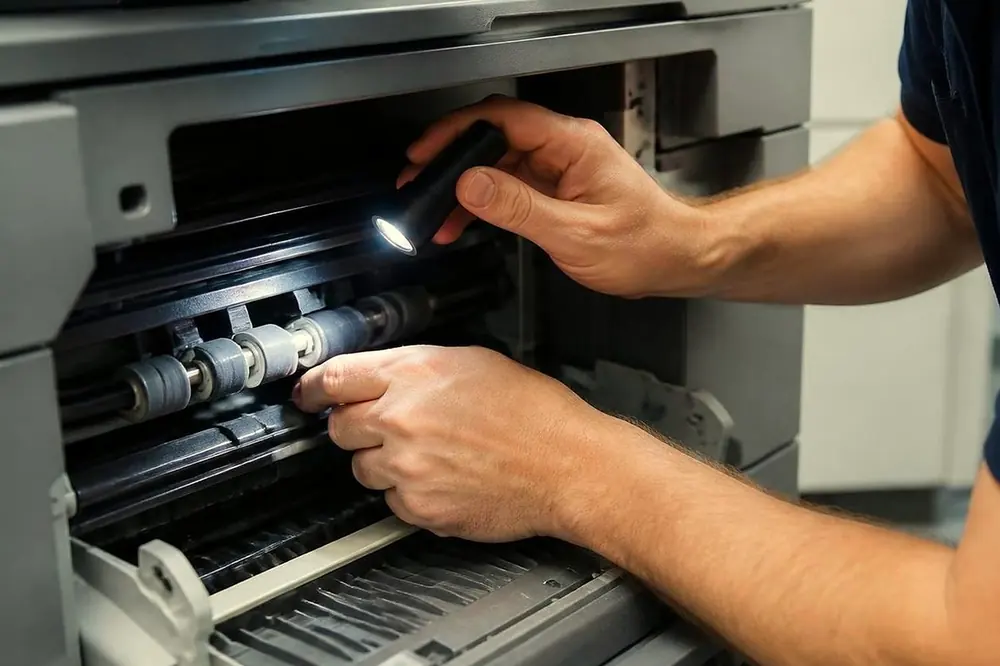
- A certified technician attends your premises. Tell reception who is coming, and have someone who uses the machine available for a minute at the start.
- Repair and test. A good repair finishes with test prints or copies of the job that failed.
- Handover. Ask the technician to show you the result. Try the job that failed, whether that was a scan to email, a double sided run or a large print.
About 98% of repairs are completed on the first visit.
How the price is set
The price is agreed on the phone. We do not publish figures, because the cost depends on the make, the fault and what has to be done. Two calls that sound alike can come out differently, for example a jam that is a worn roller on one machine and a damaged sensor on another.
When you ring, ask what the agreed price covers, and ask the same of any company you are comparing. A fair quote names the machine and the fault it is for. A price that cannot be pinned to a fault, or that is vague about what it includes, is worth questioning before you book.
| Ask this on the call | Why it matters |
|---|---|
| Does the price cover the repair at my premises? | You are paying for the fix, not a trip to a shop. |
| What happens if the same fault returns? | With us, a fault that returns is fixed again at no charge. |
| Is the technician certified for this make? | Our technicians are certified. |
| When could someone attend? | Same day depends on the fault and the diary. |
Printer repairs near me, by part of Brisbane
The area pages below list the districts we attend and the premises typical of each. Find the nearest one and use it as a guide when you ring. Tell us your suburb on the call and we will confirm that we attend.
Central Brisbane. Government, law and professional offices sit along Queen, Adelaide, Eagle, Creek and Edward streets, which our Brisbane CBD page covers. Close by, Fortitude Valley and Newstead and South Brisbane, West End and Woolloongabba are mixed office and practice areas. Milton and the inner ring are on our Milton and inner Brisbane page.
West and south west. Offices at Toowong, Indooroopilly and Kenmore are on the Indooroopilly, Toowong and Kenmore page, with the nearby suburbs on inner west Brisbane and the Centenary suburbs. Further out are Ipswich, Booval and Amberley, the Ipswich corridor and Springfield and Ripley. West of the range, see the Lockyer Valley and Gatton and Toowoomba.
North. Chermside, Northgate and Nundah are on the Brisbane northside page. Beyond them, North Lakes and Strathpine, Caboolture and Morayfield, Redcliffe and Moreton Bay and Bribie Island take in offices, practices and trade premises across the Moreton Bay region.
South and Logan. Offices at Sunnybank and Mount Gravatt are on the southside page. The industrial and trade strip around Rocklea, Archerfield and Acacia Ridge has its own page: Acacia Ridge and Archerfield. Further south are Logan, Springwood and Underwood, Logan Central and Browns Plains, Beenleigh and Yatala and Beaudesert and the Scenic Rim.
East and bayside. Hamilton, Bulimba, Eagle Farm, Pinkenba and Murarrie, including the airport and Trade Coast warehouses, are on the eastern suburbs and airport page. Also see Carindale and Camp Hill, Wynnum and Manly and Capalaba, Cleveland and the Redlands.
For the whole metropolitan picture, start at photocopier service Brisbane or the areas we service overview.
Repairing printers in a Brisbane summer
Brisbane has hot, wet summers with afternoon storms, and the machines feel it. Humid paper curls and jams more readily, and a power surge or a storm outage can leave a printer showing an error on restart. Our post on humid summers, storms and copier faults explains what to check. After flood or water damage, do not switch the machine on. Read what to do with a printer after a flood first.
If the same fault comes back
A fault that returns is fixed again at no charge. Ring the same number, say that it is a repeat, and give the date of the earlier repair and what the machine is doing now. A short note of when it fails, such as only on double sided jobs or only first thing in the morning, helps the technician more than a general complaint.
If a machine is failing often, ask whether repair is still sensible. Our is my copier worth repairing page gives a plain way to decide.
Repair now, or plan the service
Fault repair is what this page is about. Offices that would rather head faults off can ask about planned service visits, with the scope and the price agreed on the phone. Our post on what planned visits typically cover sets out the idea.
Use this rule when you are unsure. If the machine has stopped or is damaging pages, ring now. If it still works but is slowing, noisy or jamming now and then, ring now as well, because a small fault is easier to deal with before month end or a deadline. If you want to talk planned service, say so at the start of the call, and ring (07) 3073 5255 whichever it is.