Ricoh service Brisbane
Ricoh Photocopier Repairs & Service Brisbane
Hardly any Brisbane business has one generation of Ricoh. The front office has a current IM C with a large, tablet like panel and the back room is leaning on an MP that outlasted its first contract. Both can be repaired where they stand, and both report trouble in one fashion, an SC and a number on the panel. We can often attend the same day. Read out the whole SC code and the model printed on the label, and the price is settled on the phone before anyone is booked.
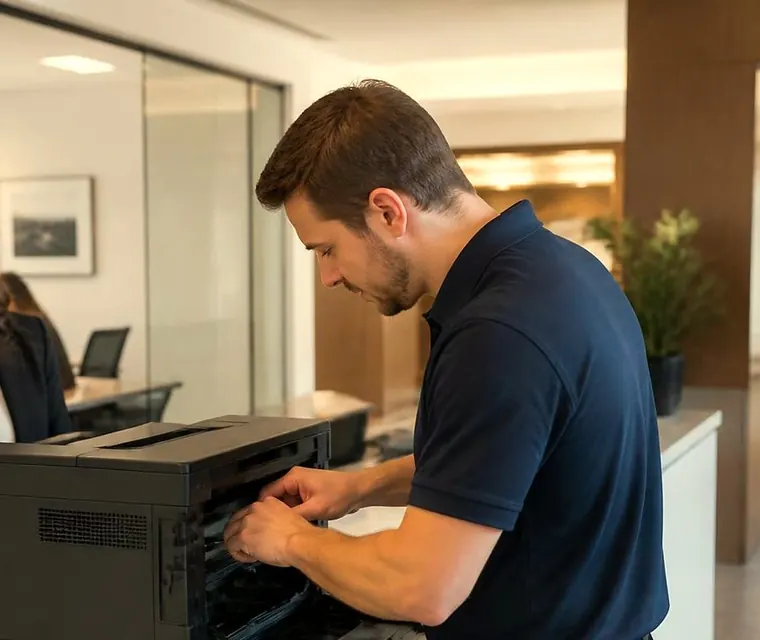
Brisbane printer service and photocopier repairs, plus machine sales
Two Ricohs, one office
Walk a floor of a Brisbane firm that has been trading for a decade and you meet the generations in order. Near reception, an IM C with a tablet style panel and apps on the home screen. Down the corridor, an MP C that was new when the lease was signed. In the records room, a mono MP that nobody has dared to move since 2014. They look related and they are, but the faults they throw are not always alike.
That is why Ricoh copier repair starts for us with the label. IM, MP, SP or Pro tells the technician the family. The digits give the speed class, and a C marks colour. A letter or two after the number can mean a different engine or a different option, so we ask for all of it.
We work as an independent. We are not Ricoh and not an authorised dealer. Units badged Lanier or Savin share the engineering, and they are treated just as the Ricoh badged ones are.
Three steps to a price
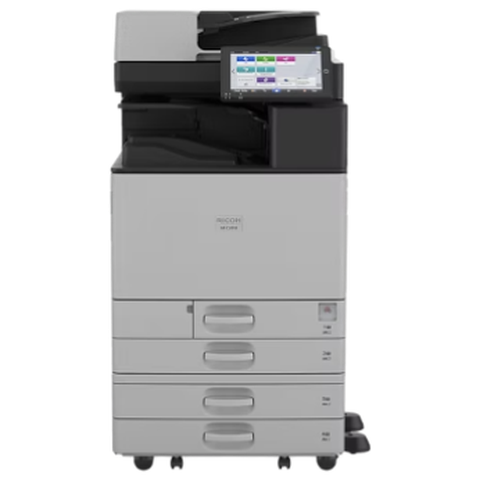
- Name the machineMake, model and the trouble it is giving you.
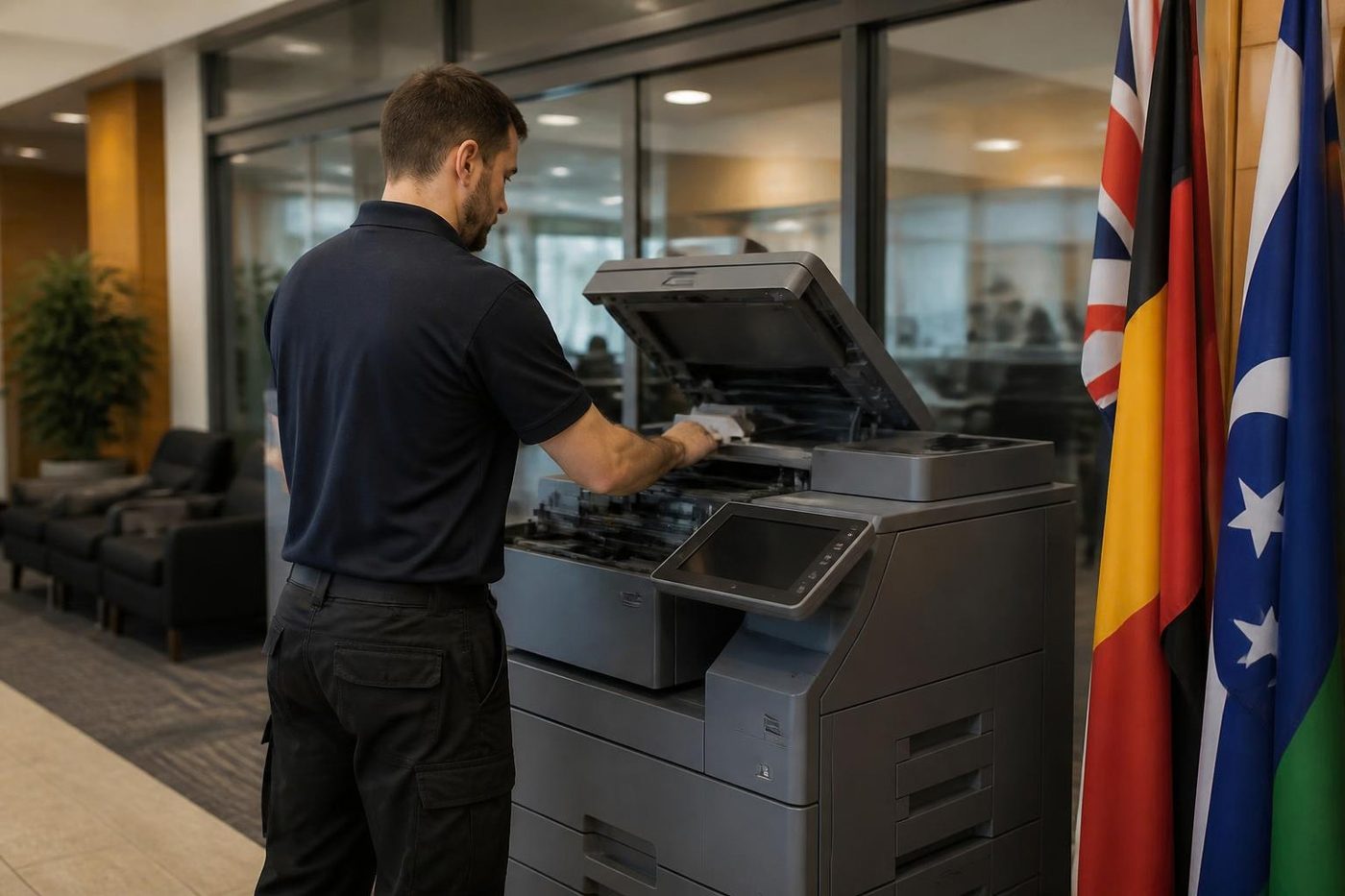
- Hear the price firstWe ring you back with it before a visit is booked.
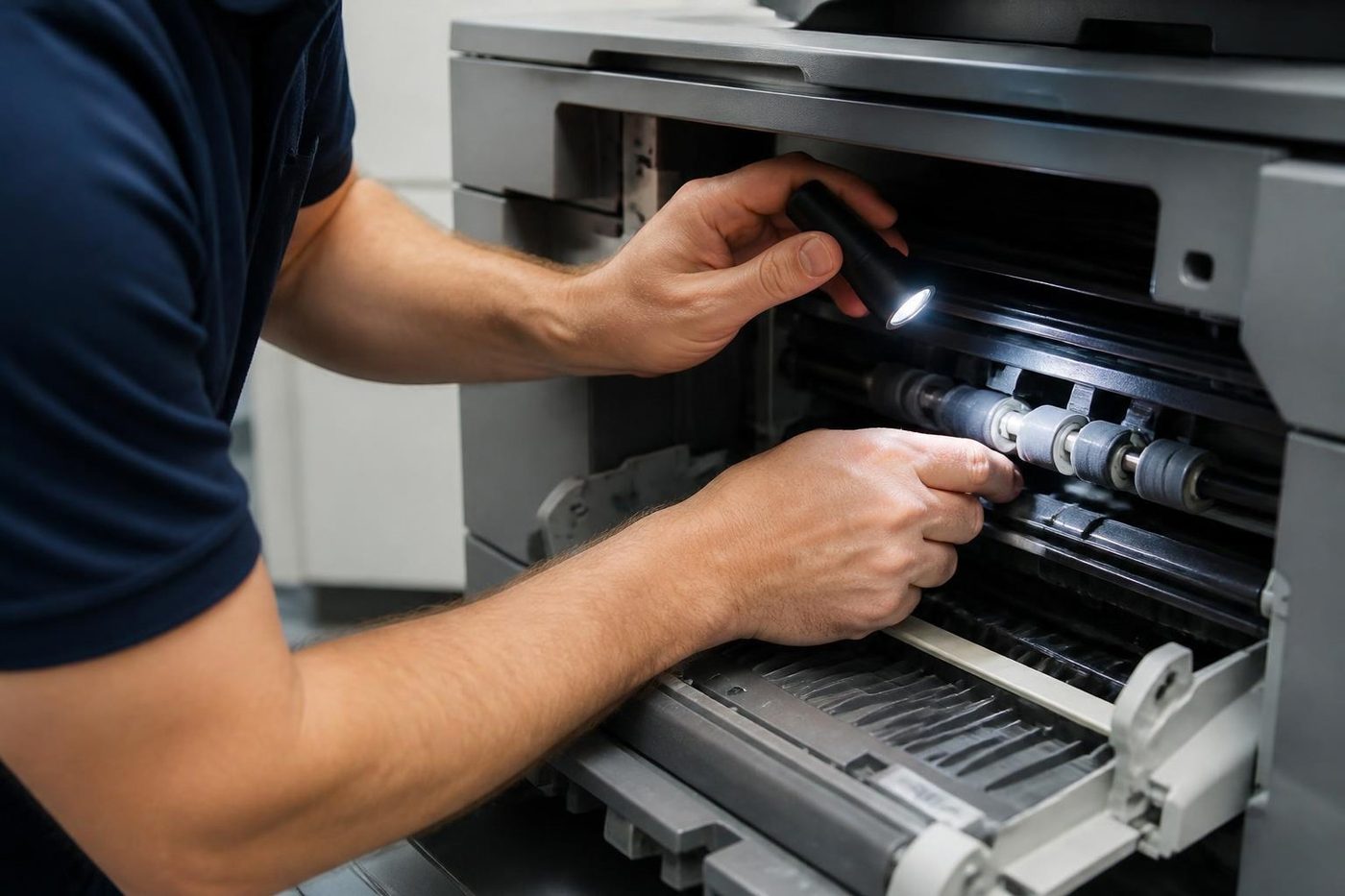
- A certified technician attendsSame day wherever the diary allows.
Ricoh series we see in Brisbane
Older ranges are listed as such. Do not see your badge? Ring, and cover gets confirmed before any booking.
| Series | Models | Typical home |
|---|---|---|
| IM C colour | The IM C3000, C3500, C4500 and C6000 run at 30, 35, 45 and 60 pages a minute and have a 10.1 inch Smart Operation Panel. The older C2010 to C4510 generation is still out there too. | Mid sized offices and departments, scanning to email, folder and USB as well as copying and printing. |
| IM mono | A3 black and white machines on the same panel platform: the IM 6000, 5000, 4000, 3500 and 2500. | General offices, and print rooms with a lot of black and white going through. |
| MP C colour (earlier range) | MP C3004exSP, C3504exSP, C4504exSP, C6004exSP and relatives. | Contract machines from the previous generation. |
| MP mono (earlier range) | The MP 6055SP down through 5055SP, 4055SP, 3555SP and 3055SP to the 2555SP. | Back offices and branches that copy steadily in mono. |
| Pro C production | Pro C5300s and Pro C5310s colour cut sheet. | Print rooms run in house, and short run brochures. |
| SP A4 | SP C360DNw and SP C360SFNw LED colour. The SP 3710DN is an earlier mono range. | Small teams, reception areas, clinics. |
| Wide format | MP W7100SP and MP W6700SP, plus the IP CW2200 and IM CW2200. | Engineering, architecture and council drawing offices. See the plotter page. |
What SC means, and how far to trust it
SC stands for service call. A code reads SC followed by three digits, frequently with a two digit sub code after it, as in SC670-01 or SC672-10. Each hundred gives a rough direction. Heat and the fuser are where the 500s usually point, though not every time. Charging, development and the laser sit behind many of the 300s. Talk between boards, the panel or the feeder is what the 600s tend to flag.
One number does not always mean one thing across models, and published guides sometimes contradict each other, so we read the code against the machine we are standing beside. It shows on the touchscreen and can lock the machine until it is cleared. Reset steps are not published here. They differ by model, and clearing the screen without curing the fault only brings the same code straight back.
SC codes people phone about
Treat these as pointers to an area. The model decides the rest.
- SC541, SC542, SC543, SC546 (fusing): usually the thermistor, the lamp or the wiring. On some models SC542 is a warm up error and on others an overheat, and SC543 is a thermistor safety error, so the model has the last word.
- SC501, SC502, SC503 (trays): some guides read them as tray 1, 2 and 3 faults and others as a lift motor or feed motor lock, which is why we call them model dependent. Overfilling a tray, or stacking leftover sheets on top of a fresh ream, is a common and simple cause.
- SC322: where the model defines it, a laser synchronisation error. The suspects are the sync detector board, the main board and the laser unit.
- SC668 and SC669: the machine is struggling to talk to itself, for example a board link it cannot recover, or a memory fault in the toner density sensor.
- SC670 and SC672 (start up): SC670-01 is an engine board that does not start, SC672 a controller to panel link that never establishes. Loose connectors, firmware or storage trouble, shaky power and a shorted option like a finisher all feature.
- SC791, SC792, SC793 on IM C options: SC791 reports a finisher with no bridge unit, SC792 a bridge unit with no finisher, and SC793 an ADF or paper feed option the machine does not support.
- SC816 and SC817: an error in the energy saving subsystem, and a monitor error from a file or signature check that failed during start up. Firmware is often behind both.
- SC819: on models that define it, a fatal kernel error. SC899: an application or software error, which a corrupt print job often sets off.
SC899 on one document, and what to do about it
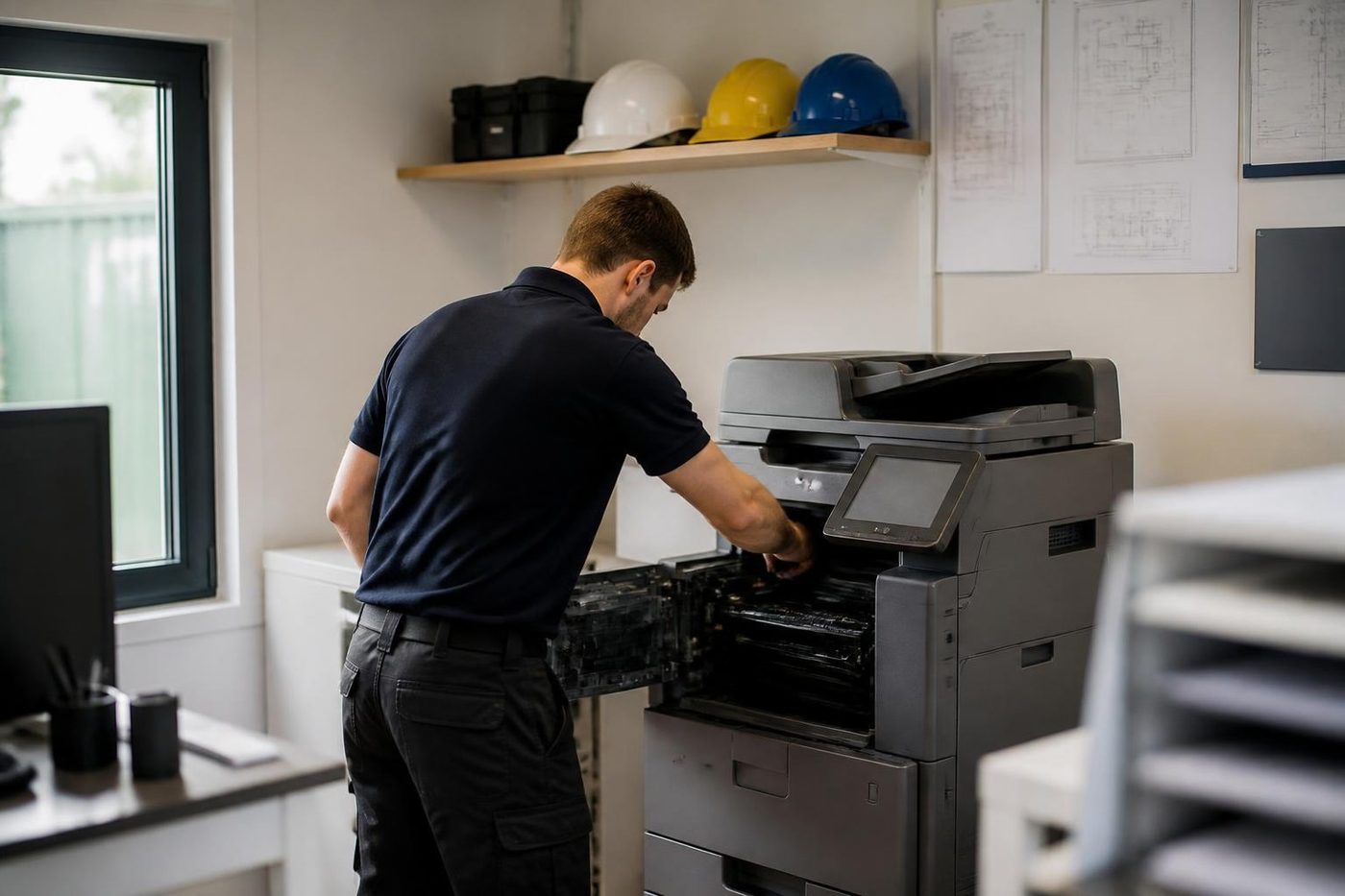
If the machine throws SC899 only when one particular document prints, the document is the suspect. Cancel the job and send it again from another computer, or save a fresh PDF and print that instead. A PCL 6 driver written for the exact model, on a TCP/IP port, clears a good many of these, and firmware is the step after that. Should SC899 turn up on every job or straight from a cold start, the machine needs a proper look and we are happy to give it one.
People sometimes assume a software code means a software person is needed. Often the quickest fix is the driver on one PC, which is something your own IT can do in ten minutes.
SC791 and the bridge unit that was bumped
An IM C finisher stands beside the copier with a bridge unit between them to carry the paper over. Shift the finisher an inch while clearing a jam and the join stops matching what the machine expects. SC791 then appears on the panel, telling you a finisher is fitted but no bridge unit can be found.
The Bridge Unit BU3090 moves output across to an external finisher, and one that is loose or missing is the textbook cause. Nobody should suspect electronics yet. We seat the unit squarely, check the connectors and see if the machine accepts it. Frequently that is the whole job. A separate lot of SC79x codes means something else is mismatched, and we read those against the options attached.
The Smart Operation Panel
The panel on a newer IM works like a tablet, with apps and shortcuts. It is software, and software hangs. A frozen screen on a copier that still copies means nothing mechanical has broken. Turn it off at the main switch, give it a minute, and start it again. If it freezes a second time, or a code shows, ring us.
When it keeps happening, the cause may be a software update, an app that has stuck, or a network setting. That is where we start, and hardware only comes up if the software leads there.
Fuser, transfer belt and a hot room
On a busy Ricoh the fuser and the transfer belt do the heavy lifting. Toner that smudges under a thumb, creased pages and a smell of hot plastic all point at the fuser. Light patches, colour fading toward one edge or ghosting point at the belt. A Brisbane summer adds to both, and a copier in a sun warmed corridor works harder than one in a cool office.
Paper and settings get checked first. When a part is needed we name it and give the reason. A fuser with life left stays where it is.
What we look at on every Ricoh visit
Ricohs have a short list of wearing parts, and we check them in a set order. A few boards, namely the controller, engine board, I/O board and panel harness, are not wear items, but they are what gets replaced when start up codes refuse to go.
- The fusing unit, first of all.
- Drum and developer.
- Intermediate and secondary transfer parts.
- Pickup, feed and separation rollers, tray by tray.
- Friction pad and roller in the document feeder.
- Levers and guides in the duplex unit.
- Tray lift, and the waste toner bottle.
No page counts are promised. Figures floating around online are reseller numbers at a standard coverage, and they tell you nothing about your machine, your paper or your room. What we see in service is that pickup and separation rollers wear first, then the document feeder and its glass strip, then the fuser, then the drum and transfer parts, and on older machines the drives and finisher mechanisms come last. When a machine a few years old begins to misfeed, it almost always belongs to the first group, which is a simple repair.
Finishers, bridge units and options
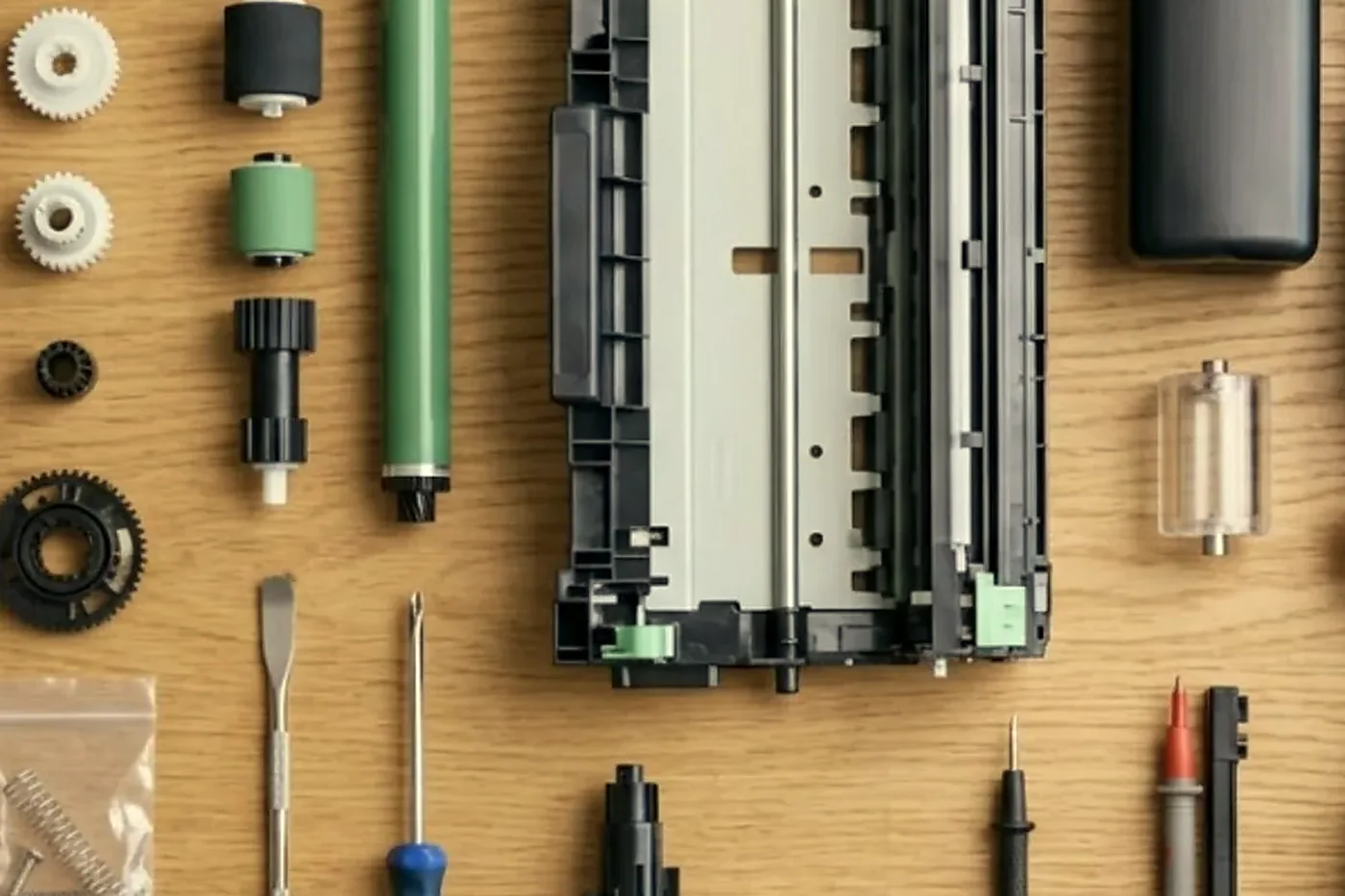
Most option faults are docking and connector faults. A finisher that has been bumped, moved, or left unseated after a paper clearance will throw an SC from the option family, so alignment and connectors are checked ahead of anything else.
- Internal Finisher SR3250: holds 500 sheets, staples in several positions, punch optional.
- Finisher SR3260: 1,000 sheets, with stapling or staple free binding of a few sheets, and a punch if fitted.
- Booklet Finisher SR3270: 1,000 sheets, saddle stitch, three places for output to land.
- Finisher SR3280: a 3,000 sheet unit that staples and shift sorts, listed against the IM 4000, 5000 and 6000.
- Internal Multi Fold Unit FD3010 handles Z fold, half fold and tri fold, and shift trays and punch units are paired with each finisher.
- Paper feed options beyond the standard 1,200 sheets, and optional fax, wireless, card reader and memory.
- Production finishers SR5110 and SR5120 on the Pro C5310s.
A staple jam, a crooked stack or a full punch waste box rarely means the copier itself has failed. We run the finisher by itself with your paper, and study the bridge unit if sheets reach it skewed. Glance at the staple cartridge and waste box before phoning. It costs a moment, and either can be the trouble more often than you would guess.
Scan to folder, email and sign in on a Ricoh
Destinations on a Ricoh include email, folder, USB and SD card, in PDF, PDF/A, TIFF and JPEG, and folder scanning draws the most calls. It needs TCP port 445 open to the file server, a host name that resolves (or a fixed address), correct credentials, and share and NTFS permissions that let the account write. Easiest test: confirm that the same account can save to the folder from a PC.
The classic surprise follows a server upgrade. The new server alters the SMB version or insists on signing, scan to folder breaks, and everything else on the network seems healthy. Seldom is the copier to blame. We line the settings up with your IT contact.
Every Ricoh holds an address book of email and folder destinations. The book is blamed when a scan fails, though it is hardly ever corrupt. More likely the destination changed, whether a password, a server name or a share. The machine can back the book up and restore it, and we do that before we change anything.
The IM range has deep security options. Its data encryption is AES 256, covering the address book, authentication data and stored documents. It runs for hours, must not be interrupted, and depends on a key you are responsible for keeping, so schedule it and never begin it before a deadline. Brisbane offices use passcode or card reader sign in, print quotas per user and per group, Locked Print (a job waits until its owner releases it), and audit logs sent to a server. A sign in fault can hide behind any of them.
The duplex path, where the second side goes wrong
A Ricoh that copies one sided jobs happily and jams on two sided ones has a duplex story. By the time the sheet turns the corner it has already passed the fuser, so it returns warm, slightly curled and a bit slippery. Wear shows first in the duplex unit's levers and guides, and a bent lever is easy to overlook.
We check the guides and levers, the rollers in the return path, and the paper itself. Heavier stock and recycled stock behave differently, and so does paper stored flat compared with paper that has leaned against a wall since last summer. A jam that always lands in one place in the duplex path suggests a worn part. One that moves around is more likely paper and settings.
A habit worth keeping: match the paper type on the tray to what is loaded. Ricoh tunes fusing and feeding by paper type, so a tray left on plain while it holds thick stock manufactures a fault that is not really a fault.
A print room with a Pro C
The Pro C5300s and Pro C5310s are cut sheet colour production machines, found in different places from the IM C at a front desk. A school print room, a council communications team, a firm that runs its own brochures. The questions on the phone are different too. Colour is the point, and a drift in density, a weak edge or a banding pattern on a solid tint matters more than a code.
We ask what the output is for, what stock it runs on and how many sheets a week go through, because a Pro C that runs short jobs all day has a different pattern of wear from one that runs a long job once a month. Production finishers SR5110 and SR5120 add their own checks. Where a job needs more than can be done on site we say that outright, and a machine that earns by the sheet does not get guesswork.
Wide format Ricoh machines
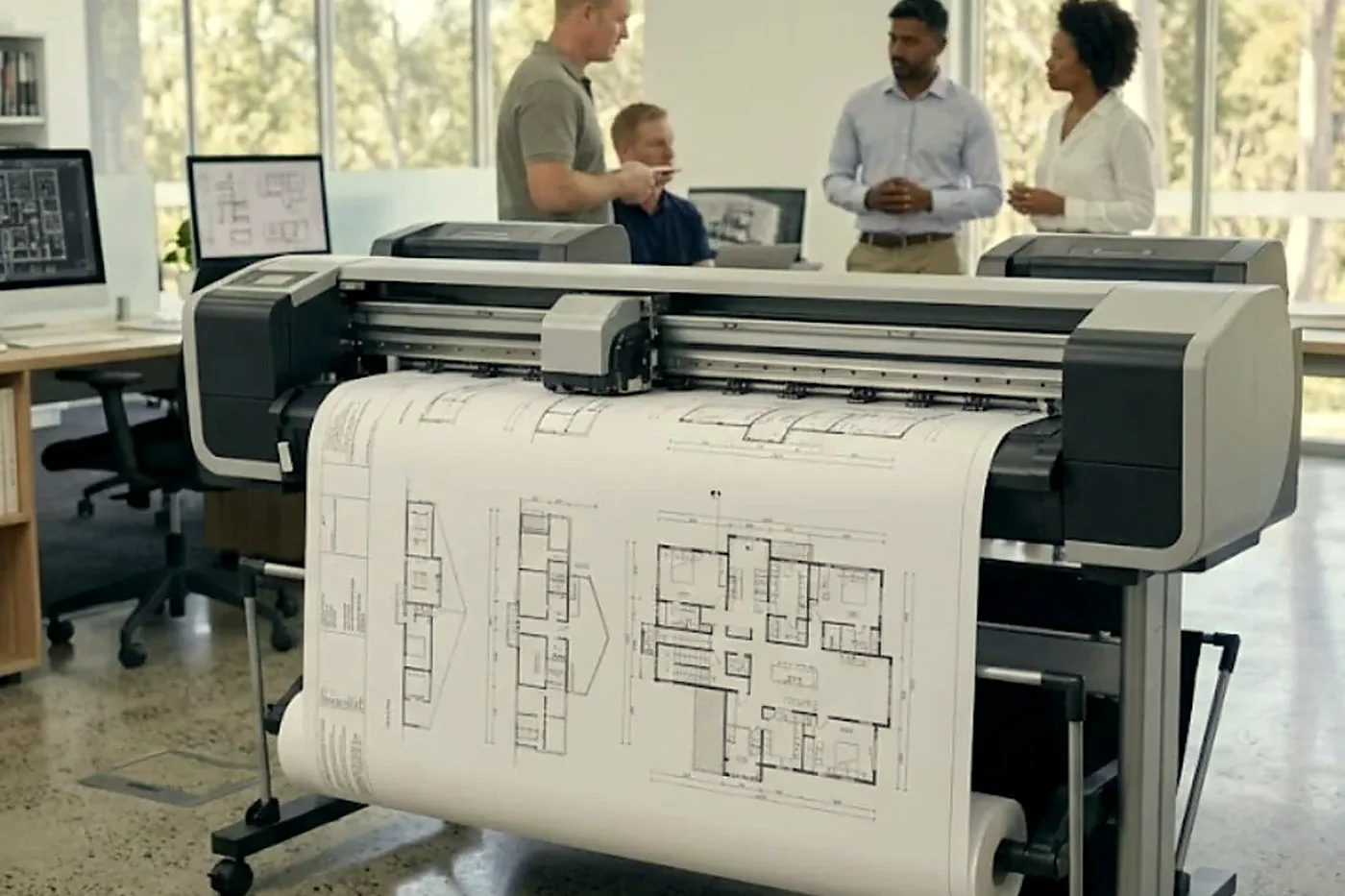
Engineers, architects and councils run Ricoh wide format machines for drawings: the IM CW2200, the IP CW2200 and the older MP W6700SP and MP W7100SP. They are copiers for long paper, and they fail in long paper ways. A roll that does not feed square. A cutter that leaves the edge ragged. A scanner glass that has picked up a streak from a dropped pen.
We repair them where they stand, which matters in a drawing office with a machine the size of a sideboard. Our plotter service page covers the full wide format side. If a drawing office has a copier and a plotter on the same floor, one call can cover both.
Heat, humidity and the first week after a storm
Brisbane's weather is a regular cause of Ricoh calls and not an excuse. A summer afternoon pushes a corridor machine to the edge of its temperature range. A damp week makes paper limp, so feeding changes. A storm that cuts the power mid job can leave a stuck job, a start up code, or a panel that never connects.
After an outage, turn the main switch off, count to sixty, and turn it on once. A machine that reaches ready should get a test page. If the same SC comes back, note the full number and ring. Hearing about it on Monday beats finding out on Friday that it has sat unusable all week.
Where Ricoh calls come from
In the CBD and inner suburbs we find Ricoh copiers in professional, finance and government offices, often on upper floors, where we ask about lift access before the visit. Milton, Toowong and Newstead have practices and consultancies that rely on one or two machines. Rocklea, Archerfield, Acacia Ridge and Darra have trade and engineering offices, and Ipswich, Springfield, Logan and the northside carry education, health and council work.
A power interruption in a storm can leave a start up code behind, and a machine that has had a bad week in the heat often shows it as a fusing code days later. If yours has been through a flood or a leak, say so when you ring.
Keep it or let it go
A few of the Ricohs we visit have clocked up more years than the staff around them. A roller or a belt on one of those is a fair repair. Several large parts at once, or parts that have become hard to source, is a different talk, and we have it honestly. Refurbished machines are something we sell and used ones something we buy, so we can lay the two options side by side and say frankly which way the numbers lean.
Before you ring about a Ricoh
Have these ready and the price can often be settled before you put the phone down.
- The model off the label, including any C or letters following the number.
- The complete SC code, read out slowly.
- What it was doing at the time, and whether a restart made any difference.
- Whether one person is hit or the whole office.
- The building, the floor and the access rules.
A busy line means your call is logged and we return it. Nothing is locked in.
Behind the scenes on a Ricoh job




The second callout
Nobody budgets for the second visit
A repair quoted at one price and finished in two visits costs more than the number on the page. There is the second booking, the second morning of somebody hovering by the machine, and the manager who quietly stops trusting it.
The rest we tell you about at once, with what is needed.

- Spares on board. Drums, fusers, pickup rollers, blades.
- Model known. The technician has opened one like it before.
- No second bill. If the same fault returns, we fix it again free.
From our news
What the Ricoh and Toshiba changes mean for your Toshiba photocopier. The combined copier development, explained in plain English.
Keep reading around Brisbane
 Copier error codesHow to read a code and what to note down.
 Refurbished RicohIM C series, tested, warranted and set up.
 Scan to email not workingScans that never reach an inbox or a shared folder.
 Toshiba repairse-STUDIO colour and mono copiers, fixed where they stand.
 Canon repairsimageRUNNER ADVANCE, DX and imagePRESS, on site.Photocopier paper jamsWhy it jams and what to try first.
 Plotter serviceHP DesignJet, Canon imagePROGRAF and Epson SureColor plotters, repaired at your premises.
 Printer and photocopier repairsCopiers and printers repaired at the desk where they broke.
Buy, sell and lease
Buy, sell and lease commercial copiers in Brisbane
We also sell new and refurbished commercial copiers and buy used ones. Same team, same technicians.

Brisbane offices, up close



Questions people ask us on the phone
What does a Ricoh SC code mean?
It stands for service call. The panel shows SC and a three digit number, plus a short sub code on some, marking where the machine noticed a problem. Not every model uses a number in the same way, so your exact model is checked before anyone guesses.
My Ricoh shows SC542 or SC543. Is the fuser finished?
Not necessarily. They point at the fusing area, and depending on the model mean warm up, overheating or a thermistor safety fault. The thermistor, lamp and wiring are suspected before a worn fusing unit, and we check them on site.
Why does my Ricoh return SC899 on one particular document?
A bad print job or a mismatched driver triggers it more than anything else. Cancel the job, try a PCL 6 driver written for your model on a TCP/IP port, then look at firmware. If every job trips it, call us.
The finisher is not recognised and the panel shows SC791. What is wrong?
The machine finds a finisher but no bridge linking it to the copier. Most often the bridge is loose or was knocked while someone cleared a jam. Reseating it and checking connectors comes well before any thought of boards.
Scans to a folder died once the server was upgraded. Has the Ricoh failed?
Very likely not. A new server may switch the SMB version or demand signing. We read what the machine is set to, test using an account that works from a PC, and pass your IT contact the settings to match.
The panel on our IM C froze. Do we need a technician?
Turn off at the main switch, wait, then turn on once. A second freeze, or a code, means a call to us. Repeat freezes tend to be software, whether an app or a network setting, long before anything mechanical.
Do you repair Lanier and Savin copiers too?
Yes. Lanier and Savin badged machines share the engineering with Ricoh, and we repair them in the same way.
Can you repair our wide format Ricoh?
Yes. The IM CW2200 and MP W series wide format machines are covered on our plotter page, and a single visit can take in the plotter and the copier.
Our Ricoh jams only on two sided jobs. Why?
Pages return through the duplex path warm and slightly curled, which is where worn levers or guides give themselves away. We examine the duplex unit, the return rollers and the paper type setting.
Do you service the Pro C5310s?
Yes, and the earlier Pro C5300s as well. We ask about stock, volume and what the output is for, and tell you straight if a job needs more than site work can give.
Are you a Ricoh dealer?
No. We service independently and make no claim to any Ricoh authorisation.

Done properly once
Fixed where it stands
No lifting, no posting, no borrowed printer for a week. The repair happens at your site.
Book a repair
Printer service Brisbane, from one desk printer to a whole floor
Copier and printer repairs across Brisbane
Fault guides
- Copier and printer faults Brisbane
- Photocopier paper jams Brisbane
- Copier black lines and streaks Brisbane
- Copier error codes Brisbane
- Copier not printing Brisbane
- Scan to email not working Brisbane
- Toner smearing and fuser faults Brisbane
- Printer offline and network faults Brisbane
- Copier noise, grinding and squealing Brisbane
- Is my copier worth repairing Brisbane
- Toshiba e-STUDIO error codes Brisbane
- HP LaserJet error messages Brisbane
- Kyocera TASKalfa error codes Brisbane
Makes we work on
- Toshiba copier repairs Brisbane
- HP printer repairs Brisbane
- Kyocera copier repairs Brisbane
- Fujifilm copier repairs Brisbane
- Xerox copier repairs Brisbane
- Canon copier repairs Brisbane
- Lexmark printer repairs Brisbane
- Brother printer repairs Brisbane
- Epson printer repairs Brisbane
- OKI printer repairs Brisbane
- Zebra printer repairs Brisbane
- Konica Minolta copier repairs Brisbane
- Sharp copier repairs Brisbane
- Fuji Xerox copier repairs Brisbane
Suburbs and districts we cover
- Printer service Inner West Brisbane
- Printer service Brisbane CBD
- Printer service Milton, Toowong and Inner Brisbane
- Printer service Centenary Suburbs
- Printer service Ipswich Corridor
- Printer service Logan
- Printer service Brisbane Northside
- Printer service Acacia Ridge and Archerfield
- Printer service Toowoomba
- Printer service Eastern Suburbs and Airport Precinct
- Printer service Southside: Sunnybank and Mount Gravatt
- Printer service Redcliffe and Moreton Bay
- Printer service Redlands, Capalaba and Cleveland
- Printer service Caboolture, Morayfield and the North
- Printer service Fortitude Valley and Newstead
- Printer service Indooroopilly, Toowong and Kenmore
- Printer service Springfield and Ripley
- Printer service Ipswich, Booval and Amberley
- Printer service Beaudesert and the Scenic Rim
- Printer service Lockyer Valley and Gatton
- Printer service Beenleigh and Yatala
- Printer service Bribie Island and Moreton Bay
- Printer service Carindale and Camp Hill
- Printer service Wynnum and Manly
- Printer service North Lakes, Strathpine and Petrie
- Printer service South Brisbane and Woolloongabba
- Printer service Logan Central and Browns Plains
- See every Brisbane area
Got the make and the fault? Send those two things and we will price it.
What do you want fixed?
Type it the way you would say it to a colleague. We ring back, and the price is settled before anyone is booked.
