What a heat free printer takes away, and what it leaves
Epson sells its WorkForce Enterprise AM line as heat free inkjet: no toner cartridge, no fuser, no drum. For us that deletes the faults we chase most on lasers. Nothing creases a page, nothing leaves a streak from a drum, and a paper jam inside can be cleared straight away with bare hands, which suits a corridor machine that cannot wait for rollers to cool.
A different set of parts takes their place. Ink supply units and the maintenance box fill up and drain away over time. Each cassette carries its own feed rollers, and those wear down. The printhead is a precision part, and a machine left alone for a quiet week may run cleaning cycles that eat into the maintenance box. A wrong date on the panel can quietly upset scanning and cloud services through certificates.
Technique counts for more than people expect. A rushed hand bends a cassette connector, forces a roller or tips a maintenance box. So we open the cassette, test the feed, run a nozzle check and read the job history first. When Epson's own message says to contact Epson support, we tell you that on the call. Sending a technician who cannot fix it helps nobody.

Who we are to Epson
We are independent. Epson did not appoint us, and we claim no authorised status. Nor do we say anything about cover you may hold from the manufacturer: if the machine is still inside that cover, check with Epson before you book us. The person who comes is a certified, experienced technician, and a fault that returns is dealt with again without a bill.
How inkjets fail, and the part we look at
Staff describe the symptom. We work back from it to a part.
Most often it is a maintenance box message saying the box is close to the end of its service life. Waste ink drains into that box, every head clean adds more, and when it is full printing stops. A new box goes in. The old one is never reset, and we do not carry the third party tools that wipe waste ink counters.
Trays that will not pick, two sheets arriving at once or a jam at the cassette all come down to feed rollers. Paper dust builds up on the rubber, the rubber wears, and each WorkForce Pro cassette has its own set. Bands across the page and missing colours that survive a nozzle check and a head clean point to the printhead. Since repeated cleaning fills the maintenance box faster, we avoid it.
Ink on the back of a sheet means a dirty roller inside. On the WF-C5790 a paper guide cleaning function pulls a sheet through the machine to wipe its rollers. A scanner that skews or misfeeds originals has a document feeder fault. A hard disk error on a model fitted with one cancels the job, and Epson sends that repair to its own support, so we say so and agree the next step with you.
The SureColor T series uses two messages. Maintenance Request tells you a component is ageing, and Call For Service tells you the machine has stopped. A roll jam comes out through the rear cover.
Epson families that come through the door
If your model is missing from this list, ring with the full name and we say what applies.
| Family | Models we meet | Where it fits |
|---|---|---|
| WorkForce Pro A4 | WF-C5390 and WF-C5890, plus older WF-C5790, WF-C5710, WF-C5290 and WF-C5210 | Small teams and departments that want A4 colour, and the WF-C5890 adds copying, scanning and faxing |
| WorkForce Pro RIPS | WF-C579R and WF-C529R in A4, WF-C878R and WF-C879R in A3 | Workgroups that want fewer ink pack changes, and departments that need A3 colour |
| WorkForce Enterprise | The AM series, WF-C20750, WF-C21000 and WF-M21000 | Large offices and print rooms |
| SureColor T series | Technical printers | Engineers, drafters and surveyors |
Epson names in the current Australian range
Epson Australia puts its business machines in two groups. WorkForce Enterprise holds the larger machines, from the A4 colour AM-C400 and AM-C550 up through A3 colour and mono models at 40 to 100 pages a minute. The smaller WorkForce Pro group has the A4 WF-C5390 and WF-C5890, the mono WF-M5399 and WF-M5899, and the A3 colour EM-C8100 and EM-C8101.
On the names we checked, C stands for colour and M for mono, and on the A3 AM series the digits follow speed. Those machines accept a 3,000 sheet tray and can grow to 5,150 sheets with cassettes and trays added. Epson lists stapling, offset stacking, hole punching and booklet making as options.
The ET-M16600 is another animal: an A3 mono ink tank multifunction of the EcoTank type, which Epson Europe describes as Wi-Fi capable. Epson Australia's business page did not list EcoTank or SureColor when we looked. If you own one, send us the full model name and we say what applies.
Job codes on the WorkForce range
A failed job on a WorkForce multifunction gets a three digit code, found in the Status Menu under job history. We describe only the codes Epson prints in its user guides, since a code can differ between models and we read yours against its own manual.
| Code | What Epson says | Where we look |
|---|---|---|
| 001 | The product was switched off by a power failure | The power board and what shares it |
| 101 | Memory is full, usually a job too large or complex | The job, and the driver settings |
| 106 and 107 | Printing blocked by access control, and a failed user authentication that cancelled the job | User restriction settings and the driver credentials |
| 141 and 505 | A printer hard disk error, and a storage read or write error on the WorkForce Enterprise range | Hands off. Epson support carries the repair, so we agree next steps |
| 311, 312, 313, 316 | Scan to email trouble: DNS, authentication, communication and mail encryption errors respectively | Mail server name, account and password, then the encryption setting |
| 322, 323, 324, 328 | Scan to folder or FTP: authentication, communication, a duplicate file name, a wrong or missing destination | Share name, credentials and the folder path |
| 330 and 350 | A secure connection error for FTPS or HTTPS, and a certificate error that a wrong date and time often causes | The clock on the panel, then the certificate |
For the SureColor T series, Epson says Maintenance Request marks a part approaching the end of its life and stays on until that part is replaced, while Call For Service means the machine has stopped. Epson's first step is power off, pull the plug at the wall and at the printer, plug back in and power on. A repeat goes to support.
What the WorkForce Pro panel says when it complains
Epson's published list for the WF-C5710 and WF-C5790 has two general messages, and the rest of the range words them much the same. The first says to cycle the power, clear any jammed paper and check there is enough in the source. The second says to contact Epson Support, with scanning and other non printing functions still working, because printing is blocked over possible damage.
The exact words on your machine come first, since they can vary. Behind either message we look for scraps in the paper path, check the cassette sits right, and read the job history, before anyone calls it damage. A maintenance box message comes with Epson's instruction to follow the on screen steps and neither touch the green chip nor tilt the box once it is out. Rough handling can leak onto carpet and hands.
Web Config, certificates and scan setup
Web Config is where scanning is set up on an Epson, and you reach it through a browser. Its administrator password starts at a default that should be changed, since advanced settings and firmware updates both ask for it. Inside are the mail server and authentication settings with a connection test, folder locations with credentials, LDAP lookups, certificates, IPsec, 802.1X and SNMPv3.
Codes 321 to 334 cover folder faults, and one detail catches people out: a computer name with double byte characters can block a save to a network folder. Encrypted connections depend on the printer's own clock, so a wrong date makes certificate errors. The 106 and 107 rejections trace back to user restriction and access control. Where an A3 RIPS machine sits behind secure release or role based access, driver credentials are checked as well as the printer.
Wireless sites need a second look. When the router offers 5 GHz, scanning behaves only if dual band mode is on with separate network names. Firmware goes on through Web Config too, once the machine is idle and showing no errors.
Wear parts and the visit
Parts that wear or fill on an inkjet are the maintenance box or tank, the pickup and feed rollers, the rollers inside, the document feeder rollers and, on a hard worked machine, the printhead. SureColor models add a rotary cutter and an ink maintenance tank. Box and tank fitment varies by model, so we confirm the model before ordering, and we quote no lives for any of them.
On site, a visit goes through a nozzle check, the state of the maintenance box, the cassette rollers and a feed test from each tray. We then cover the document feeder, the job history for repeating codes and, if scanning is the complaint, the network settings. A plotter gets its roll path and cutter inspected as well.
Trays and finishers
Paper capacity can be raised with optional feeders: 1,830 sheets on the WF-C5890, 1,330 on the WF-C579R and 1,900 on the WF-C879R. The WF-C21000 offers more again, with a high capacity input tray, a staple finisher that can punch holes, and a booklet finisher that folds and stitches. Enterprise machines also accept a Gigabit card, a fax board and cassette locks, and their cassette feed rollers can be serviced.
Where the Epsons are
Plotter calls come from engineering and consulting offices around the CBD, Milton, Newstead and Fortitude Valley. A4 colour machines sit in clinics and professional practices in Toowong, Indooroopilly and across the northside. Industrial offices at Rocklea, Acacia Ridge and Eagle Farm hold the WorkForce multifunction units. A plotter in a site office needs one kind of attention and a printer in a tower another, so when you ring we ask about the room, the media and how we get in.
Queensland stays on standard time all year, so in summer a Sydney or Melbourne head office is an hour ahead of Brisbane. If that team changes mail or network settings, scan to email faults can show up before local staff arrive. Give us the code from the job history and the last time scanning worked.
Epson printer repairing near me: the calls that come in
Most offices that search for Epson printer repairing near them run a WorkForce Pro or Enterprise machine beside accounts, in a print room or at a front counter. A machine has stopped, work is stacking up and the message makes no sense.
The first questions are the model and the words on the display, then what the page looks like: banding, missing colour, a maintenance box message, blank or smeared sheets, a paper path that will not feed. We then explain the usual cause and what the repair involves, and settle a price by phone before booking anyone. Common spares ride with the technician, and the work is warranted; the details of that are covered when you ring. Home inkjets are outside what we do.
The machine that sat idle
An inkjet used every day looks after itself. One that stands unused for a week or a fortnight can come back with blocked nozzles. The ink dries in the head, the page bands and a head clean follows, which uses ink and fills the maintenance box faster.
A small habit helps. Print a page from a lightly used business inkjet at regular intervals, and do not switch it off at the wall in between, because many machines run their own head maintenance on standby. If one has stood idle and prints badly, tell us how long it sat and we say whether a clean will do or the head needs attention.
Ink supply, tanks and what it costs to run
Business inkjets are sold on running cost, so supply problems are a common reason for a call. A cartridge that is not recognised, a tank nearly empty while the display says full, or a maintenance box that is not seated can each stop a machine. We check supplies, chips and the box before suggesting a repair. Sometimes the machine is fine and the supply is the culprit, and then the honest answer is a part you can fit in a minute.
When an Epson is better replaced
A WorkForce Pro with a clogged head and a fresh set of ink is often worth saving. A machine that has failed in several places at once usually is not. We tell you which case you are in. For commercial replacements see office printers for sale, and the buy, sell and lease pages cover the rest. Home inkjets we do not sell.
A nozzle check, read properly
Of all the tests an inkjet offers, the nozzle check pattern is the quickest honest one. Each colour prints as a block of fine lines, and a gap in any line is a nozzle that is not firing. A clean pattern with a bad page points the other way, toward the paper path, the driver settings or the media, and not toward the head.
We run one before anything else, keep the sheet and compare it after the repair. It also stops the habit of running clean after clean, which fills the maintenance box and uses ink without teaching anyone anything.
Replaceable ink packs and what the RIPS name means
Epson's WorkForce Pro RIPS machines, the WF-C579R, WF-C529R, WF-C878R and WF-C879R, use a replaceable ink pack system: large packs that are swapped when empty instead of small cartridges changed every week. The idea is fewer interruptions, and for a busy workgroup it works. The trade is that a pack not seated properly, or a chip that is not read, stops the machine until it is put right.
So an ink message on a RIPS machine gets checked in a particular order: the pack seated, the chip contacts clean, the message actually naming the pack that is installed. Only then do we look further.
Handling a maintenance box
It is the part people are most nervous about, with reason. The box holds waste ink, and Epson's instruction is to follow the on screen steps and not to touch the green chip or tilt the box once it is out. A tipped box on an office carpet is a memorable mistake.
A box we take out goes straight into a bag, lying flat, and leaves the building with us. Counters are not reset with third party tools either. Resetting the counter on a box that is really full can leave a printer holding a box that is really full.
SureColor T series and the plotter on the other side of the room
The SureColor technical printers are repaired in the same spirit as any wide format machine, with a few differences. Roll feed and the rotary cutter get as much attention as the head, because a cutter that drifts ruins media quickly. Rolls that jam come out through the rear cover. A Maintenance Request message tells you a component is nearing its end and stays until it is replaced, and a Call For Service message means the machine has stopped and needs the power cycle Epson describes before anyone assumes the worst.
For drawing offices around Milton, Newstead and the Valley we also check a scaled print after any repair that touches the feed. A drawing that looks sharp and measures wrong is worse than one that looks rough.
Certificates, clocks and the scan that stopped for no reason
Epson machines that scan over encrypted connections check the date and the certificates, so a wrong date on the panel can break scanning quietly. Code 350 is the one to remember. A printer that lost power for a weekend and came back with the wrong time is a classic, and so is one in a room where the clock battery has quietly died.
Before looking at anything else on a scan fault, we read the clock. Ten seconds, and a few hours saved more than once.
Paper, glossy stock and the inkjet that smears
Toner adhesion means nothing to a heat free inkjet, but the sheet matters a great deal. Ink on the wrong stock beads, smears or soaks through. When the back of a page picks up ink from the roller, a dirty roller inside is the usual cause, not the paper. The WF-C5790 has a paper guide cleaning function that feeds a sheet through to wipe the rollers, so run that first.
Should the smear survive it, we study the paper path and what has been loaded. A box of paper kept in a humid cupboard behaves differently from one stored flat in dry air, and an inkjet shows it more clearly than a laser does.
Behind the scenes on a Epson job




The second callout
Nobody budgets for the second visit
A repair quoted at one price and finished in two visits costs more than the number on the page. There is the second booking, the second morning of somebody hovering by the machine, and the manager who quietly stops trusting it.
The rest we tell you about at once, with what is needed.

- Spares on board. Drums, fusers, pickup rollers, blades.
- Model known. The technician has opened one like it before.
- No second bill. If the same fault returns, we fix it again free.
Keep reading around Brisbane
Commercial printer repairsWorkgroup and desktop laser printers, colour lasers and label printers, repaired at your premises.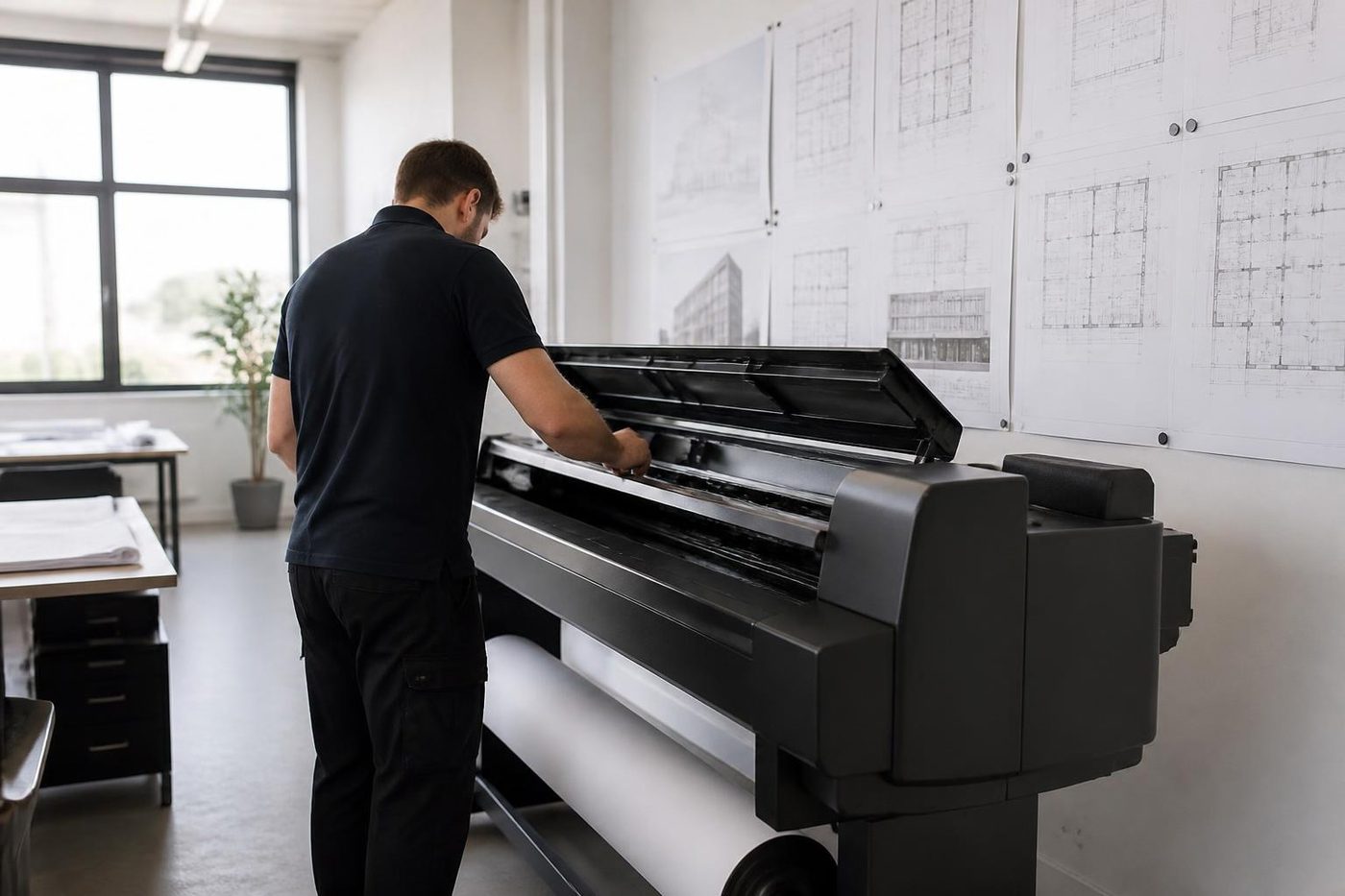 Plotter serviceHP DesignJet, Canon imagePROGRAF and Epson SureColor plotters, repaired at your premises.
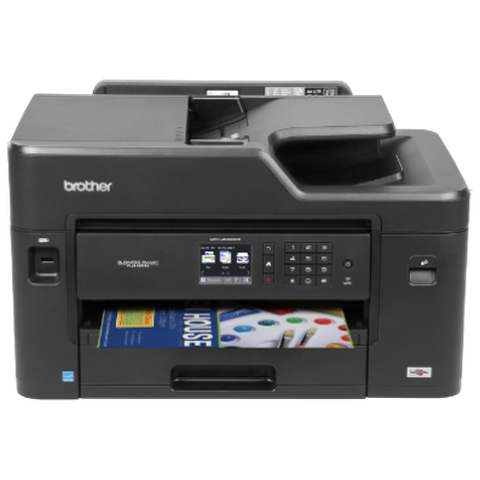 Brother repairsHL and MFC business lasers, colour MFCs and A3 inkjets, repaired at your office.
 HP repairsLaserJet, Color LaserJet, Managed MFP and DesignJet, repaired where they sit.
 Scan to email not workingScans that never reach an inbox or a shared folder.
 Brisbane CBDQueen Street to Eagle Street, William Street to Roma StreetMilton and inner BrisbanePark Road, Rosalie, Toowong and the inner ring
Buy, sell and lease
Buy, sell and lease commercial copiers in Brisbane
We also sell new and refurbished commercial copiers and buy used ones. Same team, same technicians.


Brisbane offices, up close


Questions people ask us on the phone
Do you repair Epson WorkForce Pro and Enterprise printers in Brisbane?
Yes, at your premises. SureColor T series plotters in drawing offices are on our list too.
The maintenance box is near the end of its life. Can you replace it?
Yes. A new box goes in, the old one is not reset, and no third party tool touches the waste ink counter.
Where do I find the Epson error code?
Look in the Status Menu of a WorkForce multifunction, under job history, where a failed job leaves a three digit code. Have it ready with the model name.
What do 322 and 323 mean?
Both belong to scan to folder or FTP: 322 is an authentication error and 323 a communication error. We check the credentials, the share and the clock before touching the machine.
Scan to email gives 312. What is wrong?
That is an authentication error on the mail side, most often from a changed password or a changed mail rule. We confirm what the machine reports.
Our SureColor shows Call For Service. What now?
Epson's step is to power down, unplug at the wall and at the printer, then reconnect and power up. A message that comes back is one to ring us about, with the model and the code.
Does a heat free Epson have a fuser or a drum?
The WorkForce Enterprise AM machines do not. Epson calls them heat free inkjets with no toner cartridges, fusers or drums.
Will your repair affect cover I hold from Epson?
We make no claim either way. If the machine is still in cover, speak to Epson first.
Why does my Epson band after it has sat unused?
Dry nozzles are the usual reason. A nozzle check comes first, then a head clean, and because repeated cleaning fills the maintenance box faster, tell us how long it stood.
Is there an Epson printer repairing near me service for a business machine?
Yes. Business inkjets and plotters are repaired where they stand, and you hear the price first.

