Start by asking when it happens
A copier makes different noises at different moments, and the moment narrows the cause faster than the sound does. Note which of these it is.



At warm up
A hum or whine as the machine wakes is usually the fuser or a fan. A short whine from the laser unit as it spins up is normal on most machines. A new high pitched whine that did not used to be there is worth a note.
As paper feeds
A squeal or a slap as a sheet leaves the tray points at the pickup and feed rollers, or at paper that has curled in the damp. A dry bearing or a glazed roller makes a squeak that repeats with each sheet.
While it prints
Grinding or a rhythmic thump during a print belongs to the drives that turn drums, belts and the fuser. A thump on every page is something that turns once per page.
During a scan
Scraping or a rattle as the glass is scanned is the scan carriage on its rail or belt. A scan head that has lost its smooth slide will do it.
At the finisher
Punching, stapling and stacking are noisy by nature. A harsh crunch with a staple jam message is a finisher job, not the copier itself.
Sounds and their usual sources
A quick look at the ones we hear most.
| Sound | Likely source | Action |
|---|---|---|
| High squeal while printing | A bearing running dry, a roller or a drive belt | Ring. It will not mend itself |
| Grinding or crunching | A worn gear, a missing tooth or debris in a drive | Power down and ring |
| Regular thump | Unbalanced fan, loose part or motor mount | Ring if it continues |
| Rattle at start up | A loose cover, or a staple or clip that strayed | Check covers and the output tray |
| Paper slapping out | Curled paper or worn exit rollers | New ream first, then ring |
| Whine from the rear | Fan with a choked filter or a tired bearing | Ring |
| Clicking round and round | A solenoid, or a jam sensor misreading | Read the display, then ring |
| Scraping from the scanner | A dry guide rail or the scanner belt | Ring |
A squeal will not wait for the weekend
Somewhere inside, two surfaces are rubbing that should not touch, or a bearing that wants lubrication has gone dry. A bearing can squeal for weeks before it seizes. Seized rollers overheat, glaze the paper path and can strip a gear or cook a motor. Tuesday's squeal is a cheap job; the same squeal on Friday may be a motor.
Grinding is the one to stop for
A chipped gear, a missing tooth or something hard lodged in a drive usually sounds like grinding. Keep running and it spreads, because loose teeth jam the train and chew the next gear along. Stop at the power key and ring. A hot smell or any smoke with the noise means the plug comes out of the wall.
Things that sound awful and are not
Not every new sound is a fault.
- Fans running hard after a long job. They protect the machine from the heat it just made.
- A different note from a machine that has moved to a new spot or a new floor.
- Solenoid clicks as the machine switches from one tray to another.
- Paper rustle from a ream that has gone damp and curly.
- Buzzing where a cabinet or wall touches the machine. That is the furniture vibrating.
- A noisy first minute on a cold morning in winter, which eases once the machine warms.
One Brisbane special deserves a line. A copier standing on the timber floor of a converted Queenslander can set the boards humming, and the noise seems to come from everywhere. Moving the machine a hand's width, or putting a firm mat under it, often quietens what sounded like a fault.
Describing a noise down the phone
Describing a sound feels daft, and it works. Is it high or low, steady or in bursts, and what is the machine doing at that moment? A squeal as a tray feeds is a roller or the pickup. A grind that follows the scanner along is the scan drive.
Better again, hold your phone near the machine, record ten seconds and attach it to the contact form. We have heard a lot of copiers, and a clip is worth more than a paragraph. Mention any smell too: hot plastic alongside a noise means stop straight away.
What to leave alone
Never spray lubricant into a squealing machine. Oil that reaches a roller or belt migrates to the paper and the imaging parts, and that is how small repairs turn big. Covers stay shut on a running machine, and nothing gets pushed into the vents. Tools and fingers wait until the plug is out.
What you can safely do: confirm each tray and cover is shut and seated, look into tray openings for a stray staple or paper clip, see that the machine stands level and off the wall, and try a fresh ream to rule out curl.
What the technician does
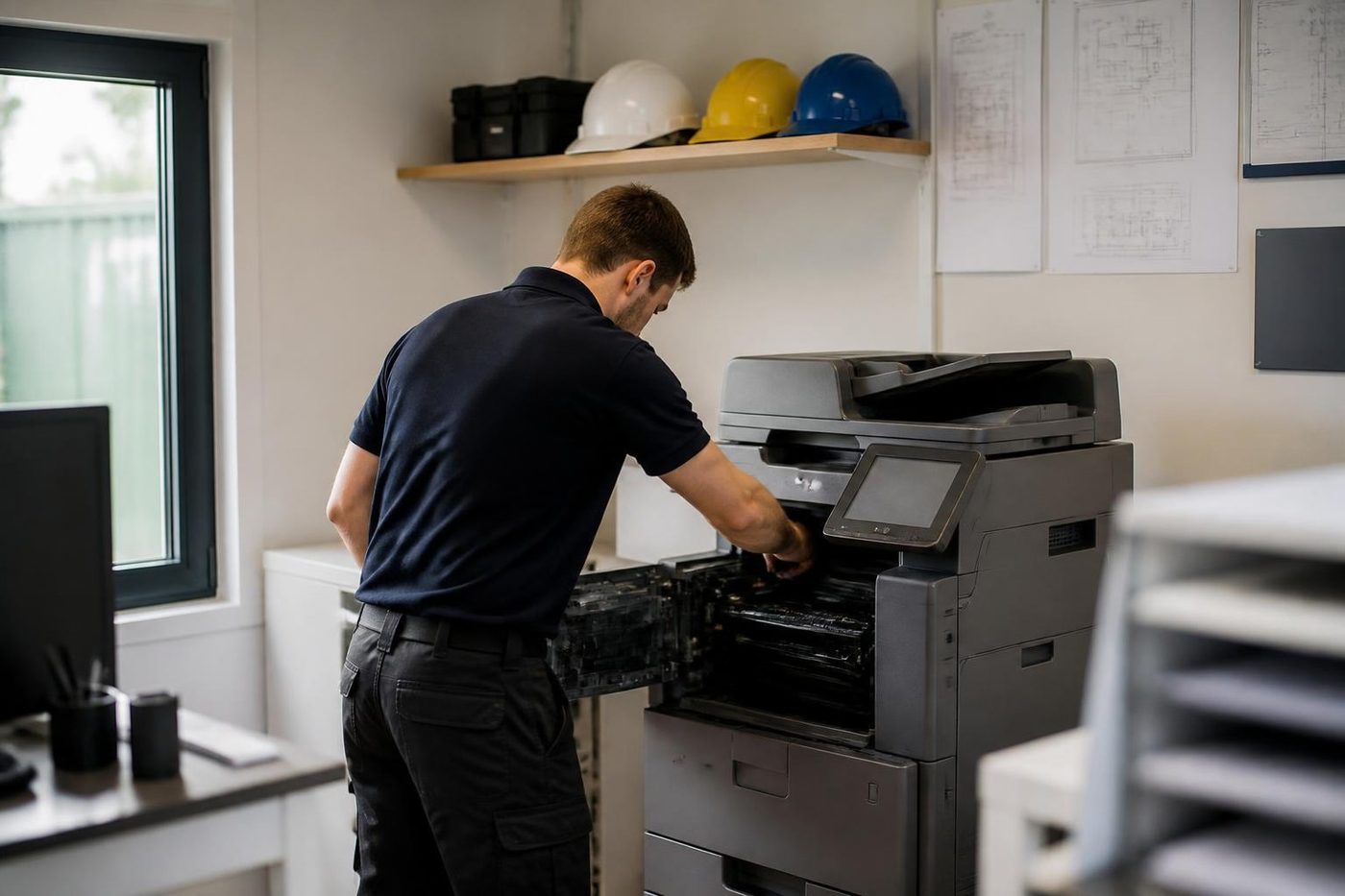
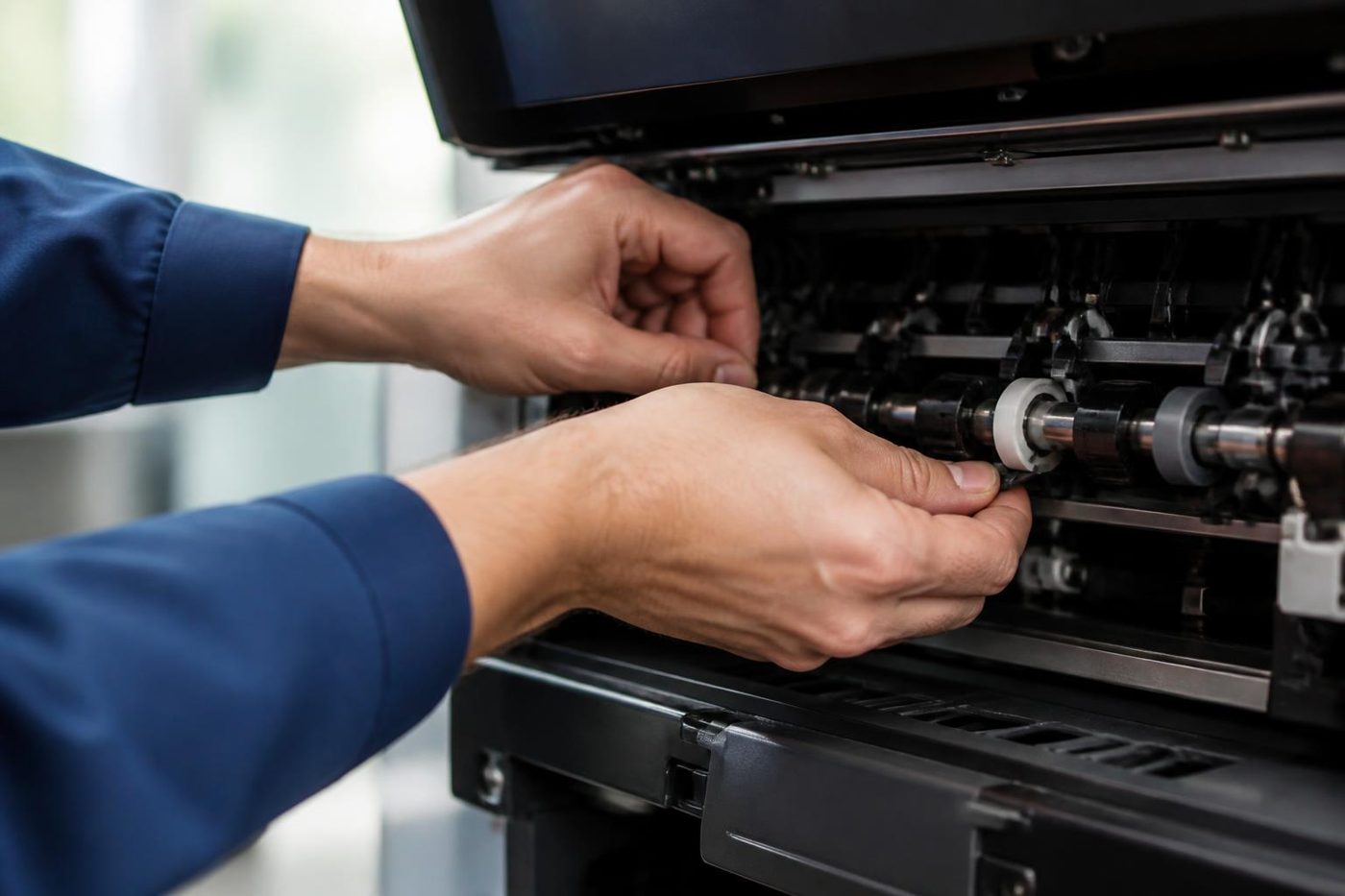
Listening comes first. Then parts are run one at a time, the paper feed, the two sided path, the scanner, the finisher, so the noisy drive or roller shows itself without the machine being stripped. After that the suspect part is inspected and its wear set against the page count.
Swap a gear and ignore what loaded it, and the new gear dies too. A stiff roller, a shaft out of line or a dry bearing nearby can all be the culprit. We chase the cause as well as the casualty, and a repeat of the same fault is fixed again free. Same day service is available, and the price is settled on the phone before a booking.
Dust, workshops and hot sheds
Dust goes looking for weak spots. An office beside a workshop at Rocklea or Archerfield clogs the fan filter, and a whining fan follows. Hot sheds keep fans working harder for longer. A CBD tower is cleaner, though a busy law or engineering floor can run a copier flat out, and rollers simply wear on schedule. If a noise begins in a hot spell, check the machine has air around it.
When a noise means a tired machine
One failed bearing is just that. Several tired drives on a machine with a very high count say something else, and we tell you which you have. Where a repair makes sense we do it. Where it is time to plan a replacement, our page on whether a copier is worth repairing sets out how we weigh it, and a second hand machine can soften the bill.
A trader sees the whole life
We know which models soldier on
Because we buy and sell machines we know which models run for years and which turn up on every second job sheet. That knowledge goes into repair advice as well.
The work is warranted, and so is any machine we sell.
- Repair options first. Replacement second.
- Plain about age. No upsell on a machine with years left.
- Warranted either way. Repair or replacement.
Keep reading around Brisbane
Photocopier paper jamsWhy it jams and what to try first. Is my copier worth repairing?How we weigh repair against replacement, honestly.
 Toner smearing and fuser faultsToner that rubs off, ghosting and fuser trouble.
 Copier error codesHow to read a code and what to note down.
 Printer and photocopier repairsCopiers and printers repaired at the desk where they broke.
 Commercial printer repairsWorkgroup and desktop laser printers, colour lasers and label printers, repaired at your premises.
Buy, sell and lease
Buy, sell and lease commercial copiers in Brisbane
We also sell new and refurbished commercial copiers and buy used ones. Same team, same technicians.
Machines and offices we know



Questions people ask us on the phone
What makes a copier squeal?
Most often a dry bearing, a roller or a belt. It will not cure itself and usually worsens, so ring us.
How serious is grinding?
It is the sound to stop for. Power down and ring with the make and model.
Would a squirt of oil quieten it?
No. It spreads onto paper and imaging parts and starts new faults.
It rattles as it starts. What should I check?
Loose covers, and a stray staple or clip in a tray opening. If the rattle stays, ring.
Does a loud fan matter?
Often it is dust or a worn bearing. Fans keep the machine cool, so a fan that has changed its tune deserves a look.
Can a noise be diagnosed by phone?
We can sometimes narrow it down, and a short recording through the contact form helps a great deal.
Is a noisy copier a danger to us?
Mostly the risk is to the machine. Grinding with a hot smell or smoke means power off and unplug.
Will the noise return after a repair?
If the same fault comes back we fix it again free, and we look for what caused the wear along with the worn part.
Could the floor or a cabinet be the source?
Yes. A machine touching a wall or standing unevenly can buzz against it, so check before you ring.
Do you attend copier noise faults at my office in Brisbane?
Yes, on site across Brisbane.

