Refurbished HP
Refurbished HP Photocopiers for Sale in Brisbane
The office IT person asks about printer security more often than anyone else, and HP has a good answer. Its Color LaserJet A3 machines carry firmware that checks itself at start up and recovers from a known good copy if something has been tampered with, and none of that goes away when a machine is refurbished. We sell refurbished HP photocopiers in Brisbane: inspected, serviced, tested and warranted, then delivered and set up on your network. If your desks already run HP printers, it is the easiest A3 colour machine to add.
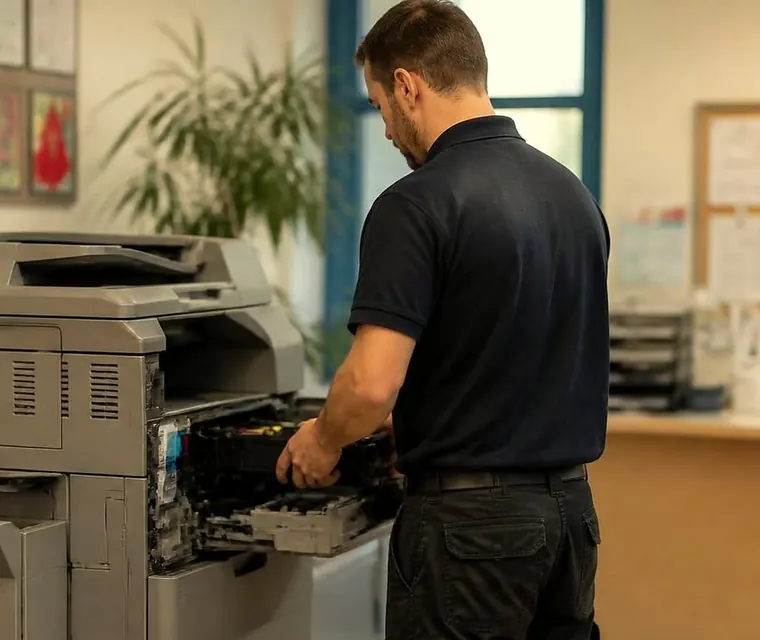
Brisbane printer service and photocopier repairs, plus machine sales
Why a refurbished HP is not just a used one
What we sell has been inspected, serviced, refitted where parts were tired and tested before it goes out, so it runs like new. A printer that was simply cleaned and resold is a different thing.
Many Brisbane offices already have HP on the desks and in the print room, and staff know the drivers and the supplies. An A3 HP slots into that without anyone learning a new panel, which counts for more than the spec sheet suggests.



What every model has
The common ground across the range.
- Colour and mono printing, copying and scanning, with fax as an option.
- Paper from A4 up to A3, which is SRA3.
- Automatic two sided printing and a document feeder.
- A colour touchscreen.
- HP self healing security and genuine HP toner.
- Gigabit network, USB, and phone printing through AirPrint and Mopria.
- Scan to email.
Models we handle
The range covers two generations and runs from 22 to 60 pages a minute. Stock changes, so ring to confirm what we have now.
| Model | Speed | Where it fits |
|---|---|---|
| HP E77822 | 22 pages a minute | Small offices with everyday printing and a first A3 colour machine |
| HP E77825 | 25 pages a minute | A little more pace for a busier small office |
| HP E77830 | 30 pages a minute | The quickest of the original compact series, a comfortable shared team machine |
| HP E78325 | 25 pages a minute | A newer compact for small teams wanting current HP security |
| HP E78330 | 30 pages a minute | The brisker of the newer compacts, a tidy fit for a busy front office |
| HP E87640 | 40 pages a minute | A departmental workhorse for offices with real daily volume |
| HP E87650 | 50 pages a minute | Serious speed for print heavy teams that cannot afford to queue |
| HP E87660 | 60 pages a minute | The pace setter of its series, for the busiest environments |
| HP E785DN | Up to 30 pages a minute | A capable mid size unit for steady printing through the day |
| HP E786DN | 35 pages a minute | Quicker again, for medium workgroups with regular colour work |
| HP E87740 | 40 pages a minute | A newer departmental unit balancing speed and running cost |
| HP E87750 | 50 pages a minute | High output for large offices where the copier works all day |
| HP E87760 | 60 pages a minute | The flagship of the range, for maximum volume workplaces |
Security, and why IT providers ask
A modern office printer is a computer on the network, and an unprotected one is a way in. HP's self healing firmware is designed to spot an attack on the machine's own software and restart from a known good state. If your IT provider has a view on printers it probably concerns this, so put the question to them. If it matters in your office, the HP range is one of the first places to look.
Genuine HP toner is part of the package. Running costs and supply arrangements are worth a call before you decide, and we talk them through.

Refurbished HP photocopier Brisbane: who it suits
Offices that want strong colour, familiar controls and security an IT provider will ask about. Accounts and administration teams that already run HP printers and want one more. The smaller models fit a shared corner. The 40, 50 and 60 page units are for print rooms where a queue costs real time.
Torn between HP and another make? Bring your monthly page count and we say which fits.
Colour work and A3
The A3 colour range suits offices that print presentations, proposals, plans and marketing material in colour and want it to look right. If most of your printing is black and white, tell us. A mono machine, or a colour machine used mostly for mono, might be the cheaper answer in the long run.
A used HP photocopier and the cost of running it
A used machine's price is half the story. Find out what toner costs for the model, how many pages a cartridge yields and what drums and fuser will need. You get those figures from us before you commit.
In the price
What you receive with the machine.
- Workshop servicing and a full test beforehand.
- Warranted cover, explained before you agree.
- Our own people to deliver and install it in Brisbane.
- Network and scan to email configured, so the first print works.
- Service and toner support later, if you want them.
Five things to settle before buying a used HP
We answer these for every machine we sell.
- Exactly which model it is, and its page count.
- What was fitted during the refurbishment, and how the imaging units and fuser look.
- Whether the feeder, the cabinet and each tray are there and working.
- Whether delivery, network setup and scan to email are part of the price.
- What the warranted cover includes.
Setting up and servicing an HP
Delivery, network connection, drivers and scan to email are our job. The technicians who prepared the machine look after it at your premises later, and they are trained, experienced and certified. An HP of your own that is playing up is a repair matter: see HP printer repairs and service, or the HP LaserJet error messages guide. One you want to be rid of can be sold to us, and the money can go toward your next machine.
Other ways to buy
Toshiba, Ricoh and Kyocera each have a refurbished page, and used and refurbished photocopiers gives the overview. Finance, lease and hire are on the printer and photocopier sales page. Related pages: new photocopiers, ex demo photocopiers, office printers for sale and lease, rental and finance. We take trade ins too.
Delivery
Delivery covers Brisbane from the inner west and the Centenary suburbs out along the Ipswich corridor. Ring (07) 3073 5255 about your address, or write through the contact page.
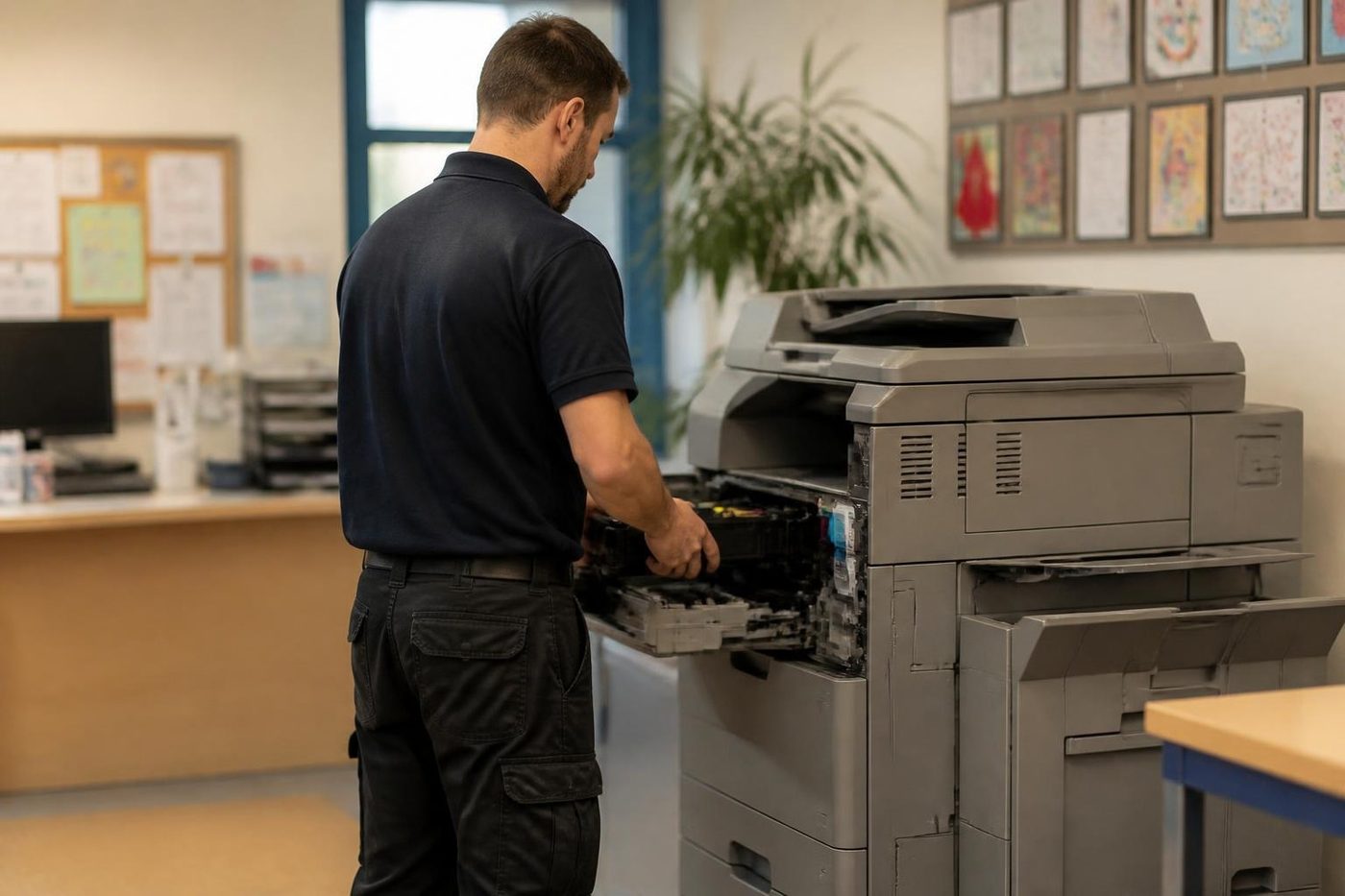
A used HP and the fax question
Fax is optional on these machines, and many offices never fit it. If you still send or receive faxes for a legal, medical or government reason, tell us before the machine is prepared so it is configured with the option included. If you do not, the machine is simply smaller and simpler, and nobody misses it.
Pages, paper and the first week
The first week with a new machine is when the small things show up: a tray set to the wrong size, a driver that picked the wrong default, a scan destination that has the wrong address. We install, test and show your team the basics, and we stay available for the first few days if something is not quite right. Ring and tell us what you see and we sort it, because it is the same technician who set the machine up.
Belts and rollers
Handle it like glass
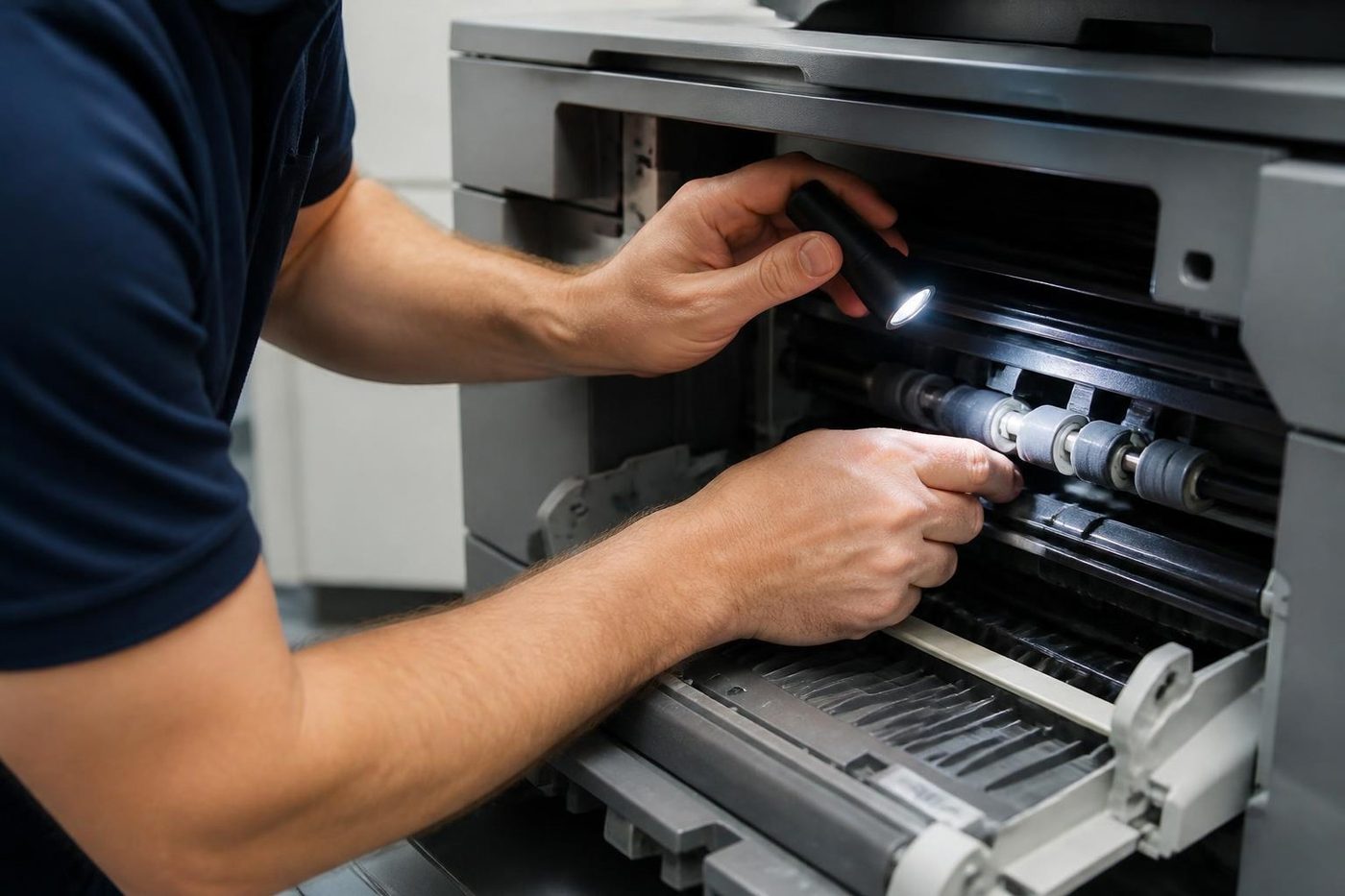
We lift belts by the edges and work on a clean surface, never on a desk piled with paperwork. It sounds fussy. It is the gap between one visit and two.
Rollers get the same care: wiped with the right cloth, fitted square, turned by hand before power goes on. Customers notice the tidiness before they notice the fix.

- Edges only. Belts are lifted, not grabbed.
- Clean bench. Parts never sit on the floor of the copy room.
- Turned by hand. Rollers are checked before the machine is switched on.
Keep reading around Brisbane
 Used and refurbished photocopiersTested and warranted used, refurbished and ex demo commercial copiers, delivered and set up.
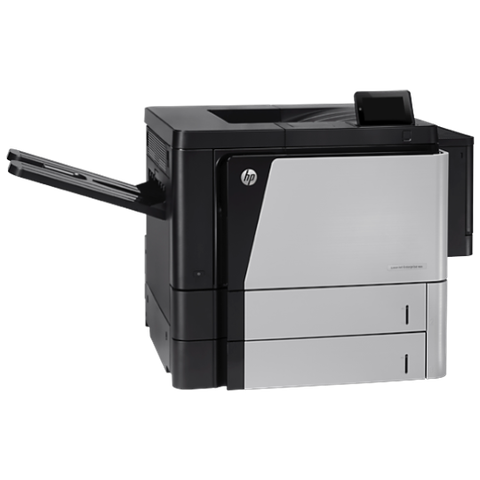 HP repairsLaserJet, Color LaserJet, Managed MFP and DesignJet, repaired where they sit.
 Refurbished Toshibae-STUDIO AC models, tested, warranted and set up.
 Refurbished KyoceraTASKalfa and ECOSYS, tested, warranted and set up.
 Refurbished RicohIM C series, tested, warranted and set up.
 Printer and photocopier salesNew, used and refurbished commercial machines, with finance, lease, rental and hire.
 A3 photocopiers for saleA3 copiers and multifunction machines.We buy photocopiersSell a used commercial copier or office printer to us. Figure agreed on the phone.
Buy, sell and lease
Buy, sell and lease commercial copiers in Brisbane
We also sell new and refurbished commercial copiers and buy used ones. Same team, same technicians.
Brisbane offices, up close


Questions people ask us on the phone
Is a refurbished HP photocopier reliable?
It is serviced, refitted where needed and tested before sale, and it is warranted, and we explain the cover before you buy.
Which HP models do you handle?
The E series A3 colour range, from the 22 page E77822 to the 60 page E87660 and E87760. Stock changes, so ring to confirm.
Do the machines print A3?
Yes. Every model takes paper up to A3, which is SRA3, and prints two sided.
Why do IT providers like HP for security?
HP's self healing firmware is designed to spot an attack on the machine's own software and restart from a known good state. Ask your own IT provider whether it matters for you.
Does it come with genuine HP toner?
Genuine HP toner is part of the package. Ask us what toner costs for the model you want before you decide.
Can you deliver and connect it to our network?
Yes. We deliver it, put it on your network, load the drivers and set up scan to email.
Who services it afterwards?
The same technicians who prepared it, at your premises.
What if I only print black and white?
Tell us. A mono machine, or a colour machine used mostly for mono, may suit better.
Do you buy HP machines too?
Yes, used copiers and office printers, with the value available as credit toward your next machine.

Done properly once
Fixed where it stands
No lifting, no posting, no borrowed printer for a week. The repair happens at your site.
Book a repair
Printer service Brisbane, from one desk printer to a whole floor
Copier and printer repairs across Brisbane
Fault guides
- Copier and printer faults Brisbane
- Photocopier paper jams Brisbane
- Copier black lines and streaks Brisbane
- Copier error codes Brisbane
- Copier not printing Brisbane
- Scan to email not working Brisbane
- Toner smearing and fuser faults Brisbane
- Printer offline and network faults Brisbane
- Copier noise, grinding and squealing Brisbane
- Is my copier worth repairing Brisbane
- Toshiba e-STUDIO error codes Brisbane
- HP LaserJet error messages Brisbane
- Kyocera TASKalfa error codes Brisbane
Makes we work on
- Toshiba copier repairs Brisbane
- HP printer repairs Brisbane
- Kyocera copier repairs Brisbane
- Fujifilm copier repairs Brisbane
- Xerox copier repairs Brisbane
- Canon copier repairs Brisbane
- Ricoh copier repairs Brisbane
- Lexmark printer repairs Brisbane
- Brother printer repairs Brisbane
- Epson printer repairs Brisbane
- OKI printer repairs Brisbane
- Zebra printer repairs Brisbane
- Konica Minolta copier repairs Brisbane
- Sharp copier repairs Brisbane
- Fuji Xerox copier repairs Brisbane
Suburbs and districts we cover
- Printer service Inner West Brisbane
- Printer service Brisbane CBD
- Printer service Milton, Toowong and Inner Brisbane
- Printer service Centenary Suburbs
- Printer service Ipswich Corridor
- Printer service Logan
- Printer service Brisbane Northside
- Printer service Acacia Ridge and Archerfield
- Printer service Toowoomba
- Printer service Eastern Suburbs and Airport Precinct
- Printer service Southside: Sunnybank and Mount Gravatt
- Printer service Redcliffe and Moreton Bay
- Printer service Redlands, Capalaba and Cleveland
- Printer service Caboolture, Morayfield and the North
- Printer service Fortitude Valley and Newstead
- Printer service Indooroopilly, Toowong and Kenmore
- Printer service Springfield and Ripley
- Printer service Ipswich, Booval and Amberley
- Printer service Beaudesert and the Scenic Rim
- Printer service Lockyer Valley and Gatton
- Printer service Beenleigh and Yatala
- Printer service Bribie Island and Moreton Bay
- Printer service Carindale and Camp Hill
- Printer service Wynnum and Manly
- Printer service North Lakes, Strathpine and Petrie
- Printer service South Brisbane and Woolloongabba
- Printer service Logan Central and Browns Plains
- See every Brisbane area
Looking at a machine for your office?
Tell us if you are buying, selling, leasing or moving one, and roughly how much the office prints. We ring back and talk through the options. You can also phone (07) 3073 5255.