Konica Minolta service Brisbane
Konica Minolta Photocopier Repairs & Service Brisbane
Colour is why most offices picked a bizhub, so colour is where the trouble gets noticed first. A logo that printed a shade off. A band across the middle of a proof. A C code after somebody swapped a toner. Our technicians go to the machine wherever it sits in Brisbane, a compact C250i in a small firm or a departmental C658 that never gets a rest. If it stops, ring with the model and what the panel says. We can often get someone there the same day, the first visit fixes 98% of faults, and the price is settled on the phone first.
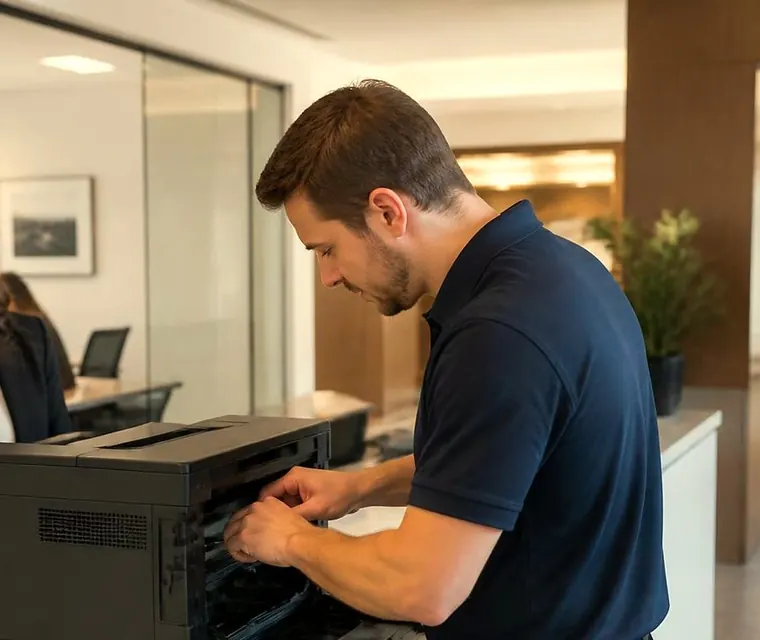
Brisbane printer service and photocopier repairs, plus machine sales
Konica Minolta repairs for a machine bought for its colour
Ask a graphic designer in Fortitude Valley or a school office in the Centenary suburbs why they chose a bizhub and the answer is nearly always colour. Strong, steady colour and sensible controls, from an engine that runs for years. That is also why the first complaints are about shade, banding and fade, well before anything mechanical stops.
The bizhub name stretches across a lot of hardware. Our calls include current and recent i-Series colour machines, the earlier C series still hard at work, mono A3 workhorses and the occasional production press. Ineo badged machines share the engineering and get the same treatment.
Nobody here is Konica Minolta, and we are not a dealer for them either. We are independent. A trained, certified technician works out what has failed and puts it right at the machine, and a fault that comes back is fixed a second time without a bill.
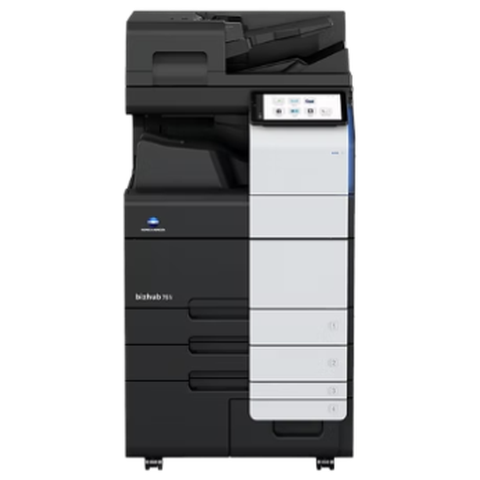


Three steps to a price
- Name the machineMake, model and the trouble it is giving you.
- Hear the price firstWe ring you back with it before a visit is booked.
- A certified technician attendsSame day wherever the diary allows.
Which bizhub is it
Speeds below are A4 pages a minute as Konica Minolta quotes them for the i-Series colour range. Some of these models have been replaced, so we say plainly when a name belongs to an earlier range and nobody mistakes it for something you can still order. Give us the badge and we tell you whether we cover it.
- The big i-Series colour A3 machines, running from 25 to 75 pages a minute, are the C750i, C650i, C550i, C450i, C360i, C300i and C250i. As at 2 October 2026 the C650i, C450i, C360i and C300i count as an earlier range. They suit workgroups in mid sized and larger offices.
- Two compact A3 colour machines, the C227i at 22 pages a minute and the C287i at 28, sit in smaller offices.
- On the A4 colour side the C3350i, C4050i and C4051i use the same panel and software family as the larger machines. They live in reception areas and with small teams.
- The earlier C series colour range is the C258, C308, C368, C458, C558 and C658, with older C224e, C284e, C364e, C454e and C554e units behind them. Plenty of these outlasted their first contract.
- Mono A3 means the 308e, 368e, 458e, 558e and 658e, each with a dual scan feeder, in records rooms and admin areas where the volume is steady black and white.
- Production work covers the C4080, C4070, C4065, the bizhub PRESS C71cf and the older bizhub PRO presses. For these we confirm the job before we book anyone.
When a colour has wandered off
A proof that does not match the screen. A logo that prints one shade warm. A skin tone that has turned orange. A page that is fine in the middle and weak at one edge. These are rarely one broken part. They are usually the sum of a tired developer, a drifting calibration and paper that has taken on moisture.
Before we start on a bizhub that does client work, we find out what its colour is used for. A school newsletter can tolerate a slight cast. A property agent's brochure or an architect's presentation board cannot. The answer decides how far we take the calibration and how much we say about whether the imaging parts are due.
If the fault sits in one colour only, we tell you which and why. If it is in all four, the cause is usually upstream of the colours: the belt, the fuser, the paper or the settings.
C codes on a bizhub
When a bizhub gives up it shows a call service message and a code. The code starts with C and carries four characters after it, which some manuals print as C2557 and older ones as C-2557. Jams use a separate numbering. Colour and mono machines show pairs like 10-01, and production presses show a J number, for instance J-3105.
Read the first digit after the C as a pointer to a system. It is a guide only and it shifts a little between series. Zero is paper feed and the trays, one is the finisher, and two covers the drum, developer, toner supply and transfer belt. Three is the fuser, four is laser and mechanical control, five is motors, cooling and engine, six is the scanner and document feeder, nine is the exposure LED, and CD and CE mean storage and system. Lists disagree between series, which is why we look up your model before we say what a code means.

Codes we are asked about most
Each of these points to an area. None is a verdict.
- C2551 through C2558 are toner density readings, one per colour, either low or high. C2557 reads as black low. We once traced that on an older bizhub to packed toner jamming the bushing in the hopper, then to a leaking seal and a hopper sensor, and only after that to the developer. A developer that was not reset after a unit change can throw it as well.
- C2559, C255A, C255B and C255C report a density sensor that could not adjust, in order cyan, magenta, yellow and black.
- The i-Series list gives C2152 for a transfer belt that fails to return home. Drum motor trouble, either stopped or out of timing, is C2253 and C2254. The developer drive has its own pair, C2255 and C2256, with the same meaning.
- After a drum change, a unit the machine fails to recognise throws one of C2A11, C2A12, C2A13 or C2A14, depending on the colour.
- Pressure roller trouble on the i-Series list shows as C3101. On older machines our jobs ended at a fuser rotation sensor, a release sensor or a drive connector that had worked loose. A fusing motor that will not turn, or turns the wrong way, gives C3201 or C3202.
- Fuser temperature: C3425 means too slow to warm. C3722, C3725 and C3726 mean overheating, C3825 and C3826 mean it ran cold, and C3922, C3925 and C3926 are a broken sensor wire.
- C4101 and C4501 belong to the polygon motor and laser inside the print head unit.
- Paper trays lift on motors of their own: C0202, C0204, C0206 and C0208 report problems with trays one to four, and C0211 reports the bypass.
- Finisher: C1004 is communication, C1102 the tray lift motor, C1106, C1109 and C1112 the stapler motor and its movement, and C1132 the punch drive.
- Scanner: C6704, C6751, C6754 and C6755 cover scanner image and reading unit adjustment, while C9401 and C9402 point at the exposure LED.
- Storage: CD004, CD010, CD011, CD012 and C-E301 turn up when the hard disk or SSD is failing, blank or the wrong type for the machine.
Powering off and on can release a lockout. It repairs nothing, so a code that comes straight back means a physical fault. We keep service mode steps off the site.
The fresh toner that did not fix it
A common bizhub story. The panel says toner is low, somebody swaps the cartridge, and the page is still pale, or a C25 code appears within the hour. The cartridge was never the problem. The machine reads toner density in the developer, not just the level in the bottle, and a density reading that stays low sends the machine hunting.
So we look at the supply path. The hopper, its seals, the bushing that feeds toner onward, the density sensor. If the developer is worn or was not reset after a unit change, that is a different repair. We tell you which part and why before fitting it, because swapping developer units on a hunch gets expensive quickly on a colour machine.
How bizhubs fail, and what the desk sees
Staff describe symptoms, and the descriptions sort neatly into parts, so here is the translation.
Pale output, or a service call straight after new toner, belongs to the density codes above, and the cause sits in the supply path or developer. Creased pages, toner that scuffs off, a sheet wound round the fuser, or a C3 code at power on all mean the fuser. A sheet that wraps usually has a worn separation claw or a damaged heating roller behind it, though paper that is damp or curled can start the same thing.
Lines running down the page in the feed direction come from the drum, cleaning blade, transfer belt or charge unit. If a streak shows only on copies made through the feeder, the culprit is the feeder glass strip. A tray that refuses to rise, often with a sheet stuck behind the drawer, or a bypass that will not feed, points to a sticky solenoid, a clutch or a tired pickup roller. The 10-01, 10-02 and 10-04 bypass jams on a C750i lead to registration sensors, the feed motor, clutches and solenoids.
When the scanner complains about adjustment, we suspect the scanner board, a flat cable or the reading unit. And a slow start with a CD code on the screen means the drive or a board is on its way out.
Microsoft 365 and scan to email: the date that matters
One item on this page has a deadline, and this is it. The manufacturer put out a notice about OAuth 2.0 and scan to email. What it says is that Microsoft intends to disable basic SMTP AUTH by default from the end of December 2026, and to remove it later again in 2027. A bizhub still logging in with a plain user name and password could go quiet the day that lands on your tenant.
The notice links support to firmware. OAuth 2.0 updates for the i-Series were scheduled to arrive in batches from March 2026, and a few of the larger models already have it. Somebody who can approve the sign in has to stand at the machine, because the token is fetched at its own panel under administrator settings. A machine on old firmware has to be updated before that step is possible.
We prefer to check firmware ahead of the change, not after the scans have stopped. Not every i-Series has the update yet. If your Microsoft 365 is run from a head office interstate, ask when your tenant is scheduled, so the Brisbane copier does not find out first.
Scan to folder breaking after a Windows or server change is a separate story. The usual suspects are the SMB or NTLM version, the format of the account name, share permissions, DNS or a firewall rule. The machine's own setup guide wants NTLM versions 1 and 2 and the workgroup or domain name in capitals.
Parts and what a visit covers
Konica Minolta part names use short prefixes, which lets a technician be exact. On the C250i, C300i and C360i the product guide lists drum units DR-316K and DR-316, developers DV-315, waste box WX-107 and staples SK-602. Other models use different codes, so we check the machine in front of us and never assume from the family.
A service visit can reach the imaging unit, the developer and the toner hopper with its seals, the fusing unit (heating roller, pressure roller, thermistors, lamps), and the transfer belt unit with its cleaning. The second transfer roller is on the list, along with pickup, feed and separation rollers wherever paper is stored or fed: trays, bypass, large capacity unit. The feeder pickup, separation roller and glass strip, the cooling fans and dust filters and the staple cartridge get a look too. Faults in the laser unit and storage are rare, and we diagnose before replacing anything there.
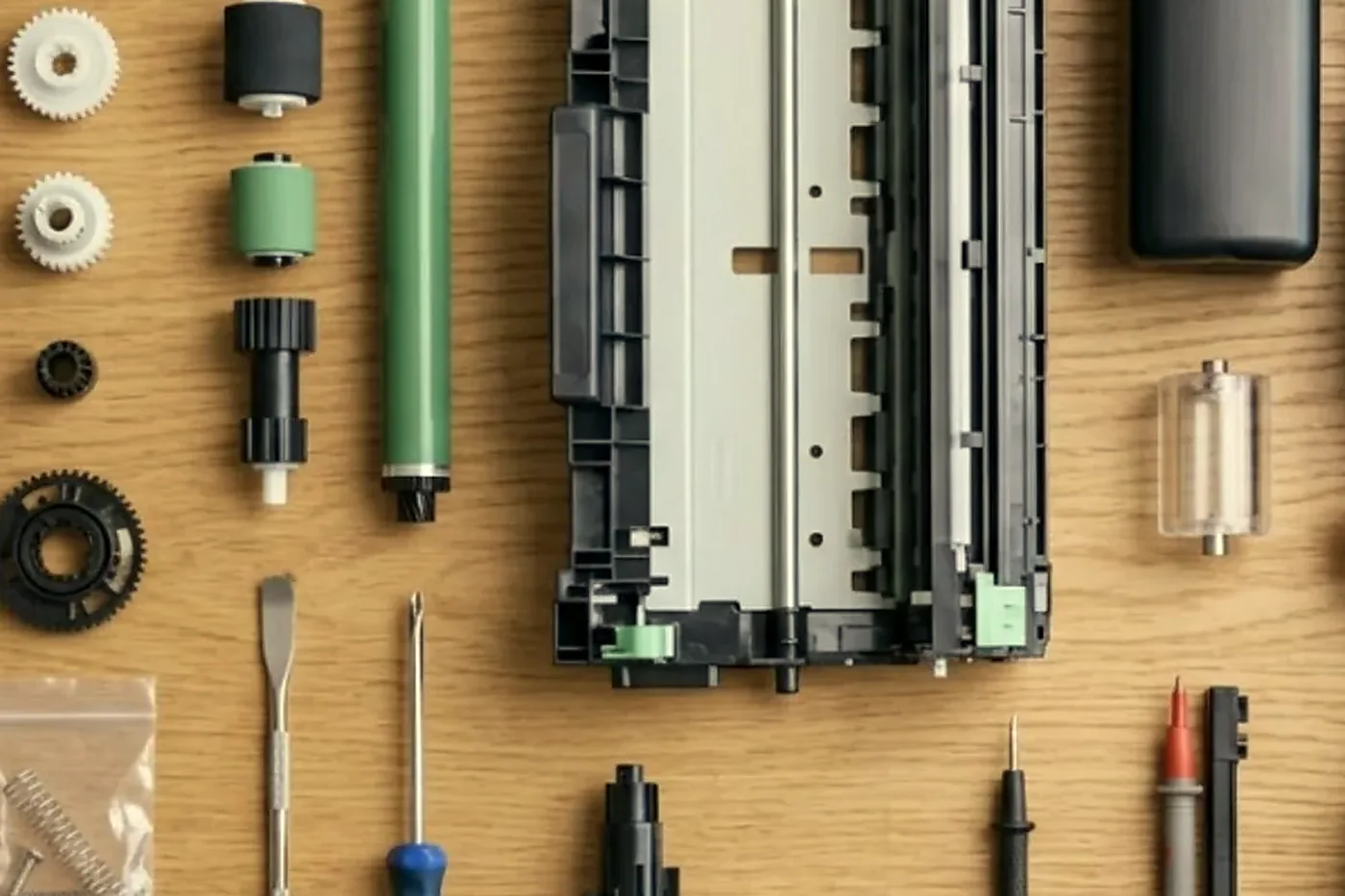
Finishers and options
Which finisher fits depends on the machine, so we match it to the model before we diagnose anything. Most finisher calls turn out to be a unit sitting badly in its dock, a staple jam or a connector working loose.
- The FS-533 inner finisher holds 500 sheets and suits the C227i, C287i, C250i, C300i and C360i.
- Booklet work depends on the machine. The FS-536 and FS-536SD staple and make booklets for the C250i family, and the FS-539 and FS-539SD do the same job on the C227i and C287i.
- Other finishing pieces are the FS-540 series, the JS-506 job separator and the PK-519 and PK-524 punch kits.
- On the scanning side, the DF-632 is a duplex document feeder and the DF-714 a dual scan feeder.
- Extra paper comes from the LU-302 large capacity unit or the PC-116, PC-216 and PC-416 cabinets.
- Controllers and licences: Fiery IC-420, UK-221 wireless LAN, FK-514 fax kit, plus security licences for a trusted platform module and for antivirus.
Calibration, and what it can and cannot do
A bizhub colour machine carries a routine that prints test patches, reads them back and corrects itself. Use it after a unit change, a move, a long quiet spell, or any time the colour looks different from last month. Five minutes and a few sheets of paper, and it settles more colour complaints than any part we fit.
A worn drum or an exhausted developer is beyond it. When one colour will not come back into range, the routine gives up and the fault is physical. We watch what the machine does while it calibrates as well as the result, since a hesitation, a noise or a streaked patch shows us where to look.
Paper matters. A ream of cheap uncoated stock behaves differently from a coated sheet, and a change of brand can shift colour by itself. If colour work is important, keep one paper for it and tell the machine its type.
Schools, clinics and the shared bizhub
A school office might have a bizhub shared by thirty staff. A clinic might have one in the back corridor between reception and the doctors' rooms. Either way the machine is used by people who know nothing about it and every one of them is in a hurry.
What fails there is mostly paper handling and tidiness. A tray loaded with mixed sheets. A bypass tray full of letterhead somebody forgot. A staple cartridge pushed in crooked. Fans and dust filters clog slowly in rooms with carpet and paper. Our technician cleans them on each visit, and shows whoever minds the machine how to check the tray guides and the waste toner box. That saves a call later.
Machines in clinics often carry sensitive records. If a hard disk or SSD has to be replaced we talk through what is on the old one first, and we do not leave a drive behind without agreement.
The bypass tray and the stock that does not belong in it
Bypass jams are a favourite. Somebody feeds a label sheet, a heavy card, an envelope or an old sheet that has curled. The machine tries, the paper wrinkles in the registration area and a code like 10-01 appears. The registration sensors, the clutches and the feed motor get the blame.
Often the cause is the stock and the setting. A bypass set to plain paper will not handle a heavy sheet, and the machine adjusts fusing by paper type. We check what was loaded, what the tray was set to, and only then the sensors and the pickup roller. If you print labels or heavy stock regularly, tell us, because there are settings that help and techniques that save the fuser.
Fans, filters and dust
A bizhub breathes. Fans pull air through filters to keep the toner path and the electronics cool, and in a dusty site the filters clog. A machine that runs hotter than it should drifts in colour, throws temperature codes and wears its fuser faster.
On industrial sites around Darra, Rocklea and the Ipswich corridor we look at the filters on every visit. In an air conditioned city office it is less urgent, but a carpeted corridor in a busy firm still gathers fluff. A clean filter is a small job that prolongs the life of larger parts.
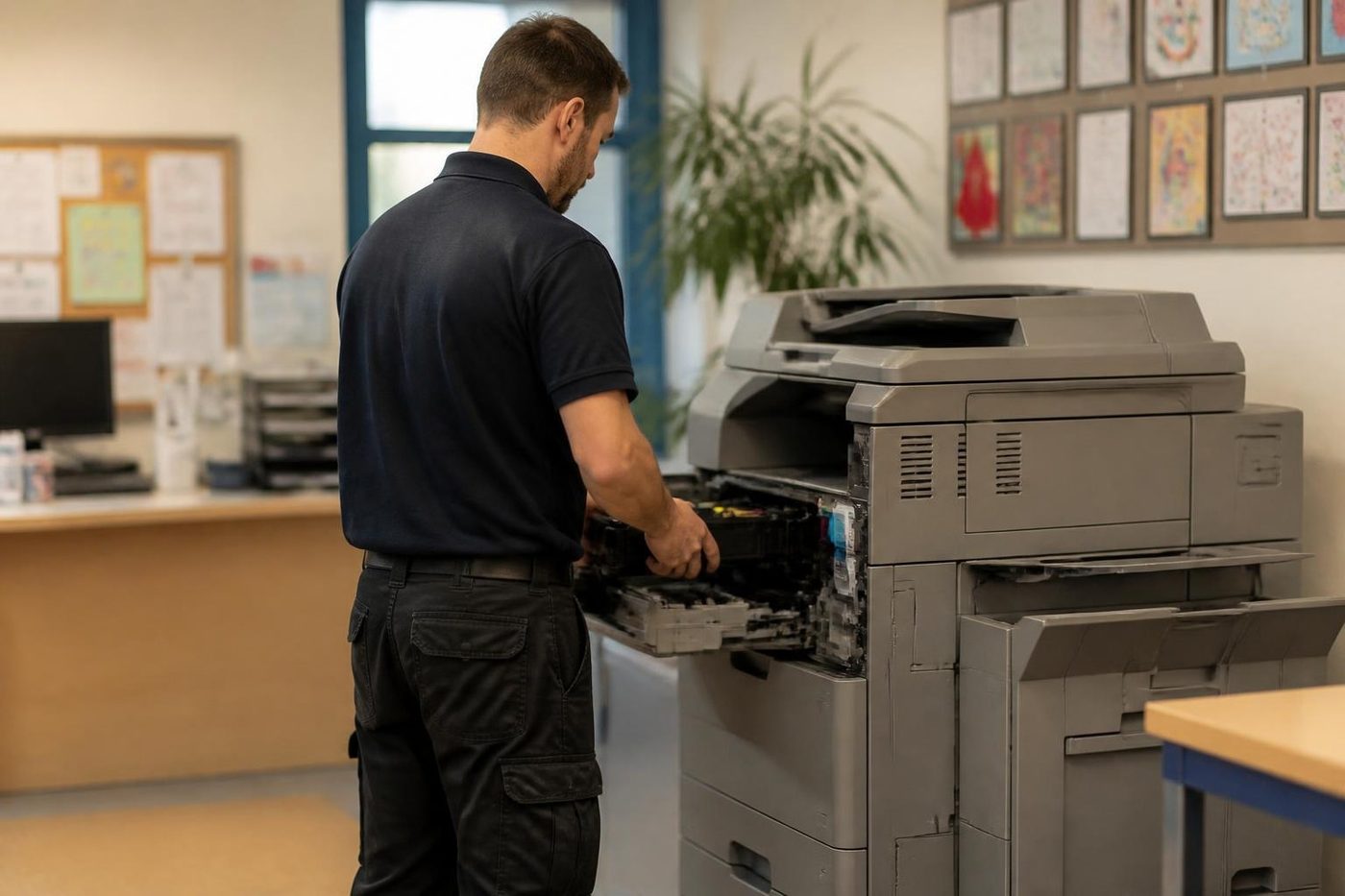
Why the hard drive matters on a bizhub
Newer bizhubs hold a lot on a drive or SSD: the address book, user accounts, scan settings and, in many offices, stored jobs. When that part of the machine misbehaves, the symptom is odd. A slow start. A CD code on the panel. A machine that boots and then drops back to a blank screen.
Failing drives, blank ones and drives that suit a different machine are the three usual sources, and the CD004, CD010 to CD012 and C-E301 codes belong to this area. We note what the machine reports, ask what changed, and speak to you before a reformat or a swap. If you can, export the address book first. A new drive that wipes years of scan destinations makes for a bad afternoon.
A bizhub job, from the phone call onward
On the phone we ask for the model and the code, and what the machine was in the middle of when it stopped. From that we describe what the code usually means and what we would expect to do, then we settle the price. The technician turns up with spares that suit that model family, plus your description.
We watch a few pages run before opening anything, and ask who uses the machine. Covers come off one assembly at a time, and only when the symptom points inside. At the end there is a test print on your own paper, a scan to your usual destination and a staple through the finisher. A written note of the findings goes into the file, so whoever answers the next call has it to hand.
The bizhub in a mixed office
In many Brisbane offices a bizhub is not alone. It sits beside printers of another make, serves staff on laptops, desktops and phones and is expected to scan to a server somebody else manages. That puts a lot of weight on settings and the network, and plenty of what looks like a bizhub fault is a change made somewhere else.
We ask what changed. A new switch, a password policy, a move to a cloud file service, a new printer driver pushed out overnight. The question sounds nosy and it saves visits.
Develop copier repairs and Develop ineo service in Brisbane
Develop is a Konica Minolta brand. A Develop ineo copier shares its engineering with the matching bizhub, so it gets the same diagnosis, the same parts knowledge and the same care. Develop copier repairs, Develop photocopier service and Develop printer repairs are booked exactly the way a Konica Minolta job is, with the same trained technicians.
Read us the model from the front of the machine, an ineo+ colour model or a mono ineo, and any code on the panel. An ineo shows the same style of C code as a bizhub, so the code notes on this page apply. Drums, developer units and fusers are matched to the exact model, and we confirm the part before anything is ordered. Same day service available.
bizhub service around Brisbane
Design studios, schools, medical practices and corporate offices around the CBD, Fortitude Valley, Milton and Toowong send us the colour jobs, which is where calibration and steady output count. On the northside at Chermside, Northgate and Virginia the machine is more often in a mixed office and showroom. In the Centenary suburbs and around Darra, and across the Ipswich corridor at Goodna and Springfield, bizhubs serve schools, clinics and depots, and industrial sites add dust that makes fans and filters a priority.
Brisbane humidity changes how toner and paper behave. A machine in a warm room can wander in colour across a long job, and damp paper misfeeds. We take note of the room the machine lives in. And whenever an IT change comes down from a head office interstate, we recheck scan and mail settings afterwards.
Refurbished machines are something we sell, and used ones are something we buy. Should a bizhub be at the end of its useful life we tell you straight, and the comparison is there if you want it.
The four stages of a Konica Minolta visit




Fuser heat
Respect the hot part
Fusers are cheap to fix when somebody looks first. They get expensive when somebody guesses.
We let it cool, check the rollers and the gap, then fit the part. The same look tells us how much life is left if you are weighing up a replacement.

- Cooled first. Nobody pulls a fuser out hot.
- Checked as a set. Rollers, thermistor and gap, not one part in isolation.
- Honest about age. A tired fuser on a finished machine is a different conversation.
Keep reading around Brisbane
 Copier error codesHow to read a code and what to note down.
 Scan to email not workingScans that never reach an inbox or a shared folder.
 Refurbished Konica Minoltabizhub colour and mono, tested, warranted and set up.
 Canon repairsimageRUNNER ADVANCE, DX and imagePRESS, on site.
 Ricoh repairsIM C, IM and MP series copiers, repaired on site.Copier black lines and streaksLines on copies or prints and where they come from.
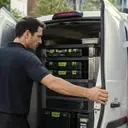 Milton and inner BrisbanePark Road, Rosalie, Toowong and the inner ring
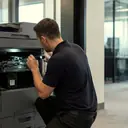 Printer and photocopier repairsCopiers and printers repaired at the desk where they broke.
Buy, sell and lease
Buy, sell and lease commercial copiers in Brisbane
We also sell new and refurbished commercial copiers and buy used ones. Same team, same technicians.

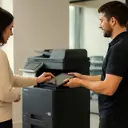
Jobs we have been on around Brisbane



Questions people ask us on the phone
What does a Konica Minolta C code mean?
A C followed by digits names an area of the machine: fuser, drum, finisher, scanner and so on. Turning it off and on can free a lockout, but if the code returns a part is at fault. We look up the code against your model.
My bizhub says toner is low and a new cartridge did not fix it. Why?
The machine measures toner density in the developer, which is different from the level in the bottle. Codes C2551 to C2558 point at the density sensor or the supply path, and we check those before anyone replaces a developer unit.
Will my bizhub stop sending scan to email when Microsoft changes its sign in?
It may. Konica Minolta has issued a notice about OAuth 2.0 and firmware. We read each machine's firmware before your tenant is affected and tell you what needs updating.
Why does my bizhub print one colour weak?
A tired developer or a drifting calibration for that colour is the usual reason. When all four colours are off, the cause is further upstream: belt, fuser, paper or settings. Calibration goes first because it costs nothing.
What does 10-01 mean?
It is a jam code on C and mono machines. On some models, the C750i for one, it points at the bypass area, with registration sensors, the feed motor, clutches and solenoids as the usual suspects. We also check what is in the tray.
Do you service Ineo machines?
Yes. Ineo badged machines share the engineering with bizhub and get the same treatment.
Do you repair bizhub production presses?
The C4080, C4070 and C4065 are on our list. We confirm the production job before booking so the visit is prepared.
The finisher will not staple. Is it faulty?
Usually a staple jam, an empty cartridge or a loose connection. Codes C1106, C1109 and C1112 are stapler faults, and we check how the finisher sits in its dock before suspecting electronics.
My bizhub boots slowly and shows a CD code. What is wrong?
CD codes belong to storage and boards, caused by a failing, blank or mismatched drive. We ask you before anything is reformatted. If you can, export your address book first.
Are you a Konica Minolta dealer?
No. We are an independent service business, with no authorisation from Konica Minolta.
Paper stuck again
(07) 3073 5255 gets a real person
Make, model and the fault. We tell you the cost before the diary is touched.
Write instead
Printer service Brisbane, from one desk printer to a whole floor
Copier and printer repairs across Brisbane
Fault guides
- Copier and printer faults Brisbane
- Photocopier paper jams Brisbane
- Copier black lines and streaks Brisbane
- Copier error codes Brisbane
- Copier not printing Brisbane
- Scan to email not working Brisbane
- Toner smearing and fuser faults Brisbane
- Printer offline and network faults Brisbane
- Copier noise, grinding and squealing Brisbane
- Is my copier worth repairing Brisbane
- Toshiba e-STUDIO error codes Brisbane
- HP LaserJet error messages Brisbane
- Kyocera TASKalfa error codes Brisbane
Makes we work on
- Toshiba copier repairs Brisbane
- HP printer repairs Brisbane
- Kyocera copier repairs Brisbane
- Fujifilm copier repairs Brisbane
- Xerox copier repairs Brisbane
- Canon copier repairs Brisbane
- Ricoh copier repairs Brisbane
- Lexmark printer repairs Brisbane
- Brother printer repairs Brisbane
- Epson printer repairs Brisbane
- OKI printer repairs Brisbane
- Zebra printer repairs Brisbane
- Sharp copier repairs Brisbane
- Fuji Xerox copier repairs Brisbane
Suburbs and districts we cover
- Printer service Inner West Brisbane
- Printer service Brisbane CBD
- Printer service Milton, Toowong and Inner Brisbane
- Printer service Centenary Suburbs
- Printer service Ipswich Corridor
- Printer service Logan
- Printer service Brisbane Northside
- Printer service Acacia Ridge and Archerfield
- Printer service Toowoomba
- Printer service Eastern Suburbs and Airport Precinct
- Printer service Southside: Sunnybank and Mount Gravatt
- Printer service Redcliffe and Moreton Bay
- Printer service Redlands, Capalaba and Cleveland
- Printer service Caboolture, Morayfield and the North
- Printer service Fortitude Valley and Newstead
- Printer service Indooroopilly, Toowong and Kenmore
- Printer service Springfield and Ripley
- Printer service Ipswich, Booval and Amberley
- Printer service Beaudesert and the Scenic Rim
- Printer service Lockyer Valley and Gatton
- Printer service Beenleigh and Yatala
- Printer service Bribie Island and Moreton Bay
- Printer service Carindale and Camp Hill
- Printer service Wynnum and Manly
- Printer service North Lakes, Strathpine and Petrie
- Printer service South Brisbane and Woolloongabba
- Printer service Logan Central and Browns Plains
- See every Brisbane area
Got the make and the fault? Send those two things and we will price it.
A few lines is plenty
One machine or three, send what you have. If the lines are busy the call is logged and returned.
