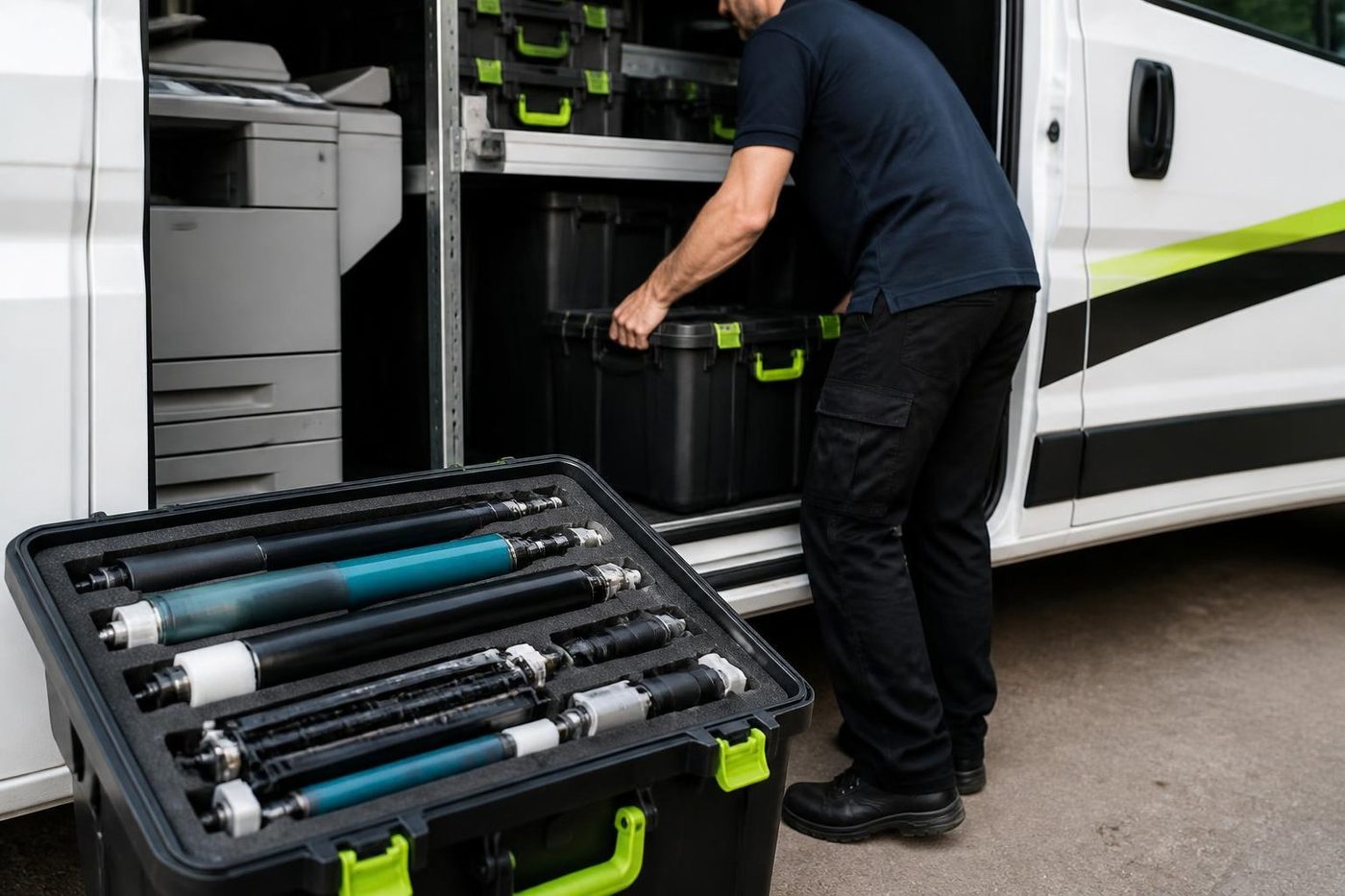
Three jobs people call by one name
Removal means taking a machine away, because it is finished, replaced or sold. A move means shifting it from one place to another, across the floor or to a new site. Relocation is the full job: the move, then reinstall, reconnect and test.
We do all three. A removal can sit inside a trade in or a sale to us, or be a plain collection. A move can be across the office. A relocation is what an office needs when it changes address.



Why not an ordinary removalist
A copier is not a filing cabinet. Toner can spill inside if the machine tilts. The scanner unit can shift out of line. The drum is light sensitive and easily marked, and the fuser can still be hot. Add a network connection, a mail setup and a set of user codes and the job is bigger than lifting a box.
Ordinary removalists have no reason to know any of that. We know it because we open these machines every week, and the technician on your job is trained, experienced and certified.
Move photocopier office Brisbane: what happens when
A move on one page.
| Stage | What we do |
|---|---|
| Before | Ask about the machine and both buildings: lifts, steps, doorways, loading areas. Note the network settings you will need again. |
| Preparing | Shut the machine down properly, secure toner and moving parts, empty the trays. |
| The move | Transport upright on the right equipment, including stairs where the building needs it. |
| Reinstall | Place, level and connect at the new spot. |
| Configure | Network, drivers, scan to email and folder, user settings, then test. |
| Hand over | A quick run through with your team. |
A full office move is covered in more detail on the relocation and setup page, and the relocation checklist helps in the weeks before.
Removing an old copier
You have three options with a machine you no longer want. Pay to have it dumped. Sell it. Trade it in. We buy used photocopiers and we collect, so a machine with value does not cost you to remove. If it has none, we say so plainly.
Either way the data is dealt with. A copier keeps copies, scans and print jobs on an internal drive, and one that leaves the building without being wiped carries those documents with it. We securely erase the drive before any machine is reconditioned, resold or recycled.
Lifts, steps and doorways
A floor standing copier needs a clear path from where it is to where it is going. We ask about passenger lifts, goods lifts, loading areas, door widths, steps and ramps, and whether the building has rules about booking the lift. If yours does, say so on the first call so the move is planned and not discovered on the day. Brisbane has a lot of converted older buildings with narrow stairs and tight corners, and those are worth a conversation before anyone lifts anything.
If the copier is leased, check who owns it. The provider may need to approve the move.
Between floors and rooms
Not every move is across town. A team changes floors, a print room gets turned into a meeting space, a copier goes from the back office to reception. The same care applies. We prepare the machine, move it, reconnect it and test it, so the first page after the move is a good one.
A moved machine sometimes shows a fault that was waiting to happen: a roller near the end, a loose connection, a belt close to retirement. We look for those and tell you honestly if we find one.
The other end
A relocation is not finished until the machine prints and scans from your computers. We connect it to the network, install or update drivers, set scan to email and scan to folder, and check the user settings. Mail details often change with a move and the internet connection is often new. That is part of the job.
Closing an office
The copier is often the heaviest and hardest thing to deal with. If you own it, we buy it and collect on a day that fits your closing. If it is leased, the lessor needs to be involved. Tell us the dates and the access and we plan around the rest of your work.
Before the machine moves
A short list.
- Check who owns it. A leased machine may need approval or a provider technician.
- Write down network settings, scan to email details and user codes.
- Tell us about access at both ends.
- Clear paper and jammed sheets, and leave toner to us.
- Back up address books and scan destinations if the machine allows it.
- Mention any sensitive documents stored on the machine, so we deal with the drive properly.
If you cannot do all of it, ring anyway. We ask the questions on the call.
Plotters and wide format
Wide format plotters are bulky and carry ink or toner, heads and media. We move them with the same care, preparing the machine, securing the heads and rolls and reconnecting at the other end. Tell us the make and model when you ring.
What goes wrong when the wrong people move it
We have been to jobs after somebody else moved the machine. A copier delivered on its side with toner through the inside of the cabinet. A scanner glass cracked on a trolley edge. A drum left out in the sun by a loading dock. A document feeder that was never unlocked for transport and snapped its hinge on the first lift. None of it is deliberate. All of it is avoidable, and the bill lands on the office.
That is why we prepare the machine before it moves, and why the person doing the job has opened one before.
Moving offices in the wet season
A November move in Brisbane can mean a storm in the middle of the day. Machines that sit on a loading dock in the rain, or ride in an open truck, take on moisture, and moisture in a copier does nobody any good. We plan the day around the weather as much as we can, keep machines covered and dry, and leave a freshly moved machine to settle before the first big print run. If your move is in the storm season, mention it on the phone.
Disposal
If a machine has no value we say so and tell you what we can do with it. Machines that cannot be reconditioned are used for parts, and the drive is erased before anything leaves your hands.
Getting a quote
To get a price, ring (07) 3073 5255 or use the contact page and tell us what is being moved, where it is, where it is going, and what the access is like at both ends. The figure depends on all of that and is settled on the phone before anyone is booked. Moves run across Brisbane and out to Ipswich, Moreton Bay, Caboolture, the Redlands, Bribie Island and Toowoomba. A busy line gets the call logged and returned.
Belts and rollers
Handle it like glass
The transfer belt looks like black plastic film and behaves like a pane of glass. One crease or one print of skin oil and every page carries a faint repeating mark that nobody can explain until the belt comes out again.
Rollers get the same care: wiped with the right cloth, fitted square, turned by hand before power goes on. Customers notice the tidiness before they notice the fix.

- Edges only. Belts are lifted, not grabbed.
- Clean bench. Parts never sit on the floor of the copy room.
- Turned by hand. Rollers are checked before the machine is switched on.
Keep reading around Brisbane
 Relocation and setupCopier moves, installation and network setup, tested before we leave.
 Photocopier buyersWe buy used commercial copiers and printers.Photocopier trade inYour old copier counts toward the next one.
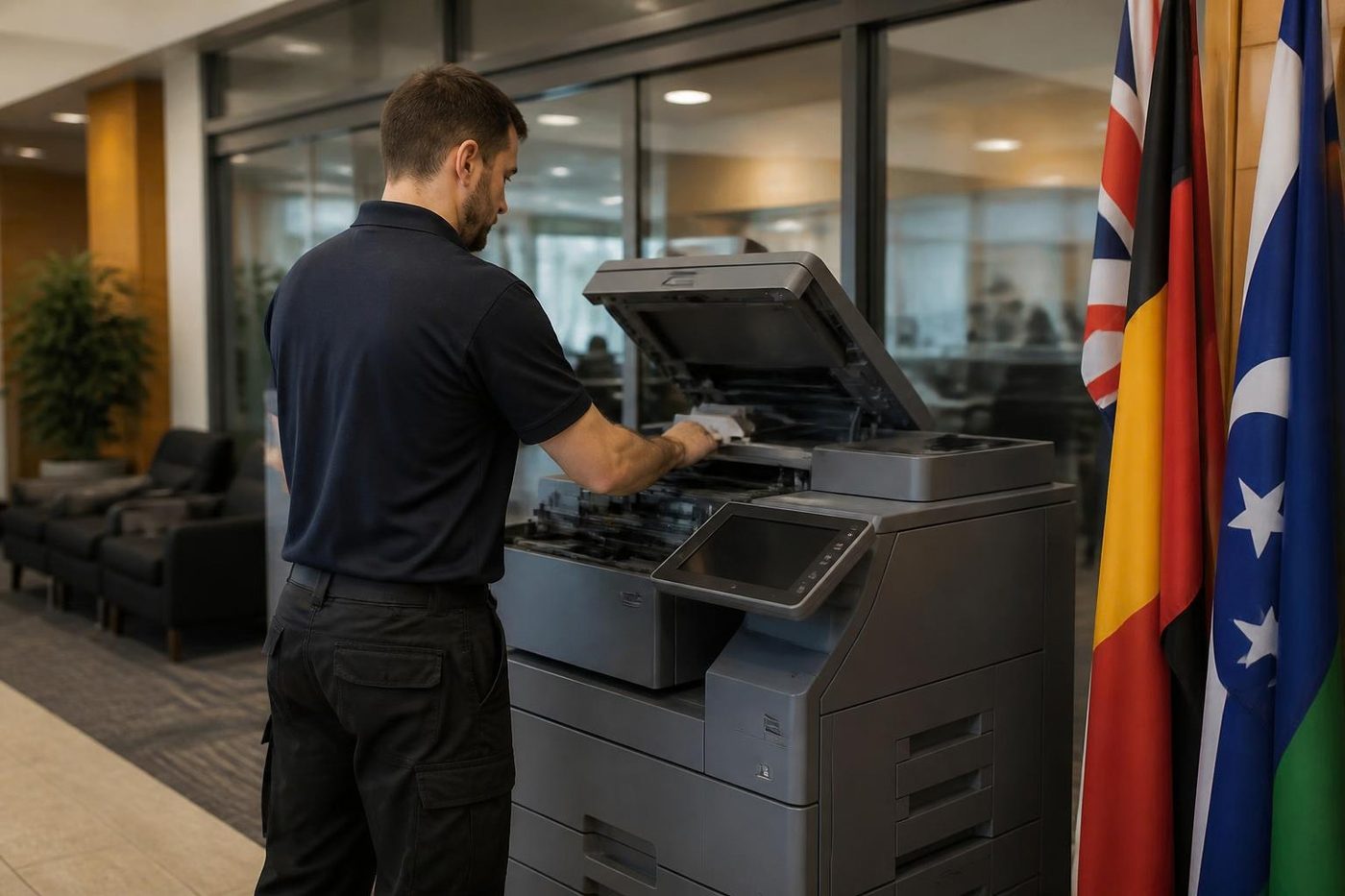 We buy photocopiersSell a used commercial copier or office printer to us. Figure agreed on the phone.
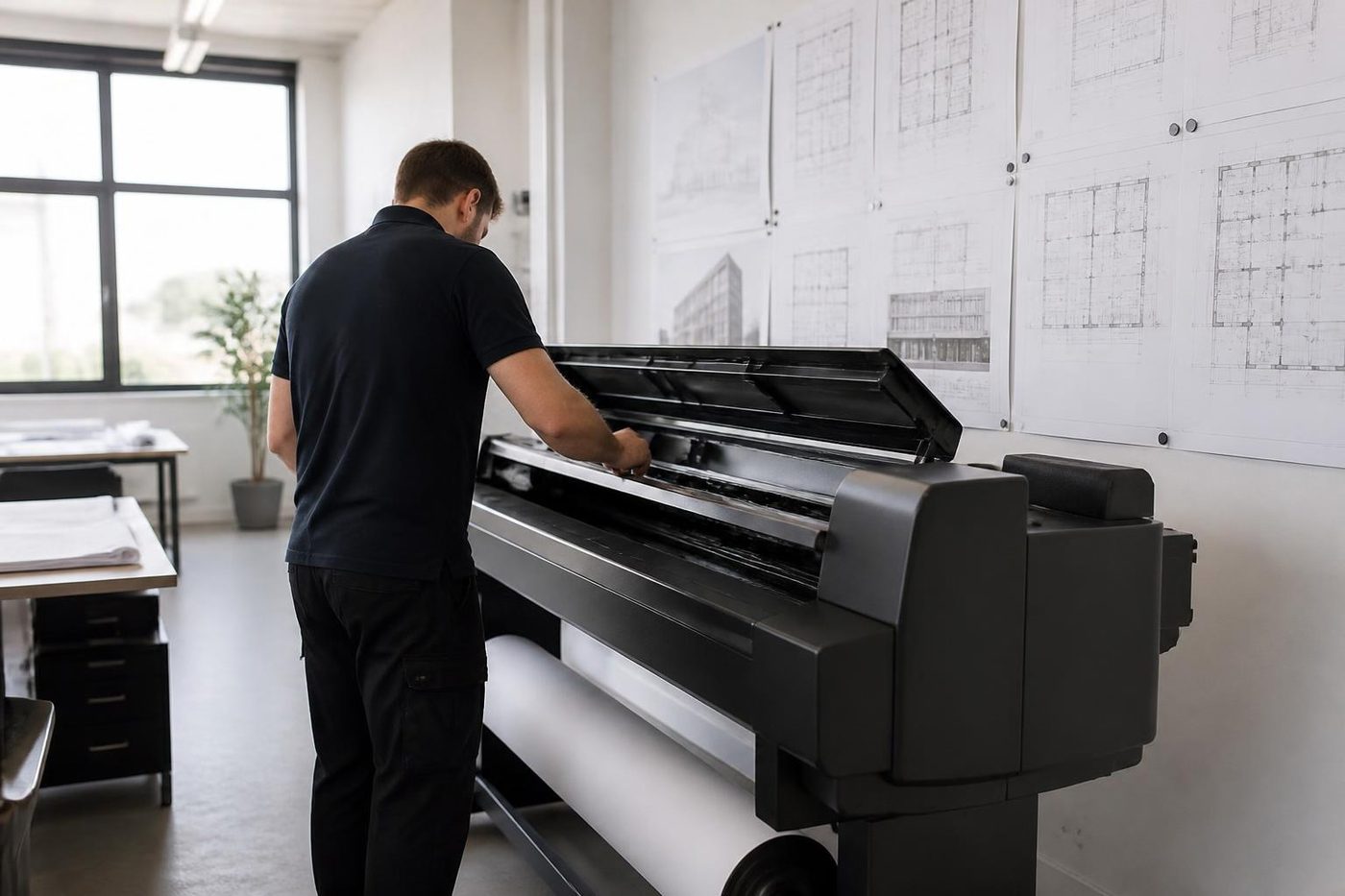 Plotter serviceHP DesignJet, Canon imagePROGRAF and Epson SureColor plotters, repaired at your premises.
Buy, sell and lease
Buy, sell and lease commercial copiers in Brisbane
We also sell new and refurbished commercial copiers and buy used ones. Same team, same technicians.
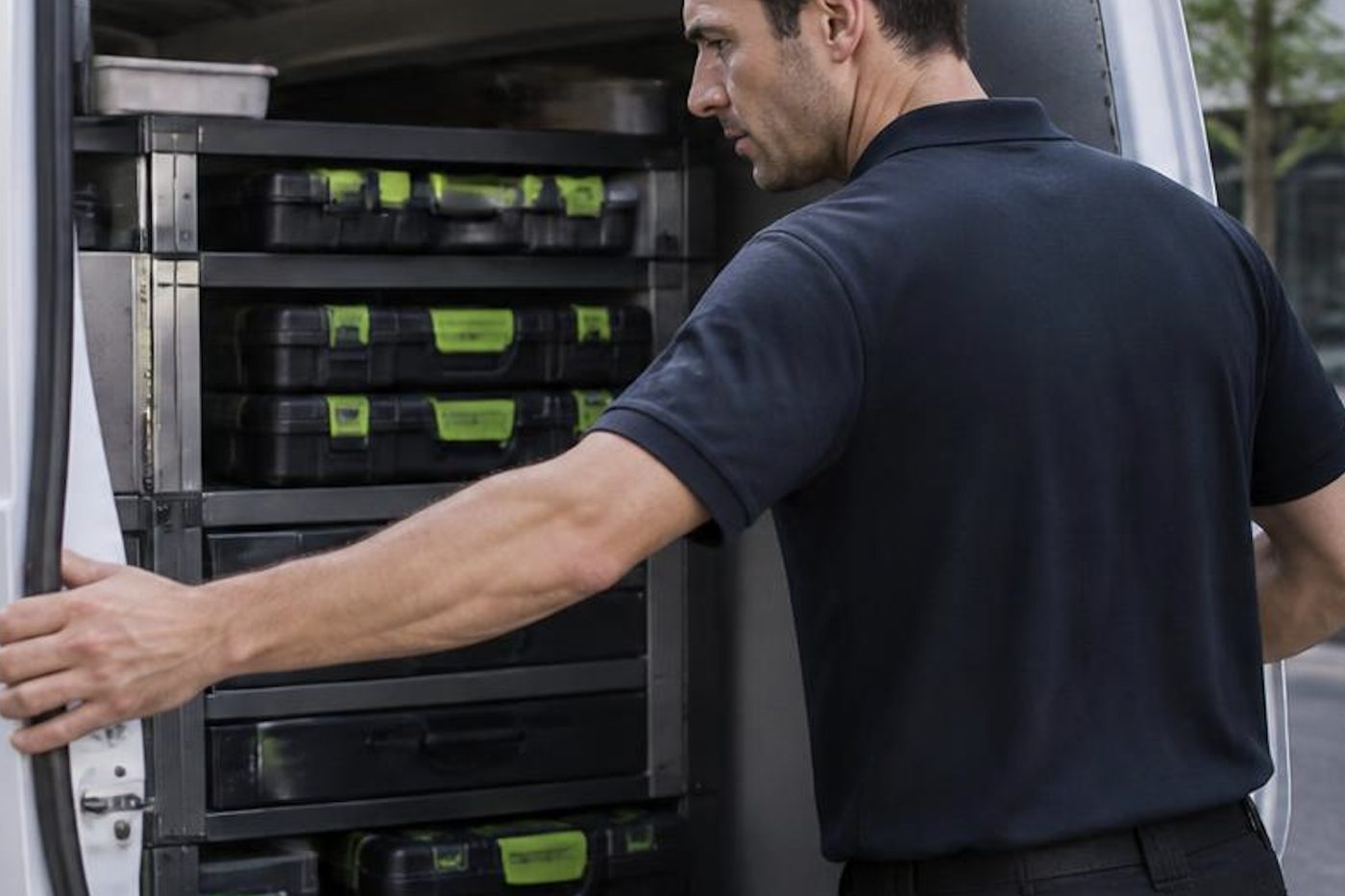
Shirt sleeves and parts cases


Questions people ask us on the phone
Do you remove old photocopiers in Brisbane?
Yes. We collect old commercial copiers and, if the machine has value and you own it, we buy it.
Can you move a photocopier to a new office?
Yes. We prepare, move, reinstall and reconnect it and test printing and scanning before we leave.
Why not use a general removalist?
A copier is a precision machine full of toner. A knock can throw the insides out of line, and the network needs setting up again.
Do you move copiers up and down stairs?
Yes. We plan for stairs, lifts and doorways with the right equipment.
Will it need reconfiguring after a move?
Usually. On a new network it needs its connection, drivers and scan settings set again. We do that.
Is the data erased when a machine is removed?
Yes. We securely erase the drive before any machine is resold or recycled.
Can you move a leased machine?
Check the agreement first. The provider may need to approve the move or send a technician.
What does removal cost?
It depends on the machine, the distance and access at both ends. We agree a figure on the phone before anyone is booked.