Kyocera, second hand
Refurbished Kyocera Photocopiers for Sale in Brisbane
Toner, drums and service parts keep costing money long after a copier is paid for, and Kyocera built its reputation on making that side of the bill small. The long life drum and component design behind the TASKalfa and ECOSYS ranges is exactly why a refurbished Kyocera photocopier is such a sound buy. We sell used Kyocera machines to Brisbane businesses, tested, warranted and set up in your office, and the same technicians repair them every week.
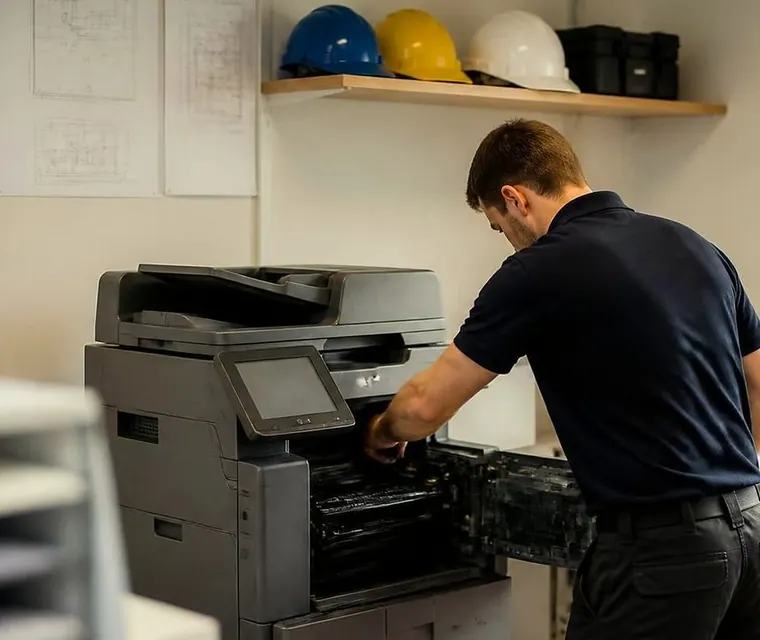
Brisbane printer service and photocopier repairs, plus machine sales
Start with what it costs to keep
The ticket price of a machine is the visible part. Over a few years the consumables and service calls add up, and an old machine from the wrong maker can eat the saving you made at purchase. Long life parts mean fewer visits and fewer replacements, which is why we like Kyocera as refurbished stock.
If running cost is your worry, tell us the number of pages a month. We talk through what a machine of that speed usually asks of you, and whether a slower or faster model makes more sense.



ECOSYS or TASKalfa
Both are Kyocera and both carry the long life design, but they suit different offices.
| ECOSYS | TASKalfa | |
|---|---|---|
| Size | Compact A4 and A3 colour units | Larger, with more paper capacity |
| Finishing | Mostly without | More finishing options |
| Volume | A few hundred pages a week | Thousands, with more comfort and a longer working life under load |
| Suits | A small team wanting low running costs without a floor standing machine | Busier offices and shared workgroups |
The ten machines we usually deal in
Ring to check what is in the building today. They come in two generations.
- ECOSYS 8124M, 24 pages a minute. Economical and small, for offices that want the running costs without the footprint.
- ECOSYS 8130M, 30 pages a minute. The quicker ECOSYS, a good match for a busy small team.
- TASKalfa 2553CI, 25 pages a minute. An affordable way into the TASKalfa line.
- TASKalfa 3253CI, 32 pages a minute. A brisk all rounder for a shared queue.
- TASKalfa 3553CI, 35 pages a minute. Medium workgroups that keep it busy all day.
- TASKalfa 4053CI, 40 pages a minute. The fast one of the earlier series, for long runs.
- TASKalfa 2554CI, 25 pages a minute. The newer generation starter for small teams.
- TASKalfa 3254CI, 32 pages a minute. Current series pace for a full office.
- TASKalfa 3554CI, 35 pages a minute. A current mid speed machine for medium workgroups.
- TASKalfa 4054CI, 40 pages a minute. The top of what we list, for larger offices with heavy daily traffic.
Who keeps a Kyocera for years
Engineering practices, builders, schools and councils, mostly. They print a lot, they want the machine to run for a long time with little drama, and they look at the whole cost, not only the purchase. If you are replacing an older Kyocera the controls will feel familiar, and that makes the changeover easy for staff.
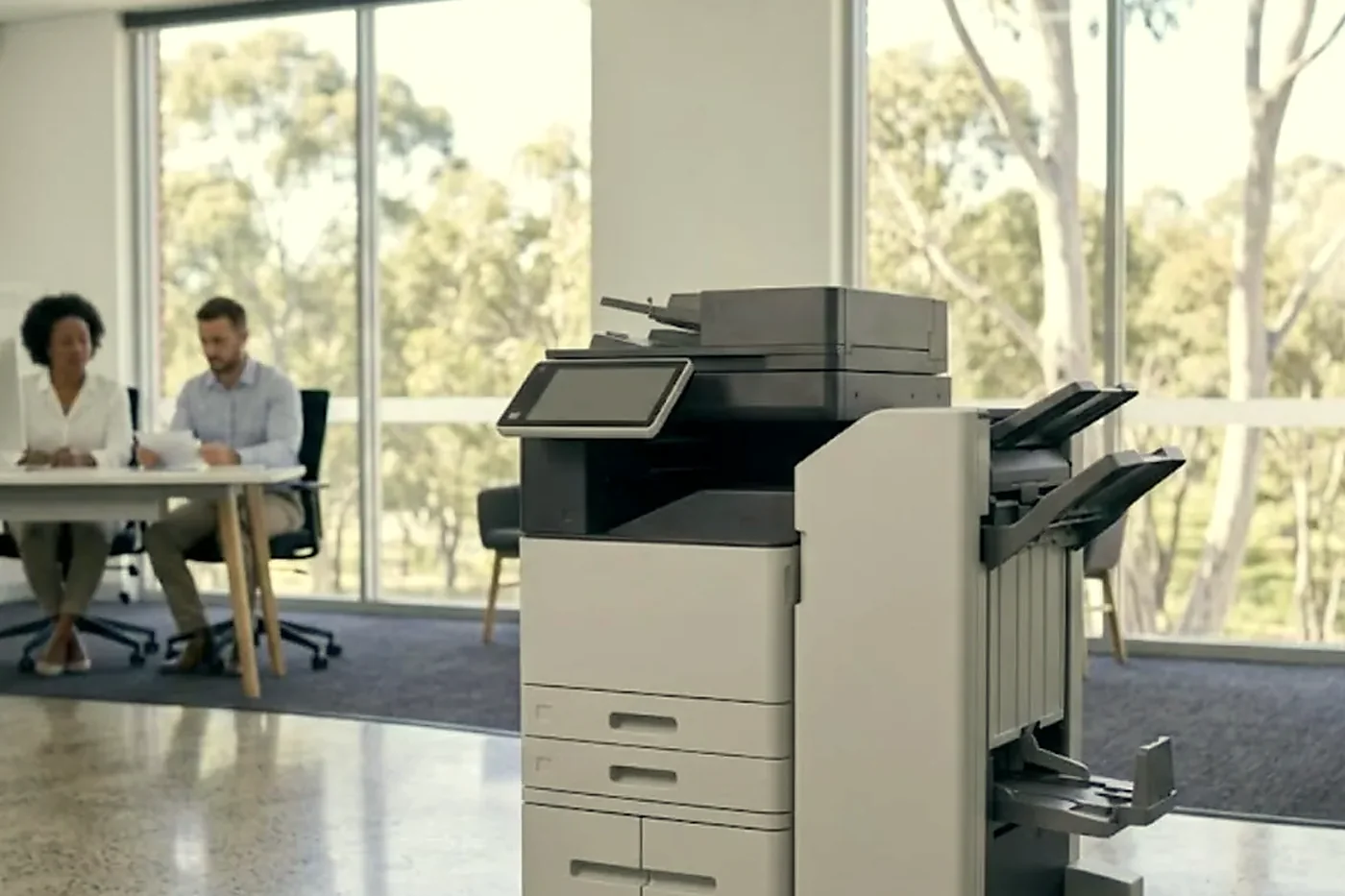
On our bench before it is sold
Each machine is inspected and serviced, and worn parts are replaced. We look at the drum in particular, because long life still has a limit and the meter reading tells us where this machine sits. The technician checks the document feeder, every tray and any finisher, then runs print, copy and scan the way an office would use it.
Kyocera machines are built to be worked on, so we are not guessing when we say a machine is sound.
Five questions to put to any seller of a used Kyocera
Worth asking us as well as anyone else.
- Which model is it, and what is on the meter?
- What got replaced in the refurbishment, and what shape is the drum in?
- Do the feeder, the trays and any finisher come with it, working?
- Who connects it to the network, and does that include scan to email?
- What cover comes with it, and who explains it before you pay?
Photocopier sales Brisbane: Kyocera beside the others
Nobody here is tied to a brand, which is why we can say that Kyocera wins on running cost and then say where it does not. Toshiba has the better screen. Ricoh scans well. HP is familiar and secure. Compare them on used and refurbished photocopiers, and see printer and photocopier sales for new machines, finance, lease and hire.
Colour, and how much of it you use
Each machine here prints in colour and in mono. Plenty of offices run a colour Kyocera mostly in black and white and save colour for proposals and reports, which is where the low running costs earn their keep. If most of your pages are colour, say so, because it moves both the speed we suggest and the running cost we put in front of you.
Setup and servicing
We deliver, connect the machine to your network, put the drivers on your computers and set up scan to email and scan to folder. Servicing happens at your premises by the technicians who prepared the machine, and our work is warranted as well. Kyocera photocopier repairs and Kyocera TASKalfa error codes have more on what we see.
Reading the model numbers
The pairs of digits carry the speed. A 2553CI is a 25 page machine, a 3253CI runs at 32, a 3553CI at 35 and a 4053CI at 40. The newer generation keeps the pattern with a 4 at the end in place of the 3, so a 3254CI is a 32 page machine of the later series. The ECOSYS 8124M and 8130M are numbered on their own pattern, 24 and 30 pages a minute.
It is a small thing, but it means you can read a listing and know roughly what is being offered before you phone.
The long life drum, in plain words
A drum is the part that carries the image, and it wears. Kyocera's design aims to make it last longer than most, and it is a large part of why running costs stay low. It is also why we look at the meter and the condition of the drum with care on a used machine: long life is not endless life.
If the drum is in good order we say so. If it is near the end of its life we say that too, and you decide with the full picture in front of you.
A small office, a practice, a council section
An ECOSYS in a small accounting or planning practice earns its place by being quiet about money. It prints, copies and scans, the toner arrives rarely and nobody has to think about it.
A TASKalfa in a council section or a school administration block is another sort of job. Several people feed it through the day, the document feeder is working constantly and the finisher is expected to staple a set every time. Those are the loads the larger machines are built for, and it is where we point people who print in thousands.
Home and small home office printers are still repaired if someone rings, but we do not sell them and this range is aimed at businesses.
Storm season and a second hand machine
Brisbane summers are rough on electronics. Storms drop the power, humidity gets into paper and a brownout can leave a machine confused about what it was doing. A used Kyocera has been through some of that already, which is one more reason we look at the paper path and the drum rather than only at the panel.
A surge protector at the wall costs little and is worth fitting. We mention it at setup, and we mention it again after a storm when somebody rings to say the copier will not wake up.
What we give you after the sale
When a Kyocera of ours needs attention, the person who comes has prepared machines like it. Across all our repairs 98% are finished on the first visit, and the price is agreed on the phone before anyone is booked.
Moving yours on
Ways to buy include reconditioned photocopiers, ex demo photocopiers, new photocopiers and lease, rental and finance. If you are replacing a machine, we take trade ins and buy used photocopiers, and the value goes toward your next one.
Delivery
Brisbane is covered end to end, including the inner west, the Centenary suburbs and the Ipswich corridor. Our areas we service page lists the districts, and the contact page or (07) 3073 5255 confirms yours.
Where the machine lives
A Wacol depot is not a Valley loft
A copier in a Wacol depot gets dust and forklift shudder. One in a Fortitude Valley loft gets sticky afternoons and a lift too small for anything bigger than a ream. Same model, different life, different faults.
Fixing it where it stands means we see the conditions it works in, and that shapes the repair.

- Dust and damp considered. Paper path and rollers checked for both.
- Nothing lifted. No lift, no ute, no freight.
- Site noted. So next time we arrive better prepared.
Keep reading around Brisbane
 Used and refurbished photocopiersTested and warranted used, refurbished and ex demo commercial copiers, delivered and set up.
 Refurbished Toshibae-STUDIO AC models, tested, warranted and set up.
 Refurbished RicohIM C series, tested, warranted and set up.
 Kyocera repairsTASKalfa copiers and ECOSYS printers, repaired on site.We buy photocopiersSell a used commercial copier or office printer to us. Figure agreed on the phone.
Buy, sell and lease
Buy, sell and lease commercial copiers in Brisbane
We also sell new and refurbished commercial copiers and buy used ones. Same team, same technicians.


Inside the buildings we look after


Questions people ask us on the phone
What is the practical difference between ECOSYS and TASKalfa?
ECOSYS machines are the compact, economical ones. TASKalfa covers the faster, larger end with more capacity and finishing. Phone with your volume and we say which suits.
Do you sell a used Kyocera photocopier in Brisbane to a small team?
Yes, as stock allows. An ECOSYS 8124M or 8130M is often the neat answer for a small team.
How long will a refurbished Kyocera last?
Long life parts are the point of the brand, but every drum has a limit. The page count on the meter tells us how much is left, and we share it.
Can the machine be set up to scan to our server?
Yes. Scan to email and scan to folder are set up with whoever looks after your network, and tested before we leave.
Will you look at our existing Kyocera?
Yes, whether or not you bought it from us. Give us the model and what it is doing.
Why are there two generations in the list?
The 2553CI to 4053CI are the earlier series and the 2554CI to 4054CI the newer one. We explain the difference for your office on the phone.
Do you quote prices on the site?
No. We quote after hearing your volume and which options you need.

Humid afternoon, dead copier
Ring (07) 3073 5255 and say what it is doing
We agree a price on the phone, then book the technician. If the lines are busy the call is logged and returned.
Get a price
Printer service Brisbane, from one desk printer to a whole floor
Copier and printer repairs across Brisbane
Fault guides
- Copier and printer faults Brisbane
- Photocopier paper jams Brisbane
- Copier black lines and streaks Brisbane
- Copier error codes Brisbane
- Copier not printing Brisbane
- Scan to email not working Brisbane
- Toner smearing and fuser faults Brisbane
- Printer offline and network faults Brisbane
- Copier noise, grinding and squealing Brisbane
- Is my copier worth repairing Brisbane
- Toshiba e-STUDIO error codes Brisbane
- HP LaserJet error messages Brisbane
- Kyocera TASKalfa error codes Brisbane
Makes we work on
- Toshiba copier repairs Brisbane
- HP printer repairs Brisbane
- Kyocera copier repairs Brisbane
- Fujifilm copier repairs Brisbane
- Xerox copier repairs Brisbane
- Canon copier repairs Brisbane
- Ricoh copier repairs Brisbane
- Lexmark printer repairs Brisbane
- Brother printer repairs Brisbane
- Epson printer repairs Brisbane
- OKI printer repairs Brisbane
- Zebra printer repairs Brisbane
- Konica Minolta copier repairs Brisbane
- Sharp copier repairs Brisbane
- Fuji Xerox copier repairs Brisbane
Suburbs and districts we cover
- Printer service Inner West Brisbane
- Printer service Brisbane CBD
- Printer service Milton, Toowong and Inner Brisbane
- Printer service Centenary Suburbs
- Printer service Ipswich Corridor
- Printer service Logan
- Printer service Brisbane Northside
- Printer service Acacia Ridge and Archerfield
- Printer service Toowoomba
- Printer service Eastern Suburbs and Airport Precinct
- Printer service Southside: Sunnybank and Mount Gravatt
- Printer service Redcliffe and Moreton Bay
- Printer service Redlands, Capalaba and Cleveland
- Printer service Caboolture, Morayfield and the North
- Printer service Fortitude Valley and Newstead
- Printer service Indooroopilly, Toowong and Kenmore
- Printer service Springfield and Ripley
- Printer service Ipswich, Booval and Amberley
- Printer service Beaudesert and the Scenic Rim
- Printer service Lockyer Valley and Gatton
- Printer service Beenleigh and Yatala
- Printer service Bribie Island and Moreton Bay
- Printer service Carindale and Camp Hill
- Printer service Wynnum and Manly
- Printer service North Lakes, Strathpine and Petrie
- Printer service South Brisbane and Woolloongabba
- Printer service Logan Central and Browns Plains
- See every Brisbane area
Looking at a machine for your office?
Tell us if you are buying, selling, leasing or moving one, and roughly how much the office prints. We ring back and talk through the options. You can also phone (07) 3073 5255.