Find your symptom
The first column is what people say on the phone, and the last names the guide that covers it.
| What the office says | Where the cause usually lives | Guide |
|---|---|---|
| It keeps jamming | Paper, feed parts, humidity, duplex path | Photocopier paper jams |
| There is a line down every page | Glass, scanner strip or imaging side | Copier black lines and streaks |
| Toner smears when rubbed | Fuser, paper weight, settings | Toner smearing and fuser faults |
| The panel says call service | A part the machine monitors | Copier error codes |
| I print and nothing comes out | Queue, settings, network, supplies | Copier not printing |
| Scans never reach the inbox | Mail settings or folder permissions | Scan to email not working |
| The printer has disappeared from every computer | Network address or router change | Printer offline and network faults |
| It sounds different | A roller, gear or drive part wearing | Copier noise, grinding and squealing |
| It is old and keeps breaking | Cumulative wear | Is my copier worth repairing |



Two minutes of notes that save an hour
Find the make and model before ringing. Look for the badge on the front or the sticker inside a side door. Copy down the wording or code on the display exactly. Then describe the pattern: all pages, one in ten, only the bottom tray, or only when it prints on both sides.
With that we can normally name the likely causes and discuss cost during the call. You agree the price by phone before a booking is made, with nothing locked in, and the repair is done where the machine sits, so no parcel goes anywhere.
Checks that cost nothing and risk nothing
None needs a tool or a cover opened.
- Turn the machine off and back on a single time and let it settle. One time, not four.
- Look at the panel for anything that is a plain prompt: add paper, close a door, replace toner.
- Find out if the fault hits all users or just one. A single user points to a computer or an account. All users point to the machine or the network.
- Think back over the past week: new paper stock, a desk move, a Windows update, a router swap, a storm on Sunday night.
- Print one test page from a computer and make one copy from the glass. Where it fails shows which half of the machine to look at.
What Brisbane does to a copier
The summer air is humid, and paper takes that moisture up from a shelf in an unconditioned room. A ream that fed perfectly in July can feed like wet card in January. Then the storm season arrives, roughly October to March, with sudden power drops. A copier that was fine at five o'clock on Friday may greet you with a fault on Monday because of what the weather did on Sunday.
Dust matters out at the workshop and warehouse offices around Rocklea and Archerfield. Cold glass in a heavily air conditioned CBD office can fog on a damp morning. These are small effects, and they explain a surprising share of the faults we see.
Fault or setup
A lot of calls turn out not to be broken hardware. The machine may be waiting on a tray whose paper size is wrong, a driver Windows swapped overnight, or a scan folder with a new password. Better to say so on the phone in five minutes than to book a visit that finds it. If it is a setup matter and needs hands, we can do that too.
Where the line sits on safety
The fuser runs at several hundred degrees and holds that heat well after the power goes off. The drum is damaged by room light and by a fingerprint. There are high voltage supplies inside. So every do it yourself step in these guides is something done with covers closed, or through handles clearly marked for users. Where a step would take you further in, we say stop and ring.
The first hour, wasted
The first hour of a fault usually goes on things that cannot work. Someone empties the tray and reloads it. Someone cycles the power four times. Someone opens a side door for a look, and a second problem appears. After the first restart, stop and ring. Most faults sort into the right pile in a couple of minutes: a paper habit, a network matter or a worn part.
When a part is the cause, the technician arrives already knowing what to bring, and that is behind our 98% first visit fix rate. If the same fault comes back, we repair it again free.
Makes these guides cover
The machines we meet most across Brisbane offices are Toshiba, Kyocera, Canon, Ricoh, HP and Fujifilm, with Konica Minolta, Sharp, Brother and Epson after those. The principles carry across every one. Whenever a guide names a code, it notes that the meaning varies by model, and that is the reason we ask for the model first. The brand pages go deeper on each make.
Who we are on the phone
We are independent. We are not the maker of your machine, and no brand has authorised us as its agent. The technicians are trained, experienced and certified, and we pick the right one for the machine. Same day service is available. When lines are busy the call is logged and returned, and the contact form joins the same queue. Ring (07) 3073 5255.
The second callout
Nobody budgets for the second visit
A repair quoted at one price and finished in two visits costs more than the number on the page. There is the second booking, the second morning of somebody hovering by the machine, and the manager who quietly stops trusting it.
The rest we tell you about at once, with what is needed.

- Spares on board. Drums, fusers, pickup rollers, blades.
- Model known. The technician has opened one like it before.
- No second bill. If the same fault returns, we fix it again free.
Keep reading around Brisbane
Photocopier paper jamsWhy it jams and what to try first. Copier black lines and streaksLines on copies or prints and where they come from.Copier error codesHow to read a code and what to note down.
 Copier not printingJobs sent, nothing comes out.Toner smearing and fuser faultsToner that rubs off, ghosting and fuser trouble.Scan to email not workingScans that never reach an inbox or a shared folder.Printer offline and network faultsPrinter offline, missing or unreachable on the network.
 Is my copier worth repairing?How we weigh repair against replacement, honestly.
Buy, sell and lease
Buy, sell and lease commercial copiers in Brisbane
We also sell new and refurbished commercial copiers and buy used ones. Same team, same technicians.

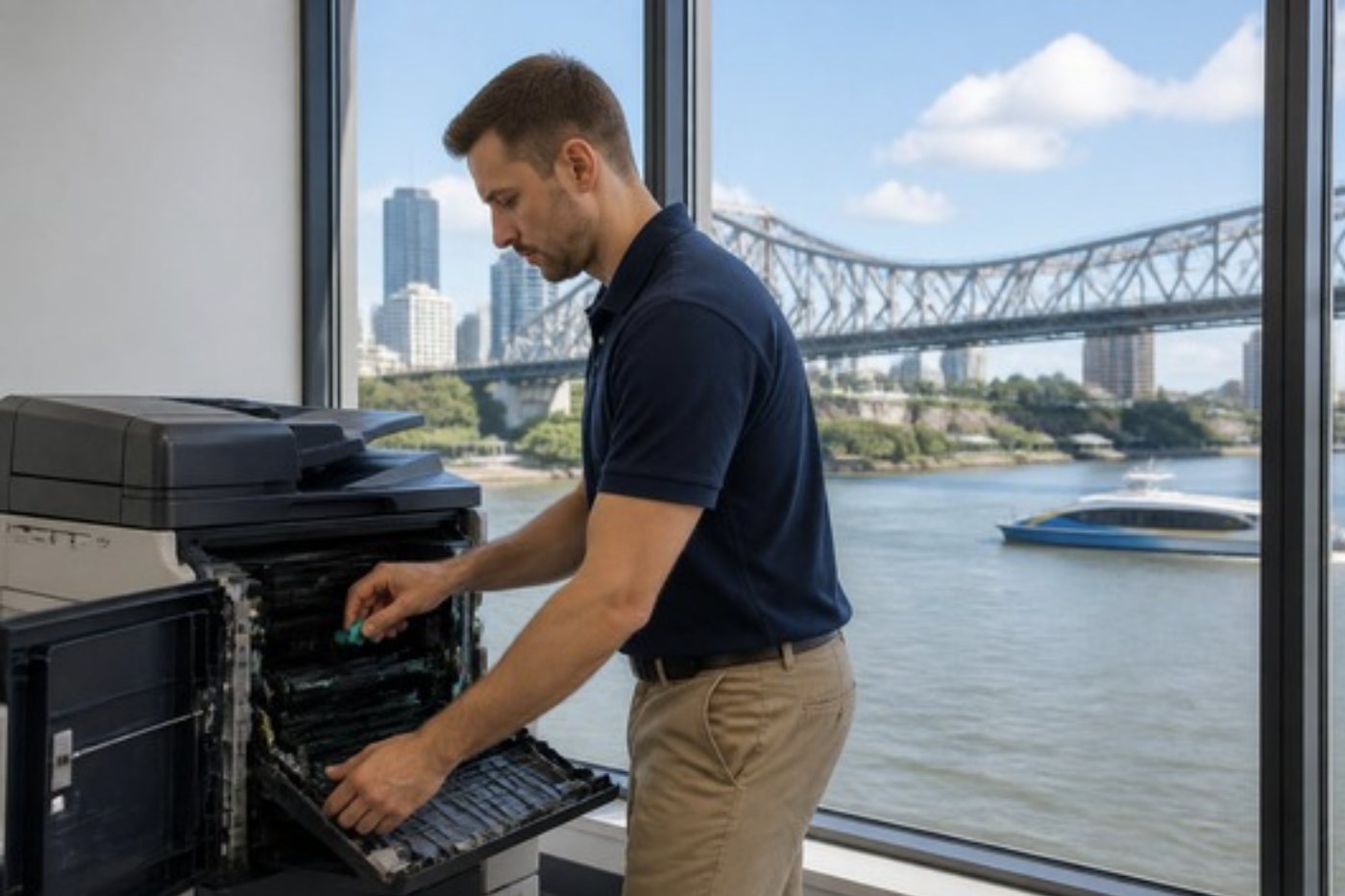
Brisbane offices, up close


Questions people ask us on the phone
Which guide do I read when nothing on the list matches?
Phone us with the make, the model and a plain account of what the machine is doing. Plenty of faults refuse to fit a heading, and a call of two minutes usually sorts it.
What can a receptionist safely do before calling?
Clear a visible jam through the user handles, reload fresh paper, wipe the glass and restart once. Nothing that involves a screwdriver or a cover.
How quickly can a technician come?
Same day service is available. Tell us what has stopped and you hear what is possible.
Will I know the cost before someone is booked?
Yes. We settle the price with you by phone first, and you are not locked into anything.
If it breaks the same way again, who pays?
Not you. A fault that returns gets repaired a second time free.
Do you only look after big copiers?
Commercial machines are our focus. A home or small office printer is not turned away, though, when someone phones.
How far do you go from the city?
Throughout Brisbane, and as far out as Toowoomba, Ipswich, Redcliffe, Moreton Bay, Caboolture, the Redlands and Bribie Island. Outer jobs get fitted into a day's schedule.
Are you tied to a manufacturer?
No. We are independent, and no maker has authorised us.

