What a year or two of work does to a workgroup printer
A commercial laser has a heavier life than most people credit. Rollers glaze. The fuser weakens. Trays loosen so that a stack of paper no longer sits square. The driver on half the computers stops matching the printer after an update nobody remembers. None of it happens on one day, and none of it is dramatic, but together it explains why a machine that was fine in January is unreliable by winter.
While you are still on the phone we take the make, the model and whatever the display says. It is why technicians arrive prepared, and why 98% of repairs are done in one visit. A fault that comes back is repaired again without charge. The work stays where the printer sits, since a machine wired into your network, print server and secure release setup counts as repaired only when it prints from the desk that needs it.



The faults on our job sheets most weeks
Roughly the most frequent first.
- Paper pulled in crooked, or from the wrong tray.
- A fuser error, or toner that comes off under a thumb.
- Drum and toner messages that stay after a new cartridge is fitted.
- Black streaks, a grey wash over the page, or a blemish repeating down the sheet at even intervals.
- A printer that falls off the network and forgets its address.
- Slow printing and jobs stuck in the queue.
- A numbered error message that returns after a restart.
- Grinding or clicking from the gears.
Part by part
Pickup and feed rollers wear first on a busy printer. A glazed roller slides on the paper where it should grip, and the symptom is a printer that pulls two sheets, or none, or one crooked sheet. Cleaning helps for a while. A new roller set cures it.
The fuser bakes the toner on and runs hot. When it weakens, toner smudges, and when it fails the printer stops with a heat code. Drums and imaging units carry the image, and they mark if they are exposed to light or scratched, so they are handled quickly and in shade. Belts and transfer parts sit between the two and wear quietly.
Controller boards and firmware are rarely the cause, though they get blamed. A printer that restarts itself or loses its settings deserves a look at the power supply and the memory before anyone orders a board.
Makes, in the order Brisbane offices ask for them
HP LaserJet and Color LaserJet machines are the most common printers we are asked about, from the LaserJet Pro on a reception desk to Enterprise and Managed MFP machines on a clinic floor. After them come Kyocera ECOSYS, Fujifilm and Canon workgroup machines, then Brother business printers, Epson WorkForce Pro, Lexmark, OKI and Zebra label printers. Each has its own page below.
Give us the model and what the display says, and before anything is booked we tell you what that usually means.
From the keyboard to the paper
A job leaves the computer, passes through a driver, perhaps a print server, then the network, then the printer's own controller, and finally the paper path. A fault can sit at any of those steps. Every link gets checked, so you do not end up with a mended printer that still refuses jobs from the third floor.
That matters most in offices where three different people look after different pieces: the IT provider, the office manager and us. We keep our part and your IT person's part separate, so that nobody changes a setting they were not asked to change.
Where Brisbane printers live, and how the spot treats them
A printer in an air conditioned city office has an easy life. One on a warehouse mezzanine at Acacia Ridge, in a site office at Wacol or in a hot back room in a Logan business park does not. Dust creeps into paper paths and sensors, humid summer air leaves paper limp, and heat puts extra load on the fuser. One speck of dust can convince a paper path sensor it sees a sheet, and you get a jam message with nothing in the machine.
Cleaning the paper path is part of every repair. If it makes sense we will also suggest shifting the machine a few metres clear of a door or window. That advice is free and adds a lot of life to the machine.
Is it worth repairing?
Often it is. A printer wanting a roller set or a fuser, and sound otherwise, is normally worth fixing. If it has swallowed three parts in a year, or the parts have been discontinued, it likely is not. You get our view of where yours falls, with reasons, and the decision stays with you.
Have these ready when you ring
Five facts and the call is quick.
- Make and model, which are on the front or on the label inside the door.
- What the display says, word for word.
- The day the fault started, and anything that changed shortly before.
- Is it one person's printing that fails, or everyone's?
- The suburb, and any building access we should know about.
Printer repair near me in Brisbane: how we plan the day
Visits are planned by area, which keeps a technician working one part of the region at a time. Give us your suburb and we tell you what we can arrange. A site sitting between two areas only needs a call to confirm. How we divide the region is set out on the areas we service page.
A clinic needs letters and referrals out before the first patient. A school office prints newsletters and forms in short bursts, and builders print quotes and variations between sites. Tell us where the machine lives and what it prints, and we prepare to match.
Printer service and repair, and computer printer repair
Printer service and repair covers the printer and everything between it and the screen. Computer printer repair is the middle stretch: a stalled queue, a driver that refuses to load, a machine showing offline after the network changed. The printer is checked first, followed by its address, the driver and the queue, since one of them is usually the culprit.
Printer services for a business with several machines are planned into one visit, with the makes and models listed on the phone. Most of the printer repairs Brisbane offices need are small ones, such as a pickup roller, a fuser, or a worn out drum. The usual spares come in the technician's kit, so these mostly wrap up in a single visit. Our work is warranted, and we go through what is covered on the call.
How a repair price is worked out
Three things make up the price: the parts the machine is likely to want, the hours on site, and any feature of the building that adds work. On the phone we walk you through it, flag what might shift once the printer is opened, and settle on a number before a booking is made. You are not locked into anything.
Colour lasers have more to go wrong
A colour laser has four toner and imaging systems where a mono printer has one, plus a transfer belt that all four colours land on before the page reaches the fuser. That makes colour richer and the repair list longer. Faults show as a single colour that is weak or streaked, colours that no longer line up so black text grows a coloured edge, or a faint repeating spot.
The technician starts by finding which colour or which stage the fault belongs to. A printed test page usually tells the story. One colour streaking means that colour's drum or developer. A mark landing at a fixed spacing means a roller or the belt. A page that looks right until it passes the fuser and then smears is a fuser matter.
Queues, addresses and the faults that are not the printer
A printer that shows offline, or accepts a job and prints nothing, is often a network or queue problem. Printers that pick up their address automatically can change address after a router restart, and then every computer is pointing at a machine that is no longer there. A stuck job on a print server can hold every job behind it.
We check the printer first, then the path. A reserved address for the printer, set by whoever manages your network, cures a whole category of calls. Our guide to printers that go offline sets out what we look at.
Toner, drums and the message that stays
A new toner cartridge does not always clear the message. Printers track the drum, the fuser and the transfer parts separately from the toner, and a drum that has reached its count keeps complaining however many cartridges go in. Some machines also read a chip on the cartridge and refuse one they do not accept.
Before we blame the machine we check what has been fitted, whether the message names the toner or another part and whether a maintenance count needs resetting after a part was replaced. Sorting a cartridge problem from a printer problem can save a visit that was never needed, and we say so when the answer is that you did not need us.
Reception printers, shared printers and the noise question
Printers sit in awkward places. At a reception desk one prints labels and forms with a client standing in front of it. In a shared print room one serves a team that does not own it. In a corridor one is passed by everyone and looked after by nobody.
Those positions shape the faults. A reception printer that jams with a client watching is a bigger problem than one in a back room. A shared printer collects every kind of paper because nobody is in charge of the trays. A printer that makes a new noise is telling you something, and a technician who is asked about the noise early often saves a part.
A mixed fleet, and what standardising would mean
Offices that grow tend to collect printers: a few of one make, a couple of another, a small colour machine someone bought on impulse. Every make has its own drivers, consumables and faults, and a mixed fleet is harder to look after than a matched one.
If you are thinking of standardising, we say honestly which of your current machines are worth keeping and which cost more than they are worth. Our office printers for sale page covers buying, leasing or hiring commercial machines, and we keep repair advice separate from any sales conversation.
Label printers, plotters and the printers that are not office lasers
Warehouses print pallet and carton labels on thermal printers. Engineers and builders print drawings on wide format machines. Medical suites print wristbands and specimen labels. Each has its own failures and its own page: Zebra and label printers, and plotters and wide format.
Duplex, envelopes and the settings people do not know exist
A fair number of jams come from asking the machine to do something its settings say it cannot. Two sided printing on stock the duplex unit does not take. Envelopes sent down a tray set for A4. A heavy sheet pushed through the standard cassette instead of the bypass. The printer is doing exactly what it was told, and what it was told was wrong.
What the job asked for gets looked at before what the machine did, and the person who prints most is left a short note on the tray settings.
Secure print and what it changes
Held jobs, PIN release and card readers are common in Brisbane practices and agencies, and they add one more link to the chain between the keyboard and the paper. When a held job does not appear, the fault might be at the server, in the user's account, in the card reader or at the printer. Guessing wastes a day.
We check what the printer can see, whether it can reach the server and whether a test job from a local account behaves. Then we tell your IT person which link looks weak. It keeps the repair and the network change in the right hands.
Drivers, print servers and the update that broke everything
A Windows update, a new laptop build or a server move can leave half an office with a driver that does not match its printer. The symptoms are strange. One person prints and another cannot. Pages come out with the wrong fonts. A duplex option vanishes. A printer shows as ready and never starts the job.
The fix is often one clean driver on the server and the right port, and we say so honestly when that is the case. If the machine is also due for a roller set, we deal with both on the one visit.
Paper, weight and what the tray was built for
Each tray is designed for a span of paper weights, and a printer fed outside it misfeeds for reasons unrelated to wear. Recycled stock, thin copy paper and heavy covers behave differently. Paper that has sat open in a Brisbane summer takes up moisture and clings to the next sheet.
If the same printer has jammed on three different ream brands in a month, the paper is a real suspect. We ask which stock is loaded, where the reams are stored and whether the tray guides were set to the sheet, and we explain why that matters while we are there.
When the storm has gone through, or the power has dropped
Brisbane storm season produces a distinctive pattern of printer calls. A printer that worked on Friday may show a fuser code on Monday, lose its address, or keep restarting. A power surge or a hard shutdown can disturb settings, unseat a part or leave a job half written to memory.
We check the power supply, the settings and the paper path in that order, and we ask what the machine is plugged into. A surge protector costs little and is worth fitting on any printer that serves a whole floor.
Busy times: school terms, tax time, the Friday run
Printers have their own calendar. School offices see a flood of newsletters and forms when each term opens and closes. Accounting practices push through returns and statements in bursts. Trades and construction offices print quotes and variations on a Friday afternoon. The best time to service a commercial printer is just before its busy period, and the worst is in the middle of it.
Know when your rush is coming? Say so. The machine can be inspected beforehand, the part that is obviously tiring replaced, and you end up with a printer that has some life in it.
Printer makes on our books
printer repairs, step by step




Ask the people who print
The operator knows first
So our technicians ask before they open anything. What did it do, when, how often, who was using it. Then they go and look.
Tell us the first thing you noticed, even if it sounds small. Often it is nearly the whole answer.

- Asked first. The users are the first source.
- Written down. What you said goes on the job record.
- Checked against the machine. Then the covers come off.
Keep reading around Brisbane
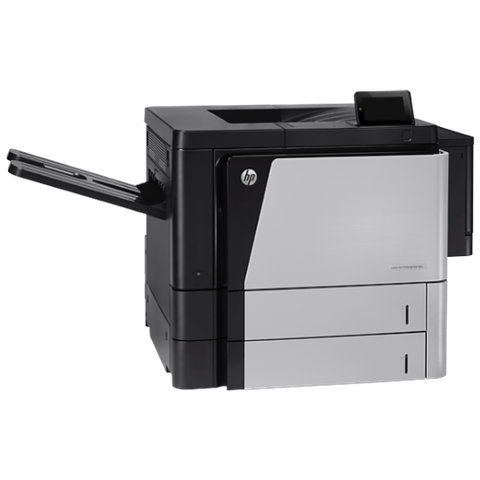 HP repairsLaserJet, Color LaserJet, Managed MFP and DesignJet, repaired where they sit.
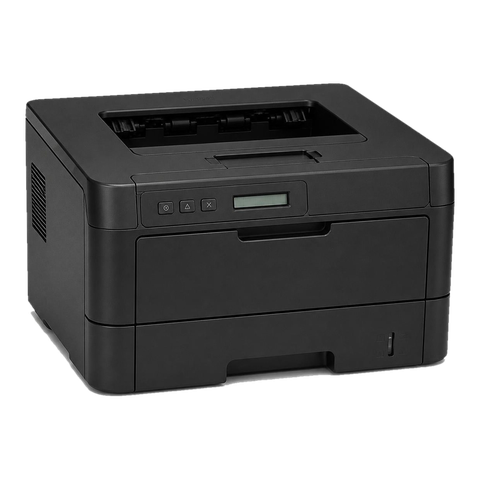 Lexmark repairsMS, MX, CS and CX laser printers and multifunction machines, repaired on site.
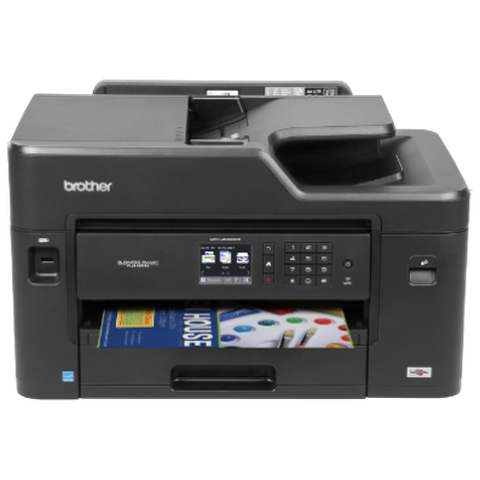 Brother repairsHL and MFC business lasers, colour MFCs and A3 inkjets, repaired at your office.
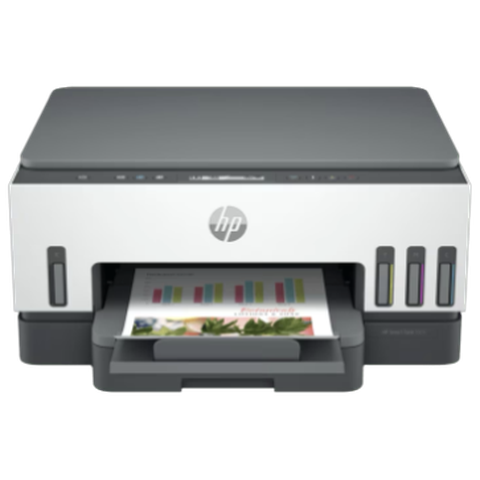 Epson repairsWorkForce Pro, WorkForce Enterprise and SureColor T series, repaired on site.
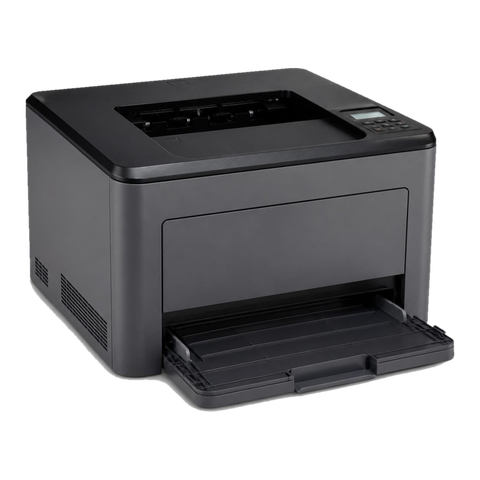 OKI repairsOKI LED colour and mono printers, MC multifunctions and Microline impact printers.
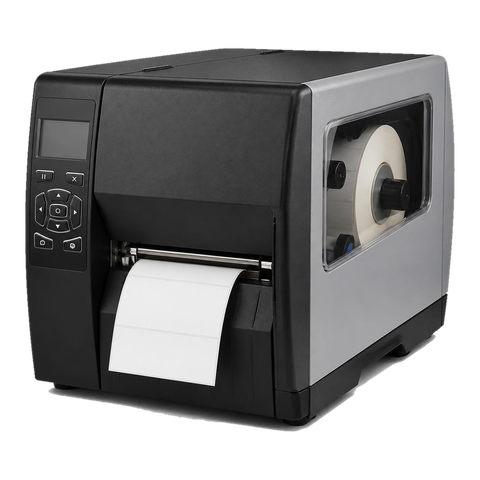 Zebra repairsZebra desktop, industrial and mobile label printers, repaired at your premises.
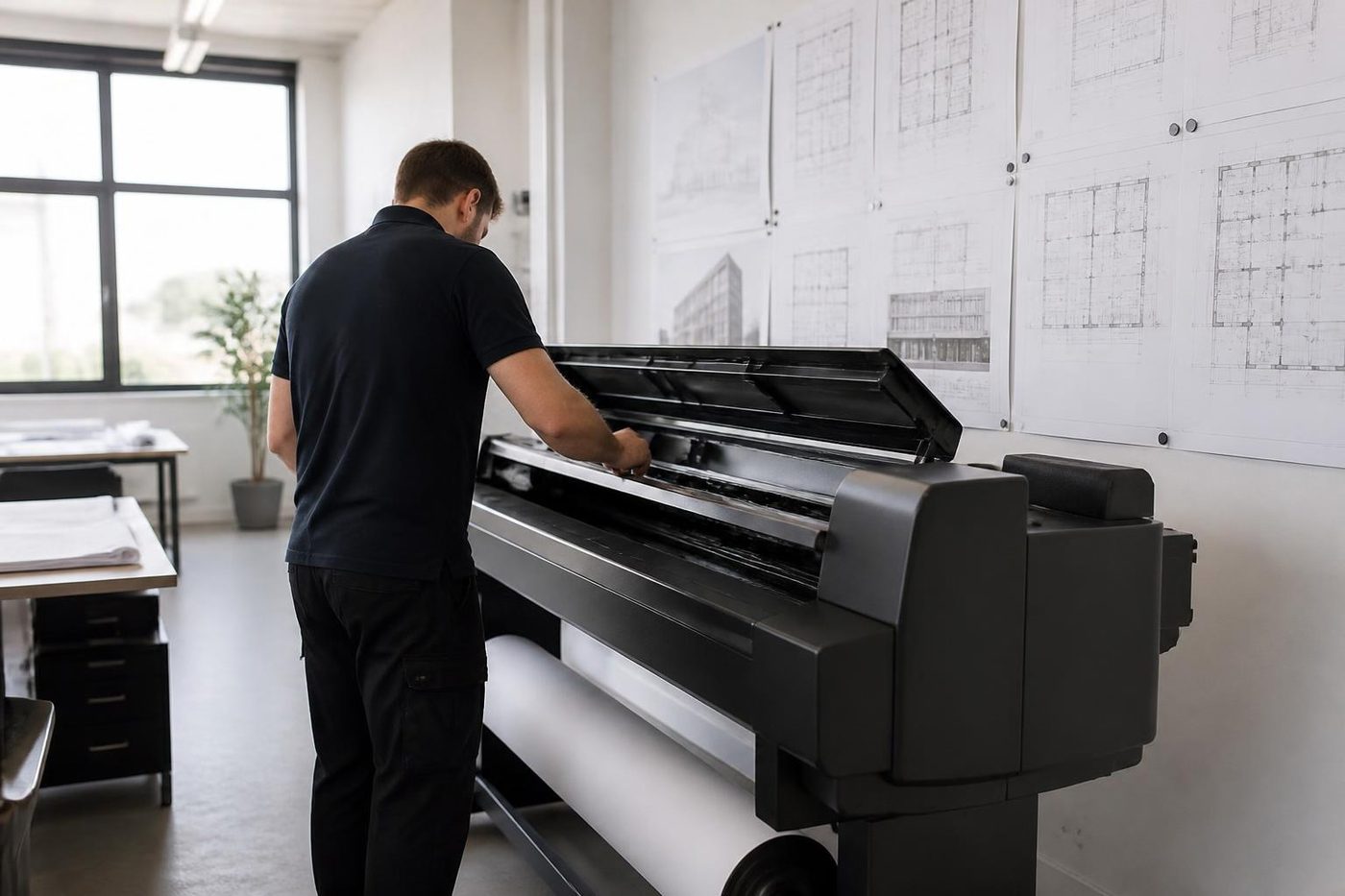 Plotter serviceHP DesignJet, Canon imagePROGRAF and Epson SureColor plotters, repaired at your premises.
 Printer offline and network faultsPrinter offline, missing or unreachable on the network.
Buy, sell and lease
Buy, sell and lease commercial copiers in Brisbane
We also sell new and refurbished commercial copiers and buy used ones. Same team, same technicians.
The kind of work that comes in



Questions people ask us on the phone
Do you repair printers in the office or do I send them in?
We repair at your premises. A printer tied into your network and your print server is best repaired in place.
Can I get same day printer repairs in Brisbane?
Often, yes. Ring early, tell us what has stopped, and we say what can be done that day.
Is there a printer repair near me option for a small business?
Yes, for commercial printers anywhere across Brisbane, Ipswich, Logan and the northside. Home machines are outside what we chase.
Why does my printer say replace the drum after I changed the toner?
Printers track the drum separately from the toner, and a drum at its count keeps complaining. A maintenance counter may also need resetting after a part was fitted.
My printer shows offline but has power. What is wrong?
Often the address changed after a router restart, or a stuck job is holding the queue. We check the printer first and then the path.
Is my printer worth repairing?
If it needs a roller set or a fuser and is sound otherwise, usually yes. Three parts in a year, or parts that are no longer manufactured, usually means no.
What is the difference between printer service and repair and computer printer repair?
Printer service and repair covers the machine and the path to it. Computer printer repair is the middle part: drivers, queues and addresses.
Do you repair colour laser printers?
Yes. They have four imaging systems and a transfer belt, so we first work out which colour or stage the fault belongs to.
Can you look at several printers in one visit?
Yes. Send us the makes and models as a list and a single visit is planned around them.
How is a repair price worked out?
It combines the parts likely to be needed, hours on site, and whatever about the building adds work. You hear the figure on the phone and agree to it before a booking is made.

