Canon service Brisbane
Canon Photocopier Repairs & Service Brisbane
A Canon E code has a tail. E001 on its own tells you very little. E001-0001 tells a technician which detection fired, and that is the number to read us before you restart anything. For Canon photocopier repairs across Brisbane we begin with the complete code and the model, ask what has changed over the past few days, and tell you whether the trouble is a worn part inside the machine or something that shifted on the network around it. You hear the price on the phone, the repair is done beside the machine, and same day service is available.
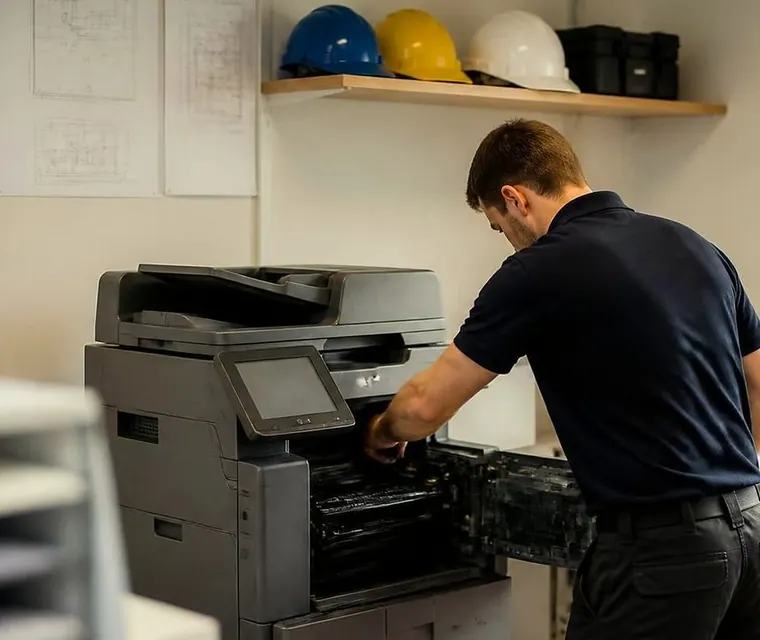
Brisbane printer service and photocopier repairs, plus machine sales
Canon photocopier repairs: the usual double problem
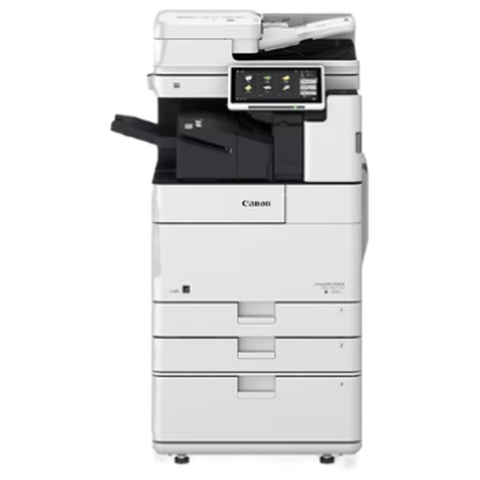
Go through a law firm, an accounts suite or a school office in Brisbane and the machine in the corner is very often an imageRUNNER ADVANCE or its DX successor, with card or PIN sign in, a shared address book and a finisher bolted on. Smaller offices keep an imageCLASS on a desk. Council and college print rooms run imagePRESS.
That mix explains why so many Canon calls are really two problems. Something inside has worn, and something outside, usually on the network, has moved. We work out which of the two is in play before a cover comes off. It saves you paying for a part when the answer was a password.
Typed Canon printers repair near me into a search box and landed here? Here is how it goes. You ring with the model and the E code, and we settle the price during the call with nothing locked in. If the lines are tied up the call is logged and returned.
Ours is an independent service business: not Canon, not an authorised dealer. Canon machines are what we repair, though we buy and sell commercial copiers too, and the repair advice does not change with which way you lean.


Three steps to a price
- Name the machineMake, model and the trouble it is giving you.
- Hear the price firstWe ring you back with it before a visit is booked.
- A certified technician attendsSame day wherever the diary allows.
Sorting out which Canon is in the corner
Canon has renamed its ranges often enough to trip up a careful office manager. The line runs from imageRUNNER ADVANCE to the later imageRUNNER ADVANCE DX, and Canon Australia now lists imageFORCE as a newer A3 family alongside the DX machines. The panels look alike. What sits behind them differs.
Every Canon call starts with a request for the whole model from the label, the letter ahead of the number included. C is colour, and DX gives away the generation. Armed with that, the technician turns up with the right parts instead of a guess.
Canon ranges we repair
Ranges Canon has retired are labelled earlier ranges below, because those machines still work hard in plenty of offices. Yours not in the list? Ring and we will confirm we can cover it.
| Range | Models | Where it lives |
|---|---|---|
| imageRUNNER ADVANCE DX C5800i | Covers the C5840i through to the C5870i (C5850i and C5860i between). A3 colour at up to 70 pages a minute. | Large offices, legal and education print rooms with heavy colour and mono volume. |
| imageRUNNER ADVANCE DX C3900i | The C3922i, C3926i, C3930i and C3935i: A3 colour aimed at workgroups. | A single floor of a larger office, or a small to mid sized firm. |
| imageRUNNER ADVANCE DX 4900i | The 4925i and 4945i are A3 mono machines. Paper can reach 3,650 sheets, and finishing includes stapling, saddle stitch and hole punching. | Black and white work: contracts, reports, forms. |
| imageRUNNER ADVANCE DX 719i | A mono multifunction at A4 size. | Front counters and branch offices. |
| imageRUNNER ADVANCE DX C3800 (earlier range) | C3835i, C3826i and relatives. | Offices that have not yet moved to the DX generation. |
| Earlier imageRUNNER ADVANCE | C2000, C3300, C3500, C5500 and the C7580 III. | Contract machines in back offices and workshops. |
| imagePRESS V series | V700, V800 and relatives. | Print rooms in councils, colleges and in house production. |
| imageFORCE | The newer A3 family that Canon lists next to the DX range. | Newer installs, where setup and sign in outweigh hardware. |
| imagePROGRAF | Canon's wide format plotters. | Covered on the plotter page, and one call can cover both. |
Why the E code is a starting point
On an imageRUNNER ADVANCE the service code reads E, then a group of three digits, a hyphen, and a group of four. The group of three names the area of the machine, while the four finish by naming the exact detection. DX machines may tack on another pair, as in E064-1400-05, whereas older ones got by with three digits.
Give us the whole code, tail included. Please do not trim it, and do not clear it before ringing. One restart that clears a code is no repair, and when the code comes back, the manner of its return is a clue too.
A separate family, written with a hash, covers job and send failures, for example #801 or #839. Those turn up in the job log and do not halt the machine. Canon reuses numbers from one generation to the next, so what follows is what each code usually means on the machines we visit, which makes it a pointer and not a verdict.

E codes we are asked about
Treat each as a place to look and not as a diagnosis. The model and the symptom settle the rest.
- The fixing group, E001, E003, E004 and E009: a main thermistor that reads hot is E001-0001 and one that reads cold is E003-0004, a relay stuck closed is E004-0001, and E009-0000 is a timeout on fixing pressure.
- E025-0268 means no toner was detected after the recovery routine had run five times following a container swap, and the other colours follow the same pattern.
- On a DX, E064-1400-05 is a high voltage fault, with AC voltage out of range while charging.
- E015-0001-05 on a DX: cassette 1 lifted the stack but never located the top of it.
- E197-5000 means the DC controller and the secondary transfer high voltage board lost contact during start up.
- E202-0001 is the scanner or feeder failing to find its home position as a scan started.
- E315-0501 is a poor signal between the reader and the main controller, which appears as an image processing fault.
- In a U1 staple or booklet finisher, E551-0001 means trouble with the cooling fan in the buffer pass section.
- The E602 group is hard disk trouble. Within it, E602-0501 is a problem in the image data store, E602-0401 a logical partition fault, and E602-0301-00 an area error in the MEAP section.
- E614-0001 says the flash board is not recognised or not formatted. E713-0030 is a finisher that never finished its exchange with the DC controller, and E719-0031 a card reader that said nothing at start up.
Six ways a Canon says it is unwell
What you see at the desk counts as much as the code, so here is how we read the usual ones.
Creased or smeared pages, toner that wipes off, or an E001 to E004 code when the power goes on all point to the fixing assembly. Black streaks can also come from a dirty fixing pressure roller, and the maintenance menu has a cleaning routine from Canon that is worth running before a part gets blamed.
Lines down the page, marks that repeat, or a weak colour suggest the drum and developer. On earlier ADVANCE colour machines we have followed lines back to a contact spring bent out of shape in the drum unit, and a washed out colour to toner packed round the laser shutter.
Colour out of register, patchy transfer, marks that repeat: the transfer stage, meaning the ITB unit and the secondary transfer outer roller on the ADVANCE generation.
Misfeeds, double sheets from a cassette and registration delay jams belong to pickup and separation. One 0105 style jam on an earlier ADVANCE turned out to be a separation roller unit that had never been seated properly, so a good visit checks the fit as well as the wear.
When feeder copies have black streaks and glass copies are clean, the scanning strip is dirty. Several sheets pulled at once points to the separation pad holder. Canon's advice is to clean the strip with the sheet supplied and to keep glass cleaner and alcohol clear of the coating.
A panel stuck on its progress bar, a machine that only lights a tally lamp, or an E602 at start up means look at the controller and firmware. One earlier ADVANCE family reached a limit on flash board rewrites under old firmware and had to be updated from safe mode.
Pickup rollers and the paper that curled in the storeroom
Paper trouble surprises people with Canons. Leave a ream in a humid storeroom through a Brisbane summer and its edges curl, the pickup roller slips, and the separation pad stops doing its job so two sheets go through together. It looks like a mechanical jam and is partly a paper problem.
Paper and tray setting get checked before the rollers. A roller that has gone smooth and shiny does need replacing. If the paper is at fault we tell you, and the cure is a change of habit that costs nothing.
Send, SMB, SMTP and the hash codes
Scanning is called Send in Canon language, and it fails in familiar ways. To reach a shared folder the machine needs the correct computer name and share name stored in the address book, a user name and password that work, and SMB turned on. If any of those slips you may see #801, #804, #806 or #807. Roughly, #801 is a catch all send failure that might be an SMTP timeout, a wrong destination or a permission fault, #804 a file server path or permission, and #806 a credential mismatch.
Email works from a different checklist: the SMTP server name, port, authentication and TLS choice. A #752 or #802 hints at a server or DNS name problem, #839 at wrong authentication, and #841 and #842 at certificate or SSL mismatches. A mail provider that tightens its rules can make an untouched copier start failing with a credentials code, so we look at the provider's end as well as the panel.
Sign in generates its own calls. Canon offers user authentication, department ID and single sign on through Active Directory, and a clock mismatch between the machine and the Kerberos server appears as #843. Getting date, time and network time right costs nothing and saves visits. The browser based Remote UI must be enabled under management settings, with the copier switched off and on again before it appears, and an office browser proxy can block it.
Mail problems often begin in the cloud. Someone tightens the Microsoft 365 rules, the Canon carries on offering last year's credentials or a port nobody accepts any more, the scan button fails, and the copier cops the blame. We read the settings, spell out for your IT contact what the machine needs, and say whether this model can handle the newer sign in methods or needs a firmware update first.
Department ID, secure print and the one person locked out
In many Brisbane offices each user on a Canon has a department ID or a PIN. That is a sound arrangement, and it brings calls. If a single person cannot print while everyone else can, their driver has most likely lost the ID or a PIN was changed. The copier is simply following its instructions.
We compare the machine setting with the driver on the PC. A warning: should anyone suggest clearing the counts, export the usage first, because Canon says they cannot be recovered.
The panel, and the software on top of it
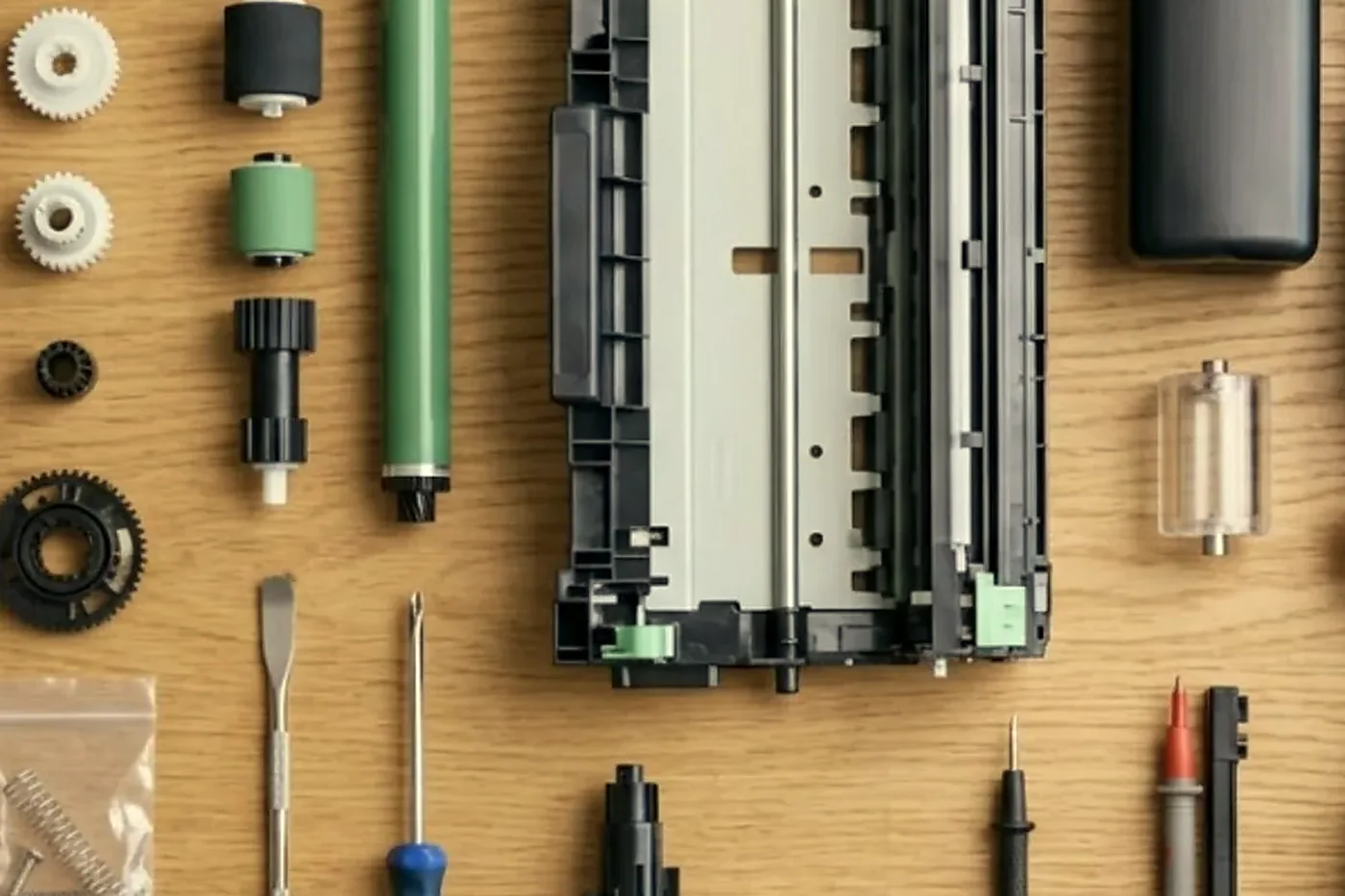
The panel on a Canon does a lot more than copy: it can run a solutions platform, a print management system and custom apps. When it freezes or an app refuses to open, software is a likelier cause than mechanics, so that is where we look first. If the answer belongs to whoever manages your print software, we say so and you are not billed for a hunt.
What goes on the checklist at a Canon visit
Canon is open about which parts wear: the fixing assembly with its pressure roller, the secondary transfer outer roller, the ITB unit, the waste toner container, the drum unit, and a maintenance kit for the document feeder. Each shows a distinct symptom as it tires.
- The fuser, plus its pressure roller.
- Pickup, feed and separation rollers in each cassette, and on the bypass.
- The secondary roller and the transfer belt.
- Toner contamination around the drum and developer.
- Sensor windows, which stain over time.
- Feeder rollers and pad, the glass and the white plate.
- The path through the finisher.
- What the machine sounds like going to sleep and shutting down, since a worn part will often whisper before it fails.
No part lifespan is quoted anywhere on this page, because volume, paper and the room decide it. What we offer instead is what the part does when it fails, and a price you agree before we start.
The order Canon parts tend to wear
This comes from our own service experience and not from a published schedule, and it moves with paper, room and job mix.
Paper handling tends to go first: the pickup and separation rollers, and the feeder pickup that misreads originals. The glass strip and feeder path come next, and a dirty one puts a line down every scan. The fuser follows, showing up as smearing, creasing and heat related stops. Drum and cleaning parts come later and announce themselves with marks and streaks. On older machines the drive motors, finisher mechanisms and storage drive are last.
The order helps us advise you. A machine still in the first group needs a simple repair, and one in the last group needs a straight conversation about what happens next.
Finishers on Canon machines
Put a finisher on a Canon and you have two machines, and a good many quiet stoppages start in the second.
- The Y1 staple and booklet finishers handle collate, group and offset, corner and double staples, staple free crimping and saddle stitch, and you can add a punch (2 or 3 holes) and a buffer pass unit.
- The U1 staple and booklet finishers, which are the family behind finisher codes E540, E542 and E551.
- Hole punch units, where a full waste tray explains most punch waste messages.
- Inner and booklet finishers on the compact DX colour machines, and folding and trifold units on the larger colour models.
- Paper decks, extra cassettes and, on certain models, a fax board.
Our most frequent finisher calls are E713-0030 communication faults, E551-0001 fan locks and staple jams. A finisher that was not pushed fully home after clearing a jam behaves like a failed board, so docking gets checked before anyone suspects electronics. Before we open the main unit we run the finisher alone on your paper, which keeps the visit short and the bill honest.
Hard disks, firmware and the Canon that will not wake up
Some of the strangest Canon calls have nothing mechanical in them. The panel hangs on its progress bar for ten minutes. A single tally lamp is all that lights. Or the machine boots and falls straight into an E602 as though it had forgotten who it was.
Think of a modern imageRUNNER as a computer with a printer attached. Like any computer it can suffer a tired storage drive, a corrupted partition, or firmware that no longer agrees with itself. The E602 family points to that area and its tail says which part of the storage, while flash board trouble appears as E614. Opening the paper path will not cure any of it, so we leave it closed.
What we do is take the machine's own report, work out what changed, and judge whether a firmware update, a partition reformat or a new drive is the sensible route. Anything that touches stored data is discussed with you first. The address book, department IDs and held jobs all live on that drive, and an office that has never exported its address book should do it before we go near.
The transfer stage, in plain words
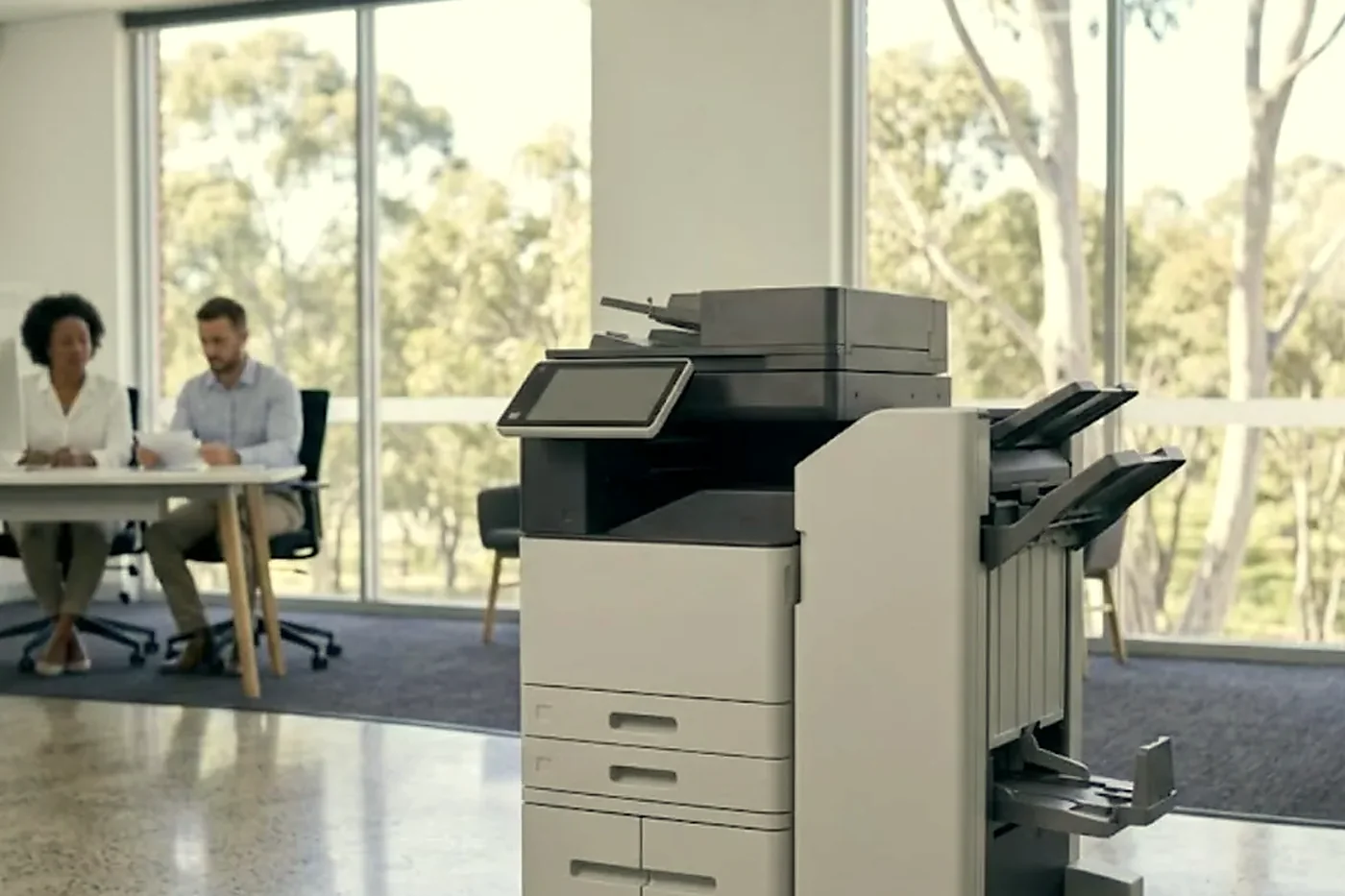
Inside an ADVANCE colour machine the four toners land on a belt, the ITB, and the secondary transfer roller then moves them to the paper in one go. If any of those surfaces is dirty, scratched or worn, the faults are easy to see and hard to explain: colour fringing around text, a mark in a single colour that repeats, a pale ghost of the previous page, or toner dust on the back of a sheet.
We study the belt surface under a light, print a test page of solid colour blocks and a fine line pattern, and compare it with where the marks fall. Marks every few centimetres at a measurable gap implicate a roller. A band across the page implicates the belt. A colour that is missing altogether points to the drum, developer or print path for that colour. The technician puts the verdict in words you can hand to whoever signs off the invoice.
Law firms, schools and print rooms
Canons suit places that run a lot of paper under a lot of rules. A law firm on a CBD floor wants secure release, so a confidential bundle sits on the machine until its author taps a card. A school office uses department codes so Year 9 cannot print the staff newsletter against the Year 3 budget. A council print room needs a production machine that delivers a few hundred booklets without a crooked staple.
Every one of them leans on the machine differently, and on us. The law firm rings about authentication that stopped. The school rings about jams from a cassette loaded with whatever paper was nearest. The print room rings about a finisher that has stopped talking to the engine. The opening moves never vary: ask what changed, read the code, and try the simple things before the clever ones.
Canon around Brisbane
Canon fleets in the CBD, Fortitude Valley, Milton and Toowong are often locked down with card login and secure release, which means a fault that looks like hardware can turn out to be a sign in or Kerberos problem. Offices attached to workshops and warehouses at Acacia Ridge, Archerfield, Darra and Wacol have the opposite trouble: dust and cardboard fibre work into feeders and paper paths, so a repair there includes a clean as well as a part.
A storm that knocks the power about can leave a stuck job or a service code at the next start up. Queensland also stays on standard time all year, so in summer the head offices in Sydney and Melbourne are an hour ahead, and a mail or network change made there can break scanning before anyone in Brisbane has switched a light on.
When a Canon has become more trouble than it is worth we say so outright. Refurbished machines are part of our business, and we buy used ones, so a comparison is on hand if you want one.
A Canon visit, from call to test print
Short version of what happens.
- You phone with the model and the code and tell us what the machine was doing, and we go over the price right then.
- A trained, certified technician arrives at your premises and fixes the machine where it stands.
- The code is matched to the model, and the technician describes the likely cause in plain words.
- The repair is proved with your paper and your own scan destination.
- Should the same fault come back, we put it right again without charge.
Your Canon, from the van doors to the last test page


Belts and rollers
Handle it like glass
The transfer belt looks like black plastic film and behaves like a pane of glass. One crease or one print of skin oil and every page carries a faint repeating mark that nobody can explain until the belt comes out again.
Rollers get the same care: wiped with the right cloth, fitted square, turned by hand before power goes on. Customers notice the tidiness before they notice the fix.

- Edges only. Belts are lifted, not grabbed.
- Clean bench. Parts never sit on the floor of the copy room.
- Turned by hand. Rollers are checked before the machine is switched on.
Keep reading around Brisbane
 Copier error codesHow to read a code and what to note down.
 Scan to email not workingScans that never reach an inbox or a shared folder.
 Konica Minolta repairsbizhub i-Series, C series and production machines.
 Ricoh repairsIM C, IM and MP series copiers, repaired on site.
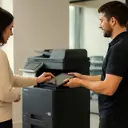 Refurbished CanonimageRUNNER ADVANCE, inspected, warranted and set up.
 Brisbane CBDQueen Street to Eagle Street, William Street to Roma Street
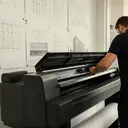 Plotter serviceHP DesignJet, Canon imagePROGRAF and Epson SureColor plotters, repaired at your premises.
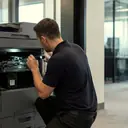 Printer and photocopier repairsCopiers and printers repaired at the desk where they broke.
Buy, sell and lease
Buy, sell and lease commercial copiers in Brisbane
We also sell new and refurbished commercial copiers and buy used ones. Same team, same technicians.
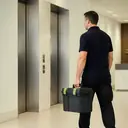
From the van to the machine


Questions people ask us on the phone
Do you offer Canon photocopier repairs on site in Brisbane?
Yes. imageRUNNER ADVANCE, DX, imageCLASS and imagePRESS machines are repaired on your premises, and we settle the price over the phone first. Same day service is available.
My Canon shows E001 at start up. What does that mean?
Codes from E001 to E004 concern fixing temperature, meaning a thermistor reading too high or too low, or a relay problem. On the models we meet it usually leads to the fixing unit, its thermistor or the wiring, and we confirm which on site.
Why must I read the whole E code with the tail?
The first three digits give the area and the last four the exact detection, so without the tail all we know is the area. Please leave the code on screen until you ring.
Scan to email stopped working on our Canon after a Microsoft 365 change. Is the copier faulty?
Probably not. The copier may still be presenting old credentials, or a port setting that no longer fits. We work through the settings and report to your IT contact what the machine requires.
I searched Canon printers repair near me. Do you come out to smaller offices?
Yes, every commercial customer can book a call. A practice with one imageRUNNER, a builder with an imageCLASS and a print room with an imagePRESS all fit an ordinary week.
One person cannot print on the Canon and everyone else can. Why?
Most likely their driver lost its department ID, or a PIN changed. We examine the setting and the driver together. Ask us to export usage before anyone clears the counts.
Two sheets keep going through together. Is it a worn roller?
It could be, though damp or curled paper is just as likely after a humid summer. Paper and tray settings come first, then the pickup and separation parts.
Do you repair Canon plotters as well?
Yes. imagePROGRAF wide format machines have their own plotter page here, and a single call can take in the plotter and the copier together.
What does an E602 code mean?
It points to storage: the hard disk, a partition or the image data store, with the tail narrowing it down. We read the machine's report and speak to you before anything is reformatted, because address books and held jobs are kept there.
Can we keep a Canon that is ten years old?
Often, yes. What matters is whether parts can still be had and whether faults are stacking up in different places. We tell you which side of that line your machine is on.
Are you Canon authorised?
No. Ours is an independent service business and we claim no authorisation from Canon.

Something odd on the panel
Read us the code
A code is a pointer, not a verdict. We work out what it points to and quote you before we move.
Send the code
Printer service Brisbane, from one desk printer to a whole floor
Copier and printer repairs across Brisbane
Fault guides
- Copier and printer faults Brisbane
- Photocopier paper jams Brisbane
- Copier black lines and streaks Brisbane
- Copier error codes Brisbane
- Copier not printing Brisbane
- Scan to email not working Brisbane
- Toner smearing and fuser faults Brisbane
- Printer offline and network faults Brisbane
- Copier noise, grinding and squealing Brisbane
- Is my copier worth repairing Brisbane
- Toshiba e-STUDIO error codes Brisbane
- HP LaserJet error messages Brisbane
- Kyocera TASKalfa error codes Brisbane
Makes we work on
- Toshiba copier repairs Brisbane
- HP printer repairs Brisbane
- Kyocera copier repairs Brisbane
- Fujifilm copier repairs Brisbane
- Xerox copier repairs Brisbane
- Ricoh copier repairs Brisbane
- Lexmark printer repairs Brisbane
- Brother printer repairs Brisbane
- Epson printer repairs Brisbane
- OKI printer repairs Brisbane
- Zebra printer repairs Brisbane
- Konica Minolta copier repairs Brisbane
- Sharp copier repairs Brisbane
- Fuji Xerox copier repairs Brisbane
Suburbs and districts we cover
- Printer service Inner West Brisbane
- Printer service Brisbane CBD
- Printer service Milton, Toowong and Inner Brisbane
- Printer service Centenary Suburbs
- Printer service Ipswich Corridor
- Printer service Logan
- Printer service Brisbane Northside
- Printer service Acacia Ridge and Archerfield
- Printer service Toowoomba
- Printer service Eastern Suburbs and Airport Precinct
- Printer service Southside: Sunnybank and Mount Gravatt
- Printer service Redcliffe and Moreton Bay
- Printer service Redlands, Capalaba and Cleveland
- Printer service Caboolture, Morayfield and the North
- Printer service Fortitude Valley and Newstead
- Printer service Indooroopilly, Toowong and Kenmore
- Printer service Springfield and Ripley
- Printer service Ipswich, Booval and Amberley
- Printer service Beaudesert and the Scenic Rim
- Printer service Lockyer Valley and Gatton
- Printer service Beenleigh and Yatala
- Printer service Bribie Island and Moreton Bay
- Printer service Carindale and Camp Hill
- Printer service Wynnum and Manly
- Printer service North Lakes, Strathpine and Petrie
- Printer service South Brisbane and Woolloongabba
- Printer service Logan Central and Browns Plains
- See every Brisbane area
Got the make and the fault? Send those two things and we will price it.
Got a code? Send it over
Even a rough description works: noise, smell, streaks, jams. We work out the rest on the call. Our number is (07) 3073 5255.
