A machine from a company that no longer has the name
You can walk into a council office, a school or a law firm in Brisbane and find a Fuji Xerox ApeosPort that was installed years ago and has barely been out of the room since. It works. The people who bought it have left. The company that made it has changed its name. The first thing anybody wants to know when it stops is whether there is still someone who can fix it.
There is. We repair these machines as an independent service business, with technicians who are trained, experienced and certified. We are not Fuji Xerox and not Fujifilm, and we claim no authorisation from either. 98% of repairs are fixed on the first visit, and if the same fault returns we fix it again at no charge.

Where the name went
Dates matter here because they explain what is on your front cover, and why drivers and parts lists use more than one name.
| When | What happened |
|---|---|
| 1962 | Fuji Xerox begins as a 50:50 joint venture between Fuji Photo Film and Rank Xerox. |
| November 2019 | Fujifilm announces it will buy the remaining 25 percent held by Xerox. |
| 31 March 2021 | The technology agreement between Fuji Xerox and Xerox ends. |
| April 2021 | The company changes its name to Fujifilm Business Innovation. In Australia it becomes Fujifilm Business Innovation Australia. |
Machines sold before 2021 carry the Fuji Xerox name with product lines such as ApeosPort, DocuCentre and DocuPrint. Newer machines from the Fujifilm side carry the Apeos name. Xerox Corporation is a different, American company that carries on with WorkCentre, VersaLink and AltaLink. If you have a Fujifilm or a Xerox machine, each has its own page here.
Reading a Fuji Xerox label
The line name tells you the job. ApeosPort is a multifunction machine that copies, prints and scans. DocuCentre is another multifunction line name, and many ranges came in both an ApeosPort and a DocuCentre version. DocuPrint is a printer only. After the name comes a Roman numeral for the generation, such as VI or VII, and then a letter and digits. C marks colour. The digits give the speed class.
The generation numeral is the useful part. It tells a technician which parts catalogue and which fault list to open. A C5571 on an ApeosPort VI and a C5573 on an ApeosPort VII are the same size of machine from different eras, and they do not share every part. Ask for the whole label, including the numeral, when you ring.
Machines still common in Brisbane include the ApeosPort VII and DocuCentre VII colour range, with the DocuCentre C3372 that has no ApeosPort twin, the ApeosPort VI range with the C7771, C6671 and C5571, and the single function DocuPrint 5105 d, 4405 d and 3505 d. If yours is older, phone with what it says and we will confirm before booking.
The code in two halves
Fuji Xerox machines show a code as three digits, a dash and three more. The first three name the area and the last three name the fault. Fujifilm publishes the list. Step one is nearly always the same: switch off, wait until the touch screen is blank, and switch on again. If the code returns, we look at the area it names.
A code is a pointer, not a diagnosis. It tells a technician where the machine saw something wrong. It does not always say which part caused it.
Code prefixes we are asked about
These are areas, with a few examples from published lists. The model decides the rest.
| Prefix | Area | Examples |
|---|---|---|
| 002 and 003 | Scan service and device memory | 002-500 is an error during a scan job. |
| 005 | Document feeder | 005-275, 005-280 and 005-288 are feeder mechanism faults. |
| 010 | Fuser | The 010 range includes 010-327 to 010-379. |
| 012, 013, 014 | Finisher, booklet unit, hole punch, stapleless stapler | 012-210 to 012-319 cover finisher mechanics, staples and waste. |
| 016 | Software, network, authentication | 016-757 is an accounting problem. 016-400 to 016-456 cover network authentication, DNS and time sync. |
| 061 | LED print head module | Colour streaks and bands. |
| 071 and 075 | Paper trays | 071-210 is a tray 1 malfunction. |
| 077 | Paper jams | 077-900 is a jam somewhere in the machine. |
| 092 | Drum module | Drum faults, usually one for each colour position. |
The 016 family is not a hardware fault
People see 016 and assume the worst. The 016 group lives in software, network and authentication, and a lot of the codes in it are the machine telling you it could not reach something. DNS that no longer resolves. A clock that has drifted so far from the server that sign in fails. An account the machine uses that has expired or been renamed.
We start on the network side. What changed in the last week. Does the clock agree with the server. Can the machine reach the address it was told to use. If the answer is a setting, we say what it is and who owns it, and you do not pay for a part. If the machine really does have a fault, we find that too.
Parts of a Fuji Xerox that give out
Age shows in the usual spots. Fuser, drum modules, transfer belt and its cleaner, then the feed and separation rollers in every tray and in the feeder. A part on an older machine may look just like the one on a newer machine and still carry another number, and counters are not reset the same way on every model, so the model is pinned down first.
Fujifilm says the consumable product codes stayed the same through the name change, although the packaging changed. That helps if you are ordering toner for a machine that carries the old badge. It does not mean every internal part is interchangeable, and we do not assume it.
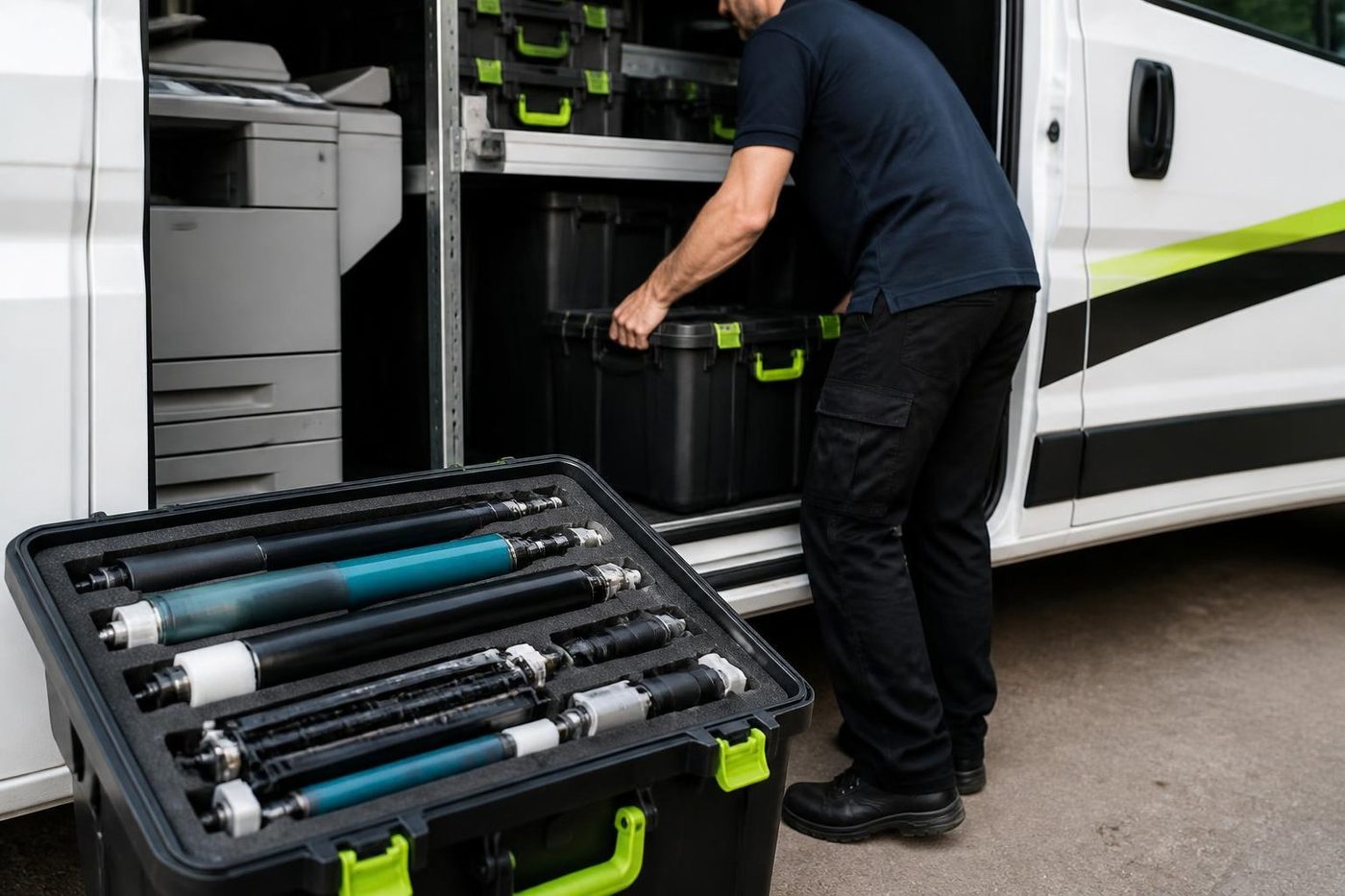
The imaging parts are light sensitive. Keep them wrapped and out of window light until they go in. Our technicians arrive with the common wearing parts in the van, which is why most Fuji Xerox repairs finish in one visit.
A short list of things we see on these machines
Not a diagnosis, but where we look first.
- Toner that smears or rubs off, creases and a smell of warm plastic: the 010 area, the fuser.
- A stripe in one colour that repeats down the page: the drum module for that colour, or a print head.
- A document feeder that jams or skews: feeder rollers, then the 005 group.
- A tray that stops the paper at the same point every time: the feed and separation rollers for that tray.
- A finisher that clicks and does nothing: staple cartridge, waste, then docking.
- A scan that stopped after a server change: 016 area and the account the machine uses.
Drivers and the machine that outlived its installer
A common job is also a quiet one. A new computer joins the office and nobody can find the print driver for the old ApeosPort. Fujifilm says drivers developed by Fuji Xerox can still be downloaded, which settles that. What does not settle itself is the question of which driver is right for the model, and whether to use a model specific driver or the universal one.
We try to leave the office better than we found it. If we are on site for a repair and the print queue names are a mess, the address book has twelve dead destinations or the scan to folder account has been sitting on a former employee's login, we tell you. Sometimes we fix it while we are there.
Brisbane offices that still run Fuji Xerox
Councils and schools have a lot of these machines because they were bought on long contracts, and long contracts keep machines in place. In the Ipswich corridor and across Logan we meet ApeosPorts in counters and staff rooms. In the CBD and Milton they turn up in firms that have not changed copier since they moved in. Out at Acacia Ridge and Archerfield they sit in depot offices with grit on the rollers.
The year matters. A machine bought in 2012 has had a lot of Brisbane summers. Heat and humidity age the fuser and rollers, and paper stored in an unconditioned room curls. A storm that cuts power mid job can leave a code at the next start. If your machine has been through flooding or a roof leak, tell us when you ring.
Finding out which generation you have
Not everyone can tell by looking. If the front says ApeosPort VII, the job is easy. If the numeral has worn off, or somebody stuck a company label over it, there are other routes. The model is usually repeated on the touch screen, under the device information page. The serial number plate sits inside the front cover or on the back. A photograph of either, sent to us, is enough to start with.
It is worth the minute. Parts, fault lists and the way a counter is reset all differ from one generation to the next, and a technician who arrives having guessed wrong is a technician who goes back to the depot for the right part.
Fuji Xerox in a council office
Local government is where we meet a lot of these machines. Counters, planning teams, libraries, depots. A machine on a long contract, shared by dozens of people who use it in a hurry and have no reason to love it. They load the wrong paper, they slam the covers, they scan a hundred pages as a single job.
The faults follow the use. Document feeders wear, because the feeder is the part that takes the beating. Staples jam because the cartridge is pushed in crooked. Scan to folder breaks because the folder belongs to a team that was reorganised. None of that is exotic. It is a matter of looking at the feeder rollers, the staple unit and the destination settings in turn, which is the order we work in.
If a council or school has several machines across sites, tell us. We keep a record for each, with the fault, the cause and the part, so a call about the same machine next year starts from that note.
Scanning from an older machine to a newer network
A Fuji Xerox that has been in the same place since 2013 has outlasted two or three rounds of network change. The file server was replaced. The office moved to cloud storage. The mail provider tightened its rules twice. The copier carries on trying to send scans the way it was told to when it was installed.
Older machines may be limited in how they talk to a modern server, and a destination that worked once can quietly stop. We check the machine's settings, test a scan, and find out whether the fault is on the machine or on the server. If the machine needs a setting changed, we change it with your administrator's say so. If the server side needs a change, we tell your IT contact exactly what. And if a machine genuinely cannot talk to what the office has now, we say so plainly, so you can decide.
Heat, dust and ten years of Brisbane
A copier that has spent a decade in Brisbane has lived through ten summers. The fuser has been hot every working day. Paper has taken on damp in February. In a depot office, dust and cardboard fibre have settled on the feed rollers and in the document feeder.
So when we service an older Fuji Xerox we look at those things on purpose. The fuser surface and the connectors that carry its heat. The feed and separation rollers in every tray, for glassy surfaces and grime. The feeder pad. The cooling path and any filters. A machine that has been well looked after in a cool office has a long life. A machine in a sun warmed passage with a leaking window needs a kinder routine.
A visit, from the phone to the test page
You ring with the model and the code. We tell you what that area of the machine usually means and what the repair might involve, and we agree a price on the phone. Nobody is booked until you say yes. If the lines are busy the call is logged and returned.
Our technician turns up with spares that suit that generation and the notes from your call. Someone who uses the machine gets asked what it does, the fault is watched if it will oblige, and only then does a cover come off, one assembly at a time.
The fix is tested on your paper. A copy, a scan to your usual destination, a staple if there is a finisher. We write what we found on the job record. If a part is not on the van, we say what it is and when it can be here, and we do not make promises about timing that we cannot keep.
Consumables for the old badge
A question that comes up often is whether toner still exists for a machine with the Fuji Xerox name. The answer, per Fujifilm, is that consumable product codes stayed the same when the name changed, although the packaging looks different. That helps office managers who keep an order list from years ago.
If you are not sure, read us the model and we will confirm what suits it. Do not buy by colour of box. A toner bought for the wrong generation can fit and still not work, or work and cause a code. That sort of mistake costs more in time than in money.
The finisher that clicks and does nothing
On a Fuji Xerox with a finisher, the stapler is the busiest moving part in the office and the one that gets the least attention. The cartridge runs out, somebody pushes in a new one slightly crooked, the machine tries to staple and does not. The 012 to 014 groups of codes cover that territory, including finisher mechanics, staples and waste, and the booklet and punch units.
The first checks cost nothing. Open the staple unit, look for a jammed staple, seat the cartridge properly, empty the punch waste bin. If a cover looks shut and has not latched, the machine behaves as if the finisher were not there. Only when those are done do we suspect the docking or the stapler itself.
If a finisher faults only on certain jobs, such as booklets or sets of more than thirty sheets, tell us. The pattern narrows the cause before the covers come off.
Colour on an ageing ApeosPort
A colour machine ten years in will have drifted. The cast is warm, or cool, or one colour is weaker than the others. The office has got used to it and then a client comments on a proposal.
The calibration comes first. It costs nothing. If the tint stays, we look at the imaging parts one colour at a time, the drum module in particular, because the 092 group exists for a reason. A streak in one colour that repeats is a drum or a print head problem, and the 061 group covers the LED print head module. A cast across all four is more likely to be paper, the belt or the settings.
Questions we ask on the phone
Ring about a Fuji Xerox and the call goes roughly like this. What does the front say, all of it, numeral included. What does the screen say, word for word, with the three digits, the dash and the other three. When did it start, and what was it doing. Is it one person who is affected or everyone. Has anything changed lately.
Those are not formalities. A 077 code on a machine that only jams in the second drawer is a different job from a 077 code that shows everywhere. A 016 code after a server move is not the same as one that appears after a power cut. People are sometimes surprised that we ask so much before we mention a price. We are collecting the answers that let us give one that holds.
Keep it or replace it
Old Fuji Xerox machines are not automatically finished. A steady old ApeosPort with a worn roller is very often worth repairing. One with a fuser, a drum, a feeder and a finisher fault in the same year may not be.
Because we trade in commercial copiers, a replacement, a trade in or selling the old machine to us can all be discussed. The repair opinion comes first and is not bent by it.
How this page fits with the other two
People search for Xerox, Fuji Xerox and Fujifilm as if they were three firms, and that is how the signs read. In practice, Fuji Xerox is the earlier chapter of what Fujifilm now runs, and Xerox is a separate company whose technology the earlier machines once shared. Fujifilm and Xerox each have a page here, and we repair all three the same way.
Your Fuji Xerox, from the van doors to the last test page




Belts and rollers
Handle it like glass
We lift belts by the edges and work on a clean surface, never on a desk piled with paperwork. It sounds fussy. It is the gap between one visit and two.
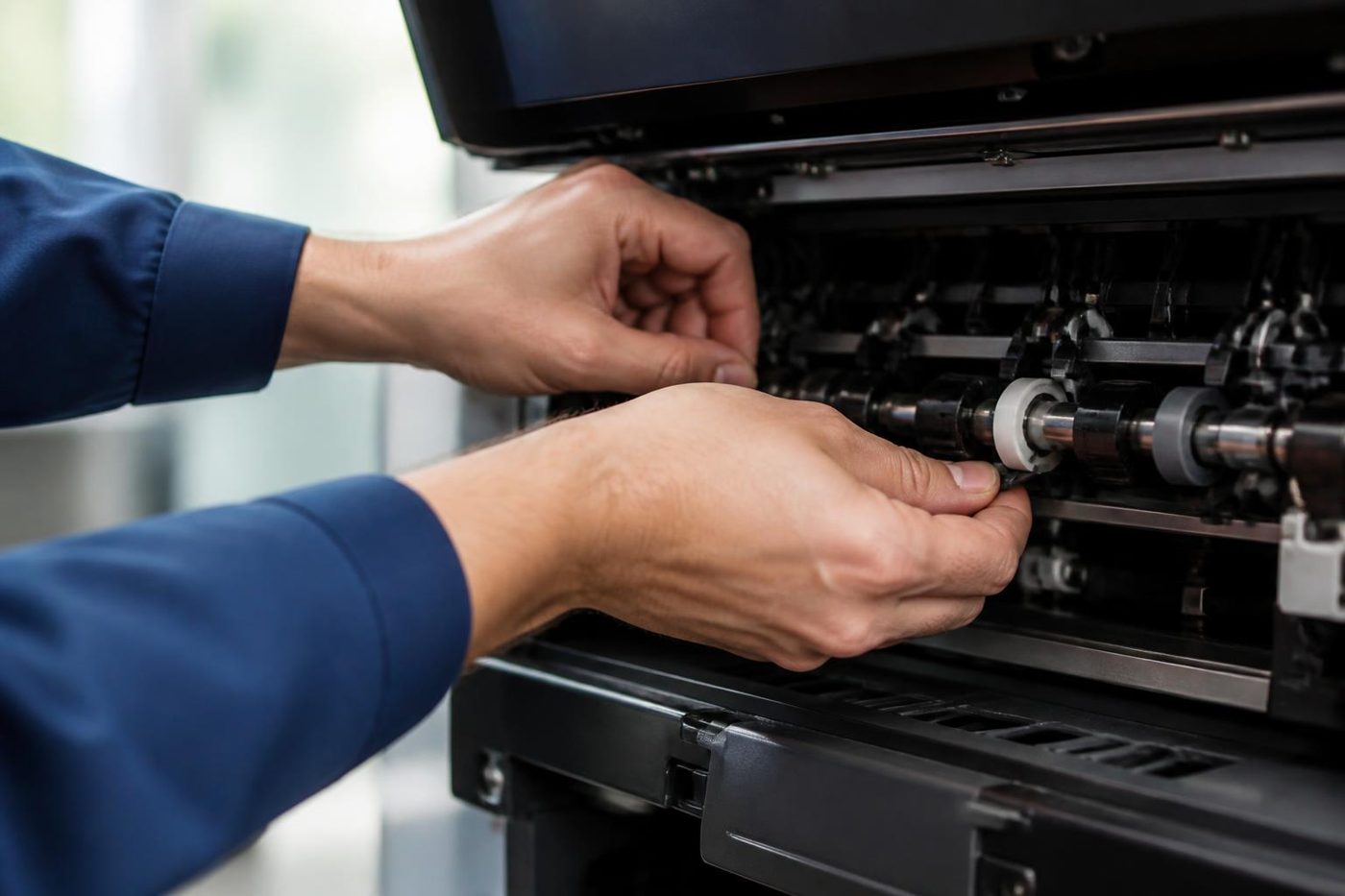
Rollers get the same care: wiped with the right cloth, fitted square, turned by hand before power goes on. Customers notice the tidiness before they notice the fix.

- Edges only. Belts are lifted, not grabbed.
- Clean bench. Parts never sit on the floor of the copy room.
- Turned by hand. Rollers are checked before the machine is switched on.
Keep reading around Brisbane
 Fujifilm repairsApeos and ApeosPort machines, including Fuji Xerox.Xerox repairsVersaLink, AltaLink, WorkCentre and PrimeLink machines.
 Copier error codesHow to read a code and what to note down.Scan to email not workingScans that never reach an inbox or a shared folder.Photocopier paper jamsWhy it jams and what to try first.Commercial printer repairsWorkgroup and desktop laser printers, colour lasers and label printers, repaired at your premises.
 Brisbane northsideChermside, Nundah, Virginia, Geebung, Brendale and Strathpine
 Printer and photocopier repairsCopiers and printers repaired at the desk where they broke.
Buy, sell and lease
Buy, sell and lease commercial copiers in Brisbane
We also sell new and refurbished commercial copiers and buy used ones. Same team, same technicians.
Shirt sleeves and parts cases


Questions people ask us on the phone
Do you repair Fuji Xerox printers and copiers in Brisbane?
Yes, on site. ApeosPort, DocuCentre and DocuPrint machines are fixed where they sit, with a price agreed by phone before a booking. Same day service is available.
Fuji Xerox has changed its name. Can the machine still be serviced?
Yes. The company became Fujifilm Business Innovation in April 2021, and machines that carry the old badge still work. We service them as an independent business.
What do the numbers in a code like 077-900 mean?
The first three digits name the area, here paper jams, and the last three name the fault. 077-900 is a jam somewhere in the machine. We read the code against your model.
Our ApeosPort shows a 016 code. Does it need a part?
Probably not. The 016 group covers software, network and authentication, so it is usually a setting, an expired account or a clock out of step with the server.
Can I still get toner for my Fuji Xerox?
Fujifilm says consumable product codes stayed the same although the packaging changed. If you are unsure, read us the model and we will confirm what suits.
What does the Roman numeral in the name mean?
It is the generation, for example VI or VII. It decides which parts list and fault list apply, so please give us the whole label when you ring.
Do you service DocuPrint printers?
Yes. DocuPrint machines are single function printers, and we repair them where they stand.
My ApeosPort has a streak in one colour. Do I need a new drum?
Not necessarily. A single colour streak points to the drum module or print head for that colour, but a dirty area or a stained feeder strip can look the same. We check before fitting anything.
Should I replace an old Fuji Xerox?
Not automatically. If the faults are few and the parts are available, repair is often the better value. We tell you honestly which side your machine is on.
Are you linked to Fuji Xerox or Fujifilm?
No. We are an independent service business and claim no link to Fuji Xerox, Fujifilm or Xerox.