Moves and installation
Photocopier Relocation, Setup and Installation in Brisbane
Scan to email is the thing that breaks after an office move, and nobody notices until the first invoice has to go out. Our photocopier relocation in Brisbane covers the whole job: shutting the machine down properly, getting it to the new floor without a knock, placing it, connecting it to the new network and testing it from a real computer before we leave. We also install and set up copiers and printers bought anywhere, new, used or ex demo. Ring (07) 3073 5255 with the machine, where it is going and the access at both ends.
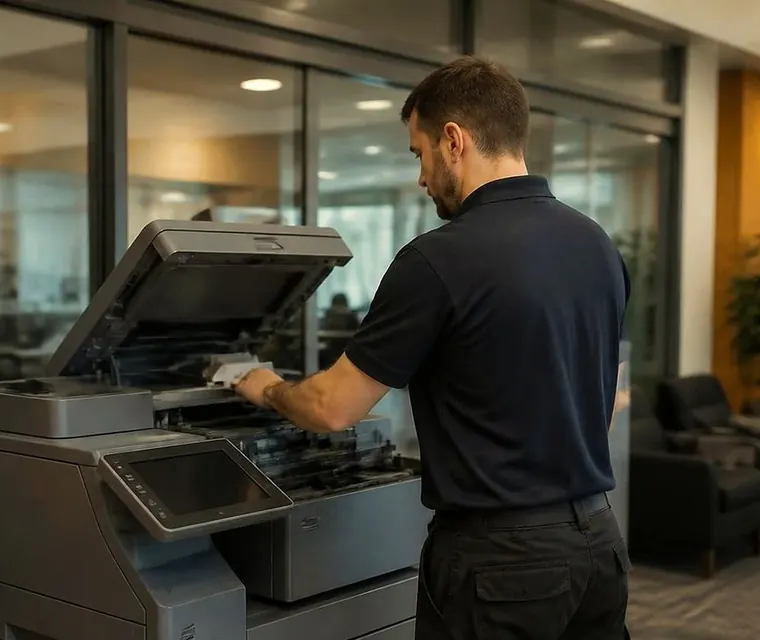
Brisbane printer service and photocopier repairs, plus machine sales
What goes wrong when a copier is moved on a trolley
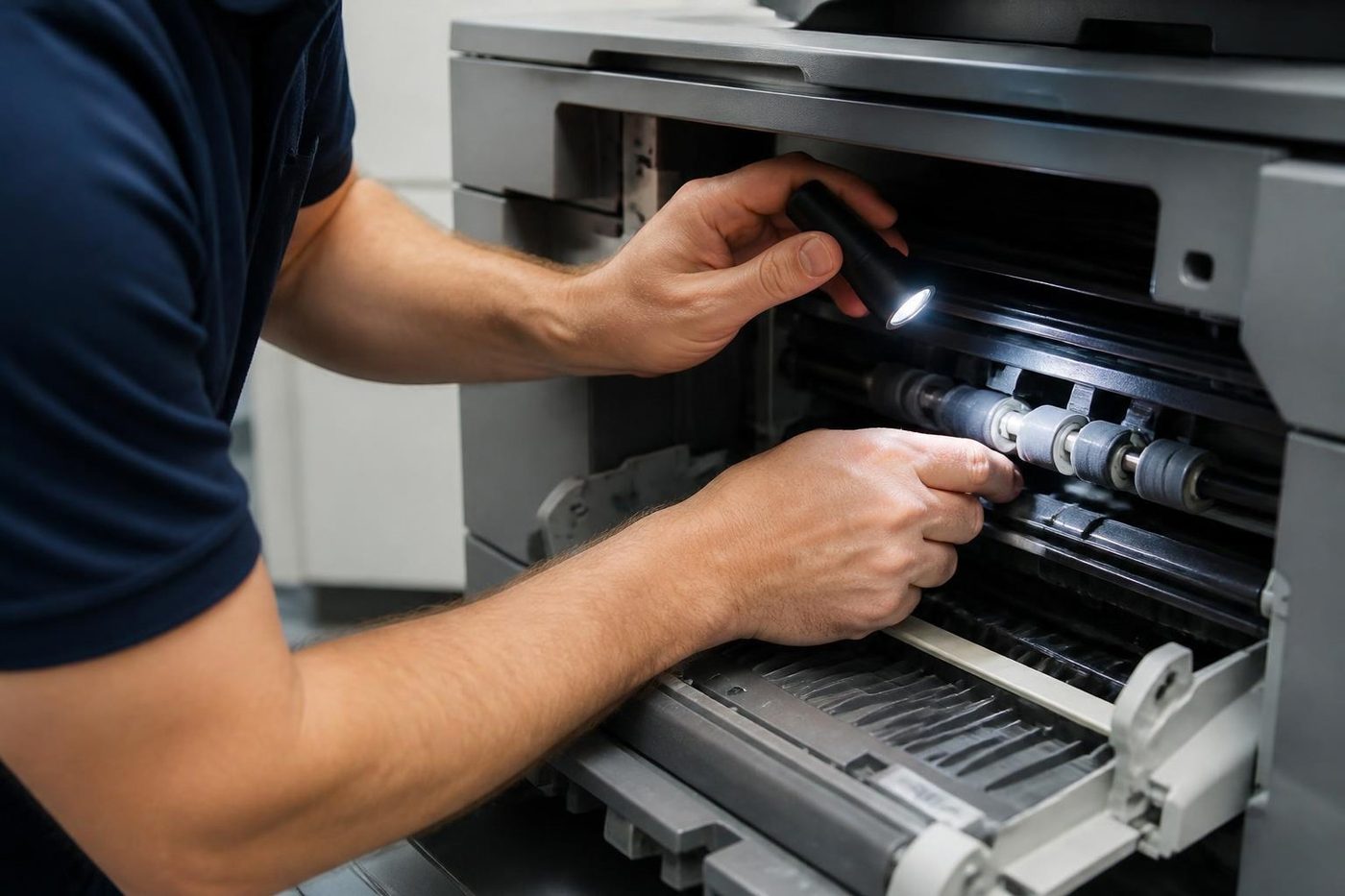
Office copiers are heavy, awkward and easy to damage. A knock in transit can throw the internals out of line and cost far more than the move. Toner can spill through the machine, scanner units can shift out of alignment, and reconnecting to the network trips up most people who try it. Putting it on a trolley and doing it in house is tempting, and it often ends in a repair call to fix a self inflicted fault.
We do this regularly, so your team keeps working while we deal with the machine instead of wrestling with network settings.



Three steps to a price
- Name the machineMake, model and the trouble it is giving you.
- Hear the price firstWe ring you back with it before a visit is booked.
- A certified technician attendsSame day wherever the diary allows.
What we do on a move
Six stages, whether it is one floor up or across the city.
| Stage | What happens |
|---|---|
| Before | We ask about the machine, both buildings, lifts, stairs and any loading dock, and note the network settings you will need again |
| Preparation | Shut down properly, toner secured, trays emptied, moving parts secured |
| The move | Transported on the right equipment and kept upright, including up and down stairs where the building needs it |
| Reinstall | Placed, levelled and connected at the new site |
| Configuration | Network, print drivers, scan to email and folder, user settings, checked with a test |
| Hand over | A short run through with your team |
Photocopier relocation Brisbane: from Milton and Toowong to the outer suburbs
Offices change address more often than people expect. A practice shifts from Toowong to Indooroopilly, an accounting firm leaves Milton for a floor in the CBD, a builder outgrows a shed at Rocklea. The distance varies, and the aim does not. The copier arrives intact and it works on the first morning.
The move itself is often the easy part. The hard part is a building with a goods lift that must be booked a week ahead, a doorway nobody measured and a loading dock shared with other tenants. Tell us the access at both ends and we plan round it.
Will it need setting up again?
Usually yes. Once a machine sits on a new network it needs its connection, print drivers and scan settings reset, and the email details have often changed along with the office internet. We handle all of that during the relocation, so it works straight away. Scan to email is the piece that breaks most often, so we test it before we leave.
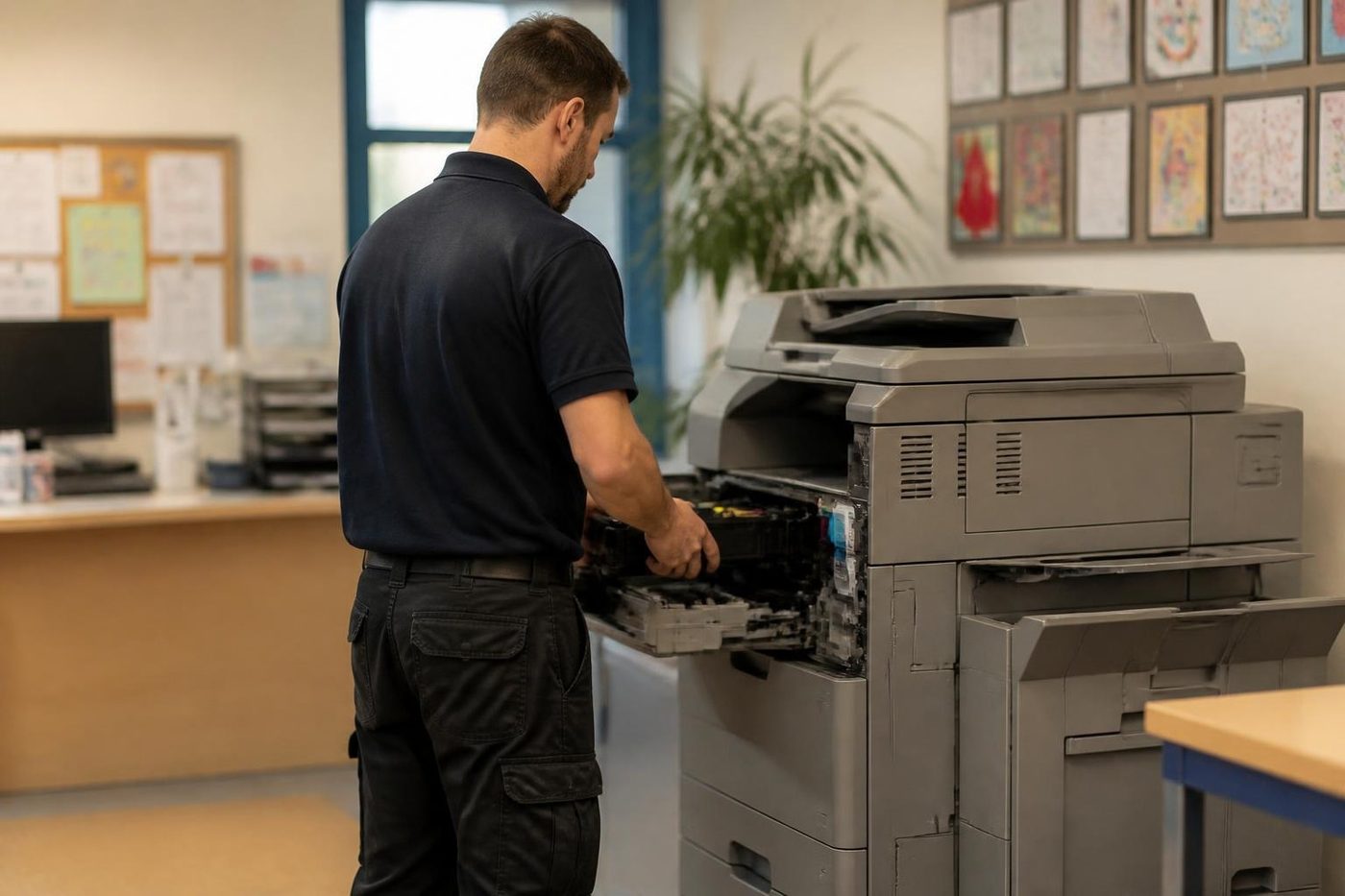
Move photocopier office Brisbane: a timeline
Roughly when to do what.
| When | What to do |
|---|---|
| Two to four weeks before | Tell us the dates, the old and new buildings and the access. Check who owns the machine and whether a lessor must be involved |
| One week before | Confirm the network details, the internet provider and the mail settings at the new site. Book lifts and loading docks |
| Moving day | We prepare, move, reinstall and reconnect the machine |
| Day one in the new office | We test printing and scanning from real computers and show your team the basics |
| First week | Ring if anything is not right. We sort it |
Office relocation: the printers move too
An office relocation in Brisbane usually comes down to one copier and a handful of printers that nobody has thought about. The copier needs locking down and moving upright, and the printers need their toner and drums protected and their network settings changed at the new address. We plan the copier and the printers together, so the whole fleet prints on the first morning in the new office.
Tell us how many machines are moving, the old and new suburbs, and anything awkward about either building, such as stairs, a goods lift or a loading dock with booked times. We ask the building about access rather than guessing. If a machine is not worth moving, we say so, and we can remove it or you can ask about selling it to us.
Check who owns it first
A leased machine may need the provider's approval, or a provider technician, to move it. Check before you book anything. The blog checklist Moving office in Brisbane sets out what to do before, during and after the move.
Photocopier installation Brisbane: what a proper setup covers
Bought a new or used copier and need it running properly? We install and configure machines wherever they came from, including used and ex demo units, and we are happy to pick up one that somebody else started.
A proper setup includes
The standard is the same whether you bought from us or not.
- Placing the machine with room to open the side panels and a clear path for paper and toner.
- Levelling it, because a machine standing out of true misfeeds.
- Connecting it to the network, wired or wireless, with a fixed address so nobody loses it.
- Installing or updating print drivers on every computer that needs them.
- Setting up scan to email, scan to folder and any cloud destination the office uses.
- Setting paper sizes and types, user codes, address books and defaults.
- Printing test pages and scanning test documents from a real computer.
- Showing your team the basics, and leaving the settings written down.
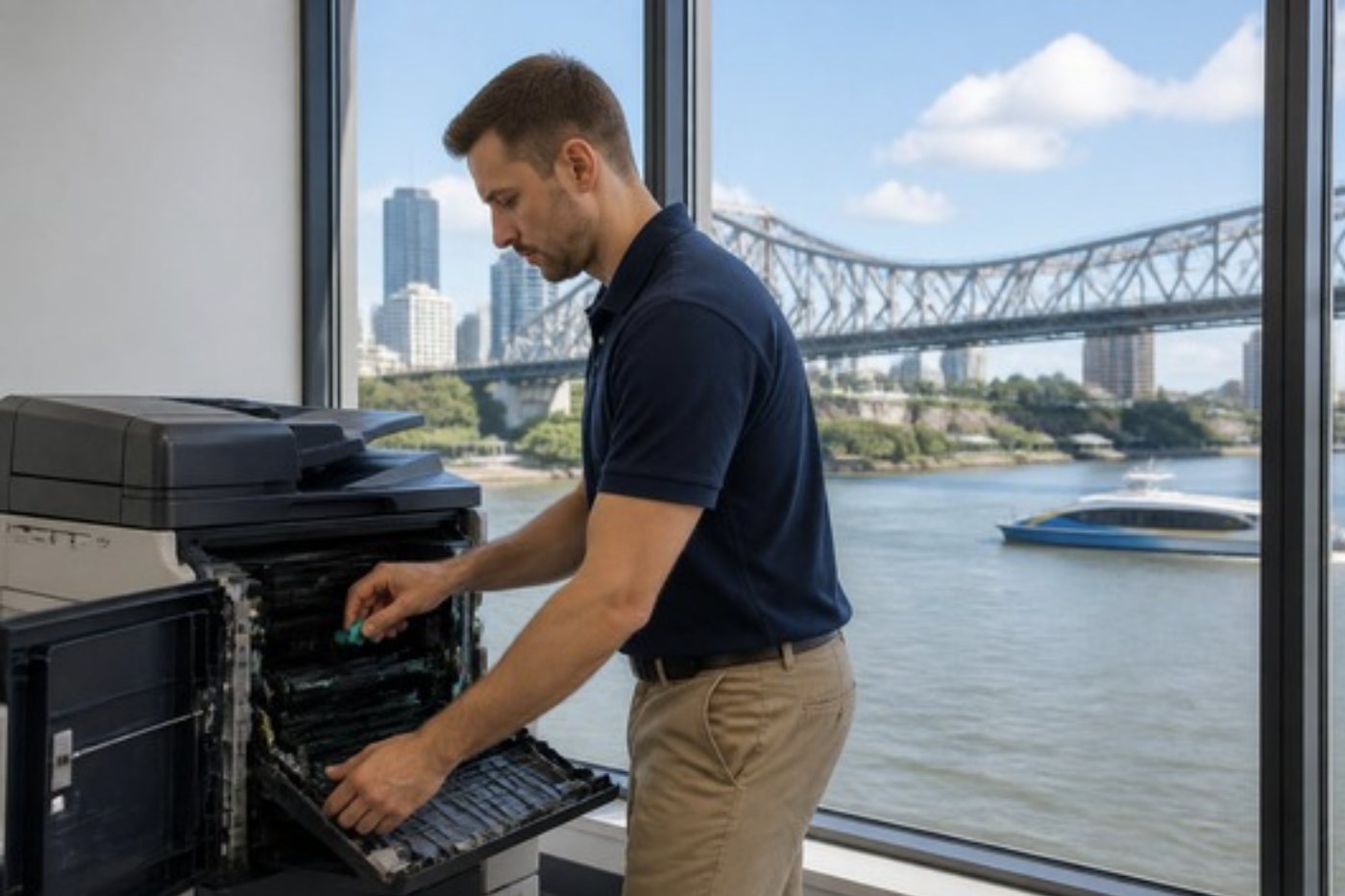
A machine that has been delivered and left in the corridor
Plenty of offices ring us after a delivery. The box is in a hallway, somebody has the manual, and nobody has the afternoon. We install and configure it and take it from there.
After the move
When we finish, the machine prints, copies and scans from your new network and your staff know where the settings are. If something is not right in the first week, ring and we sort it. A moved machine sometimes shows a fault that was waiting to happen, such as a worn roller that was fine on the old floor, and our repair team deals with it as an ordinary service call. The machine and the people are the same ones, so there is no need to explain it twice.
Photocopier movers Brisbane and removals
Not every job is a full relocation. If you only need a machine moved across the building, or collected and taken away, see photocopier removal and movers. If the old machine has value we buy used photocopiers, and the value can go toward a replacement as a trade in.
Repair, replacement or a surplus machine
If your photocopier has broken down or needs servicing, see photocopier repairs. If you want to buy, finance or lease a machine, see printer and photocopier sales, or used and refurbished photocopiers for a pre owned one. If the old machine is surplus after the move, we buy used photocopiers.
Where we work
We relocate, install and set up photocopiers across Brisbane and the western corridor, including the inner west, the Centenary suburbs and the Ipswich suburbs. See areas we service, or ring to confirm we reach your location.
Getting a quote
Ring (07) 3073 5255 or use the contact page. Tell us the machine, where it is going and the access at both ends. The price depends on the machine, the distance and the access, so we give you a clear quote up front, agreed on the phone, and not a one size price.
Where the machine lives
A Wacol depot is not a Valley loft
Our technicians ask where the machine lives before they ask what is wrong with it.
Fixing it where it stands means we see the conditions it works in, and that shapes the repair.

- Dust and damp considered. Paper path and rollers checked for both.
- Nothing lifted. No lift, no ute, no freight.
- Site noted. So next time we arrive better prepared.
From our news
Moving office in Brisbane? Your photocopier relocation checklist. What to do about the copier before, during and after an office move.
Keep reading around Brisbane
 Printer and photocopier salesNew, used and refurbished commercial machines, with finance, lease, rental and hire.
 Used and refurbished photocopiersTested and warranted used, refurbished and ex demo commercial copiers, delivered and set up.
 We buy photocopiersSell a used commercial copier or office printer to us. Figure agreed on the phone.
 Photocopier removal and moversRemoval, moves and collection.Installation and setupA new machine set up so it prints, scans and sends from day one.
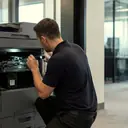 Printer and photocopier repairsCopiers and printers repaired at the desk where they broke.
 Brisbane CBDQueen Street to Eagle Street, William Street to Roma Street
Buy, sell and lease
Buy, sell and lease commercial copiers in Brisbane
We also sell new and refurbished commercial copiers and buy used ones. Same team, same technicians.
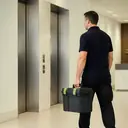

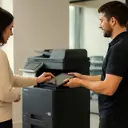
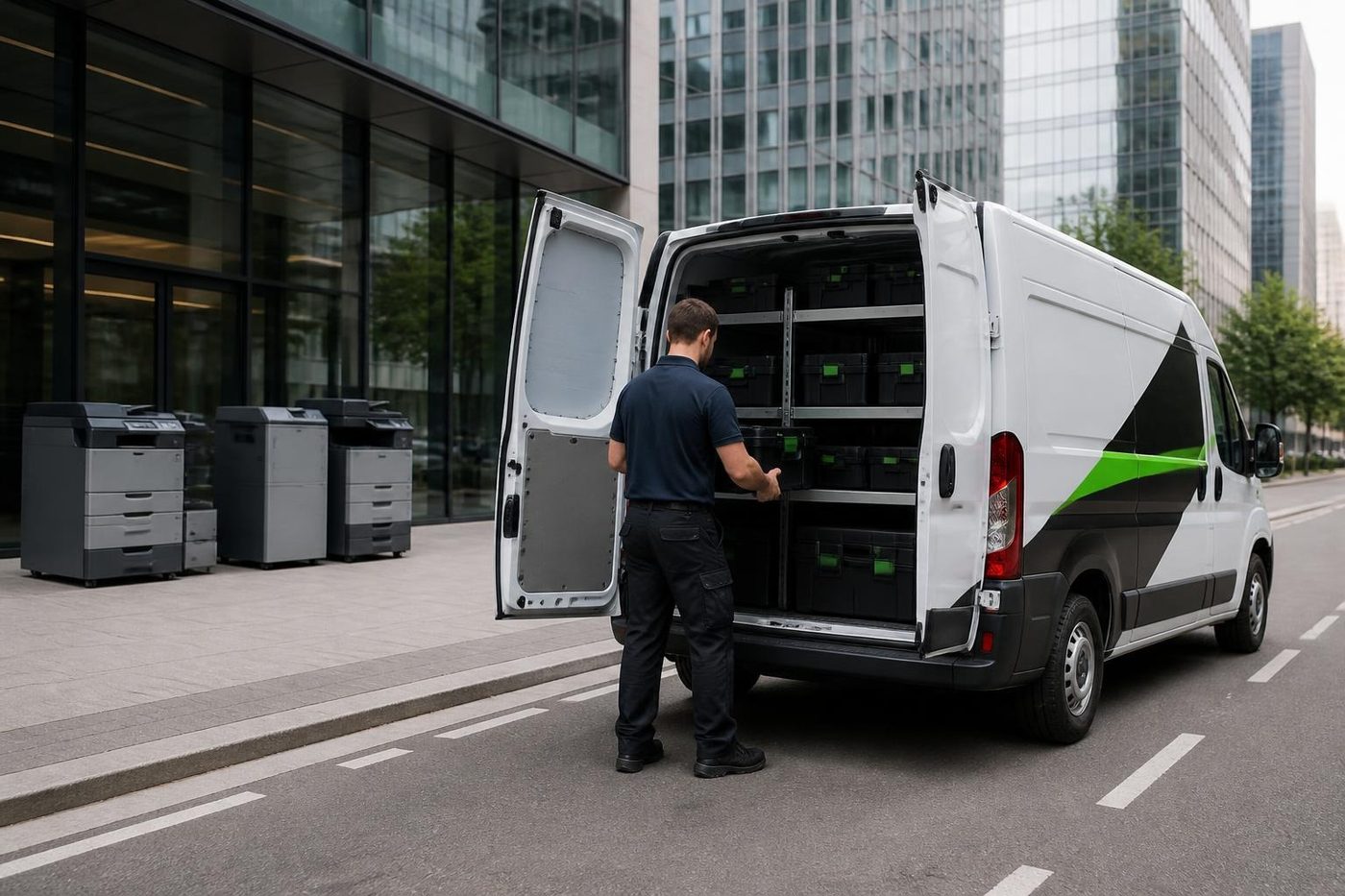
From the van to the machine



Questions people ask us on the phone
How do you move a photocopier safely?
We power down and prepare the machine properly, secure the moving parts, transport it on the right equipment, then reinstall and reconnect it at the new location. That avoids the internal damage and toner spills that come with a do it yourself move.
Do you move photocopiers up and down stairs?
Yes. We have the equipment to arrange every aspect of the move, including stairs.
Will my photocopier need reconfiguring after it is moved?
Usually. On a new network it needs its connection, print drivers and scan settings set again. We handle that as part of the relocation so it works straight away.
Can you set up a photocopier I bought somewhere else?
Yes. We install and configure machines wherever you bought them, including used and ex demo units.
How much does photocopier relocation cost in Brisbane?
It depends on the machine, the distance and the access at both ends, so we give you a clear quote up front. Ring with the details and we sort one quickly.
How much notice do you need to move a copier?
The more the better, but ring as soon as you know the date. We ask about access at both ends and plan round it.
What is the difference between relocation and removal?
Relocation is the whole job: move, reinstall, reconnect and test. Removal is collecting a machine that is leaving. We do both.
Can you install a machine that someone else delivered?
Yes. We install and configure machines wherever they were bought.
What if the copier is leased?
A leased machine may need the provider's approval or a provider technician to move it. Check who owns it first.
Do you cover my suburb?
We cover Brisbane broadly, from the inner west through the Centenary suburbs and out along the Ipswich corridor. Ring with your location and we confirm.
Something odd on the panel
Read us the code
A code is a pointer, not a verdict. We work out what it points to and quote you before we move.
Send the code
Printer service Brisbane, from one desk printer to a whole floor
Copier and printer repairs across Brisbane
Fault guides
- Copier and printer faults Brisbane
- Photocopier paper jams Brisbane
- Copier black lines and streaks Brisbane
- Copier error codes Brisbane
- Copier not printing Brisbane
- Scan to email not working Brisbane
- Toner smearing and fuser faults Brisbane
- Printer offline and network faults Brisbane
- Copier noise, grinding and squealing Brisbane
- Is my copier worth repairing Brisbane
- Toshiba e-STUDIO error codes Brisbane
- HP LaserJet error messages Brisbane
- Kyocera TASKalfa error codes Brisbane
Makes we work on
- Toshiba copier repairs Brisbane
- HP printer repairs Brisbane
- Kyocera copier repairs Brisbane
- Fujifilm copier repairs Brisbane
- Xerox copier repairs Brisbane
- Canon copier repairs Brisbane
- Ricoh copier repairs Brisbane
- Lexmark printer repairs Brisbane
- Brother printer repairs Brisbane
- Epson printer repairs Brisbane
- OKI printer repairs Brisbane
- Zebra printer repairs Brisbane
- Konica Minolta copier repairs Brisbane
- Sharp copier repairs Brisbane
- Fuji Xerox copier repairs Brisbane
Suburbs and districts we cover
- Printer service Inner West Brisbane
- Printer service Brisbane CBD
- Printer service Milton, Toowong and Inner Brisbane
- Printer service Centenary Suburbs
- Printer service Ipswich Corridor
- Printer service Logan
- Printer service Brisbane Northside
- Printer service Acacia Ridge and Archerfield
- Printer service Toowoomba
- Printer service Eastern Suburbs and Airport Precinct
- Printer service Southside: Sunnybank and Mount Gravatt
- Printer service Redcliffe and Moreton Bay
- Printer service Redlands, Capalaba and Cleveland
- Printer service Caboolture, Morayfield and the North
- Printer service Fortitude Valley and Newstead
- Printer service Indooroopilly, Toowong and Kenmore
- Printer service Springfield and Ripley
- Printer service Ipswich, Booval and Amberley
- Printer service Beaudesert and the Scenic Rim
- Printer service Lockyer Valley and Gatton
- Printer service Beenleigh and Yatala
- Printer service Bribie Island and Moreton Bay
- Printer service Carindale and Camp Hill
- Printer service Wynnum and Manly
- Printer service North Lakes, Strathpine and Petrie
- Printer service South Brisbane and Woolloongabba
- Printer service Logan Central and Browns Plains
- See every Brisbane area
Got the make and the fault? Send those two things and we will price it.
Looking at a machine for your office?
Tell us if you are buying, selling, leasing or moving one, and roughly how much the office prints. We ring back and talk through the options. You can also phone (07) 3073 5255.