Printer offline: three questions that cut the problem in half
Before anything else, answer these. They take two minutes and they sort most calls.
Does the printer produce a configuration page from its own menu? If yes, the machine is well and what remains is how the computers find it. Is it offline for everyone, or for one computer? One computer points at that computer. Everyone points at the printer's address, the network or the printer itself. Has anything changed lately: a router, a switch, a provider, a Windows update, an office move?



What the pattern says
Read across from what you see.
| Pattern | Likely side | Likely cause |
|---|---|---|
| Offline for everyone after a weekend | Network | The printer was handed a new address, or the router restarted ahead of it |
| Offline on one computer, fine on the others | That computer | A driver, a port or a Windows setting on that machine |
| Fine in the morning, offline after lunch | Printer or network | Deep sleep dropping the link, or an address clash |
| One floor prints and another cannot | Network | A switch, a firewall rule or a separate network section |
| Wireless machine drops in and out | Signal | Furniture, a new partition, a replaced access point or a changed network name |
| Offline after a Windows update | That computer | The driver was swapped for a generic one or the port was reset |
| Offline with an error showing on the panel | Machine | A genuine fault, and a job for us |
Ports, addresses and Windows changing its mind
A computer finds a printer by an address. Give the printer a new address and every computer still remembering the old one keeps calling a number nobody answers. The printer is perfectly well. It simply cannot be found.
Windows adds a second layer. Some printers are installed on a port that holds a fixed address, others on a discovery based port that follows the printer by name. Both can go wrong, in opposite ways. There is also a tick box in the print queue menu called Use Printer Offline, and it is amazing how often someone has ticked it by accident and the whole thing has been blamed on the network since. Another setting that checks the printer's status can report a healthy machine as offline on some networks. Your IT provider knows these. We know what the machine can do from its side.
Give it an address that stays put
Routers dish out addresses automatically and now and then dish out a different one. A laptop shrugs. A shared printer cannot. The cure is a reserved address on the router or a fixed address in the printer, and the trick is to set it in one place only. Set it in both and you have built an address clash that will come to bite on a quiet Tuesday.
Setting it takes minutes and ends a whole class of Monday morning calls. A new internet provider, a replaced router or an added switch is a strong clue, so mention it when you ring.
Storm season and the router that wakes first
A short power cut during a Brisbane afternoon storm restarts everything. The router comes up in a minute. The printer, with a bigger controller to boot, is slower. The router hands out addresses to whatever is awake, and the printer arrives late to find its old address given to someone else. A small battery backup for the router and the printer, or at least a surge protector on both, is cheap insurance, though a reserved address does more.
Wireless and long cable runs
Wireless lives on signal, and signal weakens when a partition goes up, a filing cabinet shifts or a new access point replaces the old. A cable suits a shared office machine better, and flickering link lights at the socket prove it is alive. Where a copier has to be wireless, ask your IT provider for strong signal at that spot and a reserved address.
A machine on USB works for one computer. Share it from that computer and it goes offline the moment that computer sleeps or logs off, which looks like a printer fault and is not.
Sleep and the eight o'clock offline
Deep sleep can drop a machine's network link, and waking takes a while. Offline at eight and fine at nine, or offline after a long lunch, points that way. The power saving settings can be adjusted, and we can show the panel menu on the day. If it sleeps and fails to come back at all, we look at the network card and the controller.
When it turns out to be the machine
Sometimes it is. Think of a network card that has stopped linking, a controller that hangs and drags the network side down with it, or a panel showing an error and refusing jobs. We test the machine on its own with a direct cable and a plain test page. Fine alone but wrong on the network, and your IT provider gets a precise account of what we saw. Wrong alone, and we repair it where it stands.
Network settings change only with values from your IT provider, and we leave a note of what was altered. Our technicians are trained, experienced and certified. Same day service is available, and you hear the price on the phone before anyone is booked.
What helps us most on the phone
Have these ready and the call is shorter.
- The make and the model name from the front.
- Whether it is offline for one computer, some, or all.
- The address on the configuration page, if you can print one.
- Anything that changed in the last fortnight on the network or the computers.
- Whether it is wired or wireless, and whether it has moved.
- What the panel shows right now, word for word.
Light and drums
Ten seconds of daylight can finish a drum
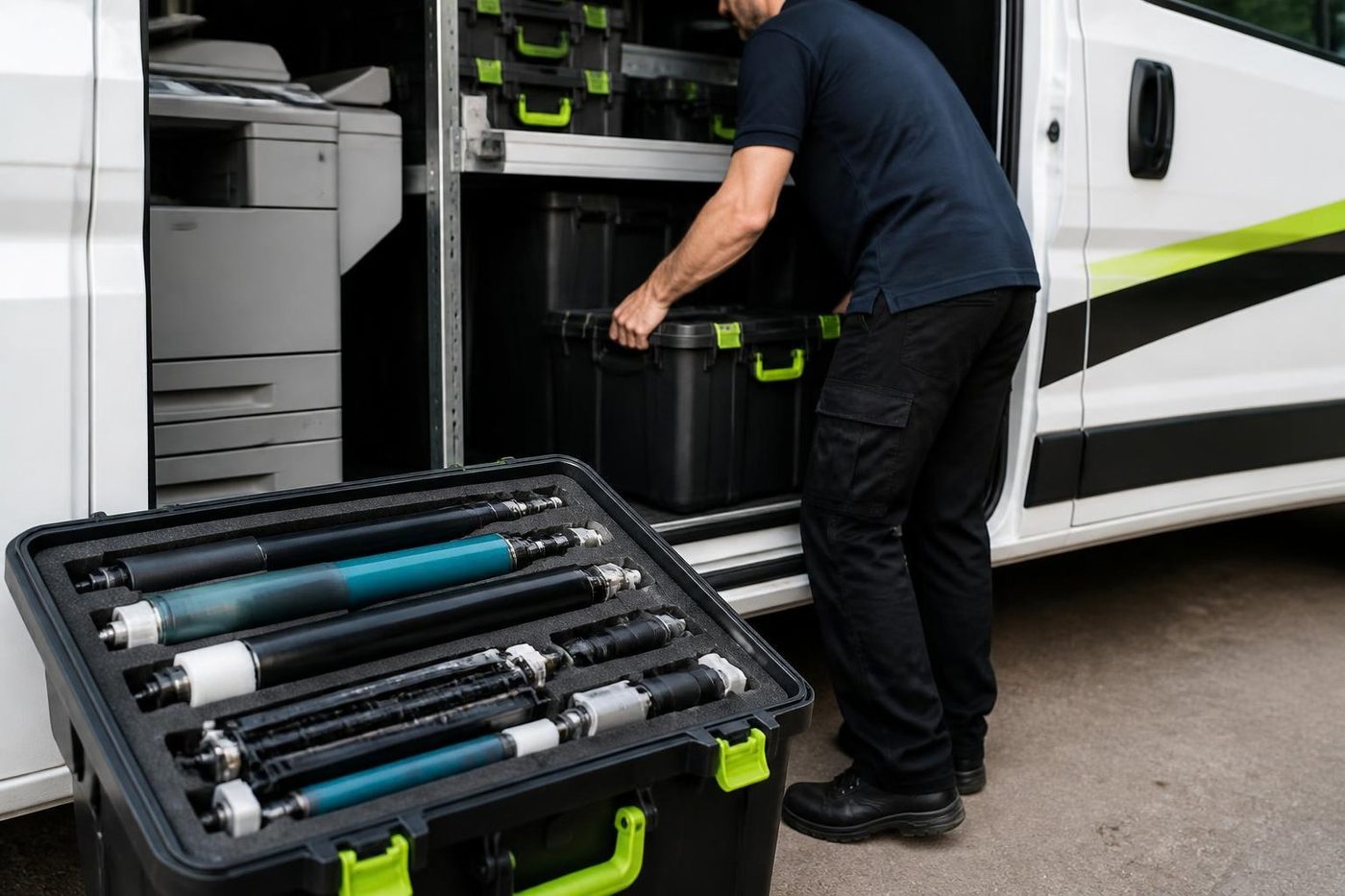
Open the back door of a Queenslander turned office on a bright January afternoon and the sun runs straight down the hallway. A copier drum left on a desk in that light is already losing life. Nobody sees it happen. The pages look fine until grey bands show up a week later, and the invoice for a second drum comes with them.
Ours stay wrapped and out of the light from the van to the machine and back. A small habit with a large saving.

- Wrapped. Drums stay covered until the second they go in.
- Gloved. No skin oil on anything that touches paper.
- Cause first. If it is not the drum, the drum stays in the box.
Keep reading around Brisbane
 Copier not printingJobs sent, nothing comes out.Scan to email not workingScans that never reach an inbox or a shared folder.
 Commercial printer repairsWorkgroup and desktop laser printers, colour lasers and label printers, repaired at your premises.
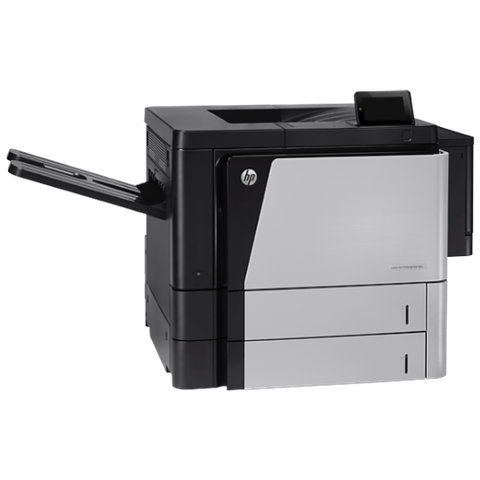 HP repairsLaserJet, Color LaserJet, Managed MFP and DesignJet, repaired where they sit.
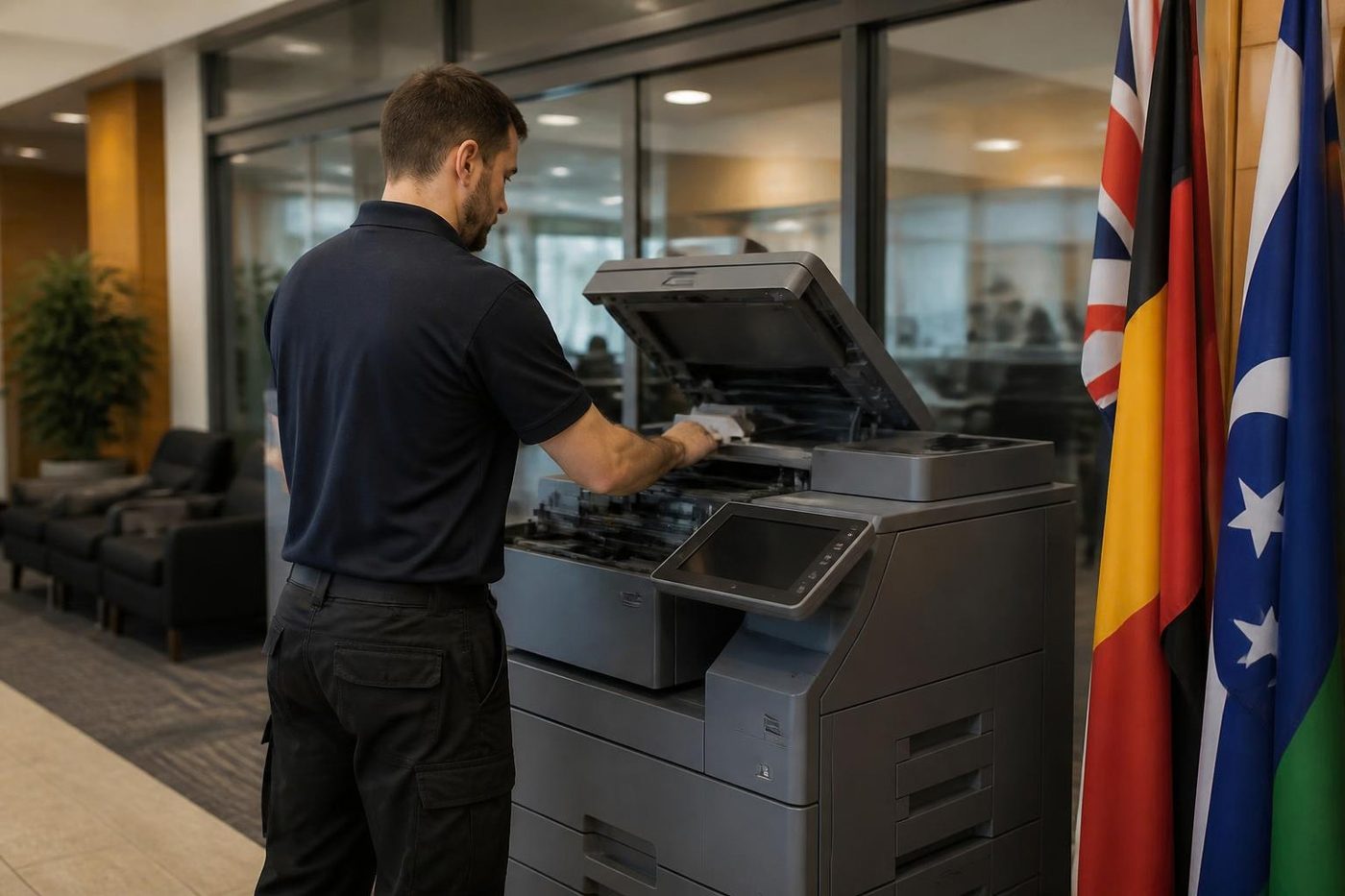 Installation and setupA new machine set up so it prints, scans and sends from day one.
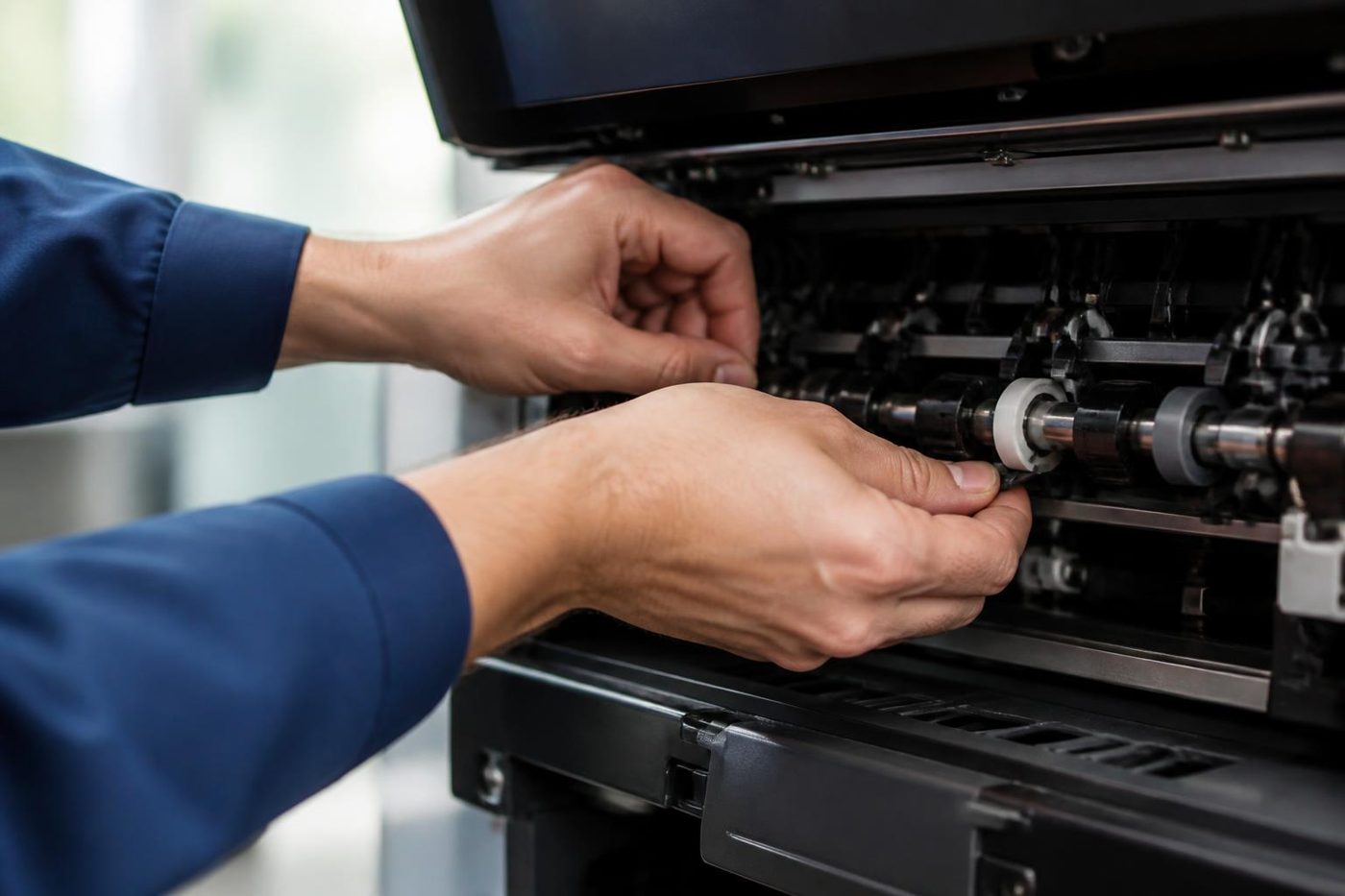 Copier error codesHow to read a code and what to note down.
Buy, sell and lease
Buy, sell and lease commercial copiers in Brisbane
We also sell new and refurbished commercial copiers and buy used ones. Same team, same technicians.
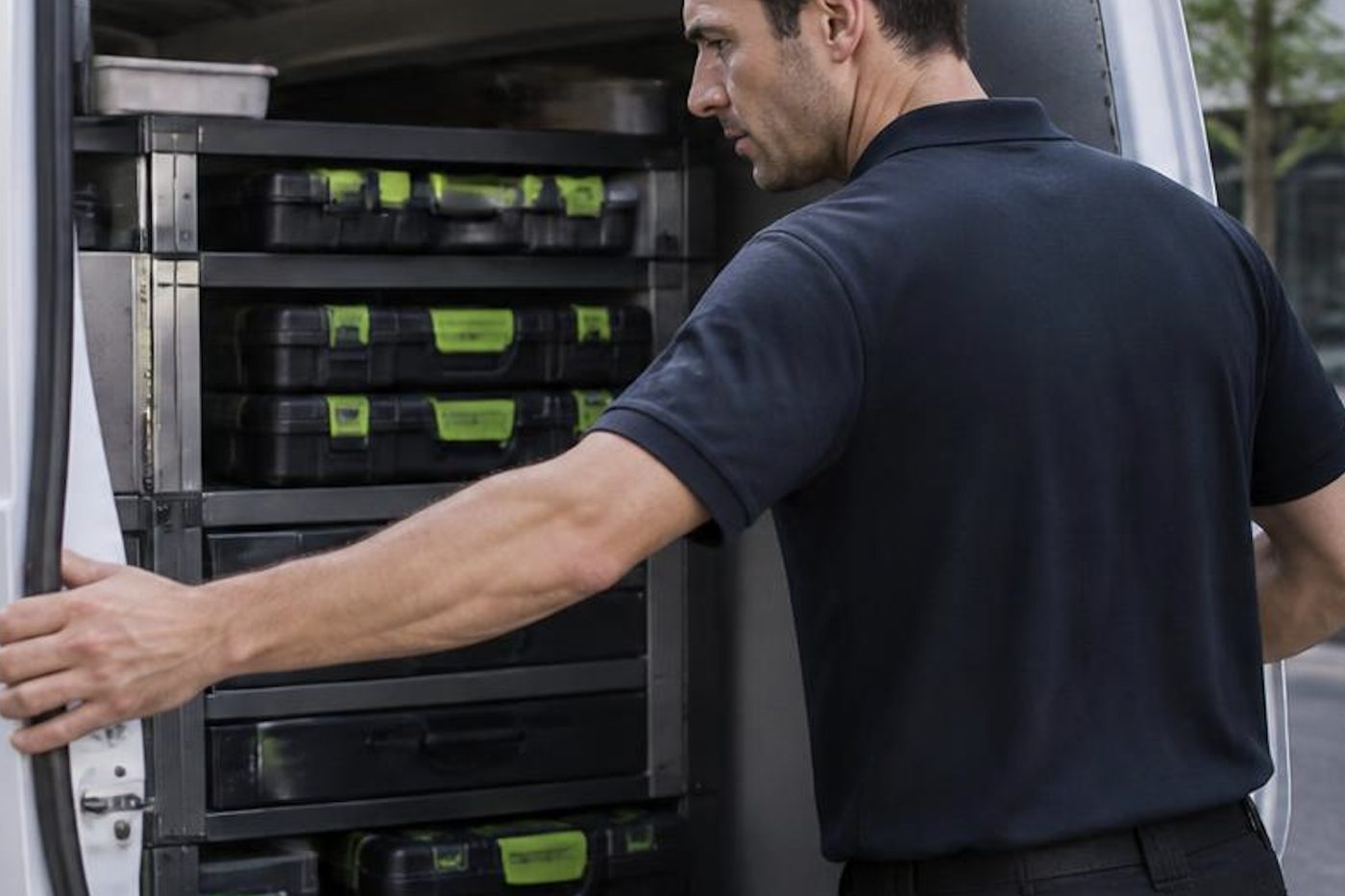
Shirt sleeves and parts cases


Questions people ask us on the phone
Why does the printer in our Brisbane office keep dropping offline?
Usually the address has changed or the machine sleeps and loses the link. A reserved address and a cable cure most cases.
The printer is on but shows offline on my computer only. Why?
That computer may hold an old address, a swapped driver or a ticked Use Printer Offline setting. The printer is probably fine.
Where do I find the printer's address?
On a configuration page printed from the panel menu, along with other network details.
Could a new router be behind it?
Yes. A new router may give the printer another address while the computers keep hunting for the old one.
Should the copier be on wireless or a cable?
Cable for anything shared. Wireless works when signal is strong and the address is reserved.
The printer prints a test page but not jobs from the computers. What does that mean?
The machine is healthy. Look at the address, the driver and the port on the computers.
What if the fault is the network and not the printer?
Ring first and describe what you see. The price is settled on the phone before booking, and we say plainly when the machine is not the cause.
Can you fix the network side too?
We work with whoever runs your network and enter the values they give us on the machine.
Do you come to the office for printer offline faults?
Yes, across Brisbane, at your premises.