A drum is not a toner cartridge
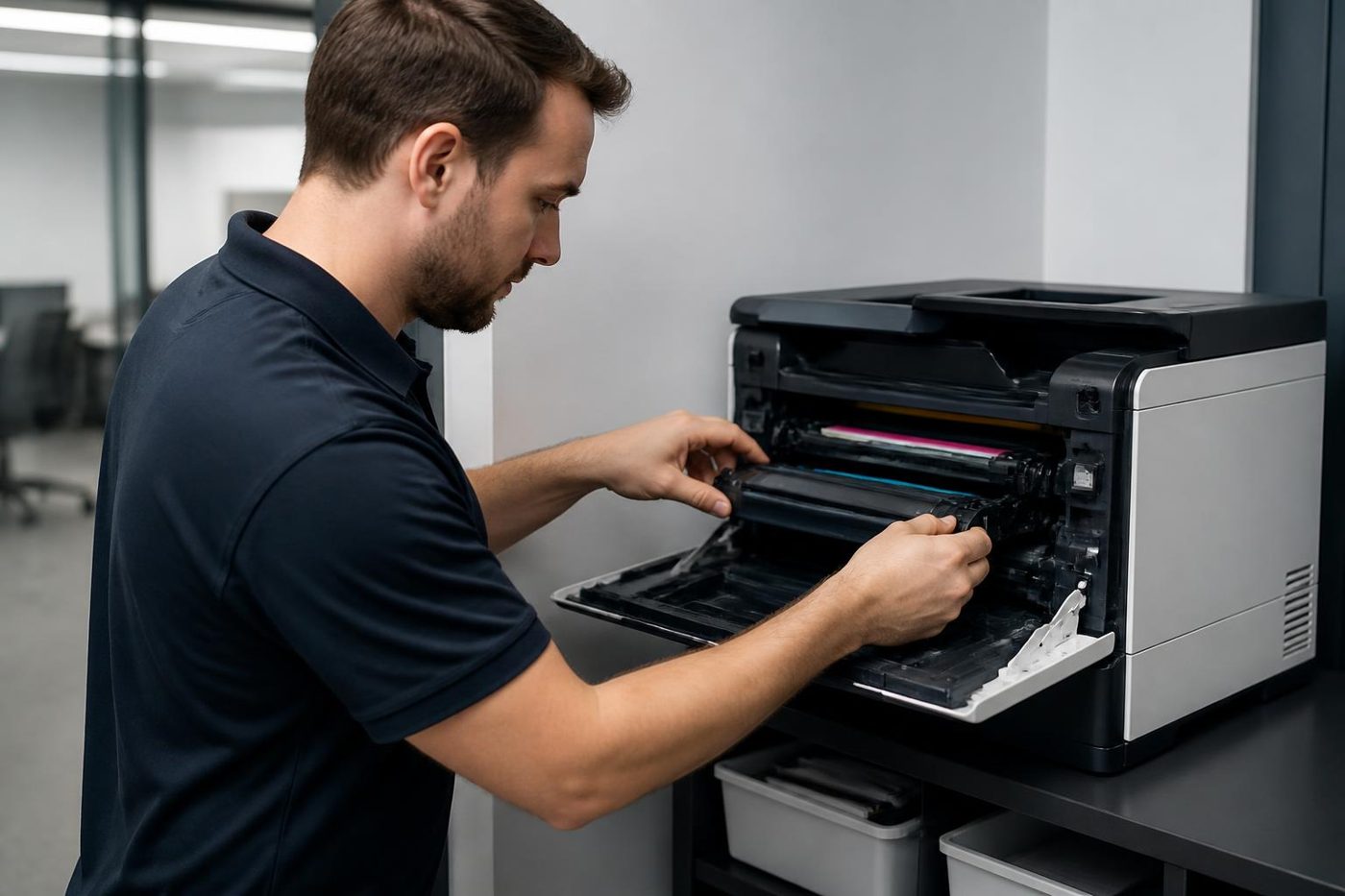
On most Brother lasers the drum and the toner are separate parts, and the drum is the one that fails. Light damages its coating, so a drum left on a desk while someone hunts for a screwdriver can be spoiled within minutes, with nothing to show for it at the time. The first pages after a swap look fine, and grey bands turn up a week later.
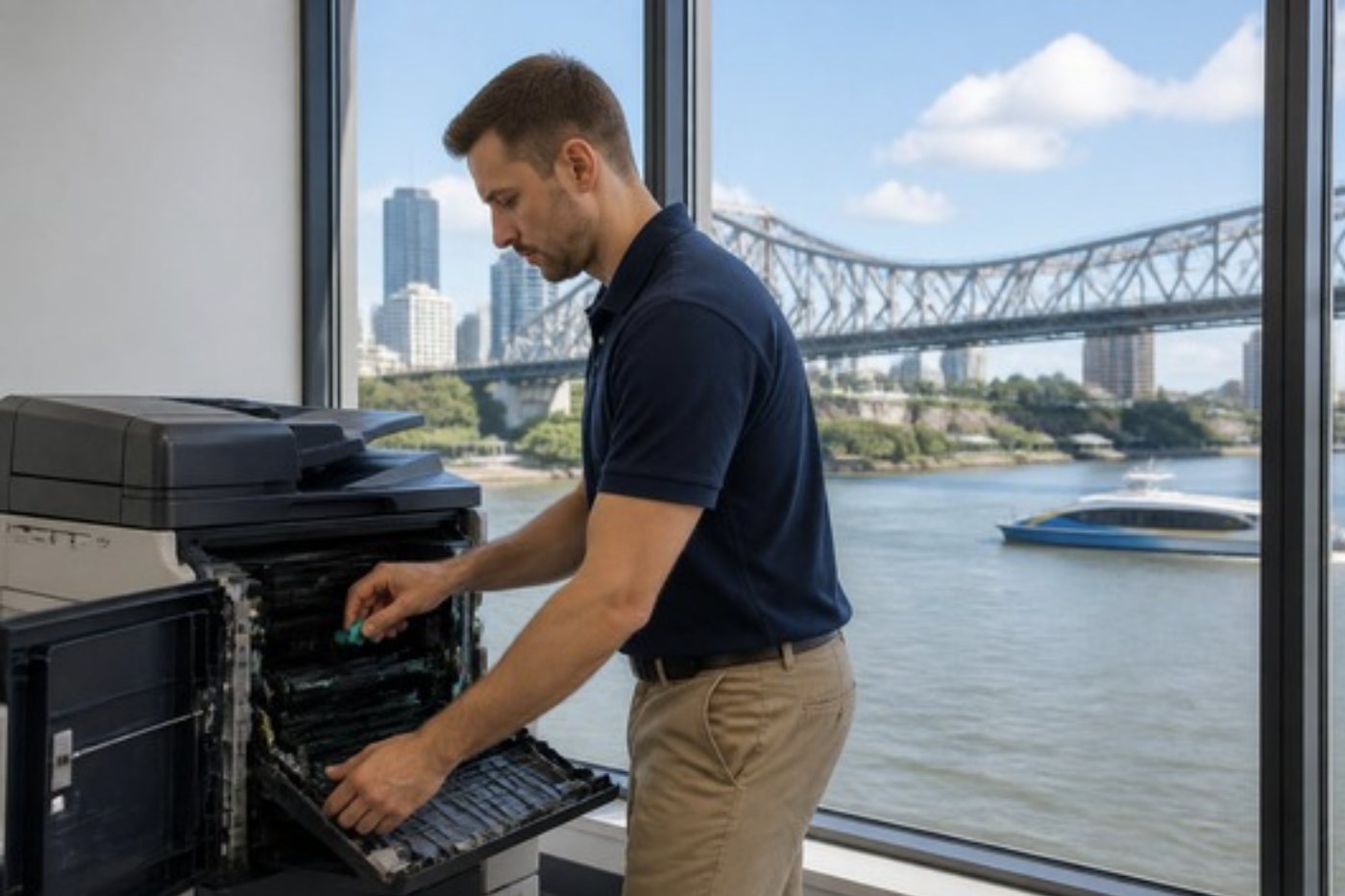
Heat is the second hazard. Brother tells owners to sit out a Fuser Error before calling anyone, and the rollers stay hot long after a jam. Tug a stuck sheet from the rear carelessly and you burn your hands or push torn paper into the fuser. We clear the sheet, check the pressure parts and tell you how much life the fuser has left.
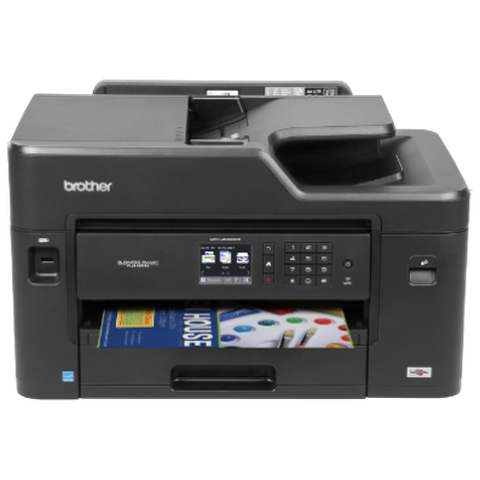
Brother lines we service
The QL and TD label printers, which are network models, fall outside our usual work, so ask before booking if that is what you have.
| Series | Models | Where they work |
|---|---|---|
| HL L5 and L6 mono lasers | The HL-L5210DN, HL-L6210DW and HL-L6400DW, plus the earlier HL-L5200DW, which we still repair | Printing shared across a department |
| MFC L5 and L6 mono multifunctions | Anything from the MFC-L5700DN up to the MFC-L5900DW, then the MFC-L6915DW and the earlier MFC-L6700DW and MFC-L6900DW | One box that prints, copies, scans and faxes |
| MFC L8 and L9 colour multifunctions | The MFC-L9570CDW, MFC-L8900CDW and MFC-L8690CDW | Small teams who want colour and a fast duplex feeder |
| HL L8 and L9 colour printers | The HL-L9310CDW alongside the HL-L8260CDW and HL-L8360CDW | Trades offices and small practices |
| A3 inkjet | The business inkjet range | Layout and drawing desks that need A3 and no fuser |
Reading a Brother model name
The opening letters name the job. HL is a printer that only prints, and MFC is the multifunction family, described on Brother's pages as printing, copying, scanning and faxing. Past the dash an L stands for laser and a J for inkjet, and the digits rise with the range and the tray size. Colour is shown by a C near the end, and the other trailing letters cover duplex and network or wireless. A suffix by itself never settles it for us, so please read the full name from the front panel.
Brother Australia's pages give a sense of the numbers. Mono printer HL-L6210DW: up to 50 pages a minute, with 520 sheets as standard and optional trays taking it to 1,660. The mono multifunction MFC-L5710DW prints at up to 48 a minute, holds 250 sheets (1,390 with trays) and has a 50 sheet feeder. In colour, the MFC-L8900CDW does up to 31 a minute and reaches 2,380 sheets with tower trays, and the MFC-L9670CDN goes to 40 a minute, 2,600 sheets with options and Gigabit Ethernet, with wireless optional.
The Brother in a small practice or trades office
Brother is the printer of the small office. There is one in a dental practice at Toowong, another on the front counter of a tradie's office at Rocklea, and a third in a branch office along the Ipswich corridor. They are bought for a modest workload and then asked to carry more than the maker meant.
That sits behind plenty of calls. Ask a machine built for a few hundred pages monthly to print a few thousand and the drum, feed rollers and fuser all give out early. We tell you when that is happening, and whether a heavier machine would suit the office. A Brother that is the right size gets repaired, and one that is not gets a candid word from us.
What the display is saying
The display speaks plain English. Mechanical faults come up as Print Unable, Scan Unable or Init Unable followed by a two character code. Inkjets show Machine Error and a number, and wireless faults are reported as TS codes on the WLAN report. One phrase can mean two things on two models, which is why we ask for the model.
- Print Unable, Scan Unable and Init Unable make up Brother's mechanical group. Turn it off, give it a few minutes, and turn it on again. If it comes back, something like a sensor or a motor is involved and a technician is needed.
- Fuser Error or Self Diagnostic means the fuser heated slowly or overheated. Brother recommends restarting and leaving it 15 minutes before you call anyone.
- Replace Fuser, Replace Laser and Replace PF Kit (the last one names a tray) all mean that unit is due for replacement.
- Drum End Soon, Replace Drum and Drum Stop say the drum is nearing or past its end, though printing carries on under Drum End Soon.
- Jam Inside, Jam Rear and Jam Duplex put the stuck paper in the main path, at the fuser exit, or in the duplex unit.
- Cooling Down is the machine pausing to shed heat, and it restarts by itself. Vents that are not blocked help.
- A Cartridge Error means the toner cartridge is not sitting correctly in the drum.
- On colour models the belt and waste box speak up as Waste Toner Full, WT Box End Soon, Belt End Soon and Replace Belt. Brother's instruction is not to reuse the old waste box.
- Calibrate and Calibration Failed mean colour calibration did not complete, and the belt, the drum or the waste toner box may be involved.
- On an inkjet, Brother describes Machine Error 46 as a full ink absorber pad that needs a service engineer.
- Read the WLAN report as follows: TS-02 is a machine that cannot find the access point, often down to 2.4 GHz, TS-04 is a security method on the router that the printer cannot use, and TS-07 is a failed WPS setup.
More messages, and what we check first
Brother publishes message lists for its colour laser MFC and HL machines. We quote its wording, and the everyday meaning and our first check are our own.
A Drum ! message is handled as a drum error, but Brother's own list of causes begins with dirty corona wires, moves to a drum or toner cartridge that is not seated, and reaches a worn out drum last. We follow the same order. The drum is taken out of the light, the corona wire gets a clean with its slider, the parts are reseated, and the drum is judged last. For the model Brother covers, No Toner is raised when the toner cartridge, or the whole cartridge and drum unit, has not been fitted correctly. Often the drum simply never clicked home, so we rebuild the set and test the contacts.
Size Error DX during two sided jobs tells you the duplex unit accepts only certain sizes. Brother names A4, Letter, Legal and Folio, with Legal and Folio varying by region, and the cause is usually the wrong paper size in the driver or the wrong paper in the tray. Errors 50 and 71 turn up too. Print Unable and Machine Error codes are mechanical and change meaning from model to model, so when you ring, have the model and the exact wording to hand.
Where a Brother usually fails
Paper feeding comes first. Misfeeds and double feeds from a single tray point to that tray's paper feed kit, although a wrongly set guide can copy the symptom. The fuser is next, showing as toner that smears or wipes off, lines, wrinkles and a Fuser Error. In the fuser designs we have read about, a worn heater pressure plate is common, so changing only the film and roller often does not finish the job.
Vertical lines in black or colour can come from a dirty corona wire, a toner cartridge, a damaged drum unit or a fixing unit with toner on it. Colour models add belt and waste toner trouble that appears as registration drift and calibration messages. Duplex jams commonly follow a half printed sheet being dragged out of the tray, or a paper size the duplex path does not take.
Network faults finish the list, with scan to folder failing on a wrong host, path or login, and wireless dropping once the router has moved to 5 GHz only.
Wear parts and what a visit covers
On the laser side the wear parts are the drum unit, the belt unit, the waste toner box, the fuser, the laser unit, the paper feed kits and, in older designs, the corona wire. On inkjets they are the ink absorber pad and the printhead path. Every part has a counter or message of its own, and once one is replaced the counter must be dealt with or the message hangs on. Drum and toner life depend on the model and the size of the job, and suppliers disagree on fuser figures, so we give none.
A site visit opens with clearing and inspecting the paper path. After that we check each tray's feed kit, then the fuser, the vents and the document feeder, and on colour models the drum, belt and waste box. Where the complaint is scanning or connection, the network configuration report is printed as well.
Scan setup, sign in and the default password
Brother machines are administered from a browser through Web Based Management. Out of the box each one has a default administrator password, and setting a new one belongs in the install. We do not publish defaults, and if you ask we will change yours on the day.
Switch network security on and scan to email needs the right sign in method, which may be LDAP, directory authentication or Secure Function Lock, and a few models insist on a minimum firmware level. SMTP settings sit under network protocols. A scan to a network folder depends on a stored profile: host address, destination folder, authentication method and user name, with a cap on how long the profile name can be.
On the spec sheets for current business models you will see directory sign in, IPsec, certificate management, secure print, NFC card readers, and Secure Function Lock to limit what each user or group may do. Some older scanners cannot talk to the newer file sharing versions, so we check the model before a server is changed.
Trays, duplex and what is not on offer
Tower trays take the HL-L6400DW to 2,650 sheets, and 2,380 sheets is the figure for the colour MFC-L9570CDW and HL-L9310CDW. Duplex printing is standard on the business machines we see, MFC machines scan two sided through the feeder, and some models can take NFC card readers.
Stapling and hole punch finishers have not turned up in the Brother range we service, so we promise nothing about work on them.
Brother printer repair near me: the faults behind the search
People in small offices and practices type that once a business laser starts to fail, and the cause is rarely exotic: a drum at the end of its count, a glazed pickup roller, a tired fuser leaving toner that wipes off, a jam message with not a sheet in sight, or a network setting that lost the printer when the router was replaced.
We repair on site, where the printer stands. Ring with the model from the front or back, read us the message and describe the paper, and we give the usual cause and whether a repair makes sense. A few Brothers are so cheap that repairing them is poor value, and we say that. Others are worth years more service. To have Brother printers repaired along with a copier, give us the whole list and we plan a single visit.
The technician brings the common spares, which is why a sensible repair usually finishes first time. The work is warranted, and the phone call explains what that covers. Commercial machines are our business, and home printers are not.
Brother calls around Brisbane
You find Brothers in allied health practices at Toowong, Milton and across the northside, in small engineering and trades offices at Rocklea, Archerfield and Acacia Ridge, and in branch offices along the Ipswich corridor and in Logan. Those sites usually have one IT person or an outsourced provider, so the network setup matters as much as the printer.
An interstate head office will sometimes change a wireless or sign in policy overnight. If a Brother drops off the network afterwards, the TS code on its WLAN report is the quickest clue, and printing it before you ring saves time.
A message that was right, and one that was wrong
Plain words suit the person at the desk. Replace Drum, Toner Low and Jam Rear report what the machine believes, and often it is right. Sometimes it is wrong: a Replace Drum may follow a counter nobody reset, and a jam message may come from a worn feed roller instead of paper.
We read the message and then watch what the machine does. When the message is right the part goes in. When it is not, you hear what we found, so the same message is no mystery next time.
Moving a Brother or retiring one
A small printer is simple to carry and simple to lose settings on. If a Brother is going with the office, note its network settings and scan destinations first, or ask us to move and reconnect it, and the relocation page explains how. When the printer has reached the end, the office printers for sale page lists commercial options. Home inkjets are not something we sell.
Before you ring
A few facts speed up the call.
- The model name printed on the front, in full, and the display wording copied exactly.
- Whether every page is affected or just some of them.
- Whether the printer is on a network or serves one computer.
- Whatever changed shortly before the trouble began.
Why Replace Drum does not go away
You fit a new drum and the old message stays. It is the Brother story we hear most. The machine keeps a counter for the drum, and a new part does not always reset it automatically. Brother counts that as a step separate from the swap, and until it is done the machine goes on believing the old drum is finished. We deal with the counter on site and confirm the drum fitted suits the model, which matters a surprising amount when several similar HL and MFC machines share a floor.
Belt and waste toner messages on the colour models work the same way. A message that follows a part change is usually about the counter or the seating and not about the part.
The waste toner box and why not to reuse it
A colour Brother gathers stray toner in a waste box and warns you when it fills. Brother says the old box should not be reused, so what goes in is a new box and not an emptied one. The waste box is also the part most likely to be knocked or tipped when a machine changes floors, and loose toner in the wrong place finds its way into the belt and the drum.
Tell us when you ring if a colour Brother is about to move. The waste box and the belt unit are checked before the machine goes on a trolley.
Wi-Fi, WPS and the router that only talks 5 GHz
Most small offices run a router that was configured once and then left alone until the internet provider replaced it. A Brother that connected happily for three years and then disappeared from the network is nearly always a router story. Suspect number one is a new router with the 2.4 GHz band switched off, which Brother printers often rely on. Suspect two is a security method the printer cannot handle, and that shows as TS-04 on the WLAN report.
TS-07 concerns WPS, a push button setup that never completed. Our habit is to set the connection up with the network name and password and give the printer a fixed address, so the next router change does not knock it offline again. Your IT person is welcome to watch.
Scan to a network folder, step by step
Every part of a Brother scan profile has to be right: host address, destination folder, authentication method and user name. When one suddenly fails, four causes lead the list: a server renamed over the weekend, a folder that moved, a changed password on the service account, and a file sharing version an older scanner cannot speak. We test the profile from the panel, read the result and work back through those four.
Where a machine uses directory sign in or Secure Function Lock, the user's permission is a fifth thing to check. A scan that works for the office manager and fails for the receptionist is almost never the scanner's fault.
Brother or something heavier?
For a busy small office the fair question is whether the machine in the corner was ever meant for the job. A Brother kept within its range is cheap to run and cheap to repair. One printing several times its intended volume wears out the drum, feed kit and fuser in half the expected time, and every repair becomes a patch on a machine that is working too hard.
When we see it we say so, and go through the choices: keep repairing, move to a heavier Brother, or step up to an A3 multifunction. A machine worth keeping is fixed properly and you are told what to expect next.
A visit to a Toowong practice
A typical call goes like this. A dental or physio practice has an MFC beside reception that sends patient forms to a folder on the server. On Monday it stops, and nobody in the office knows of any change. We begin with the network configuration report, which lists the address and settings the machine is using. After an IT update over the weekend the server had a new name, and the scan profile still pointed at the old one.
The fix took five minutes and no parts. We still checked the drum counter and the feed kit while there, because a visit that cures the symptom and misses a worn roller leads to another call within a month.
Brother repairs, step by step




Ask the people who print
The operator knows first
The person who feeds the paper in every morning knows when the machine started misbehaving. Tuesday after the storm, perhaps, or since somebody loaded the heavier stock. That one detail is worth more than a service manual.
Tell us the first thing you noticed, even if it sounds small. Often it is nearly the whole answer.

- Asked first. The users are the first source.
- Written down. What you said goes on the job record.
- Checked against the machine. Then the covers come off.
Keep reading around Brisbane
Commercial printer repairsWorkgroup and desktop laser printers, colour lasers and label printers, repaired at your premises.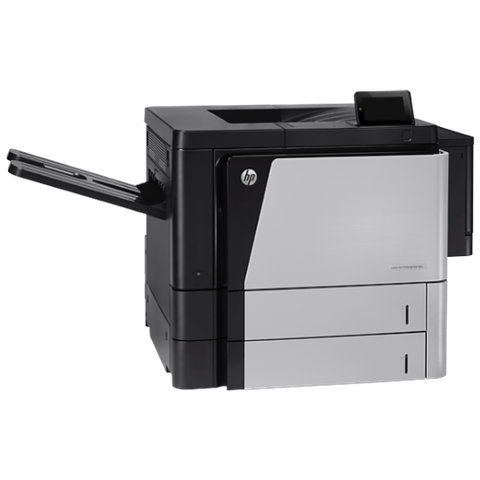 HP repairsLaserJet, Color LaserJet, Managed MFP and DesignJet, repaired where they sit.
 Lexmark repairsMS, MX, CS and CX laser printers and multifunction machines, repaired on site.
 Epson repairsWorkForce Pro, WorkForce Enterprise and SureColor T series, repaired on site.
 Relocation and setupCopier moves, installation and network setup, tested before we leave.Printer offline and network faultsPrinter offline, missing or unreachable on the network.Office printers for saleCommercial laser and multifunction printers.
Buy, sell and lease
Buy, sell and lease commercial copiers in Brisbane
We also sell new and refurbished commercial copiers and buy used ones. Same team, same technicians.
The kind of work that comes in



Questions people ask us on the phone
Do you repair Brother printers and MFCs in Brisbane?
Yes. We service the HL and MFC business lasers, the colour laser models and the A3 inkjets at your premises.
What does Print Unable mean on a Brother?
Brother classes it as a mechanical fault, and a two character code follows the words. Turn the printer off, wait a few minutes and turn it on. Should it return, ring us with the code and the model.
Replace Drum stays on after we put a new drum in. Why?
Most likely the drum counter was left alone when the new part went in. Brother handles that as a step of its own, and we take care of it on site.
My Brother shows Drum ! and I changed nothing. Is the drum finished?
Not necessarily. Brother lists dirty corona wires first, a drum or cartridge not seated second, and a worn drum last. Cleaning and reseating come before we declare the drum finished.
What does Fuser Error mean?
The fuser either heated too slowly or ran too hot. Brother's advice is to restart and give it 15 minutes. A return of the message means the fuser needs attention.
What is Machine Error 46?
Only Brother inkjets use this one: the pad that absorbs ink is full and a service engineer has to deal with it. On a laser we would not read the code that way.
Our Brother loses Wi-Fi since the router changed. What now?
Print the WLAN report and read us the TS code. A TS-02 often says the machine cannot see a 2.4 GHz network, whereas TS-04 says the router uses a security method the printer does not support.
Why does Size Error DX appear on two sided jobs?
Only certain sizes go through the duplex unit, and the cause is normally the paper size set in the driver or the paper in the tray.
Can you add a stapling finisher to a Brother?
We have found no stapling or hole punch finisher in the Brother range we service, so that work is not on offer.
Is there a Brother printer repair near me service for a small office?
Yes. We repair business lasers and multifunctions at your premises, settling the price by phone beforehand. Home printers are outside what we do.


