Service and breakdown are two different phone calls
Say which one you are making. A breakdown is a machine that has stopped, with a message on the panel and somebody standing next to it. A service call is a machine that still works but has gone slower, noisier or messier than it was in March.
The technician is the same person for both, the price is agreed the same way and the visit happens at your premises either way. What changes is the order of the work. On a breakdown we chase the fault. On a service we go through the machine from the paper tray to the delivery tray and decide what is worth touching.
If you are not sure which one you need, describe the last odd thing the machine did. Double feeding after a humid weekend. A page that came out with a faint grey haze. A warm up that used to take a minute and now takes three. Those are service calls, and they are cheaper than the breakdown they are warning you about.

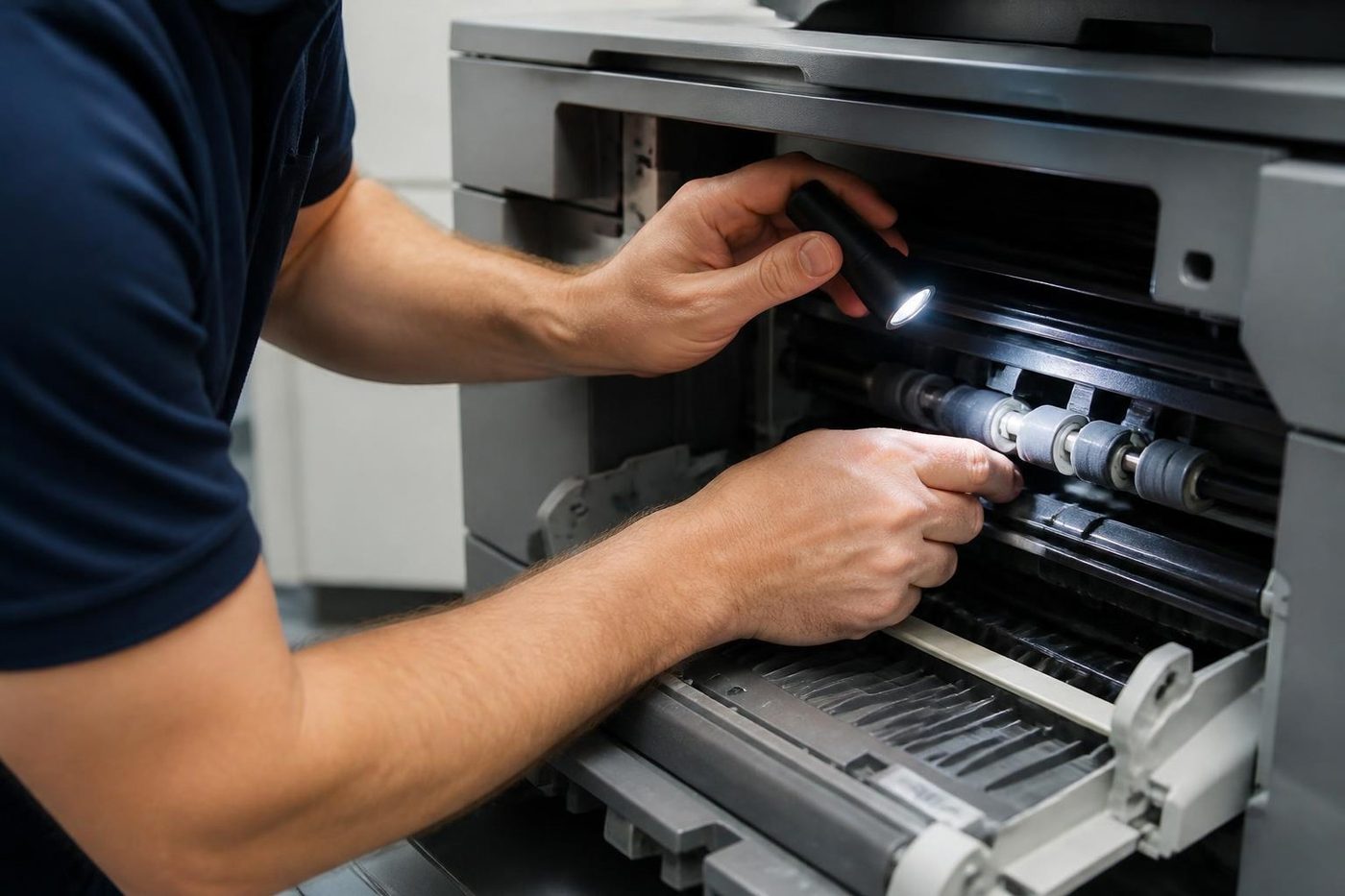

Inside a service visit
Machines differ, so the details change. A Toshiba e-STUDIO, a Kyocera TASKalfa, a Canon imageRUNNER and a Ricoh IM all get the same shape of visit, in this order.
- Read the fault log and the counters first, so the visit starts from what the machine has been reporting
- Clean the feed path, the sensors and the scanner strip, where dust and toner gather unseen
- Look at every roller that moves paper, and replace those that have glazed or flattened
- Examine the fuser, drum, developer and transfer area for wear that is heading toward a fault
- Run the document feeder with mixed originals, because the feeder takes much of the blame for jams
- Test the finisher with a full job, not a single sheet
- Print colour and black test pages and look at registration, density and edges
- Try scan to email and scan to folder, and report any setting that has drifted
- Write up what was found, what was done and what looks likely to need attention next
That last line matters more than people expect. A service note that says the pickup roller has about a quarter of its life left lets the office plan, and the office planning is the point of a service.
Photocopier servicing near me
The phrase usually comes from someone responsible for a floor or a practice. They have noticed the copier is slower to wake and the paper tray is jamming on Mondays, and they would like a person to look at it. They are not after a lecture.
So the booking is short. We ask for the make and model, the suburb, the age of the machine as best you know it, how heavily it is used and whether it is on a lease or a service contract. Then we talk through what the visit involves and what it costs, and you agree the price before anyone is booked. Nothing is locked in by the first call.
If a contract names a provider, we say so straight away. The contract may decide who is permitted to touch the machine, and we do not take a job that is not ours to take.
Copier service by machine type
A rough guide to what a visit looks at on the machines Brisbane offices run most, and what usually tells you one is due.
| Machine | What the visit looks at | What tells you it is due |
|---|---|---|
| Floor standing A3 mono | Fuser, drum, feed rollers, feeder, finisher | Jams that return, grey background, slow warm up |
| A3 colour multifunction | Transfer belt, developer, registration, fuser | Colour fringe, one side paler, streaks |
| A4 workgroup laser | Pickup roller, separation pad, fuser, network settings | Two sheets at once, curl, offline messages |
| Production machine | Cleaning units, drive wear, fuser life, finisher alignment | Uneven stack, staples out of line, rising code counts |
| Label or dispatch printer | Head, platen roller, sensors, ribbon path | Faded barcodes, skipped labels, ribbon wrinkles |
If your machine is not listed, ring anyway. Sometimes we can look and sometimes someone else is better placed, and we will tell you which before the diary is touched.
How often is often enough
There is no single answer, and anyone who gives you one without asking about the machine is selling something. A copier making a few thousand pages a month in a quiet accounts office wants looking at once a year, or when something changes. A school machine used by two hundred students and a staffroom wants attention before each term. A print room running production volumes wants something much closer.
Brisbane's climate adds its own rhythm. Heat and humidity from about November to March make paper misbehave and keep fusers and drives working harder, and storm season lifts the chance of power trouble. A service in October, before the worst of it, tends to be better value than one in February, when everyone is already ringing.
A reasonable rule: if the machine is more than five or six years old and nobody has looked inside it since it was installed, book a visit.
One machine, a fleet, or several sites
A solicitor with one A3 machine in a corridor wants it working when the filing deadline arrives. A school with a copier in every block wants them all checked in one visit before the first bell of term. A builder with a site office and a head office wants both handled without two conversations.
We plan around that. For a fleet we keep a record of what each machine has had done, so the next visit starts from the history. Where a building has several machines we group them into one visit, and where several sites are involved we plan by area.
We also tell you when a machine has had enough. A service visit is a good moment to spot a copier whose repair bills are heading above its worth, and we would rather you heard it from us in a calm week. The guide on whether a copier is worth repairing explains how we think about it.
What wears, part by part
The pickup and feed rollers are first. They are rubber, they touch every sheet, and they glaze as the surface hardens with age and dust. A glazed roller does not look broken. It looks shiny. It also slips, which is how a machine that fed perfectly last year starts to pull two sheets or none.
Separation pads and rollers work with the feed roller to keep sheets apart, and they flatten over time. Replace the feed roller and leave a tired pad, and the double feed stays.
The drum is next. It carries a thin coating that wears with every page, and light and humidity speed it along. A drum nearing the end does not stop the machine. It makes pages that look a little grey or carry a faint repeating mark. The fuser is the part that heats and presses the toner into the paper. Its rollers, its thermistor and its cleaning web or blade each age at their own rate, and the first symptom is often toner that smudges, not a code.
The cleaning blade scrapes spare toner off the drum or belt and hardens with age. A blade that has gone brittle lets a thin line of toner through. That line appears on every page, in the same place, and people mistake it for a scanner fault.
The document feeder is a machine in its own right. Its pads and rollers wear differently from the main paper path because originals are stapled, torn and creased. A visit that skips the feeder is half a visit.
Colour machines need a different look
A colour copier has to lay four colours down on the same spot. A transfer belt that has begun to wear, a registration that has drifted a fraction of a millimetre, a developer that is tired: any one of these gives a coloured fringe round black text, or a page that is cooler on the left. Offices live with this for months because nothing is dramatic enough to ring about.
On a service we print a registration chart, read it, make the correction and print it again. If the colour on your screen no longer matches the page, tell us whether it is every job or only photographs and logos. That distinction points at different parts.
Settings drift too
Not everything that needs servicing is a roller. Scan to email and scan to folder depend on settings that live outside the copier. A mail server that now insists on a different security type. A shared folder that moved when someone tidied the file server. A service account whose password expired over the long weekend.
We check the scan destinations during a service and tell you if a setting has drifted. If the mail server rule has changed, your IT person is welcome to stand alongside while we sort it out. The guide on scan to email not working goes into the usual causes.
Reading the counters
Every commercial copier keeps counters, and the numbers tell a story. A total page count says how old the machine is in work terms, whatever the calendar says. A jam counter by location shows where trouble is concentrated. A replaced parts counter shows which wear parts have just been renewed and which are overdue.
A machine with a modest page count and a high jam count in the duplex unit has a different problem from one with a high page count and a clean log. We read the numbers before anything else, and where it helps we explain them to the person who looks after the machine.
Between visits
Some things are worth doing yourself. Keep paper sealed and flat. Wipe the scan glass with a soft dry cloth, never a spray. Do not force a tray that sticks. Keep the area around the machine clear so air gets in and out. Report odd noises early.
Other things belong to the technician. Anything that needs a cover removed, anything involving the drum, and anything near the fuser. The fuser stays hot for a long time after switching off, and a drum exposed to light loses life in seconds. If in doubt, ring and ask.
Heat, humidity and the Brisbane calendar
A service plan that ignores the calendar wastes money. From about November the paper starts to take up moisture, afternoon storms bring power dips, and offices that had two weeks of quiet in January come back to a copier that has been sitting in a warm, damp room. Machines that sit unused over the Christmas shutdown often misbehave on the first Monday back, because rollers have taken a set and toner has absorbed damp.
Schools have their own pattern. A machine that sits idle through the long holiday and then takes on a term's worth of worksheets in the first week is under more stress than the page count suggests. Visits in the last fortnight of the holidays are the ones that pay off.
Flood recovery is a different story. If water got into a ground floor office, the machine needs a proper look before anyone switches it on. Water in a power supply or a board is a repair job of its own, and a copier that seems to work may fail within days. Ring first and keep it unplugged.
What a service does not cover
A service visit is not a promise that nothing will ever fail. A machine that has been looked at is much less likely to stop on a bad day, and when it does we usually already know what the part is. But parts wear on their own schedule, and we will not pretend otherwise.
It also is not a substitute for supplies. Toner, waste containers and staple cartridges are the office's business unless you ask us to look after them. We tell you if the machine is eating them faster than it should, because that is a sign of something worn.
Repair or service: which do you need?
A repair is for a fault you can see. A black line, a code on the display, a drawer that will not close. A service is for a machine that has no single fault but is clearly not what it was.
A fair number of calls turn out to be both. A technician asked to clear a jam will often find a glazed roller and a dirty feed path, and replacing the roller is what stops the jam coming back. We tell you what we found and you decide.
Why the technician matters on a service
A service visit is mostly judgement. Which roller is worn enough to replace, and which has another month in it? Is the fuser fading or just dirty? Is that sound a gear, or a cover resting on a bracket? A trained, experienced and certified technician answers those quickly. An inexperienced one either replaces too much or misses the part that fails next week.
There is care in the handling as well. Drums are sensitive to light, fusers stay hot long after the machine is off, and belts and laser units mark under a careless finger. The people we send handle them every week.
Fitting in with the office
Most service visits do not need the machine for long. We tell you roughly how long the machine will be out of action, and where the building needs it we do the work before opening or after the last appointment. In a medical practice we ask where patients can see the machine. In a school we ask about bells.
Some offices want the user trained at the same time. A ten minute lesson on clearing a jam safely, changing a toner unit and spotting the early signs of trouble does a lot for the machine over the following year.
What to have ready
The make and model, from a label inside the front or side door. The suburb, and the building if it has a dock or a lift booking. The approximate age and how many people use it. Any message the panel has shown lately. If the copier is on a lease or a service contract, a note of who holds it.
A phone photo of the label and the display makes the call much faster, and helps us brief the technician.
Replacing instead of servicing
Sometimes a service visit is the moment you find out the machine is finished. The roller, the fuser, the drum and the transfer unit are all at the end of their lives at once, and the sum is more than the machine is worth. If that is what we find, we say it plainly and give the reasons.
We also supply commercial copiers, new and second hand, warranted, and buy used ones. That is a separate conversation. It only starts if you want it to.
A trader sees the whole life
We know which models soldier on
Because we buy and sell machines we know which models run for years and which turn up on every second job sheet. That knowledge goes into repair advice as well.
The work is warranted, and so is any machine we sell.
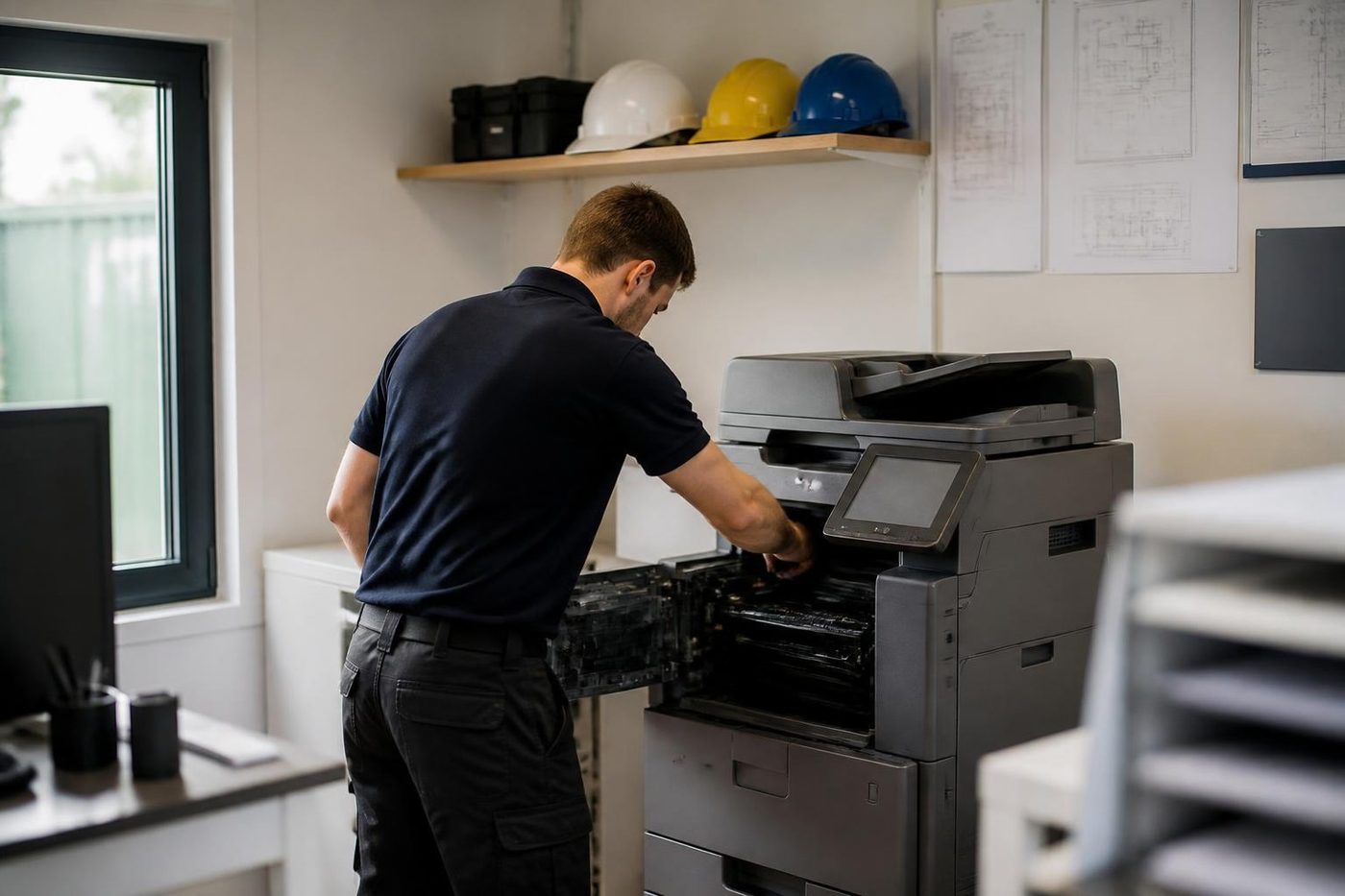
- Repair options first. Replacement second.
- Plain about age. No upsell on a machine with years left.
- Warranted either way. Repair or replacement.
Keep reading around Brisbane
Printer and photocopier repairsCopiers and printers repaired at the desk where they broke.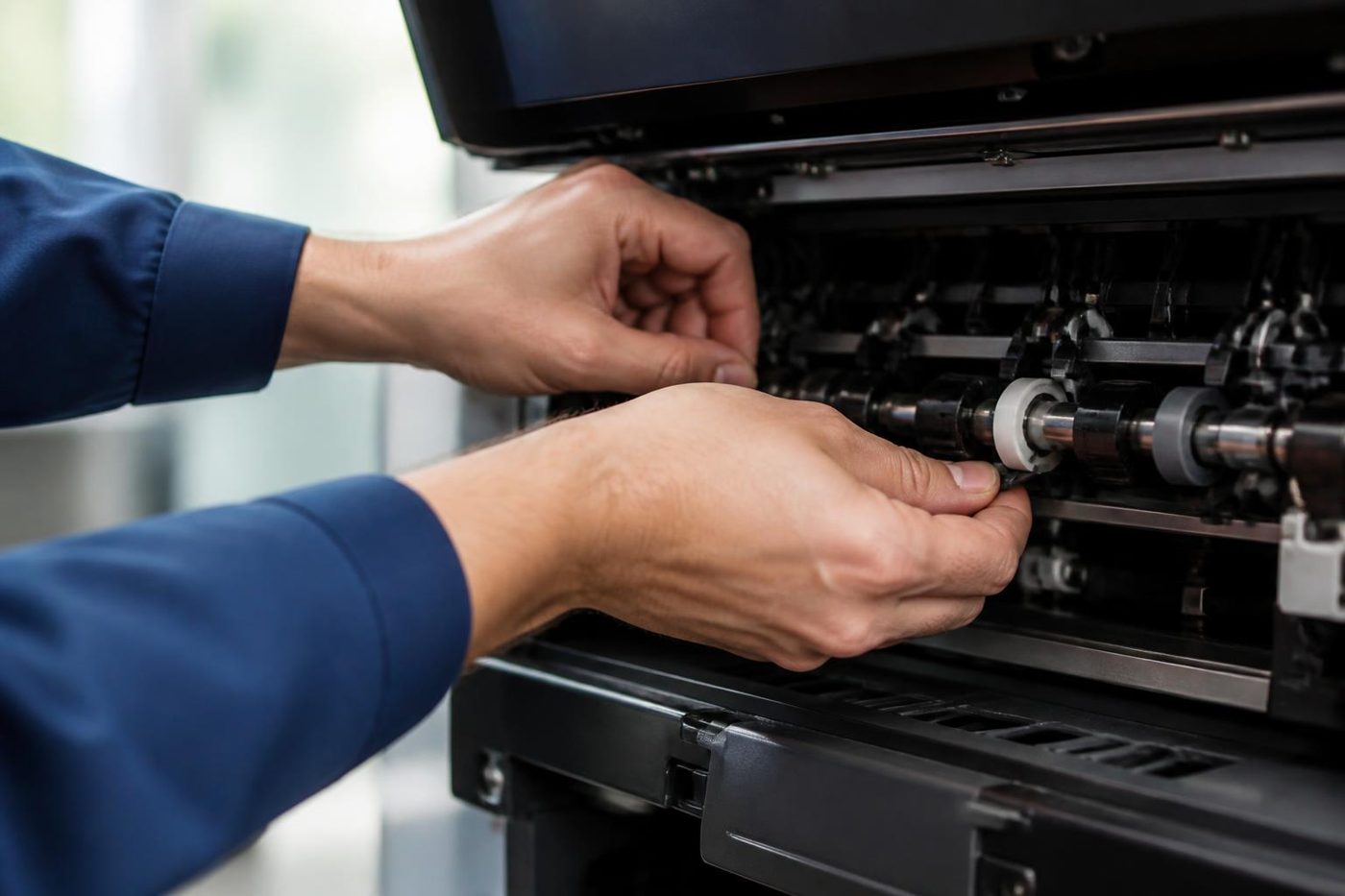 A3 photocopier repairsBig floor standing copiers, mono and colour, repaired in place.
 Photocopier technicianTrained, certified copier and printer technicians who come to your office.
 Is my copier worth repairing?How we weigh repair against replacement, honestly.
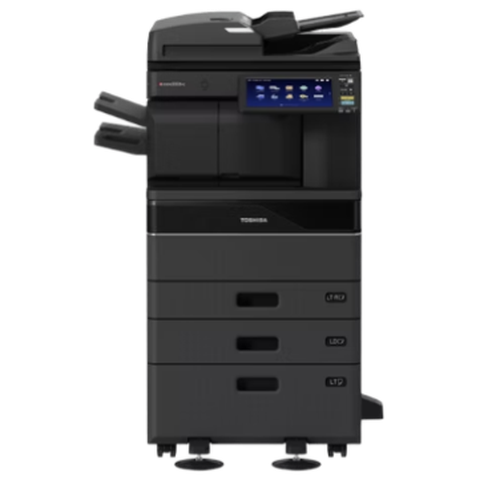 Toshiba repairse-STUDIO colour and mono copiers, fixed where they stand.
 Kyocera repairsTASKalfa copiers and ECOSYS printers, repaired on site.Copier error codesHow to read a code and what to note down.
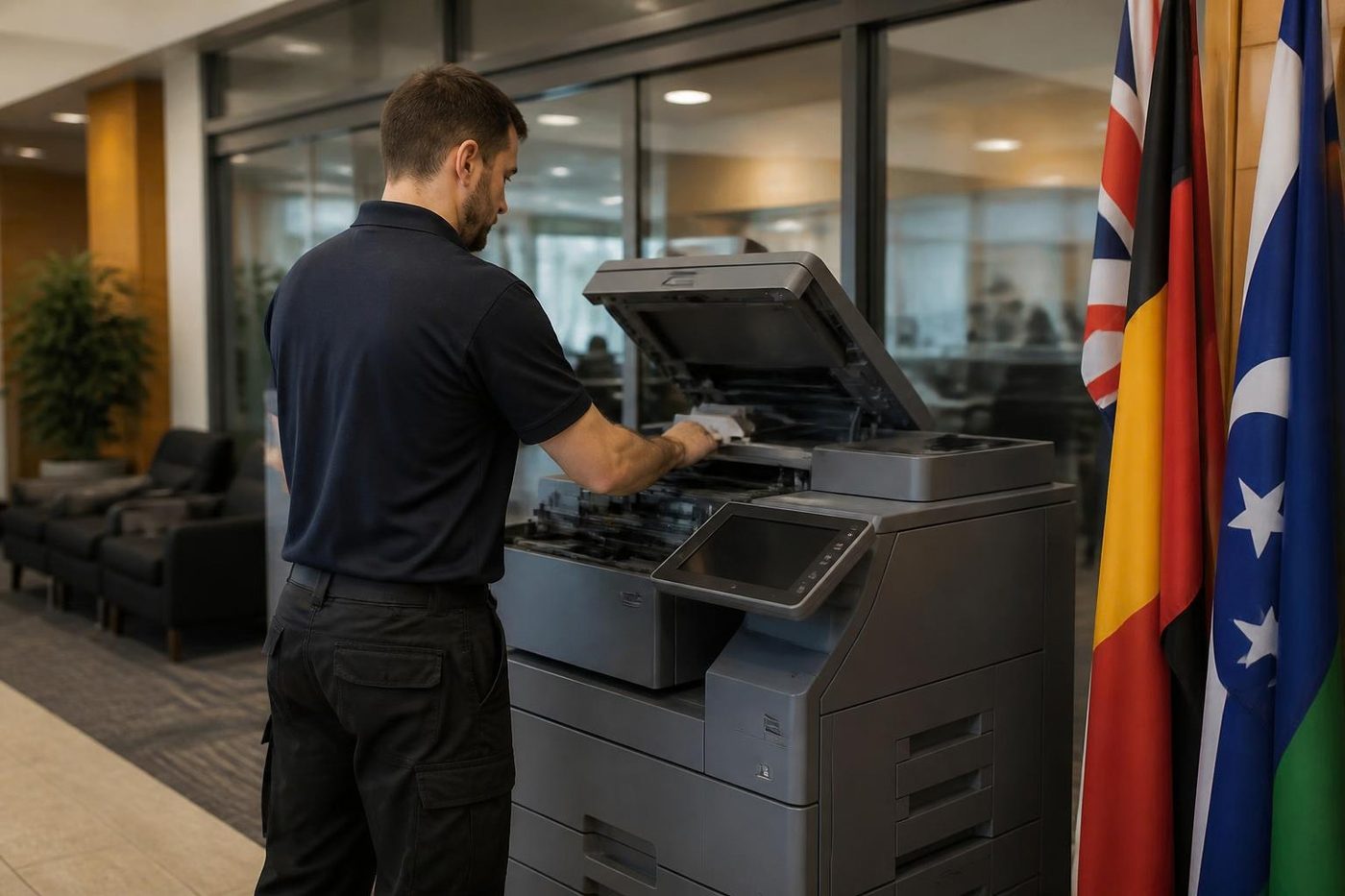 Installation and setupA new machine set up so it prints, scans and sends from day one.
Buy, sell and lease
Buy, sell and lease commercial copiers in Brisbane
We also sell new and refurbished commercial copiers and buy used ones. Same team, same technicians.

A few recent visits


Questions people ask us on the phone
How do I know it is time for a service and not a repair?
If the machine has a code, a recurring jam or a line on every page, book a repair. If it is slower, noisier or less tidy than last year but has no single fault, a service is the better call.
Do you service machines on a lease?
Often, yes, but read the lease first. Some name the provider, and we will tell you if that is the case. We do not take a job we are not allowed to do.
How long is the machine out of use during a service?
It depends on the machine and the work. We give you an idea on the phone and plan the visit around opening hours, bells or appointments where we can.
Do you bring parts with you?
The common ones, yes. That is a big reason 98% of repairs finish on the first visit. If something has to be ordered, we say so before we leave.
Can you service a printer as well as a copier?
Yes. Workgroup lasers and multifunction printers get the same sort of look, scaled to the machine.
What happens if the machine breaks a week after a service?
If the same fault returns we fix it again at no charge. If it is a different fault, we tell you whether it is related and quote it on the phone.
Why does a colour copier need a different service?
Four colours have to land in the same place. Belt wear, registration drift and a tired developer cause fringes and tint shifts that a mono machine never shows.
What do you do about the document feeder?
We run it with mixed originals, check the pads and rollers and replace worn ones. A lot of jams blamed on the copier start in the feeder.
Should I service before or after summer?
Before is better value. Heat and humidity make paper misbehave, and storm season brings power trouble. A visit in October beats one in a busy February.
Is there a minimum number of machines?
No. One copier in a corridor is as welcome as a fleet. Several machines in one building simply get booked together.
Do you give a written note after the visit?
We write down what was found, what was done and what looks likely to need attention. The note stays with the machine record so the next visit starts from it.
Will you tell me if my copier is not worth servicing?
Yes. If the cost of keeping it going has overtaken what it is worth, we say so and explain why, and you decide.

