Why an A3 copier fails differently
Size does most of it. A bigger sheet needs a longer path, a wider fuser, a larger scan glass and a heavier feeder lid. More paper means more rollers, and a worn roller on a long path lets a sheet skew, which is how an A3 jam ends up in a different place from an A4 one.
Weight is the next thing. A floor standing copier with a finisher can weigh more than a refrigerator. Nobody wants to move it for repair, so the repair comes to it, and the technician needs room to open the side door and slide out the drawers.
Network is the third. An A3 machine is usually the shared device for a floor or a department. It has scan destinations, user codes, address books and a mail server to talk to. When it stops, it takes a whole workflow down, not one person's printing.

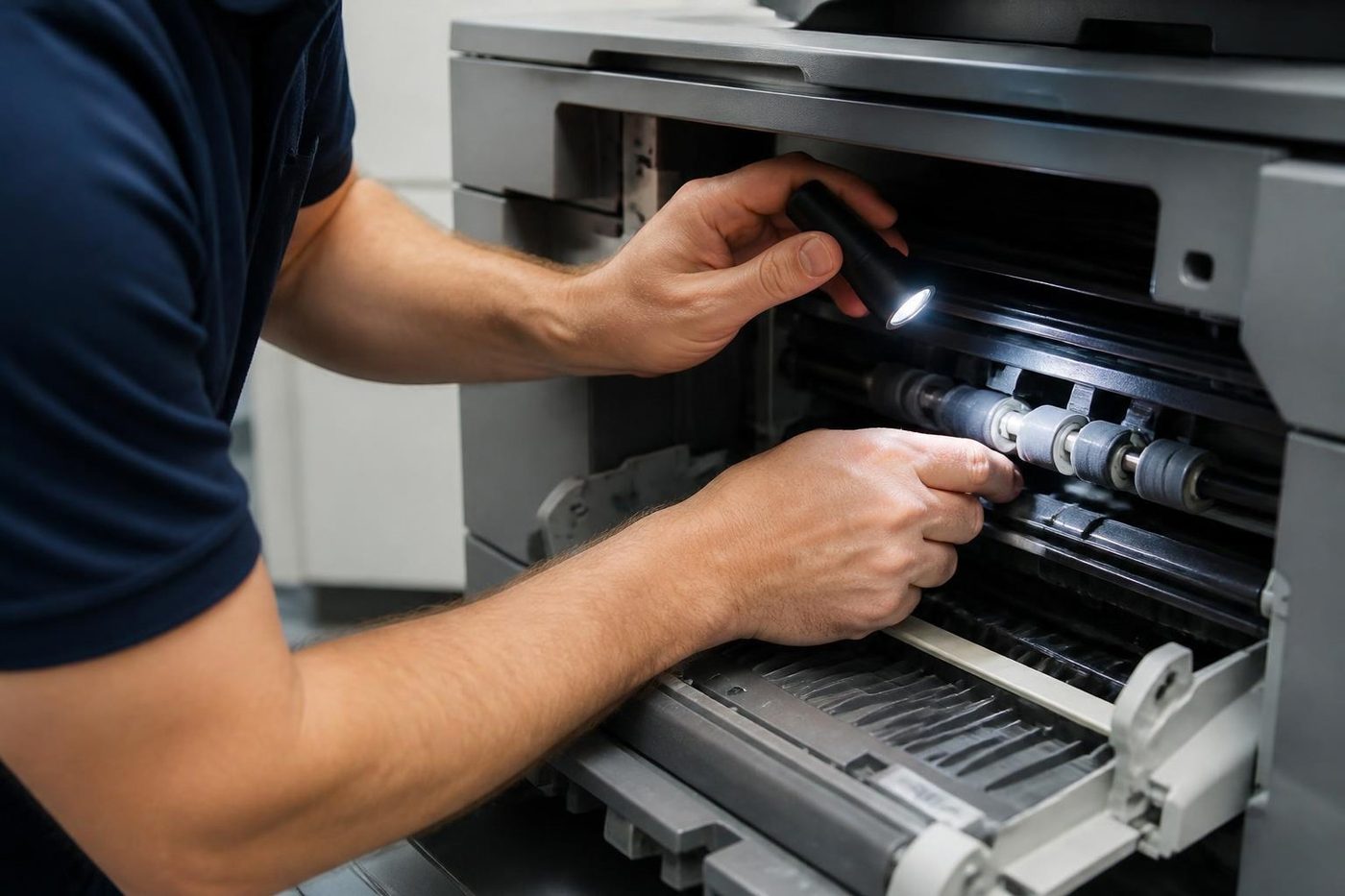

The A3 machines we see across Brisbane
Most offices run one of a handful of makes. This is what we tend to find on each, written from the desk side of the machine.
| Make and line | Where it turns up | What we usually see |
|---|---|---|
| Toshiba e-STUDIO | Law firms, schools, engineers | C codes, fuser and drive faults, finisher trouble |
| Kyocera TASKalfa | Councils, clinics, accounts offices | Feed wear, maintenance reminders, dust in the pickup area |
| Fujifilm Apeos, ApeosPort and DocuCentre | Government and older corporate fleets | Fuser and transfer faults, scan to folder failures |
| Canon imageRUNNER ADVANCE | Print rooms and architects | E codes at start up, belt wear, feeder misfeeds |
| Ricoh IM and MP | Schools and property offices | SC codes, fuser and feed faults, finisher alignment |
| Konica Minolta bizhub | Colour print work, marketing teams | Image faults, drum and transfer wear |
Each brand has a page of its own with the families and the faults. Toshiba and Kyocera are the two we are strongest on.
Paper curl in a humid summer
Brisbane in February is hard on A3 paper. A ream stored on an open shelf in a room without air conditioning takes up moisture along the long edges, and the sheets curl. Load that into a tray and the pickup roller has a much harder job, and the sheet that makes it through may crease in the duplex unit.
Store A3 flat, sealed, and off the floor. Load it grain the right way. If you buy by the carton, open one ream at a time. This solves a surprising number of the A3 calls we take, and it costs nothing.
The finisher is its own machine
A stapler, a punch unit and a booklet maker each have their own mechanisms, and a copier that is otherwise healthy can jam on every finished set. Staples out of line, a stack that does not square, a punch that leaves ragged holes: these are finisher faults, not copier faults, and they need a technician who has taken one apart before.
We test the finisher with real jobs. A single sheet tells you little. A booklet of twenty pages with a cover stock tells you everything. Where a finisher is failing we say so, because the part is sometimes expensive and sometimes the repair is simple. The honest answer depends on what we find.
One tip: if staples are coming out crooked, check that the staple cartridge is seated before ringing. It takes ten seconds and spares a call.
Colour A3: belts, registration and the one pale side
Colour machines add a layer of faults that a mono copier never has. Four toners must land on the sheet in the same place. A transfer belt that has begun to wear, a registration setting that has drifted, a developer that is tired: each gives a coloured fringe round black text, a band of the wrong tint or a page that is cooler on one side.
The fault is rarely dramatic, which is why offices live with it for months. Then somebody prints the annual report, the logo has a ghost, and the call comes in.
The technician checks the belt, the cleaning unit, the developer and the registration, prints a chart, makes the correction and prints it again. Tell us if the problem is on every job or only on photographs and logos. That tells us where to start.
The glass and the feeder
The feeder on an A3 machine takes a lot of punishment. Plans folded in half, stapled corners, thin paper and old originals all stress it. Pickup pads flatten, separation rollers glaze and the sensors that read page size gather dust. The symptom is a feeder that takes two sheets, skews the page or says there is a jam when nothing is visible.
The glass is the other half. A thumbprint or a patch of correction fluid on the scan glass, or on the strip beside it, becomes a line down every copy. Many offices book a repair when a soft dry cloth would have fixed it. We tell you which it is. Where the feeder is the cause, we repair it.
Plans, schedules and the A3 work that offices actually do
The Brisbane offices that rely on A3 are not doing it for fun. Builders print drawings and schedules. Architects in Newstead and West End print layouts for the table. Accountants print wide spreadsheets they can read. Councils print forms and notices. Schools print booklets and timetables.
Each use leans on a different part of the machine. Plans lean on the scanner and the feeder. Booklets lean on the finisher. Colour layouts lean on registration and the transfer belt. Telling us which job you were running when it stopped gets us to the right part sooner.
Trays, sizes and the setting that makes it look broken
An A3 machine accepts a range of sizes and weights, and each tray has to be told what is in it. A tray loaded with A3 but set for A4 jams or scales wrongly. A heavy stock that the tray was never set for curls in the fuser and arrives crumpled in the finisher. A great many calls end with a setting and a roller check, and we show the main user what to change.
If you print on letterhead, labels or card, tell us on the phone. Those stocks change what the paper path and the fuser do. A machine that handles plain paper well can struggle with them.
The duplex unit, where A3 sheets go to get creased
Double sided printing sends the sheet round a second path, flips it and feeds it back under the drum. On an A3 machine that second path is long, and the sheet is still warm from the fuser when it enters it. A roller there that has hardened will let the sheet slide a fraction to one side. The page prints with the margin off, or the sheet jams at the turn.
The tell is simple. If single sided jobs run clean and double sided ones jam, the duplex path is the place to look. If the jam only happens on heavy stock, that points at the fuser exit or the turn roller. We ask about the paper before we ask about the machine, because the answer often settles the question.
Heat codes and why not to keep restarting
The fuser is the hottest part of the machine, and the machine watches it closely. If it heats too slowly, too fast or unevenly, the copier stops and posts a code. On a Toshiba that is a C code, on a Ricoh an SC code, on a Canon an E code. Each tells us the section. None of them names the part with certainty.
A restart sometimes clears a heat code and sometimes makes it stick. Do not keep switching on and off, because repeated cycling can damage a heater or a thermistor that was only borderline. Write the code down, switch off once, wait, and try again. If it returns, ring us.
While you wait, do not open the side door. The fuser will still be hot long after the panel goes dark, and the drum nearby does not like light.
Moving, siting and the room around the machine
Where an A3 copier stands changes how it lives. Against a hot window, the paper warms and the sensors see glare. Hard against a wall, the side door will not open far enough for a technician. At the end of a hallway with the sun running down it, the whole machine heats through the afternoon.
If a machine has to be moved across a floor, switch it off properly first, take the toner out where the manufacturer asks for it, and do not tilt it. A copier shifted on a trolley without being prepared often has a drum or a transfer belt that has moved. Our relocation page covers the proper way, and we do the work if you would rather not.
Towers, docks and the practicalities
A repair in a CBD tower comes with a booking. A loading dock, a goods lift, a visitor pass, a permitted window. Tell us at the start. In an industrial unit at Archerfield or Acacia Ridge the copier is often in a demountable behind a roller door, and the challenge is gravel and dust, which find their way into the feed path.
Medical suites and schools have the opposite problem. Quiet, short visits, around patients and bells. We plan accordingly, and the technician does not leave the cover of a machine open in a corridor.
Scan to folder on an A3 machine
The big copier is usually the one with the longest list of scan destinations. A shared folder per department, an address book fed from the directory, a button for the managing director. When something changes in the IT system, those destinations break quietly. People notice a day or two later, when a scan they sent never arrived.
We check the path, the credentials and the permissions, and compare them with what the machine has. If the fault is on the network side, we say so and talk to your IT person. If it is the machine, we fix it.
Waste toner, staples and other small things
A3 machines carry waste toner containers, staple cartridges, punch waste boxes and filters. Each has a sensor, and each stops the machine when it fills or is not seated. A copier that says a part is not fitted when it clearly is has usually got a container slightly out of its guide or a sensor that wants a wipe.
Check first that every door is shut and every container is pushed home. Many A3 calls end there.
Noises worth listening to
A copier makes noise, and each one means something. A rhythmic tick that follows the rollers is often a gear or a drive. A rising whine at warm up may be a fan. A squeal on every sheet is a dry roller or a worn bearing. A grinding sound is the one to ring about straight away, because it means something is wearing something else.
Note when it happens. At start, at warm up, on duplex or only on a heavy tray. That gives us a place to begin.
Colour that does not match the screen
A common complaint on A3 colour machines is that what prints is not what appeared on the screen. Sometimes that is a driver setting, sometimes a paper choice and sometimes a machine whose colour has drifted. We rule out the first two on the phone where we can. If the machine is at fault, we calibrate and check the developer and the belt.
Bring a sample of what looks wrong. A single page held up against the screen often tells us more than a paragraph of description.
Toshiba and Kyocera A3 machines in particular
Toshiba e-STUDIO A3 copiers are very common in Brisbane law offices and schools. They tell you a lot when they fail. A Call for Service message with a C code is the usual start, and the code points to the fuser, the drive, the feed or the finisher. Read it to us exactly. A transposed digit sends the technician looking in the wrong place.
Kyocera TASKalfa A3 machines are the opposite. They run quietly for years and say little. When one needs attention it is usually a maintenance message that was ignored, a feed roller that wore smooth, or a drum approaching the end of a very long life. A maintenance reminder is not a breakdown, but a machine that has shown it for six months is asking for a visit.
Both makes have pages here with more detail on models and codes.
What the technician checks first on an A3 visit
The order is the same each time. Fault history and counters. The feed path from the tray to the exit, looking for scraps of paper and worn rollers. The finisher, if fitted, with a real job. The scanner glass and the feeder. Then colour registration, if it is a colour machine, and the network settings that carry the scan destinations.
Only after that does the cover come off further. That order is not an accident. The cheap, quick checks find a large share of faults, and they stop us replacing a part that was never the problem.
Several A3 machines on one site
A school with a copier in each block, a council depot with one in every section, an engineering firm with a machine on each floor. Give us the list with the makes, the models and where each sits, and we plan the visit as one booking. Where they are the same model, we set the second machine up to match the first and keep a note of the settings, so the next problem on any of them starts from a known position.
If one machine in the fleet is consistently the worst, we say so. Sometimes it is the machine, and sometimes it is where it is standing or who is using it.
Repair, or time for another machine?
The decision matters most on an A3 copier because the repair can be large and the machine can be old. If the fuser, the drum and the transfer unit are all at the end of their lives together, the cost may be out of proportion to what the copier is worth. We tell you, with reasons.
We also sell commercial copiers, new and second hand, warranted, and buy used machines. That sits apart from the repair. The advice about your current machine does not change because we also have another to offer.
What to have ready
Make and model from the label inside the door. The suburb and the floor. What it was running when it stopped. Any message on the display, written down exactly. Whether a finisher is fitted, and a photo of one failing page if the fault is in the print.
Firmware and settings
Not every fault is a part
A technician who knows the model checks that first and saves you a part you never needed. One who does not starts taking covers off.
We read the history, check the settings and open the machine only when the evidence says so. Your network person is welcome to stand alongside.
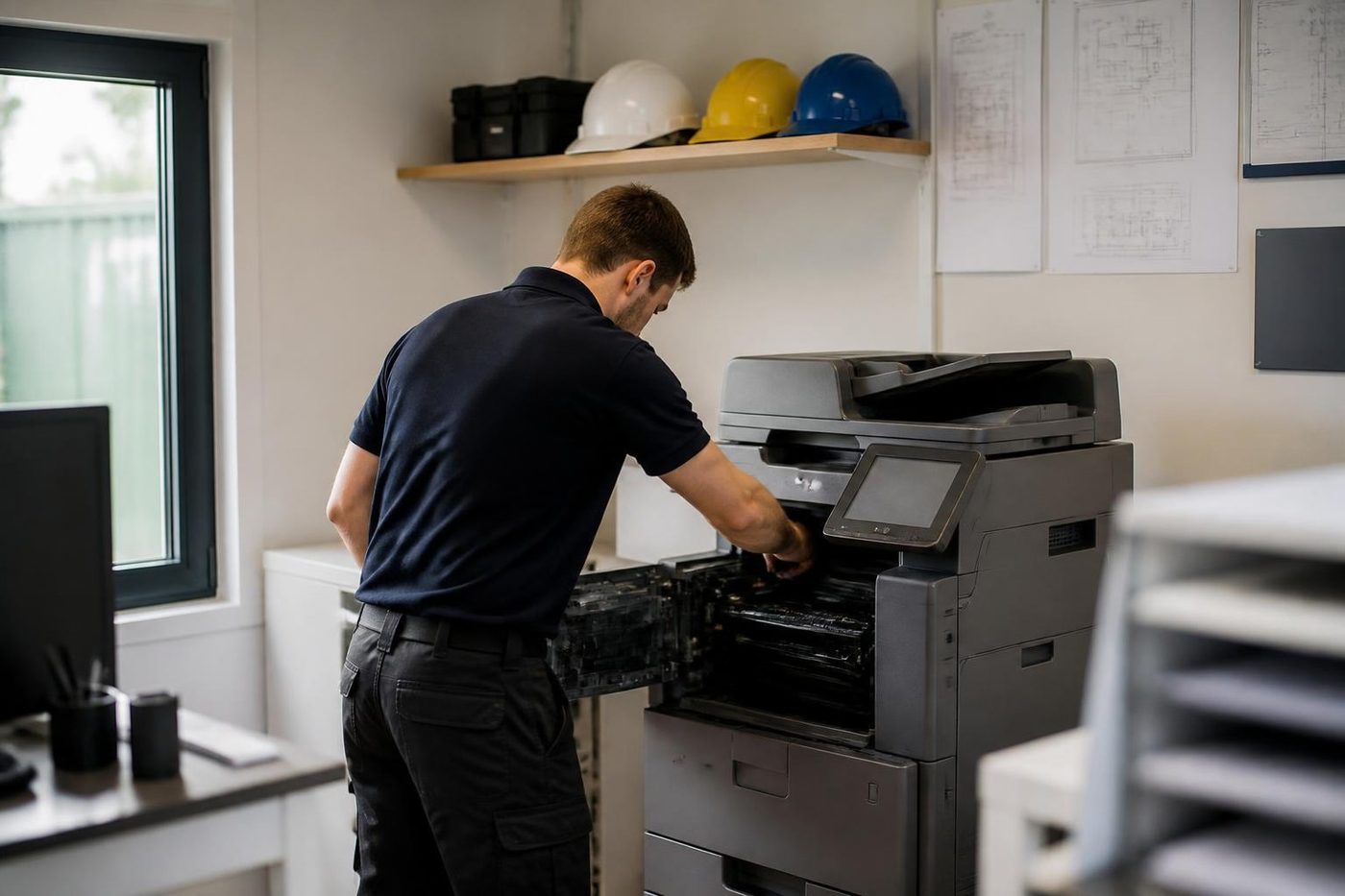
- Settings first. Folder paths, addresses, counters.
- Firmware noted. The version goes on the job record.
- Covers last. Opened when the evidence points inside.
Keep reading around Brisbane
Printer and photocopier repairsCopiers and printers repaired at the desk where they broke. Photocopier servicePlanned servicing before the machine makes the decision for you.
 Toshiba repairse-STUDIO colour and mono copiers, fixed where they stand.
 Kyocera repairsTASKalfa copiers and ECOSYS printers, repaired on site.
 Canon repairsimageRUNNER ADVANCE, DX and imagePRESS, on site.
 Konica Minolta repairsbizhub i-Series, C series and production machines.
 Photocopier paper jamsWhy it jams and what to try first.Copier black lines and streaksLines on copies or prints and where they come from.
 A3 photocopiers for saleA3 copiers and multifunction machines.
Buy, sell and lease
Buy, sell and lease commercial copiers in Brisbane
We also sell new and refurbished commercial copiers and buy used ones. Same team, same technicians.


Machines and offices we know


Questions people ask us on the phone
What is the difference between an A3 and an A4 copier repair?
An A3 machine has a longer paper path, a wider fuser, a bigger scan glass and usually a finisher. That adds places for faults to hide, so the technician takes more care over feed and finishing.
Can you repair a finisher on its own?
Often, yes. Staplers, punch units and booklet makers can be repaired in place. If the part is costly, we tell you before ordering and explain what the alternatives are.
Why does my A3 paper curl and jam in summer?
Humidity makes the long edges absorb moisture. Keep reams sealed and flat, off the floor, and open one at a time. If it still happens, the pickup roller may be worn.
Do you carry spares for A3 machines?
The common ones, yes. That is why 98% of our repairs finish on the first visit. If a part has to be ordered, we tell you before we leave.
Our colour copies have a fringe around black text. What is it?
Usually registration drift, a worn transfer belt or a tired developer. We print a chart, correct it and print it again.
Will you come to the CBD or a tower?
Yes. Tell us about the lift booking, the loading dock window or the visitor sign in when you ring, and we plan around it.
Can you tell if an A3 copier is worth repairing?
Yes. We look at the age, the page count, the parts needed and the cost, and say what we would do if it were ours.
My A3 copier jams only on double sided jobs. Why?
The duplex path is a second, longer route for the sheet and a hardened roller or dirty sensor there is the usual cause. Single sided jobs running clean points the same way.
Should I keep restarting after a heat code?
No. Write the code down, switch off once, wait, and try again. If it returns, ring. Repeated cycling can damage a heater that was only borderline.
Can you move an A3 copier to another floor?
Yes, and set it up again on arrival. Our relocation page covers how it is done, and we test every function after the move.
Why does my A3 copier say a container is not fitted?
A waste toner container or staple cartridge is probably not fully home, or a sensor needs cleaning. Check every door and push each part in until it seats.
Do you repair machines used for plans and drawings?
Yes. Plan work leans on the scanner and feeder, and we check both. If you use a wide format plotter as well, we service those too.
Do you repair old A3 machines that are no longer sold?
Often. Parts vary by model, and we say honestly when something is hard to find.

