Ricoh, second hand
Refurbished Ricoh Photocopiers for Sale in Brisbane
Most people asking us about a refurbished Ricoh photocopier are really asking about scanning. Contracts, forms, plans, invoices: paper goes in and a tidy file lands in the right folder. Anyone shopping for a used Ricoh photocopier in Brisbane is usually buying that, and the IM C range does it well. Each one is tested and warranted, and we deliver and install it ready to go.
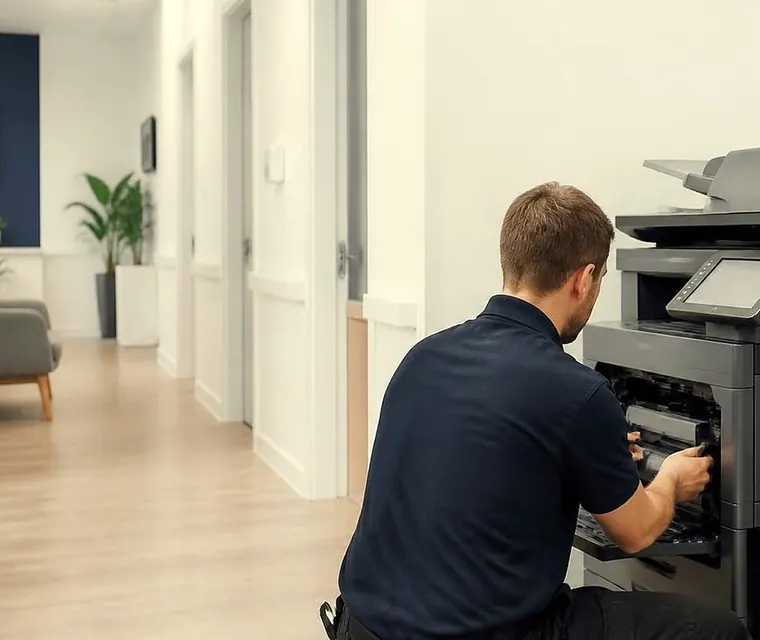
Brisbane printer service and photocopier repairs, plus machine sales
Scanning is the reason
Ricoh earned its place as the dependable all rounder of the office on colour speed and on document handling, and the IM C range has a workflow platform that keeps up with how a business actually moves paper. A single pass document feeder reads both sides of a page in one trip, which is the difference between a twenty minute scanning job and a five minute one.
Buying it refurbished gives you that without the new machine price or a finance contract.



What goes on in our workshop
Each unit is stripped back and serviced. Worn parts are replaced, it is tested thoroughly and reset to as new condition by technicians who know these machines inside out. We would not sell what we would not be happy to fix next year.
The range at a glance
Two generations across five speeds. Stock moves, so check by phone.
| Pages a minute | Original IM C series | Updated series | Best for |
|---|---|---|---|
| 20 | IM C2000 | IM C2010 | Small offices that print, copy and scan in short bursts |
| 25 | IM C2500 | IM C2510 | Small teams who use the copier every day |
| 30 | IM C3000 | IM C3010 | Shared office machine, quiet enough for open plan |
| 35 | IM C3500 | IM C3510 | Medium workgroups with a steady flow of documents |
| 45 | IM C4500 | IM C4510 | Big teams and print rooms with heavy loads |
The features that come with every one
These come with the whole range, so speed is the only real comparison.
- Print, copy and scan in colour and in black.
- Paper sizes from A4 through to SRA3.
- Two sided printing and a single pass document feeder.
- A 10.1 inch Smart Operation Panel.
- Gigabit network, USB and mobile printing.
- Scan to email and scan to folder.
- Always Current Technology.
Which generation
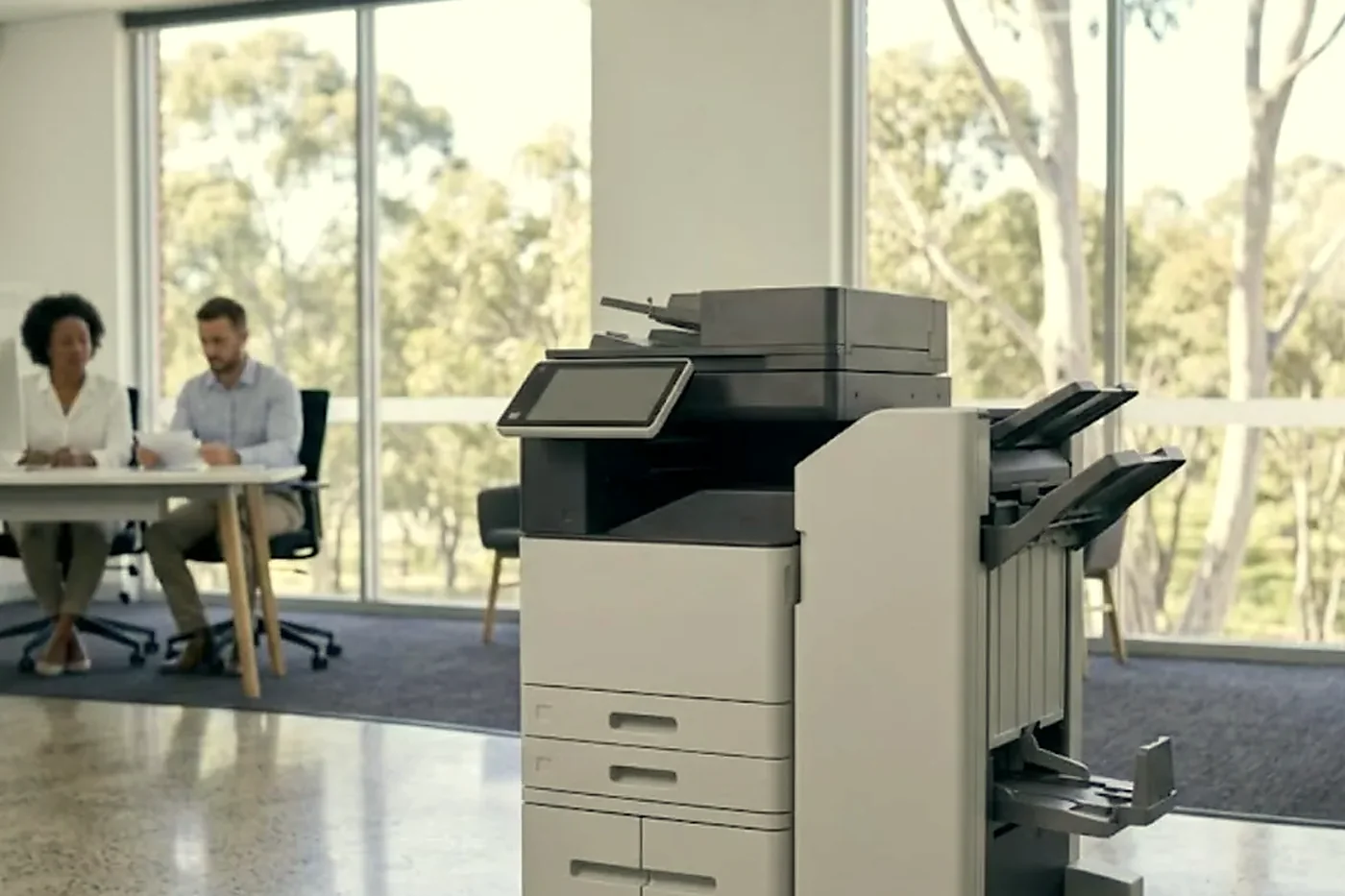
The 2000 to 4500 models are the original series and the 2010 to 4510 the updated one. The newer generation brings current features and, in general, a smoother day to day feel. The earlier ones are often the better buy where budget counts for more than the latest feature. Tell us which sounds closer to what you want and we go through the difference for your office.
Always Current Technology, in plain words
It is Ricoh's name for keeping the machine's software up to date, so the copier is not stuck on whatever it left the factory with. Ask us how it applies to the model you are looking at and whether anything needs doing when we set it up in your office.
Setting up the scan destinations
This is where the value is. A scan that goes to the right folder with the right permissions saves minutes every single day, and a scan that lands in the wrong place costs more than that. We build the shortcuts your office repeats, such as scan to a shared folder, and test them from a real computer before we go.
Who buys a Ricoh
Professional firms, medical and allied health practices, real estate offices and administration teams, mainly. People for whom the copier is one multifunction machine that has to do most things well and not make a fuss.
Used Ricoh photocopier, Brisbane: ask before you buy
Our answers are ready for every machine.
- Which IM C is it, and how many pages are on the counter?
- What was replaced, and what condition are the drum and the fuser in?
- Does the single pass feeder read both sides of a page properly, and has every accessory come with the machine?
- Is delivery part of the price, along with network setup and scan to email?
- What does the warranted cover include? We tell you before you buy.
Choosing a speed
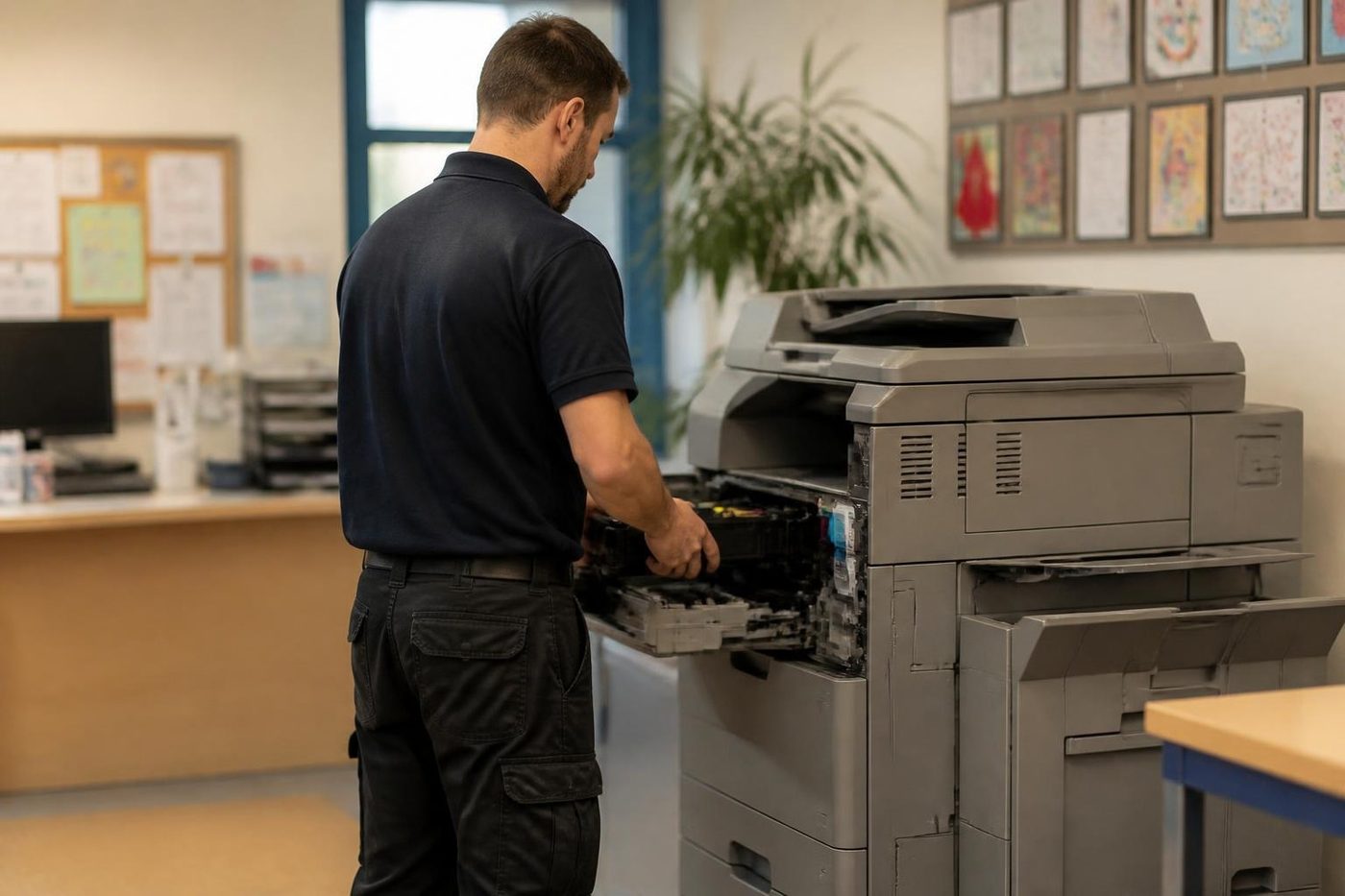
The range runs from 20 to 45 pages a minute. A 20 or 25 suits a small team and a reception desk. A 30 or 35 suits a busy shared office. A 45 suits a large team or a print room that works all day. Tell us your monthly volume and we say which step fits.
A morning in a scanning office
Picture a practice with a stack of signed forms to turn into files before lunch. Someone loads the single pass feeder, taps a shortcut that says the name of the client folder and walks away. The machine reads both sides in one trip and the files arrive where the team expects them. No scanning software on the desktop, no one standing there pressing the glass.
That kind of day is the one we set a Ricoh up for. The machine is only as good as its destinations, which is why the scan setup is the part we spend time on.
Printing is not an afterthought
The Gigabit network port and mobile printing mean the machine is quick to receive a job, and the print drivers go on your computers as part of setup. Colour print is good on the IM C range, and the A4 to SRA3 paper range covers letters, certificates, reports and the odd larger sheet.
Who prints what
Medical and allied health staff print referral letters, results and statements, usually in short bursts through the day. Accounts teams print in a lump at month end. Real estate offices scan and print contracts in sets. The mix decides the size of the machine and where the shortcuts go, and we ask about it before we suggest anything.
What to say on the first phone call
Tell us how many people use the copier, roughly how many pages go through it in a month, how much of that is scanning and whether anyone needs a finisher or extra paper drawers. A photo of the machine you are replacing helps. From there we say what we have, what would suit and what might be better left alone.
Looked after after the sale
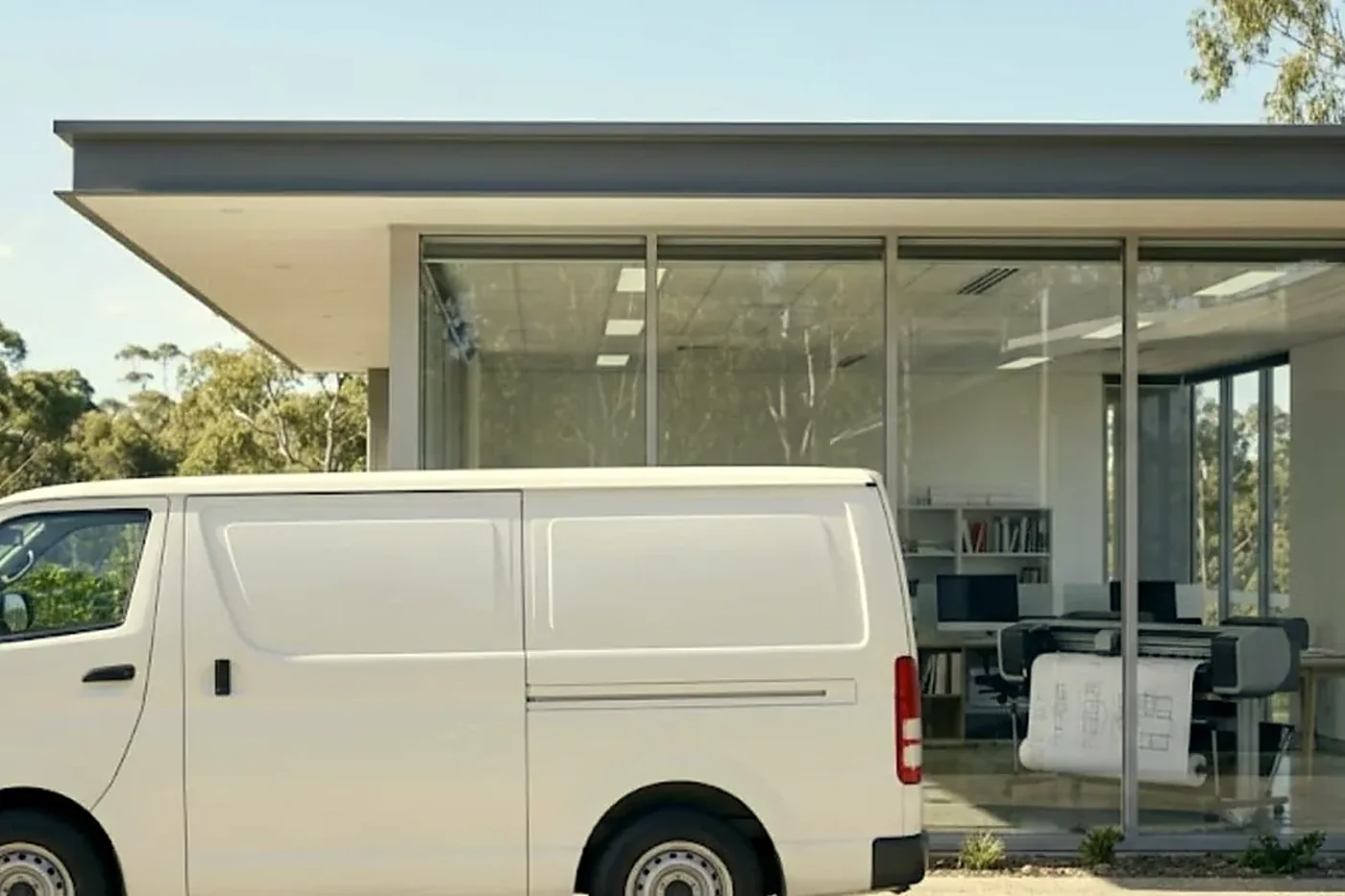
The technicians who prepare these machines also service them at your premises, and they are trained, experienced and certified. Same day service is available. We are an independent business and claim no link to Ricoh.
What changes between a 25 and a 35
Not a great deal on the desk and a lot in the afternoon. A 25 page machine copes with a reception desk, a small team and a routine day of letters and forms. Step up to 35 and the same team stops queueing when three people send a set of contracts at once.
Contract and form scanning also benefits from pace, because a faster feeder means a shorter wait when someone is standing there. Real estate offices and allied health practices notice it first. We say which step suits you, and we are as happy to say a 25 is plenty as to point at a 35.
Who looks after the scan folders
The step most offices forget is the folder on the server. The scanner needs a share name, a login that works and a place the right people can open. If the person who runs your network is changing servers, or the mail is moving, say so before delivery. It is far easier to point a Ricoh at the right place on day one than to untangle it after three weeks of scans landing in a folder nobody can open.
Before you pay for a repair
Not sure your current machine is worth fixing? We will say so straight, and if it is finished we can supply another, warranted. See Ricoh photocopier repairs for what we handle, and the post on the Ricoh and Toshiba changes for what the news means for owners.
Other ways to get a Ricoh and a way out of the old one
See new photocopiers, ex demo photocopiers, reconditioned photocopiers and lease, rental and finance. If you are replacing a machine we take trade ins and buy used photocopiers, and the value can go toward the next machine. Other makes are on the pages for refurbished Toshiba, refurbished Kyocera and refurbished HP, with the overview on used and refurbished photocopiers, and printer and photocopier sales for the rest.

Delivery
Deliveries reach every part of Brisbane, from the inner west to the Centenary suburbs and the Ipswich corridor. Check areas we service or phone (07) 3073 5255.
Ask the people who print
The operator knows first
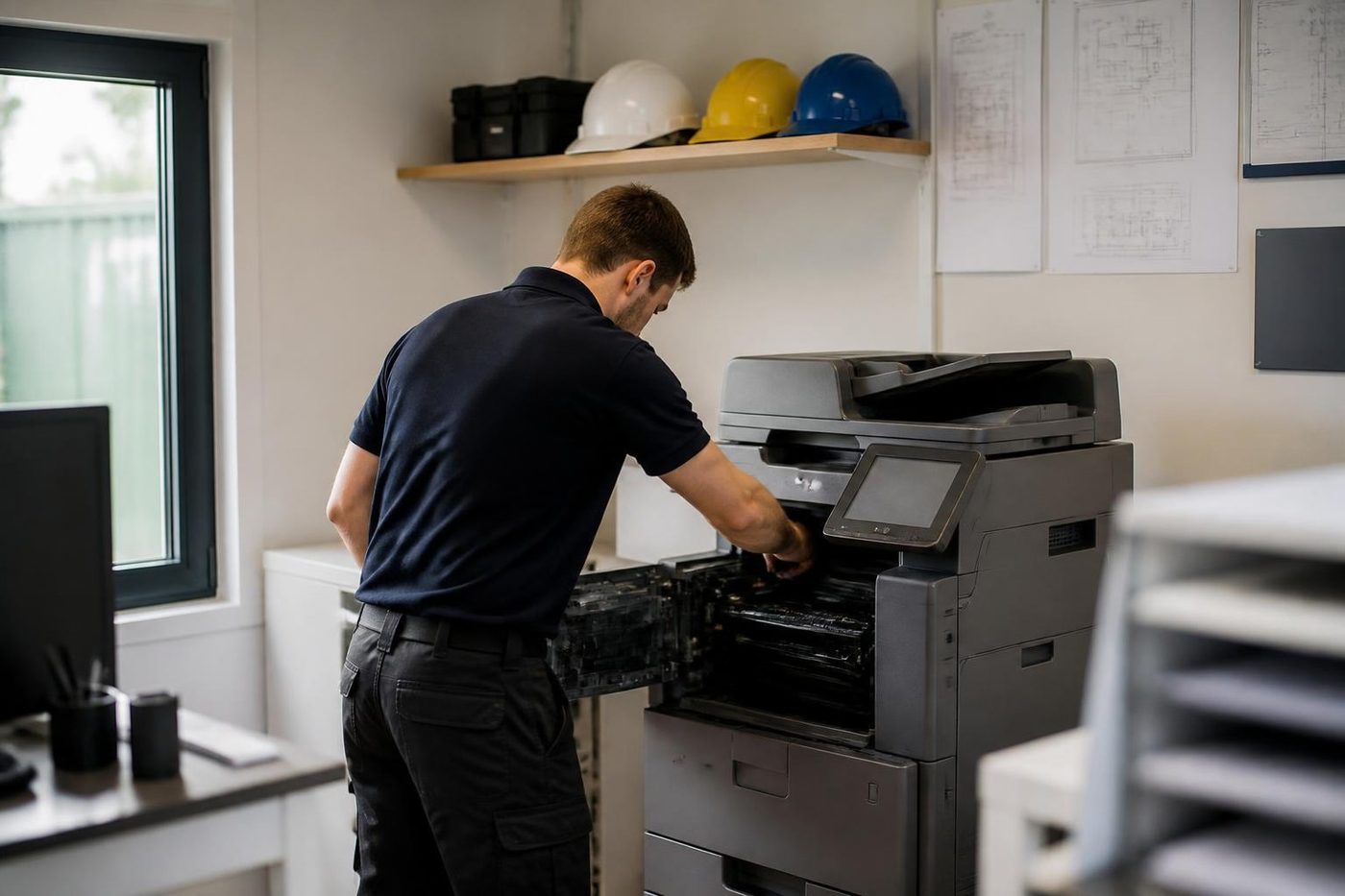
The person who feeds the paper in every morning knows when the machine started misbehaving. Tuesday after the storm, perhaps, or since somebody loaded the heavier stock. That one detail is worth more than a service manual.
Tell us the first thing you noticed, even if it sounds small. Often it is nearly the whole answer.
- Asked first. The users are the first source.
- Written down. What you said goes on the job record.
- Checked against the machine. Then the covers come off.
Keep reading around Brisbane
 Used and refurbished photocopiersTested and warranted used, refurbished and ex demo commercial copiers, delivered and set up.
 Refurbished Toshibae-STUDIO AC models, tested, warranted and set up.
 Refurbished KyoceraTASKalfa and ECOSYS, tested, warranted and set up.
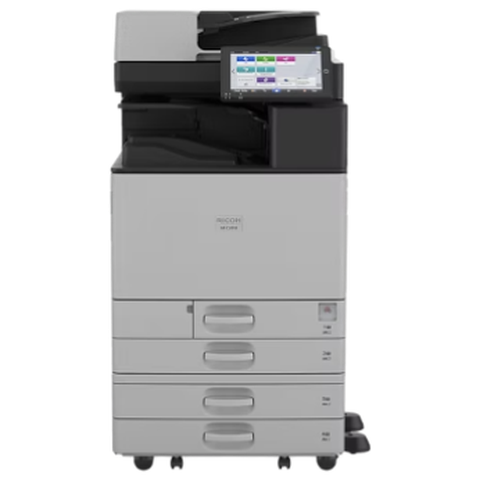 Ricoh repairsIM C, IM and MP series copiers, repaired on site.We buy photocopiersSell a used commercial copier or office printer to us. Figure agreed on the phone.
Buy, sell and lease
Buy, sell and lease commercial copiers in Brisbane
We also sell new and refurbished commercial copiers and buy used ones. Same team, same technicians.
A few recent visits
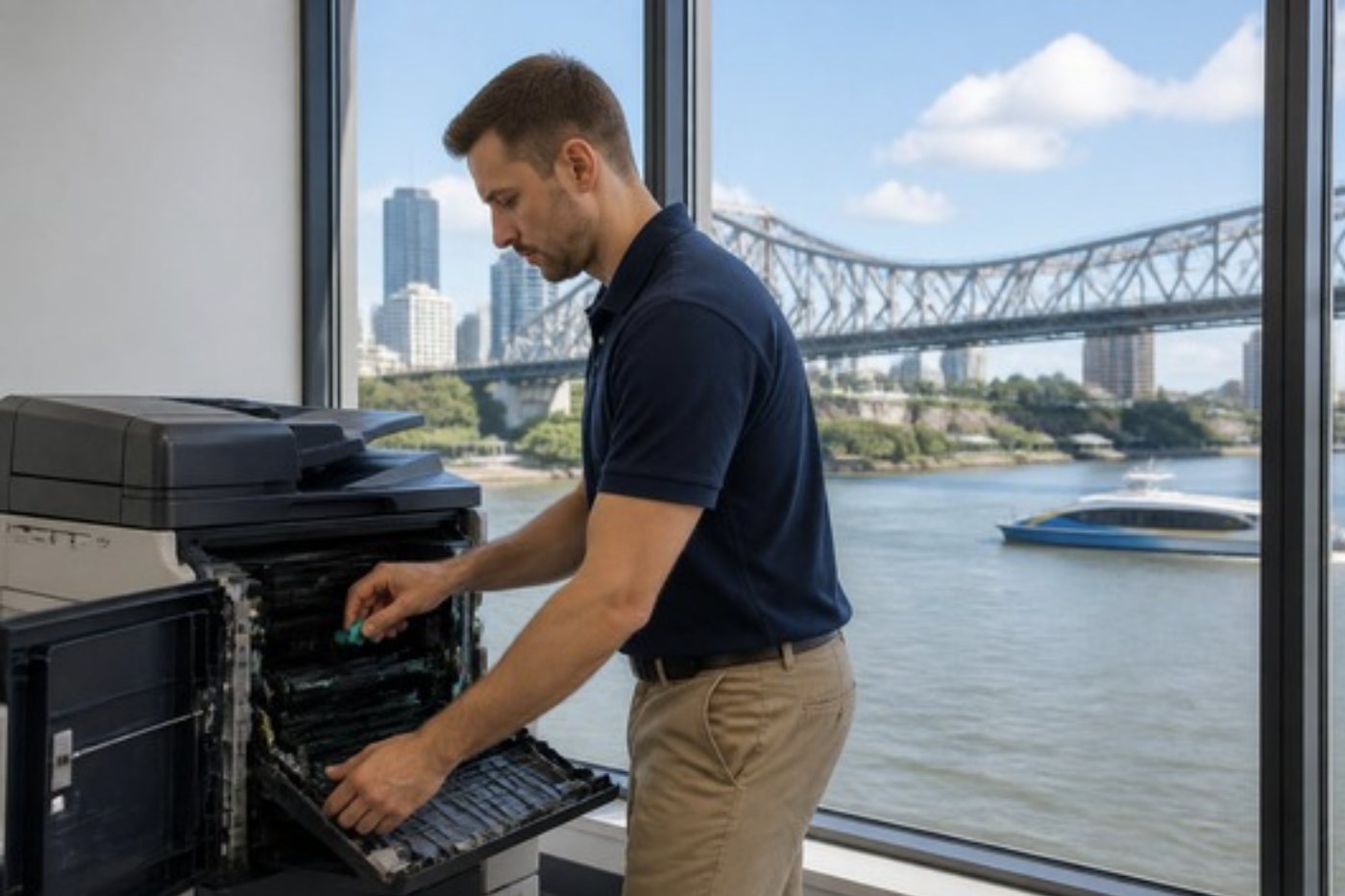



Questions people ask us on the phone
How do I read an IM C model number?
IM C is the name of the colour multifunction range, and the number after it gives the speed class, so a C3000 is a 30 page machine.
Why do offices pick a Ricoh to scan with?
The single pass document feeder and the scan to folder shortcuts make paper to file work fast.
What is the difference between the 3000 and the 3010?
The 3010 belongs to the updated series, with more current features. The 3000 is the original, often a better buy when budget matters.
Is the Smart Operation Panel easy to learn?
It is a 10.1 inch touch panel. We put your regular jobs on it at setup and show your people where they are.
Will you service a Ricoh that is not ours?
Yes. Ring with the model and what it is doing.
What does Always Current Technology mean for us?
It keeps the machine's software current. We explain how it applies to your model and check whether setup needs anything.
Who checks the scan to folder works?
We do, from a real computer, before we leave.

Newstead to Wacol
Floor standing or desk top, we repair both
The technician is matched to the machine, and the price is settled on the call.
Get a price
Printer service Brisbane, from one desk printer to a whole floor
Copier and printer repairs across Brisbane
Fault guides
- Copier and printer faults Brisbane
- Photocopier paper jams Brisbane
- Copier black lines and streaks Brisbane
- Copier error codes Brisbane
- Copier not printing Brisbane
- Scan to email not working Brisbane
- Toner smearing and fuser faults Brisbane
- Printer offline and network faults Brisbane
- Copier noise, grinding and squealing Brisbane
- Is my copier worth repairing Brisbane
- Toshiba e-STUDIO error codes Brisbane
- HP LaserJet error messages Brisbane
- Kyocera TASKalfa error codes Brisbane
Makes we work on
- Toshiba copier repairs Brisbane
- HP printer repairs Brisbane
- Kyocera copier repairs Brisbane
- Fujifilm copier repairs Brisbane
- Xerox copier repairs Brisbane
- Canon copier repairs Brisbane
- Ricoh copier repairs Brisbane
- Lexmark printer repairs Brisbane
- Brother printer repairs Brisbane
- Epson printer repairs Brisbane
- OKI printer repairs Brisbane
- Zebra printer repairs Brisbane
- Konica Minolta copier repairs Brisbane
- Sharp copier repairs Brisbane
- Fuji Xerox copier repairs Brisbane
Suburbs and districts we cover
- Printer service Inner West Brisbane
- Printer service Brisbane CBD
- Printer service Milton, Toowong and Inner Brisbane
- Printer service Centenary Suburbs
- Printer service Ipswich Corridor
- Printer service Logan
- Printer service Brisbane Northside
- Printer service Acacia Ridge and Archerfield
- Printer service Toowoomba
- Printer service Eastern Suburbs and Airport Precinct
- Printer service Southside: Sunnybank and Mount Gravatt
- Printer service Redcliffe and Moreton Bay
- Printer service Redlands, Capalaba and Cleveland
- Printer service Caboolture, Morayfield and the North
- Printer service Fortitude Valley and Newstead
- Printer service Indooroopilly, Toowong and Kenmore
- Printer service Springfield and Ripley
- Printer service Ipswich, Booval and Amberley
- Printer service Beaudesert and the Scenic Rim
- Printer service Lockyer Valley and Gatton
- Printer service Beenleigh and Yatala
- Printer service Bribie Island and Moreton Bay
- Printer service Carindale and Camp Hill
- Printer service Wynnum and Manly
- Printer service North Lakes, Strathpine and Petrie
- Printer service South Brisbane and Woolloongabba
- Printer service Logan Central and Browns Plains
- See every Brisbane area
Looking at a machine for your office?
Tell us if you are buying, selling, leasing or moving one, and roughly how much the office prints. We ring back and talk through the options. You can also phone (07) 3073 5255.