Why a code is not a verdict
Behind most codes the maker's service manual lists several possible causes, and the technician finds the right one by testing. A code that points at the fuser area might be a thermistor, a heater, a connector, a board or a firmware matter, and only a proper look separates them.
It is also why code lookup websites mislead. Some are right for some models. None can say what is wrong with yours, and acting on a confident wrong answer is a quick way to buy a part that was never faulty.



How the common makes label things
Each maker has a habit. Toshiba and Kyocera service calls begin with C, with Call for Service on a Toshiba panel and Call service on a Kyocera. Ricoh numbers are SC. Many Canon models show E codes. HP LaserJet messages are numbers instead: 13 is a jam, 50 a fuser fault, 59 a motor, and 49 or 79 firmware and controller trouble. Sharp codes are a letter and digit followed by a second pair of digits. Konica Minolta and Fujifilm each run their own scheme.
Copy the whole code, letters included, with the model beside it. The three that come up most, Toshiba e-STUDIO, Kyocera TASKalfa and HP LaserJet, have a page each.
Messages that are yours and messages that are ours
The panel does not always distinguish them clearly.
| Type of message | Typical meaning | Who deals with it |
|---|---|---|
| Add paper, wrong size, close door | An ordinary prompt | You |
| Replace toner, waste toner full | A consumable | You, or us to fit it |
| Paper jam in a named location | Sheet in the path | You, through user handles |
| Maintenance due | A counter reached its limit | Us |
| Call service plus a code | A monitored part or sensor out of range | Us |
| Fuser or heater message | The hot assembly | Us only, stop and ring |
| Controller or firmware message | Boards or software | Us, sometimes with your IT person |
Write down before you ring
Two minutes at the machine.
- The brand and model name, taken from the front badge or the label inside a door.
- The whole code, with letters, exactly as shown.
- The words on the panel around it.
- What the machine was doing when the code appeared: copying, printing, waking from sleep, starting up.
- Whether it clears after a restart and returns, or stays.
- Anything out of the ordinary that week, such as a storm, a move, new paper or a power cut.
One restart is fair, five is not
Plenty of codes are one off confusions. A sensor read something odd or the power dipped, and one switch off, a minute and a switch on clears it. That is fair. If the code is back inside the hour, more restarts are unlikely to help and can hurt, because each start puts the machine through a warm up it may not be able to finish.
Codes that follow a storm
Brisbane's storm season brings short power cuts and surges. A copier may come back on Monday with a code that was not there on Friday. Often it is a board or a heater circuit that took a knock. Say so when you ring if a storm came through, since that tells us where to look. If the damage came from the power supply, a surge protected board helps afterwards.
Codes that return after a repair
Sometimes a code returns after a repair, and it needs explaining. Sometimes the first repair addressed a symptom and not the cause. If a code returns on a machine we have repaired, tell us at once. Should the same fault return, we fix it again free.
What the technician does with it
The code tells us which area to start in. We read the machine's history, test the part and the circuit around it, and rule out dull causes first: a loose connector, dust on a sensor, a worn component. Where a code points at a high wear part and the part tests poorly, we say so and quote. Where the cause is unclear, we say that.
Service mode procedures are not something we publish, and we ask you not to go looking for them. Service modes can change settings in ways that are hard to put back, and a good day's work can be undone by an enthusiastic afternoon.
Who to ring in Brisbane
Ours is an independent business. We are not the maker and we hold no authorisation from any brand. Trained, experienced and certified technicians come to you with the usual spares on the van. Same day service is available, and you agree the price by phone before a booking. Lines that are busy get the call logged and returned. Ring (07) 3073 5255.
Service history
A machine has a memory, so we keep one
It also settles arguments. If a drum went in during March and fails in May, the record shows it, and the repeat fix is free.
Office managers who change every year like this most. The history stays with the machine, not with the person who left.
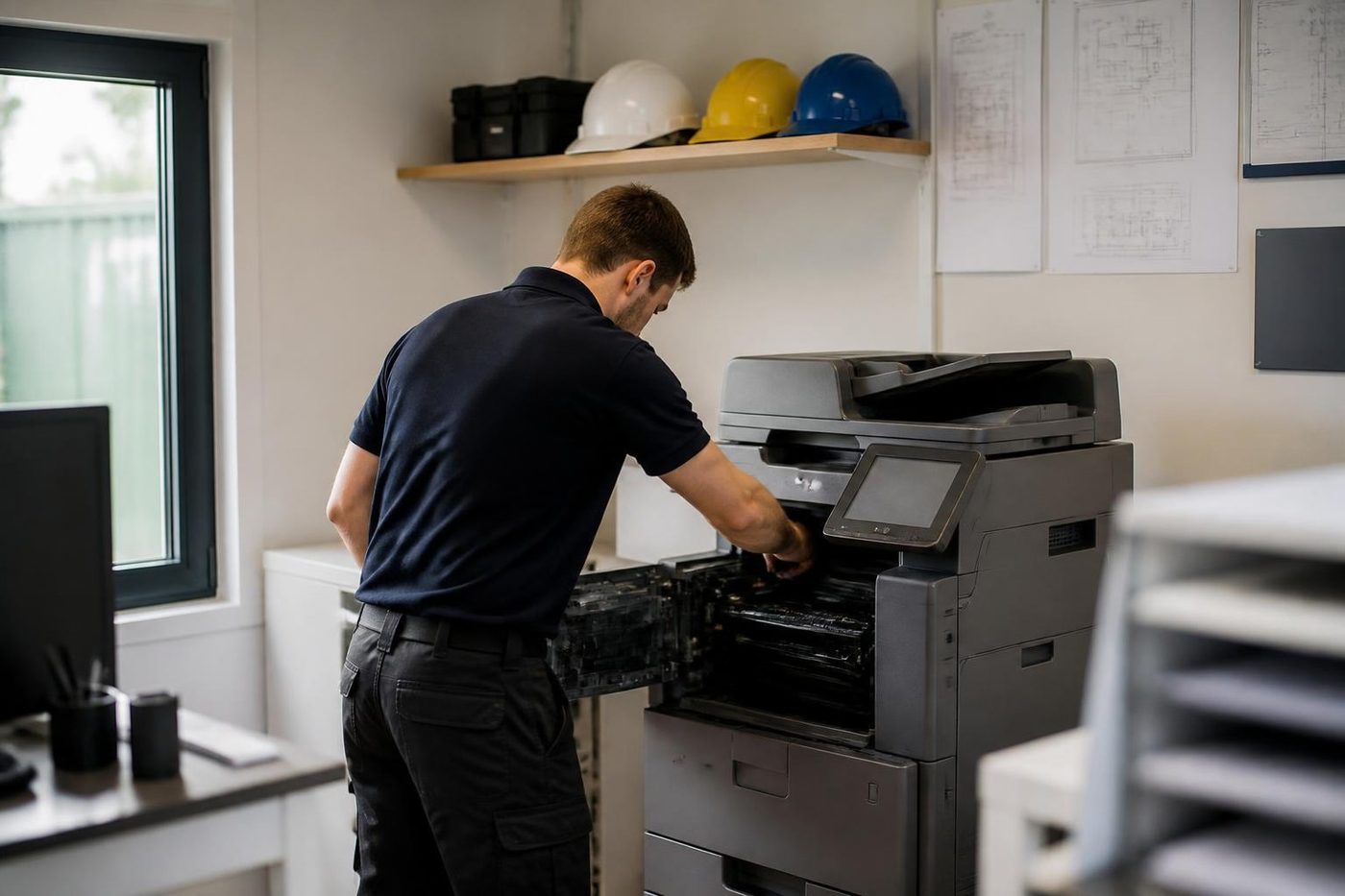
- Every visit logged. Fault, cause, part.
- Meter noted. So wear can be judged fairly.
- Repeats free. The same fault again is on us.
Keep reading around Brisbane
 Copier and printer faultsStart from the symptom, find the next step.
 Toshiba e-STUDIO error codesCall for Service and a C code on an e-STUDIO.
 Kyocera TASKalfa error codesCall service and a C code on a TASKalfa.HP LaserJet error messagesLaserJet 49, 50, 59 and 79 messages, and what to do.
 Photocopier paper jamsWhy it jams and what to try first.
 Toner smearing and fuser faultsToner that rubs off, ghosting and fuser trouble.
Buy, sell and lease
Buy, sell and lease commercial copiers in Brisbane
We also sell new and refurbished commercial copiers and buy used ones. Same team, same technicians.

A few recent visits



Questions people ask us on the phone
Does a code tell me exactly what is broken?
No. It points at an area. The model, the firmware and some testing decide the real cause.
Is it worth searching the code online?
It can show what the area might be. It cannot tell you what is wrong with your machine, and a confident wrong answer can send you chasing a part that was fine.
What do Toshiba and Kyocera service messages begin with?
A C, shown with Call for Service on a Toshiba and Call service on a Kyocera.
What does SC mean on a Ricoh?
SC stands for service call. The number indicates an area of the machine, and the model fills in the detail.
How many restarts are reasonable?
One, with a wait of a minute. If the code returns quickly, ring us instead of cycling the power again.
The code appeared on Monday after a Sunday storm. Does that matter?
Often. Power dips can upset boards and heater circuits. Mention the storm when you ring.
Can you give me the service mode steps?
No. Service modes can change settings that are hard to put back, and they belong with a technician.
Is a visit possible today?
Same day service is available. Keep the make, the model and the whole code handy.

