HP service Brisbane
HP Printer & Photocopier Repairs in Brisbane
Every HP has a label, and the label is the first thing we ask you to read out. Inside the top cover or on the front, it gives the model, and the model tells us which parts wear, which codes to expect and how old the firmware is likely to be. If you need repair for HP printers in a Brisbane business, whether that is a single LaserJet on a front desk or a row of them down a corridor, start there. We can often send someone the same day, 98% of repairs are done on the first visit, and you hear the price before any booking is made.
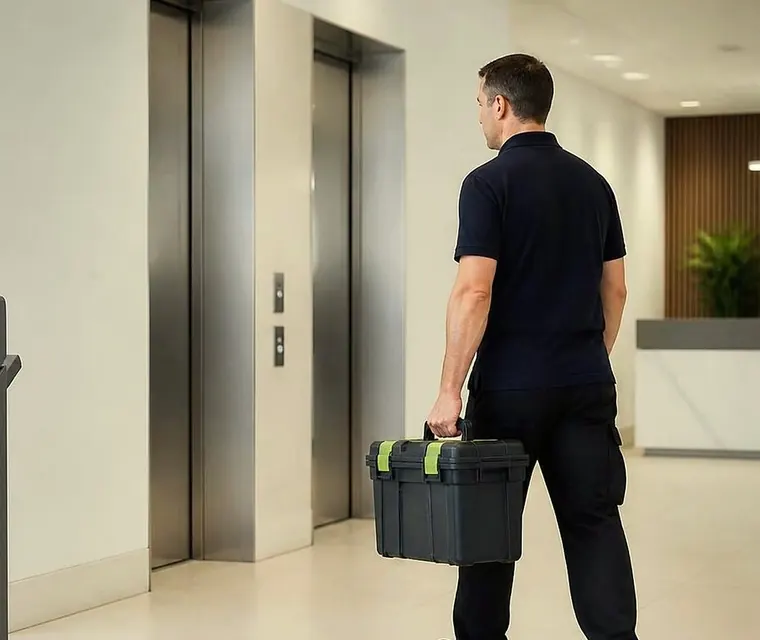
Brisbane printer service and photocopier repairs, plus machine sales
Three kinds of HP in one cupboard
Most Brisbane offices that own an HP own more than one kind without knowing it. The LaserJet Pro is the small business machine: quick to set up, light on replaceable assemblies, happiest at a few thousand pages a month. LaserJet Enterprise is built for heavier work and comes apart in sensible pieces, so a fuser or a roller set can be swapped without writing the machine off. Then there is the Managed model, the one with an E in the name, which is Enterprise hardware configured to live under a supplier contract.
The distinction decides what we say on the phone. A Pro with a dead formatter board is usually a poor repair. An Enterprise with a tired fuser and glazed rollers is usually a good one. A Managed machine behaves differently over supplies and firmware, and sometimes the first call should go to whoever holds the contract.
No part of this business is HP, and we hold no HP authorisation. We service the machines as an independent. We say it early because a few offices had assumed otherwise.
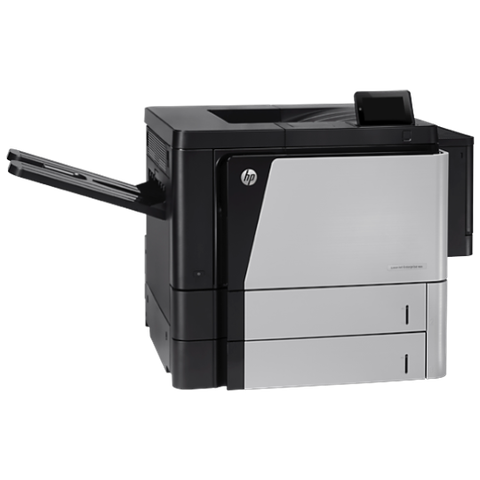


Three steps to a price
- Name the machineMake, model and the trouble it is giving you.
- Hear the price firstWe ring you back with it before a visit is booked.
- A certified technician attendsSame day wherever the diary allows.
HP families we repair, by what they do in an office
Ring even if your model is missing below. Chances are we have had one open on a bench.
| Who uses it | Line | Models we are asked about |
|---|---|---|
| Owner's office, front counter, small practice | LaserJet Pro and Color LaserJet Pro | The Color LaserJet Pro MFP M283fdw, the MFP 4301 and the M501dn |
| Shared departmental printing | LaserJet Enterprise mono | Managed E50145 alongside the M507 and M506 |
| Offices with steady scan traffic to email and shared folders | LaserJet Enterprise mono MFP | Managed MFP E52645, M528 and M527 |
| Busy print rooms and large workgroups | High volume Enterprise mono | M612, M611, M609, M608 and M607 |
| Contract fleets and heavy departments | High volume Enterprise MFP | The MFP M631 through to the M636 |
| Design and drawing offices, marketing corners | Color LaserJet Enterprise, A3 | M856, M751, MFP M776, and the Managed E85055 and E75245 |
| Teams who like inkjet colour but want a panel they already know | PageWide Enterprise | Color 556 and Color MFP 586 |
| Small desks. We look at them if you ring, but they are not our focus | OfficeJet and OfficeJet Pro | Business inkjets |
| Surveyors, engineers and architects | DesignJet | XL 3600, T1700, T950, T870 and T850 |
What an HP code is really telling you
FutureSmart firmware writes its codes as three pairs, NN.XX.YY. Only the first pair is easy to read without a manual. It names the family, and everything after it narrows down the place or the cause. Older LaserJets write shorter codes, 50.2 and 49.4C02 being typical. The same two digits can carry a slightly different meaning on different engines, which is why we want the model before we say what a number means.
A code points. It does not convict. We have been called out on a 50 series error that turned out to be a fuser unit knocked loose during a desk move, and a 59 error that was a jam fragment holding a motor gear.
The families, in the order they usually turn up
Below are the pairs that come up on the phone, and beside each the part of the machine it is aimed at.
- 13: a jam. The rest of the code says where the paper stopped or what was left behind. Examples: 13.B2.D2 reports lateness at the registration sensor after a feed from tray 2, 13.A3.D3 a failed pick from tray 3, 13.A1.FF leftover paper found when the machine powered on, and 13.D1.FF leftover paper at the duplex sensor.
- 10: supplies. A supply the machine will not accept shows as 10.XX.41 or 10.YY.35, printing on past very low as 10.XX.70, and a memory chip it cannot read as 10.00.00 or 10.00.10.
- 31: the document feeder. Feeder motors that are not turning appear as 31.03.31 or 31.03.32, a dirty or missing backing on the backside scanner as 31.03.33 or 31.03.34, and a pick or multi pick problem as 31.13.00 or 31.13.01.
- 41: engine errors, and the one most people know is 41.03.YZ, an unexpected paper size. Z names the tray, duplexer or envelope feeder. 41.05.YZ is an unexpected media type.
- 49: firmware. HP's list of causes runs from poor cables and generic drivers to corrupt jobs, odd network settings and accessories the machine does not support, so the job and the driver get examined before the hardware.
- 50: the fuser. On the M506 family the warm up and temperature faults are 50.20 and the run from 50.10 to 50.12, while the wider 50.WX.YZ group takes in temperature, drive circuit and mechanical trouble.
- 51 and 52: the laser scanner. 55: the engine controller. 57: fans. 59: motors, with the older short form 59.F0 sitting in the same family.
- 60: a tray lift. 60.00.04 or 60.00.05 means the lift in tray 4 or tray 5 failed to raise the paper to its sensor in time. 66.00.20 is an output accessory drawing too much current.
- 62 is no system found. 98 is corrupt firmware, solutions or configuration data. HP calls a 79 Service Error a firmware matter in the typical case, and its published steps are wall power, cartridges out and a firmware update.
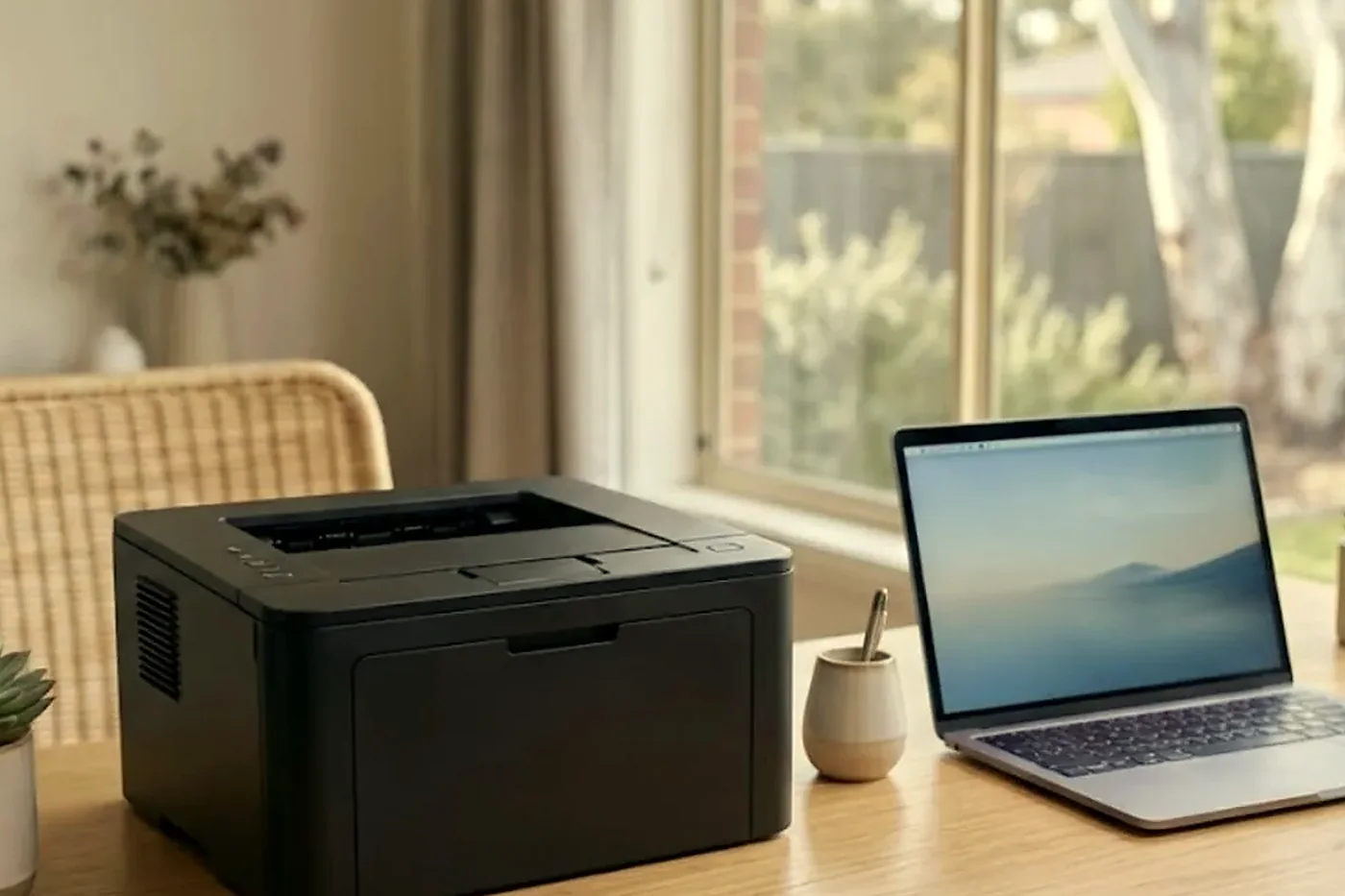
Cartridge not recognised
Many HP machines read a chip on every cartridge and turn away the ones they do not know. Managed models are set up to expect contract supplies and can be fussier still. So a cartridge message on a printer that worked well yesterday is more often a chip, a seal tab left on, the wrong part number or a setting than a failing printer.
We stay out of the argument over which cartridge you should buy. What we tell you is what the message means, whether the machine itself is at fault, and what you can raise with your supplier. If compatible cartridges are the reason a machine keeps rejecting supplies, we say that too. Telling cartridge trouble from printer trouble over the phone saves a visit that never needed to happen.
Why the fuser and rollers usually go together
On a busy HP the fuser, the transfer roller and the pickup rollers all rack up the same page count, so they tire on the same schedule. Change one and leave the others, and the phone rings again within weeks. So an experienced technician asks for the page count first, then looks at the rollers while the covers are already off.
HP often bundles these into a maintenance kit, and the model decides which kit fits yours. Page lives differ by model and by the mix of jobs, so we quote none. Ask us what your machine is likely to need and we will answer from what we have seen it do.
Pickup, duplex and registration: the paper path
When a printer insists the tray is empty and it is not, pulls two sheets together or jams at the tray door, worn pickup and separation rollers are nearly always the explanation. A weak sensor or a feed motor is the second suspect. Paper that jams mid machine, or only on double sided work, makes us think of debris, a sticky sensor flag or a scrap an earlier jam left behind.
Document feeders have their own version of the story. Double picks, a skewed scan and dark marks down the copy usually come from tired feeder rollers or a dirty white calibration strip. Heavy stock loaded in a hurry has started more calls than any failed part.
Scan to email, folders and the mail rules that keep changing
FutureSmart machines keep their scan settings inside the Embedded Web Server, on the Scan/Digital Send tab. You will find the outgoing mail server and authentication there, along with the From address and the Quick Sets shown as buttons on the home screen. A wizard also covers scanning to a network folder or a cloud document library. For SMTP with SSL switched on, HP's help suggests port 587. Administrators are able to lock the From, To and copy fields, or require a pick from the address book.
Microsoft is retiring basic authentication on SMTP in stages, so every tenant sits at a different point. Before a mail setting is changed we ask your IT contact where yours stands. Where OAuth 2.0 is mandatory, expect smtp.office365.com, port 587, TLS, and a device sign in code that a person has to approve.
We record the settings before touching anything, because a firmware update is a fair suspect when a fleet that scanned on Friday stops on Monday. Updates mostly do no harm. A few change menus, alter security defaults or break a scan route that used to work, and with the old settings written down the fix is a short one. Administrator passwords and certificates get our attention too, as do the protections HP lists: encrypted drives, run time intrusion detection, whitelisting and Sure Start.
Machines nobody owns, and copier service Brisbane offices ask for
HP printers breed. One goes in at reception, another beside accounts, a third in the warehouse office, and ten years later nobody remembers who ordered any of them. They keep working, so they are ignored, and the day one stops somebody has to find out what it is.
If that is your office, do not worry about it, and if it is a copier service Brisbane call that turns out to include an HP in the corner, we look at that too. Read us the label on the phone and we build the visit from there. If there are six machines and you cannot say which one is the trouble, give us a floor and a name for the person who uses it most.
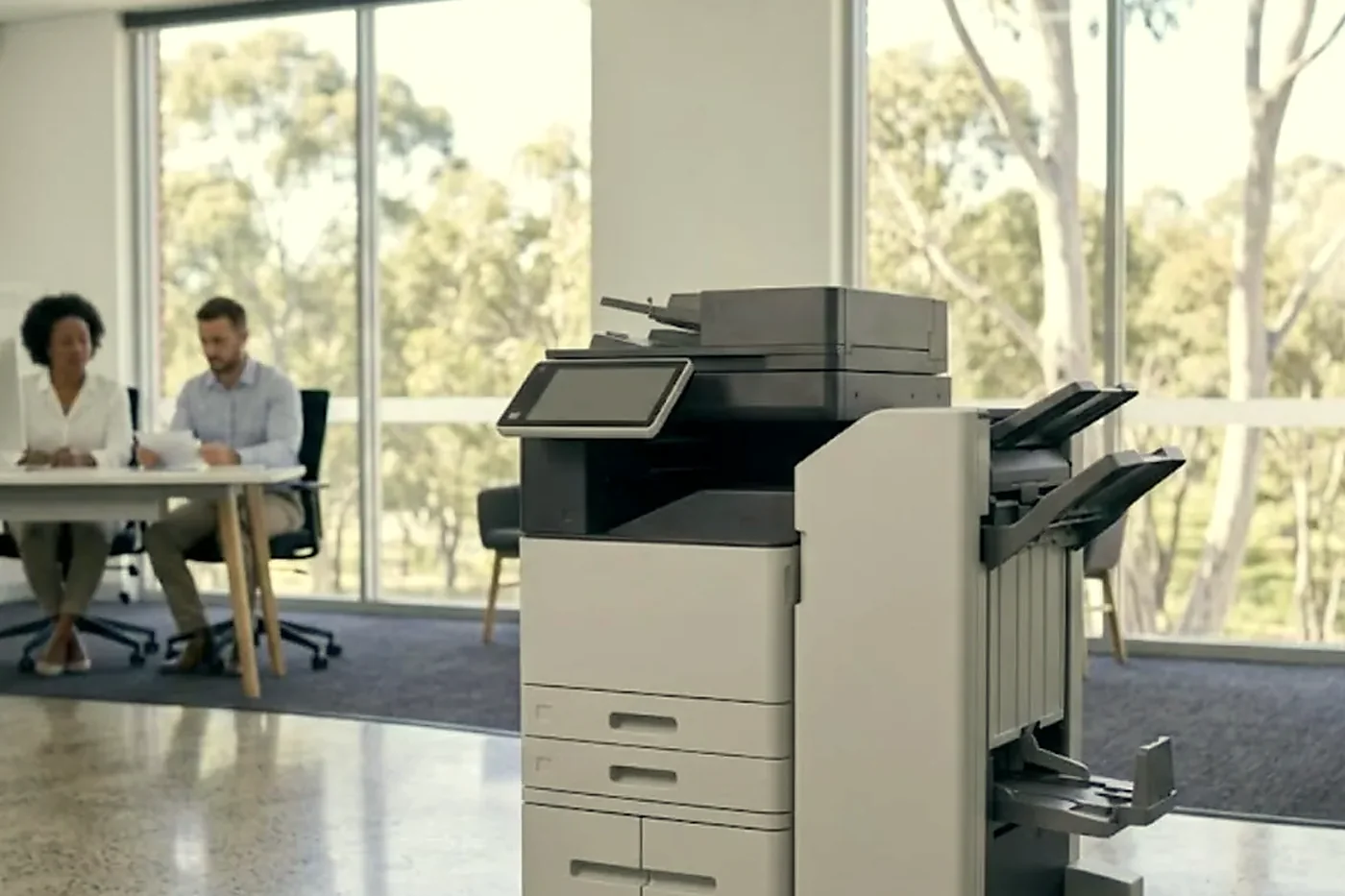
Trays, finishers and other options
We confirm what suits your model before planning any work on an option.
- Extra 550 sheet trays and the stands that carry them.
- The inline stapler stacker on the M776zs, and other stapling and stacking finishers.
- Mailbox units and three bin finishers, as the model allows.
- Flow style multifunction machines add document feeders, fax kits and encrypted drives.
- Envelope feeders.
HP around Brisbane, from the CBD to the industrial belt
Inside the city and the inner suburbs HP LaserJets tend to come in clusters, one for each department on a floor. A law practice at Milton or Toowong runs a Color LaserJet beside the partners. A northside medical practice has a row of desk machines and a single multifunction behind reception. Engineering offices at Eagle Farm and Rocklea keep a DesignJet next to the estimators, and say so as soon as we ask.
Out at Rocklea, Acacia Ridge and Archerfield the HP sits in a workshop office with dust on every shelf. At Hemmant and Murarrie it is often a mono Enterprise printing dispatch paperwork all day that has to be finished before the next truck. Darra, Wacol and the Ipswich corridor look the same. On the Logan side, around Springwood, Underwood and Slacks Creek, the mix swings to schools, clinics and council offices.
Conditions matter. Dust and warm rooms punish fans and paper paths, a printer in a warehouse takes in more grit than the same model on a tower floor, and Brisbane humidity makes paper curl and jam. A storm surge through a power board can trigger fuser errors that are not about the fuser at all. Where head office IT sits in another state, a scan setting altered there can land on a Brisbane printer hours before any local colleague notices.
HP printer repair near me, and what happens after you ring
HP printer repair near me is what an office manager types when a printer drops out in the middle of a job. The cause is nearly always one of a short list: a 50 series fuser error, a pickup roller that no longer grips, a jam in the duplex path, an imaging unit or drum that has run out of life, or a network setting that moved when someone touched the router. The visit is at your premises, and common spare parts ride with the technician.
On the call we take the label, the message word for word, and whether the fault shows on one computer or on every one. We say what the cause usually is and whether the repair is worth doing. Then we give you the price. Nothing is booked until you agree to it. Busy lines mean the call gets logged and we ring you back.
Where an HP sits beside a copier, mention both. Offices that ring us for copier service Brisbane wide quite often have an HP multifunction in the next room, and one visit can deal with the pair.
What the desk tells you before the panel does
A few minutes of looking at the page often narrows the problem before anyone opens a cover.
| Symptom | Likely cause | Our question for you |
|---|---|---|
| Toner scratches off with a fingernail | The fuser is not heating or pressing properly | Whether a 50 series number came up first |
| Pages come out warm and curled but the toner holds | A tired fuser that is still doing its job | The page count on the machine |
| Crumpled page, folded corner | Paper path trouble, often a smooth pickup or separation roller | Which tray, and whether it is every sheet |
| Clicking or grinding as the page enters | A gear or roller, and these tend to worsen | Where in the cycle it happens |
| Printer offline each morning | A changed address, a stuck queue or an old driver | Whether one computer is affected or all of them |
| Scan to email stopped | A password, a mail setting or a firmware change | What changed on the network lately |
The HP LaserJet error messages guide covers more of the codes.
The network, the driver and the stuck queue
A good share of HP calls have nothing wrong with the hardware. A queue stalls. The printer goes offline each morning. A Windows update leaves a driver unable to talk to the machine. In a small Brisbane office with no IT department, the person who deals with it is whoever answers the phone, and they often do not know where to start.
We work alongside whoever looks after your network. We check that the printer can be reached, that its address has not changed and that nothing has jammed in the queue on the PC or server. If the problem is on your side of the wall we say so plainly. When the printer is the culprit, we repair it.
DesignJet and the other big HP machines
Wide format DesignJets are repaired on site as well, from the T850 and T870 up to the XL 3600. Banding, a blocked printhead, roll feed trouble and a sensor that misreads the edge of the paper are the usual stories. Our plotter service page goes into the detail, and if you own one, ring with the roll width and what a bad plot looks like.
Samsung printer repairs and Samsung copier service in Brisbane
Samsung sold its printer business to HP in 2017, and HP now supports the Samsung printer range. That is why Samsung sits on this page. We repair Samsung printers and copiers on site across Brisbane in the same way as an HP: the Xpress desk lasers, the ProXpress workgroup printers and the MultiXpress A3 copiers that are still working in offices, schools and warehouses.
The faults are familiar. A Samsung printer that reports a jam with no paper in sight usually has worn pickup rollers or a dirty sensor. Faded or streaky pages point to the toner, the imaging unit or the transfer roller. A MultiXpress that stops scanning to email usually needs its mail settings brought up to date rather than a new part. Read us the model from the front of the machine and the message on the screen, and we tell you on the phone whether a visit makes sense.
Samsung printer repairs, Samsung printer service and Samsung photocopier repairs are handled by the same trained technicians who look after HP, and they carry the common spare parts. Same day service available. If a Samsung has reached the point where a repair no longer adds up, we say so and talk you through the options, including the copiers we sell.
When an HP repair stops adding up
We try to be straight about this part. A Pro with a failed formatter, or a drum that cannot be replaced on its own, is often a bad repair. An Enterprise whose fuser and rollers have worn out is nearly always worth repairing. Which one you have, and what has failed, decides the honest answer, so we ask about both before offering a view.
If the machine is worth fixing you get a repair price. If it is not, you hear that and why, and our sales pages are there if you want to compare new or second hand commercial machines. We keep the two conversations apart.
What to have in your hand before you ring about an HP
None of this is compulsory. It just shortens the call.
- Its model number, printed on a label either at the front or under the top cover.
- Whatever the screen says, exactly as written, plus any number shown with it.
- Whether just one computer cannot print, or all of them.
- Any noise, smell or mark on the paper.
- The building, the floor and anything we should know about getting in.
The people who come to you are trained, experienced and certified. A fault that returns is fixed again free, and the work is warranted.
The page count tells half the story
Before the covers come off we like the machine's page count, because wear parts follow volume and not age. A five year old LaserJet that has printed a few thousand pages a month is a different animal from a two year old one that sits in a busy print room. The meter is on the configuration page, and the event log keeps the repeat codes, which is where a patient technician finds the fault that appears only on Thursdays.
The count and the log highlights go into the job notes, so the next visit picks up where this one ended.
Secure print, PIN release and badge readers
Many Brisbane practices and agencies run held jobs, where a page waits at the printer until someone types a PIN or touches a card to the reader. When that stops working the printer usually gets the blame. Often the fault sits one step back: a user whose account was renamed, a card reader that lost its link after a firmware step, a server that was moved. We check the machine, then look at what it is trying to reach, and we tell whoever manages the server what we saw.
A locked screen after a firmware update, or a Quick Set button that vanished from the home screen, is almost never a hardware fault. It is a setting, and the old settings written down are what make it a ten minute fix.

The first hour on a fleet visit
When an office has six or eight HP machines and a few have started to fail, we do not repair them in the order they are listed. We print a configuration page from each, compare the firmware levels and read the event logs. A fault pattern usually emerges. Three machines on one floor with the same 59 series code and the same firmware is a different job from three unrelated failures.
That hour often saves the rest of the day. It also gives you something useful to keep: a list of what you own, where it is and what shape it is in, which most offices have never had.
Heat, storms and the printer by the window
Summer afternoons do two things to an HP. They warm a room until the fuser has less thermal headroom, and they bring storms that put a surge through the power board. Neither shows up on a service report, and both cause calls. We note where the machine sits, whether its power board is shared with a kettle or a heater, and whether the vents have room to breathe. A move of a metre and a wall socket of its own has ended more than one recurring 50 series complaint.
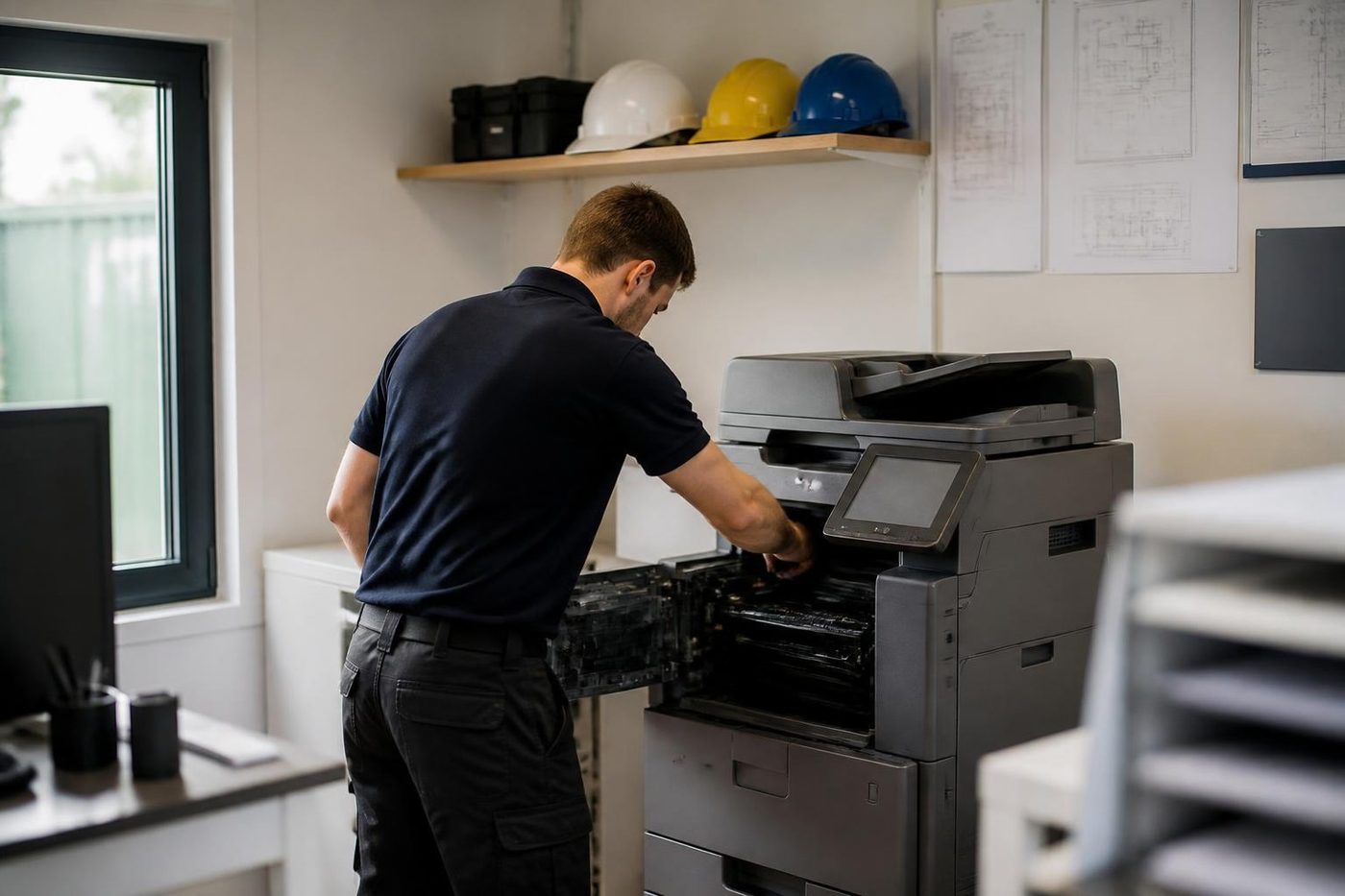
The four stages of a HP visit



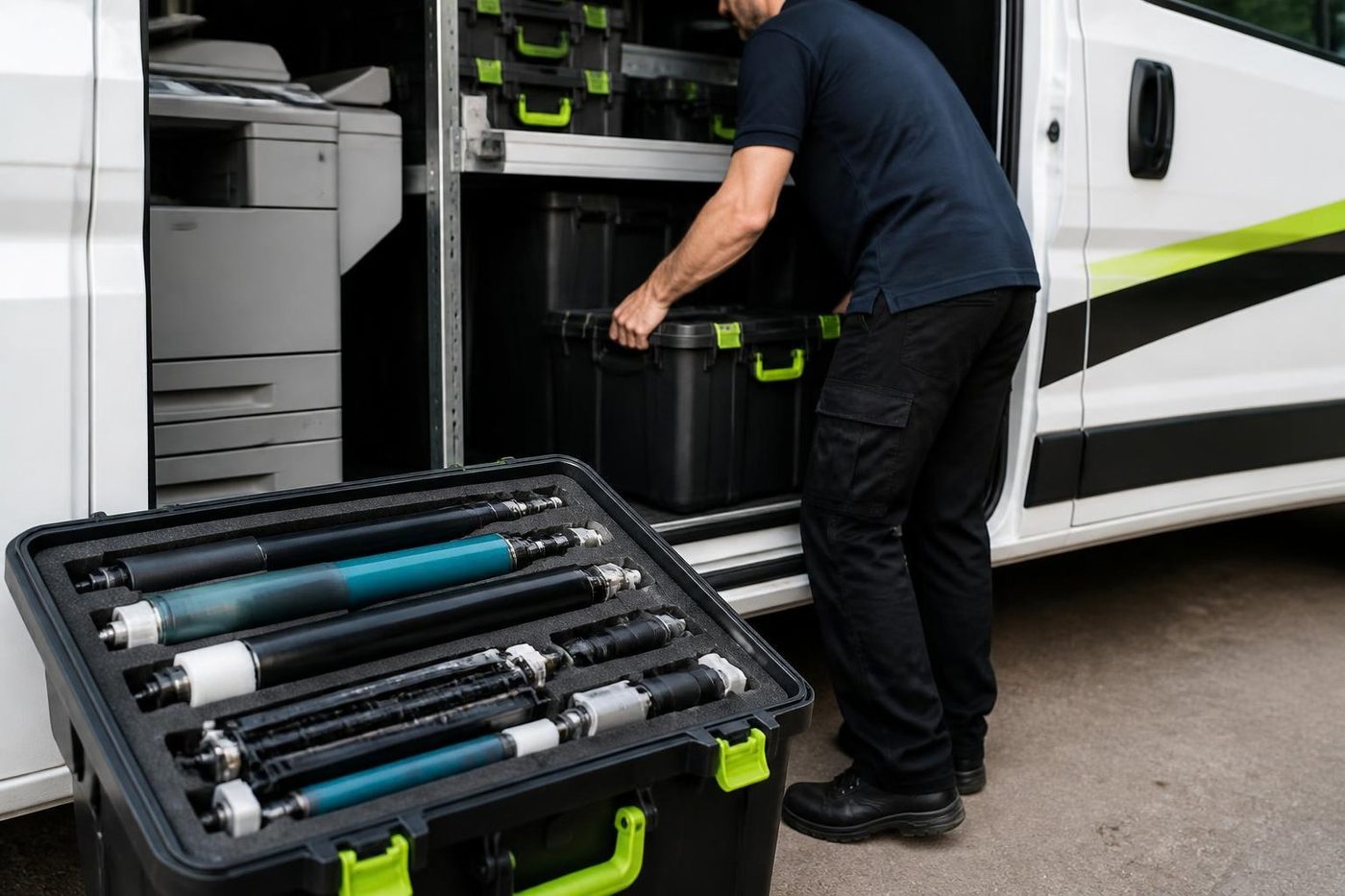
Parts on the van
The right part has to be in the van
Anything not carried is ordered once the cause is confirmed, not before. Ordering on a hunch fills a shelf with parts that fixed nothing.
Because we also buy and sell machines we see which parts fail early on which models, and that shapes what rides in the van.

- Common spares carried. Most jobs finish without a wait.
- Ordered on proof. Not on a hunch.
- Fitted once. And warranted.
Keep reading around Brisbane
 Commercial printer repairsWorkgroup and desktop laser printers, colour lasers and label printers, repaired at your premises.
 Plotter serviceHP DesignJet, Canon imagePROGRAF and Epson SureColor plotters, repaired at your premises.
 HP LaserJet error messagesLaserJet 49, 50, 59 and 79 messages, and what to do.
 Printer offline and network faultsPrinter offline, missing or unreachable on the network.Refurbished HPRefurbished HP Color LaserJet A3 machines, tested, warranted, delivered and set up.
 Kyocera repairsTASKalfa copiers and ECOSYS printers, repaired on site.
 Acacia Ridge and ArcherfieldAcacia Ridge, Archerfield, Rocklea, Coopers Plains and SalisburyBrisbane northsideChermside, Nundah, Virginia, Geebung, Brendale and Strathpine
Buy, sell and lease
Buy, sell and lease commercial copiers in Brisbane
We also sell new and refurbished commercial copiers and buy used ones. Same team, same technicians.


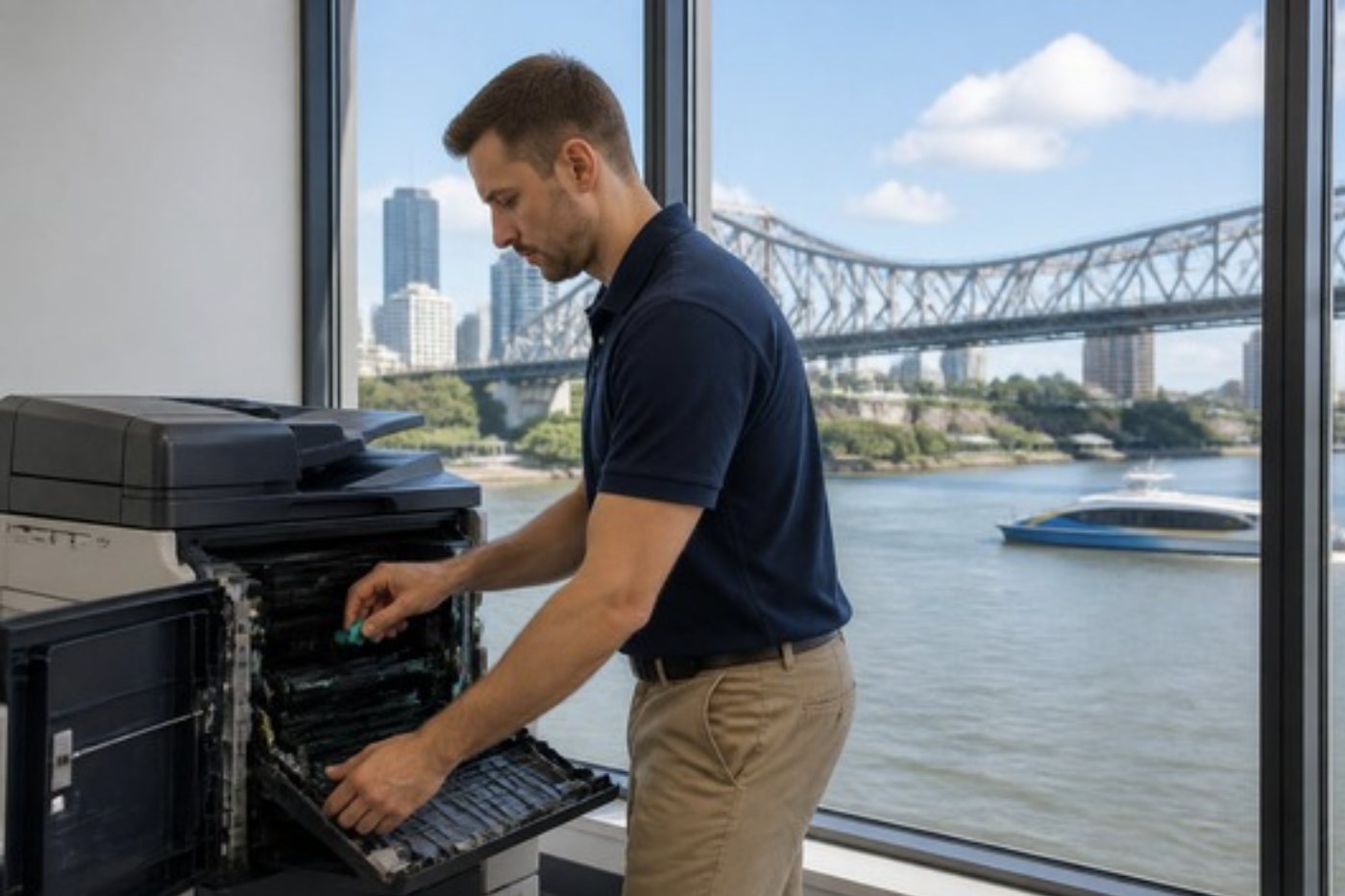
Shirt sleeves and parts cases


Questions people ask us on the phone
Do you repair every HP printer?
Across the LaserJet, Color LaserJet, Enterprise MFP, PageWide and DesignJet lines that businesses use, yes. Home models are outside what we chase, though we will tell you honestly if one is worth fixing.
Is there someone for HP printer repair near me who comes to the office?
We come to you. The work happens at your premises, and you hear the price on the phone first. Nothing is booked until you give the word.
What does a 50 error on an HP mean?
It points at the fuser. Sub codes separate low temperature, slow warm up and drive or mechanical trouble. Before anything else we rule out the power supply and a fuser that was knocked loose.
What is a 49 error?
A firmware error. HP lists corrupt print jobs, generic drivers, poor cables, network settings and unsupported accessories as causes, so we isolate the job and driver before we suspect hardware.
Our HP says 79 Service Error. Is it repairable?
Often, yes. In the usual case HP puts it down to firmware. The published steps are direct wall power, cartridges out and a firmware update, and stubborn cases need a visit.
The screen says unexpected paper size but the paper is right. Why?
That is the 41.03 family. Tray guides may be out of adjustment or a size sensor may be unhappy. The last digit tells us which tray or unit is involved.
What does the E in an HP model name mean?
It marks a Managed model, which is Enterprise hardware set up to work with a supplier contract. It can behave differently over supplies and firmware.
Is a small LaserJet Pro worth repairing?
Sometimes. If the part is cheap and the remainder of the machine is in good shape, yes. If the fault sits on a board or a sealed assembly we tell you plainly.
Can a firmware update stop scanning?
It can change settings, so a scan route that worked may stop. We record settings first and put them back if an update moved them.
Do you offer copier service Brisbane wide for HP multifunction machines?
Yes. HP multifunction machines are serviced alongside copiers when they share an office, and we group them into one visit.
Before the storm hits
Machine sulking? We can come today
Same day service is available. Ring early, say what has stopped and we tell you what is possible.
Ask for same day
Printer service Brisbane, from one desk printer to a whole floor
Copier and printer repairs across Brisbane
Fault guides
- Copier and printer faults Brisbane
- Photocopier paper jams Brisbane
- Copier black lines and streaks Brisbane
- Copier error codes Brisbane
- Copier not printing Brisbane
- Scan to email not working Brisbane
- Toner smearing and fuser faults Brisbane
- Printer offline and network faults Brisbane
- Copier noise, grinding and squealing Brisbane
- Is my copier worth repairing Brisbane
- Toshiba e-STUDIO error codes Brisbane
- HP LaserJet error messages Brisbane
- Kyocera TASKalfa error codes Brisbane
Makes we work on
- Toshiba copier repairs Brisbane
- Kyocera copier repairs Brisbane
- Fujifilm copier repairs Brisbane
- Xerox copier repairs Brisbane
- Canon copier repairs Brisbane
- Ricoh copier repairs Brisbane
- Lexmark printer repairs Brisbane
- Brother printer repairs Brisbane
- Epson printer repairs Brisbane
- OKI printer repairs Brisbane
- Zebra printer repairs Brisbane
- Konica Minolta copier repairs Brisbane
- Sharp copier repairs Brisbane
- Fuji Xerox copier repairs Brisbane
Suburbs and districts we cover
- Printer service Inner West Brisbane
- Printer service Brisbane CBD
- Printer service Milton, Toowong and Inner Brisbane
- Printer service Centenary Suburbs
- Printer service Ipswich Corridor
- Printer service Logan
- Printer service Brisbane Northside
- Printer service Acacia Ridge and Archerfield
- Printer service Toowoomba
- Printer service Eastern Suburbs and Airport Precinct
- Printer service Southside: Sunnybank and Mount Gravatt
- Printer service Redcliffe and Moreton Bay
- Printer service Redlands, Capalaba and Cleveland
- Printer service Caboolture, Morayfield and the North
- Printer service Fortitude Valley and Newstead
- Printer service Indooroopilly, Toowong and Kenmore
- Printer service Springfield and Ripley
- Printer service Ipswich, Booval and Amberley
- Printer service Beaudesert and the Scenic Rim
- Printer service Lockyer Valley and Gatton
- Printer service Beenleigh and Yatala
- Printer service Bribie Island and Moreton Bay
- Printer service Carindale and Camp Hill
- Printer service Wynnum and Manly
- Printer service North Lakes, Strathpine and Petrie
- Printer service South Brisbane and Woolloongabba
- Printer service Logan Central and Browns Plains
- See every Brisbane area
Got the make and the fault? Send those two things and we will price it.
What did the machine do last?
Nothing to sign, nothing to pay for the call. We read the message and ring you. (07) 3073 5255 if it is urgent.
