Numbers in brackets, and what they are
A Lexmark code is two digits, a full stop and two more characters, sometimes followed on the screen by a bracketed tag such as [88.xy], [38] or [200]. The first digits say which part of the machine is reporting, and the last two characters narrow it down further. Once you know that, much of the manual stops looking like a puzzle.
What we keep telling office staff is that a number points and does not instruct. Take 241.06 on an older unit: it often gets blamed on tired pick tires, yet nobody should order new ones on that alone. We check first.
The ranges we repair
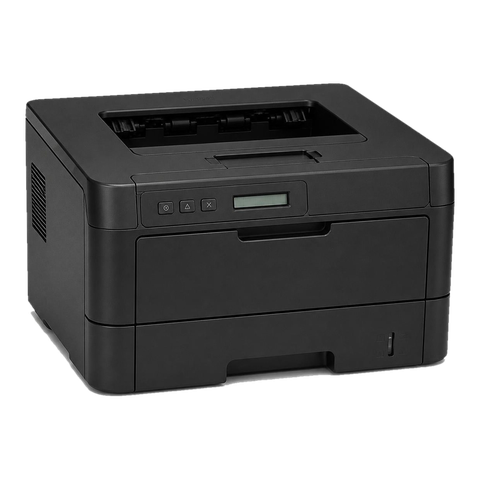
Lexmark names its lasers with letters and a number. M is mono, C is colour, S a single function printer and X a multifunction, and the digits climb with range and speed. Not on the list? Ring and give us the model.
| Series | What it is | Where it ends up | Usual wear |
|---|---|---|---|
| B2236, MB2338, MB2442 | A4 mono, printer or MFP | Front desks, small teams and outlying offices | Pick tires and the separator pad first, then the fuser on ageing units |
| MS and MX 3, 4, 5 and 6 families | A4 mono printers and MFPs, from the MS321 and MX321 up to the MS631 and MX632 | Workgroup printing and copying, with the bigger numbers suiting busier teams | Feed and separation rollers, then the fuser, imaging unit and paper path sensors |
| CS431, CX431 | Compact A4 colour | Admin teams and front offices | Imaging units, transfer parts, fuser |
| CX635adwe and relatives | Larger A4 colour MFP | Offices with a few meeting rooms and a busy admin floor | Imaging units, transfer parts, feed rollers |
| MS81x and MX81x | Heavier mono duty | Print rooms and big departments | The maintenance kit parts, feeder rollers |
Older machines from these lines still work all over Brisbane, and we repair them as they stand.
Reading a model name properly
The trailing letters in a model name stand for options. In Lexmark's own listings the CX431adw, CX635adwe and MS631dw all come with duplex and wireless as standard. A suffix alone tells us too little, so please read out the whole model name as printed on the front.
Some published figures help set expectations. Lexmark calls the CX431adw a compact colour MFP. It prints up to 26 pages a minute, carries a 2.8 inch touchscreen, and starts with a 250 sheet tray that can grow to 750, and the suggested volume is 750 to 5,000 pages monthly. Its bigger sibling, the CX635adwe, manages up to 42 a minute, has a 7 inch colour screen and starts at 251 sheets and can be expanded to 2,001, with a monthly rating of 1,500 to 10,000 pages. For the MS631dw the figures are mono at up to 50 a minute, 650 sheets growing to 2,300, and 2,000 to 20,000 a month.
Here in Brisbane a CX4 usually serves a small admin team, a CX6 a mid sized office, and the 6 series MS and MX a whole floor. Those monthly ranges are Lexmark's, not ours, and a machine run well above its range is the usual reason pick rollers and fusers go early.
Panel numbers and the area each one sends us to
Each number is a direction to look in.
Numbers 200, 201 and 202 mean a jam somewhere in the front or middle of the paper path. Lexmark's checklist runs below the tray, inside the front door, under the green guide tab and finally the rear door. Paper stacked past the fill line, or a ripped corner nobody noticed, causes a good share of them. A 31.xy tells you the machine cannot find its toner cartridge, either because it is missing or because it is not answering, and Lexmark begins by having you pull it and seat it again. A 32.xy marks an unsupported cartridge. A 42.xy is a region mismatch between printer and cartridge, the two numbers giving the two regions.
An 84.xy reports an imaging unit that is low or close to it, and some models let you keep printing for a while after that. Code 900.xx is a RIP or firmware error from the service side of the machine. One job it cannot interpret may be all it takes, which is why we read through the queue before touching firmware. A 920.xx means the fuser failed to reach temperature, with 921 to 925 as close relatives.
The softer messages, in plain words
The message names below are Lexmark's. What they mean in plain terms, and what we look at first, is our reading.
Cartridge low [88.xy] is a heads up that toner is running down, and pressing Continue dismisses it. A second message arrives once the cartridge is properly empty. All we do here is confirm that the machine recognises the cartridge in it and nothing else is going on. Maintenance kit low, very low or replace [80.xy] warns that the kit will want replacing before long. Lexmark's instruction is to contact support, and Continue keeps jobs flowing. Our part is checking the fuser, pick and transfer parts that the kit covers, alongside the service history of the machine.
Memory full [38] is the machine saying the job does not fit in its memory. Lexmark offers four ways out: continue and lose data, cancel, add memory, or drop the resolution. Our first look goes to the job and the driver. Lexmark's habit is to tell you to touch Continue and carry on. That suits a low supply message and does not suit 38, where carrying on means lost data.
Parts, in the order they tend to fail
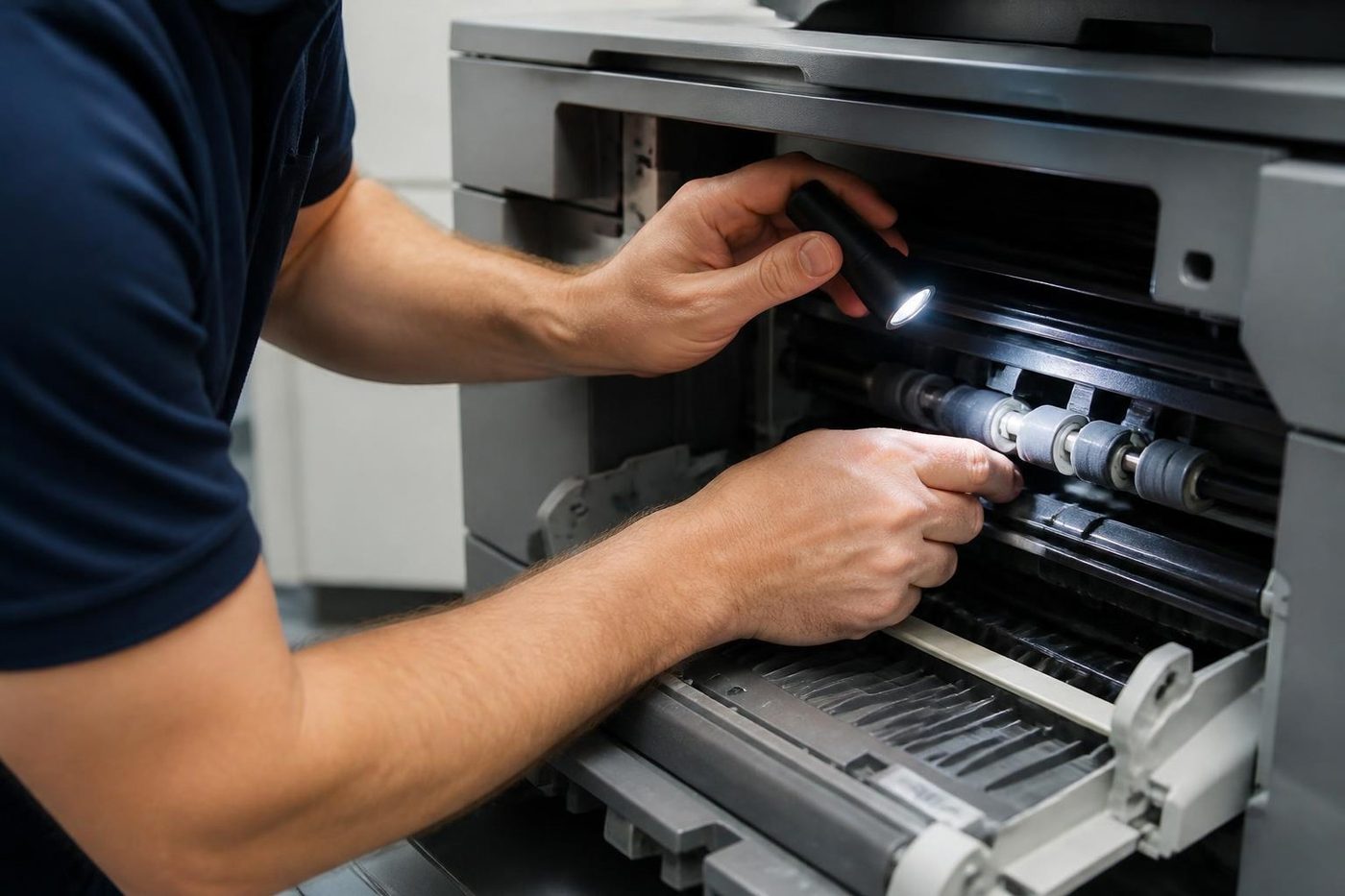
A visit follows the paper and the toner through the machine. Tired pick tires and rollers give themselves away through a tray that reads empty when it is full, and through 241 jams. Separation rollers and pads let two sheets go through together. A weak fuser creases pages, lets toner rub off and raises 920 messages. An ageing imaging unit leaves streaks, a grey background and spots. Colour machines add transfer parts, and those show up as banding and ghosting.
The MS81x and MX81x family is different: a single maintenance kit holds the fuser, the transfer roller and both the pick and separator roller assemblies. Before any part is fitted we work out which of those your machine needs, and nothing goes in until you have agreed the work.
Humidity, storms and a wall socket
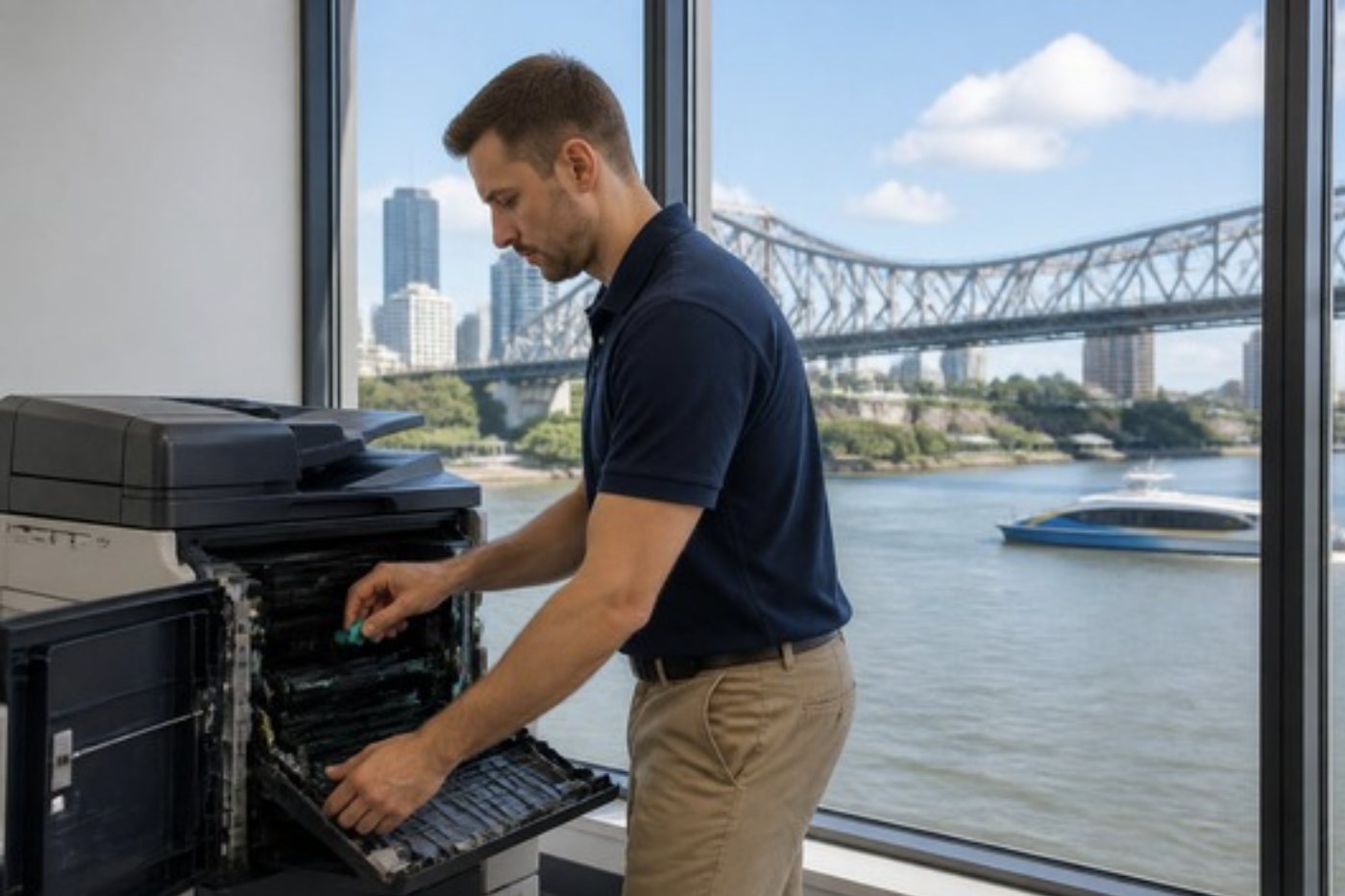
Brisbane summers are damp and the storms are rough. Picture a printer in the back corridor of an old Queenslander turned office: warm wet air all summer, and paper that swells and misfeeds. Dust arrives with every ream and lodges around rollers and sensors, so each visit includes cleaning the path and a note of what turned up.
Power is underrated. For 920 fuser errors Lexmark itself suggests a direct wall socket rather than a power board, because a thin supply can imitate a fuser fault. Storm season comes round every year here, so on every call we check how the printer is powered.
Where the Lexmarks sit
Engineering and construction firms around Rocklea and Acacia Ridge lean on mono MFPs for drawings and contracts. In the CBD towers it is usually a colour unit close to the meeting rooms. Out at Hemmant, Murarrie and Eagle Farm the warehouse offices tend to put a Lexmark on a mezzanine desk, carton dust everywhere. Tower jobs begin with a question about the loading dock and lift, asked on the phone so the technician walks in ready.
Sign in, secure print and the locked out administrator
Recent models run apps through the Embedded Solutions Framework, eSF. Lexmark says each eSF app is packaged and signed by the company prior to installation. Typical examples on the touch panel are a login app, a card reader and print release.
Confidential jobs are held behind a PIN. Lexmark's security paper has them waiting until the owner authenticates, caps the number of PIN attempts, lets the administrator choose how long a held job lasts, and puts disk encryption on by default for machines with a drive.
Most settings sit in the embedded web server, which opens when you enter the printer's address in a browser, and access can be restricted to HTTPS. For an administrator who is locked out, The fix Lexmark documents is a jumper on the controller board that resets security. Because that involves opening the machine up, we explain the steps beforehand and carry them out at your premises.
Wi-Fi, firmware and a touch panel that goes blank
Plenty of current models offer wireless, among them the CX431 and the 5 and 6 series. When it drops out the network is usually the culprit, say after a password change, a swapped access point or a guest network that will not carry print traffic. We test the machine and give your IT contact a clear account of the rest.
Lexmark firmware is digitally signed, and a machine rejects firmware without a valid signature. An update that was interrupted can leave it stalled, so when a 900 message follows an update, the firmware level is the first thing we read.
How a failing Lexmark differs from other makes
The same 900 error can have two causes. One machine has a bad job, another a firmware fault, and the sub code and the history tell them apart. On many models the cartridge is separate from the imaging unit, so a supply message may mean either part. Larger families add a maintenance kit, which groups wear parts the machine tallies on its own. When it speaks up that is an early warning and not a fault, and we use it as a cue to inspect the parts it covers instead of swapping everything.
Calls tend to fall into three groups. Paper handling covers the jam numbers and false empties. Supplies covers cartridge messages. Network covers sign in, scan faults and the 54 family. Each has its own first check, and the right technician saves you paying for a fuser when pick tires were the cause.
One Lexmark or the whole floor
Lexmarks often arrive as a managed arrangement or a standard fleet: several machines on a floor, or several branches sharing one configuration. That is good for support and it changes how we treat a fault.
Our opening question is whether one machine is affected or several. A single machine with a fault is a repair. The same fault across a number of them at once usually leads back to the network, a server, a firmware release or a driver. We ask, and what we find goes to your IT contact so the cause is fixed once.
Repair or replace
Lexmarks often work for a long time. A Lexmark with a worn roller and a fuser coming due is normally worth fixing. If it has swallowed several parts in a year, or no longer suits the rest of the fleet, a replacement may make more sense. You get a straight answer, and the office printers for sale page lists commercial options if you go that way.
Across the region
Our Lexmark work covers businesses throughout the Brisbane suburbs, Ipswich, Logan and the northside, round Moreton Bay (Redcliffe, Caboolture and Bribie Island included), across the Redlands, down to the Gold Coast border and west to Toowoomba. Several machines on one site are handled in a single visit.
The van holds the common spares, which is why most Lexmark jobs are finished first time. The work is warranted and we go through what it covers on the phone. Ours is an independent service business: we are not Lexmark and we claim no authorisation from them. A machine beyond repair gets told so plainly.
A 200 series jam, step by step
The 200 numbers are the ones office staff meet most, and Lexmark's own sequence is sensible: tray first, then inside the front door, then the green guide tab, then the rear door. Most of the time the sheet is in one of those. When it is not, and the machine insists there is a jam, the cause is usually a sensor flag that did not drop back after an earlier jam, or a torn scrap sitting where nobody can see it from the front.
Two habits save us calls. Paper loaded above the fill line causes more 200 jams than any worn part, and a tray stocked with a mix of weights and brands makes the machine pick unevenly. We ask what paper is in the tray before we ask anything about the machine.
Cartridge, imaging unit and the two warnings people mix up
Plenty of Lexmark models split the toner cartridge from the imaging unit, so each one keeps a counter of its own. A cartridge low message means one thing and an imaging unit low message means another, and when both appear in the same week it feels like the machine is demanding money. The first is a supply that runs out. The second is a wear part that is counting its way down.
We check which of the two the message names, whether the machine reads the part it holds, and what the print itself looks like. A page that is still dark and clean with a low imaging unit message is a page that can wait. Streaks and a grey background on the same message are a different conversation. Telling the two apart is a small piece of advice that often saves a fitted part.
Colour machines: banding, ghosting and the transfer parts
The CS and CX colour range adds a transfer path where each colour lands before the page reaches the fuser. When that path wears or collects dust, the page tells you. Bands that repeat at the same spacing, a weak echo of the last image on the page or colours that sit slightly off from one another all say the toner is innocent and the transfer parts or imaging units are suspect.
A test page and a look at where the fault sits on the sheet narrow it down fast. Brisbane humidity is part of the story, since damp paper curls and takes a different path through the machine, so we check what the paper is doing as well as what the parts are doing.
Hardening a Lexmark fleet without breaking it
Lexmark documents several protections that an IT team may want to turn on: access limited to HTTPS only, administrator passwords changed from their starting point, held jobs with PIN limits, disk encryption where a drive is fitted. Our technician will sit beside your IT person while those settings change, because the order matters. Tighten the web server first and an old scan profile may stop connecting.
We write down what each machine was set to before anything is changed, and we leave a copy of the final settings with whoever looks after the fleet. A fleet that was tidy at install and drifted over five years ends up with five slightly different configurations, and that is where the odd faults come from.
What goes on the job record
Every Lexmark visit leaves a note: the model, the message and sub code as read, the firmware level, the page count where the panel gives it, what was checked and what was fitted. The next technician to attend a machine starts with the note instead of starting from nothing.
That record is also what settles the awkward conversation about a repeat fault. If a pick roller went in during March and the same multi feed is back in June, the note shows it, and we fix the repeat without charge.
Lexmarks in clinics, depots and tower floors
A medical practice with a Lexmark MFP at reception wants referrals scanned to a folder the first thing each morning, so a scan fault at eight o'clock is a bigger problem than a jam at three. A depot with a mono MS on a mezzanine desk wants delivery paperwork out before the next truck. A tower floor at the top end of Queen Street or Eagle Street wants a colour CX near the meeting rooms that never makes a noise during a client visit.
The machine is the same in all three and the fault list is different, so our first questions are always where the machine sits and what it does all day.
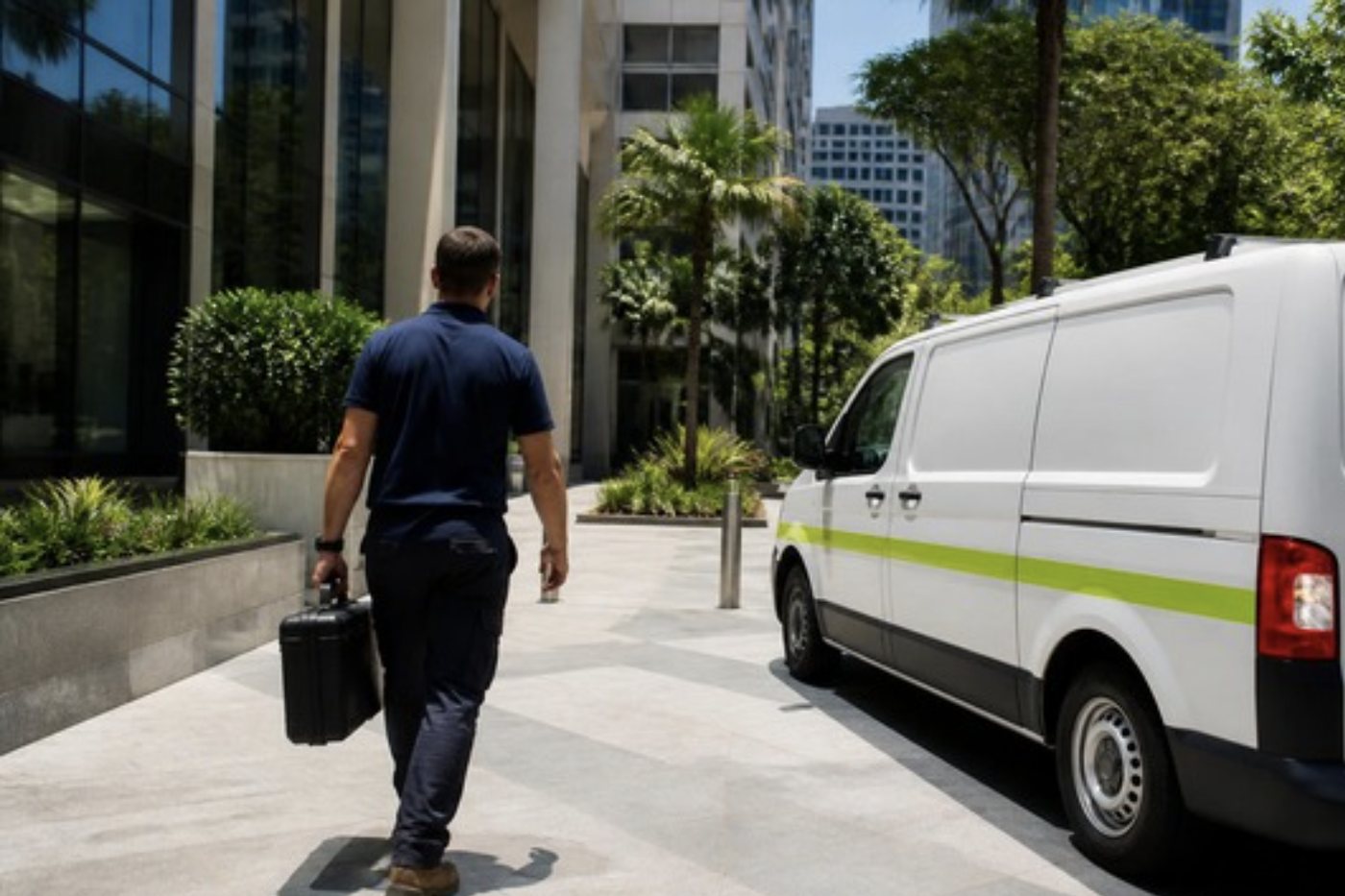
What happens when we come to look at your Lexmark




Firmware and settings
Not every fault is a part
Some stoppages live in the software. A copier that will not scan to a folder, a panel that restarts itself, a service message that stays after a clean repair: these often trace back to a setting or a firmware version, not a broken roller.
We read the history, check the settings and open the machine only when the evidence says so. Your network person is welcome to stand alongside.

- Settings first. Folder paths, addresses, counters.
- Firmware noted. The version goes on the job record.
- Covers last. Opened when the evidence points inside.
Keep reading around Brisbane
Commercial printer repairsWorkgroup and desktop laser printers, colour lasers and label printers, repaired at your premises. HP repairsLaserJet, Color LaserJet, Managed MFP and DesignJet, repaired where they sit.
 Brother repairsHL and MFC business lasers, colour MFCs and A3 inkjets, repaired at your office.
 Plotter serviceHP DesignJet, Canon imagePROGRAF and Epson SureColor plotters, repaired at your premises.
 LoganSpringwood, Underwood, Slacks Creek, Meadowbrook and Beenleigh
 Printer offline and network faultsPrinter offline, missing or unreachable on the network.Office printers for saleCommercial laser and multifunction printers.
Buy, sell and lease
Buy, sell and lease commercial copiers in Brisbane
We also sell new and refurbished commercial copiers and buy used ones. Same team, same technicians.


Jobs we have been on around Brisbane



Questions people ask us on the phone
Does Lexmark still have support in Australia?
As at 2 October 2026 Lexmark lists an Australian support page with its own contact details, and its footer shows Lexmark as a Xerox company after Xerox completed its purchase in July 2025. We are independent of both and we repair the machines on site.
What does a 900 error on my Lexmark mean?
Typically a service RIP or firmware fault. One job the machine cannot process can cause it, so switch off, clear the queue and print again. If it returns, ring with the model and we talk through cause and price.
My Lexmark shows 920. Is the fuser dead?
Not necessarily. Lexmark calls it a fuser not reaching working temperature, and a weak supply, a power strip or a cold room come before the fuser on its list. Those get checked first.
It says the cartridge is unsupported or region mismatched. What now?
A 32.xy says the machine does not accept the cartridge and a 42.xy says the cartridge region does not match the printer. We tell you what it reports and check that the machine itself is not at fault.
The Lexmark says Memory full 38. Is it broken?
Not usually. The memory could not hold the job. Lexmark lists continue with data loss, cancel, add memory or lower the resolution, and we look at the job and driver before talking memory.
Will you repair it at my office?
Yes. Network settings and stored data stay put. In a tower, mention the dock and lift when you ring.
What if I lock myself out of the embedded web server?
Lexmark documents a security reset on the controller board for that case. It means opening the machine and it resets security settings, so we explain it first and you agree.
What if several Lexmarks fail at once?
That usually points at the network, a server, a driver or a firmware change, not several broken machines. Tell us how many and when, and we help your IT contact find the cause.
Do you update firmware?
Where it is the cure, and with the agreement of whoever manages your fleet. We do not update a working machine without a reason.
Do you repair Lexmark printers in Logan and Ipswich?
Yes. Business Lexmarks around Logan and Ipswich are repaired, with the price settled by phone first.