C6000, the code that everyone searches
Kyocera's listing for the TASKalfa 181 describes C6000 as a broken fuser heater circuit. The machine expects the fuser to pass 70 degrees Celsius inside 15 seconds and to keep rising at set rates through later phases, and it stopped because it did not. That listing blames a poor thermistor connection, a thermistor or heater that was fitted wrongly, a tripped thermostat or a snapped heater wire.
A newer machine that heats by induction describes the same number differently. There the suspects are the fuser itself, a heating board, an engine board and the wiring joining them. Kyocera's service data for the 420i even devotes a section to handling service codes that detect fuser trouble, a hint that the fuser area is treated as one family of faults.
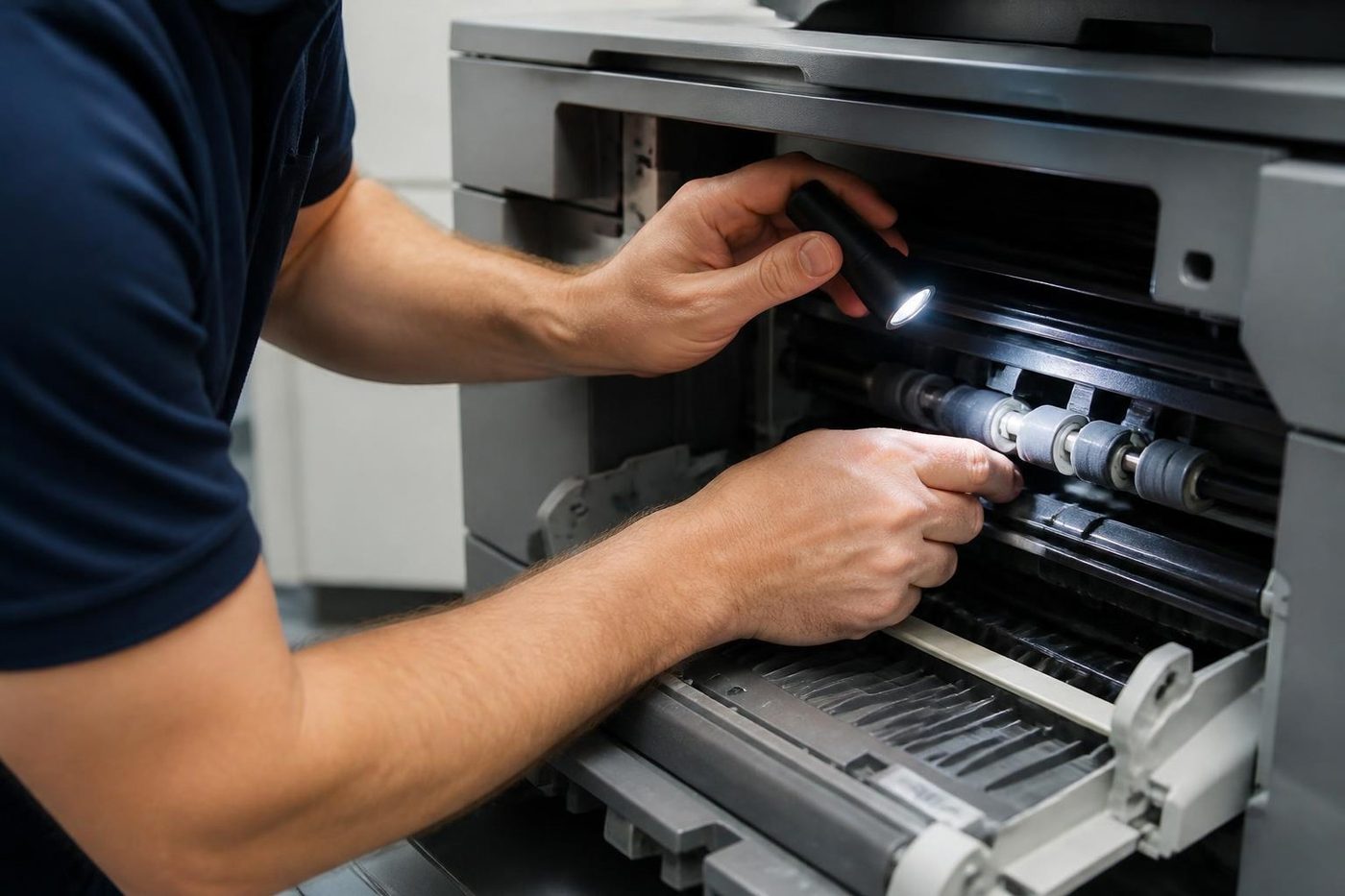
Our own jobs agree. A TASKalfa that stops on C6000 or something near it sends us to the fuser group first. It also explains why we will not tell you what a number means on your machine until we have seen it on your machine.


The families, as we use them
These are directions to look in. The fine print belongs to your model.
- C6000 is a fuser heating fault on the models that list it, so heater, thermistor, thermostat or connectors. Phone us with the code and the model.
- Other codes starting C6 mostly lie in the fuser area, though the meaning shifts with the model.
- Any other C code differs by model, and motors, the laser unit and boards are among the areas it can mean.
- F codes typically point to the controller side. Ring us.
- A jam number or a picture means paper caught where the panel shows. That one is yours to clear.
- A maintenance due message is wear parts nearing their count, not a fault. Ring to book the visit.
TASKalfa and ECOSYS, and what they have in common
Kyocera sells its multifunction copiers as TASKalfa and its printers and smaller multifunctions as ECOSYS. Brisbane offices know the TASKalfa 3253ci, 2554ci, 4054ci and the mono 420i, and older 181 and 221 units survive in places that never needed to swap them. ECOSYS machines lean on long life parts, which explains much of their staying power.
Staying power has a catch. A machine that runs for years eventually exhausts a part, and the first sign is often a C code from the fuser or a drive. Councils, schools, builders and engineers who keep a TASKalfa for ten years or more know the pattern well.
Maintenance message: a reminder, not a fault
A page count triggers the maintenance message. It tells you the wear parts are due for a look and it is no fault code. Prompts for paper, toner and the waste container are yours to deal with, and they disappear when you do.
Leave it showing for months and the parts it refers to keep wearing until one fails properly. Book the visit while the machine still runs well. Kits are specific to each model, so give us the model name and we confirm what falls due.
Safe things to try
Take them in this order. None needs a panel opened.
- Note the whole code, the model name printed on the front and the job the machine was doing.
- Switch off at the main switch, wait a minute, then switch on once.
- If the same code returns at once, leave the machine off.
- Connect it straight to a wall socket, removing any power board or surge protector.
- When a finisher or feeder message appears, look for open covers and anything lodged inside.
- For a jam, follow the pictures on the panel to the spots they show and go no further in.
- Stay clear of the fuser area. It keeps its heat long after the machine is off.
A drum or developer from another model
There is one trap worth a paragraph. A drum or developer unit borrowed from a different model can trigger a code, and keeping the machine running puts that unit at risk. It usually follows someone trying a spare to see what happens. If the code appeared after a part was swapped, tell us when you ring.
What happens on a visit
We begin with the code and the stored history, then move to whichever area the code names. For a heating fault the order is thermistor, heater, connectors, supply and heating board, and a new fuser comes last. A motor or laser code sends us to the connectors and then to the unit.
When the repair is done the code is cleared, along with the counter for any part we replaced, and copy, print and scan tests follow. A trained, experienced and certified technician does the work. Ninety eight repairs in every hundred are completed on the first visit, and if the same fault returns we fix it again at no cost.
Lifts, docks and dust
A booking for a CBD, Fortitude Valley or South Brisbane building tends to open with a question about the goods lift or loading dock, and we ask it up front. Out at Rocklea, Wacol and Springwood the question is dust and heat, which both load the fuser and the fans. Good answers mean the right parts arrive with us.
Who we are
We have no connection to Kyocera and no authorisation from them. This is an independent business that repairs TASKalfa and ECOSYS machines where they stand. Same day attendance is available, and the price is agreed by phone before a visit is booked. Should every line be busy, your call is logged and returned.
Fuser heat
Respect the hot part
Fusers are cheap to fix when somebody looks first. They get expensive when somebody guesses.
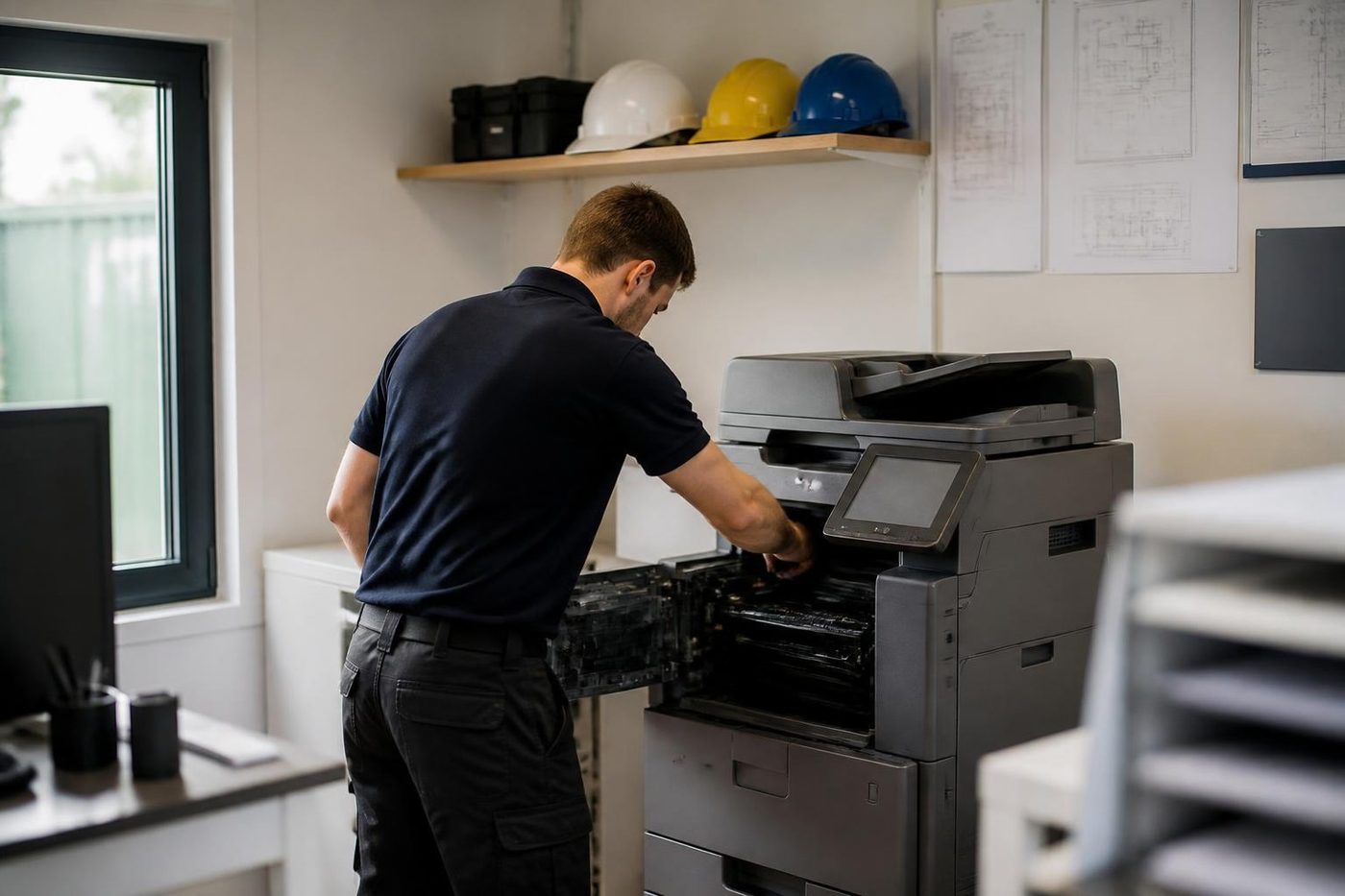
We let it cool, check the rollers and the gap, then fit the part. The same look tells us how much life is left if you are weighing up a replacement.
- Cooled first. Nobody pulls a fuser out hot.
- Checked as a set. Rollers, thermistor and gap, not one part in isolation.
- Honest about age. A tired fuser on a finished machine is a different conversation.
Keep reading around Brisbane
 Kyocera repairsTASKalfa copiers and ECOSYS printers, repaired on site.
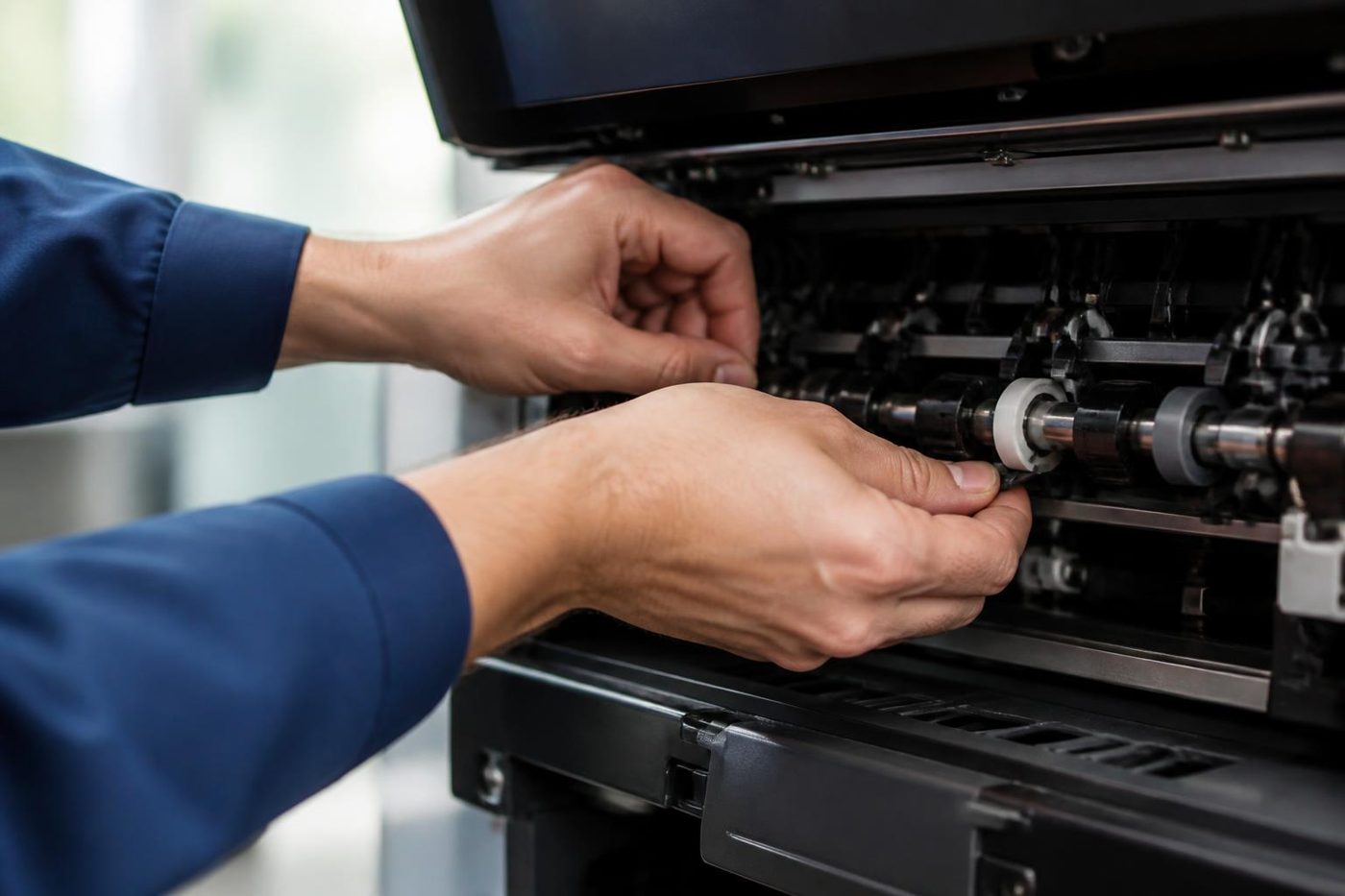 Copier error codesHow to read a code and what to note down.
 Toner smearing and fuser faultsToner that rubs off, ghosting and fuser trouble.
 Is my copier worth repairing?How we weigh repair against replacement, honestly.
 Brisbane northsideChermside, Nundah, Virginia, Geebung, Brendale and StrathpinePrinter and photocopier repairsCopiers and printers repaired at the desk where they broke.
Buy, sell and lease
Buy, sell and lease commercial copiers in Brisbane
We also sell new and refurbished commercial copiers and buy used ones. Same team, same technicians.

Machines and offices we know


Questions people ask us on the phone
My TASKalfa says Call service. What has happened?
The machine ran into a fault it cannot work around and stopped. The code tells a technician where to begin. Write it down and ring us.
What does C6000 mean?
In Kyocera's listing for the TASKalfa 181 it is a fuser heater fault: the fuser failed to pass 70 degrees Celsius inside 15 seconds. The meaning can differ on other models.
Will a restart clear a C code?
One try is reasonable. If the code returns the fault is still there.
What is an F code?
It generally points to the controller side. Quote the code and the model when you call.
Is the maintenance message a breakdown?
No. It is a reminder driven by a page count, saying wear parts are due. Kits differ from model to model.
Does a code mean the same thing on every Kyocera?
Not always. A code table belongs to a model family, so quote the model along with the number.
Do you also service ECOSYS printers?
Yes. Both ranges, at your premises.
A code appeared after a part was swapped. Is that connected?
It can be. A unit from another model may trigger a code, so say what was changed.
Are you part of Kyocera?
No. We are independent, and Kyocera has neither authorised nor adopted us.

