What a fuser does in about a second
A sheet leaves the drum area carrying a picture made of loose powder. Seconds later it passes between a heated roller or film and a hard pressure roller. The heat softens the toner and the squeeze pushes it into the fibres. Pages leave warm and a little flattened.
Some fusers use a halogen lamp inside a roller. Newer, faster warming ones use a thin ceramic heater under a film sleeve. Either way there is a heat source, at least one temperature sensor, a thermostat that cuts the power if things run away, and the connectors that tie it together. A fault can sit in any of them.
The heat lingers well after switch off, which is why the cover stays on.



Reading the page
Hold a bad page in front of you and match it against this. It will not name the part, but it tells you whether to reach for a fresh ream or a phone.
| What the page shows | What it often points at | Who deals with it |
|---|---|---|
| Black text smudges under a thumb across the whole sheet | Damp or wrong paper, the paper type set too low, a tired fuser, low fusing temperature | Paper and setting are yours to check, then ring us |
| Smudge only on thick stock, labels or envelopes | The tray set to plain paper while the stock needs more heat | You, using the bypass and the right type setting |
| A pale echo of part of the image further down the sheet | A roller or drum that is dirty or damaged, with the repeat gap matching its size | Us. The cause decides the cost |
| Shiny stripes or fine creases on the paper | Wear or damage on a fuser roller or the film | Us |
| Pages that come out curled hard or scorched at the edge | Fuser running too hot, or paper that is far too damp | Stop and phone |
| Toner dust or specks on the back of the sheet | A dirty paper path or transfer area | Us |
| Smudging confined to side two of double sided pages | Paper dried out by the first pass, with a setting to match | Try the paper type setting, then us |
The repeat trick
If a mark turns up again and again down the page, measure the distance between the repeats with a ruler. Every roller and drum in the machine has its own circumference, and a flaw on one of them prints a mark at exactly that spacing. It sounds fussy. In practice it saves a visit, because the right part comes in the van rather than a guess.
A mark that repeats on every page at the same place is a different story from a smear that comes and goes. Send us a sample page and say which tray it came from.
Paper from a Brisbane stationery cupboard
A ream that has sat open on a shelf through a humid week is not the paper it was in the carton. It has taken on moisture, and damp paper curls and takes heat unevenly. A fuser that copes perfectly with fresh stock can smear on the tail end of a ream that has been out of its wrapper since January.
Keep spare reams sealed, store them flat and out of the sun, and load a fresh one before blaming the machine. See that both the tray and the bypass are set for the stock that is actually in them. Heavy or glossy stock needs a different setting from plain office paper, and the machine learns that only from you.
Labels are their own risk. Use only labels made for laser printers and copiers. An inkjet label or photo paper can melt in the fuser, and a label that peels off inside is a technician's job, not a tweezers job.
Safe things to try, all well clear of the hot parts
No panel gets opened for any of these.
- Take a sealed ream, print a page packed with text and see if the smear survives.
- Set the paper type on the panel to what is in the tray, and run card, labels or envelopes through the bypass with their own type.
- Shift the machine out of direct sun and clear of any vent or heater blowing at it.
- Use a wall socket. Long extension leads and cheap power boards can starve a heater of voltage.
- With a fuser code, power off with the key, wait a full minute, power on, and note what happens.
- Hold on to a sample page, and note the model and any exact code.
Fuser codes and the restart rule
A single heat fault after a brownout or a storm can clear on one restart. A weakening heater, a thermistor reading wrongly or a loose connector will not clear that way, and repeated restarts only stress the parts, sometimes the control board too. Same code after one restart? Leave the machine off.
Never reach into the fuser area to pull out a sheet that is wrapped round a roller. The surface is hot, and the sheet may be holding the rollers apart.
Why we test before we replace
A fuser is an assembly. A smear, a code or a stripe can come from the heater, the sensor, the thermostat, the rollers or a connector with a poor contact. Fit a whole unit because it looked guilty and you may pay a lot to cure what was a ten minute connector problem. Test first and you find out which it is.
The unit cools first. Then sensors, heater, supply and connectors are checked, and only after that do we decide what goes in. A replaced wear part gets its counter reset, and test pages run before we leave. Should the same fault come back, we fix it again free.
Our technicians are trained, experienced and certified and carry the common spares. You hear the price on the phone before anyone is booked.
Heat in Brisbane offices
Brisbane summers punish copiers. A demountable site office, a shed office at Murarrie or Eagle Farm, or a back room at Rocklea that gets the afternoon sun can sit well above a comfortable office temperature. Machines in air conditioned CBD floors have an easier time, though they are not immune to a power dip in a storm.
If the same machine smears every summer and behaves in winter, tell us. That pattern changes what we check, and it may mean a move of a metre or two does more than a part.
When the fuser is just old
Fusers wear out. A machine that has run for years on a long page count may be telling you that more than the fuser is tired. We say so on the visit, and we weigh it the way we describe on our page about whether a copier is worth repairing. If the machine is sound, we fix it. If it is finished, we tell you.
The second callout
Nobody budgets for the second visit
A repair quoted at one price and finished in two visits costs more than the number on the page. There is the second booking, the second morning of somebody hovering by the machine, and the manager who quietly stops trusting it.
The rest we tell you about at once, with what is needed.

- Spares on board. Drums, fusers, pickup rollers, blades.
- Model known. The technician has opened one like it before.
- No second bill. If the same fault returns, we fix it again free.
Keep reading around Brisbane
Photocopier paper jamsWhy it jams and what to try first.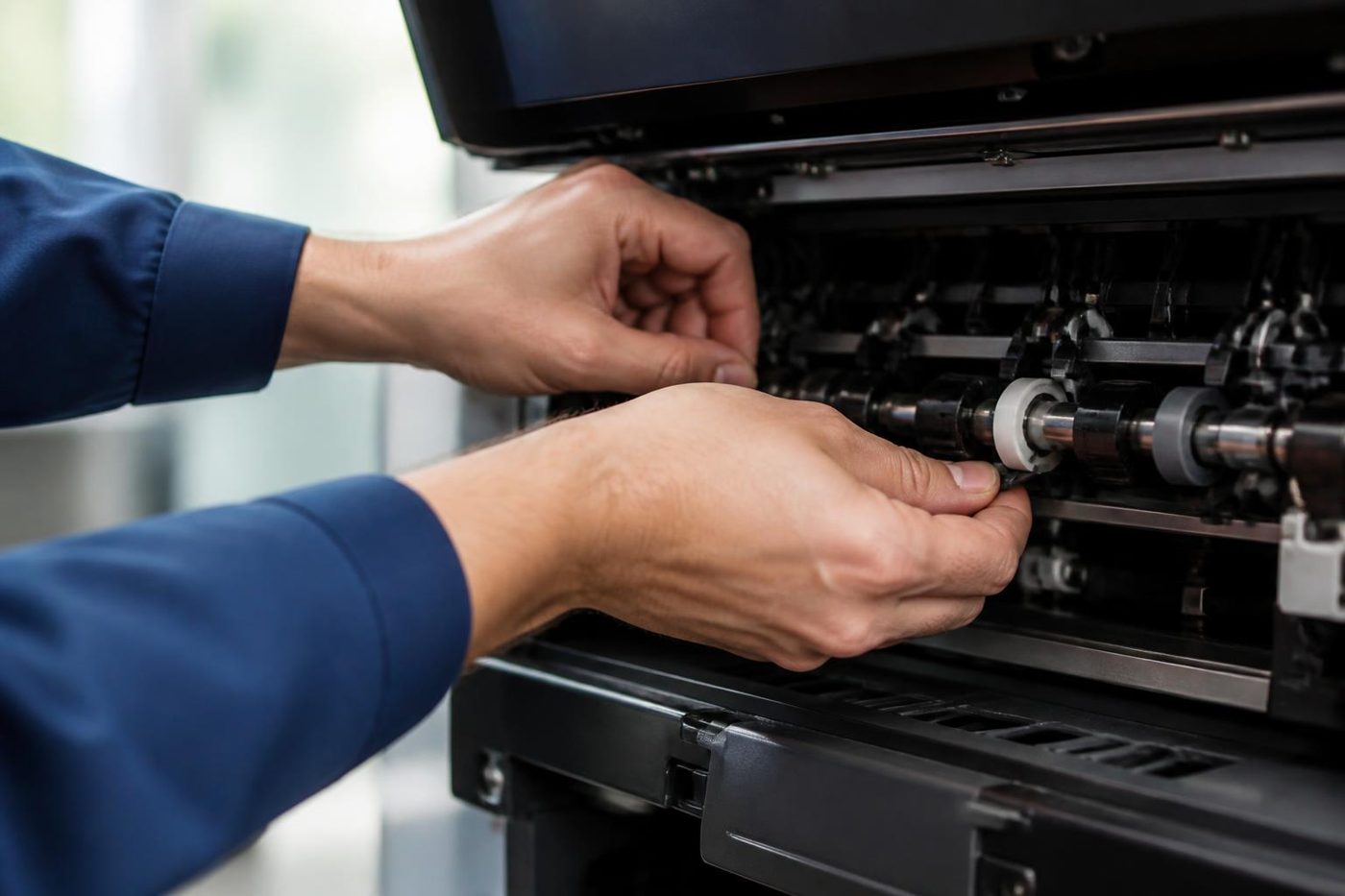 Copier black lines and streaksLines on copies or prints and where they come from.
 Toshiba e-STUDIO error codesCall for Service and a C code on an e-STUDIO.HP LaserJet error messagesLaserJet 49, 50, 59 and 79 messages, and what to do.
 Copier noise, grinding and squealingWhat a grind, squeal or thump is telling you.
 Is my copier worth repairing?How we weigh repair against replacement, honestly.Printer and photocopier repairsCopiers and printers repaired at the desk where they broke.
Buy, sell and lease
Buy, sell and lease commercial copiers in Brisbane
We also sell new and refurbished commercial copiers and buy used ones. Same team, same technicians.


From the van to the machine


Questions people ask us on the phone
Why does toner rub off my pages?
The powder has not been fused into the paper properly. Damp or unsuitable stock, a paper type set too low, a worn fuser or a heating fault can each cause it. Try fresh paper and the right setting, then ring if it carries on.
What is ghosting?
A pale echo of part of the image further down the sheet. A roller or the drum is the usual source, and the spacing of the echoes helps us tell which.
Can I open the machine to look at the fuser?
No. It keeps its heat long after switch off and sits close to live parts.
The smear is only on the back of double sided pages. Why?
The first pass dries the paper, so the second side can behave differently. Check the paper type setting, and phone if it stays.
Can I run labels through the copier?
Only labels made for laser printers and copiers, fed through the bypass with the right type chosen. Others can melt and strip off inside the fuser.
A fuser code came up after a storm. Is the machine ruined?
Often not. A brownout can leave a code behind. Try one restart from a wall socket, and if it comes back ring us with the code and model.
How long does the fuser stay hot after the machine is switched off?
Long enough to burn skin. Treat it as hot for a good while after, and leave the opening to a technician.
Will a new fuser cure smearing?
Not always. Paper, settings, a failing sensor or a connector can be the cause, which is why we test first.
Do you repair fusers on site across Brisbane?
Yes, at your premises, with the price agreed on the phone before anyone is booked.

