Toshiba, second hand
Refurbished Toshiba Photocopiers for Sale in Brisbane
Ask a Brisbane office manager what they like about a Toshiba and the answer is nearly always the screen. It is a 10.1 inch colour panel that works like a tablet, and a new starter can use it without being shown. Anyone hunting for a used Toshiba photocopier in Brisbane, or a second hand A3 copier that the whole office can operate on day one, ends up looking at the e-STUDIO AC range. Ours are tested, warranted and set up in your office before we leave.
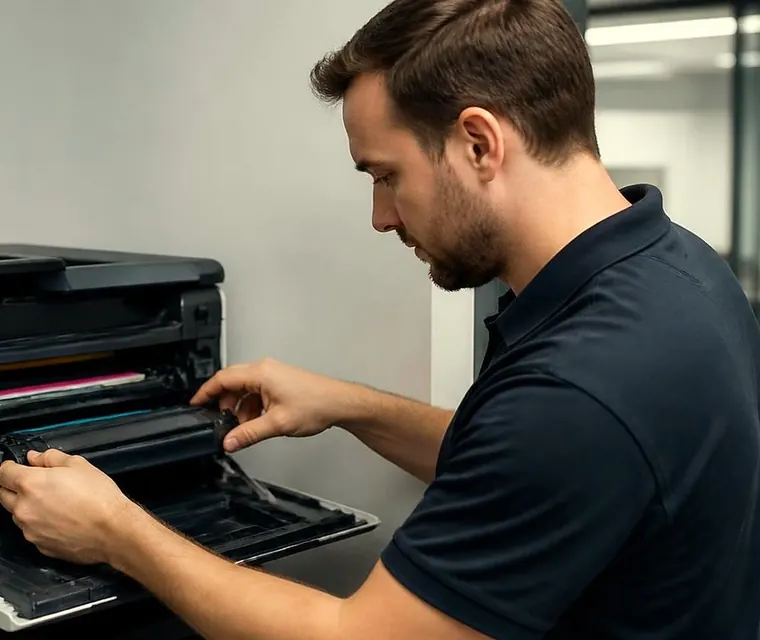
Brisbane printer service and photocopier repairs, plus machine sales
Why the touchscreen sells these machines
A copier gets a bad name when people are scared of it. They press the wrong thing, walk away, and the next person finds a half finished job. The e-BRIDGE panel on an AC series machine is laid out the way a phone is, with large icons and shortcuts you can place where your own team will look. Toshiba has long had a name for eco conscious design as well, and it shows in how tidy the machine looks on a desk.
None of that wears off in a refurbishment. It is the reason these machines keep finding second owners.


What we do before one goes on the floor
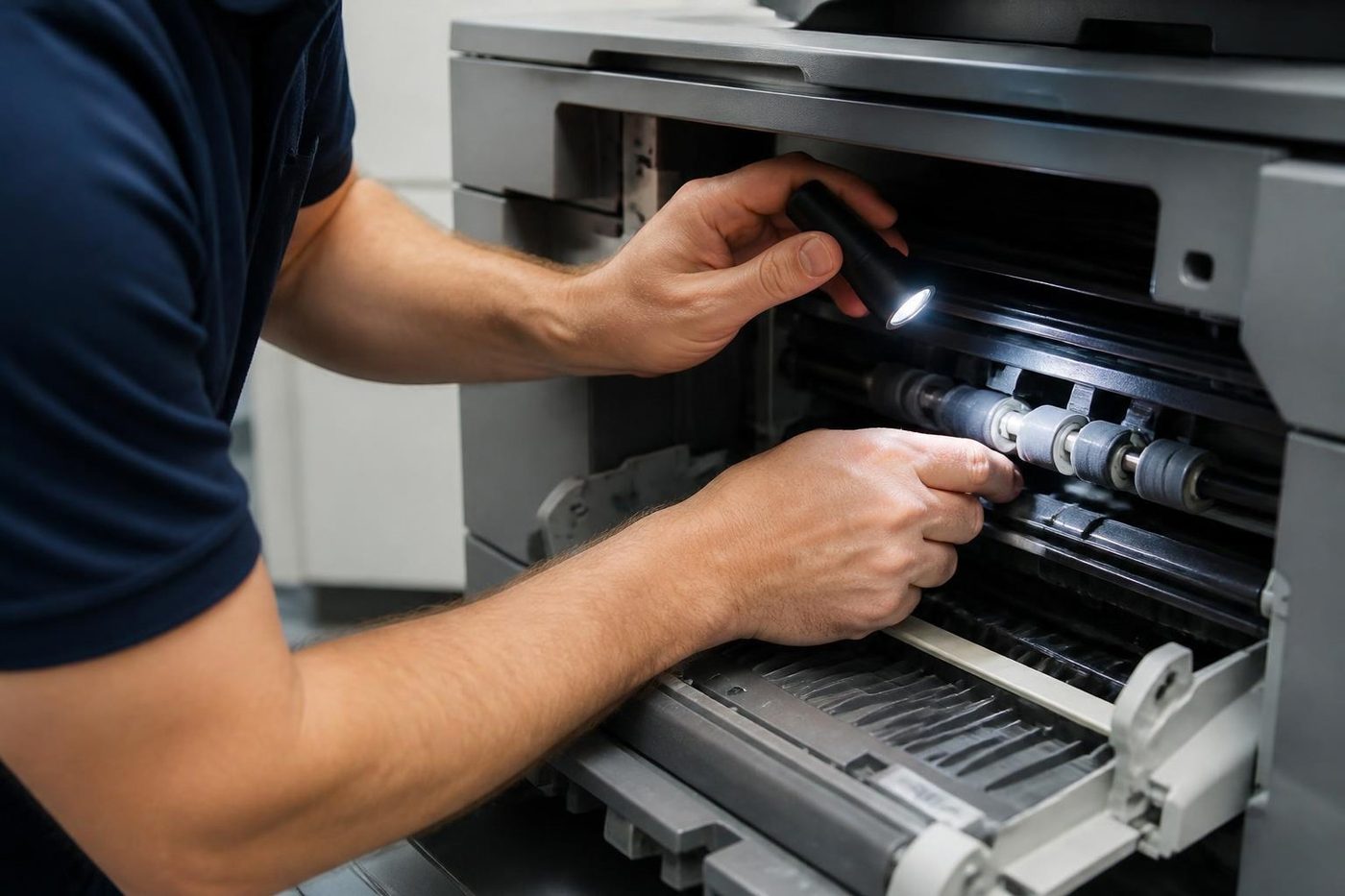
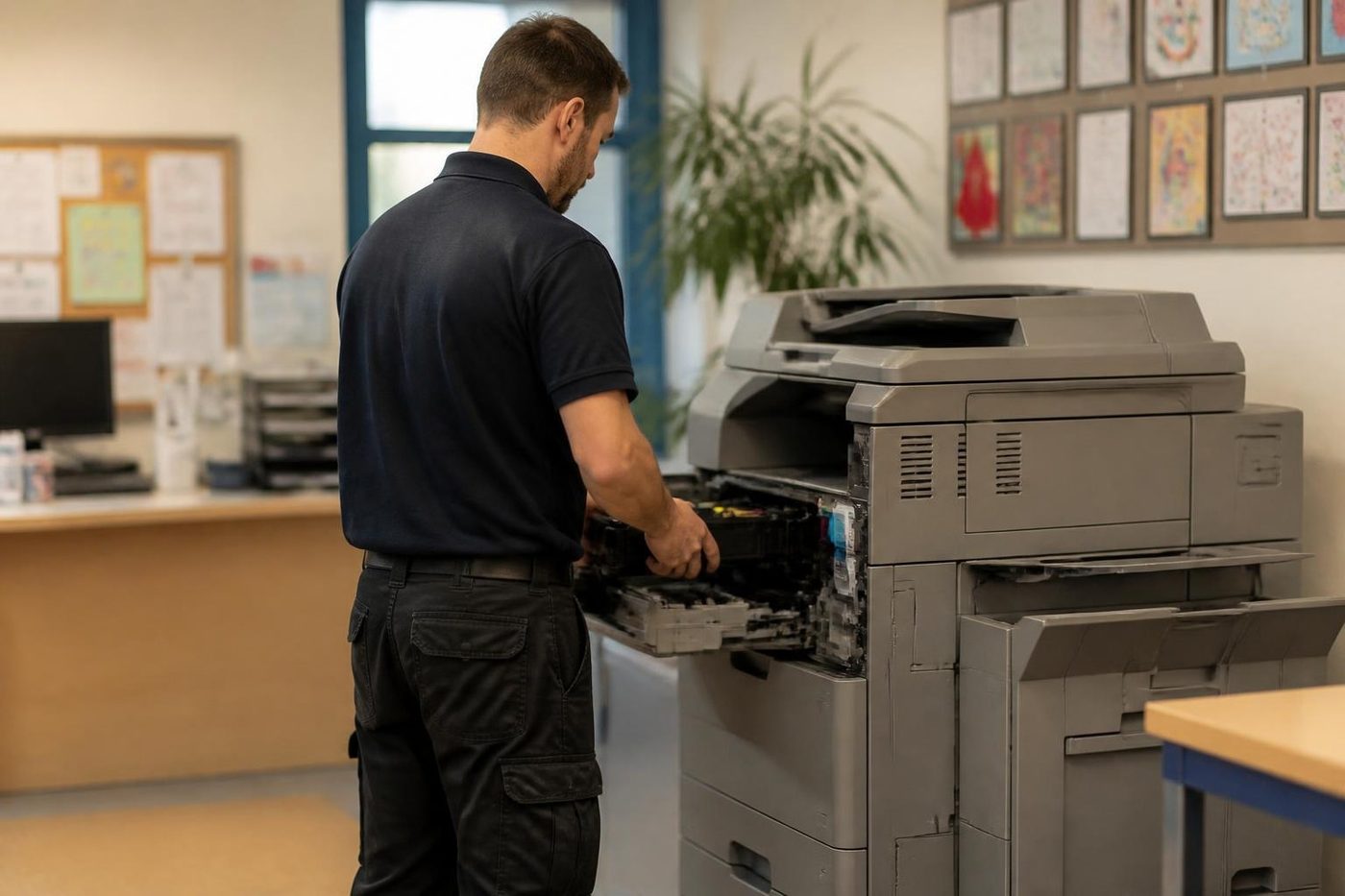
Each e-STUDIO is inspected and serviced. Parts that are worn get replaced, not noted down for later. Then it is tested hard and reset so it runs like a machine with a long life ahead of it. Our technicians repair this range every week, so we know where it wears, and that is the honest reason we are comfortable selling it.
What every AC model shares
The specification is common across the range, which means you can compare on speed and size alone.
- Full colour and mono print, copy and scan. Fax is an option.
- Paper from A4 up to SRA3, which is 12 by 18 inches.
- Automatic two sided printing and a dual scan document feeder.
- A 10.1 inch e-BRIDGE colour touchscreen.
- Gigabit network, USB and mobile printing, with scan to email.
- 4 GB of memory.
The range, speed by speed
Stock moves, so phone to confirm what is on the floor this week. Within each speed, the 05 model is the oldest generation we handle, 15 the middle one and 25 the newest.
| Pages a minute | Models | Where it earns its keep |
|---|---|---|
| 20 | e-STUDIO 2010AC, 2020AC, 2021AC | Reception counters and tight corners where colour still has to be possible |
| 25 | e-STUDIO 2505AC, 2515AC, 2525AC | Teams of five to ten with steady daily copying, or an office that scans as much as it prints |
| 30 | e-STUDIO 3005AC, 3015AC, 3025AC | Open plan offices and busy front desks, the all rounder size |
| 35 | e-STUDIO 3505AC, 3515AC, 3525AC | Workgroups that queue documents all day and a main machine for a medium office |
| 45 | e-STUDIO 4505AC, 4515AC, 4525AC | Print heavy floors, plan and report runs, offices where the copier rarely gets a rest |
The 2010AC, 2020AC and 2021AC compacts are numbered on their own pattern, and the 2021AC is the latest of them.
Picking a speed without overbuying
People expect speed to matter most for a big team. It does, but it also matters less than they think for a small one. A 25 page machine is plenty for a reception desk and a handful of staff.
Where it bites is the four o'clock rush. Thirty people sharing one machine and all sending reports at once will queue on a 25 and sail through on a 35 or a 45. Tell us roughly how much goes through in a month and we suggest the step that fits, and we say so when a smaller machine will do.
Used Toshiba photocopier in Brisbane: what to ask any seller
These apply to us as much as anyone, and we have an answer ready for each machine we sell.
- Which e-STUDIO is it, and what does the page counter say? That number tells you how much is left in the drum, the fuser and the feed parts.
- What was replaced during refurbishment? Worn parts changed is the most useful answer a seller can give.
- Does the document feeder come with it, and the finisher, and every tray, and does each one work?
- Will somebody connect it to your network and set up scan to email, or do you get a box on the floor?
- What is covered now that it is warranted? You hear that before you pay.
A second hand A3 copier, and why SRA3 matters
Every AC machine takes paper up to SRA3, a little larger than A3, so a trim mark or a full bleed fits on the sheet. That suits practices, agencies, schools and small councils that put letters, reports and plans through the same machine. For the wider choice of A3 machines see A3 photocopiers for sale.
Colour you mostly do not use
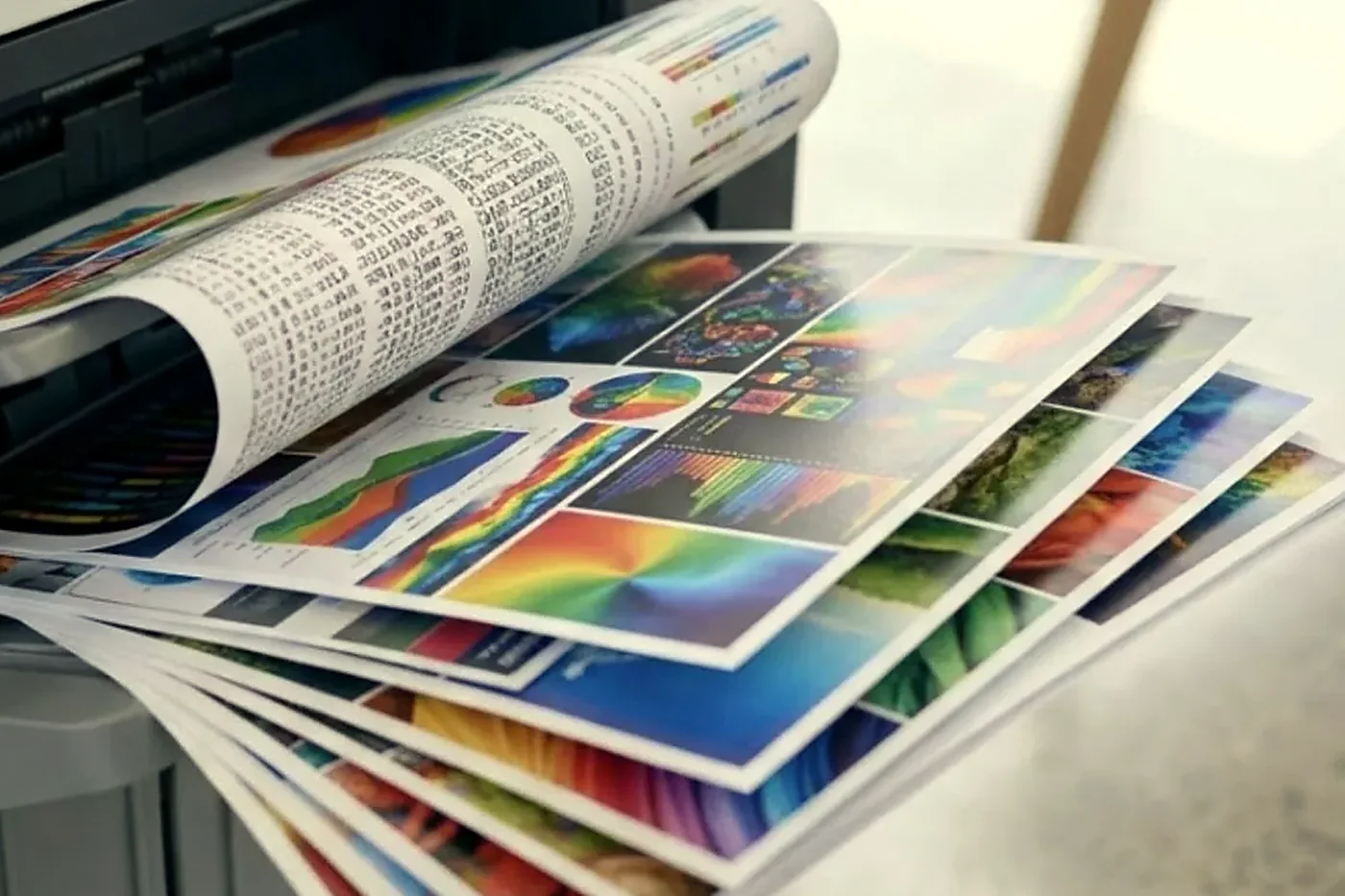
A lot of offices buy colour and then run it nearly all in mono, switching on colour for a proposal, a floor plan or the odd presentation. For them a slower model with a good screen is often a better buy than a fast one that never gets pushed. If colour is most of the load, say so, because it changes the speed class we suggest.
Setup, so the first print is a good one
A refurbished machine is only as useful as its setup. It goes onto your network, the drivers go onto your computers, scan to email and scan to folder are configured, and the paper sizes and user codes are entered.
Then we do the part people forget. The panel is easy to use, but somebody still has to put your team's most common jobs on the home screen. We do that and show your people where things are.
Why the 3005AC and 3015AC come up so often
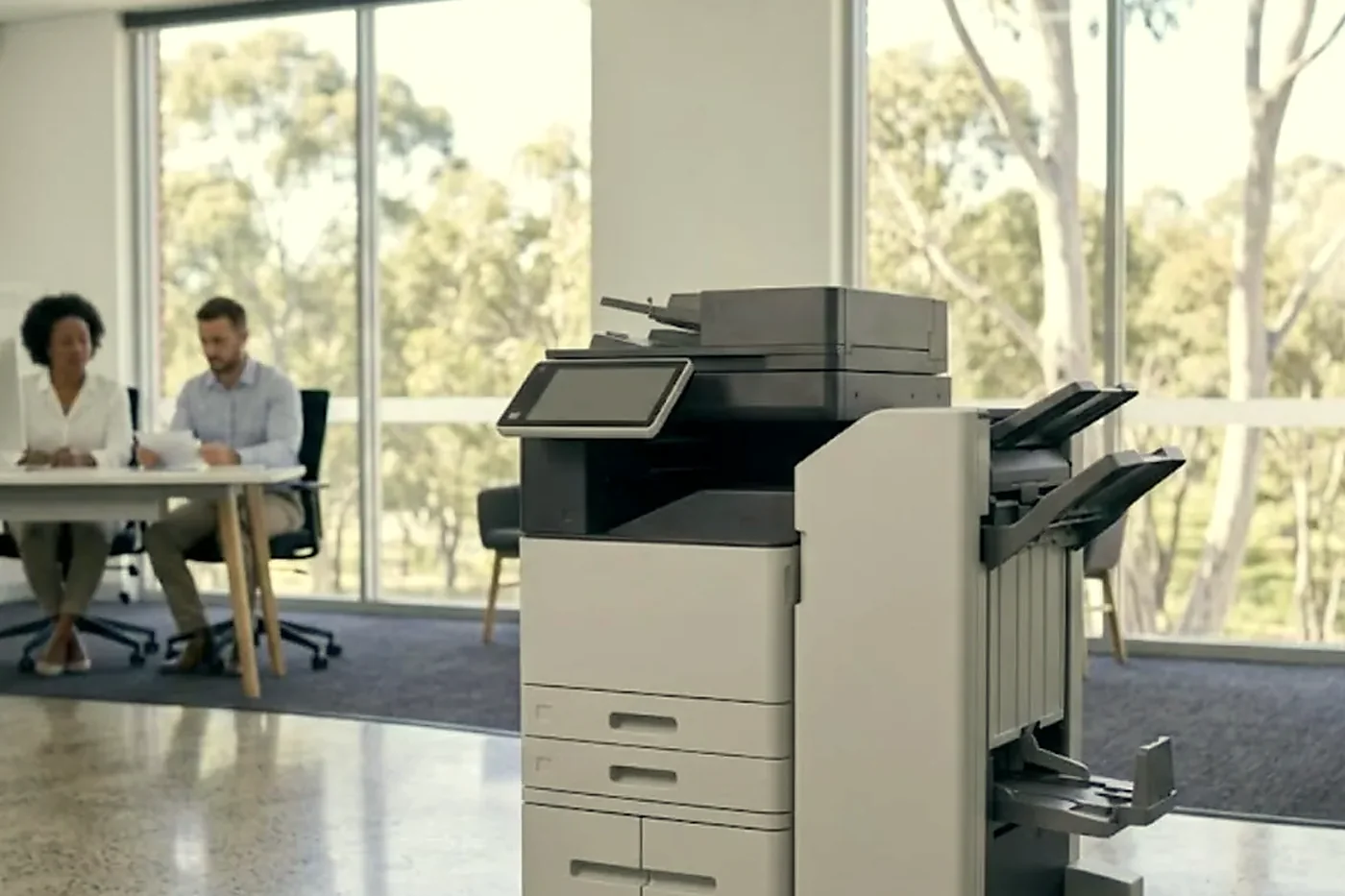
If we had to name the machines we place most often, it would be the 30 page models. They are quick enough that a team of ten does not queue, small enough to fit beside a desk, and they carry the same screen and the same paper range as the larger ones. A 3015AC in the middle of an open plan office is a very ordinary and very useful sight.
That is opinion, not a rule. Some offices are better served by a 20 page unit by the front desk and some by a 45 in the back room. The point of ringing is that we ask before we recommend.
What the home screen looks like once we have finished
Nobody wants to hunt through menus to scan a page to their own email. At setup we put the jobs your team repeats right at the front: copy two sided, scan to email, scan to the shared folder. People notice the machine is easy before they notice it is second hand.
No part of this is Toshiba speaking. We are outside the brand and simply know these machines well from repairing them every week.
After the sale
The technicians who prepare the machines also service them at your premises. They are trained, experienced and certified, they carry the common spare parts, and 98% of repairs are fixed on the first visit. If the same fault comes back, we fix it again at no charge. Same day service is available, and our Toshiba photocopier service page has the detail.
If you already own a Toshiba
A faulty e-STUDIO is a repair job, not a sales pitch. See Toshiba e-STUDIO error codes for what the display is pointing to, and the post on what the Ricoh and Toshiba changes mean for your copier if you wonder what the industry news does to you.
If the machine is finished, we buy used photocopiers, and the value can go toward a refurbished one. We also handle ex demo photocopiers, new photocopiers, lease, rental and finance, and trade ins.
Other makes, including refurbished HP
We are independent, so a Toshiba is one answer among several. Refurbished Kyocera suits offices that care about running cost, refurbished Ricoh suits heavy scanners, and there is a refurbished HP photocopier page for those who prefer that make. The overview of used and refurbished photocopiers explains used against refurbished against ex demo, and printer and photocopier sales covers buying new.
Delivery
Machines go out right across Brisbane, from the inner west through the Centenary suburbs to the Ipswich corridor. Areas we service lists the districts, and (07) 3073 5255 confirms your address.
Where the machine lives
A Wacol depot is not a Valley loft
A copier in a Wacol depot gets dust and forklift shudder. One in a Fortitude Valley loft gets sticky afternoons and a lift too small for anything bigger than a ream. Same model, different life, different faults.
Fixing it where it stands means we see the conditions it works in, and that shapes the repair.

- Dust and damp considered. Paper path and rollers checked for both.
- Nothing lifted. No lift, no ute, no freight.
- Site noted. So next time we arrive better prepared.
From our news
What the Ricoh and Toshiba changes mean for your Toshiba photocopier. The combined copier development, explained in plain English.
How much does a used photocopier cost in Brisbane? Our 2026 guide. What moves the price of a used copier, and the trap to avoid.
Keep reading around Brisbane
 Used and refurbished photocopiersTested and warranted used, refurbished and ex demo commercial copiers, delivered and set up.
 Refurbished KyoceraTASKalfa and ECOSYS, tested, warranted and set up.
 Refurbished RicohIM C series, tested, warranted and set up.
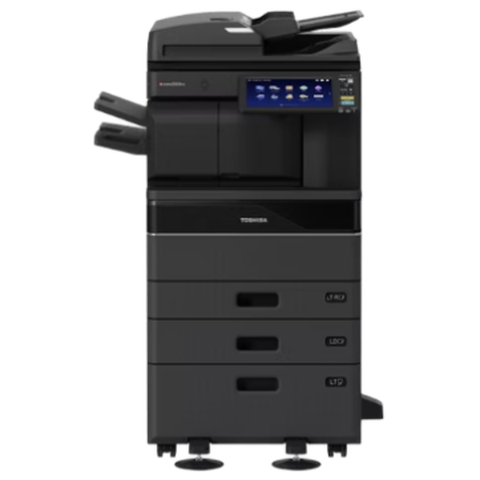 Toshiba repairse-STUDIO colour and mono copiers, fixed where they stand.
 We buy photocopiersSell a used commercial copier or office printer to us. Figure agreed on the phone.
Buy, sell and lease
Buy, sell and lease commercial copiers in Brisbane
We also sell new and refurbished commercial copiers and buy used ones. Same team, same technicians.
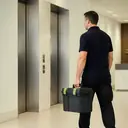
From the van to the machine


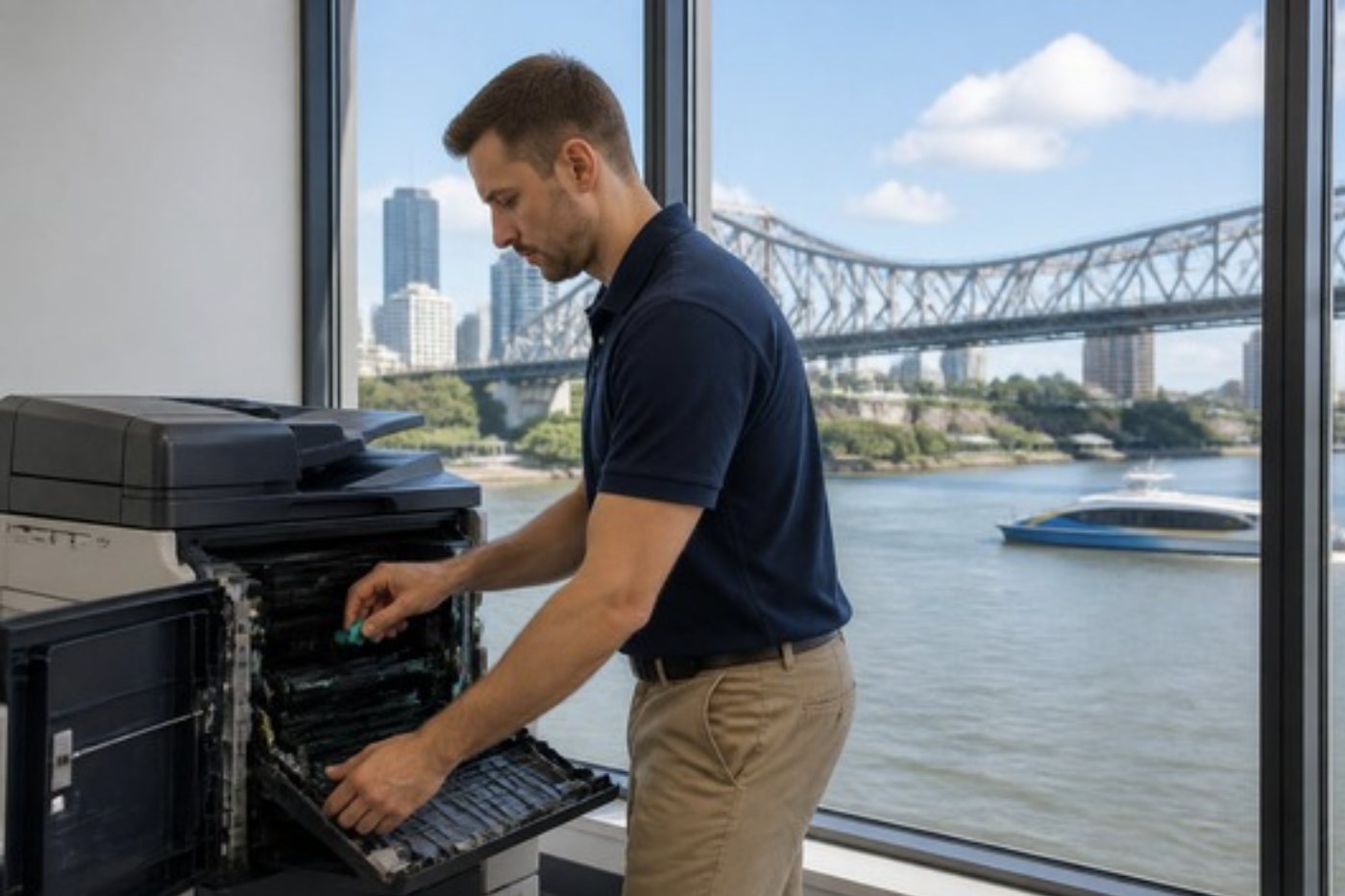

Questions people ask us on the phone
Which e-STUDIO would suit an office of ten?
Usually a 25 or 30 page model, such as the 2515AC or 3015AC, depending on how many pages you print and how much of it is colour. Phone with your monthly volume and we suggest the step.
Is the touchscreen as easy as people say?
It is the best reason to choose the range. The 10.1 inch panel behaves like a tablet, and we place your common jobs on the home screen at setup.
Can the machine fax?
Fax is an option on the AC series. Tell us on the phone if you need it and we check what is fitted.
Does it print on SRA3 sheets?
Yes. Paper runs from A4 up to SRA3, which is 12 by 18 inches.
Do the older 05 models still make sense?
They can. Where budget matters more than having the latest features, an older generation machine is often the better buy. We go through the differences for your office.
Can you repair an e-STUDIO that came from somewhere else?
Yes. Give us the model and what the display says, and the price is settled before anyone is booked.
What is covered when you say warranted?
Every machine we sell is warranted. The exact cover is explained to you before you buy, so ask on the call.
Do you publish prices?
No. The right machine depends on speed, options and condition, so we quote by phone after hearing what the office prints.
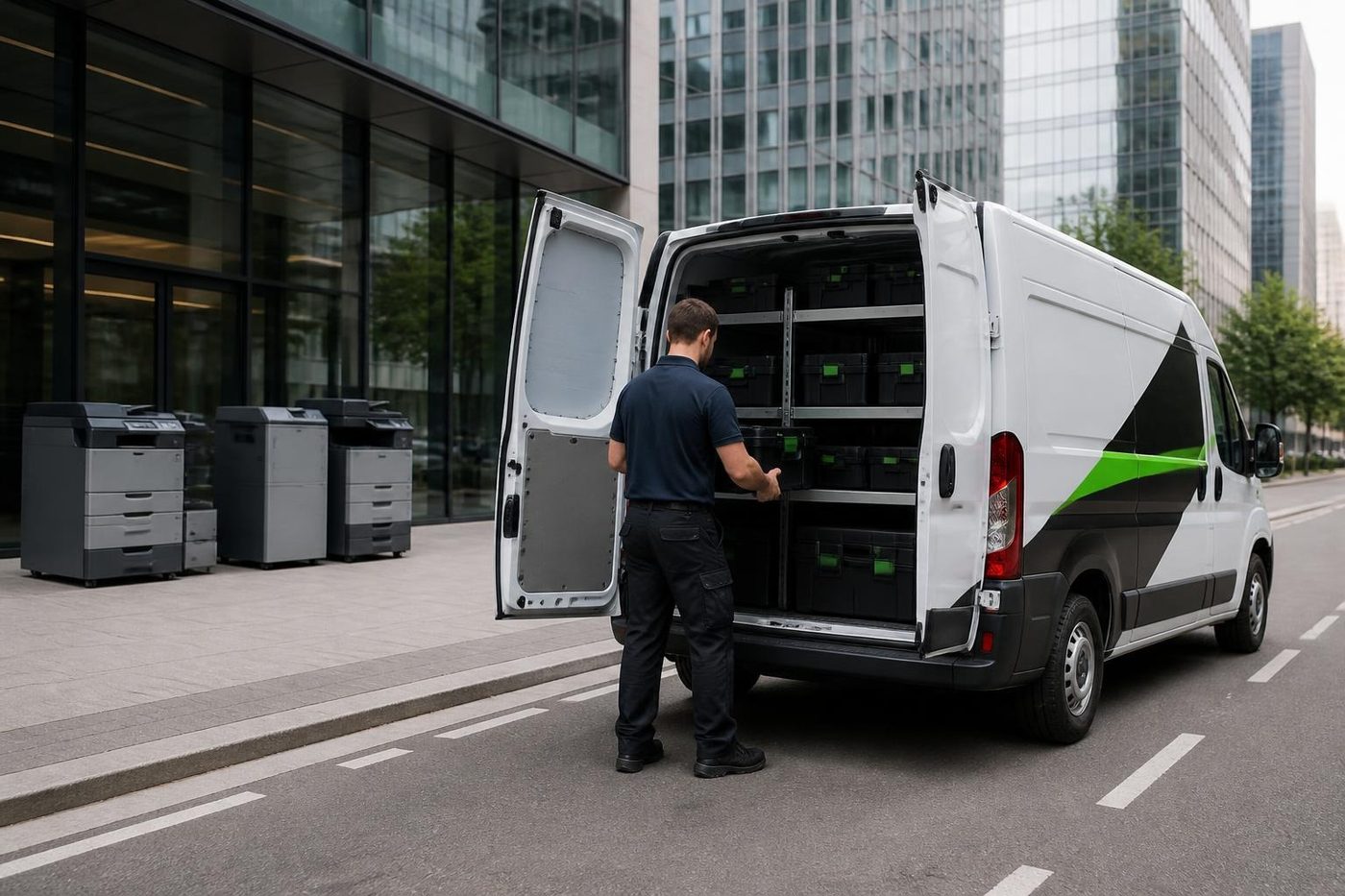
Something odd on the panel
Read us the code
A code is a pointer, not a verdict. We work out what it points to and quote you before we move.
Send the code
Printer service Brisbane, from one desk printer to a whole floor
Copier and printer repairs across Brisbane
Fault guides
- Copier and printer faults Brisbane
- Photocopier paper jams Brisbane
- Copier black lines and streaks Brisbane
- Copier error codes Brisbane
- Copier not printing Brisbane
- Scan to email not working Brisbane
- Toner smearing and fuser faults Brisbane
- Printer offline and network faults Brisbane
- Copier noise, grinding and squealing Brisbane
- Is my copier worth repairing Brisbane
- Toshiba e-STUDIO error codes Brisbane
- HP LaserJet error messages Brisbane
- Kyocera TASKalfa error codes Brisbane
Makes we work on
- Toshiba copier repairs Brisbane
- HP printer repairs Brisbane
- Kyocera copier repairs Brisbane
- Fujifilm copier repairs Brisbane
- Xerox copier repairs Brisbane
- Canon copier repairs Brisbane
- Ricoh copier repairs Brisbane
- Lexmark printer repairs Brisbane
- Brother printer repairs Brisbane
- Epson printer repairs Brisbane
- OKI printer repairs Brisbane
- Zebra printer repairs Brisbane
- Konica Minolta copier repairs Brisbane
- Sharp copier repairs Brisbane
- Fuji Xerox copier repairs Brisbane
Suburbs and districts we cover
- Printer service Inner West Brisbane
- Printer service Brisbane CBD
- Printer service Milton, Toowong and Inner Brisbane
- Printer service Centenary Suburbs
- Printer service Ipswich Corridor
- Printer service Logan
- Printer service Brisbane Northside
- Printer service Acacia Ridge and Archerfield
- Printer service Toowoomba
- Printer service Eastern Suburbs and Airport Precinct
- Printer service Southside: Sunnybank and Mount Gravatt
- Printer service Redcliffe and Moreton Bay
- Printer service Redlands, Capalaba and Cleveland
- Printer service Caboolture, Morayfield and the North
- Printer service Fortitude Valley and Newstead
- Printer service Indooroopilly, Toowong and Kenmore
- Printer service Springfield and Ripley
- Printer service Ipswich, Booval and Amberley
- Printer service Beaudesert and the Scenic Rim
- Printer service Lockyer Valley and Gatton
- Printer service Beenleigh and Yatala
- Printer service Bribie Island and Moreton Bay
- Printer service Carindale and Camp Hill
- Printer service Wynnum and Manly
- Printer service North Lakes, Strathpine and Petrie
- Printer service South Brisbane and Woolloongabba
- Printer service Logan Central and Browns Plains
- See every Brisbane area
Looking at a machine for your office?
Tell us if you are buying, selling, leasing or moving one, and roughly how much the office prints. We ring back and talk through the options. You can also phone (07) 3073 5255.