Printer Tips | Laser Printers Brisbane team | 19 August 2026, updated 20 August 2026
How much does a used photocopier cost in Brisbane? Our 2026 guide
Ask five sellers what a used photocopier costs and you will get five answers, so here is the honest Brisbane picture. This guide covers the three broad bands, what moves the price, and the one trap worth avoiding.
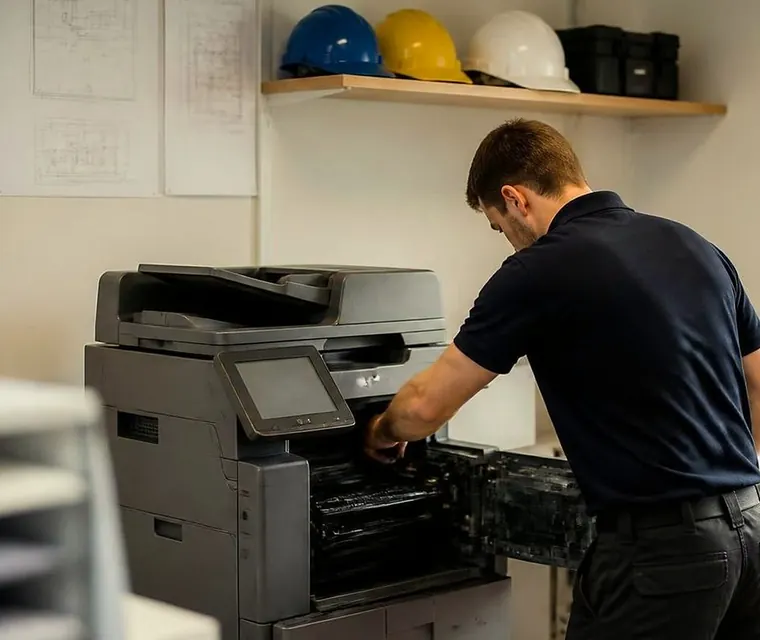
Brisbane printer service and photocopier repairs, plus machine sales
Three broad bands
Broadly, used machines fall into three bands.
- Entry level used A4 and light A3 units suit tiny offices with light use and sit at the affordable end.
- Mid range refurbished A3 colour multifunctions are the sweet spot for most small and medium businesses. They cost a fraction of their new price while doing everything the new machine does: print, copy, scan to email, two sided, the lot.
- High volume refurbished machines for print heavy offices cost more but still land far below new, and finance can spread even that.
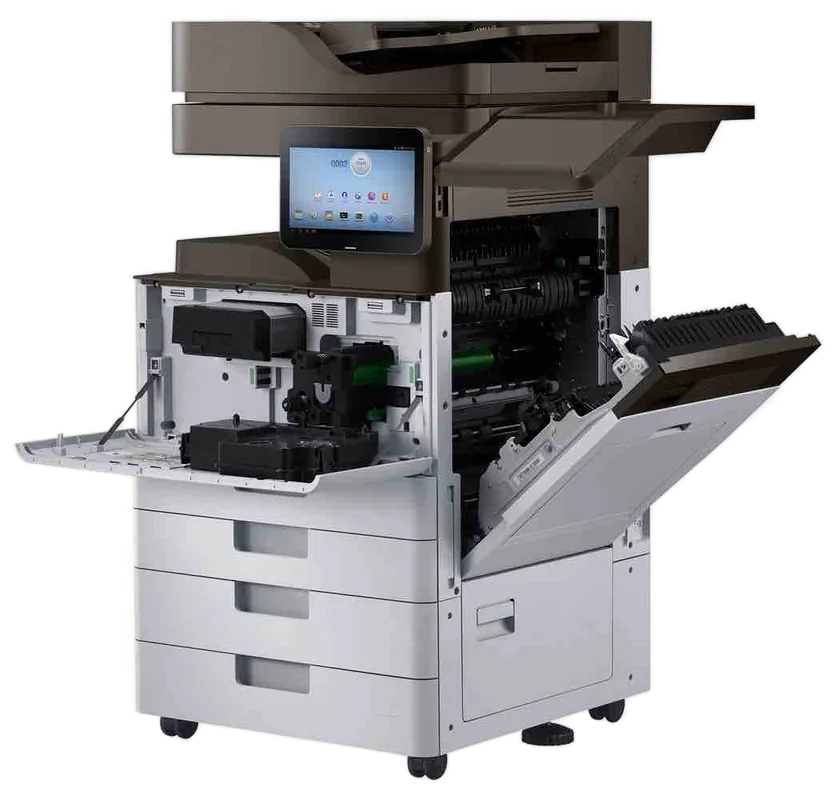
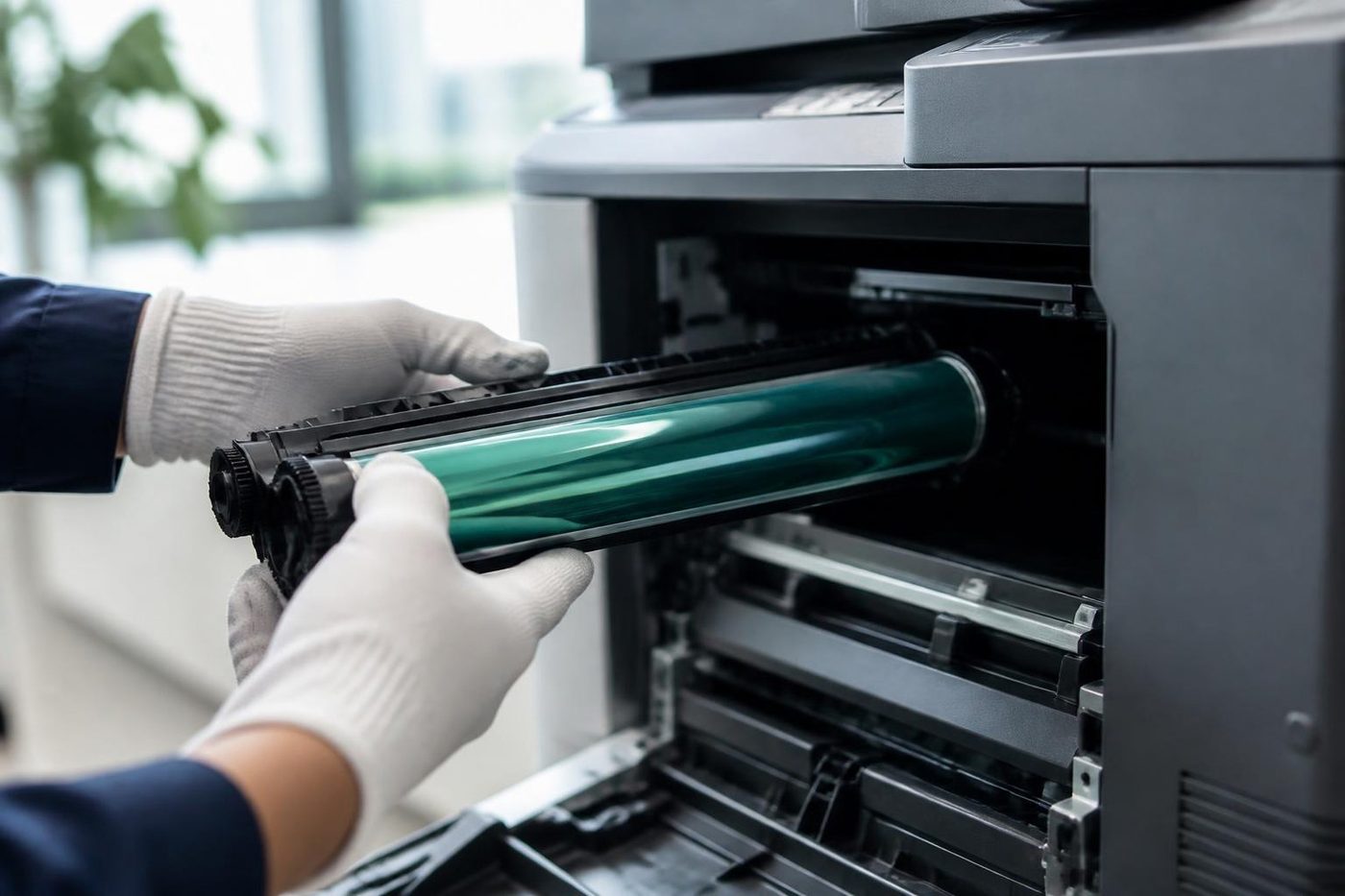
What moves the price
Five things.
- Age and print count, which work like kilometres on a car.
- Speed, because a 45 page per minute engine costs more than a 25.
- Condition and what was replaced during refurbishment, which is the single most important question to ask.
- Whether it is warranted, because a machine with nothing covered is a gamble, not a bargain.
- What is included. Delivery, installation, network and scan to email setup can be hidden extras elsewhere, while every machine we sell includes them.
Used, refurbished or ex demo
Used means pre owned and tested. Refurbished means serviced, worn parts replaced, and reset to run like new. Ex demo means nearly new with only light use. Refurbished is where value and reliability meet, which is why our Brisbane range centres on refurbished Toshiba, Kyocera, Ricoh and HP machines, every one tested, warranted, delivered and installed. See used and refurbished photocopiers.
The trap to avoid
The private sale machine with no history, nothing warranted and a toner cartridge about to cost more than the copier. If a price looks impossible, the service bill usually explains it later.
Questions to ask any seller
- How many pages has it done, and can I see the meter reading?
- What was replaced when it was refurbished?
- Is the machine warranted, and what exactly is covered?
- Is delivery, installation and network setup included?
- What will the toner and parts cost me to run it?
Why we do not print prices here
A figure on a web page goes out of date and never fits the machine you actually need. The price of a used photocopier depends on the model, the page count, the condition and what is included, so the useful number is the one quoted for your office. Phone, tell us what you print, and we will give you real machines with real prices.
How to read a meter reading
Every copier counts the pages it has made. The meter reading is the total, and it works like the kilometres on a car. It tells you how much life is left in the drum, the fuser and the feed parts. A low reading on a machine that is a few years old is a good sign. A high reading is not a bad sign on its own, if the machine has been looked after and the worn parts were replaced. The reading is useful only if the seller will show it to you.
A checklist for looking at a used machine
- Ask for the meter reading and for the model and serial number.
- Print test pages in colour and in black and white, and look for streaks, bands and colour drift.
- Copy a page from the glass and from the feeder.
- Check every tray, the bypass tray and any finisher.
- Listen for grinding, squealing or a slapping sound as paper feeds.
- Ask what was replaced, and whether it is warranted.
- Ask about the internal drive and what happens to the data.
A seller who is happy to go through this list with you is usually a seller worth buying from.
The costs that come after the purchase
The price of the machine is only the first cost. Toner, drums, fusers and service follow, and they differ widely between models. A cheap machine with expensive consumables is not cheap. When you compare used machines, ask what the toner costs, how many pages a cartridge gives and what the common parts are. We put those numbers in front of you for the models we sell.
Delivery, installation and setup
A used copier that arrives and does not connect to your network is a problem for somebody. Ask whether delivery, installation and scan to email setup are included. For every machine we sell they are, and the machine is tested from a real computer before we leave. See relocation and setup.
Buying from a business or privately
A private sale can save money, and it can also leave you with a machine that has no history, a drive full of somebody else's documents and nobody to phone. A business that prepares and services the machines gives you a warranted machine, a drive that has been erased and a team that answers the phone. See reconditioned photocopiers and ex demo photocopiers.
Three example offices
A small accounting practice with six staff prints mostly black and white, with a little colour for client reports. A refurbished 25 or 30 page A3 colour multifunction suits it, and it will cost a fraction of the new machine. A school office prints in bursts at the start and end of term and wants a finisher. A faster refurbished machine with a stapler fits, and an ex demo unit may be the better choice. A start up with three people and a tight budget wants a small A4 or light A3 machine, and a used one is the sensible choice.
In each case the volume and the features decide the machine, and the machine decides the price. That is why we ask first and quote after.
What to ask about warranted machines
A machine that is warranted is better than one that is not, but the word means little without the detail. Ask what is covered, for how long and what you have to do to keep it in place. The machines we sell are warranted, and we explain exactly what is covered before you buy, in plain language.
When to walk away
- The seller will not show you the meter reading.
- There is no model or serial number on the machine.
- The drive has not been erased and the seller does not know what is on it.
- There is nobody to phone if it stops.
- The price looks impossible.
Any one of those is reason to ask more questions. Two of them is reason to buy elsewhere.
Trading in the old machine
If you are replacing a machine, the old one has a value. We take trade ins and buy used photocopiers, and the value can go toward the next machine. We collect it and erase the drive.
Why the same model can have different prices
Two machines of the same model can be priced quite differently, and the reason is usually the history. One has done thirty thousand pages and had its rollers, its fuser and its drum replaced. The other has done three times as many and was only cleaned. Look at the meter reading and what was done, not just the model. That is how a good machine is separated from a poor one that looks the same.
How we quote
When you phone we ask what you print, whether you need colour, the paper size and the features, then we put one or two real machines in front of you, with the model, the speed, what was done to it and what is covered. You compare the quote with anything else you have, and you decide. We do not pressure anybody.
Want a real number for your office
Tell us your monthly print volume and whether you need colour, and we will quote you actual machines with actual prices. Phone (07) 3073 5255, use the contact page, or browse the range: Toshiba, Kyocera, Ricoh and HP. For finance, lease and hire, see printer and photocopier sales.
A trader sees the whole life
We know which models soldier on
If a machine is finished we say so in plain words, and only talk about a replacement after the repair options are laid out.
The work is warranted, and so is any machine we sell.
- Repair options first. Replacement second.
- Plain about age. No upsell on a machine with years left.
- Warranted either way. Repair or replacement.
Keep reading around Brisbane
 Used and refurbished photocopiersTested and warranted used, refurbished and ex demo commercial copiers, delivered and set up.
 Printer and photocopier salesNew, used and refurbished commercial machines, with finance, lease, rental and hire.
 Refurbished Toshibae-STUDIO AC models, tested, warranted and set up.
 News and tipsPosts on keeping, moving and replacing office copiers.
Buy, sell and lease
Buy, sell and lease commercial copiers in Brisbane
We also sell new and refurbished commercial copiers and buy used ones. Same team, same technicians.
Jobs we have been on around Brisbane
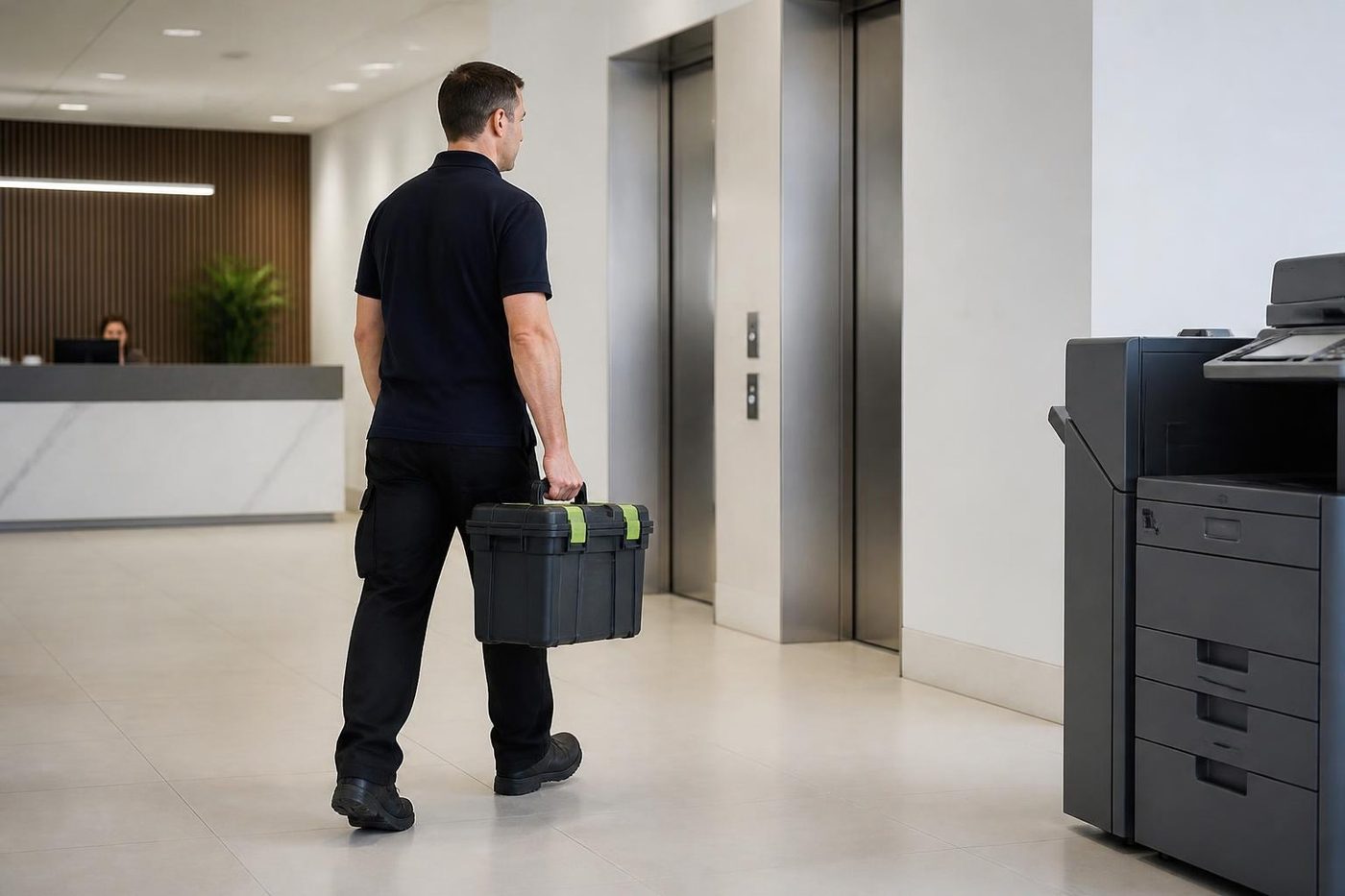
Questions people ask us on the phone
Why do you not print prices?
Because the price of a used photocopier depends on the model, the page count, the condition and what is included. The useful number is the one quoted for your office.
Is a refurbished copier more expensive than a used one?
Usually, because more work has gone into it. It is also more reliable, which often saves money over time.
What is an ex demo machine?
A near new machine with only light demonstration use. It is usually priced below new.
Does the price include delivery and setup?
For the machines we sell, yes. Delivery, installation and network setup are included.
Are the machines warranted?
Yes. The machines we sell are warranted, and we explain what is covered before you buy.
Can I finance a used machine?
Yes. We arrange finance, lease, rental and hire.
Paper stuck again
(07) 3073 5255 gets a real person
Make, model and the fault. We tell you the cost before the diary is touched.
Write instead
Printer service Brisbane, from one desk printer to a whole floor
Copier and printer repairs across Brisbane
Fault guides
- Copier and printer faults Brisbane
- Photocopier paper jams Brisbane
- Copier black lines and streaks Brisbane
- Copier error codes Brisbane
- Copier not printing Brisbane
- Scan to email not working Brisbane
- Toner smearing and fuser faults Brisbane
- Printer offline and network faults Brisbane
- Copier noise, grinding and squealing Brisbane
- Is my copier worth repairing Brisbane
- Toshiba e-STUDIO error codes Brisbane
- HP LaserJet error messages Brisbane
- Kyocera TASKalfa error codes Brisbane
Makes we work on
- Toshiba copier repairs Brisbane
- HP printer repairs Brisbane
- Kyocera copier repairs Brisbane
- Fujifilm copier repairs Brisbane
- Xerox copier repairs Brisbane
- Canon copier repairs Brisbane
- Ricoh copier repairs Brisbane
- Lexmark printer repairs Brisbane
- Brother printer repairs Brisbane
- Epson printer repairs Brisbane
- OKI printer repairs Brisbane
- Zebra printer repairs Brisbane
- Konica Minolta copier repairs Brisbane
- Sharp copier repairs Brisbane
- Fuji Xerox copier repairs Brisbane
Suburbs and districts we cover
- Printer service Inner West Brisbane
- Printer service Brisbane CBD
- Printer service Milton, Toowong and Inner Brisbane
- Printer service Centenary Suburbs
- Printer service Ipswich Corridor
- Printer service Logan
- Printer service Brisbane Northside
- Printer service Acacia Ridge and Archerfield
- Printer service Toowoomba
- Printer service Eastern Suburbs and Airport Precinct
- Printer service Southside: Sunnybank and Mount Gravatt
- Printer service Redcliffe and Moreton Bay
- Printer service Redlands, Capalaba and Cleveland
- Printer service Caboolture, Morayfield and the North
- Printer service Fortitude Valley and Newstead
- Printer service Indooroopilly, Toowong and Kenmore
- Printer service Springfield and Ripley
- Printer service Ipswich, Booval and Amberley
- Printer service Beaudesert and the Scenic Rim
- Printer service Lockyer Valley and Gatton
- Printer service Beenleigh and Yatala
- Printer service Bribie Island and Moreton Bay
- Printer service Carindale and Camp Hill
- Printer service Wynnum and Manly
- Printer service North Lakes, Strathpine and Petrie
- Printer service South Brisbane and Woolloongabba
- Printer service Logan Central and Browns Plains
- See every Brisbane area
A few lines is plenty
One machine or three, send what you have. If the lines are busy the call is logged and returned.