Fujifilm printer repairs in Brisbane, and the newer end of the family
Here we deal with the current machines: the Apeos range and the later ApeosPort models bearing the Fujifilm Business Innovation name. A copier that is older and says Fuji Xerox has its own page, and one that says only Xerox has a third. One team repairs all three, and the code and parts lists are kept apart because they are not quite the same.
Ours is an independent service business, separate from both Fujifilm and Fuji Xerox, with no authorisation claimed from either. You get a technician who has had these machines apart, a price settled during the call, and the work done beside the copier. Most jobs, 98% of them, are fixed first time, a same day visit is available, and a repeat of the fault is dealt with free.
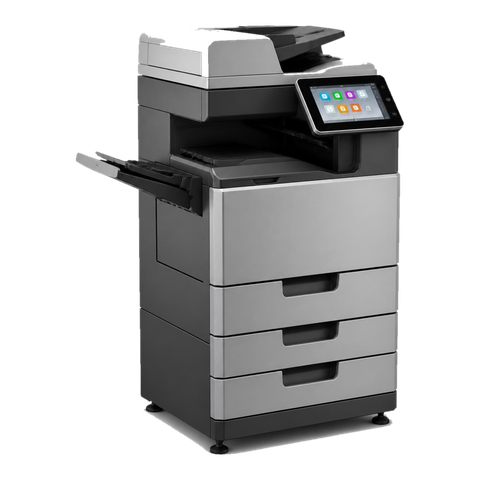


How the three names relate
A short history for anyone who has lost the thread. Fuji Photo Film and Rank Xerox set up Fuji Xerox in 1962 as a joint venture. Fujifilm said in November 2019 that it would buy out the 25 percent held by Xerox. Xerox's technology agreement lapsed on 31 March 2021, and by April 2021 the business was trading as Fujifilm Business Innovation. Its Australian arm is Fujifilm Business Innovation Australia.
In practice, a copier named ApeosPort or DocuCentre with a Fuji Xerox badge comes from the earlier chapter, while anything launched afterwards wears Fujifilm branding and the Apeos name. Xerox Corporation went its own way with WorkCentre, VersaLink and AltaLink. Fujifilm states that existing Fuji Xerox devices remain fully functional, and that consumable product codes were kept even though the packaging changed.
Families that turn up in Brisbane
Names have shifted a few times. If what is printed on yours is not in the table, ring us with the label and we will place it.
| Family | Models | Description |
|---|---|---|
| ApeosPort VII and DocuCentre VII colour | C2273, C3373, C4473, C5573, C6673 and C7773, plus the DocuCentre C3372. | A3 colour multifunctions covering roughly 25 to 70 pages a minute. There is no ApeosPort counterpart to the DocuCentre C3372. |
| ApeosPort VII C7788 range | C5588, C6688 and C7788. | The quicker A3 colour machines, topped by the C7788 at 75 pages a minute. |
| ApeosPort VI | C5571, C6671 and C7771. | The generation that came before VII, and still in a lot of fleets. |
| ApeosPort C7070 and Apeos C7070 range | C3070, C3570, C4570, C5570, C6570 and C7070. | A3 colour machines from 2021, sold with both the ApeosPort and Apeos names, the C7070 running at 70 pages a minute. |
| Apeos A3 mono | 6580 and 7580. | Fast black and white A3 machines for heavy copying. |
| Apeos A4 | C3530, C4030, 4830, 5330 and 6340. | Small A4 machines that arrived from 2023 under the Apeos name. The ApeosPrint C4030 and 5330 are the versions that print and do not scan. |
| ApeosPort Print and DocuPrint | DocuPrint 3505 d, 4405 d and 5105 d, plus the ApeosPort Print C5570. | A3 printers with one job and no scanner, in colour and in mono. |
Reading the badge
Across the current ranges, a C in the model means colour, while a name without one, Apeos 5330 or 7580 for instance, prints black and white only. The number gives the speed class, which puts a C5570 well below a C7070. From 2023 Fujifilm uses ApeosPrint for the print only machines, with ApeosPort as the full multifunction name. Get someone at the front desk to read the entire label aloud, letters included, and half the visit is already planned.
Security that has to be switched on to count
Fujifilm's specifications for these ranges include a TPM chip that stores keys, disk encryption with overwrite, protection for network traffic through IPsec, SSL and TLS, and sign in by IC card or password. Apeos machines from 2023 go further with TPM 2.0, WPA3, compliance with NIST SP800-171 and Microsoft Universal Print support.
A feature that is licensed and never switched on protects nobody, and we find that often. Our check covers what is enabled, and your IT contact hears about anything the machine can do that nobody has activated. Security settings stay as they are until you tell us to change them.
Wherever a card reader or PIN guards the machine, a login fault looks like a broken copier to whoever is standing at the glass. Behind it there may be a reader that dropped its link, an expired account, or a setting that shifted during an update. Reader, machine and account get checked in that order.
Scanning in a Brisbane office
These machines can scan to a network folder, to SMB destinations and to email, and OCR is an optional extra. When scanning fails in a Brisbane office the cause is usually outside the machine: a changed password on the service account, a mail server that has begun demanding stricter sign in, or a folder that someone renamed on the file server. Those are checked before the scanner is touched.
If head office is in another state, a change to mail or password rules there can break scanning here overnight, and in summer Sydney and Melbourne run an hour ahead of Queensland. Mention anything that changed upstream.
Where we look first
Offices running Apeos and ApeosPort machines describe the same handful of things.
- Creased pages, toner that smudges or a jam close to the exit point at the fuser area.
- A mark that repeats down the page, or a stripe in one colour, points at the drum or imaging area.
- Paper that stalls whenever it comes from one particular tray: the feed rollers on that tray.
- A 016 code showing up after a network change: look at settings before hardware.
- A finisher that only jams when stapling: the finisher itself and its staple unit.
Our order is code first, machine second, then the options in plain words.
A colour cast that has crept in
A colour machine can drift over a few years, printing slightly warm or slightly cool. No single cause stands out: worn imaging parts, damp paper or a calibration that has not been run for ages can each do it. Calibration comes first because it costs nothing, and parts only get attention if the tint survives it. Where your office prints proposals or marketing pages that depend on colour, say so, and the test is done with one of your own pages instead of a generic sheet.
What wears, and what a visit includes
Wear gathers in four places. They are the fuser, the transfer belt with its cleaner, the drum or imaging unit, and the rollers that pull paper from each tray and from the document feeder. Any figure for part life would be a guess, because the model and the workload decide it.
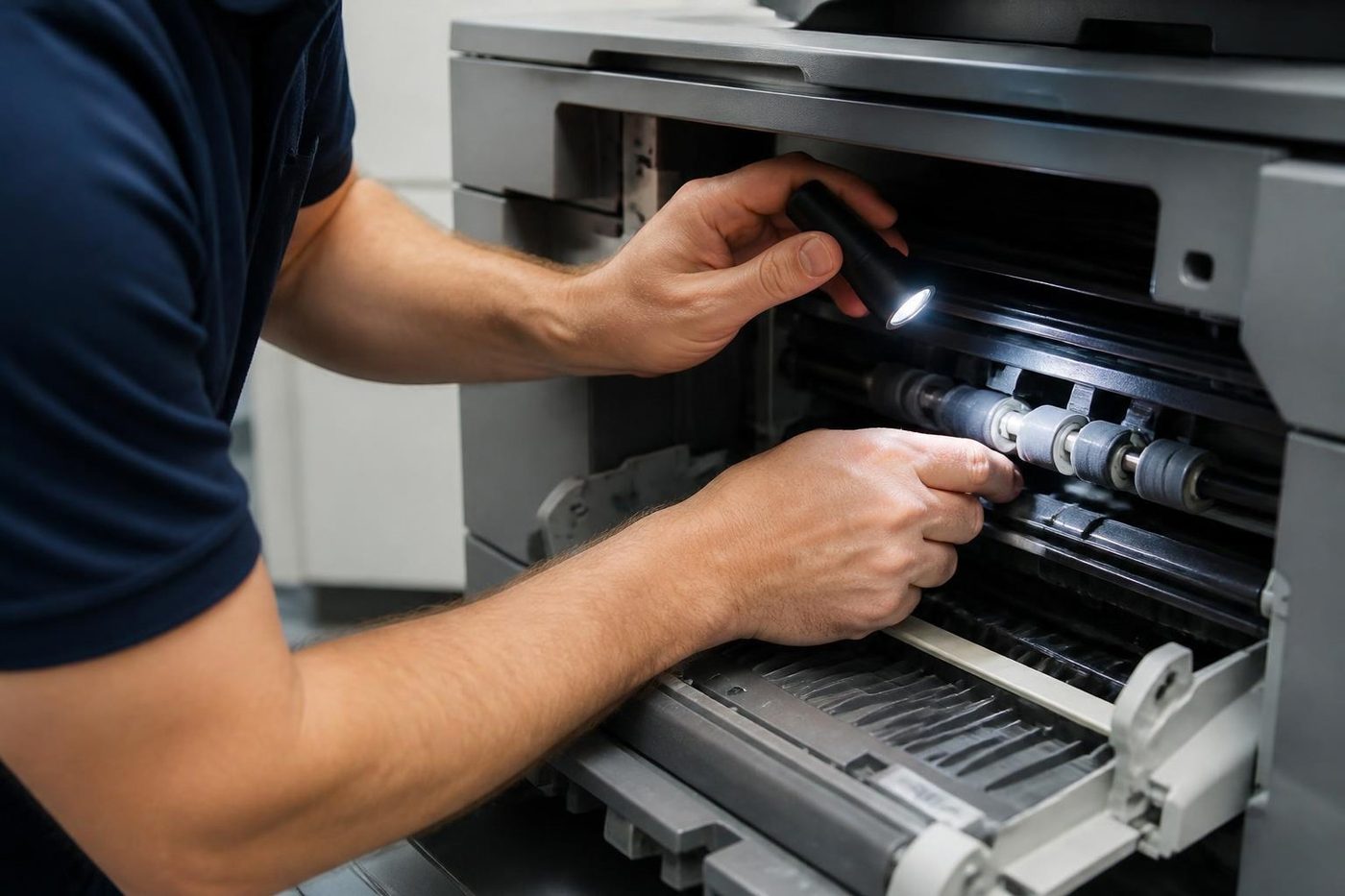
A visit begins with the technician tracing the paper from tray to exit and trying every tray in turn. After that come the fuser, drums and belt, the fault history for anything that repeats, and a test page if print quality is the complaint. Machines from the Fuji Xerox years use similar parts under different part numbers and their counters may reset differently, so we confirm the model before saying anything firm.
Finishers
Finisher calls tend to be a staple jam, a punch waste bin that is full, or a cover that appears closed and has not latched.
- With the B3 finisher you get stapling to 50 sheets and a two or four hole punch, and saddle stitch and single fold can be added.
- The C3 finisher is a bigger stacker that holds 3000 sheets of A4, staples to 50 sheets, and reaches 65 sheets with an option.
- Add the Booklet Maker to the C3 and a folder unit brings tri fold and Z fold.
- Smaller machines from the C5573 down use the compact A2 finisher.
Paper, humidity and a Brisbane summer
A lot of misfeeds on these machines start with the paper, not the copier. Reams stored in a damp or hot storeroom, or in a cupboard next to an air conditioner that keeps cycling, take on and lose moisture. The sheets curl, cling together and go in crooked, so the machine looks faulty when it is simply being fed poor paper.
Leave reams in their wrapper until loading, load them flat and set the tray to the right paper type. If a tray still misfeeds, the rollers are next, and they are an inexpensive part.
Our work is office copiers and multifunction machines in the ApeosPort, DocuCentre and Apeos families. A Revoria production press is a different matter: tell us the model and we will answer frankly on whether we can take it on.
A new Apeos next to an old DocuCentre
The most common Fujifilm situation we meet is a mixed one. A firm bought a new Apeos for the front office and left a DocuCentre running in the back. Now there are two machines, two sets of drivers, two address books and two ideas of what a scan destination is called.
Fujifilm confirms that drivers written by Fuji Xerox can still be downloaded, which is handy but does nothing to tidy the office. People print to the wrong machine. A scan shortcut exists on one and not the other. The new machine was set up by whoever installed it and the old one still holds a list of destinations nobody has reviewed in years.
We can sort that out as part of a repair visit. Name the print queues so people can tell them apart. Copy the useful address book entries across. Check both machines send to the same mail server with the same sender address. It is not repair work and it is the kind of tidy up that stops the next four phone calls.
Small Apeos machines in clinics and reception areas
The little A4 Apeos units, the C3530, C4030, 4830, 5330 and 6340, are compact. They sit on a bench in a medical practice or on a reception counter in a real estate office. They do not get the fuss a floor standing A3 gets, and then one day the tray will not feed.
Paper trouble hits small machines in their own way. The path is short and the rollers sit close to the surface, so one curled sheet or a tray running low turns into a jam at once. Check the paper first, keep it flat, and keep the sleeve of the ream closed. If it still misfeeds, the pickup rollers are an inexpensive part, and replacing them is a short job.
ApeosPrint models, which print and do not scan, are simpler again. If one of those stops printing the first questions are about the network and the driver. We ask before we book a visit.
The month end run
Copiers pick their moments. A dead machine at ten past four on the final working day of the month is a regular call: the accounts team needs invoices, statements and reports out before close, and the panel is showing a code.
Those calls follow a short routine. First we note the model and the full code, and ask what the machine was doing at the moment it stopped. Then we tell you what the code points at and whether it sounds like a quick job. If a visit is called for, same day service is available and we explain what is possible before the office empties. A machine that cannot be fixed that afternoon still earns a clear answer, so the team can plan around it.
Heavy print run on the way? Ring ahead. A check before the job costs less than a stoppage during it.
Labels, envelopes and heavy stock
Offices that print labels, envelopes or heavy card on a Fujifilm machine tell us the same story. It worked for a while, then marks started to appear, or a sheet wrapped round the fuser. The bypass tray was set to plain and the sheet was thick, or the labels were not made for a copier and left glue on the rollers.
Make sure the paper type set on the tray matches what is loaded, and buy labels made for laser machines. Once glue reaches the fuser, stop and ring us, because running on makes it worse. We inspect the fuser surface and the exit path, clean what can be cleaned, and tell you straight if a part must be replaced.
Imaging units, toner and what you can change yourself
Like most office copiers, Fujifilm machines are designed so that users can swap certain parts themselves. Toner is the obvious one, the waste container another, and on some models the imaging units too. That keeps simple jobs off the phone, and it also creates a few calls.
Say a panel message asks for a replacement and the new part does not clear it. Stop there. A part that has not seated, a chip the machine fails to read, or a counter that never reset can each pass for a failed unit, and fitting a second part on a hunch costs money without getting closer. Ring with the message and the model and we work out which it is.
Light damages imaging parts. They should stay in their wrapping, out of the window light, until the moment they are fitted. A unit left on a desk by a sunny Queenslander window can be spoiled before it ever prints a page.
Duplex jobs and the sheet that comes back crooked
For a two sided page the sheet runs through the fuser, gets turned over and goes round again, coming back warm, slightly curled and not always square. Offices that print contracts and reports double sided tend to see faults collect in the duplex path, with jams reported somewhere around the 077 group.
We look at the reversing path, the rollers that carry the sheet back, and the paper itself. Paper that has sat in a humid storeroom feeds worse on its second side. A tray set to the wrong paper type has the fuser handling the sheet badly. A jam that always lands at the same spot suggests a worn part, whereas one that moves around sends us to the paper and the settings.
What a Fujifilm repair is not
Office copiers and multifunction machines are what we repair. We make no claim of a link to Fujifilm, we keep service mode steps to ourselves, and we do not guess. Should a machine fall outside what we can do on site, the phone call tells you so and spares you a visit.
Now and then the honest answer is that a machine has run its course. Because we trade commercial machines as well, a replacement or a trade in can be talked through, but the repair opinion comes first and stays independent of that.
Sign in, cards and the person standing at the glass
A Fujifilm copier that demands a card tap, a PIN or a network login before doing anything is now an ordinary sight in a Brisbane office. Practices use that so patient records do not walk off the output tray, and accountants so a client's tax pack goes only to the person who printed it.
When that goes wrong, the person at the glass sees a dead copier. The causes are dull and fixable. A reader may have lost its lead, or the account the machine uses to check people may have expired. Sometimes the machine clock has wandered so far from the server that login fails, and the 016 group, which deals with network authentication, DNS and time sync, comes into play. Reader first, account second, time third, and your administrator gets a report of what we found.
Ordering for a machine with a changed badge
Whoever looks after the office list of part and toner codes will have noticed that Fujifilm kept its consumable product codes through the name change. The box looks different and the code is the same. Reordering stays simple, and it is worth knowing before anyone buys the wrong item from a supplier who is guessing.
Parts other than consumables depend on the model, so read us the whole label. An Apeos A4, an ApeosPort C7070 and an ApeosPort VI C7771 all use different parts, and a technician who knows which model is waiting arrives carrying the right ones.
Fujifilm family machines around Brisbane
These machines run from a CBD tenancy near Queen Street to a warehouse office at Acacia Ridge or Hemmant, and from a medical practice at Chermside to a council counter in Logan or Ipswich. A fuser in an office with a failed air conditioner, or on a warehouse mezzanine in a humid January, works harder and wears sooner, and dust from the industrial streets reaches the feeder rollers.
Older Fuji Xerox fleets inside newer Fujifilm offices are common now. A firm picks up a couple of new machines in 2023 and leaves the older DocuCentres running out the back. We keep a note on each one, and a single call covers the lot.
Deciding between a repair and a replacement? We trade commercial copiers too, and the figures are laid out for you without fuss.
Behind the scenes on a Fujifilm job



Service history
A machine has a memory, so we keep one
It also settles arguments. If a drum went in during March and fails in May, the record shows it, and the repeat fix is free.
Office managers who change every year like this most. The history stays with the machine, not with the person who left.

- Every visit logged. Fault, cause, part.
- Meter noted. So wear can be judged fairly.
- Repeats free. The same fault again is on us.
Keep reading around Brisbane
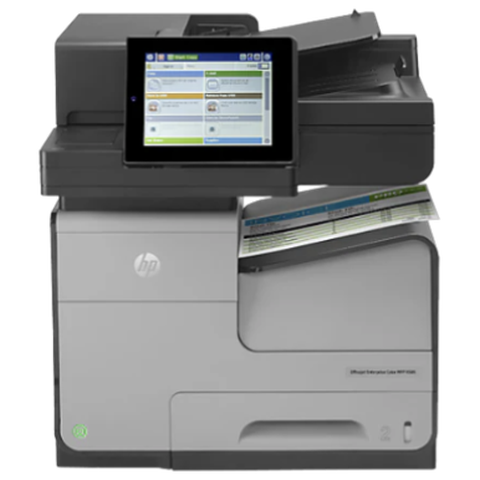 Fuji Xerox repairsApeosPort, DocuCentre and DocuPrint machines.Xerox repairsVersaLink, AltaLink, WorkCentre and PrimeLink machines.Commercial printer repairsWorkgroup and desktop laser printers, colour lasers and label printers, repaired at your premises.Scan to email not workingScans that never reach an inbox or a shared folder.
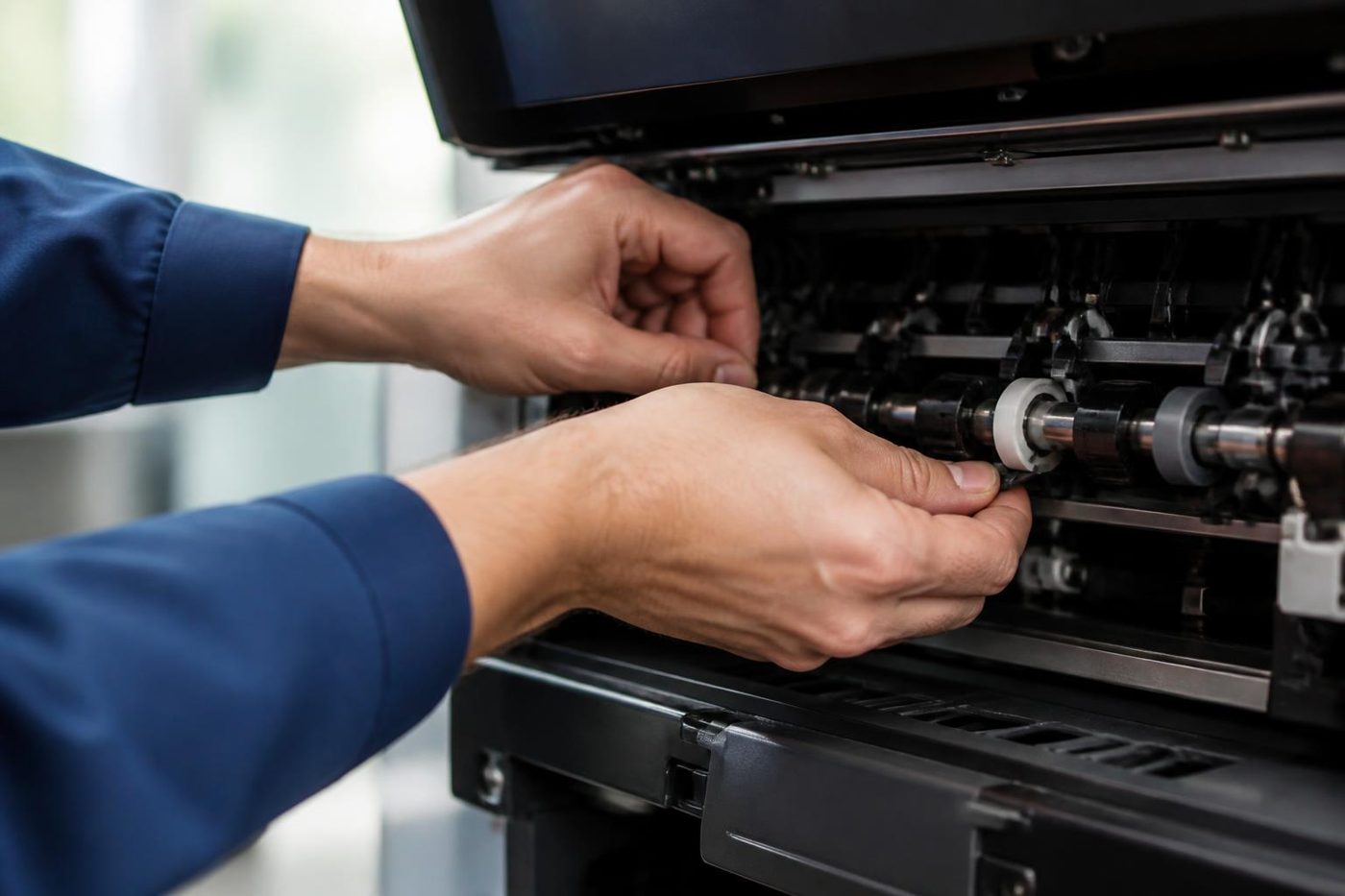 Copier error codesHow to read a code and what to note down.
 Brisbane CBDQueen Street to Eagle Street, William Street to Roma Street
 Kyocera repairsTASKalfa copiers and ECOSYS printers, repaired on site.
 Printer and photocopier repairsCopiers and printers repaired at the desk where they broke.
Buy, sell and lease
Buy, sell and lease commercial copiers in Brisbane
We also sell new and refurbished commercial copiers and buy used ones. Same team, same technicians.
The kind of work that comes in


Questions people ask us on the phone
Do you repair Fujifilm printers and copiers in Brisbane?
Yes. Apeos, ApeosPort and DocuCentre machines are repaired where they stand, with the price agreed during the call. Ask about same day when you ring.
Is Fuji Xerox the same company as Fujifilm?
Yes, in effect. The name changed to Fujifilm Business Innovation in April 2021, after Xerox's technology agreement came to an end. The Fuji Xerox badge marks the earlier machines. Both generations are repaired by us, as an independent service business.
Do you repair Fuji Xerox machines too?
Yes. ApeosPort and DocuCentre machines from the Fuji Xerox years are everywhere in Brisbane offices, and they have a page of their own on this site. We look after them as an independent business.
What does a 016 code on my ApeosPort mean?
Codes in the 016 group generally concern software, network and authentication, and after a network change the settings are the likelier fault than any hardware. We match the exact code against your model.
What is the difference between ApeosPort, ApeosPrint and Apeos?
ApeosPort is the full multifunction name, ApeosPrint the print only name used from 2023, and Apeos the newer overall branding. A C in the number means colour.
Our scan to folder stopped working. Is the machine faulty?
Normally something changed around the machine, such as a password, a renamed folder or stricter mail rules. We run a test from the copier and give your IT contact a list of what to confirm.
Our ApeosPort asks for a card tap and nobody can sign in. Is it broken?
Common causes are a reader that lost its link, an expired machine account, or a clock that drifted out of step with the server. We go through each in turn and pass your administrator what needs confirming.
Can you repair a Revoria production press?
Tell us the model and we will answer frankly on whether we can help. Our work covers office copiers and multifunction machines.
Do your technicians carry parts for Fujifilm machines?
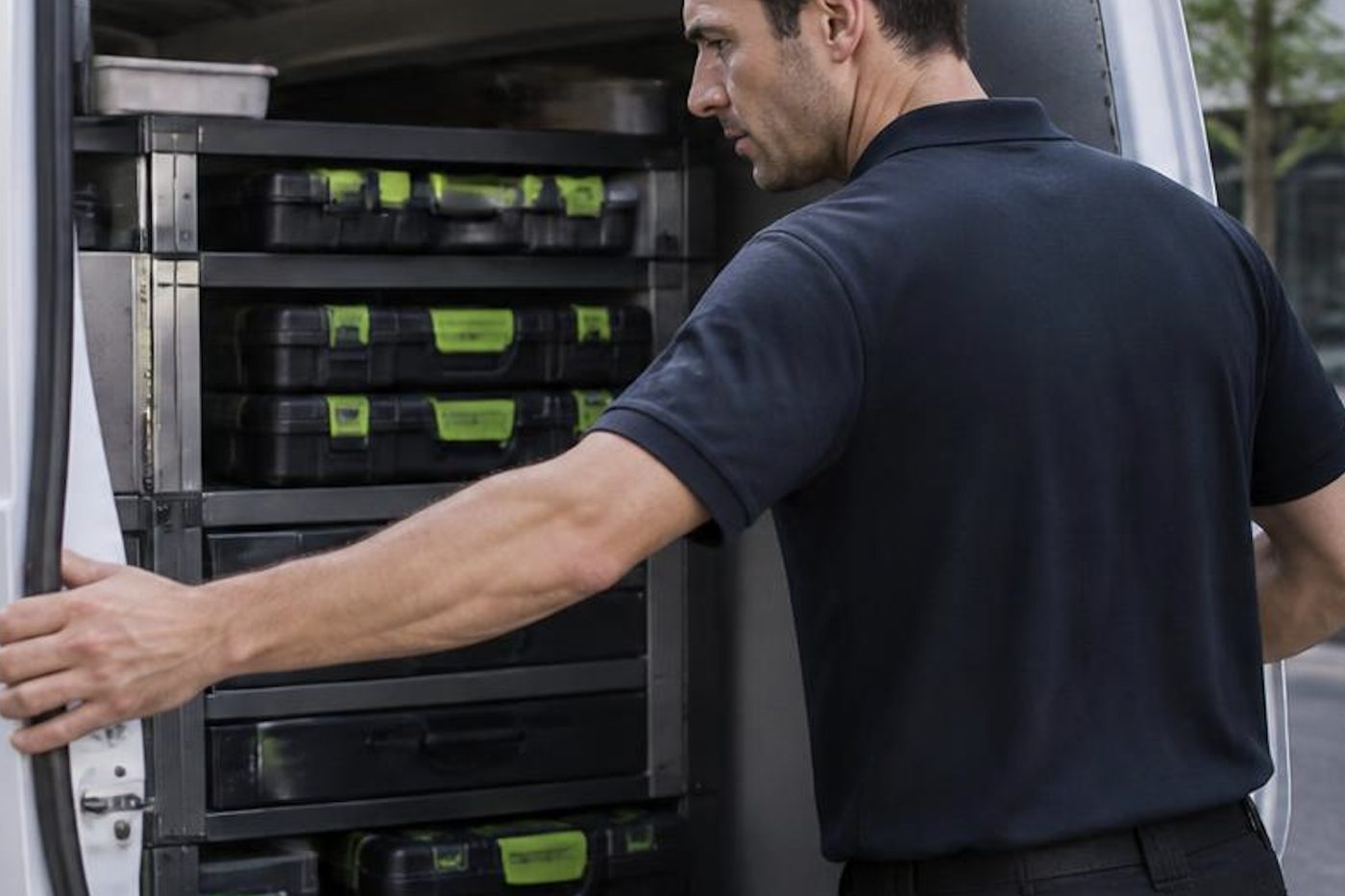
The van holds the parts that wear most. Anything unusual is ordered after the cause is proven.
Are you authorised by Fujifilm?
No. We run an independent service business and claim no authorisation from Fujifilm or Xerox.


