Which Xerox have you got
People say they have a Xerox when they mean a copier. It is the old habit, the way a vacuum cleaner became a Hoover. So the first thing we ask on a Xerox call is for the name on the front, and not only the first word of it. Xerox Corporation is a separate American company whose own lines include WorkCentre, VersaLink, AltaLink, PrimeLink and Versant. A machine with one of those names is a Xerox. A machine that says Fuji Xerox, or ApeosPort, DocuCentre or DocuPrint, came from the joint venture that built machines in this region and is covered on its own page.
We are an independent service business. We are not Xerox and we claim no authorisation from them. What we offer is a technician who knows the families, a price on the call, and a repair done where the machine stands. We also buy and sell commercial copiers, and a Xerox repair quote does not drift toward whatever is in our showroom.
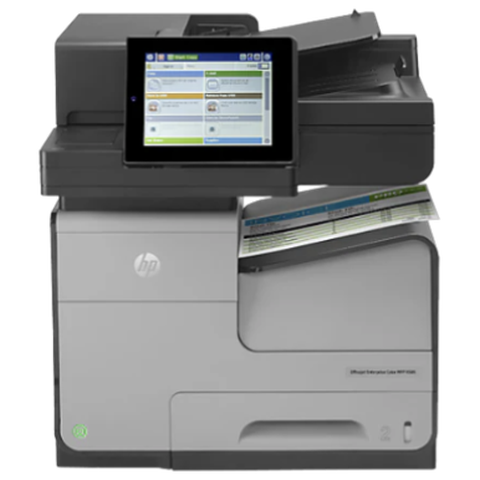
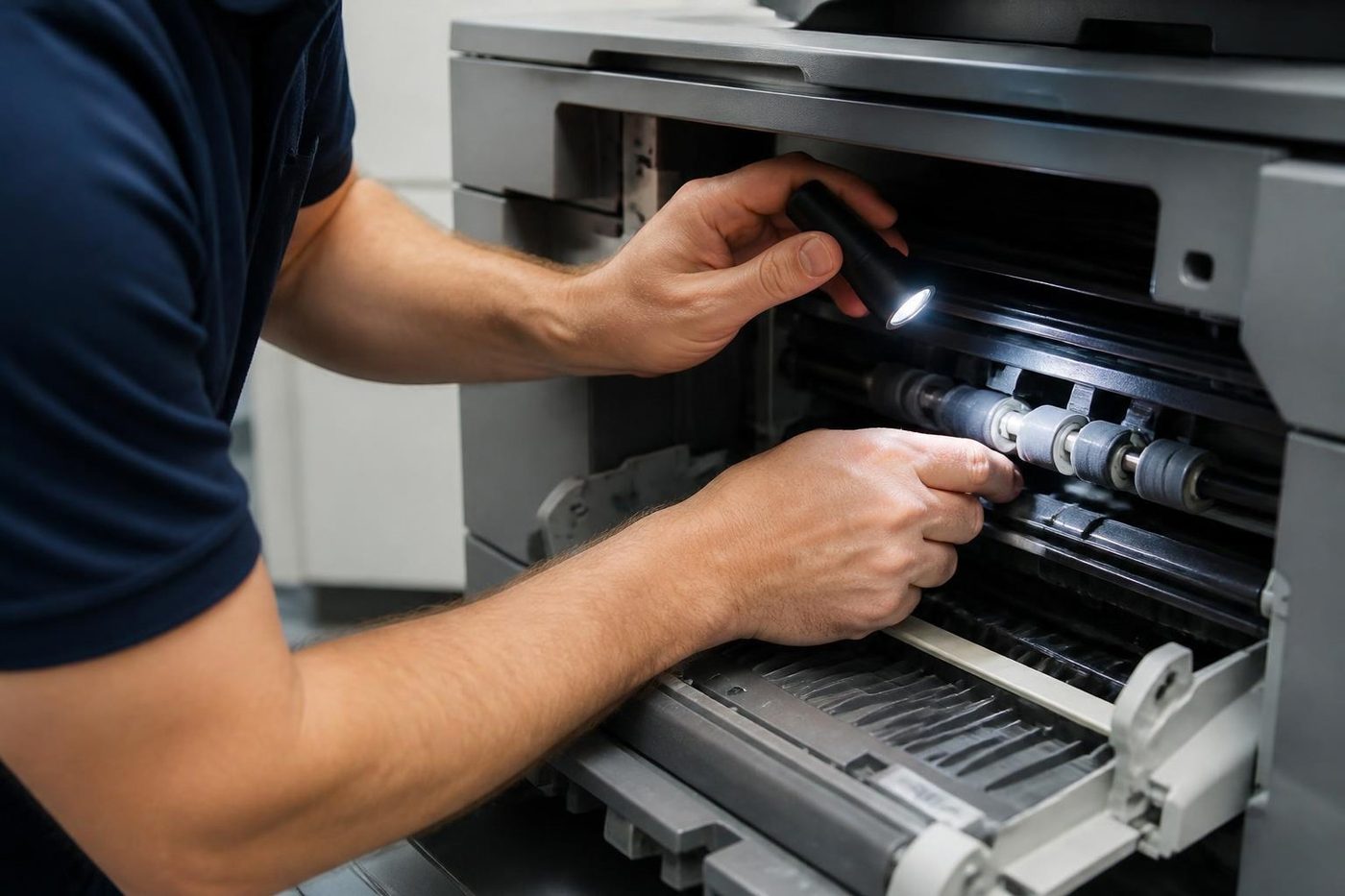
Xerox families we see in Brisbane offices
If your model is not here, phone with what the front says and we will confirm cover before we book.
| Family | Models | What we see |
|---|---|---|
| VersaLink A4 | B400, B405, C400, C405, B600, B605, B610, B615, C500, C600 | Reception desks, clinics and small teams. Pickup rollers, network settings, and trays that were loaded badly. |
| VersaLink A3 | B7025, B7030, B7035 (mono), C7020, C7025, C7030 (colour), and the newer 7100 series | Workgroup copiers in mid sized offices. Fuser wear, drum units, finisher links. |
| AltaLink | B8045 to B8090 mono, C8030 to C8070 colour, and the 81 series that followed | Larger departments and security conscious sites. Settings, sign in, and heavy duplex use. |
| WorkCentre | 7500 series, 7800 series, 7970, 5945, 5955, 6515, 6605, 3335 and 3345 | The machines most offices still run. Wear items and the occasional board. |
| PrimeLink | B9100 mono series and C9065, C9070 colour | Print rooms and in house production. |
| Versant | 80, 180 and 280 presses | Production shops. We confirm the job before booking. |
| Phaser and ColorQube | Phaser colour and mono lasers, ColorQube solid ink | Back offices. Looked at case by case, since parts availability decides the advice. |
Xerox, Fuji Xerox and Fujifilm: how the names fit together
Short version. Fuji Xerox began in 1962 as a 50:50 joint venture between Fuji Photo Film and Rank Xerox. Fujifilm bought out the 25 percent that Xerox held, announced in November 2019. The Fuji Xerox company became Fujifilm Business Innovation in April 2021, after its technology agreement with Xerox ended on 31 March 2021, and in Australia it is now Fujifilm Business Innovation Australia.
That leaves three names in circulation for machines that sit side by side in office corridors. Xerox is the American company and its own lines. Fuji Xerox is what the joint venture's machines were called until 2021, and a lot of them are still working. Fujifilm is the newer label. Each of the three has its own page here, because people search all three and the parts and fault lists differ.
What stops a Xerox, area by area
Fuser first. Toner that rubs off, creased pages, a smell of warm plastic or a fault message that mentions heat. It is the hottest part in the machine and it ages. The belt or roller surface, the heater, the thermistor and the connectors are checked as a set.
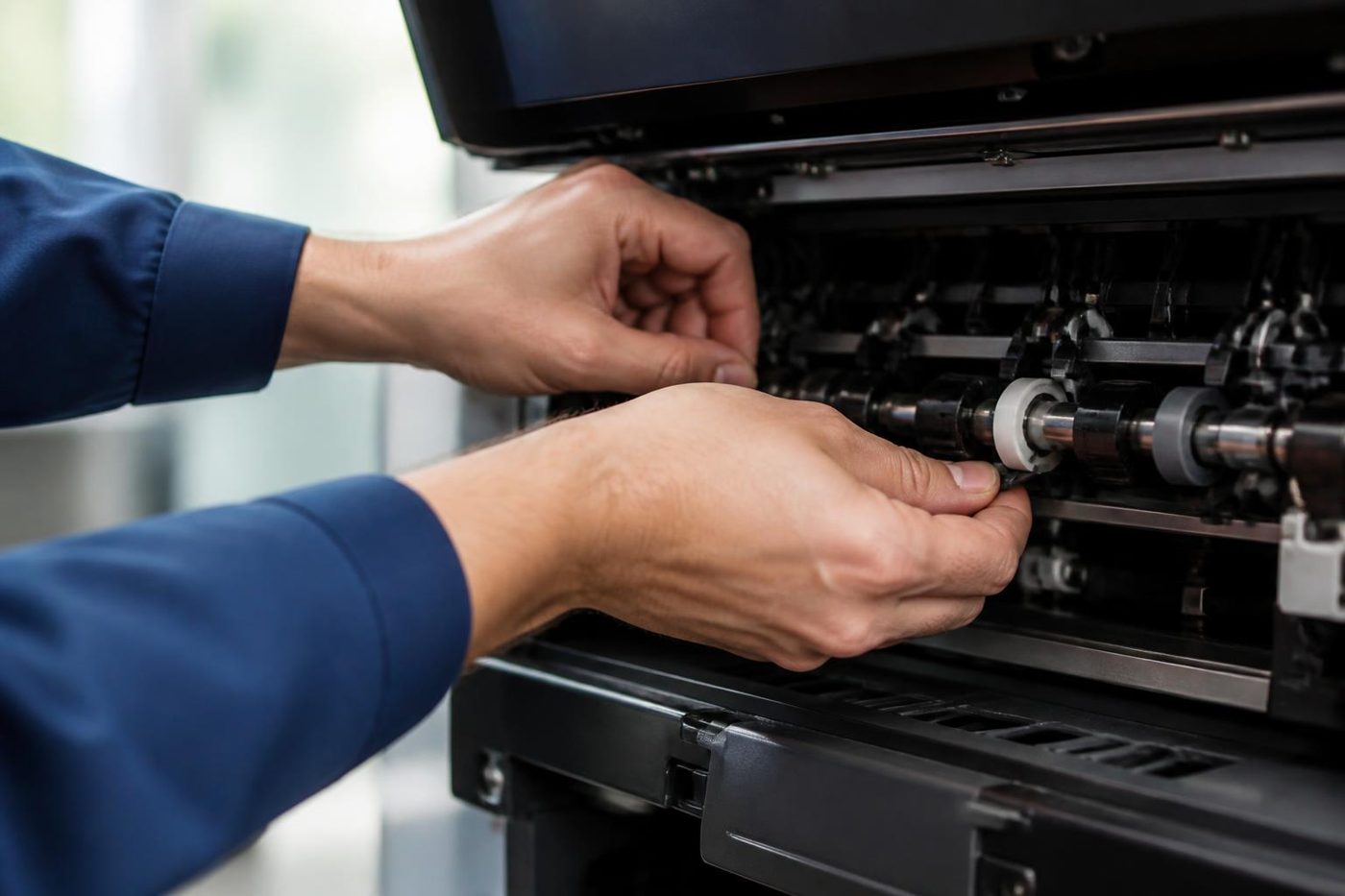
Paper path next. Misfeeds from a drawer, double sheets, jams at the exit or in the duplex return. On a Xerox that has been in the same corner for years the pickup and feed rollers are usually the first parts to go glassy. In a dusty office they pick up grit as well.
Imaging after that. Streaks, lines, a repeating mark, faint print or a colour that has gone weak. Drum or imaging units, developer, transfer parts and, on LED machines, a dirty print head are the places to look. A mark that returns every so many centimetres tells us which roller is carrying the damage.
Then the software side. Machines that print fine but will not scan, will not sign people in, or fall off the network every Monday morning. On a modern ConnectKey Xerox, which is what the VersaLink and AltaLink are, a lot of the story is settings.
Fault codes in the Xerox style
Xerox status and fault codes are written as two groups of three digits with a dash, such as 016-757. The first three digits name an area and the last three narrow it. The format is similar to the one used on Fuji Xerox machines, and some area groups overlap, but the lists differ by model, so we never read a code from memory of a different machine.
A code is a pointer, not a diagnosis. A code in the fuser group tells us the machine saw a heating problem. It does not say whether the heater, the thermistor or a loose lead is to blame. A code in the software or network group usually says the machine could not do something it expected to be able to do, such as reach a server.
When you ring, read us the code exactly as shown, with the dash, and say whether a restart cleared it. If a restart clears it once and the code returns, that is useful information and we want it.
ConnectKey, apps and sign in
VersaLink and AltaLink machines run on Xerox's ConnectKey platform. That means a touch panel with apps, an Embedded Web Server you reach from a browser by typing the machine's address, and a list of settings that control scanning, sign in and security. It is capable and it is configurable, and each of those facts is a place where an office can get tangled.
Sign in is a good example. A card reader, a PIN or a directory login can be set up so only certain people reach certain features. Then a staff member leaves, an account is renamed, and half the floor is turned away at the panel. The machine is doing what it was told. We check the authentication settings, the server it talks to and the clock, and we tell your IT contact what has to change.
Apps are the other thing. If an app on the panel will not open, or a shortcut disappears after a software update, the cause is often software and not mechanics. We check that before suggesting hardware.
Scan to email and scan to folder
Xerox machines scan to email, to a network folder and to USB. Email needs an SMTP server address, a port, a sender address and, if the server wants it, authentication. Folder scanning needs the right server name, share and a working account with permission to write.
The pattern we see most is the same as on any brand. The machine has not changed, the network around it has. A password expired. A server name moved. Microsoft 365 tightened its sign in rules. We test from the machine, read what it says, and give you something specific to hand to your IT provider. If the machine is at fault we fix it. If it is not, we say so and do not bill for a hunt.
Customer replaceable parts and who should fit them
Xerox designs many parts to be changed by the customer. Toner cartridges, waste containers and, on many machines, drum or imaging units are in that group. That is good for office managers and it creates calls.
- Toner and waste cartridges are the simple ones. If a fresh cartridge does not clear the message, the cause is often seating, a chip or a sensor.
- Imaging units can be changed at the desk on many models. Hold them by the handles, keep them out of bright light and never touch the drum surface.
- Fusers are a different matter. They run hot, they have connectors that must seat properly, and a badly fitted one produces the same fault again. We prefer to fit those.
- Transfer parts and belts are fiddly and easily creased. They get a technician.
- Counters and resets after a part change matter on some machines. A part that is fitted and not recognised often looks like a failed part when it is a skipped step.
If a message on the panel tells you to replace something, that is a notice, not a diagnosis. We would rather you ring than keep swapping parts in the hope.
Finishers, feeders and options
A Xerox with a finisher is really two machines, like any other brand. Staples that jam, a stack that exits crooked, a booklet maker that creases the wrong way. The first checks are boring and worth doing: the staple cartridge, the waste bin, the docking connection between copier and finisher.
On the larger machines, high capacity feeders and extra trays add more places where paper can stick. If a fault appears only when one particular tray feeds, we treat that tray as the suspect and test it alone before opening the main machine.
The Monday morning that nobody can print
A Xerox that printed perfectly on Friday and has dropped off every computer on Monday is rarely broken. Something changed over the weekend. The router was restarted and handed the machine a new address. A switch was swapped. An update on the print server changed which driver the office uses. The machine sits there with a green light, innocent.
The test is simple and your own IT person can do it in a minute. Print the configuration page from the panel, read the address off it, and see whether a computer can reach that address. If it can, the machine is fine and the queue or the driver is the suspect. If it cannot, the network is. We check the same things on site and we are happy to stand next to your IT contact while they do it.
Where an office has a fixed address set for each machine, these calls dry up. Where the machine takes whatever address the router hands out, they come back every time the router restarts. A small setting on the machine fixes it for good, and it is worth a few minutes of an afternoon.
Colour on a Xerox: ghosts, bands and weak tints
Colour Xerox machines in offices earn their keep on proposals, floor plans, forms and presentation packs. When something is off the complaint is rarely about a code. It is a faint repeat of the last image halfway down the page. A band across a solid tint. A colour that looks thin on one edge. A magenta cast on a page that should be neutral.
A ghost, where yesterday's image faintly reappears, often points to a roller or the imaging unit that is not releasing toner cleanly. Banding across the page points at a drum or a belt. A single weak colour points at that colour's imaging unit or developer. A cast across the whole page leans toward calibration, paper and the room.
We start with the cheap things. Paper type matches the stock. Calibration runs. The page prints again. Then we look at the imaging parts, one colour at a time. If you can send a photo of a bad page, with a ruler next to the mark, we can often say what is likely before the visit.
Print room machines: PrimeLink and Versant
PrimeLink and Versant are a different world from the office VersaLink. They live in print rooms, council communications teams, schools that print their own booklets and shops that run short jobs for customers. The machines are big, the paper is heavier and the faults cost money by the hour.
We ask different questions on those calls. What stock is running. How many sheets a week. Whether the fault shows on every sheet or only on a particular tray, a particular size or a particular finishing option. A production machine fails in ways that depend on the job, and a technician who understands the job is more use than one who understands the code.
We say plainly where a production machine needs more than we can do on site, and we do not guess with a press that pays by the sheet.
Security, secure print and sending to the cloud
AltaLink machines in particular are bought by offices that care about what leaves the building. Secure print release, encrypted storage, restricted scanning destinations and logs that someone reads. Those are good features. They also add layers where a settings change can bite.
A secure print job that never appears usually means a retention limit, a user who sent it under a different name, or a card that was never registered. Scanning that suddenly fails to one destination but works to another often means a destination was removed from an allowed list. We check the settings with your administrator and we do not change security configuration without your say so.
Why one drawer feeds and another does not
Offices ring about drawer 2 jamming while drawer 1 is fine. It looks like a fault in the drawer. It is usually the paper in it. Drawer 1 gets fresh paper because it is the one people see. Drawer 2 gets the leftover half ream, the odd weight, the sheets that curled in the cupboard.
We look at what is in the drawer first. Then the pickup and feed rollers for that drawer, which wear at their own rate. Then the guides, which are easy to set a hair too tight. Then the sensors. If drawer 2 turns out to be the only one in the office that gets the cheap stock, the repair is a change of habit.
When the message says replace, and you already did
One of the commonest Xerox calls begins with a panel message telling somebody to replace a part, and the part has already been replaced. The message stays. The office manager is cross, the supplier insists the part is genuine, and the machine sits unused.
There are a handful of reasons. The part is not seated, so the machine reads it as absent. The chip on a cartridge has not been read. A counter that needed resetting after the change has not been reset. Or the real fault sits next to the part and the message is the closest the machine can come to saying so. We start with seating and chips, which take minutes, and move on to sensors and counters.
Please do not buy a second part. If the first did not clear the message, the second probably will not either.
Xerox on a lease that outlived its contract
Plenty of Xerox machines in Brisbane arrived on a lease, and the lease has ended or been taken over by somebody else. The service arrangement went with the contract, and the machine is still in the corner. Offices in that position often assume nothing can be done without the original supplier.
We repair these machines as an independent business, whichever way they came into the office. If there is a question about whether a repair touches the terms of a lease, we suggest you check with the leasing company first, and we do not give advice on contracts we have not seen.
A short guide to the right questions for your IT provider
If your IT provider looks after the network, a Xerox call often goes quicker when the two of us talk. These are the things worth asking them before we arrive: is the machine on a fixed address or does it take one from the router, has the mail setup changed, did any account password the machine uses expire lately, and has the file server been replaced or renamed.
We are happy to talk to them directly. A machine that cannot reach a server is a very short repair once someone has said which server it should reach, and a very long one when nobody remembers. Write the answers down if you can. The next person who needs them will thank you.
Xerox calls around Brisbane
Xerox machines are in CBD floors, in practices at Milton and Toowong, in councils and in schools. A lot of them arrived on a lease and stayed. In the western industrial strip, Darra, Wacol and Acacia Ridge, a Xerox is more likely to sit in a depot office with dust and a forklift on the other side of the wall, so the rollers get cleaned as part of the repair.
Summer storms interrupt power, and a machine in a corridor that reaches thirty degrees by afternoon works harder than one in an air conditioned room. A Xerox that has been through a flood or a roof leak needs a careful look before anyone trusts it, even if it starts.
Same day service is available. Ring early and say what has stopped. If the lines are busy the call is logged and returned.
Repair, replace or sell on
Older WorkCentre machines can be very good value to keep running if the parts are available. Others have reached the point where faults turn up in several places a year. We tell you which side yours is on, with the reasoning.
If you want to compare, we sell refurbished commercial copiers and we buy used ones, so a trade in is on the table too. That conversation is kept separate from the repair advice. We would rather lose a sale than keep a bad machine on life support.
What to have ready when you ring
Nothing on this list is a test.
- The name on the front, in full, including the model digits.
- The code or message, exactly as shown, and whether a restart cleared it.
- What the machine was doing when it stopped.
- Whether one person or the whole office is affected.
- Anything that changed lately: paper, toner, a move, a network or sign in change.
Price on the phone, nothing locked in, and no one booked until you agree.
Your Xerox, from the van doors to the last test page




A trader sees the whole life
We know which models soldier on
Because we buy and sell machines we know which models run for years and which turn up on every second job sheet. That knowledge goes into repair advice as well.
The work is warranted, and so is any machine we sell.
- Repair options first. Replacement second.
- Plain about age. No upsell on a machine with years left.
- Warranted either way. Repair or replacement.
Keep reading around Brisbane
Fuji Xerox repairsApeosPort, DocuCentre and DocuPrint machines.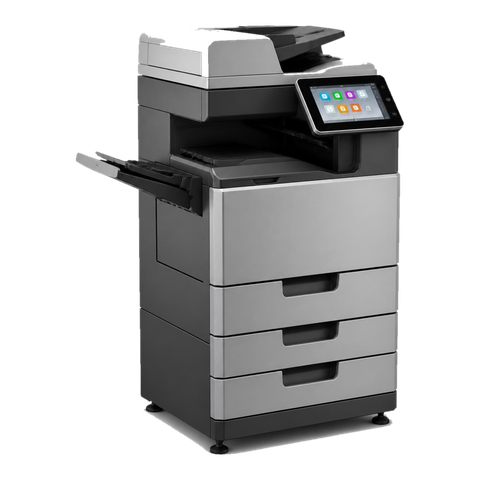 Fujifilm repairsApeos and ApeosPort machines, including Fuji Xerox.Commercial printer repairsWorkgroup and desktop laser printers, colour lasers and label printers, repaired at your premises.
 Scan to email not workingScans that never reach an inbox or a shared folder.
 Printer offline and network faultsPrinter offline, missing or unreachable on the network.
 Copier error codesHow to read a code and what to note down.
 Brisbane CBDQueen Street to Eagle Street, William Street to Roma Street
 Printer and photocopier repairsCopiers and printers repaired at the desk where they broke.
Buy, sell and lease
Buy, sell and lease commercial copiers in Brisbane
We also sell new and refurbished commercial copiers and buy used ones. Same team, same technicians.

A few recent visits


Questions people ask us on the phone
Do you repair Xerox printers and copiers on site in Brisbane?
Yes. VersaLink, AltaLink, WorkCentre and PrimeLink machines are repaired at your premises, with the price agreed on the phone first. Same day service is available.
My machine says Fuji Xerox. Is that the same as Xerox?
They are related but separate. Fuji Xerox was a joint venture that built machines such as ApeosPort and DocuCentre, and it became Fujifilm Business Innovation in 2021. Xerox Corporation is a separate American company. We repair both and each has its own page.
What does a code like 016-757 mean on a Xerox?
The first three digits name an area and the last three narrow it. A 016 style group usually relates to software or network trouble. We match the code to your model before saying more, because lists differ.
Can we change the toner and drum ourselves?
Toner and waste cartridges, yes. Many imaging units, with care. Fusers and transfer parts are better left to a technician. If a fresh part does not clear a message, ring us before trying another.
Our Xerox will not scan to email any more. Is it broken?
Often the network changed around it: a password, a server name or a Microsoft 365 setting. We test from the machine and tell your IT provider what to check.
Do you service Xerox solid ink or older Phaser machines?
We look at them case by case. Parts availability decides whether a repair makes sense, and we tell you honestly.
Can you repair a Xerox production press?
We confirm the machine and the job before booking, so we can say whether it can be done on site and what we would bring.
Our Xerox is on an old lease. Can you still repair it?
Yes, as an independent business. Check with the leasing company if you are unsure about any terms, and ring us with the model and the code.
Are you Xerox authorised?
No. We are an independent service business and claim no link to Xerox or Fujifilm.


