HP LaserJet 49, 50, 59 and 79 side by side with the other common families
Each model has its own fine print, so take these as pointers to where to look.
| Message | Area it hints at | Next move |
|---|---|---|
| 13.xx | A paper jam in the spot the message gives | Yours to clear |
| 49 (some models add a power cycle prompt) | Firmware. A bad job, a driver or network traffic is the usual trigger | Delete what is queued, then ring us |
| 50.x | The fuser: its heater, its sensor, the supply to it, or which fuser is fitted | Ring with the whole code |
| 51 and 52 | The laser scanner, on many models | Ring us |
| 57 | A fan, on many models | Ring us |
| 59.x | A motor, the rest of the code saying which one | Ring with the whole code |
| 79 | A service error, in most cases firmware, occasionally a job, an accessory or the network | Work through the steps below, then ring |



Long codes and the whole string
Older LaserJets keep codes brief, 50.2 for example. Newer ones go on longer, with a point in the middle and letters and digits after it, such as 49.4C02, and every character is part of the code. Search on only the first two digits and you end up reading advice written for a different machine.
Write the message down just as it appears, then add the model name from the label. Those two lines tell us more than a paragraph of description.
Error 50: what the digit after the point says
On many LaserJets the 50 family is about the fuser, and the figure after the point sharpens it. The references we have read for those models put 50.1 at too cold, which means a dead heater element or a sensor that never sees the temperature rise. A 50.2 warmed up, only too slowly. A 50.3 ran too hot, and a blocked fan, a clogged filter or the wrong paper type are among the suspects. A 50.4 suggests a bad fuser or weak mains voltage, and 50.5 a fuser of the wrong type, or one that is not seated.
People skip the simplest test. Plug the printer straight into a wall socket and make sure the paper type set on the panel is the paper actually in the tray. A long extension lead that lets the voltage sag is a known cause of warm up trouble. Should the code stay, the fuser needs a technician and nobody in the office should pull it out.
Error 49 and 79: when the job is the culprit
A 49 or a 79 usually lives in the firmware, and what sets it off often comes from outside the printer: a damaged print job, a generic driver, a flaky cable, a surge of network traffic, or an accessory it objects to. Offices recognise the pattern, with the printer falling over whenever one particular person sends something, or restarting each time the network gets busy.
To tell the printer apart from its surroundings, switch off, unplug both the network and USB leads, and power on again. If it gets to ready, the machine itself is sound and the fault sits outside the printer, in a job, a driver or network traffic, so empty the queues on every computer that prints to it and delete anything odd looking. A 49 or 79 that comes back with the leads out and nothing queued is a fault in the printer itself, which puts the formatter board and its memory under suspicion.
59, 51, 52, 57 and the others
The 59 family covers motors, and the rest of the code says which: main drive, fuser drive or tray lift. This is mechanical ground. Our technician tests the motor, its connector and whatever it drives before replacing a thing, since a stiff gear can make a healthy motor look guilty.
Laser scanner and fan messages belong in the same bracket: hardware faults that a restart will not shift and that the office should not chase. Numbers vary by model, so when yours is not listed here, ring with the exact wording and the model.
What you can safely do
None of this involves opening a cover.
- Write down the whole message and the model.
- One power cycle, leaving it off for half a minute.
- Use a wall socket, with no power board or surge protector in between.
- With a 49 or 79, do the cable test described earlier and empty the print queues.
- Think back over recent changes: a new driver, an update, something new on the network, a desk move.
- Keep your hands off the fuser and everything else inside.
- A 50 or 59 that outlasts the restart, or any hot smell, means stop and ring.
Messages that are not errors
A lot of what an HP tells you is plain English: load paper, tray empty, toner low, door open. Do what it says and the message goes. The ones to watch are those that outlast your fix. A jam message over a clear paper path, or a cartridge complaint with a new cartridge fitted, may come from a faulty sensor or connector. On many models a message starting with 10 points to the cartridge chip or its contacts.
Be wary of online tips that promise to drag a printer out of an error. Some key sequences reset the machine and wipe settings your IT provider entered, and a few of these messages are deliberate, stopping a failing fuser from doing itself harm.
LaserJets in Brisbane offices
The shared HP in the corner is the workhorse of many local offices. The LaserJet Pro M404 and MFP M428 serve small teams, and the Enterprise M507 and MFP M528 serve busier floors. The Color LaserJet Enterprise M554 sits in design and property offices, and the Pro MFP M479 in smaller practices. Older P3015 and M602 machines still turn up in places that never needed to replace them.
Engineering and property offices around the CBD and Milton run into plenty of software caused 49 and 79 faults after a driver or network change. Hot sheds at Rocklea, Acacia Ridge and Wacol bring fuser faults sooner. After a summer storm a brownout can leave the fuser or formatter in a fault state by morning.
What we do on site
A firmware message gets this sequence: the event log first, then the job and driver behind it, the firmware version and the network settings, and last the printer by itself. If it runs steadily on its own, your IT contact gets a note about what to change. If it is still unsteady on its own, attention turns to the formatter and its memory.
Fuser and motor messages are tested before anything is fitted, because the answer could be the fuser unit, a connector or a power supply. You are told what failed and whether the machine deserves the repair, and you hear the price before any booking is made.
Same day service is available, and the technicians sent are certified and experienced. Around 98% of repairs are complete after a single visit, and we repair a returning fault again free. There is no tie to HP here, only an independent service business.
Belts and rollers
Handle it like glass
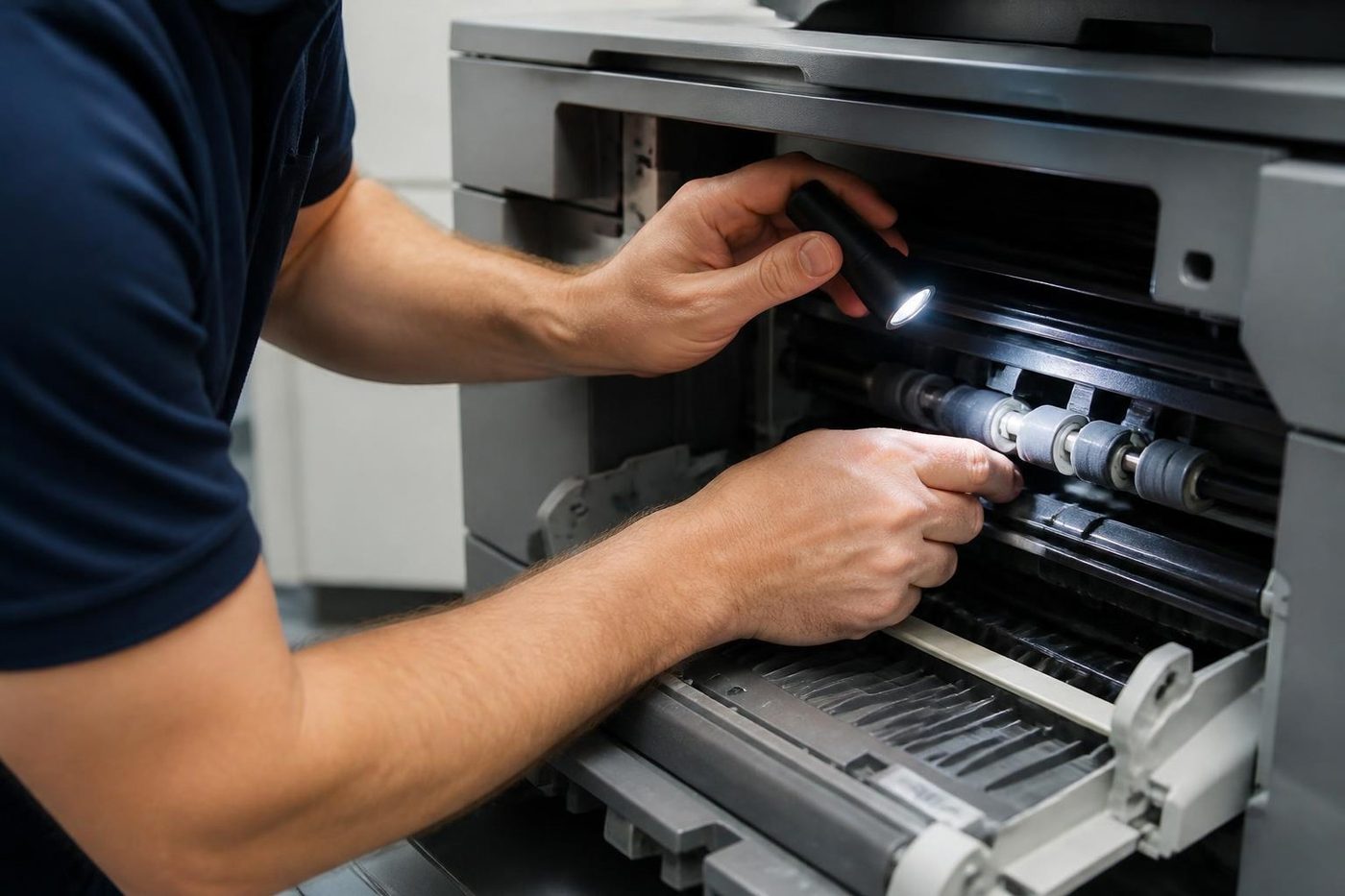
We lift belts by the edges and work on a clean surface, never on a desk piled with paperwork. It sounds fussy. It is the gap between one visit and two.
Rollers get the same care: wiped with the right cloth, fitted square, turned by hand before power goes on. Customers notice the tidiness before they notice the fix.

- Edges only. Belts are lifted, not grabbed.
- Clean bench. Parts never sit on the floor of the copy room.
- Turned by hand. Rollers are checked before the machine is switched on.
Keep reading around Brisbane
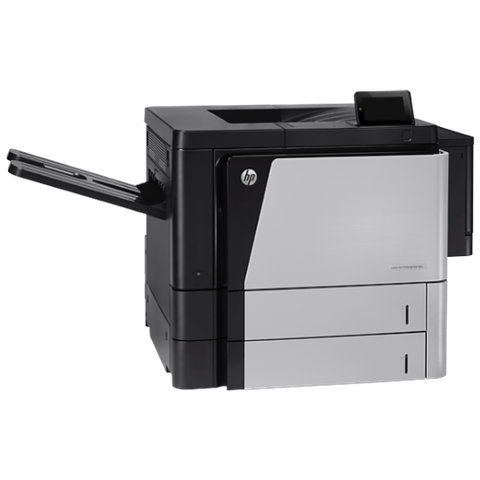 HP repairsLaserJet, Color LaserJet, Managed MFP and DesignJet, repaired where they sit.
 Commercial printer repairsWorkgroup and desktop laser printers, colour lasers and label printers, repaired at your premises.
 Printer offline and network faultsPrinter offline, missing or unreachable on the network.Toner smearing and fuser faultsToner that rubs off, ghosting and fuser trouble.
 Copier and printer faultsStart from the symptom, find the next step.Copier not printingJobs sent, nothing comes out.
Buy, sell and lease
Buy, sell and lease commercial copiers in Brisbane
We also sell new and refurbished commercial copiers and buy used ones. Same team, same technicians.
Inside the buildings we look after


Questions people ask us on the phone
What does HP error 49 mean?
The firmware has tripped, possibly after a damaged job, a driver, a faulty cable, the network or an accessory it dislikes. Empty the queue, test with the leads unplugged, and ring if it returns.
What does HP error 50 mean?
On many models this is the fuser. One restart on a wall socket is reasonable, and if the code returns, ring with the complete code.
What does error 79 mean?
It is a service error, mostly down to firmware. Restart with the leads out and the queues emptied, and give us a call if it hangs around.
What does a 59 on the display point to?
A motor, with the rest of the code identifying which one.
There are letters after the number. Do they matter?
Yes. The entire string is the code, so read it out in full.
Is it safe to pull the fuser out myself?
No. It holds its heat for a long time and sits close to live parts.
Do you work on HP Enterprise models?
Yes. Read us the model from the label and we confirm the details during the call.
I fitted a new cartridge and it still complains. Why?
The chip or its contacts may be the fault. Ring with the model and the exact wording.
Can you clear an HP message at our Brisbane office?
Yes. We find what lies behind it and put it right at your premises, after agreeing the price by phone.

