Kyocera service Brisbane
Kyocera Photocopier Repairs & Service Brisbane
Kyocera machines are built to go on and on, which is why a stopped one deserves a proper look and not a shrug. If a TASKalfa or ECOSYS is throwing a C code, feeding badly or putting streaks down every page, one of two things is going on: a component has simply worn out, or the machine has spent years on a poor diet of paper and dust. We work out which. Technicians come to your premises anywhere from the CBD out to Ipswich and Logan, same day service is available, and you hear the price on the phone before a visit is booked.
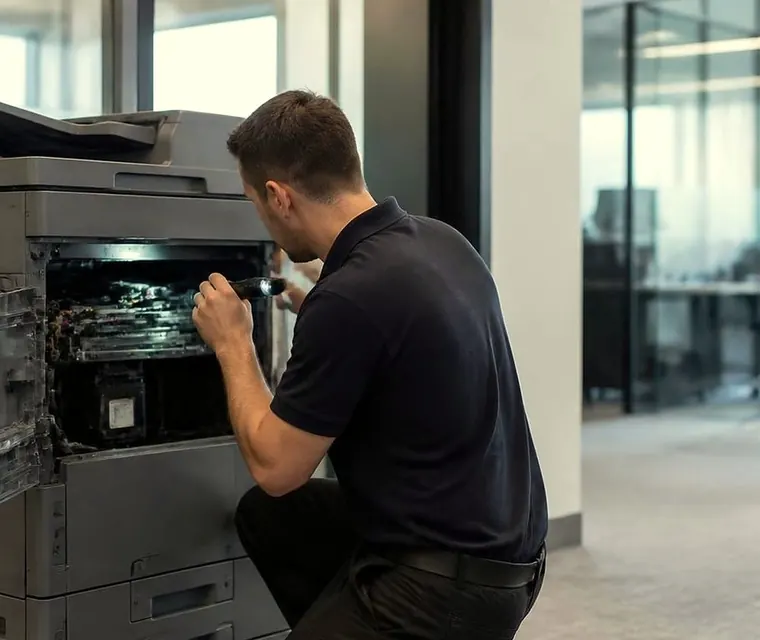
Brisbane printer service and photocopier repairs, plus machine sales
A long life changes how we read a fault
Kyocera designs around parts that last. Ceramic fusing components, long life drums and a toner system with few moving bits are the reasons plenty of TASKalfas outlive the lease they arrived on. It also changes the diagnosis. When one stops, the question is whether a component has honestly done its time or whether the machine has been treated badly for ages.
The answer decides what you pay for: a replacement part, or a different way of looking after the machine. A feed roller worn smooth after a million sheets is a part. A feed roller packed with building dust from a warehouse office is a cleaning job and a conversation about where the copier sits.
So the person who turns up matters. Guessing at a machine designed to last just spends your money on parts it did not need. The people we send are trained, experienced and certified, and 98% of jobs are finished on the first visit. Should the same fault return, we go back and fix it without charge.
We run an independent service business, so there is no Kyocera badge on the van and no dealer status to claim. Your machine gets repaired as it stands. We trade commercial machines as well, and that side never bends the repair advice.

Three steps to a price
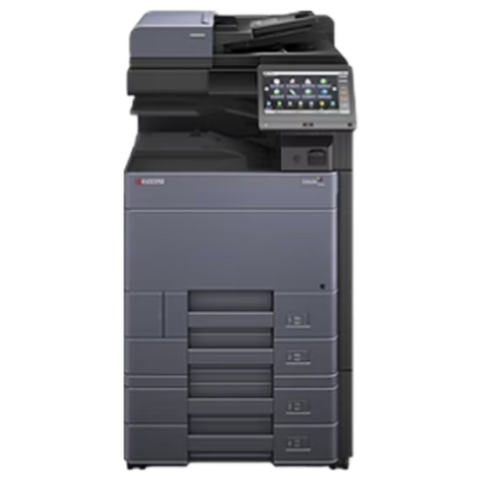
- Name the machineMake, model and the trouble it is giving you.
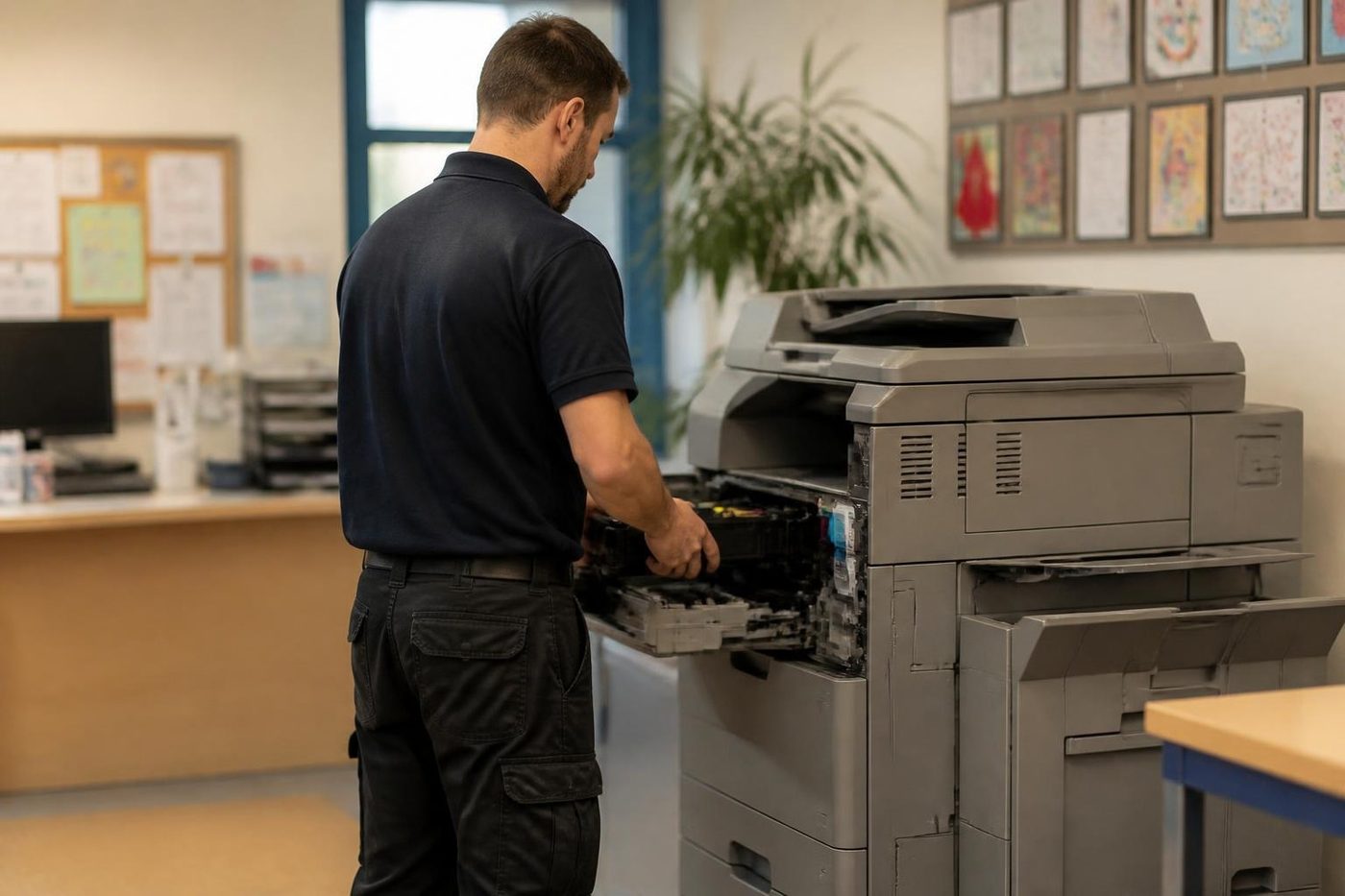
- Hear the price firstWe ring you back with it before a visit is booked.
- A certified technician attendsSame day wherever the diary allows.
Dust, damp and the Brisbane industrial belt
Kyocera is popular around Acacia Ridge, Archerfield, Rocklea, Darra and Wacol, and across the river in the Eagle Farm and Hemmant belt, where the office is frequently one room tucked into a warehouse, workshop or depot. Paper dust, building dust and yard grit find their way to the pickup rollers and feeder. Misfeeds and double feeds are the result, and they are the most common Kyocera call from those suburbs.
Clearing the jam fixes the morning. Cleaning the paper path properly, rollers, guides and sensors, is what makes the repair last.
Humidity does its own damage. Paper that has soaked up moisture in a wet summer misfeeds in ways that look exactly like worn rollers, so paper and storage get checked before a part is condemned. A ream that sat on a slab floor in a shed will fool anyone.
In the CBD, Milton and Toowong the trouble differs. Authentication, network and scan settings take the lead. When a head office interstate looks after your mail or file server, changes land without warning. Our opening question is always what was altered.
Reading a Kyocera name
The name on the front is a code worth decoding. TASKalfa covers the copiers, while printers and smaller multifunctions sit under ECOSYS. On a TASKalfa an ending of ci marks A3 colour and an ending of i marks A3 mono. ECOSYS uses cdn or cidn for colour and dn or idn for mono. Digits in the middle give the speed class.
Stand a TASKalfa 3554ci next to an ECOSYS M3655idn and they look like cousins, yet the parts do not swap. When Kyocera Australia shows a model as discontinued, we say earlier range, so an old name is never passed off as a current product. Older MITA era and FS series machines are welcome too. If it says Kyocera on the front, bring us the fault.
The Kyocera series we repair most
If yours is not listed, ring with the plate name and cover gets confirmed before any booking.
| Line | Models in it | Usual home |
|---|---|---|
| TASKalfa colour A3, newer generation | 7054ci, 6054ci, 5054ci, 4054ci, 3554ci and 2554ci, with speeds from 25 to 70 pages a minute. Kyocera Australia lists the 5054ci as discontinued, which puts it in our earlier range group. | Large departments, print rooms and schools. |
| TASKalfa colour A3, earlier generation | 6053ci, 5053ci, 4053ci, 3553ci, 3253ci and 2553ci, each fitted with a 10.1 inch touch panel. | Offices still on the previous generation, and content with it. |
| TASKalfa mono A3, mid speed | The 3212i runs at 32 pages a minute and the 4012i at 40. | Records, admin and general departmental black and white. |
| TASKalfa mono A3, high volume | 5002i and 6002i. | Heavy black and white copying and printing. |
| ECOSYS M and P series | M3655idn and relatives, P7240cdn, M8124cidn. | Workgroup printers and A4 and A3 multifunctions in clinics, councils and small firms. |
| Older FS and MITA era | FS series printers and earlier MITA copiers. | Back rooms, workshops, anywhere nobody ever got around to changing them. |
The C code on a stopped Kyocera
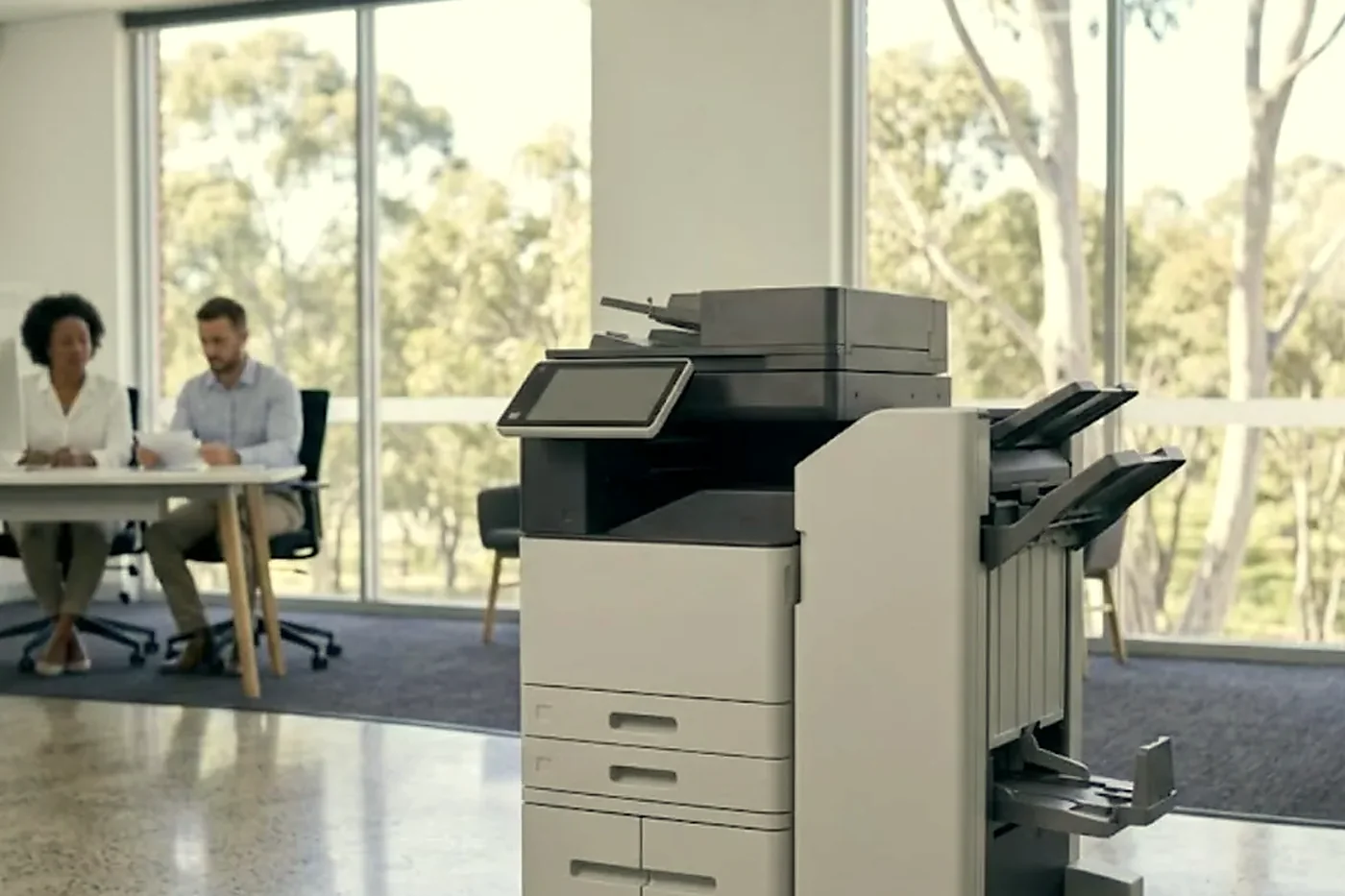
When a Kyocera stops, the panel reads Call service plus a C and four digits, such as C7900, C6000 or C2000. Firmware and controller trouble can appear as an F code instead, and paper jams as J or JAM and a number. Different families give the same code different meanings, so we match every code to the model in front of us. Take C6400 on the older TASKalfa 420i: service data calls it a zero cross signal error, yet a blog or two will tell you it is fuser overheating. Treat a code as a pointer to one area of the machine, never as the diagnosis.
What follows is drawn from service data covering several families: the TASKalfa 420i, 180, 181, 3252ci and 3253ci among them. Anything newer, the 2554ci to 7054ci included, may behave differently, so the machine itself has the last word.
Callers ring most about C6000. In the 3252ci and 3552ci class it is an induction heating fault, the centre thermistor never reaching 100 degrees inside 60 seconds of start up. Older small TASKalfas use it for a fuser heater malfunction. Suspects include the fuser unit, the thermistor, the heating board, wiring and pins, stray debris in the fuser, and firmware. A related one, C6400, on the 420i and 520i means the zero cross signal never arrived within three seconds while the fuser heater was being controlled, and that points at the power source board or the engine board.
The C2000 family is about motors. C2000 is a drive motor problem, from a connector, stiff gears, a bad board or a bad motor. C2300 is a fuser motor error and C2500 a feed motor error. Before anyone condemns a motor, we turn the gears by hand and look at the connectors. C2810 is a waste toner motor fault, with the motor or its drive jammed.
On the laser and charge side, C4201 is a beam detect fault, which can come from a flat cable, the detect sensor, the diode itself or engine firmware. Cleaning motor trouble in the laser scanner shows as C4600. A main high voltage error is C5101, caused by weak contact at the main charge roller or by too heavy a drum load.
Developer and drum codes run like this. A developer unit built for another model, fitted by mistake, produces C7401 through C7404. A locked toner absorption fan is C7470. Automatic colour registration fails with C7620 when the test patch lands outside what the sensor can read, or when the primary transfer belt surface is dirty. If the outer temperature and humidity sensor reads as broken or shorted you get C7800 and C7810. Drum chip trouble, where the machine keeps failing to read or write it, is C7901. Waste toner box weight sensing and full detection are C7970 and C7980.
A finisher the machine does not support, say a 100 sheet staple finisher added to the wrong model, raises C8000. C0850 is a TPM security chip error that can follow the fitting of a security kit. C0840 is a real time clock fault, and it tends to turn up beside a Time for maintenance message once the machine has been off for long or the clock has been reset.
Switching off and on may clear a lockout, yet it fixes nothing, and a code that comes back is telling you something physical is wrong. Service mode steps are not something we publish.
Where we look first, by symptom
Each line starts with what the office notices and ends with where we begin looking.
- C6 at warm up, creased sheets or toner that smears under a thumb: fuser, thermistor, connector, heating board.
- C2000, C2300, C2500 or a noisy first minute: stiff gears, rollers that drag and connectors that have walked out get looked at before any motor is blamed.
- Streaks, dark bands, dots, background toner, uneven density, colour shift or toner dusting: drum and developer. A dirty laser or lens area, scanner glass or feeder slit can put lines on copies, so those get cleaned first.
- Marks, smears, weak transfer or registration errors on colour: the transfer stage.
- Misfeeds, multi feeds or no feeding from a cassette: worn or dirty feed rollers, improper loading and unsuitable paper.
- A C4 code, banding or one colour missing from a line: the laser unit. Rare, and it needs diagnosis before anything is replaced.
- Misfeeds, skewed scans and streaks from the feeder: usually the pickup and separation parts in the document processor, and a full waste toner message or sensor errors like C7970 and C7980.
Maintenance kits and the Time for maintenance prompt
Maintenance kits, which Kyocera writes as MK, are what the Time for maintenance message refers to. Contents vary by model. The M3655idn shows how much one kit can carry: drum, developer and fuser units, the separation and feed roller assemblies, and a transfer roller. The P7240cdn and the M8124cidn have kits of their own, so we never assume contents without checking the machine in front of us.
The message is a counter, not an inspection. A kit may truly be due. Or the machine sat powered off for a spell and the clock came back wrong. Or the office is content to run on until trouble shows. We examine the parts and tell you which applies. The word lifetime gets careful handling here: no Kyocera drum is described by us as lifetime or maintenance free, and page yields are not something we quote. You get what we found, and a clear view on whether the whole kit or one part is the answer.
On a service visit the inspection covers these parts. Imaging: the drum units (colour drums carry a memory chip), the four developer units in black, cyan, magenta and yellow, and the main charge assembly. Heat: the fuser, which on newer TASKalfas heats by induction. Paper handling: pickup, feed and separation rollers, with a transfer roller on mono machines and a transfer belt unit on colour. Waste and finishing: the waste toner container and the staple cartridge. Optics: the laser scanner unit and its cleaner. Drive: motors and fans for the main drive, feed, fuser and waste toner. The document feeder carries a kit of its own, a separation pad holder plus a pickup and feed roller assembly.
Command Center RX, SMTP and the 1102 error
Setup happens in Command Center RX, which is the machine's own web page. Scan to email needs SMTP switched on, then the server name, port, authentication, login and sender address filled in, with the sender matching the login. Kyocera Australia gives three choices, and they are 587 with STARTTLS, 465 with SSL or TLS, or 25 with no security. A few older models offer no SMTP security setting at all.
A failed test send comes back with a number. Server name invalid is 1101. Wrong login details is 1102. A 4803 says the wrong SMTP security was selected. Set the email size limit sensibly, or a large scan is cancelled halfway.
On Microsoft 365 a 1102 usually traces to enforced multi factor authentication on the mailbox, basic authentication being turned off, or a missing app password. Your tenant settings decide whether any fix will hold, and we look at those first. Nobody can promise that Microsoft 365 scan to email is always fixable from the machine end, and you will hear that from us before paying for a visit.
Scan to folder runs over SMB. The TASKalfa 5054ci supports SMBv3, FTP over TLS and USB. Older machines may only speak SMB version 1, which Windows now switches off by default, and then the answer is firmware or a different route. What works best is a dedicated Windows account for the machine, a shared folder with the right permissions, and that account entered in the address book as domain and user, or email style. Firmware is limited to authorised technicians, so we do not hand out downloads.
When the 2553ci to 6053ci range launched it carried a trusted platform module, secure boot, integrity checks at run time and built in encryption. Add local or network sign in, perhaps with a card reader, and plenty of settings can trip up after an IT change.
Finishers, feeders and options
Finisher trouble on a Kyocera is frequently a pairing mistake, and C8000 is the example. Before hunting a failed part we confirm the finisher was ever meant for that machine.
- Document processors: the DP-7140 and DP-7150, then the DP-7160 and DP-7170, which scan both sides. Only the DP-7170 detects multi feeds.
- DF-7100: 500 sheets, shift sort, stapling and optional punch unit PH-7120.
- DF-7120: 1,000 sheets, shift sort and stapling, with punch PH-7C.
- The big finishers, DF-7140 and DF-7150, hold 4,000 sheets and offer two tray sorting, stapling and optional punch, folding and Z fold. The BF-730 booklet folder pairs with the DF-7140.
- Extra paper feeders in the PF-7120, PF-7140 and PF-7150 range, and the ZF-7100 Z fold unit that belongs with the 60 and 70 page machines.
- Optional kits: Data Security Kit 10, a card authentication kit with an IC card reader, an Internet FAX Kit and Fax System 12.

What a Kyocera visit looks like
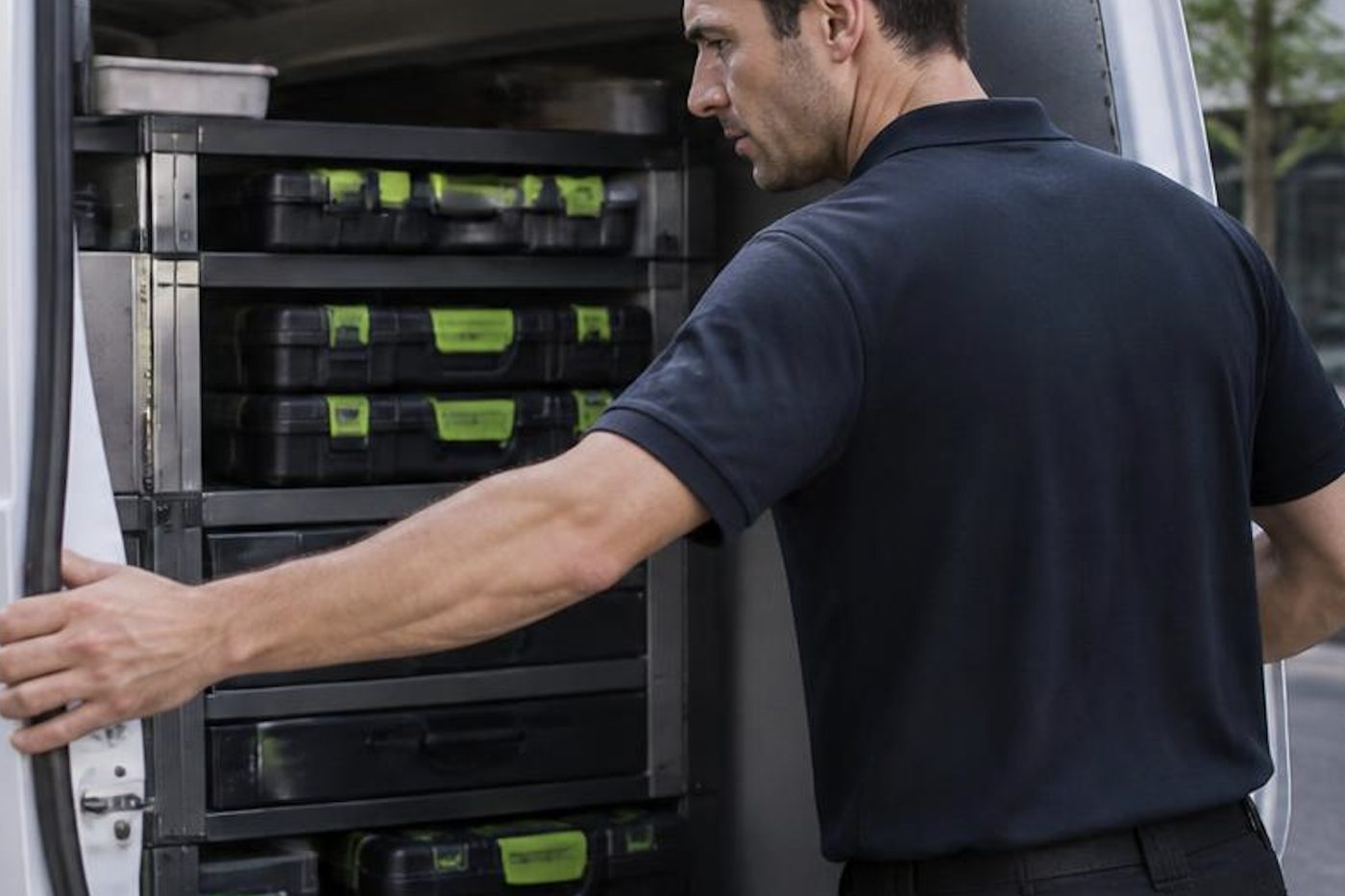
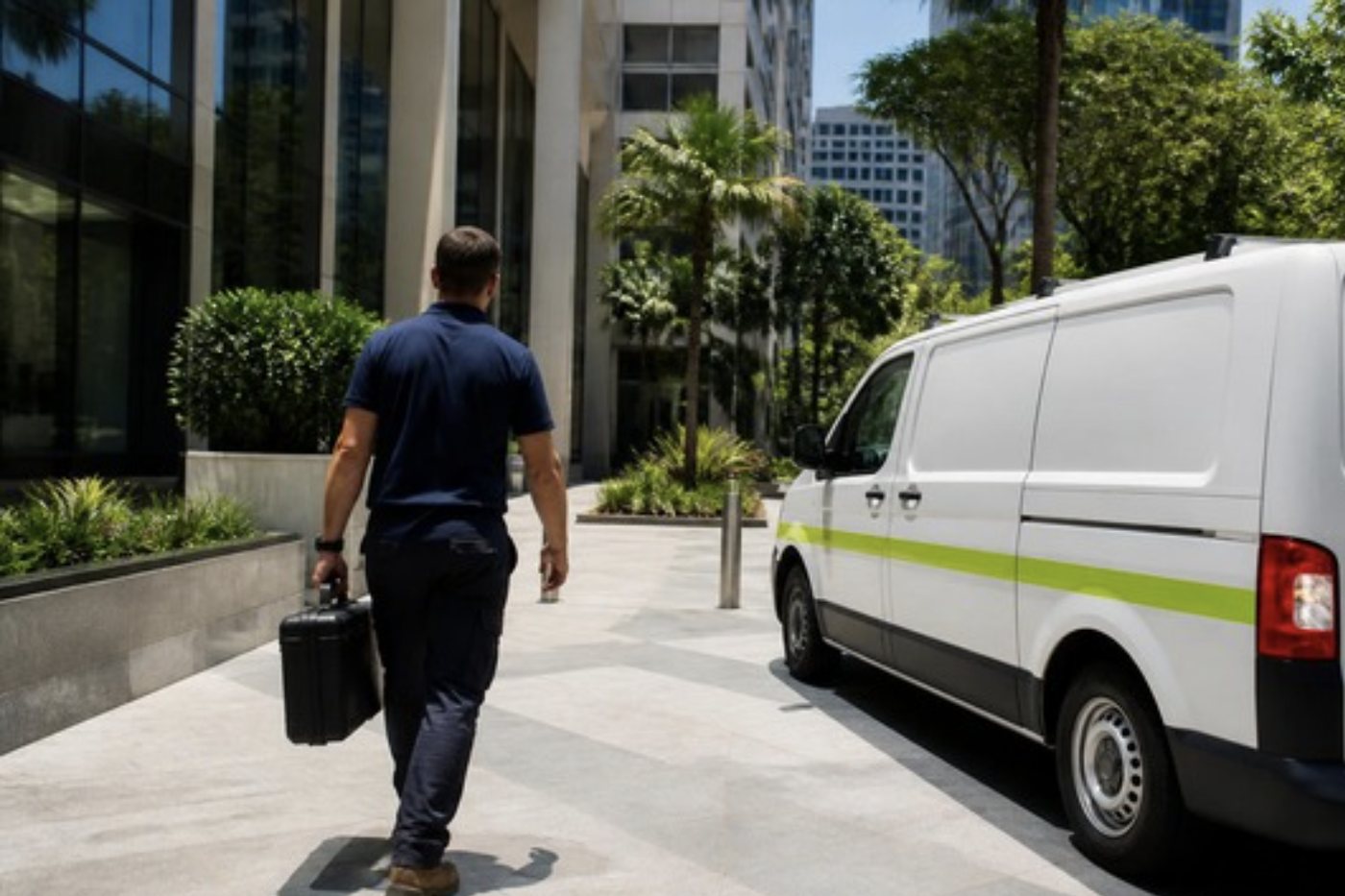
The technician has your model before the van leaves. Spares ride along for the parts that wear most, and the common ones are in the van every day: feed and separation rollers, fusers, drums, developer units and waste toner containers for the machines we see most, Toshiba and Kyocera above all.
On site we ask who uses the machine, what it did and when, and then watch it run a few pages before opening anything. Kyocera layouts reward patience. Panels only come off once the symptoms point inside, and then we go one assembly at a time, because a Kyocera put back together square usually works the first time. The visit ends with test prints on your own paper, a scan, and a stapled set if a finisher is fitted. Whatever we found goes into the job record, so the next call begins with that history.
A part we do not carry gets ordered after the cause is confirmed, with the timing explained plainly.
Drums, developers and the streak down the middle
One dark line down the full length of each page is a drum or developer complaint nine times in ten. The tenth time it is a scratch on the scanner glass, a stripe of dried toner on the feeder slit, or something stuck to a laser window. We copy once from the glass and once through the feeder, then compare. A line that appears only on feeder copies lives in the feeder. A line on both lives inside the print engine.
Kyocera colour drums carry a memory chip that records the unit's history, so a drum swapped from another machine, or one that failed to read, produces codes like C7901 before any paper is spoiled. Developer units are matched to the model, which is why C7401 to C7404 exist at all. We never fit a part from another family and hope.
Dots and background toner on an otherwise clean page lean toward the developer. Colour that has gone muddy in one channel leans toward that colour's drum and developer pair. Weak transfer, with toner that looks pale or blotchy, leans toward the transfer belt. We write down which colour, which side of the page and how often, because that three part answer cuts the parts list down before the van is loaded.
The colour registration problem
On a colour TASKalfa the four colours must sit precisely over one another, within a hair. When they do not, text grows a red or blue shadow and thin lines look doubled. The machine runs an automatic registration routine, printing small patches on the transfer belt and reading them with a sensor. If the sensor cannot read the patches, because the belt is dirty or the sensor is dusty, it gives up with C7620.
The first move is cleaning, not replacement. The belt surface, the sensor window and the area around them collect toner dust slowly, and a wipe with the right cloth is often the whole repair. If the error survives cleaning we check the belt for wear and the sensor for a bad connection. We have seen a perfectly good belt condemned by someone who did not look at a dirty sensor, and it is the sort of thing we would like not to repeat.
ECOSYS in clinics, councils and small firms
ECOSYS printers and multifunctions turn up in a different sort of office from the big TASKalfas. A medical practice in Kenmore with an M3655idn on a bench in the nurses' station. A council depot with a P7240cdn printing job cards. A builder in Sunnybank with a small ECOSYS next to the plan chest.
They are simpler machines, and their faults are simpler too. Feed rollers, a tired fuser, a full waste toner box, a network setting that drifted. The big difference from a TASKalfa is volume: an ECOSYS in a quiet clinic can run for years between visits, and then its first call is for a part that has finally earned its retirement. Sometimes the right advice is a roller and a clean. Sometimes an old machine with a scarce part earns a straight talk about replacing it instead.
Home and small office Kyocera printers still get serviced when someone rings, though they are not the work we chase. Our time goes on commercial machines where downtime costs real money.
A cleaner paper path, step by step
For the warehouse and workshop offices that give us the most Kyocera calls, a paper path clean is usually part of the repair. It is not glamorous. It does stop the same fault coming back in three weeks.
We open the cassettes and wipe the pickup and feed rollers using lint free cloth and a suitable cleaner. We clear the guides and the bypass, vacuum paper dust from the lower reaches of the machine, check that the cassette sensors move freely, and look at the separation pad or roller. Then we run a ream of your own paper through and watch for the first hesitation. If the machine is still misfeeding, we know the rollers need replacing and not just cleaning. If it runs clean, we explain what to keep an eye on.
Two habits from the office help more than any part. Keep paper wrapped and flat until it goes in the drawer, and keep the lid of the copier room shut on windy days. A bit of grit on the roller does what a bit of sand does to a bearing.
Storms, brownouts and the Kyocera that will not start
Summer storms are hard on copiers. A brownout leaves a machine sulking, a lightning surge can take out a power board, and a flat battery in the clock circuit shows up days later as a Time for maintenance prompt that arrived from nowhere. If the power went out and the machine now sits dark, or boots to an odd screen, tell us exactly what you see.
A machine that has sat in floodwater or under a leak should be inspected properly before anyone relies on it, even if it powers up. Water in a lower drawer or a corroded connector can wait weeks before it throws a code.
What we ask when you ring about a Kyocera
None of these questions is a test. Each answer saves a step later, and a few change which part goes in the van.
- The name on the front, with the letters. A 3554ci and a 3253ci are two generations apart.
- The code in full, and whether the panel says Call service or only shows a jam picture.
- Whether the fault shows at warm up, mid job or only on certain paper.
- Where in the building it lives: a cool front office, a shed, a room that takes the afternoon sun.
- Whether a finisher, a large paper feeder or a card reader is attached.
- Whether anyone has changed paper brand, toner, server or password lately.
- When the maintenance kit prompt last appeared, if you remember.
Ring early and say what needs doing today. A busy line gets your call logged and returned, and you will hear plainly what is possible.
After the storm: the Kyocera that boots oddly
A small part of our Kyocera work follows weather. The storm passes, the power flickers, and Monday brings a copier that boots to an odd screen, drops straight into a code, or has forgotten the time. The clock is the clue. If it has reset, the machine can raise a Time for maintenance prompt and the C0840 real time clock fault, and everyone assumes the machine is worn out.
Set the time and date correctly, check network time if the machine uses it, and see whether the prompt clears. If a code stays, write it down and ring. We look at whether the surge has hurt a board, because a power board that took a hit can take weeks to show it. A machine that stood in water is another matter and needs a careful inspection before it goes back into service.
Fleets, service plans and when to let go
Looking after a handful of Kyocera machines across several sites is easier with a routine. A planned maintenance round catches the kit that is due before the streaks begin and keeps small faults from becoming downtime. Tell us the mix of machines and we will describe the round we would run. Coverage wins over saving a visit, always.
Kyocera engines are built to last, so an older machine is often worth repairing. Where it is not, we say so plainly. Refurbished Kyocera machines are part of our trade and we buy used ones, so ask for a comparison if you want one. The repair advice stays separate.
Kyocera repairs across the metro area and beyond
Kyocera copiers are repaired at your premises across the CBD and Logan, the Ipswich corridor, Redcliffe, Moreton Bay and Caboolture. The coverage also takes in the Redlands, Bribie Island and Toowoomba, and stretches through Beenleigh to the edge of the Gold Coast. Outer jobs are fitted into the day's schedule, and a building with several machines is done in a single visit.
Same day service is available, and so is a straight answer on the phone. Give us the model and the code and our view comes before any booking.
Your Kyocera, from the van doors to the last test page



A trader sees the whole life
We know which models soldier on
Because we buy and sell machines we know which models run for years and which turn up on every second job sheet. That knowledge goes into repair advice as well.
The work is warranted, and so is any machine we sell.

- Repair options first. Replacement second.
- Plain about age. No upsell on a machine with years left.
- Warranted either way. Repair or replacement.
Keep reading around Brisbane
 Kyocera TASKalfa error codesCall service and a C code on a TASKalfa.
 Refurbished KyoceraTASKalfa and ECOSYS, tested, warranted and set up.
 Toshiba repairse-STUDIO colour and mono copiers, fixed where they stand.Photocopier paper jamsWhy it jams and what to try first.Copier black lines and streaksLines on copies or prints and where they come from.
 Acacia Ridge and ArcherfieldAcacia Ridge, Archerfield, Rocklea, Coopers Plains and Salisbury
 LoganSpringwood, Underwood, Slacks Creek, Meadowbrook and Beenleigh
 Printer and photocopier repairsCopiers and printers repaired at the desk where they broke.
Buy, sell and lease
Buy, sell and lease commercial copiers in Brisbane
We also sell new and refurbished commercial copiers and buy used ones. Same team, same technicians.
Jobs we have been on around Brisbane



Questions people ask us on the phone
Do you repair Kyocera photocopiers on site in Brisbane?
Yes. We repair TASKalfa and ECOSYS machines where they stand and quote the price over the phone before booking. Same day service is available.
My Kyocera shows C6000. What does that mean?
The code points toward the fuser's heating area. On some machines it is an induction heating error, meaning the thermistor was too slow reaching temperature. Candidates are the fuser unit, the thermistor, the heating board, wiring and connectors, and we confirm on site.
Why does my Kyocera keep doing double feeds?
Usually dirty or worn pickup and separation rollers, or damp paper. In dusty offices the whole paper path needs cleaning, not the roller alone. Paper condition and storage get looked at first.
My TASKalfa says Time for maintenance. Is it right?
It is a counter saying a maintenance kit may be due. Sometimes that is right, and sometimes a clock reset or a long power off set it off. The parts get inspected first, then you hear whether a kit or one part is needed.
Scan to email gives me error 1102. What now?
The login details were refused. On Microsoft 365 that is often multi factor authentication, basic authentication switched off, or the need for an app password. We check your tenant settings and report what can be fixed at the machine.
Scan to folder used to work and now it does not.
Windows may have turned off the old SMB version the machine relies on, a password may have expired, or the share may have moved. A test send from the machine comes first, then the account format in the address book, and your IT contact gets a list of what to change.
Can you service an ECOSYS printer as well as a TASKalfa copier?
Yes. The same checks and the same spare parts approach apply to ECOSYS printers and multifunctions, and they are repaired on site.
We fitted a finisher and now the panel says C8000. Is it broken?
Probably not. That code says the finisher and the copier are not a supported pair. We confirm the two are meant to go together before suspecting a failed part.
Do your technicians carry Kyocera spares?
Yes, the parts that wear most are on the van every day, and that is a big reason 98% of jobs finish on the first visit. Other parts are ordered once the cause is certain.
Are you Kyocera approved?
No. We are independent, not Kyocera, and we claim no authorised status. Kyocera machines are what we repair, and commercial copiers are what we buy and sell.
Paper stuck again
(07) 3073 5255 gets a real person
Make, model and the fault. We tell you the cost before the diary is touched.
Write instead
Printer service Brisbane, from one desk printer to a whole floor
Copier and printer repairs across Brisbane
Fault guides
- Copier and printer faults Brisbane
- Photocopier paper jams Brisbane
- Copier black lines and streaks Brisbane
- Copier error codes Brisbane
- Copier not printing Brisbane
- Scan to email not working Brisbane
- Toner smearing and fuser faults Brisbane
- Printer offline and network faults Brisbane
- Copier noise, grinding and squealing Brisbane
- Is my copier worth repairing Brisbane
- Toshiba e-STUDIO error codes Brisbane
- HP LaserJet error messages Brisbane
- Kyocera TASKalfa error codes Brisbane
Makes we work on
- Toshiba copier repairs Brisbane
- HP printer repairs Brisbane
- Fujifilm copier repairs Brisbane
- Xerox copier repairs Brisbane
- Canon copier repairs Brisbane
- Ricoh copier repairs Brisbane
- Lexmark printer repairs Brisbane
- Brother printer repairs Brisbane
- Epson printer repairs Brisbane
- OKI printer repairs Brisbane
- Zebra printer repairs Brisbane
- Konica Minolta copier repairs Brisbane
- Sharp copier repairs Brisbane
- Fuji Xerox copier repairs Brisbane
Suburbs and districts we cover
- Printer service Inner West Brisbane
- Printer service Brisbane CBD
- Printer service Milton, Toowong and Inner Brisbane
- Printer service Centenary Suburbs
- Printer service Ipswich Corridor
- Printer service Logan
- Printer service Brisbane Northside
- Printer service Acacia Ridge and Archerfield
- Printer service Toowoomba
- Printer service Eastern Suburbs and Airport Precinct
- Printer service Southside: Sunnybank and Mount Gravatt
- Printer service Redcliffe and Moreton Bay
- Printer service Redlands, Capalaba and Cleveland
- Printer service Caboolture, Morayfield and the North
- Printer service Fortitude Valley and Newstead
- Printer service Indooroopilly, Toowong and Kenmore
- Printer service Springfield and Ripley
- Printer service Ipswich, Booval and Amberley
- Printer service Beaudesert and the Scenic Rim
- Printer service Lockyer Valley and Gatton
- Printer service Beenleigh and Yatala
- Printer service Bribie Island and Moreton Bay
- Printer service Carindale and Camp Hill
- Printer service Wynnum and Manly
- Printer service North Lakes, Strathpine and Petrie
- Printer service South Brisbane and Woolloongabba
- Printer service Logan Central and Browns Plains
- See every Brisbane area
Got the make and the fault? Send those two things and we will price it.
A few lines is plenty
One machine or three, send what you have. If the lines are busy the call is logged and returned.
