The split test
Send one page from a computer to the printer, then copy a clean sheet off the glass, and set the two side by side.
If the line is on the copy but not the print, the cause is on the reading side: the glass, the feeder strip or the scan unit. If it is on both, the cause is on the printing side, which means drum, developer, transfer or fuser. One more copy through the document feeder narrows it. A line that shows only from the feeder comes from the narrow glass strip those pages slide over.
Hang on to the sheets. A technician who sees them can often name the part before arriving, and arriving with the right part is the biggest single reason repairs finish in one visit.


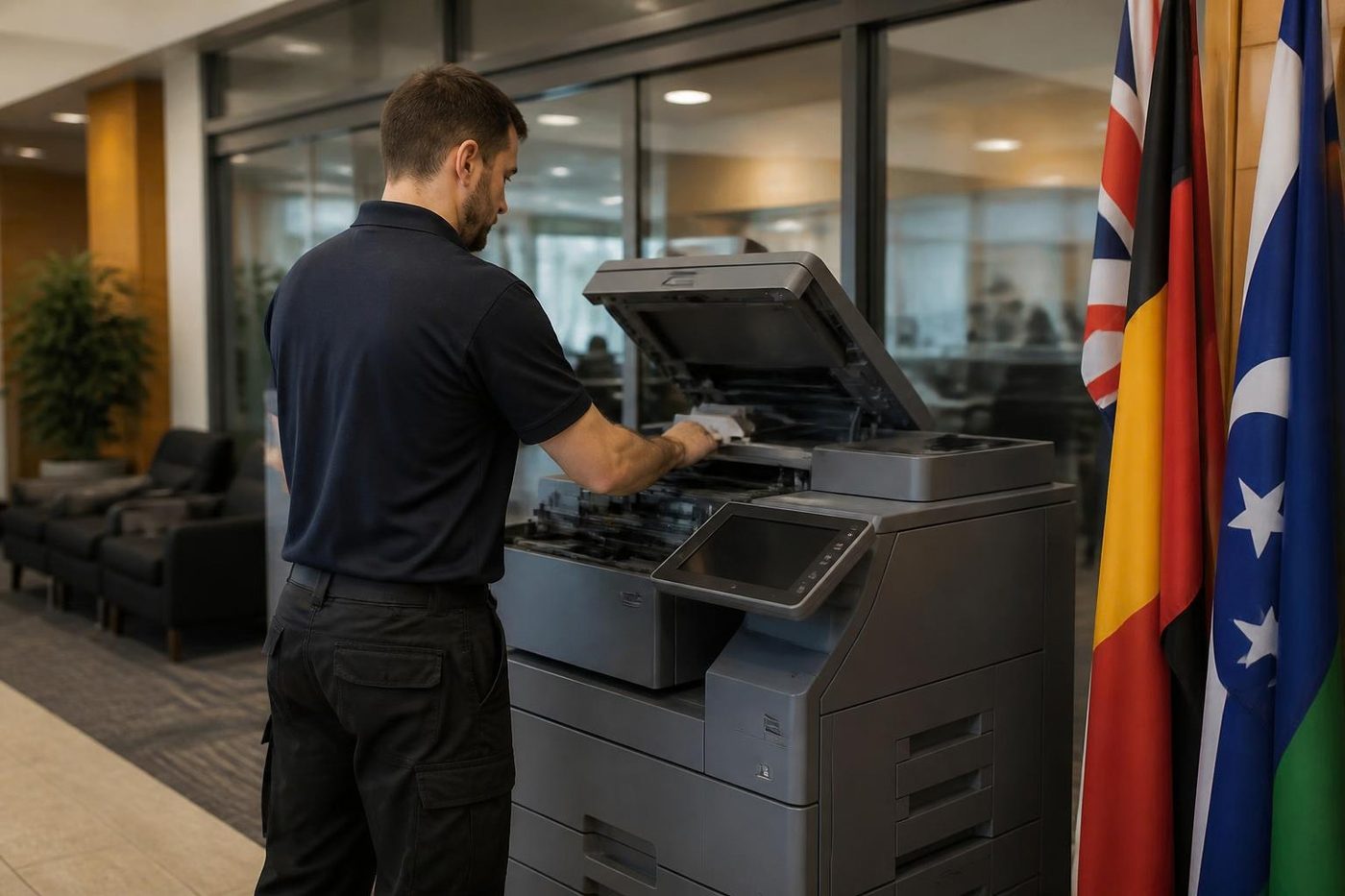
Black, white or coloured: what the line colour says
A black line usually means something is putting toner where it should not be, or the scanner is seeing dirt. A white line, a gap in the toner, often means something is blocking toner from reaching the page, such as a dirty laser window or a clogged developer area. A coloured line on a colour machine points at that colour's imaging unit. If you see only cyan streaks, nobody needs to touch the black drum.
Direction counts as well. A line that runs with the paper, from the top of the page to the bottom, is the commonest kind and generally points at something fixed in the path. A line that runs across the page is rarer and tends to be a roller or a belt.
Copy only: the scanning side
Everything the scanner reads, it reads through glass, so a hair, a dot of correction fluid or a scratch turns into a line that runs the way the scan head moves. Pages through the feeder slide across a thin strip beside the main platen, and a mark on that strip prints in the same place on every feeder page.
Use a soft dry cloth that sheds no fibres, and if that fails one barely dampened with water. Never spray the glass. Liquid creeps under the frame and into the scanner. A line that survives a clean may come from dust on a mirror or lens inside the scan unit, and that needs covers off and a steady hand.
Copy and print: the imaging side
The cause now sits inside the machine. Likely candidates are the drum, the developer, the transfer belt or roller and the charging parts, with the fuser less often. A line that never moves from one spot suggests a scratch on the drum or a nick in the cleaning blade, which lets toner slip past. A faint grey wash across the page can be a dirty charging part or a drum near the end. Marks that repeat at even spacing point at a roller with a flaw, and the spacing tells a technician which roller.
What the page shows and where we would look
Starting points. The model has the final say.
| On the page | Where to look | Whose job |
|---|---|---|
| Thin black line, feeder copies only | Glass strip beside the platen | You clean, then us |
| Thin line from the glass as well | Platen glass, mirrors, scan unit | You clean, then us |
| Line on copies and prints, same place | Drum scratch, blade nick, charge part | Us |
| White line or gap | Laser window, developer, or a blocked path for toner | Us |
| Grey wash across the page | Developer, charging, a tired drum | Us |
| Marks repeating at even spacing | A roller with a flaw | Us |
| Only one colour streaks | That colour's imaging unit | Us |
| Toner smears when touched | Fuser or paper, not a line fault | See the smearing guide |
Leave the drum alone
A drum is a coated cylinder, and light and skin oils spoil it. Slide one out clumsily and you can ruin a good drum in seconds. Often the drum is not even the culprit. The blade or the charge part is, and a wrong replacement leaves the line on the page and doubles the bill.
What is safe to do
Switch the machine off before touching anything.
- Wipe the platen glass and the feeder strip with a dry soft cloth. Look across the glass at an angle, because a thin film shows up that way.
- Look at the original. A fold, a pencil mark or a stapled corner can read as a line.
- Print once and copy once, and keep both pages to show us.
- Do not open the machine to look at the drum and do not wipe anything with solvent.
If the line survives a clean and shows on prints, ring with the make, model and a sample page, and we will talk through a price.
What the visit looks like
A visit begins with test pages from each tray and from the feeder, which shows which half of the machine is at fault. Then the suspect part is looked at under good light. If the drum is scratched you get to see it. If a blade or a charging part is the cause we tell you, and tell you what the machine can still do. If the machine is old and several parts are tired, you get an honest view on whether repair is worth it.
The price is agreed on the phone before anyone is booked, and a returning fault is fixed again at no charge. Technicians are trained, experienced and certified.
Dust and damp in Brisbane offices
Offices next to a yard or workshop in Rocklea, Archerfield, Eagle Farm or Wacol collect fine dust on the glass, and the machine's fans pull more through it. Glass that was clean on Monday carries a film by Friday, and a propped open door speeds that up. In the wet season, humid air in a poorly cooled room can condense on glass that sat cold overnight and leave a faint haze that reads as a band.
A copier shifted for a refit can also pick up plaster and sanding dust, so tell us if trades have been through. Same day service is available.
Fuser heat
Respect the hot part
Fusers are cheap to fix when somebody looks first. They get expensive when somebody guesses.
We let it cool, check the rollers and the gap, then fit the part. The same look tells us how much life is left if you are weighing up a replacement.
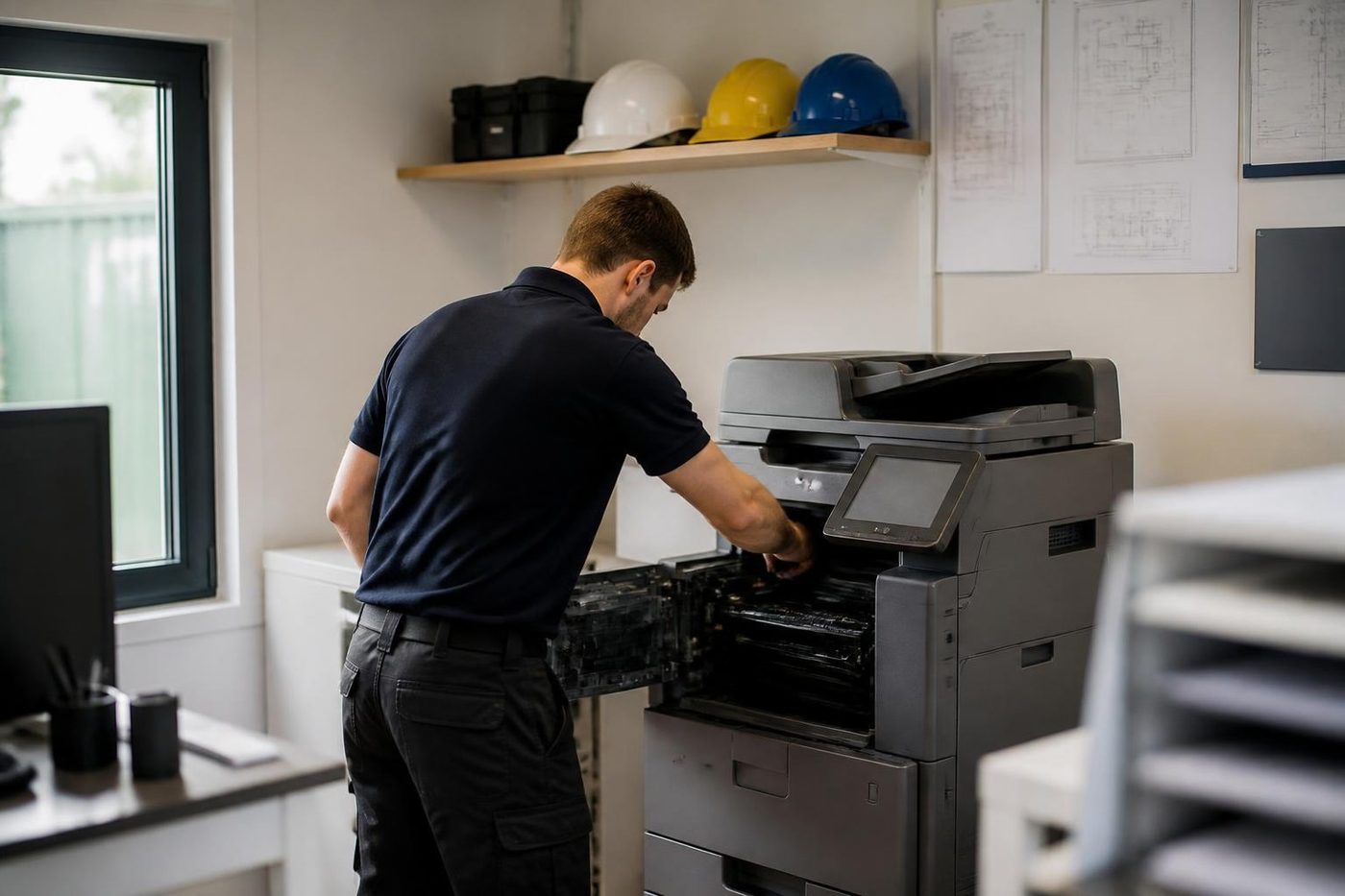
- Cooled first. Nobody pulls a fuser out hot.
- Checked as a set. Rollers, thermistor and gap, not one part in isolation.
- Honest about age. A tired fuser on a finished machine is a different conversation.
Keep reading around Brisbane
Copier and printer faultsStart from the symptom, find the next step. Toner smearing and fuser faultsToner that rubs off, ghosting and fuser trouble.Copier not printingJobs sent, nothing comes out.
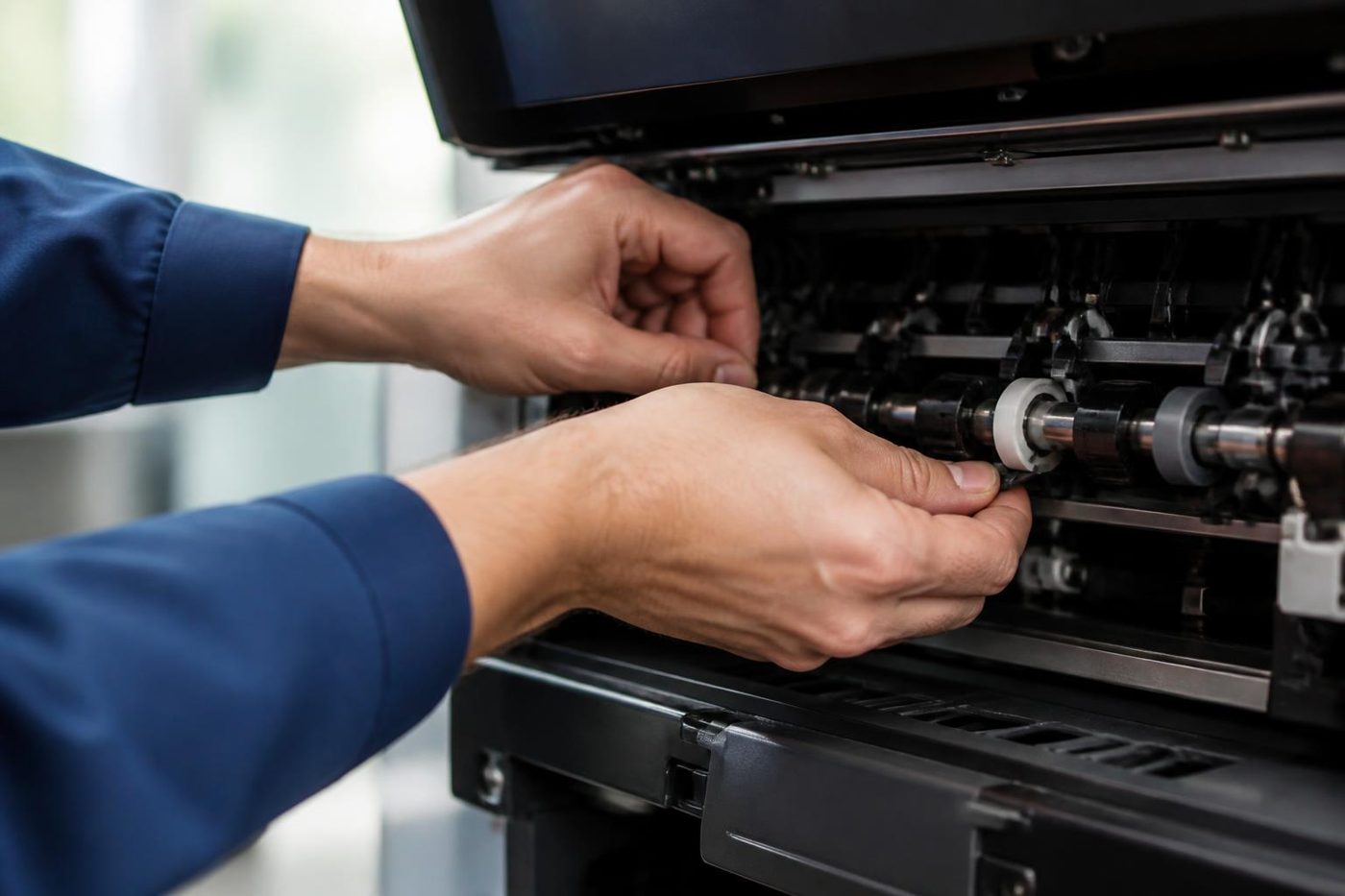 Copier error codesHow to read a code and what to note down.
 Toshiba repairse-STUDIO colour and mono copiers, fixed where they stand.
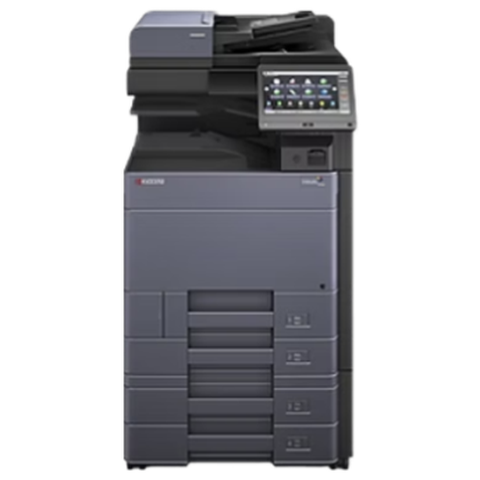 Kyocera repairsTASKalfa copiers and ECOSYS printers, repaired on site.
Buy, sell and lease
Buy, sell and lease commercial copiers in Brisbane
We also sell new and refurbished commercial copiers and buy used ones. Same team, same technicians.


A few recent visits




Questions people ask us on the phone
One line runs down every page. Where do I start?
Print a page from a computer and copy a clean sheet from the glass. A line on the copy only suggests glass or the scanner. A line on both suggests the imaging side.
How can I tell dirty glass from a damaged drum?
A clean print with a marked copy is a glass or scanner story. If the print carries the line as well, the drum or another imaging part is more likely.
What does a white line usually mean?
Something may be stopping toner reaching the page, such as a dirty laser window or a developer fault. A technician has to look.
May I open the machine and wipe the drum?
No. The drum fears light and fingerprints and sits beside a hot fuser and high voltage parts. Wipe the glass and leave the rest to us.
Is a streak a sign the copier is finished?
Not on its own. A scratched drum or a worn blade is a common wear repair on commercial machines.
Why does only cyan, or only one colour, streak?
Each colour has its own imaging unit, so the fault sits in that unit.
Can I spray glass cleaner on the platen?
Liquid can run under the frame into the scanner. A dry soft cloth, or one barely damp, is safer.
Will someone come to the office?
Yes, across Brisbane. Repairs are done where the machine stands.

