Industry News | Laser Printers Brisbane team | 19 June 2026
What the Ricoh and Toshiba Changes Mean for Your Toshiba Photocopier
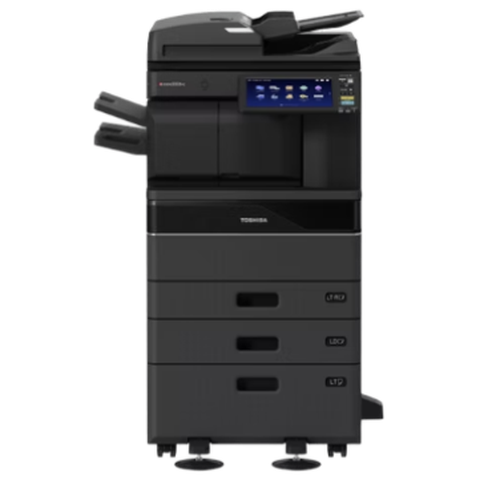
If you run a Toshiba photocopier, you may have heard that Toshiba and Ricoh have joined forces, and wondered what it means for your machine. Here is a plain English rundown of what is actually happening, and what, if anything, you need to do about it.
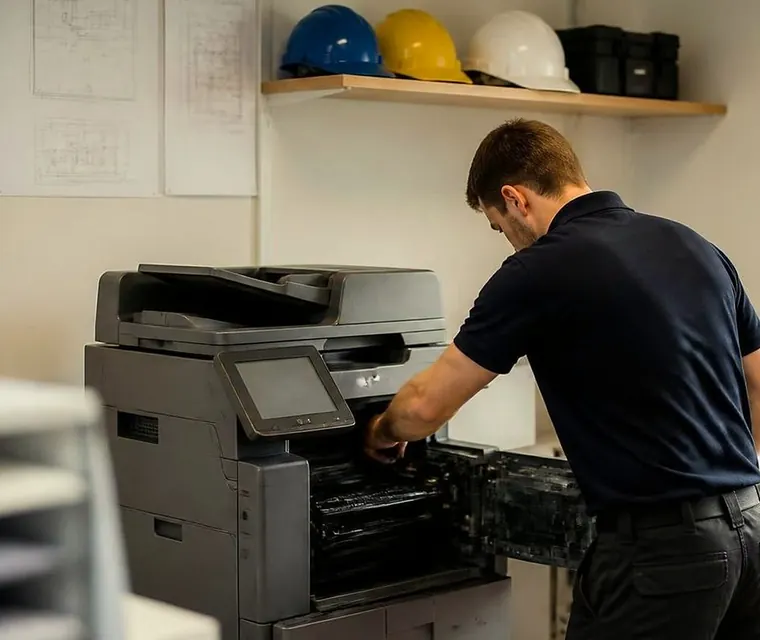
Brisbane printer service and photocopier repairs, plus machine sales
What has actually changed
Ricoh and Toshiba Tec have combined the development and manufacturing of their office machines into a joint venture, named ETRIA, which Ricoh majority owns. In practical terms the two companies are now pooling how their multifunction printers are designed and built, and new jointly developed machines are arriving from around 2026 or 2027.
The key point is that this is largely a behind the scenes manufacturing and research change. Your machine is not disappearing overnight. Toshiba branded machines are still out there, still working and still being supported.
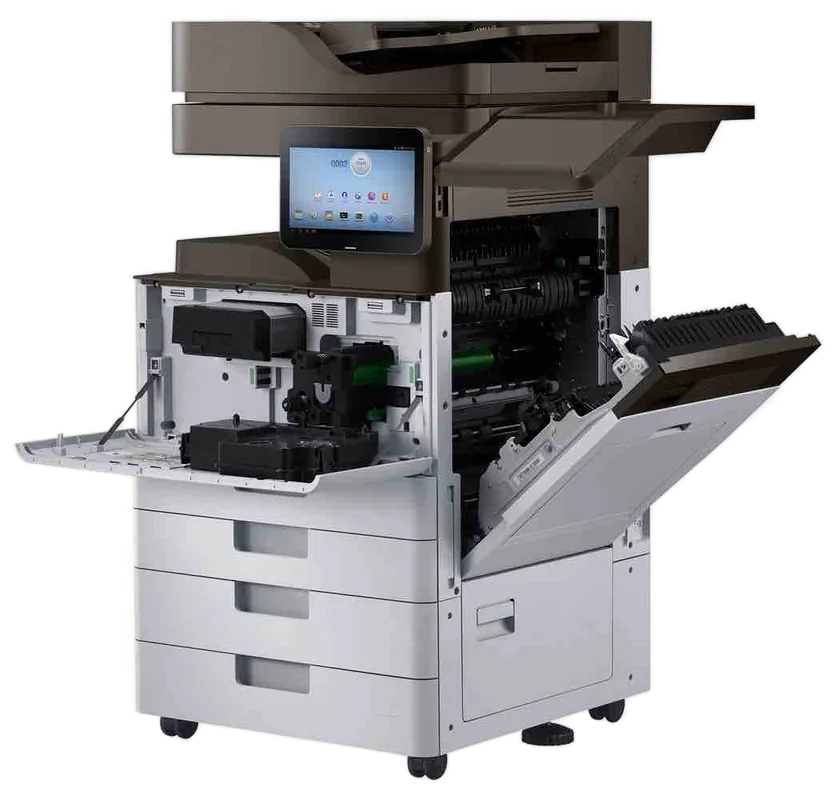
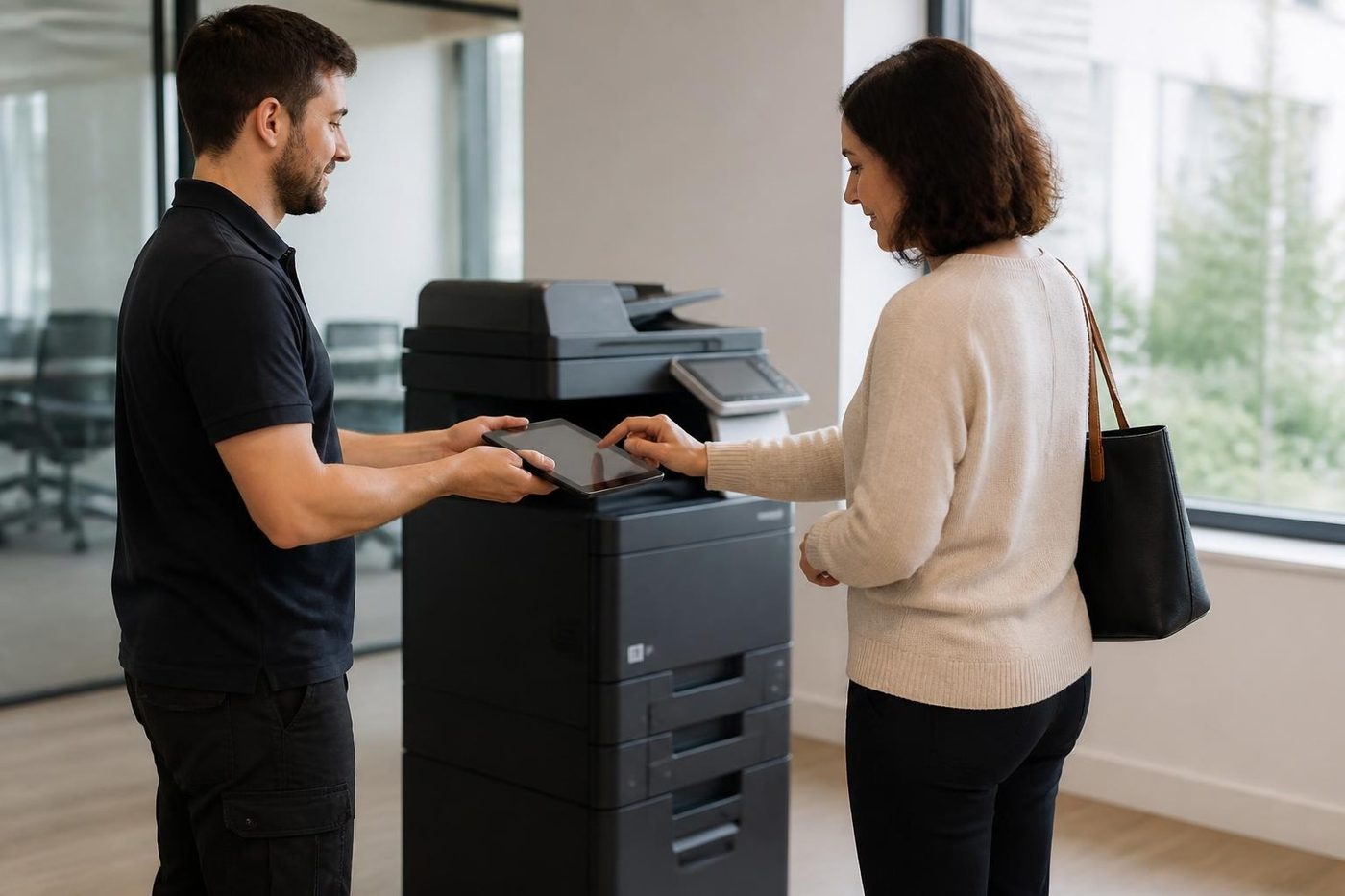
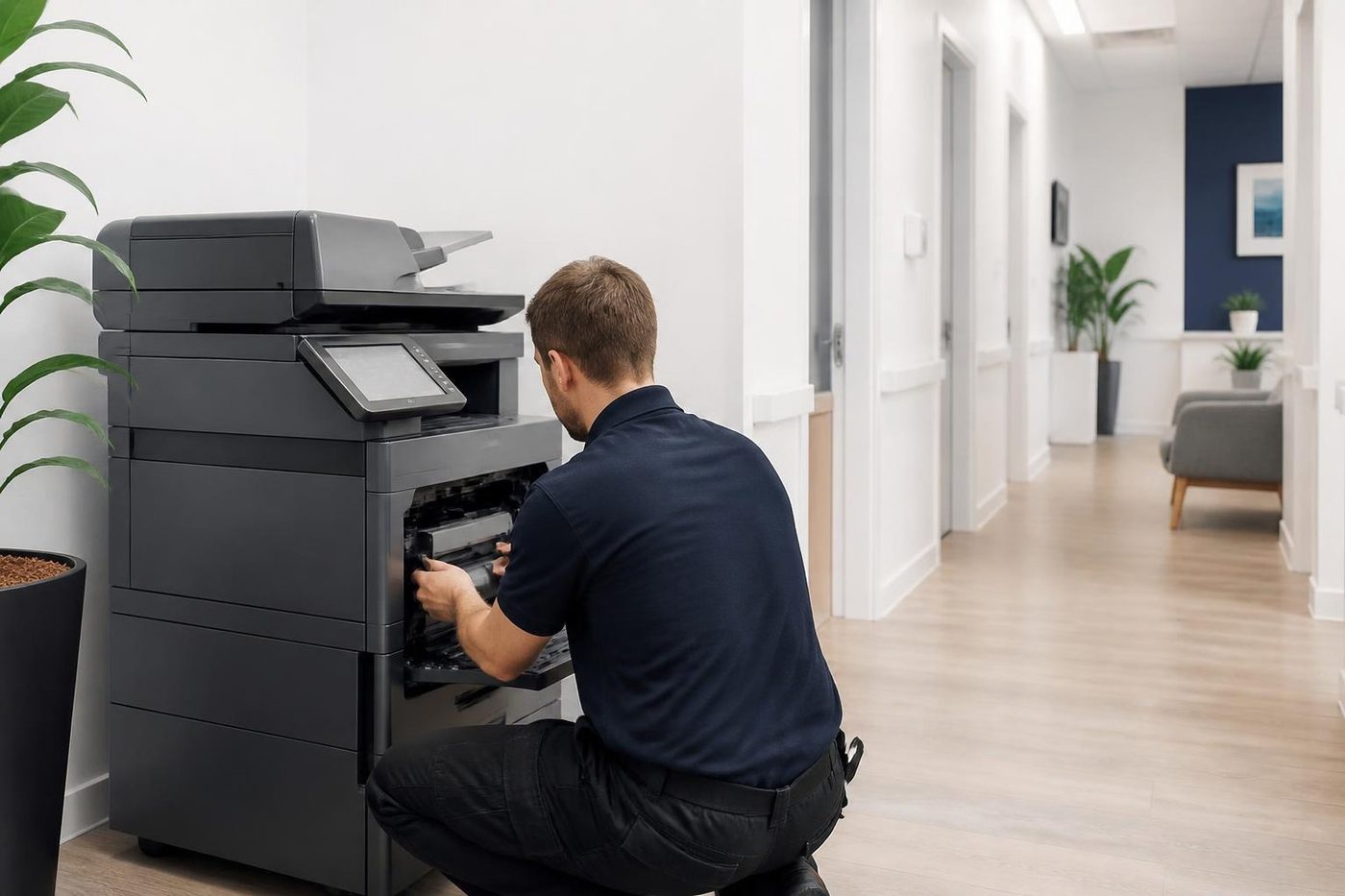
Three steps to a price
- Name the machineMake, model and the trouble it is giving you.
- Hear the price firstWe ring you back with it before a visit is booked.
- A certified technician attendsSame day wherever the diary allows.
What it means for the Toshiba in your office
For the machine sitting in your office right now, the short answer is not much. It keeps working, it still needs servicing, and it still needs toner and parts as always. You do not need to rush out and replace it because of a corporate restructure.
That said, whenever manufacturers consolidate it is natural to wonder about the longer term picture: future parts availability, who supports the machine locally, and what your next upgrade looks like. Those are fair questions, and they are worth getting ahead of rather than worrying about.
Should you be concerned
Not concerned, but it is a good prompt to make sure two things are in place:
- A reliable local servicer who knows Toshiba machines and does not depend on any single manufacturer's local arrangements.
- A clear plan for when you eventually upgrade, so a future change is a decision you make on your own terms, not a scramble.
What we recommend for Brisbane businesses
- Keep your machine well serviced. A maintained machine lasts longer and gives you more time to plan.
- Make sure your support is local and independent. That is the surest way to keep your Toshiba running smoothly whatever happens at head office level.
- Know your options for upgrade time, whether repair, refurbished or new, so you are never backed into a corner.
Questions we are asked
Will parts for my Toshiba dry up? We have no sign of that for current machines, and parts supply is something we watch as part of looking after them. Should I buy a Toshiba now? If it suits your office, yes, and a refurbished e-STUDIO is a sensible way to do it. Will my service arrangement change? Not with us. We are independent, so what we do for your machine does not depend on any manufacturer's local arrangements.
Questions to ask your supplier
- Who services my Toshiba, and does that depend on a manufacturer arrangement?
- How do I get toner and parts, and from where?
- What is the plan if my model becomes harder to support?
- What are my options when it is time to upgrade: repair, refurbished or new?
- What happens to the data on my machine when it is replaced?
A good supplier answers all five without hesitation.
Toner, parts and service
The practical side of owning a copier is toner, parts and a technician who answers the phone. None of those changes overnight because of a corporate announcement. What matters is that you have a servicer who knows your model and a supply of consumables that you can rely on. If your current arrangement depends on one manufacturer's local setup, it is worth checking that you have a second option.
If your Toshiba is leased
If the machine is on a lease, the lessor is responsible for what the agreement says, and your options at the end of the term are in the contract. Read it, ask what happens at the end and ask who is responsible for service. We are happy to talk through the agreement, and to say what options you would have if you wanted to move to a different machine.
Photocopier service Brisbane: why independent matters
When people ask about photocopier service in Brisbane, the real question is whether the person who comes will be competent, honest and quick. An independent servicer is not tied to one maker, so the advice on repair or replace is ours and not a manufacturer's. That is how we keep Toshiba machines running alongside Kyocera, Canon, Ricoh, HP and the rest, whatever is happening in the head offices.
Planning your next machine
A good time to plan an upgrade is before the old machine fails. A planned replacement is cheaper than an emergency one, and it gives you time to choose. If your Toshiba is still running well, keep it serviced. When the time comes, see refurbished Toshiba, new photocopiers and photocopier trade in.
If you run a fleet
A business with several Toshiba machines has more to think about, mostly about planning. When will the oldest machines need replacing? What mix of makes would you like in five years? Is your service arrangement covering all of them? We can look at the fleet, say which machines have the most life in them and put a simple plan on paper.
Keep a record of your machines
- The model and serial number of each machine.
- The meter reading at each service.
- The service history, including parts replaced.
- The lease or purchase details and the date they end.
- The network and scan settings.
That record is useful whatever happens in the industry, and it makes any upgrade easier.
Refurbished and used Toshiba machines
If you want to add a machine or replace one, a refurbished e-STUDIO is a sensible choice. It is inspected, serviced, has worn parts replaced and is tested, and the machines we sell are warranted, with what is covered explained on the phone. See refurbished Toshiba photocopiers and used and refurbished photocopiers.
What to watch for
The useful signs are practical ones. Whether toner and parts for your model keep arriving. Whether your servicer can still look after it. Whether a newer model that suits your office is available. If any of those becomes a problem, we will tell you. Until then the sensible course is to keep the machine serviced and to plan the upgrade on your own timetable.
What the news does not change
- The machine in your office keeps working.
- It still needs toner, paper and servicing.
- Parts and support are still available through independent servicers.
- Your options at upgrade time are the same: repair, refurbished or new.
Most of the noise is about long term product development, which is something for the manufacturers to manage and not for your office manager.
A practical plan for Toshiba owners
Do three things. Keep the machine serviced, so the worn parts are replaced before they fail. Keep a record of the model, the serial number and the service history. And decide, in your own time, what you would like to run in five years. That is all the plan most offices need, and it is easier to make while the machine is working than after it stops.
Why we say the same thing to every owner
Whichever make you run, our advice is the same. Keep it serviced, keep a record, plan the upgrade and use a servicer who is not tied to one maker. We look after Toshiba, Kyocera, Canon, Ricoh, HP and the rest, and the repair and replace advice does not change with the badge on the front. If you want a view on your own machine, phone with the model and we will say honestly what we think.
How we help
We are independent Toshiba service and support specialists in Brisbane, and we are not authorised by or affiliated with Toshiba or Ricoh. We keep Toshiba machines running with on site service and parts. When it is time to upgrade, we can buy your old machine, supply a refurbished Toshiba, or arrange a new fleet. See Toshiba photocopier service for the service side.
Got a Toshiba and want a straight answer? Phone (07) 3073 5255 or use the contact page.
Belts and rollers
Handle it like glass
The transfer belt looks like black plastic film and behaves like a pane of glass. One crease or one print of skin oil and every page carries a faint repeating mark that nobody can explain until the belt comes out again.
Rollers get the same care: wiped with the right cloth, fitted square, turned by hand before power goes on. Customers notice the tidiness before they notice the fix.
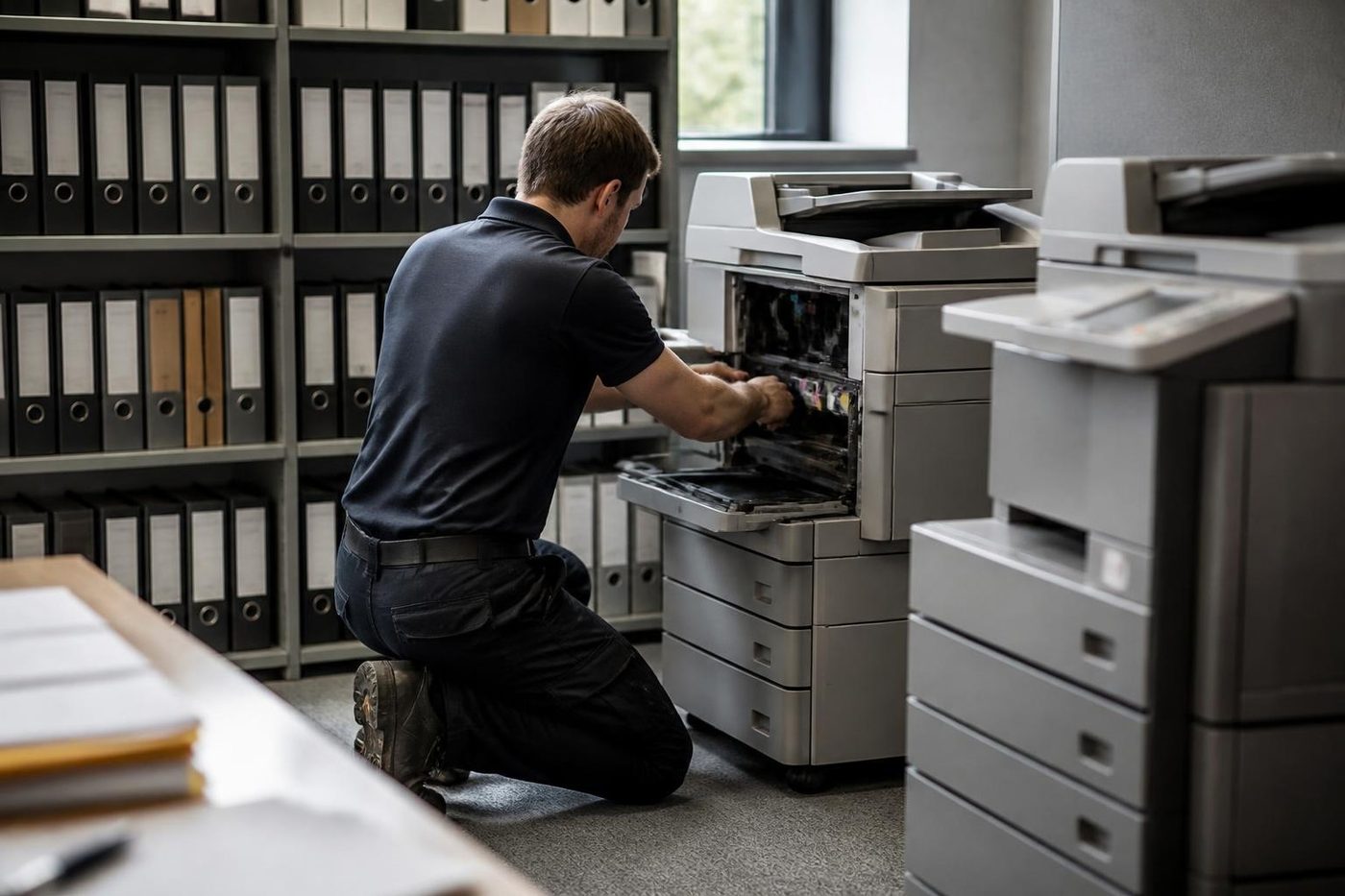
- Edges only. Belts are lifted, not grabbed.
- Clean bench. Parts never sit on the floor of the copy room.
- Turned by hand. Rollers are checked before the machine is switched on.
Buy, sell and lease
Buy, sell and lease commercial copiers in Brisbane
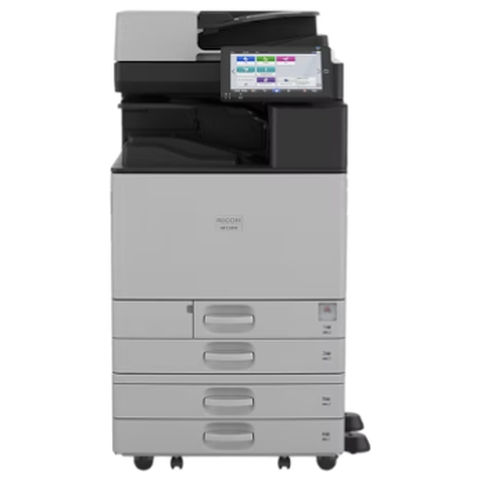
We also sell new and refurbished commercial copiers and buy used ones. Same team, same technicians.

Inside the buildings we look after

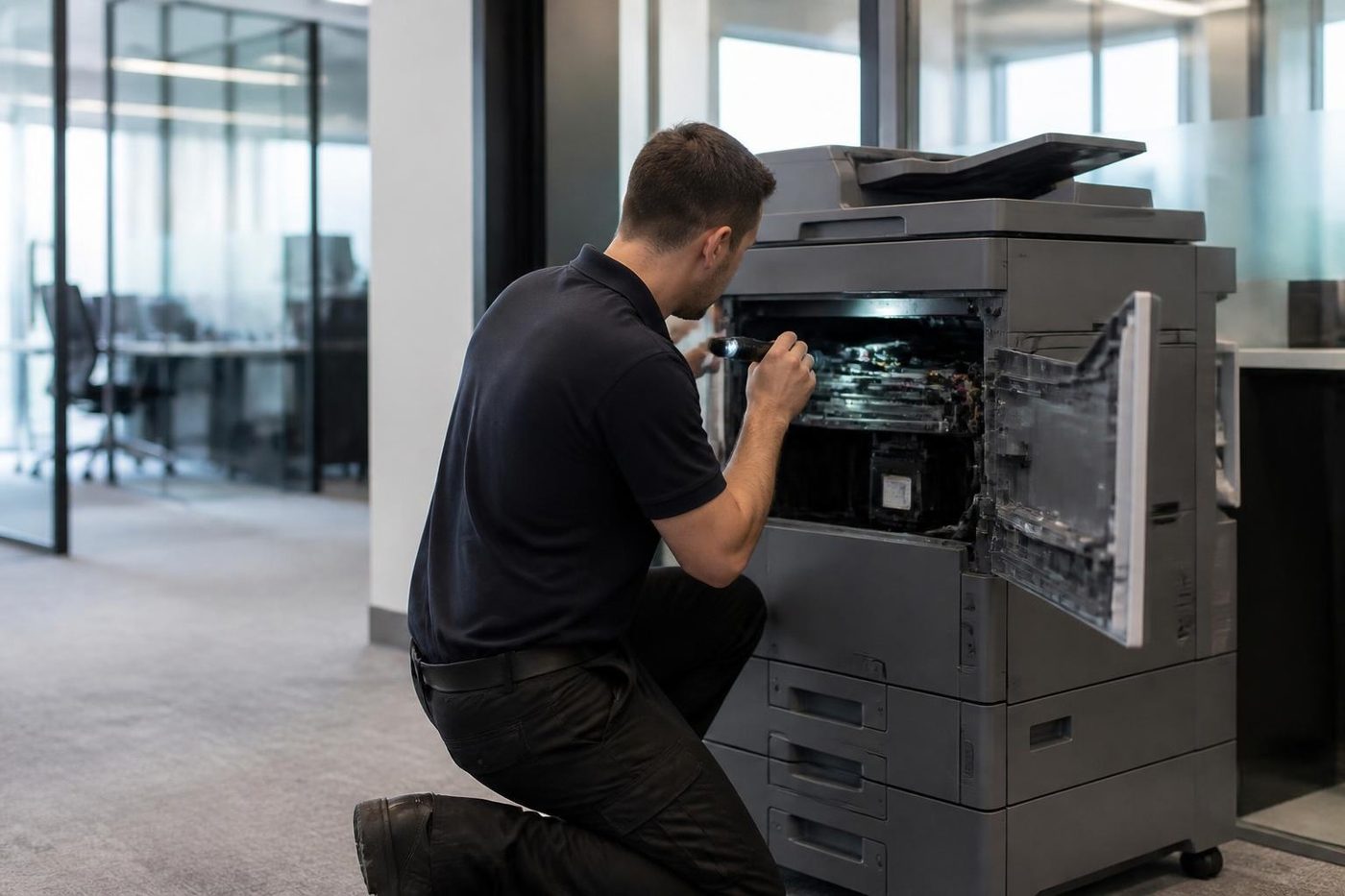
Questions people ask us on the phone
Will my Toshiba still be supported?
The machine in your office keeps working and keeps needing service. We have no sign that current machines will not be supported, and we watch parts supply as part of looking after them.
Do I need to replace my Toshiba now?
No. You do not need to replace a working machine because of a corporate restructure.
Are you affiliated with Toshiba or Ricoh?
No. We are independent, and we are not authorised by or affiliated with Toshiba or Ricoh.
Can you service my Toshiba whatever happens?
Yes. Our service does not depend on any manufacturer's local arrangements.
Should I buy a Toshiba now?
If it suits your office, yes. A refurbished e-STUDIO is a sensible way to do it.
Will you buy my old Toshiba?
If you own it, yes. We buy used commercial copiers and take trade ins.
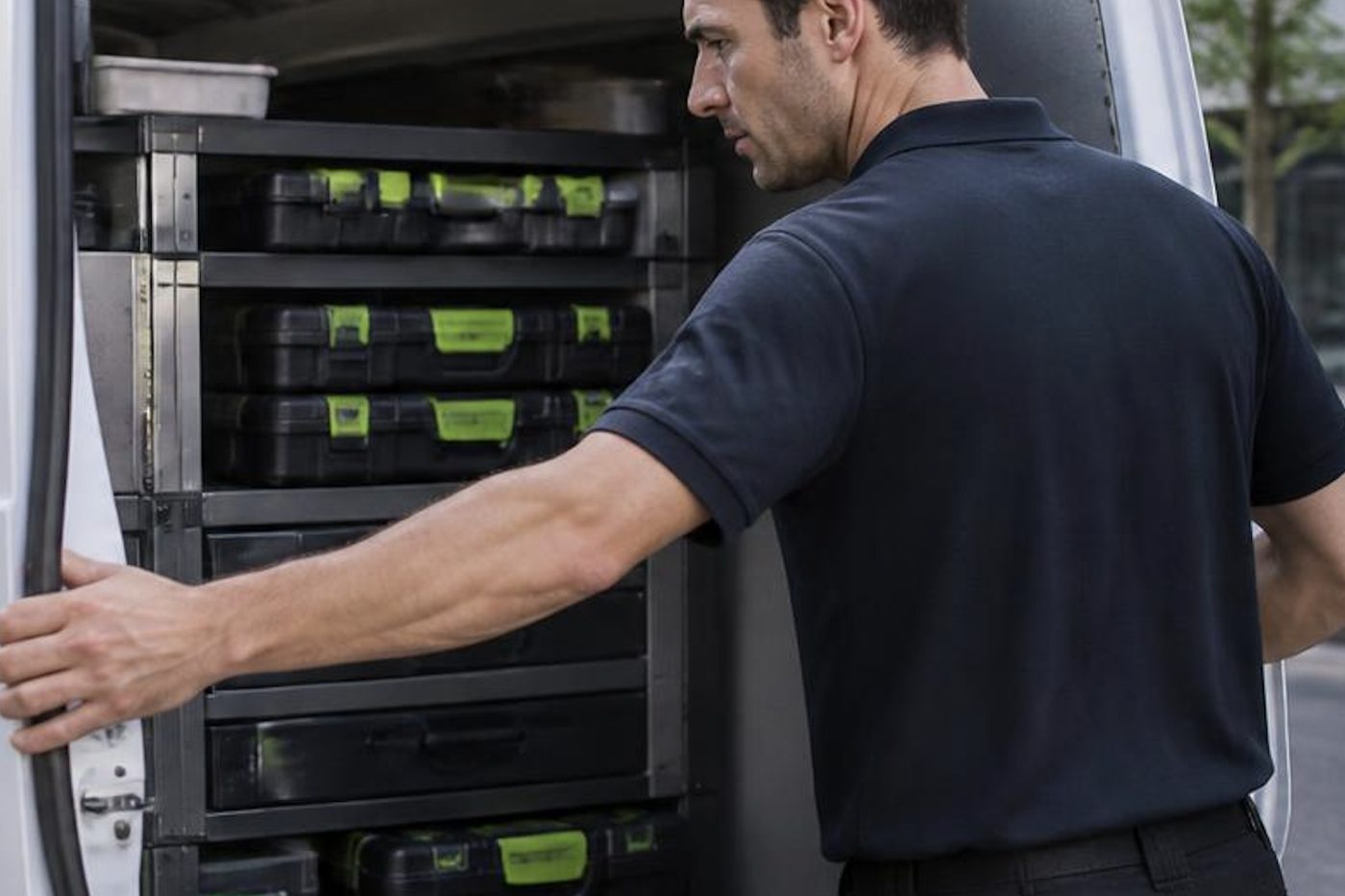
Humid afternoon, dead copier
Ring (07) 3073 5255 and say what it is doing
We agree a price on the phone, then book the technician. If the lines are busy the call is logged and returned.
Get a price
Printer service Brisbane, from one desk printer to a whole floor
Copier and printer repairs across Brisbane
Fault guides
- Copier and printer faults Brisbane
- Photocopier paper jams Brisbane
- Copier black lines and streaks Brisbane
- Copier error codes Brisbane
- Copier not printing Brisbane
- Scan to email not working Brisbane
- Toner smearing and fuser faults Brisbane
- Printer offline and network faults Brisbane
- Copier noise, grinding and squealing Brisbane
- Is my copier worth repairing Brisbane
- Toshiba e-STUDIO error codes Brisbane
- HP LaserJet error messages Brisbane
- Kyocera TASKalfa error codes Brisbane
Makes we work on
- Toshiba copier repairs Brisbane
- HP printer repairs Brisbane
- Kyocera copier repairs Brisbane
- Fujifilm copier repairs Brisbane
- Xerox copier repairs Brisbane
- Canon copier repairs Brisbane
- Ricoh copier repairs Brisbane
- Lexmark printer repairs Brisbane
- Brother printer repairs Brisbane
- Epson printer repairs Brisbane
- OKI printer repairs Brisbane
- Zebra printer repairs Brisbane
- Konica Minolta copier repairs Brisbane
- Sharp copier repairs Brisbane
- Fuji Xerox copier repairs Brisbane
Suburbs and districts we cover
- Printer service Inner West Brisbane
- Printer service Brisbane CBD
- Printer service Milton, Toowong and Inner Brisbane
- Printer service Centenary Suburbs
- Printer service Ipswich Corridor
- Printer service Logan
- Printer service Brisbane Northside
- Printer service Acacia Ridge and Archerfield
- Printer service Toowoomba
- Printer service Eastern Suburbs and Airport Precinct
- Printer service Southside: Sunnybank and Mount Gravatt
- Printer service Redcliffe and Moreton Bay
- Printer service Redlands, Capalaba and Cleveland
- Printer service Caboolture, Morayfield and the North
- Printer service Fortitude Valley and Newstead
- Printer service Indooroopilly, Toowong and Kenmore
- Printer service Springfield and Ripley
- Printer service Ipswich, Booval and Amberley
- Printer service Beaudesert and the Scenic Rim
- Printer service Lockyer Valley and Gatton
- Printer service Beenleigh and Yatala
- Printer service Bribie Island and Moreton Bay
- Printer service Carindale and Camp Hill
- Printer service Wynnum and Manly
- Printer service North Lakes, Strathpine and Petrie
- Printer service South Brisbane and Woolloongabba
- Printer service Logan Central and Browns Plains
- See every Brisbane area
Got the make and the fault? Send those two things and we will price it.
Tell us where the paper stopped
The model is usually on a sticker near the front door of the machine. If you cannot find it, describe it and ring (07) 3073 5255.