News and tips
Industry News
When a copier maker reshuffles, the office manager hears about it second hand and starts to wonder whether the machine by the front desk has a future. This is where we put the answers: copier industry news for Brisbane offices, in plain English, written by the people who service the machines.
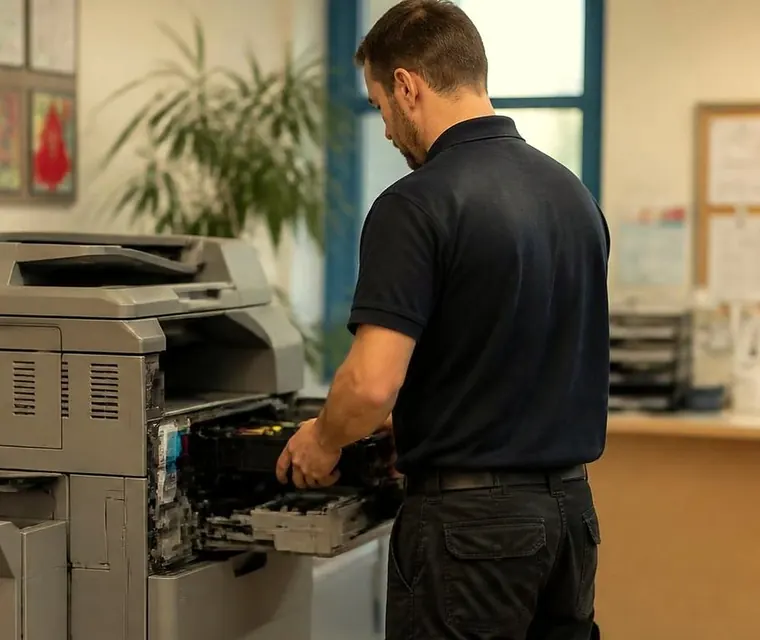
Brisbane printer service and photocopier repairs, plus machine sales
What the Ricoh and Toshiba changes mean for your Toshiba photocopier
The latest post takes on the question we hear most this year. The Ricoh and Toshiba Tec office machine businesses have pooled design and manufacturing into one joint venture, and Ricoh holds the majority. It is mostly a change behind the scenes in how future machines get designed and built. A Toshiba in your office goes on working and needing service, toner and parts as before. Posted 19 June 2026.
Read it for the longer version: what has changed, what has not, and the two or three things worth having in place so that an eventual upgrade is a choice you make on your own timetable.
Three steps to a price
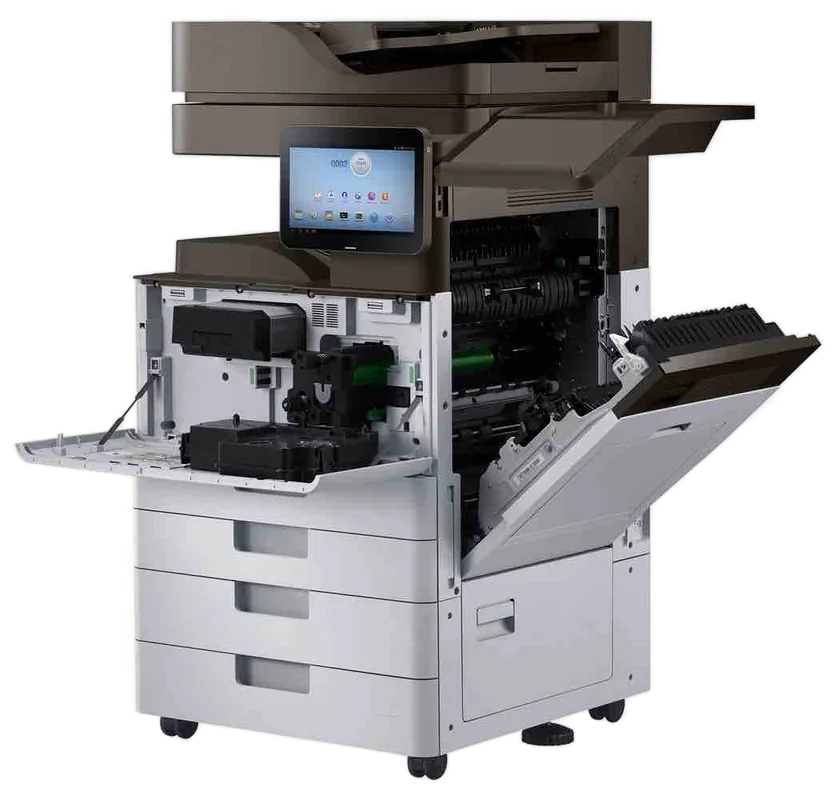
- Name the machineMake, model and the trouble it is giving you.
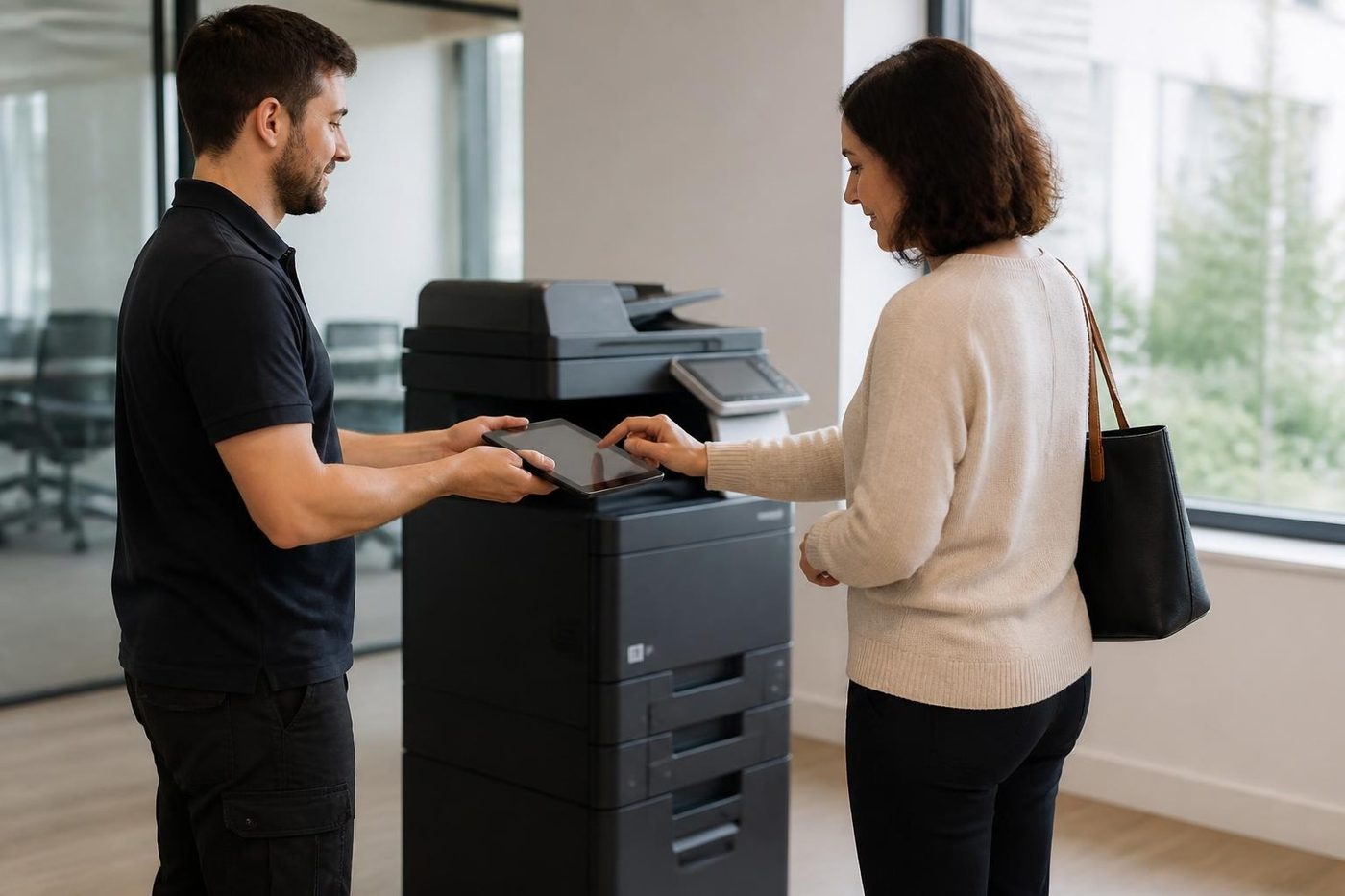
- Hear the price firstWe ring you back with it before a visit is booked.
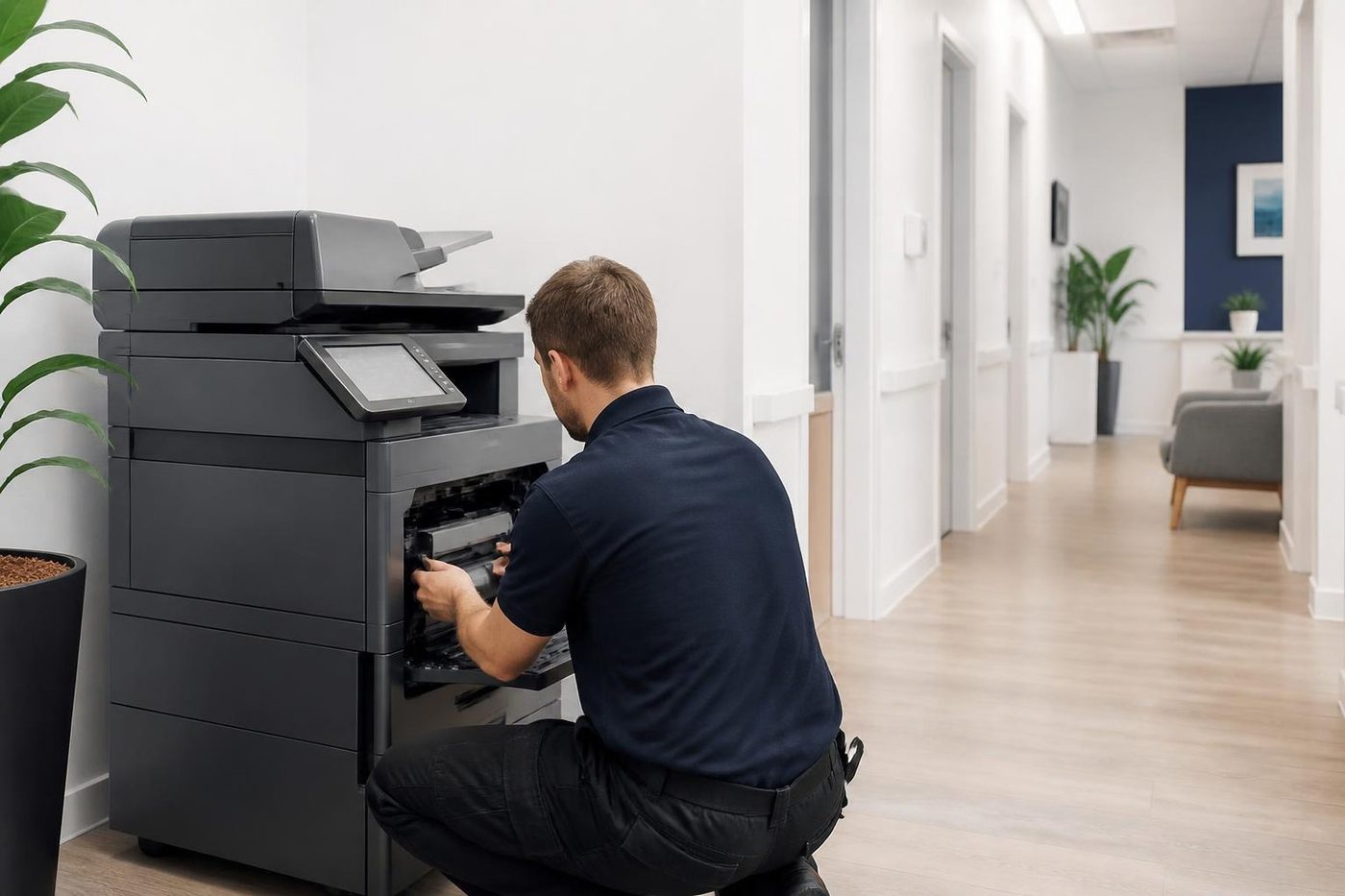
- A certified technician attendsSame day wherever the diary allows.
How we decide what counts as news
If a change in the industry will alter what a Brisbane office does with its copier, it goes here. A merger that touches parts supply qualifies. A new model range does not, unless it changes what we would recommend. Most of what makes the trade press never reaches a front desk, and we leave it where it is.
Posts are short and say what to do about the news, or that there is nothing to do. Often the right advice is to keep the machine serviced and carry on, which is less exciting than a headline and tends to be correct.
Why independent service helps when makers change
A service company that leans on one maker's local arrangements feels it when those arrangements move. Ours is a separate business. Nobody here is the maker of the machines we repair, and nobody claims authorised status, so a head office decision overseas does not change who answers the phone in Brisbane.
Elsewhere on the site
For practical how to pieces, such as keeping a copier from jamming, reading a Toshiba error code or deciding between repair and replacement, see the Printer Tips category. Toshiba owners can also go straight to the Toshiba service page. If a post raises a question about your own machine, ring (07) 3073 5255 and we will talk it through. If the lines are busy the call is logged and returned.
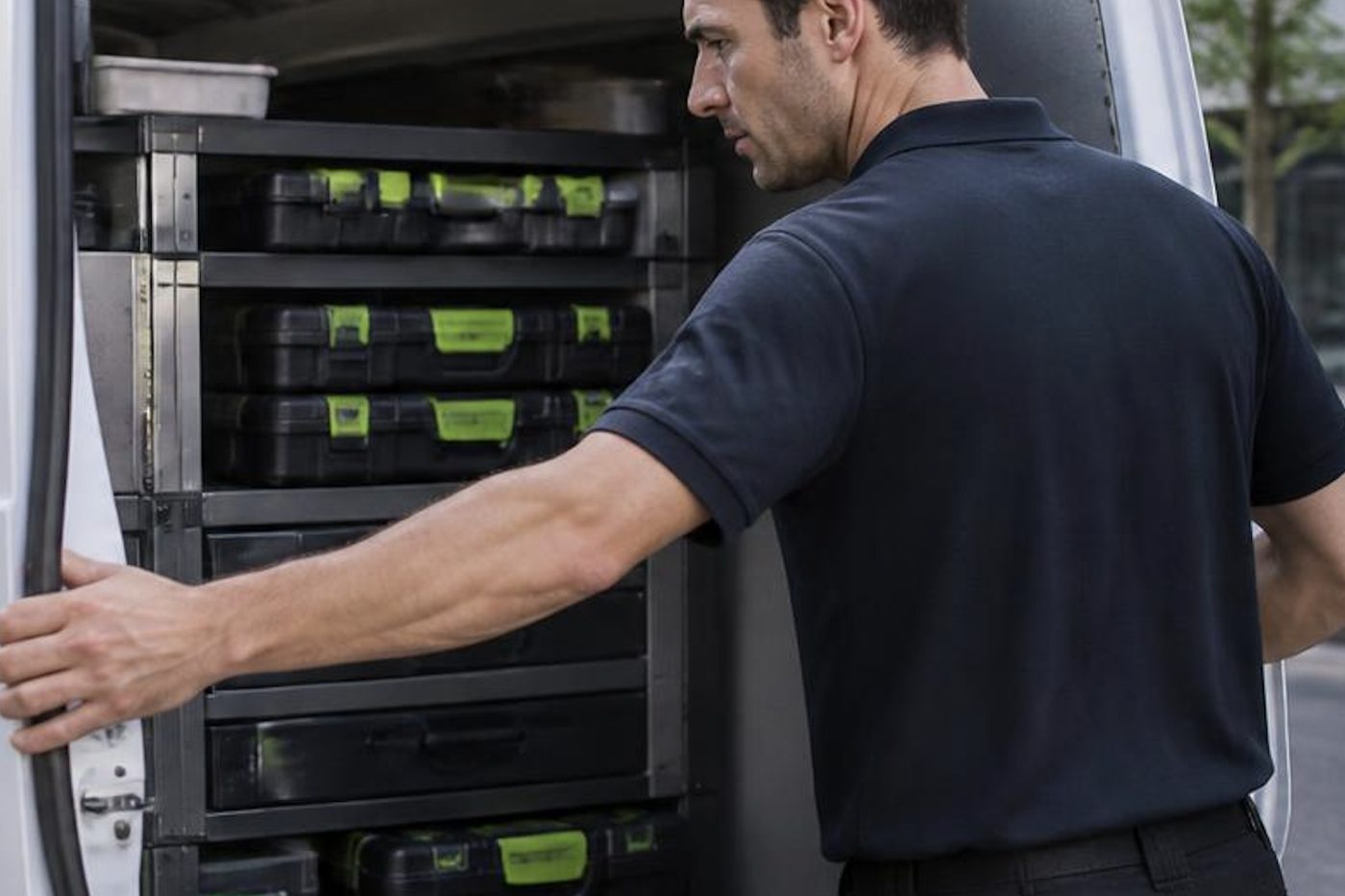
Parts on the van
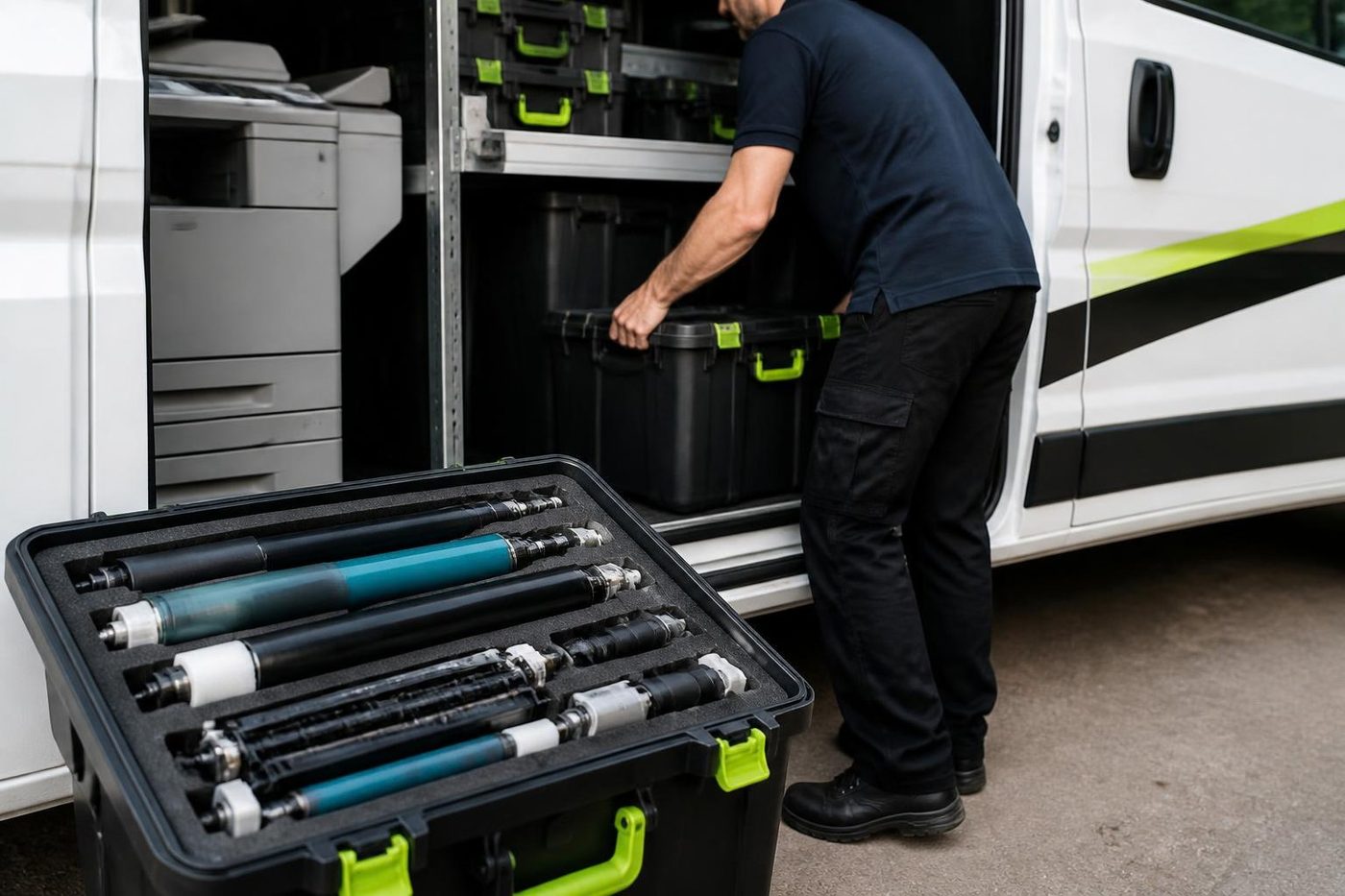
The right part has to be in the van
Anything not carried is ordered once the cause is confirmed, not before. Ordering on a hunch fills a shelf with parts that fixed nothing.
Because we also buy and sell machines we see which parts fail early on which models, and that shapes what rides in the van.
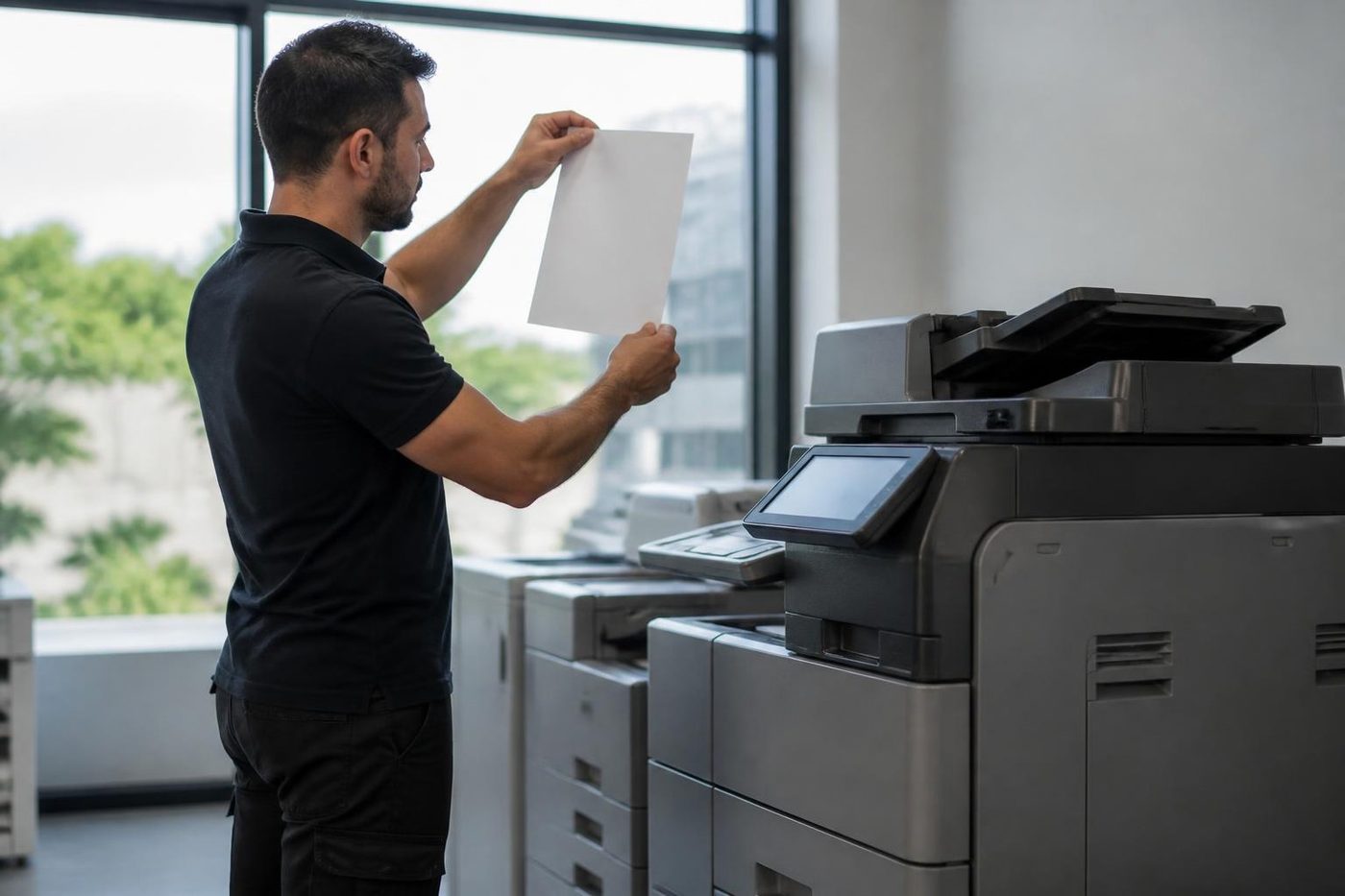
- Common spares carried. Most jobs finish without a wait.
- Ordered on proof. Not on a hunch.
- Fitted once. And warranted.
Buy, sell and lease
Buy, sell and lease commercial copiers in Brisbane
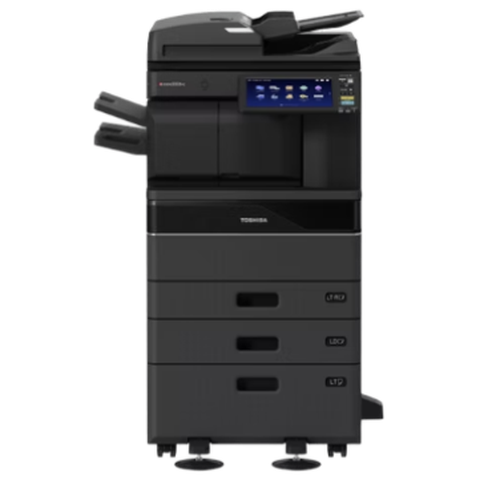
We also sell new and refurbished commercial copiers and buy used ones. Same team, same technicians.
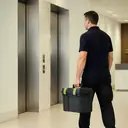
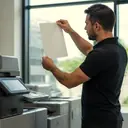
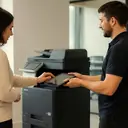
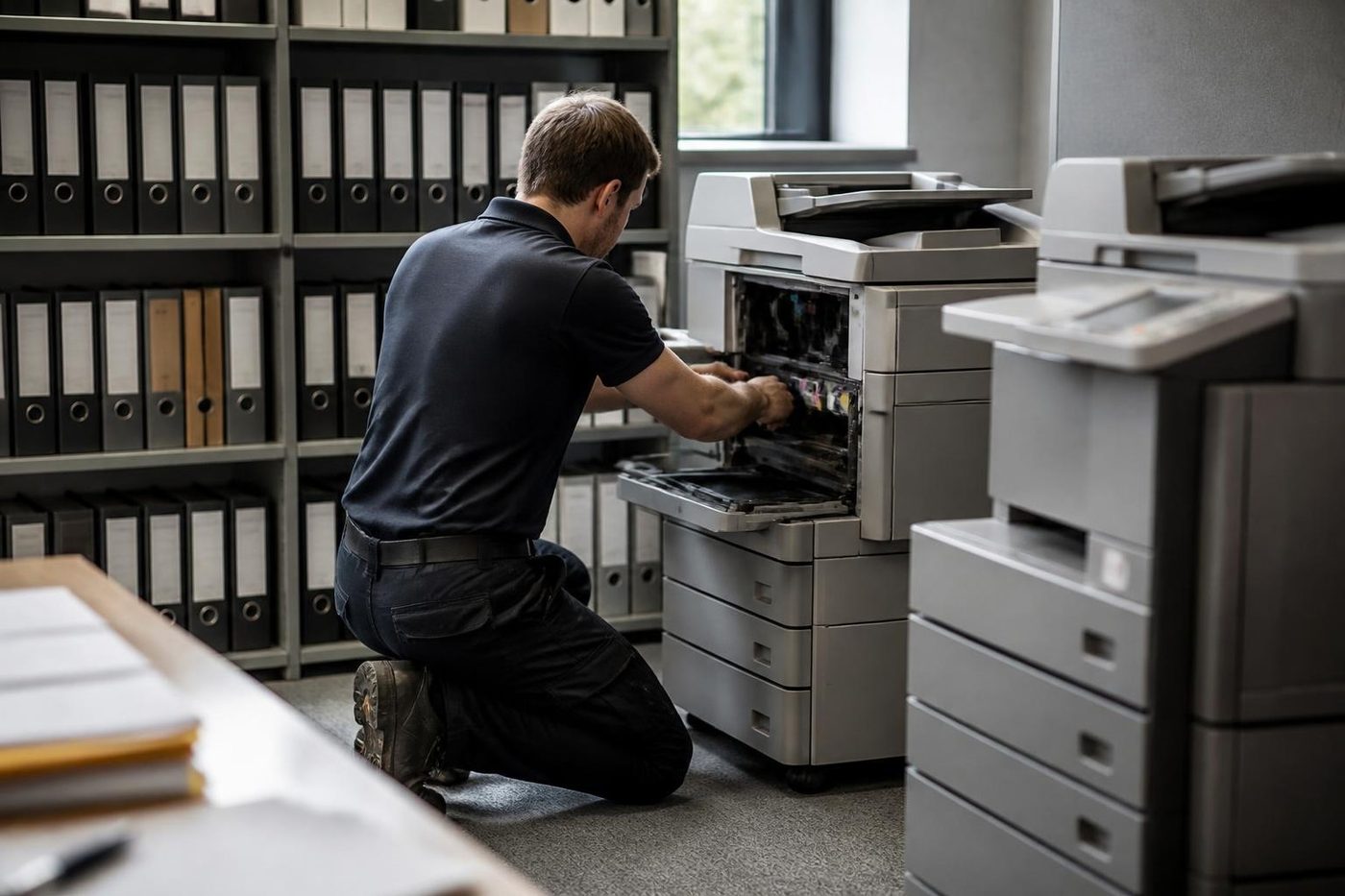
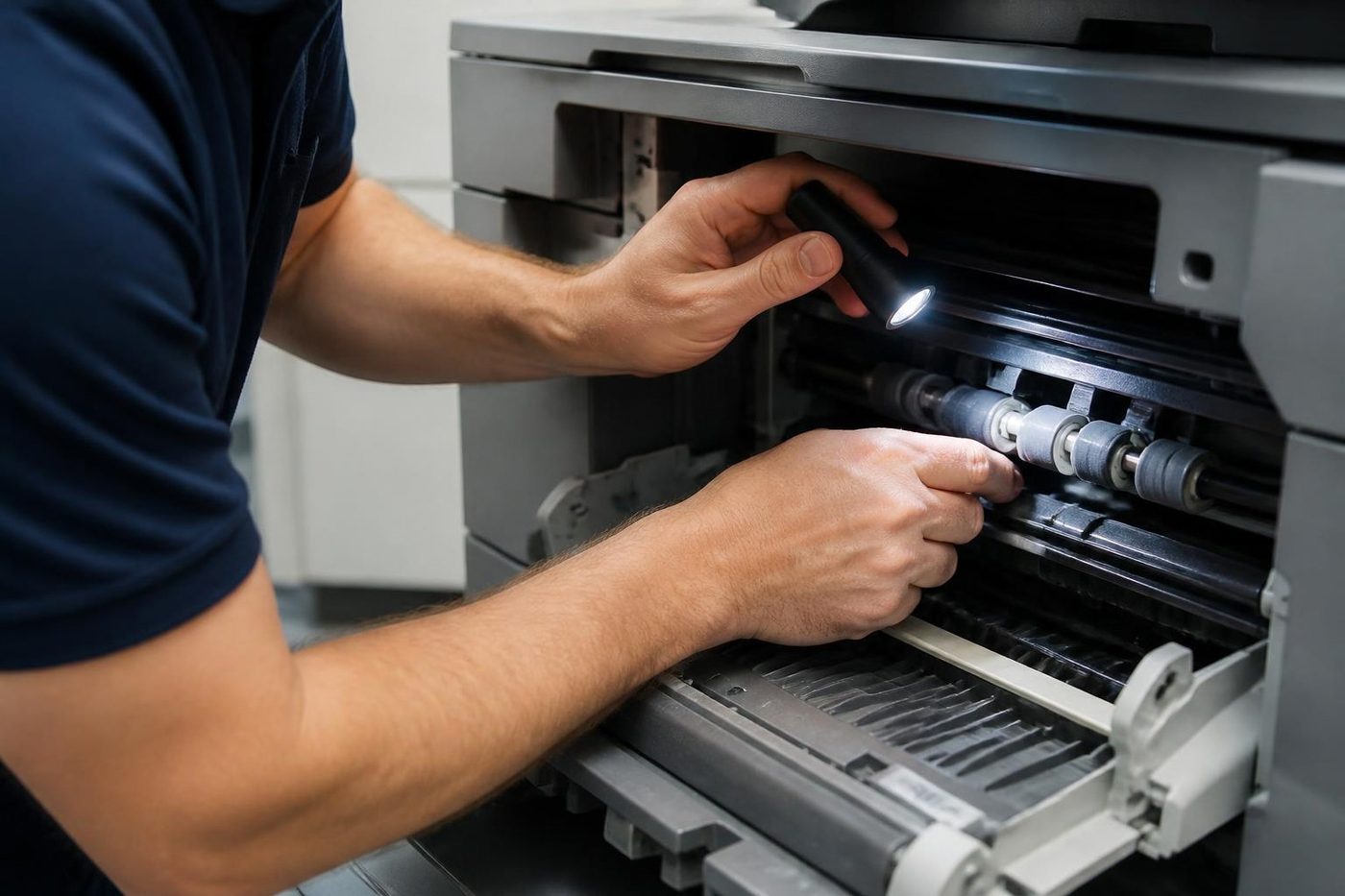
Shirt sleeves and parts cases
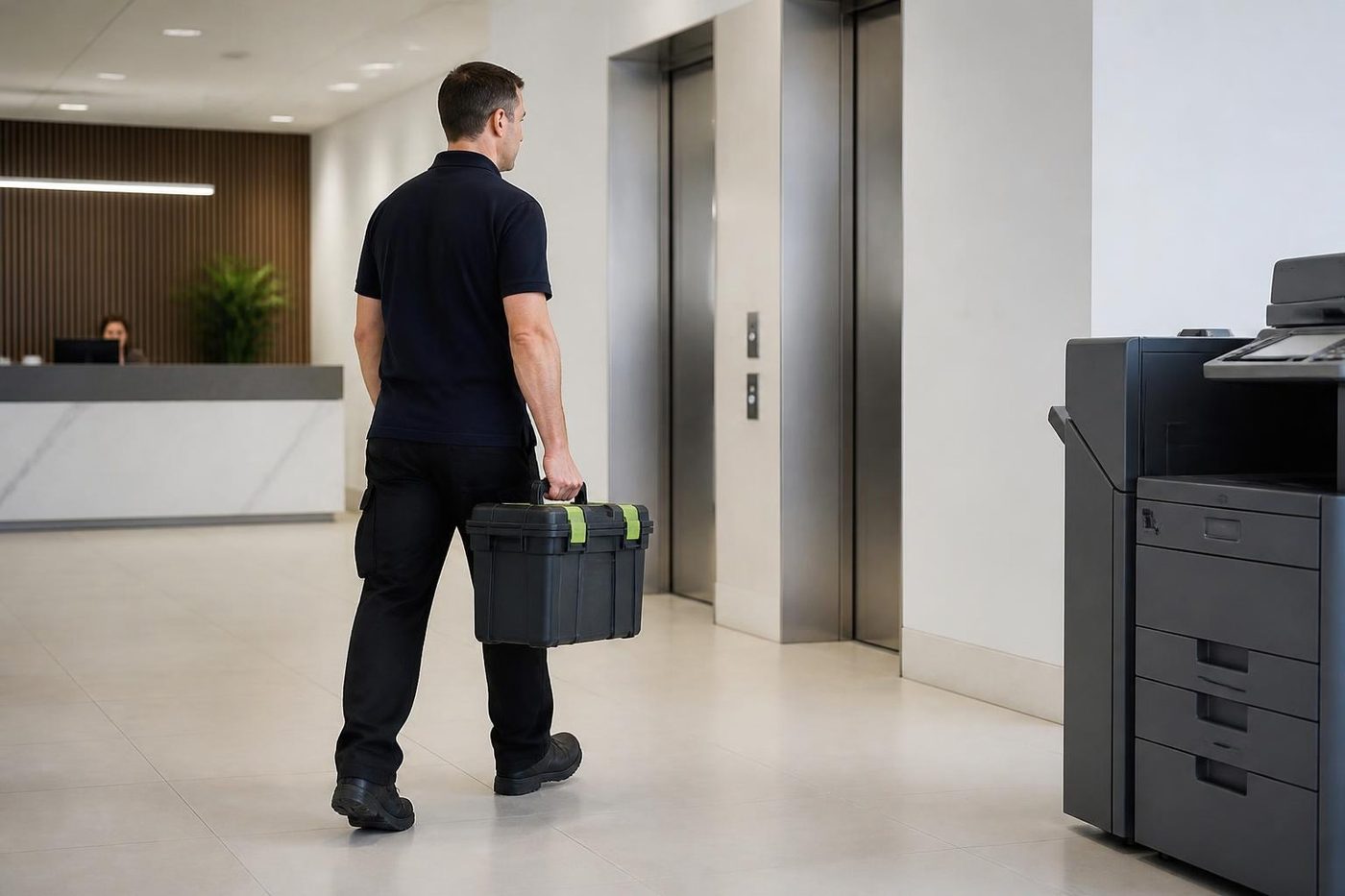
Before the storm hits
Machine sulking? We can come today
Same day service is available. Ring early, say what has stopped and we tell you what is possible.
Ask for same day
Printer service Brisbane, from one desk printer to a whole floor
Copier and printer repairs across Brisbane
Fault guides
- Copier and printer faults Brisbane
- Photocopier paper jams Brisbane
- Copier black lines and streaks Brisbane
- Copier error codes Brisbane
- Copier not printing Brisbane
- Scan to email not working Brisbane
- Toner smearing and fuser faults Brisbane
- Printer offline and network faults Brisbane
- Copier noise, grinding and squealing Brisbane
- Is my copier worth repairing Brisbane
- Toshiba e-STUDIO error codes Brisbane
- HP LaserJet error messages Brisbane
- Kyocera TASKalfa error codes Brisbane
Makes we work on
- Toshiba copier repairs Brisbane
- HP printer repairs Brisbane
- Kyocera copier repairs Brisbane
- Fujifilm copier repairs Brisbane
- Xerox copier repairs Brisbane
- Canon copier repairs Brisbane
- Ricoh copier repairs Brisbane
- Lexmark printer repairs Brisbane
- Brother printer repairs Brisbane
- Epson printer repairs Brisbane
- OKI printer repairs Brisbane
- Zebra printer repairs Brisbane
- Konica Minolta copier repairs Brisbane
- Sharp copier repairs Brisbane
- Fuji Xerox copier repairs Brisbane
Suburbs and districts we cover
- Printer service Inner West Brisbane
- Printer service Brisbane CBD
- Printer service Milton, Toowong and Inner Brisbane
- Printer service Centenary Suburbs
- Printer service Ipswich Corridor
- Printer service Logan
- Printer service Brisbane Northside
- Printer service Acacia Ridge and Archerfield
- Printer service Toowoomba
- Printer service Eastern Suburbs and Airport Precinct
- Printer service Southside: Sunnybank and Mount Gravatt
- Printer service Redcliffe and Moreton Bay
- Printer service Redlands, Capalaba and Cleveland
- Printer service Caboolture, Morayfield and the North
- Printer service Fortitude Valley and Newstead
- Printer service Indooroopilly, Toowong and Kenmore
- Printer service Springfield and Ripley
- Printer service Ipswich, Booval and Amberley
- Printer service Beaudesert and the Scenic Rim
- Printer service Lockyer Valley and Gatton
- Printer service Beenleigh and Yatala
- Printer service Bribie Island and Moreton Bay
- Printer service Carindale and Camp Hill
- Printer service Wynnum and Manly
- Printer service North Lakes, Strathpine and Petrie
- Printer service South Brisbane and Woolloongabba
- Printer service Logan Central and Browns Plains
- See every Brisbane area
Got the make and the fault? Send those two things and we will price it.
What did the machine do last?
Nothing to sign, nothing to pay for the call. We read the message and ring you. (07) 3073 5255 if it is urgent.