News and tips
Printer Tips
Practical posts for people who look after the office copier as a side job: how to move one, how to read a code, what to try before ringing and when to stop throwing parts at an old machine. Written by the Laser Printers Brisbane team.
Brisbane printer service and photocopier repairs, plus machine sales
Moving Office in Brisbane? The Photocopier Relocation Checklist
The order of jobs matters more than the jobs themselves: who owns the machine, which lift, which network details. Written 19 August 2026. Open the checklist
Three steps to a price
- Name the machineMake, model and the trouble it is giving you.
- Hear the price firstWe ring you back with it before a visit is booked.
- A certified technician attendsSame day wherever the diary allows.
Toshiba e-STUDIO Error Codes Explained (And When to Call for Help)
Which Toshiba codes you can deal with yourself and which need someone with the covers off. Written 19 August 2026. Read the codes post
Why Does My Printer Keep Jamming? Common Causes and Fixes
Rollers, humid paper, mixed stock in one tray, a scrap left behind. The usual suspects, with the safe checks. Written 19 June 2026. Read about jams
Should You Repair or Replace Your Office Photocopier?
A way to weigh the repair bill against the age of the machine and what the office needs from it. Written 19 June 2026. Read the guide
More help
Fault guides that start from the symptom are on the copier and printer faults page. Go back to all posts, or ring (07) 3073 5255 if the machine is down now.
Ask the people who print
The operator knows first
The person who feeds the paper in every morning knows when the machine started misbehaving. Tuesday after the storm, perhaps, or since somebody loaded the heavier stock. That one detail is worth more than a service manual.
Tell us the first thing you noticed, even if it sounds small. Often it is nearly the whole answer.
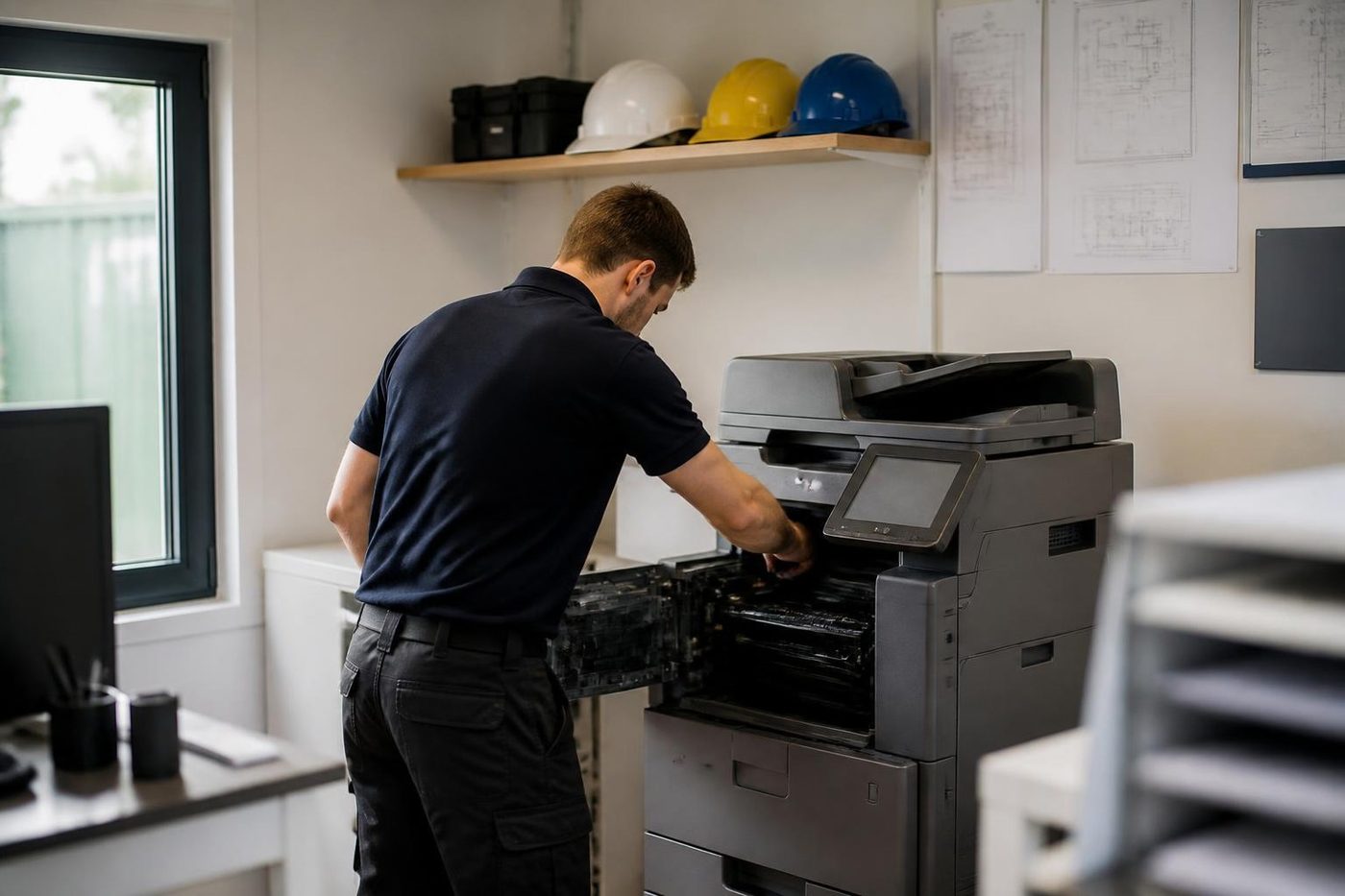
- Asked first. The users are the first source.
- Written down. What you said goes on the job record.
- Checked against the machine. Then the covers come off.
Buy, sell and lease
Buy, sell and lease commercial copiers in Brisbane
We also sell new and refurbished commercial copiers and buy used ones. Same team, same technicians.
Machines and offices we know
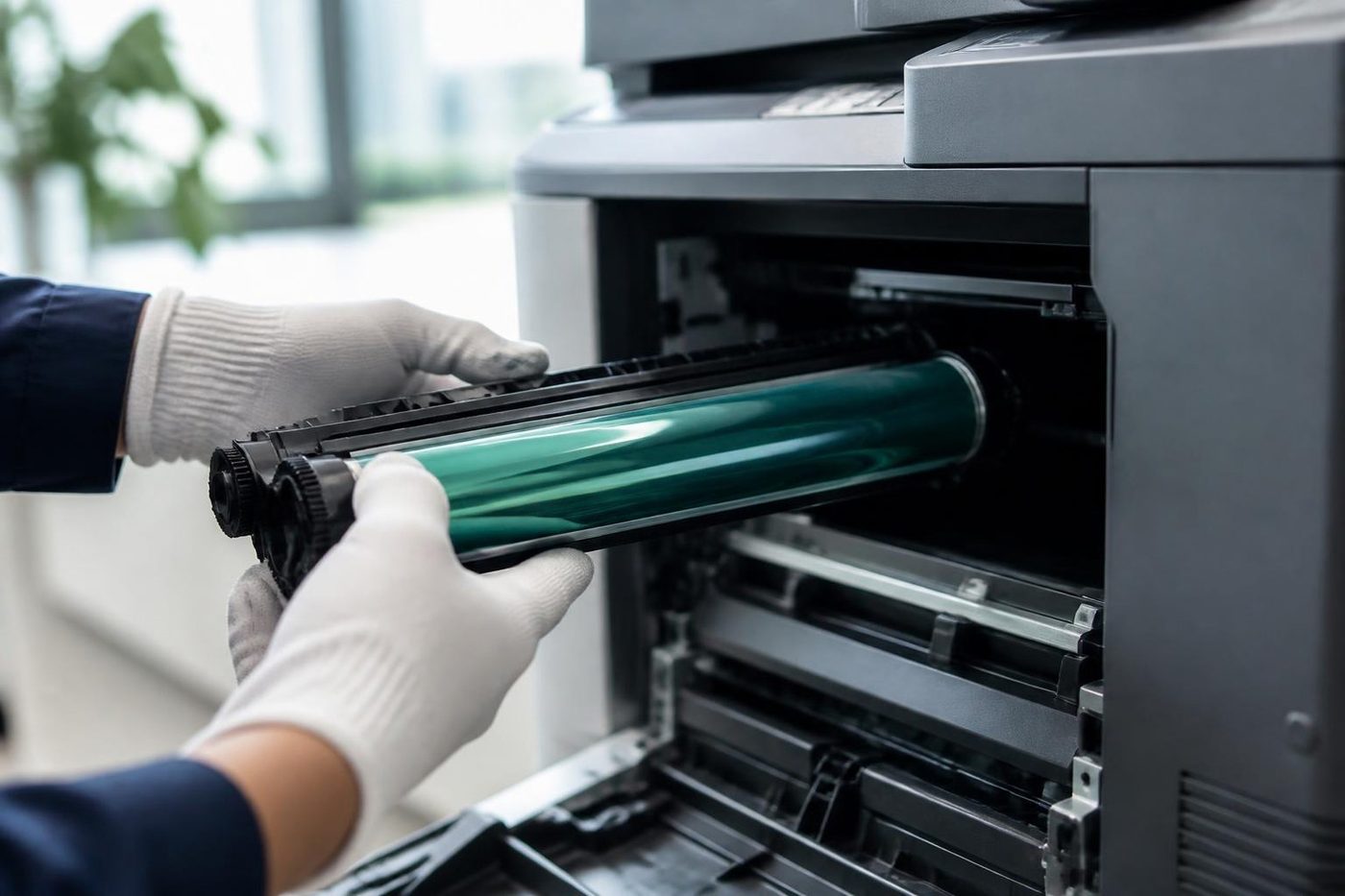
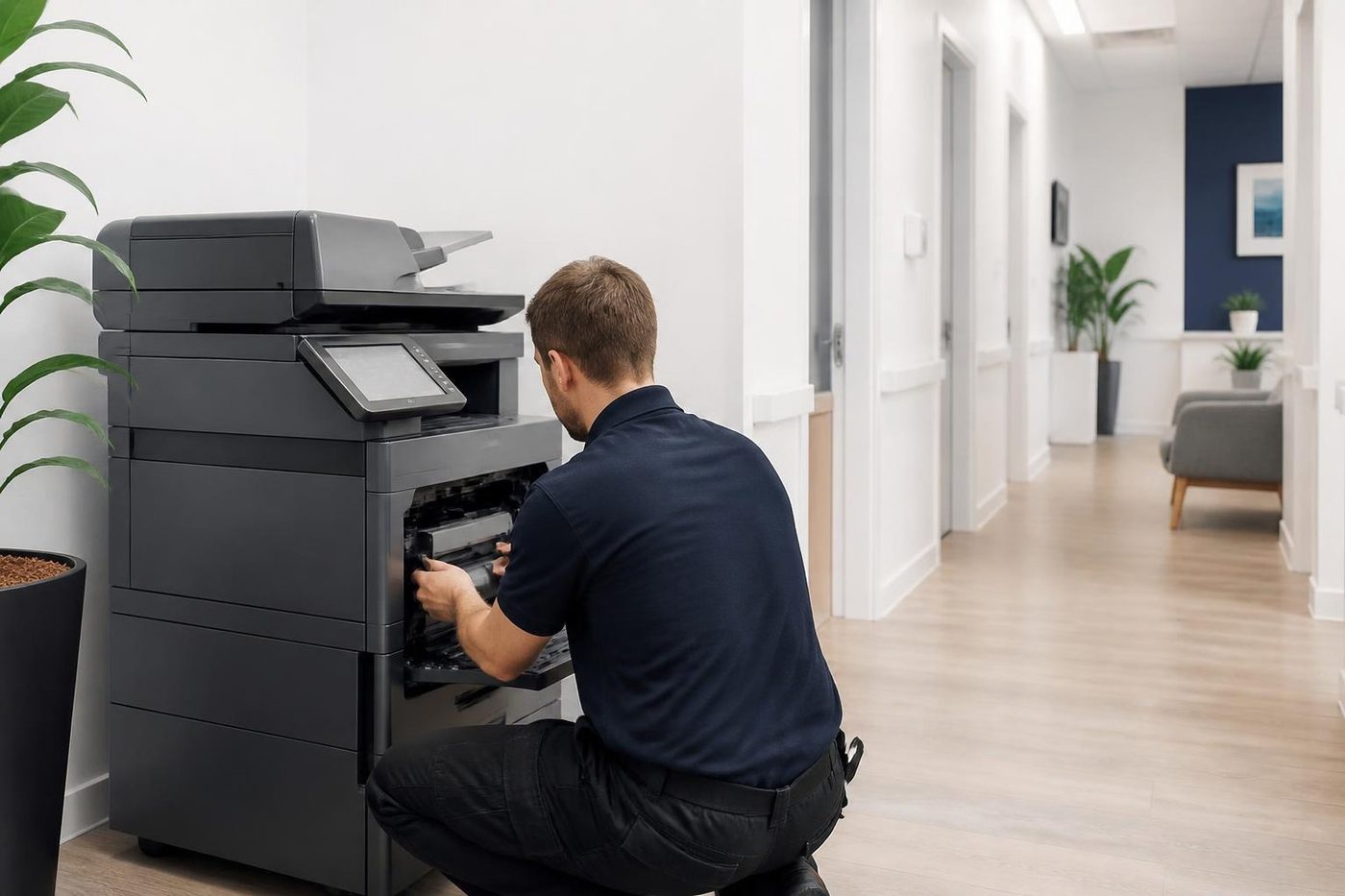

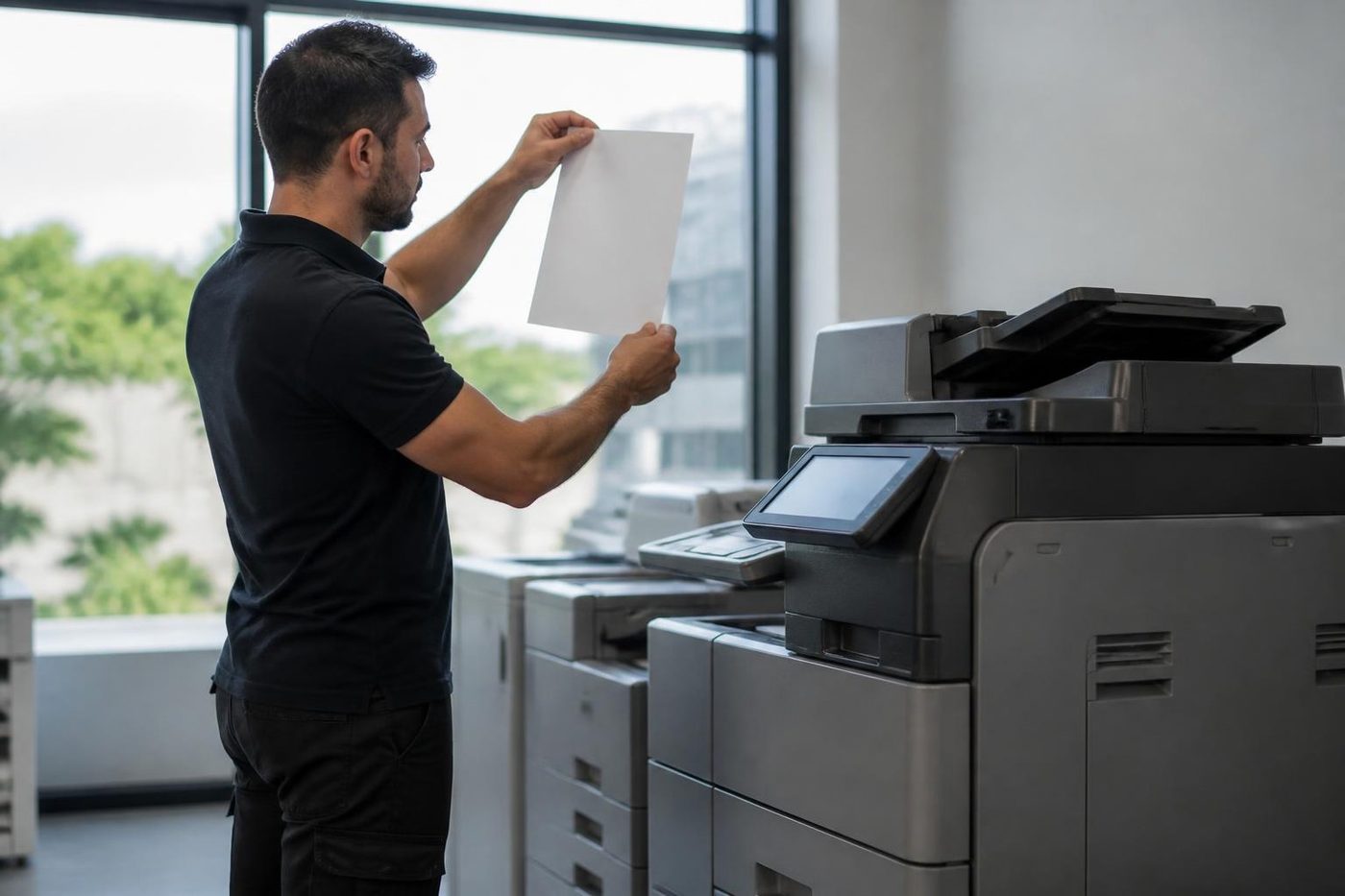
Questions people ask us on the phone
Are these posts aimed at technicians?
No. They are written for office managers and anyone who ends up looking after the copier.
Is it safe to try the fixes in the jam post myself?
The post sticks to checks that are safe at the desk, and says where to stop. Never force a sheet out of a hot fuser.
Where do I find posts about industry changes?
On the Industry News page, which sits beside this one.
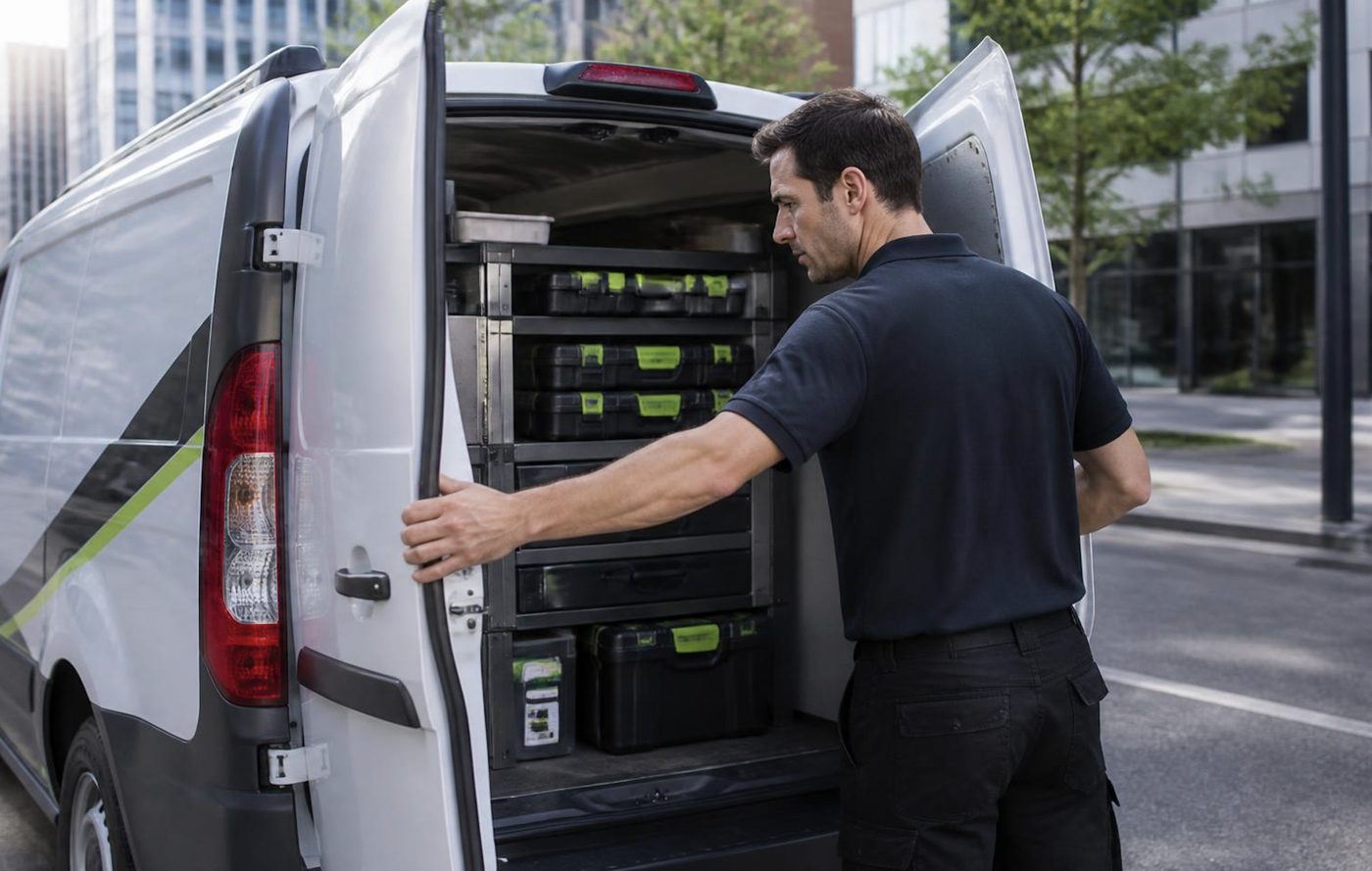
Same fault, no second bill
If it comes back, we come back
The repeat fix on the same fault costs you nothing. Ask us how it works.
Get a price
Printer service Brisbane, from one desk printer to a whole floor
Copier and printer repairs across Brisbane
Fault guides
- Copier and printer faults Brisbane
- Photocopier paper jams Brisbane
- Copier black lines and streaks Brisbane
- Copier error codes Brisbane
- Copier not printing Brisbane
- Scan to email not working Brisbane
- Toner smearing and fuser faults Brisbane
- Printer offline and network faults Brisbane
- Copier noise, grinding and squealing Brisbane
- Is my copier worth repairing Brisbane
- Toshiba e-STUDIO error codes Brisbane
- HP LaserJet error messages Brisbane
- Kyocera TASKalfa error codes Brisbane
Makes we work on
- Toshiba copier repairs Brisbane
- HP printer repairs Brisbane
- Kyocera copier repairs Brisbane
- Fujifilm copier repairs Brisbane
- Xerox copier repairs Brisbane
- Canon copier repairs Brisbane
- Ricoh copier repairs Brisbane
- Lexmark printer repairs Brisbane
- Brother printer repairs Brisbane
- Epson printer repairs Brisbane
- OKI printer repairs Brisbane
- Zebra printer repairs Brisbane
- Konica Minolta copier repairs Brisbane
- Sharp copier repairs Brisbane
- Fuji Xerox copier repairs Brisbane
Suburbs and districts we cover
- Printer service Inner West Brisbane
- Printer service Brisbane CBD
- Printer service Milton, Toowong and Inner Brisbane
- Printer service Centenary Suburbs
- Printer service Ipswich Corridor
- Printer service Logan
- Printer service Brisbane Northside
- Printer service Acacia Ridge and Archerfield
- Printer service Toowoomba
- Printer service Eastern Suburbs and Airport Precinct
- Printer service Southside: Sunnybank and Mount Gravatt
- Printer service Redcliffe and Moreton Bay
- Printer service Redlands, Capalaba and Cleveland
- Printer service Caboolture, Morayfield and the North
- Printer service Fortitude Valley and Newstead
- Printer service Indooroopilly, Toowong and Kenmore
- Printer service Springfield and Ripley
- Printer service Ipswich, Booval and Amberley
- Printer service Beaudesert and the Scenic Rim
- Printer service Lockyer Valley and Gatton
- Printer service Beenleigh and Yatala
- Printer service Bribie Island and Moreton Bay
- Printer service Carindale and Camp Hill
- Printer service Wynnum and Manly
- Printer service North Lakes, Strathpine and Petrie
- Printer service South Brisbane and Woolloongabba
- Printer service Logan Central and Browns Plains
- See every Brisbane area
Got the make and the fault? Send those two things and we will price it.
Start with the make and the symptom
Make, model and fault. A photo of the panel helps. We ring with a price, or you can phone (07) 3073 5255.