Printer Tips | Laser Printers Brisbane team | 19 August 2026, updated 20 August 2026
Moving office in Brisbane? Your photocopier relocation checklist
Office moves have a habit of treating the photocopier as furniture until the morning it will not print in the new building. A copier is a precision machine full of toner, and it needs a little planning. Here is the checklist we give Brisbane businesses before a move.
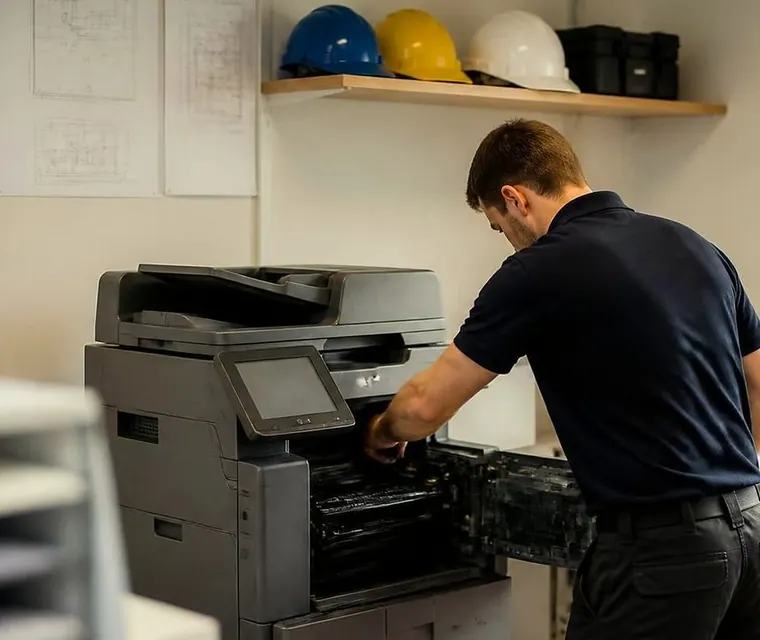
Brisbane printer service and photocopier repairs, plus machine sales
Two weeks out
Check who owns the machine. Leased and contracted machines often need the provider to move them, or their approval first, and skipping that step can void support. Book the relocation with whoever is moving it. If that is a general removalist, ask them directly whether they will insure a copier in transit, because many will not.
- Find out who owns the machine and what the contract says about moving it.
- Book the move with someone who handles copiers.
- Ask the mover in writing whether a copier in transit is covered.


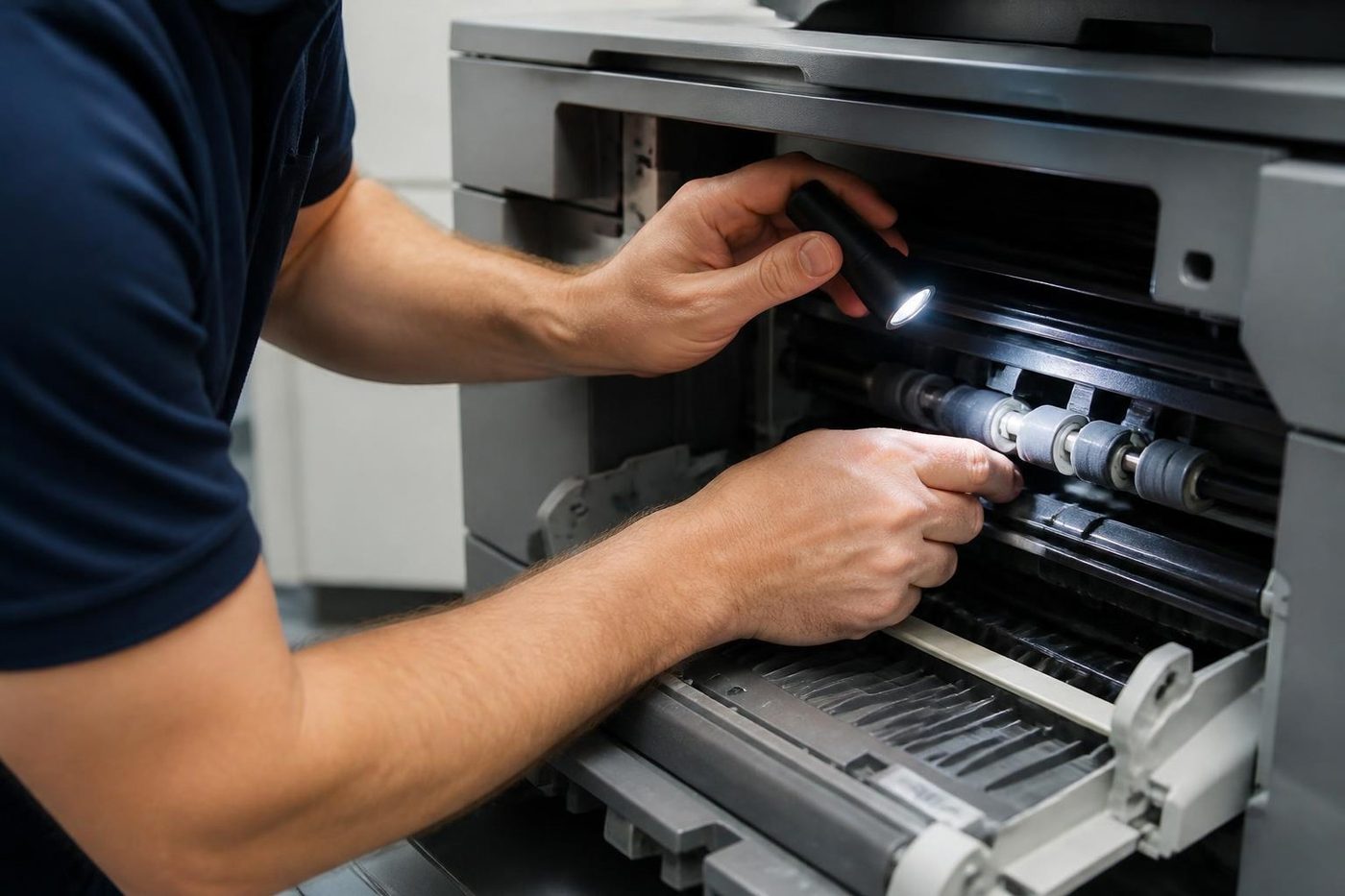
Three steps to a price
- Name the machineMake, model and the trouble it is giving you.
- Hear the price firstWe ring you back with it before a visit is booked.
- A certified technician attendsSame day wherever the diary allows.
Moving week
Print or note the machine's network settings, because the new office will need them. Run any big print jobs early. Then have the machine prepared for transport.
- Write down the network settings, the scan to email details and any saved user lists.
- Finish the large print jobs and clear the queue.
- Secure or remove the toner, empty the trays and lock the scanner if the model has a lock.
The last step prevents the classic disaster, toner through the inside of a truck.
Moving day
Copiers ride upright, always. Measure doorways, lifts and stairs at both ends before the day, not during it. In Brisbane CBD buildings the goods lift often has to be booked, so check the building rules early. In the new office, let the machine settle before you power it on, especially in summer when a cool building meets a machine that has sat in a hot truck.
Day one in the new office
Reconnect to the network, set up printing on everyone's computers and test scan to email. Scan to email is the piece that breaks most often after a move, because the office internet and email have usually changed too.
- Plug in, power on and wait for the machine to warm up.
- Enter the network settings, or the new ones from your IT provider.
- Add the printer on each computer.
- Send a test scan to email and to a folder.
- Make a test copy, including through the feeder.
Things that catch people out
The same few problems turn up on almost every move. A machine that arrives and nobody knows the password for scan to email. A lift too small for the machine on its trolley, found out on the day. A power point in the new office on the far side of the room from where the desk plan put the copier. A leased machine moved without telling the provider. Ten minutes of checking at both ends avoids all four.
If you are unsure about any of it, phone before the move rather than after. The conversation is short, and it is much easier to fix a plan than a machine.
Who owns the copier
Before anything else, find out whether the copier is owned or leased. A leased machine belongs to the finance company, and the agreement may say who is allowed to move it. Some providers want to approve the move, some insist on sending their own technician and some charge for a relocation. Reading the agreement a month out is easier than discovering it on moving day.
Measure the route
A floor standing copier is wide, deep and heavy. Measure the doorways, the lift, the stairs and the corners between the old position and the truck, and between the truck and the new position. Ask the building manager at both ends about goods lifts, loading docks and booking times. If your building asks for a booking, a certificate of currency or an induction before a mover enters, arrange it early.
Write down the network details
The part of a copier move people forget is the settings. Before the machine is switched off, write down what you will need again.
- The machine's network address, and whether it is fixed or automatic.
- The scan to email settings: mail server, port, account and password.
- The scan to folder destinations and the accounts that write to them.
- User codes, department codes and any secure release settings.
- The address book, if the machine holds one.
- The internet provider and the router at the new office, because they will often be different.
What a professional move includes
A proper move is more than a trolley. The machine is shut down in the right order, the toner is secured, the trays are emptied and the moving parts are locked. It is carried upright on the right equipment. At the other end it is levelled, connected and tested. Then the settings are rebuilt and checked from a real computer. See photocopier removal and movers for how we handle it.

A simple timeline
| When | What to do |
|---|---|
| Four weeks out | Check ownership, read the lease, tell us the dates and the buildings. |
| Two weeks out | Confirm the access, the lift bookings and the new network details. |
| Moving week | Write down the settings, clear the paper, confirm the time with us. |
| Moving day | We prepare, move, reinstall and reconnect the machine. |
| First day in the new office | Test printing and scanning from every computer and show the team the basics. |
After the move: a test list
- Print a page from each computer that uses the machine.
- Copy a page, in colour and in black and white.
- Scan to email and check that it arrives.
- Scan to a folder and check that the file is there.
- Staple, punch or fold a test set, if the machine has a finisher.
- Check that every tray feeds without a jam.
If something fails, phone us in the first week. A machine that has been moved sometimes shows a fault that was already waiting, and it is easier to sort while the move is fresh.
Moving a copier inside the same building
A move from one floor to another, or from a print room to an open plan area, is a smaller job with the same risks. The machine still has to be shut down and prepared, the lift still has to be booked and the network point at the new spot still has to be live. Many offices skip those steps because the distance is short, and then wonder why the machine will not print on Monday.
What to tell the movers
If a general removalist is moving the office, tell them the copier is a separate job. Ask them not to tip it, not to lift it by the covers or the trays and not to move it with toner in the wrong place. Better, have the copier prepared and moved by people who do it for a living. We work with offices and removalists on the day, and we leave the machine running at the other end.
The cost of getting it wrong
A copier that is moved badly can arrive with a loose belt, spilt toner, a scanner out of line or a drum that has been marked. Any of those can mean a repair that costs more than the move would have. And a machine that is moved well but not reconnected costs a day of lost work while somebody works out the network. A little planning avoids both.
Selling or replacing the copier instead of moving it
Sometimes the right answer is not to move the old machine at all. If it is near the end of its life, a move is a good moment to replace it. We buy used photocopiers and take trade ins, and we can deliver and set up the replacement at the new office on the day you arrive.
Or hand the whole thing to us
Our Brisbane team does photocopier relocation, setup and installation as a single service: prepared, moved upright, reconnected, and printing before your team notices it was gone. See photocopier relocation, setup and installation. Moving into or out of anywhere from the CBD to Ipswich, Logan or the northside, phone (07) 3073 5255 and cross the copier off the worry list.
If the old machine is surplus after the move, we also buy used photocopiers.
Parts on the van
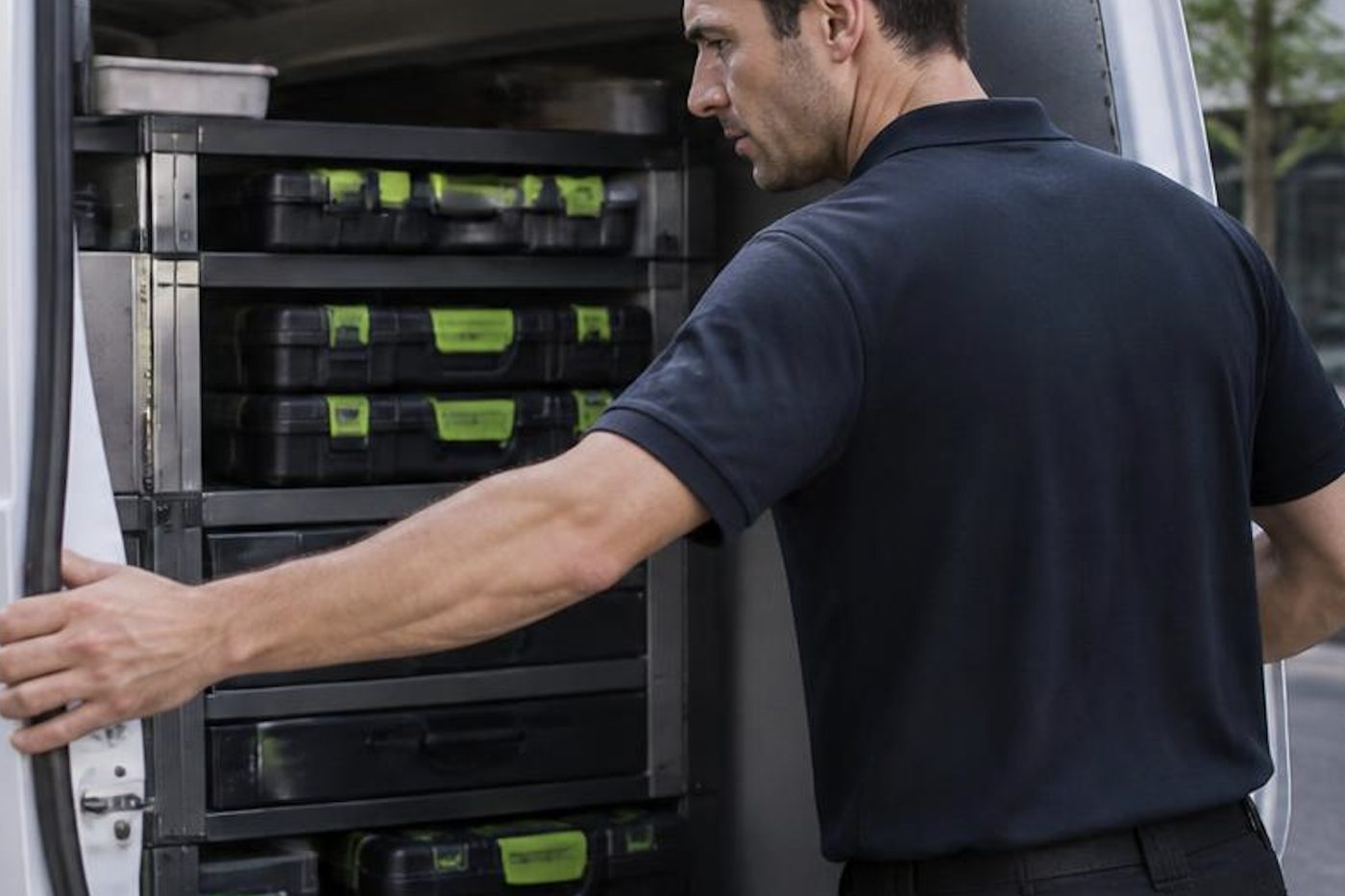
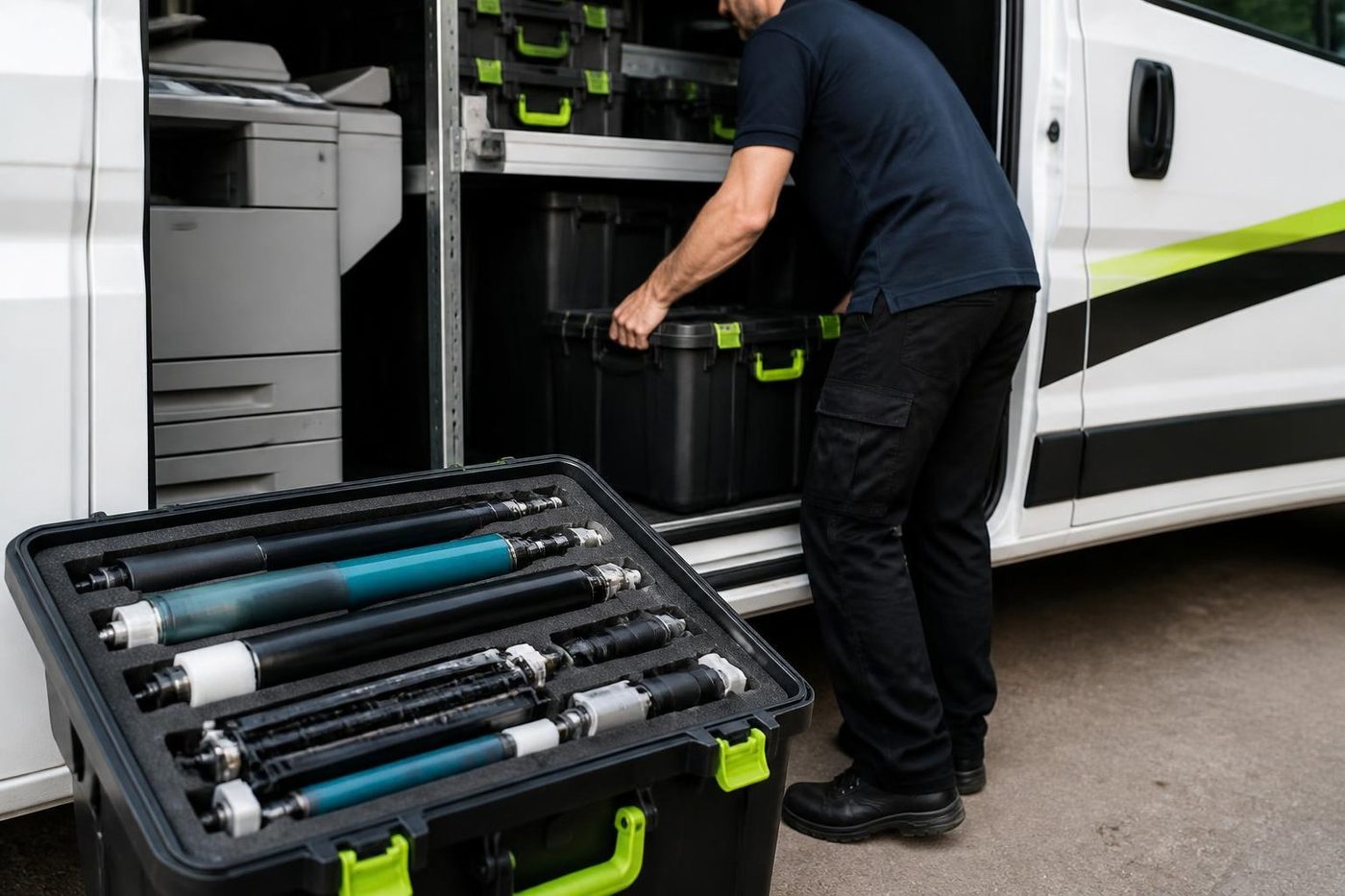
The right part has to be in the van
Anything not carried is ordered once the cause is confirmed, not before. Ordering on a hunch fills a shelf with parts that fixed nothing.
Because we also buy and sell machines we see which parts fail early on which models, and that shapes what rides in the van.

- Common spares carried. Most jobs finish without a wait.
- Ordered on proof. Not on a hunch.
- Fitted once. And warranted.
Keep reading around Brisbane
 Relocation and setupCopier moves, installation and network setup, tested before we leave.
 News and tipsPosts on keeping, moving and replacing office copiers.
 We buy photocopiersSell a used commercial copier or office printer to us. Figure agreed on the phone.
 Scan to email not workingScans that never reach an inbox or a shared folder.
Buy, sell and lease
Buy, sell and lease commercial copiers in Brisbane
We also sell new and refurbished commercial copiers and buy used ones. Same team, same technicians.

From the van to the machine



Questions people ask us on the phone
Can I move a photocopier myself?
You can, but it is risky. A knock can throw the internals out of line, toner can spill and the network has to be rebuilt. A professional move costs less than a damaged machine.
How long does a copier relocation take?
The move is usually a matter of hours. The setup at the other end, the network and the scanning, takes the rest of the visit. Ask us on the phone for your machine.
Does a leased copier need the provider's permission to move?
Often, yes. Read the agreement and check with the provider first.
Will the settings survive the move?
The machine usually keeps its own settings, but the network side often has to be rebuilt, especially if the internet provider changes. Write the details down first.
Can you move a copier I bought used?
Yes. We move and set up machines wherever they were bought.
Do you buy the old machine if I am replacing it?
If you own it, yes. See photocopier buyers and trade in.
Something odd on the panel
Read us the code
A code is a pointer, not a verdict. We work out what it points to and quote you before we move.
Send the code
Printer service Brisbane, from one desk printer to a whole floor
Copier and printer repairs across Brisbane
Fault guides
- Copier and printer faults Brisbane
- Photocopier paper jams Brisbane
- Copier black lines and streaks Brisbane
- Copier error codes Brisbane
- Copier not printing Brisbane
- Scan to email not working Brisbane
- Toner smearing and fuser faults Brisbane
- Printer offline and network faults Brisbane
- Copier noise, grinding and squealing Brisbane
- Is my copier worth repairing Brisbane
- Toshiba e-STUDIO error codes Brisbane
- HP LaserJet error messages Brisbane
- Kyocera TASKalfa error codes Brisbane
Makes we work on
- Toshiba copier repairs Brisbane
- HP printer repairs Brisbane
- Kyocera copier repairs Brisbane
- Fujifilm copier repairs Brisbane
- Xerox copier repairs Brisbane
- Canon copier repairs Brisbane
- Ricoh copier repairs Brisbane
- Lexmark printer repairs Brisbane
- Brother printer repairs Brisbane
- Epson printer repairs Brisbane
- OKI printer repairs Brisbane
- Zebra printer repairs Brisbane
- Konica Minolta copier repairs Brisbane
- Sharp copier repairs Brisbane
- Fuji Xerox copier repairs Brisbane
Suburbs and districts we cover
- Printer service Inner West Brisbane
- Printer service Brisbane CBD
- Printer service Milton, Toowong and Inner Brisbane
- Printer service Centenary Suburbs
- Printer service Ipswich Corridor
- Printer service Logan
- Printer service Brisbane Northside
- Printer service Acacia Ridge and Archerfield
- Printer service Toowoomba
- Printer service Eastern Suburbs and Airport Precinct
- Printer service Southside: Sunnybank and Mount Gravatt
- Printer service Redcliffe and Moreton Bay
- Printer service Redlands, Capalaba and Cleveland
- Printer service Caboolture, Morayfield and the North
- Printer service Fortitude Valley and Newstead
- Printer service Indooroopilly, Toowong and Kenmore
- Printer service Springfield and Ripley
- Printer service Ipswich, Booval and Amberley
- Printer service Beaudesert and the Scenic Rim
- Printer service Lockyer Valley and Gatton
- Printer service Beenleigh and Yatala
- Printer service Bribie Island and Moreton Bay
- Printer service Carindale and Camp Hill
- Printer service Wynnum and Manly
- Printer service North Lakes, Strathpine and Petrie
- Printer service South Brisbane and Woolloongabba
- Printer service Logan Central and Browns Plains
- See every Brisbane area
Got the make and the fault? Send those two things and we will price it.
Got a code? Send it over
Even a rough description works: noise, smell, streaks, jams. We work out the rest on the call. Our number is (07) 3073 5255.