Printer Tips | Laser Printers Brisbane team | 19 June 2026
Why Does My Printer Keep Jamming? Common Causes and Fixes
Few things are more frustrating than a printer or photocopier that jams every few pages. The good news is that most jamming has a handful of common causes, and some you can sort yourself. Here is what is usually going on and what to do about it.
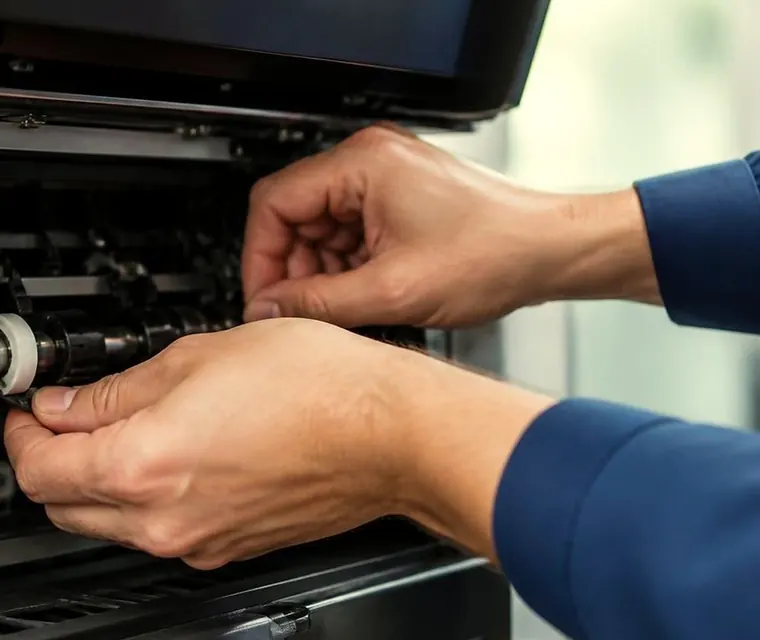
Brisbane printer service and photocopier repairs, plus machine sales
Common causes of repeated jams
- Paper problems. Damp, curled, overloaded or poor quality paper is among the commonest causes. So is loading paper of the wrong size or weight for the tray's settings.
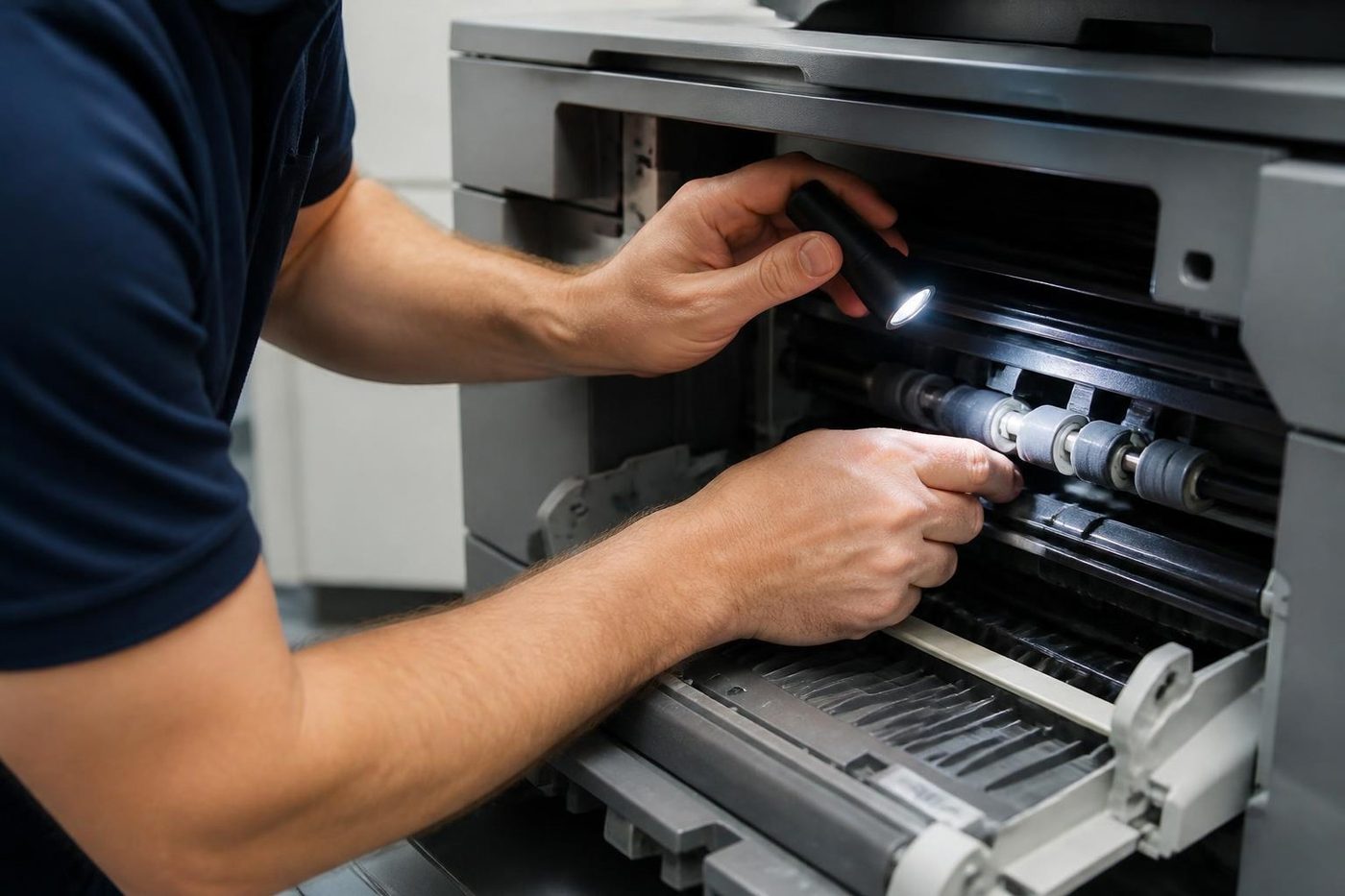
- Worn pickup or feed rollers. Over time the rubber rollers that grab each sheet wear smooth and start misfeeding. This is one of the most common mechanical causes in busy machines.
- Bits of torn paper inside. A scrap left behind from an earlier jam will cause jam after jam until it is removed.
- A worn separation pad. This is the part that keeps the machine taking one sheet at a time. When it wears you get multiple sheets pulled through, and jams.
- Humidity. In Brisbane's humidity paper absorbs moisture and sticks together. Storing paper sealed and clear of damp helps more than people expect.


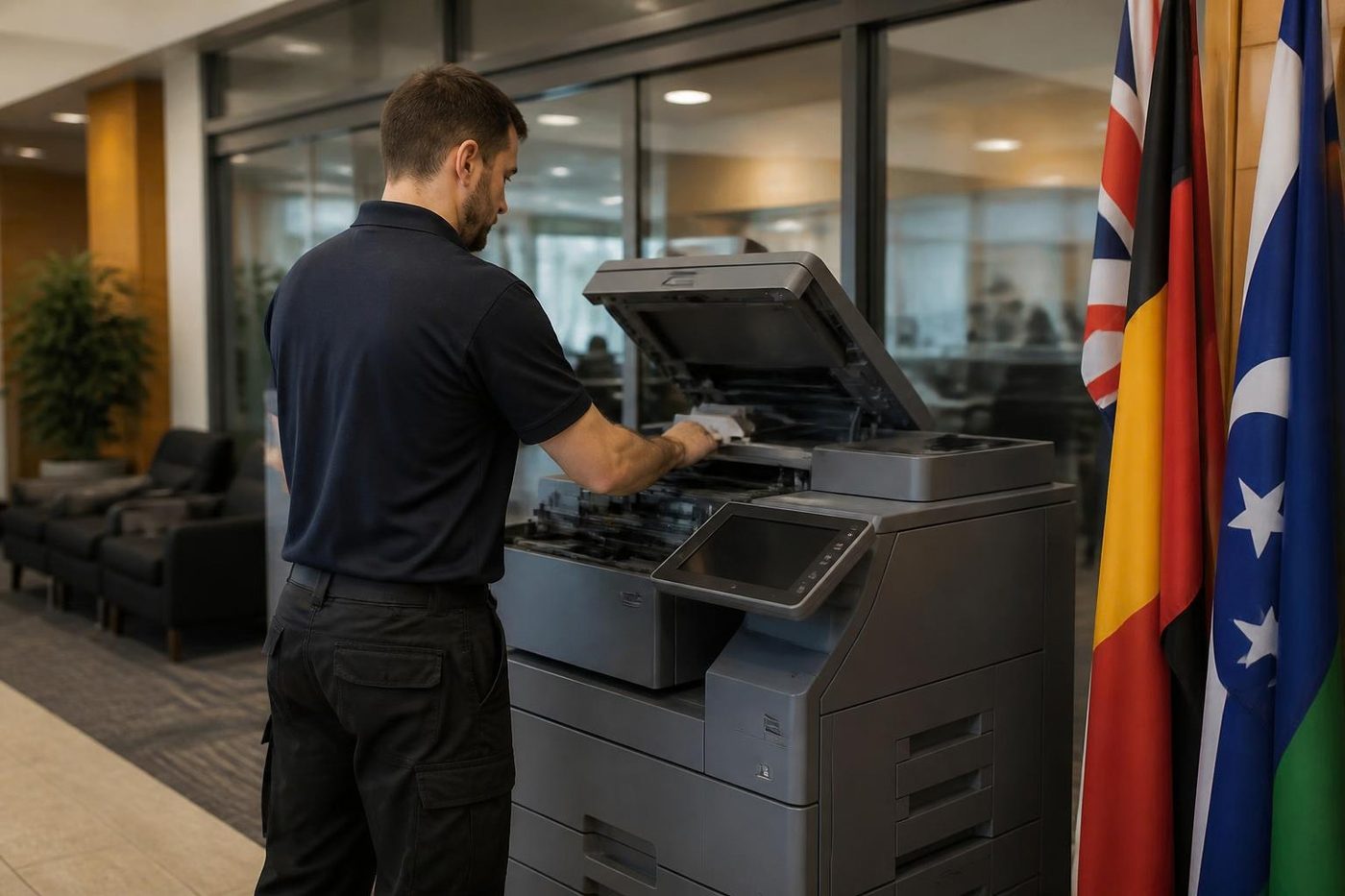
Three steps to a price
- Name the machineMake, model and the trouble it is giving you.
- Hear the price firstWe ring you back with it before a visit is booked.
- A certified technician attendsSame day wherever the diary allows.
Simple fixes you can try
Work through these in order. None needs a tool.
- Check your paper. Fan a fresh ream, make sure it is not damp or curled and do not overfill the tray. Confirm the tray's paper size setting matches what is loaded.
- Clear jams properly. Pull jammed paper gently in the direction it normally moves, never backwards, and make sure no torn fragments are left behind.
- Look for debris. Open the trays and covers and check for stray scraps, staples or dust.
- Wipe the rollers. If you can reach them, gently clean the feed rollers with a lint free cloth lightly dampened with water. Built up dust stops them gripping.
When to call a technician
If you have tried the above and the jams keep coming, it is usually a sign of a worn part, such as the rollers, the separation pad or a fuser issue, that needs replacing. Persistent jams, recurring error codes or paper that crumples inside the machine are all signs to get it looked at before it does more damage.
That is where we come in. We provide on site printer and photocopier repairs across Brisbane, at your premises, with nothing posted off. Our technicians are trained, experienced and certified, and 98% of repairs are fixed on the first visit. Same day service available.
Habits that prevent jams
Most jam prevention is boring. Keep paper in its wrapper until you load it. Store it flat and off the floor. Do not mix brands or weights in one tray. Take staples and clips off originals before they go in the feeder. Tell the machine what you have loaded when you change the paper type, because the setting controls the heat and the speed of the paper path.
In a Brisbane summer, a ream left out on a shelf in a damp room can be the whole story. If jams get worse from November, check the paper store before the machine.
Where the jam happens tells you why
| Where it stops | Usually means |
|---|---|
| At the tray, as the sheet starts | Worn pickup roller, damp paper or an overfilled tray |
| Two or more sheets pulled at once | Worn separation pad or rollers, or paper stuck together by humidity |
| In the middle of the path | A worn feed roller, a dirty sensor or a bent guide |
| Near the fuser, with creased paper | A tired fuser, or damp paper that cannot lose its moisture |
| In the two sided unit | Rollers in the duplex path, or paper that curls |
| In the finisher | Staple jams, an overfilled tray or a sensor fault |
If you can say where it stops, you are most of the way to the cause. Tell us when you phone.
Paper types that cause jams
Labels, envelopes, card and heavy stock are harder on a machine than plain paper, and they need the right tray and the right setting. A label sheet that curls in the fuser can peel and jam the whole path. Recycled paper varies from batch to batch. Cheap paper that sheds dust into the machine wears the rollers faster.
If you print on special stock, tell the machine. The paper type setting controls the heat and the speed of the paper path, and the wrong one is a common cause of crumpled sheets.
Staples, clips and the document feeder
A staple that goes through the document feeder can damage the glass and jam the path. A sheet with a torn edge can catch and tear. Take staples and clips off originals before they go in, flatten folded corners and keep the feeder to the number of sheets it is built for.
When the cause is the fuser or a sensor
A jam near the fuser with creased or scorched paper points to a tired fuser. A jam that the machine reports but that has no paper in it points to a sensor, often one clogged with dust. Neither is a job to guess at. A fuser holds heat long after the machine is off, and a sensor is easy to damage. If your jams look like either, phone. Our technicians are trained, experienced and certified, they carry the common spare parts and 98% of repairs are fixed on the first visit.
A jam checklist for the office
- Keep paper sealed and off the floor.
- Do not mix brands, weights or types in a tray.
- Do not overfill the tray.
- Match the tray setting to the paper loaded.
- Clear a jam properly the first time, and look for scraps.
- Note where the jams happen and how often.
- Book a service if the same jam returns.
A short diagnosis
A typical story. A small office has a printer that jams a few times a week. They clear the jam, it works for an hour, then it jams again. When we ask where it jams, they say at the tray. When we ask about the paper, it is a ream that has sat open on a shelf all summer. The paper store is the first fix, the pickup roller the second. The office changes the paper habit, and we replace the roller on the next service. The jams stop.
Storing paper in Brisbane
Keep paper in its wrapper until you load it, store it flat and off the floor, and keep the cupboard dry. Do not leave a half used ream on top of the printer, where the machine's own heat dries one edge and the air takes up moisture on the other. In summer, load only what you will use in a day or two.
Front office or warehouse
The place the machine lives matters. A printer in a dusty warehouse office needs the feed path cleaned more often than one in a quiet front office. A machine near a window with afternoon sun runs warmer and fuses paper differently. If your machine jams at a particular time of day, tell us. It is useful information.
What a technician checks
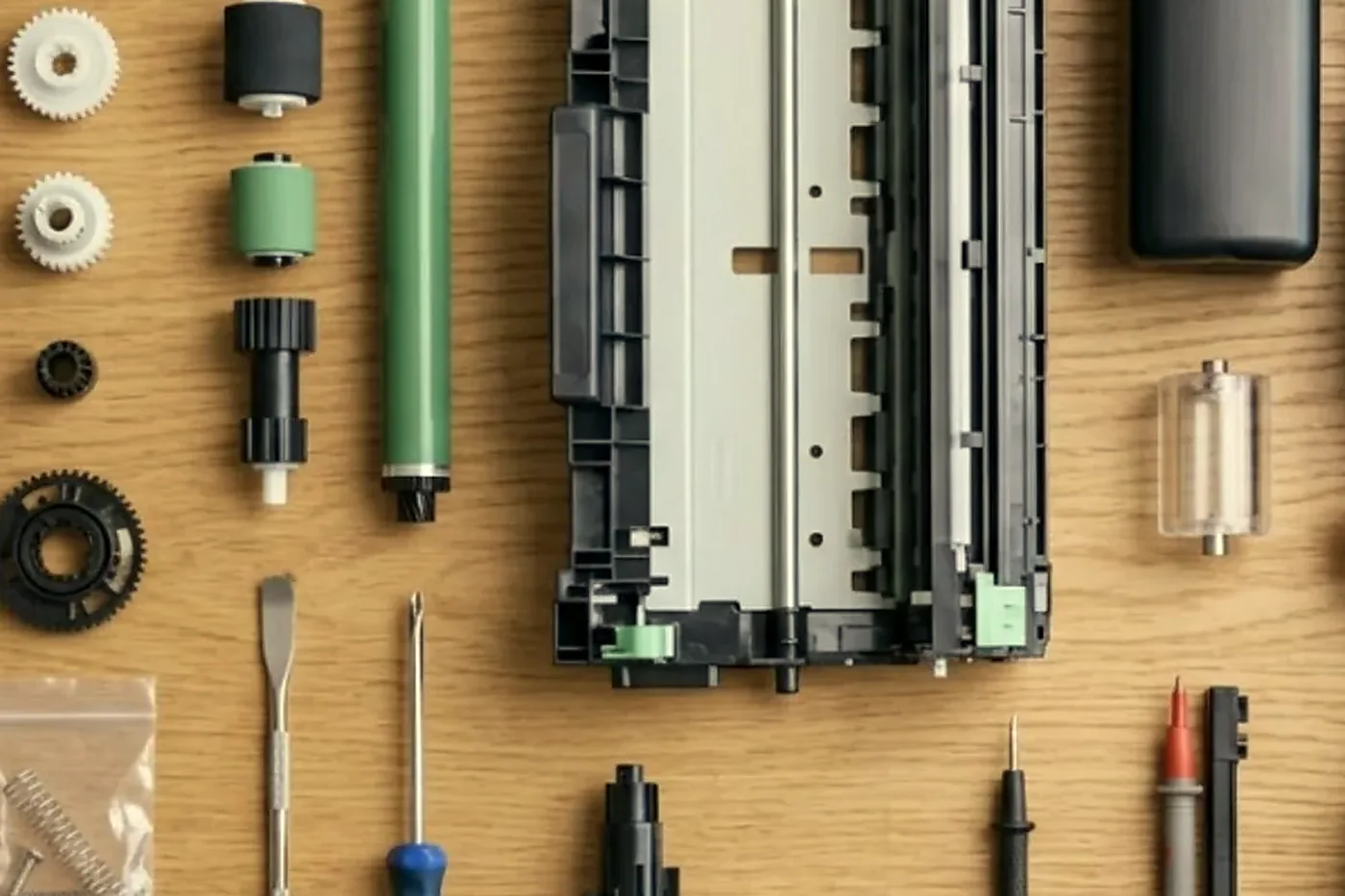
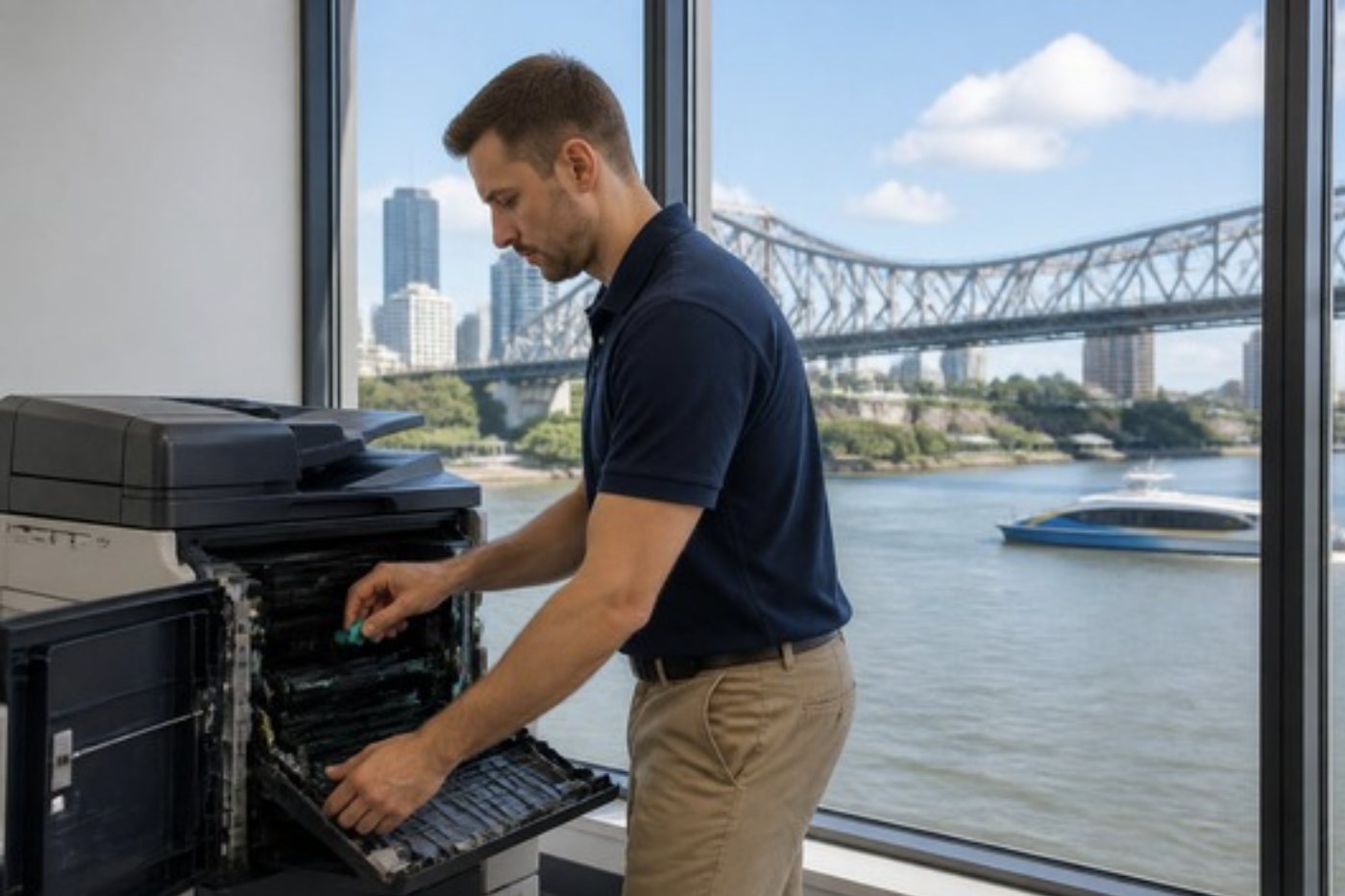
When we come to a machine that jams, we start with the paper and the tray, then the pickup and feed rollers and the separation pad, then the path guides and the sensors, then the fuser and the duplex unit. We clear every scrap, clean the path and print test pages, and we replace what is worn. If the cause is the paper store, we say so, and the visit is a short one.
If it is a plotter or a label printer
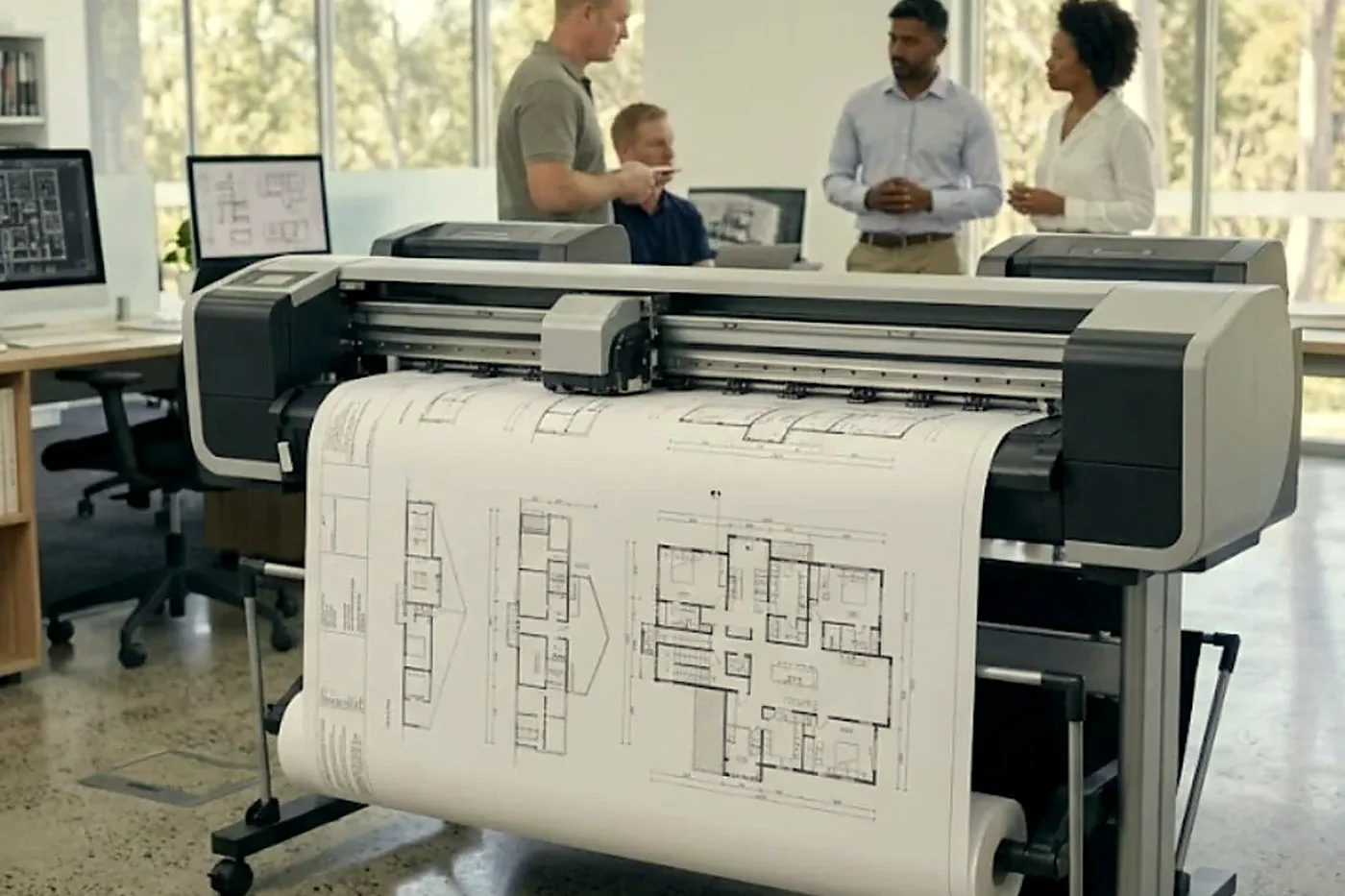
The same principles apply to a plotter or a label printer, with different parts. A label printer jams when the stock is misaligned or the platen roller is worn, and a plotter when the media is not loaded straight. We repair both. See plotter service.
More on jams
Our fault guide photocopier paper jams in Brisbane goes further, with a table of where a jam stops and what it usually means. Fed up with clearing jams? Phone (07) 3073 5255 or use the contact page. We serve all of Brisbane: the inner west, the western suburbs and the Ipswich corridor, and the northside and southside too.
Service history
A machine has a memory, so we keep one
It also settles arguments. If a drum went in during March and fails in May, the record shows it, and the repeat fix is free.
Office managers who change every year like this most. The history stays with the machine, not with the person who left.
- Every visit logged. Fault, cause, part.
- Meter noted. So wear can be judged fairly.
- Repeats free. The same fault again is on us.
Keep reading around Brisbane

Buy, sell and lease
Buy, sell and lease commercial copiers in Brisbane
We also sell new and refurbished commercial copiers and buy used ones. Same team, same technicians.

A few recent visits



Questions people ask us on the phone
Why does my printer jam on the first page?
Usually the pickup roller, damp paper or an overfilled tray. Check the paper first, then the roller.
Why does my copier pull two sheets at once?
A worn separation pad or feed roller, or paper stuck together by humidity.
Can I clean the rollers myself?
Gently, with a lint free cloth lightly dampened with water, if you can reach them. Do not use solvents.
Why does it jam more in summer?
Brisbane humidity makes paper absorb moisture and stick together. Store paper sealed and clear of damp.
Is a jam ever a sign of something serious?
A jam that returns with no paper in sight, or one near the fuser, can be. Phone before it does more damage.
Do you repair jamming copiers on site?
Yes. We repair commercial copiers and printers at your premises across Brisbane, and same day service is available.

Newstead to Wacol
Floor standing or desk top, we repair both
The technician is matched to the machine, and the price is settled on the call.
Get a price
Printer service Brisbane, from one desk printer to a whole floor
Copier and printer repairs across Brisbane
Fault guides
- Copier and printer faults Brisbane
- Photocopier paper jams Brisbane
- Copier black lines and streaks Brisbane
- Copier error codes Brisbane
- Copier not printing Brisbane
- Scan to email not working Brisbane
- Toner smearing and fuser faults Brisbane
- Printer offline and network faults Brisbane
- Copier noise, grinding and squealing Brisbane
- Is my copier worth repairing Brisbane
- Toshiba e-STUDIO error codes Brisbane
- HP LaserJet error messages Brisbane
- Kyocera TASKalfa error codes Brisbane
Makes we work on
- Toshiba copier repairs Brisbane
- HP printer repairs Brisbane
- Kyocera copier repairs Brisbane
- Fujifilm copier repairs Brisbane
- Xerox copier repairs Brisbane
- Canon copier repairs Brisbane
- Ricoh copier repairs Brisbane
- Lexmark printer repairs Brisbane
- Brother printer repairs Brisbane
- Epson printer repairs Brisbane
- OKI printer repairs Brisbane
- Zebra printer repairs Brisbane
- Konica Minolta copier repairs Brisbane
- Sharp copier repairs Brisbane
- Fuji Xerox copier repairs Brisbane
Suburbs and districts we cover
- Printer service Inner West Brisbane
- Printer service Brisbane CBD
- Printer service Milton, Toowong and Inner Brisbane
- Printer service Centenary Suburbs
- Printer service Ipswich Corridor
- Printer service Logan
- Printer service Brisbane Northside
- Printer service Acacia Ridge and Archerfield
- Printer service Toowoomba
- Printer service Eastern Suburbs and Airport Precinct
- Printer service Southside: Sunnybank and Mount Gravatt
- Printer service Redcliffe and Moreton Bay
- Printer service Redlands, Capalaba and Cleveland
- Printer service Caboolture, Morayfield and the North
- Printer service Fortitude Valley and Newstead
- Printer service Indooroopilly, Toowong and Kenmore
- Printer service Springfield and Ripley
- Printer service Ipswich, Booval and Amberley
- Printer service Beaudesert and the Scenic Rim
- Printer service Lockyer Valley and Gatton
- Printer service Beenleigh and Yatala
- Printer service Bribie Island and Moreton Bay
- Printer service Carindale and Camp Hill
- Printer service Wynnum and Manly
- Printer service North Lakes, Strathpine and Petrie
- Printer service South Brisbane and Woolloongabba
- Printer service Logan Central and Browns Plains
- See every Brisbane area
Got the make and the fault? Send those two things and we will price it.
Describe the fault and we will ring you
Tell us the suburb as well, so we can plan the visit. Or ring (07) 3073 5255 and say it out loud.