Printer Tips | Laser Printers Brisbane team | 19 August 2026, updated 20 August 2026
Toshiba e-STUDIO error codes explained, and when to call for help
If your Toshiba e-STUDIO has stopped with a code on the screen, take a breath. Most codes are the machine protecting itself, not dying. Here is the plain English version of what the common ones mean.
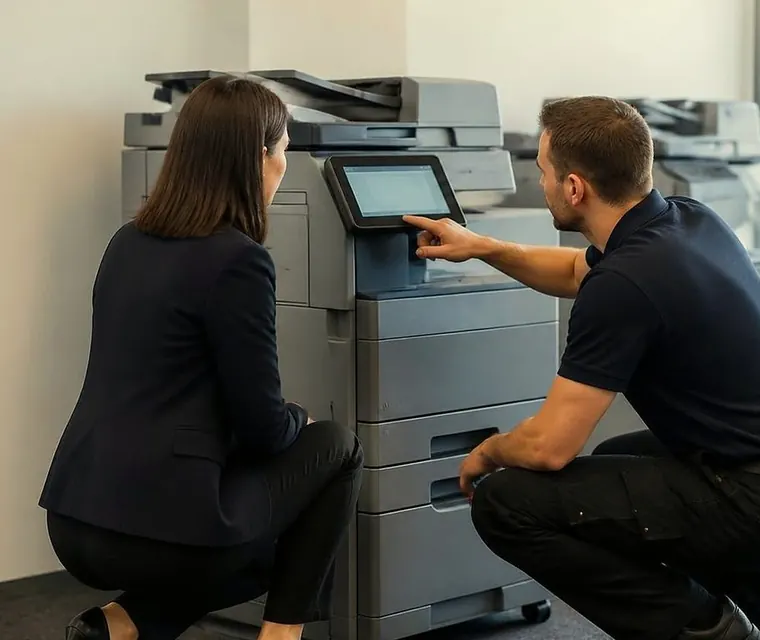
Brisbane printer service and photocopier repairs, plus machine sales
Paper jam codes
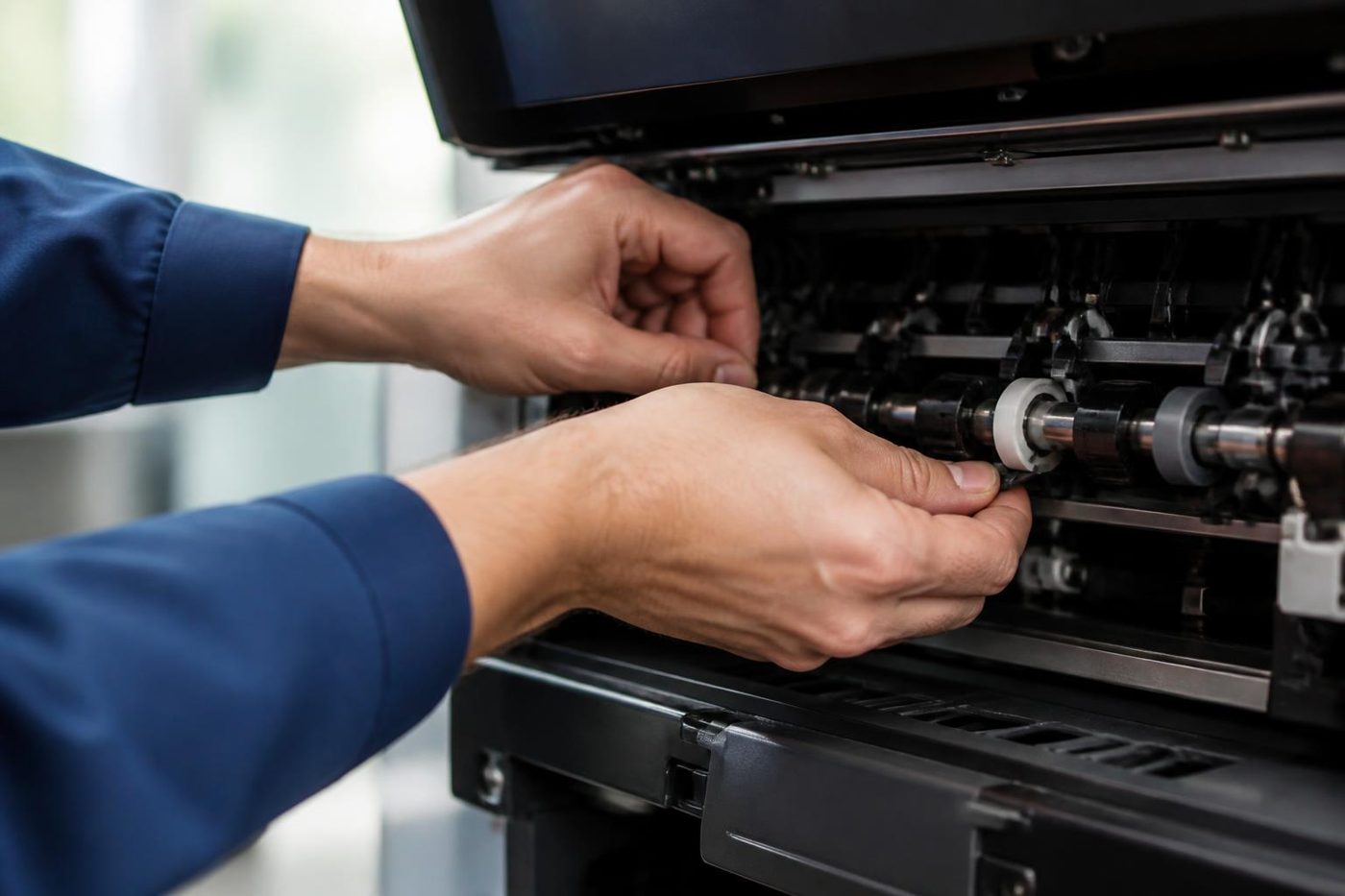
On many models jam codes start with a letter such as E or J. The screen normally shows where to look, but the sneaky jams hide behind the duplex unit or inside the finisher. Open, clear and close firmly. If the code returns with no paper to be found, a sensor or a worn feed roller is the real culprit, and that is a service visit.


Three steps to a price
- Name the machineMake, model and the trouble it is giving you.
- Hear the price firstWe ring you back with it before a visit is booked.
- A certified technician attendsSame day wherever the diary allows.
C codes, the service calls
A C code, for example C440 or C550, means the machine has detected an internal fault, commonly in the fuser, drive or power systems. Switching off at the wall for thirty seconds and back on clears the occasional false alarm. If the code returns, stop there. Repeatedly power cycling a genuine fuser fault can turn a modest repair into an expensive one.
Codes vary by model, so the model name matters as much as the code. Our page on Toshiba e-STUDIO error codes goes further, including the fuser family.
Toner and waste toner messages
Genuine consumable warnings are the easy ones: replace the toner or the waste container. If a brand new cartridge is not recognised, reseat it firmly. If it still refuses, the machine may need its counters reset, a five minute job for a technician.
Scan to email suddenly failing
This is not strictly an error code, but it is one of the calls we get most. It is almost always caused by an email or network change in the office, not the copier. We reconnect e-STUDIOs to office email systems regularly. See scan to email not working.
The honest rule
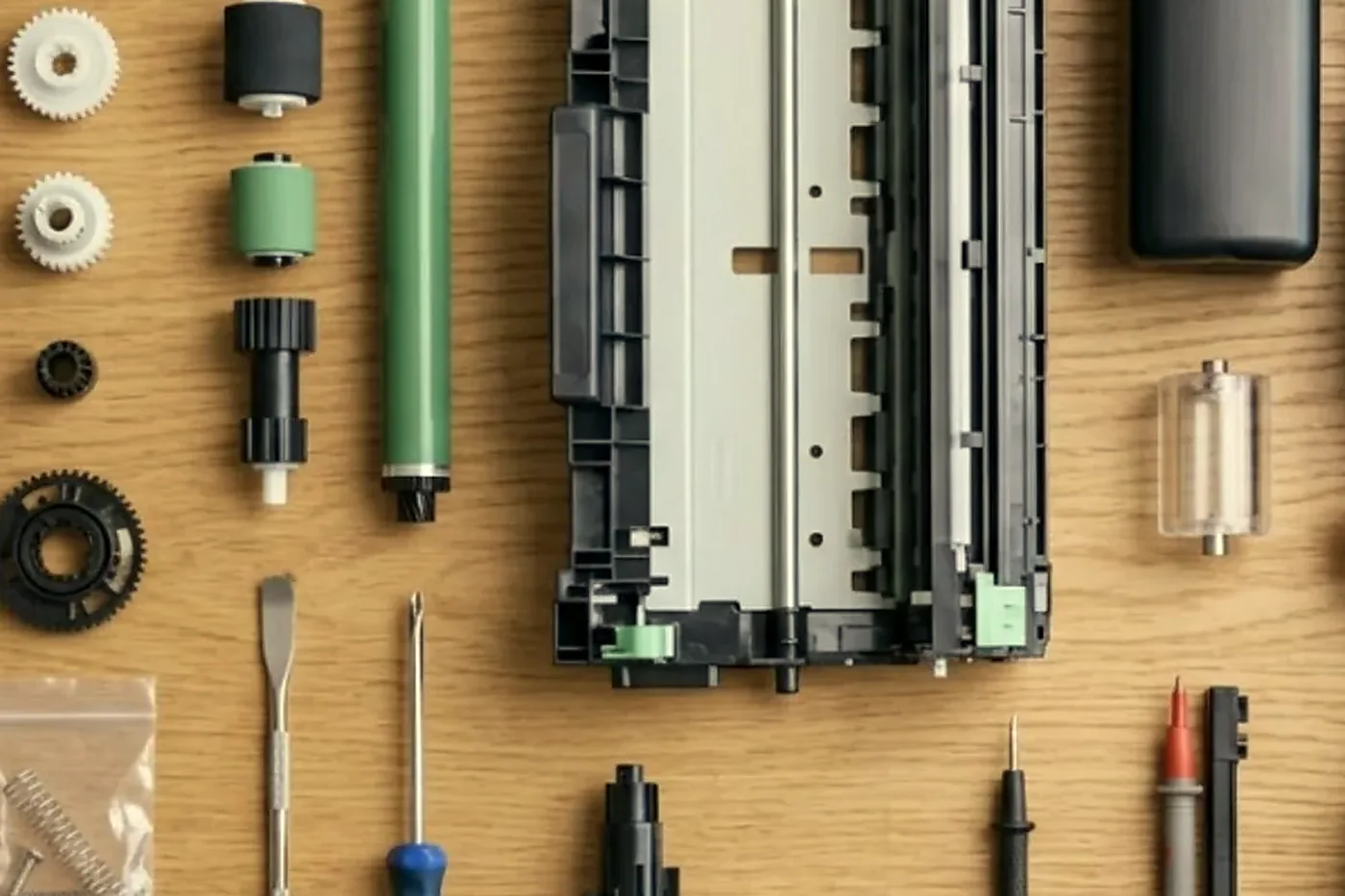
Clear a jam, replace a consumable, restart once. Anything beyond that, especially a returning C code, is where a Toshiba experienced technician saves you money rather than costing it.
- Write down the whole code and the model name.
- Switch off at the wall for thirty seconds and switch on once.
- If the code returns, leave the machine off and phone.
What to tell us when you phone
Give us the model name from the front of the machine, the whole code with its letters, and what the machine was doing when it stopped. Tell us whether the code appears the moment you switch on or only after a long job. That short call usually tells us which part of the machine is involved and what to bring. The price is agreed on the phone before anyone is booked, with nothing locked in.
Reading a Toshiba display message
A Toshiba e-STUDIO tells you a good deal if you read the screen carefully. Some messages are instructions: close a cover, add paper, replace a container. Some are warnings: a consumable is nearly gone. And some are codes, a letter and a number, which point to a part of the machine. The model matters, because the same number does not mean the same thing on every e-STUDIO.
What you can safely do yourself
- Clear a visible jam, following the path shown on the panel and pulling the paper the direction it normally moves.
- Add paper, and check that the tray guides are snug and the paper type matches the setting.
- Replace a toner cartridge or a waste toner container when the machine asks.
- Switch the machine off at the wall, wait thirty seconds and switch it on once.
- Check that all covers and drawers are fully closed.
What not to do
- Do not power cycle the machine again and again with the same code. A genuine fuser or drive fault can be made worse.
- Do not force a stuck cover or a drawer.
- Do not touch the drum with bare fingers. It is light sensitive and easy to mark.
- Do not open the fuser area soon after the machine has been running. It holds heat well after the machine is off.
- Do not guess at a code from a list for a different model.
Why the model name matters
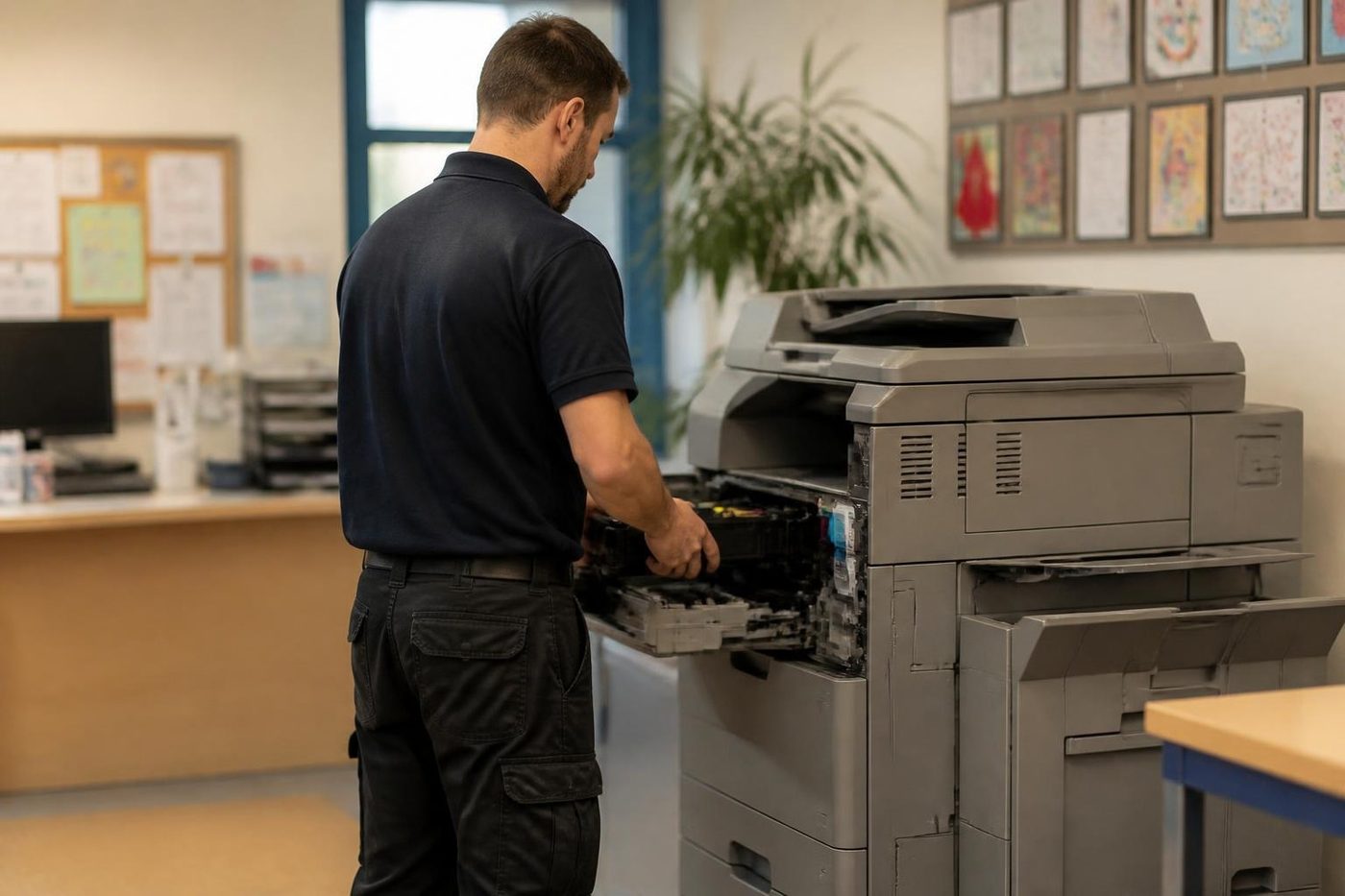
The e-STUDIO range covers many generations, from older machines to the AC series with the large e-BRIDGE touchscreen. Codes, panels and the way a fault shows are different across them. That is why we ask for the model name as well as the code, and why a list of codes on a website is a starting point and not an answer.
Preventing codes with a service
Many codes are the end of a story that began with a worn part. A feed roller that slips, a fuser that runs a little hot, a sensor clogged with dust. A regular service looks at those parts before they fail, and it is usually cheaper than a breakdown. If your e-STUDIO is a busy shared machine, ask us about a planned service. Our technicians are trained, experienced and certified, they carry the common spare parts and 98% of repairs are fixed on the first visit.
Repair, refurbished or replace
If an older e-STUDIO is throwing codes more often, ask whether the repair is worth it. Our guide should you repair or replace your office photocopier sets out how we decide. If a replacement makes sense, we sell refurbished Toshiba e-STUDIO machines and new photocopiers, and we take trade ins.
A typical call
A typical call goes like this. An office manager phones to say the e-STUDIO has stopped with a C code on the panel. We ask for the model and the whole code, whether it appeared on switch on or after a long job, and whether anything changed lately. If it is a code we see often on that model, we say what part is likely involved and bring it. The price is agreed on the call, and the first visit is usually the last.
Heat, the fuser and why you should stop
Many C codes on a copier relate to the fuser, the part that heats and presses toner into the paper. It runs hot, and it fails in ways that can scorch paper or trip a safety. Repeatedly switching a machine on with a genuine fuser fault gives the part more chances to fail further. That is why the honest rule is to try once and stop.

Messages that are not codes
Not everything on the panel is a fault. Messages about a full finisher, a staple cartridge that needs replacing or a tray that is not closed are instructions, and following them clears the message. A message that stays after you have done what it asks is the one to phone about.
Keeping a note of codes
If a code appears more than once, write it down with the date, the model and what the machine was doing. A pattern is worth more to a technician than a single event. A code that appears every Monday morning, or only after a long job, or only in hot weather, tells us where to look. A small notebook beside the machine, or a note on your phone, is all it takes.
If the machine is old
An older e-STUDIO that throws codes often is telling you something. Ask whether the fault is one part or several, and what the next one is likely to be. If a replacement makes sense, we say so.
When to call
Our Brisbane team services the whole e-STUDIO range at your premises, and same day service is available. Phone (07) 3073 5255 with the model and the code. If the machine is old enough that codes are becoming a lifestyle, browse our refurbished Toshiba e-STUDIO machines and we will talk trade in. For service, see Toshiba photocopier service.
Service history
A machine has a memory, so we keep one
It also settles arguments. If a drum went in during March and fails in May, the record shows it, and the repeat fix is free.
Office managers who change every year like this most. The history stays with the machine, not with the person who left.

- Every visit logged. Fault, cause, part.
- Meter noted. So wear can be judged fairly.
- Repeats free. The same fault again is on us.
Keep reading around Brisbane
 Toshiba e-STUDIO error codesCall for Service and a C code on an e-STUDIO.
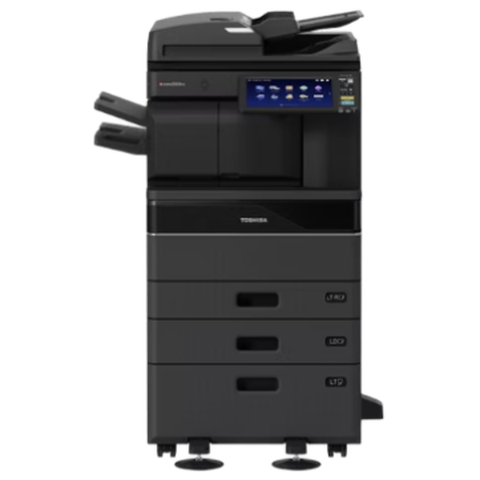 Toshiba repairse-STUDIO colour and mono copiers, fixed where they stand.
 Refurbished Toshibae-STUDIO AC models, tested, warranted and set up.
 Copier error codesHow to read a code and what to note down.
 News and tipsPosts on keeping, moving and replacing office copiers.
Buy, sell and lease
Buy, sell and lease commercial copiers in Brisbane
We also sell new and refurbished commercial copiers and buy used ones. Same team, same technicians.

Jobs we have been on around Brisbane



Questions people ask us on the phone
What does a C code on my Toshiba mean?
It means the machine has detected an internal fault, often in the fuser, drive or power systems. The meaning depends on the model, so tell us the model and the whole code.
Can I clear a Toshiba error code myself?
Sometimes. Switching off at the wall for thirty seconds and on again once can clear a false alarm. If the code returns, stop and phone.
Why does my Toshiba show a toner message with a new cartridge?
The cartridge may not be seated firmly, or the machine may need its counters reset. Reseat it first. If it still refuses, a technician can reset it.
Is it worth repairing an older e-STUDIO?
Often, yes, if the fault is a roller or a fuser. If it needs a second major part in a year, replacement may be better. We say honestly.
Do you repair every e-STUDIO model?
We service the whole e-STUDIO range at your premises. Phone with the model and the code.
Can you fix scan to email on a Toshiba?
Yes. It is almost always an email or network change in the office. We reconnect e-STUDIOs to office mail systems regularly.
Paper stuck again
(07) 3073 5255 gets a real person
Make, model and the fault. We tell you the cost before the diary is touched.
Write instead
Printer service Brisbane, from one desk printer to a whole floor
Copier and printer repairs across Brisbane
Fault guides
- Copier and printer faults Brisbane
- Photocopier paper jams Brisbane
- Copier black lines and streaks Brisbane
- Copier error codes Brisbane
- Copier not printing Brisbane
- Scan to email not working Brisbane
- Toner smearing and fuser faults Brisbane
- Printer offline and network faults Brisbane
- Copier noise, grinding and squealing Brisbane
- Is my copier worth repairing Brisbane
- Toshiba e-STUDIO error codes Brisbane
- HP LaserJet error messages Brisbane
- Kyocera TASKalfa error codes Brisbane
Makes we work on
- Toshiba copier repairs Brisbane
- HP printer repairs Brisbane
- Kyocera copier repairs Brisbane
- Fujifilm copier repairs Brisbane
- Xerox copier repairs Brisbane
- Canon copier repairs Brisbane
- Ricoh copier repairs Brisbane
- Lexmark printer repairs Brisbane
- Brother printer repairs Brisbane
- Epson printer repairs Brisbane
- OKI printer repairs Brisbane
- Zebra printer repairs Brisbane
- Konica Minolta copier repairs Brisbane
- Sharp copier repairs Brisbane
- Fuji Xerox copier repairs Brisbane
Suburbs and districts we cover
- Printer service Inner West Brisbane
- Printer service Brisbane CBD
- Printer service Milton, Toowong and Inner Brisbane
- Printer service Centenary Suburbs
- Printer service Ipswich Corridor
- Printer service Logan
- Printer service Brisbane Northside
- Printer service Acacia Ridge and Archerfield
- Printer service Toowoomba
- Printer service Eastern Suburbs and Airport Precinct
- Printer service Southside: Sunnybank and Mount Gravatt
- Printer service Redcliffe and Moreton Bay
- Printer service Redlands, Capalaba and Cleveland
- Printer service Caboolture, Morayfield and the North
- Printer service Fortitude Valley and Newstead
- Printer service Indooroopilly, Toowong and Kenmore
- Printer service Springfield and Ripley
- Printer service Ipswich, Booval and Amberley
- Printer service Beaudesert and the Scenic Rim
- Printer service Lockyer Valley and Gatton
- Printer service Beenleigh and Yatala
- Printer service Bribie Island and Moreton Bay
- Printer service Carindale and Camp Hill
- Printer service Wynnum and Manly
- Printer service North Lakes, Strathpine and Petrie
- Printer service South Brisbane and Woolloongabba
- Printer service Logan Central and Browns Plains
- See every Brisbane area
Got the make and the fault? Send those two things and we will price it.
A few lines is plenty
One machine or three, send what you have. If the lines are busy the call is logged and returned.