Take a page that has just printed, wait a minute, and draw a clean fingertip lightly across a solid patch of text. If grey or black comes off on your finger, or a flake lifts from the page, the toner is sitting on top of the paper instead of being part of it. A laser printer or copier is meant to leave that toner fixed in the page, so this is a fault worth taking seriously.
What the fuser does
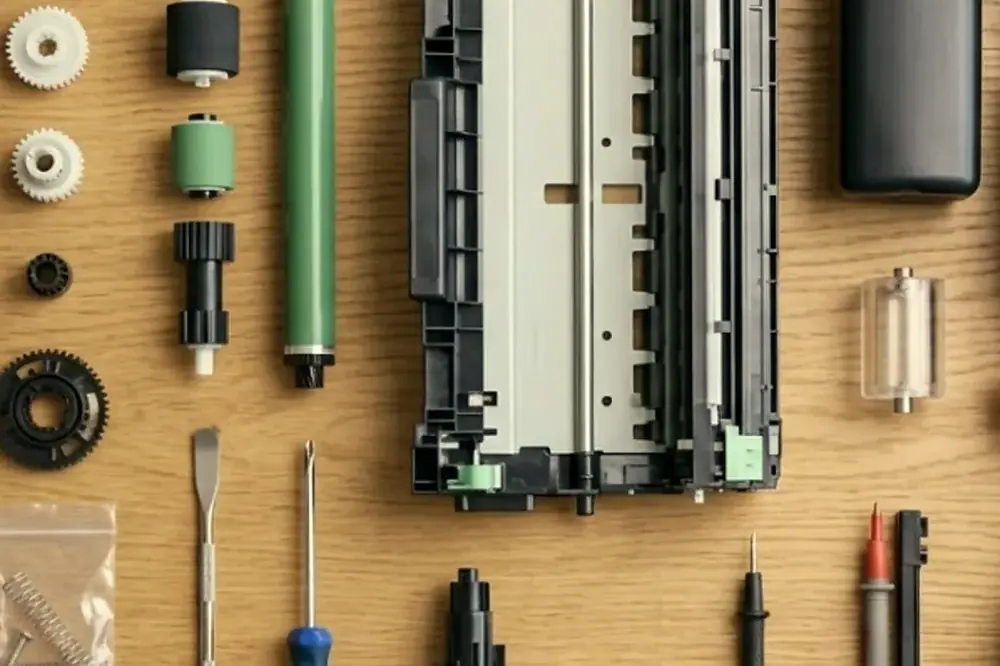
Laser printers and copiers lay a fine toner powder onto the paper using static charge. At that point the toner is only held in place loosely, and it would brush off. The last stop on the paper path is the fuser, which presses the sheet between a heated roller or belt and a second roller. The heat melts the toner, the pressure pushes it into the paper fibres, and as it cools it sets. That is why a printed page can feel warm when it comes out.
The fuser is therefore a hot, hard working part, and it is a wear item. Makers rate fusers for a number of pages, and the figure differs by model. A copier that runs all day will reach it sooner than a desktop printer that prints a few pages an hour.
Paper type and weight settings
The fuser adjusts how much heat and pressure it applies according to the paper type chosen at the panel, and the exact menu name varies by model. Heavier stock needs more heat to bond the toner than plain office paper. If thick card or heavy paper is loaded while the panel still says plain, the toner may not bond properly and can rub off. The reverse can also cause trouble, because too much heat for thin paper can wrinkle or curl it.
So the first check is to match the setting to the paper. Look at the weight printed on the ream wrapper, check what the tray is set to, and change the type at the panel or in the print settings if they do not match. Reload from a fresh ream, print one page, wait a minute and do the finger test again. This takes a couple of minutes. Setting the tray correctly should become routine whenever someone loads something unusual.
Paper the fuser is not suited to
Some media does not belong in a laser machine at all. Paper made for inkjet printing, glossy or coated stock that is not rated for laser or copier use, and preprinted forms made with inks that are not designed for the heat of a fuser can all give poor results. Labels need particular care. Only labels sold for laser printers or copiers should be used, because the adhesive can soften in the heat and the labels can peel and wrap around the roller. If your office feeds labels, envelopes or card stock, use the bypass or the tray the manual names, and select the matching type.
Signs the fuser may be failing
When the paper and settings are right and toner still smears, look for the other signs that point to the fuser:
- Toner rubs off on a finger or flakes from the page, and it happens on every sheet, not one ream.
- The page looks shiny in patches, or toner is fixed well on one side of the page and badly on the other.
- Sheets come out creased or badly curled, or jams keep happening near the exit.
- Marks or ghost images repeat at an even spacing down the page. Our post on lines and streaks on copies explains how to measure the gap.
- The panel shows a message about the fuser, a maintenance or a service code. What the code means is specific to the make and model.
- The machine takes much longer than it used to when warming up, or there are new noises from the exit end.
None of these proves that the fuser is the cause on its own. A single sign can come from another part, which is why a technician checks the whole path rather than guessing. Do not try to fix it by printing more test pages. If a fuser is failing, extra pages may make the paper path dirtier and the jams worse.
Heat and safety
The fuser runs hot, and parts near it can stay hot after the machine is switched off. Never touch it and never reach into or past any part marked hot. If paper has jammed at or near the fuser, shut the machine down properly and let it cool for the time the manual states before you open anything. Remove paper in the direction the label inside the cover shows, and never use a tool to pick at it.
If you see smoke or flame, or smell burning, leave the machine alone, follow your building fire procedure and call 000. Unplug it only if that is safe. A burning smell is not a reason to carry on printing to see what happens. For a paper jam in general, our post on why a printer keeps jamming sets out the order of checks.
Why a fuser repair is for a technician
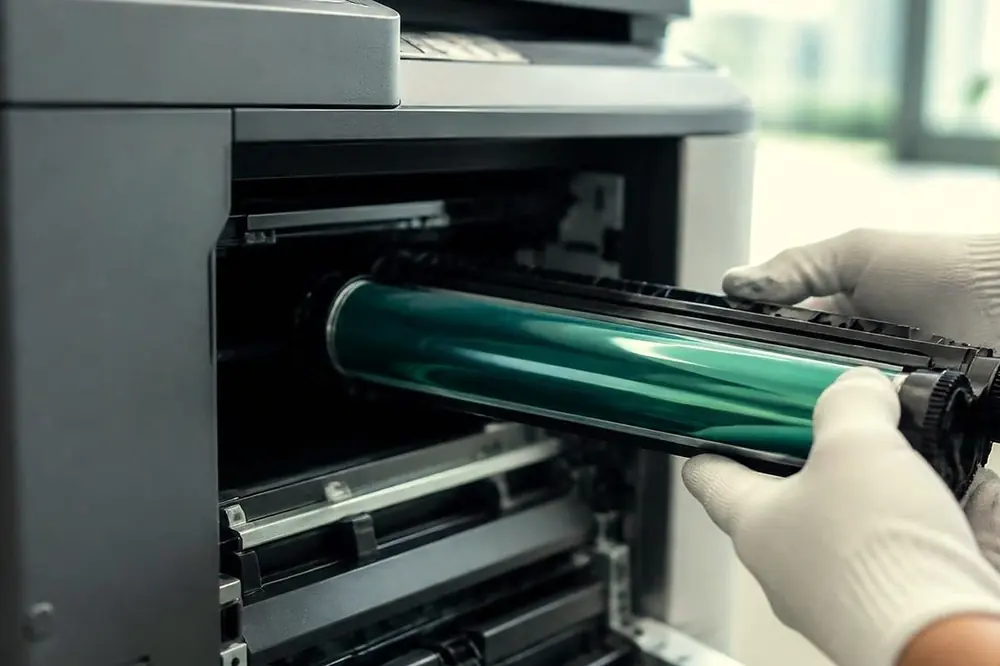
A fuser is a precision assembly under heat and pressure, and it has wiring, sensors and a thermal safety device that matter if something goes wrong. Replacing the wrong part, or fitting a new fuser without a counter or settings reset where the model needs one, can leave the machine making the same fault or an unsafe one. The exact steps differ by make and model, and the manual or a technician's service information is the right source.
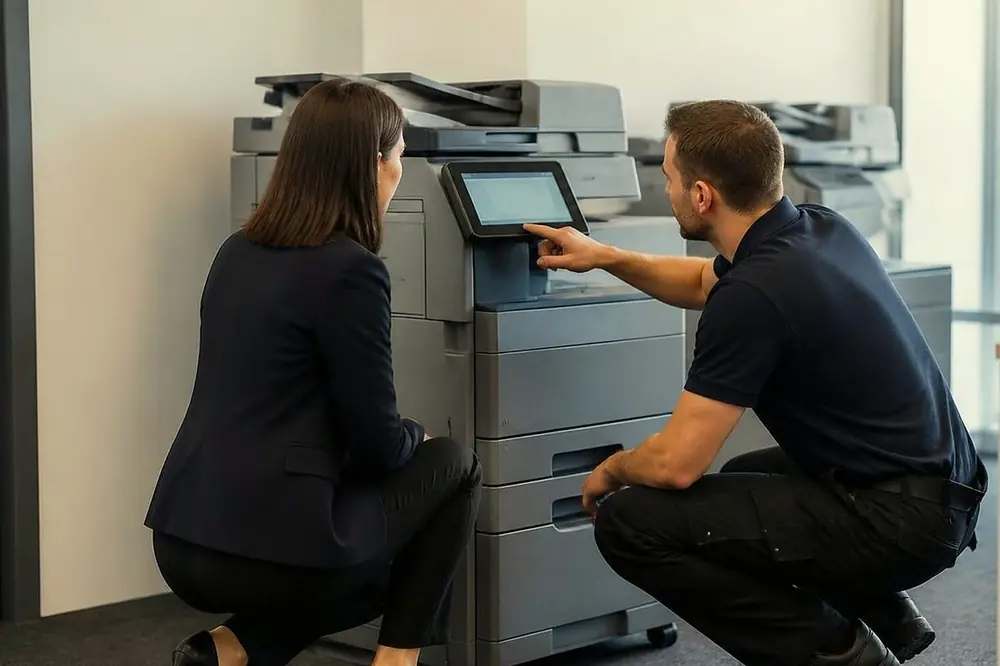
A certified technician can confirm that the fuser is the problem before anything is replaced, check the parts around it that wear together, and test the machine with the paper your office really uses. Laser repairs copiers and printers at your premises, and a fault that returns is fixed again at no charge. The price is agreed on the phone. Our page on toner smearing and fuser faults explains the service, and photocopier service across Brisbane shows where we work.
Cold rooms, damp paper and other lookalikes
A few things outside the machine can make toner bond badly. Paper that has absorbed moisture in a humid Brisbane summer, particularly from a storeroom without air conditioning or a spot near a loading dock, may fix differently from dry paper. Keep reams sealed until you need them and store them where the temperature is steady.
A cartridge that is nearly empty, or one that is not suited to the machine (see our commercial printer repairs page for the printer side), may produce pale or patchy print that looks like toner failing to stick. If you have just changed the cartridge and the fault started that day, say so on the call. It narrows the search. If the fault began after the machine was moved, or after storms and a power dip, mention that too.
What to do today
| Step | Who should do it |
|---|---|
| Check the paper type setting matches the paper | Anyone in the office |
| Reload from a fresh sealed ream and print one page | Anyone in the office |
| Do the finger test after a minute | Anyone in the office |
| Stop printing and switch the machine off properly if toner still rubs off | Anyone in the office |
| Open the fuser area or remove any part | A technician only |
Ring (07) 3073 5255 once the first three steps have not helped. The line can be busy, and when it is the call is logged and returned.
Ring (07) 3073 5255 with the make, the model and what it is doing. We settle the price on the call, and same day depends on the fault and the diary. When the line is busy the call is logged and returned.