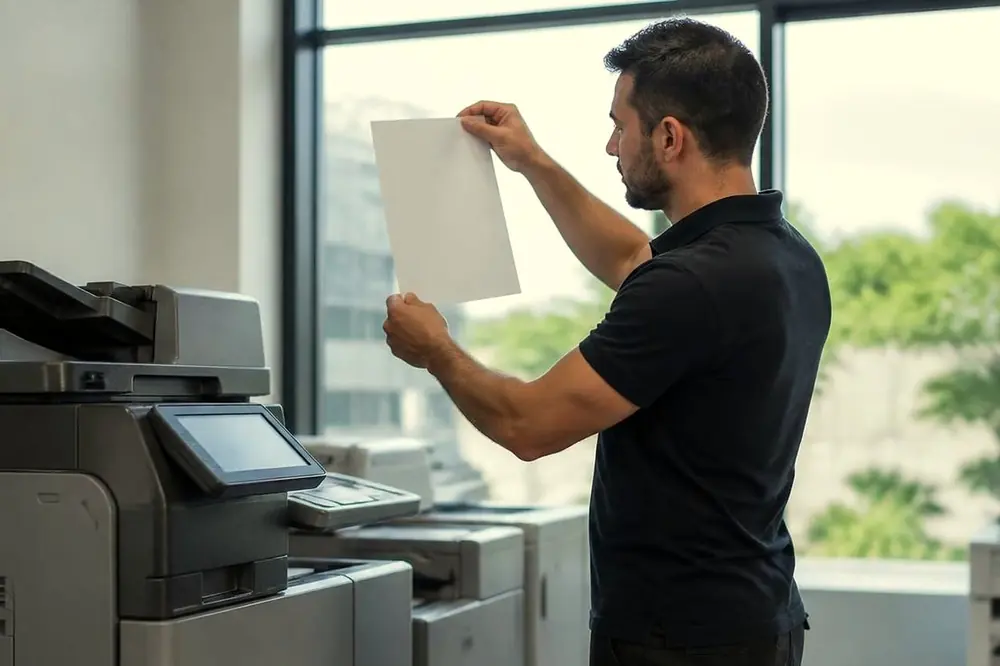
A line down a page can come from at least four different places inside a copier, and they are fixed in four different ways. Wiping the glass cures one of them. None of the others respond to wiping, and some can be made worse by it. A few minutes with three test pages sorts out which one you have before anyone opens a cover.
Make the three test copies
- Print a plain page from a computer, ideally one with some text and a blank margin all round. Use the same tray that gave you the faulty copies.
- Put a clean, blank white sheet on the glass and copy it. A blank original makes marks easy to see.
- Put the same blank sheet in the document feeder and copy it again.
- Look at the three results side by side. Note whether each has the line, where it sits across the page, and whether it is the same colour as the toner.
- Turn one copy over in the light. Check whether the line is only on one side of a double sided copy.
A copy test exercises the scanner and the print engine only. It does not tell you anything about the network, the print controller or user access settings, so it will not explain a fault that appears only when printing from a computer.
Reading the result
| What you see | What it may point to |
|---|---|
| Line on glass copies only, in the same place each time | Dirt or a mark on the glass or the white backing |
| Line on feeder copies only, thin and in the same place | Dirt on the narrow strip of glass the feeder scans across |
| Line on every copy and every computer print | The print engine: drum, toner, developer, transfer or fuser |
| Line on a computer print but not on a copy | A fault in the job or the controller rather than the glass |
| Marks that repeat down the page at an even spacing | A rotating part, such as a roller or drum, with a mark on its surface |
| A streak in one colour only on a colour copier | The imaging parts for that one colour |
If the result does not fit a row, write down what you saw and treat it as a print engine fault. That is the more cautious assumption, because the print engine holds parts you should not clean yourself.
Lines that come from the glass and the feeder
A line that only appears on copies made from the glass, and not on prints from a computer, comes from the scanning side. Dust, a fingerprint, correction fluid, a dried drop of coffee or a speck of adhesive can leave a mark that is faithfully copied onto every page. Lift the lid and clean the glass and the white underside of the lid.
The document feeder scans through a narrow strip of glass at the left edge of the main glass, and a mark on that strip gives a line down the page on feeder copies only, always in the same place. A thin line that never appears when you copy from the glass is worth checking against this strip first.
What is safe to clean and what is not
You can clean the glass, the strip and the white backing. Use a soft, lint free cloth, slightly dampened with water or with the glass cleaner your machine maker names. Spray the cloth, never the machine, so liquid cannot run into the scanner. Do not scrub or use anything abrasive, because a scratch in the glass makes a permanent line. Wait until it is dry before you copy.
Do not touch or wipe the drum, the transfer belt, any roller inside the machine, or the fuser. The drum is light sensitive and easily marked by a finger. The fuser is hot enough to burn, and parts near it can stay hot after the machine is off, so never reach in or past any part marked hot. If the manual describes a cleaning step for a particular part, follow that step as written and nothing beyond it. If you smell burning or see smoke, leave the machine, follow your building fire procedure and call 000.
Lines that come from the print engine
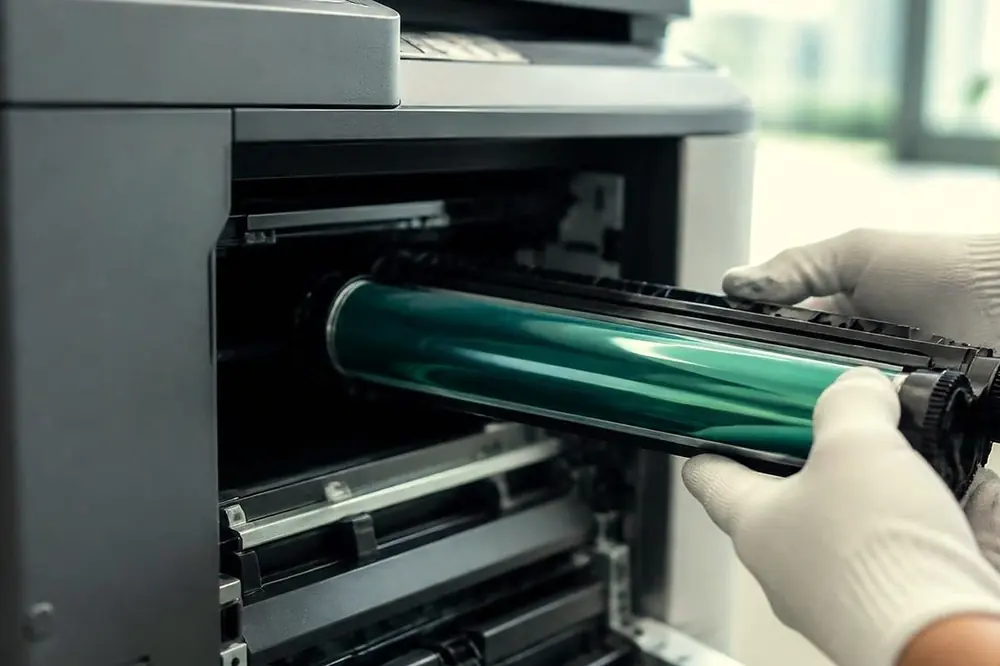
If the line appears on every copy and every print, the scanner is not the cause. Inside the engine, a few parts shape what lands on the page:
- Drum. A scratch, a worn patch or something stuck to the drum surface can leave a line in the direction the paper travels. A drum fault tends to show on every sheet.
- Toner and developer. Toner that is running low or unevenly spread can leave a pale streak or a light band, and a damaged cartridge or blade can leave a streak.
- Transfer. A dirty or worn transfer part can leave patchy lines or a faint ghost of the image.
- Fuser. A damaged fuser roller can mark the page after the toner has been placed, and it may leave a repeating mark.
The colour of the line gives a clue. Black or dark streaks tend to come from toner or drum problems, and white or pale streaks can come from toner that is not reaching the page in that line. Treat this as a clue only, because one cause can look like another. Replacing a toner cartridge is the one step many offices try. It is reasonable if the cartridge is near its end, but if a fresh cartridge makes no difference, stop swapping parts and call.
Does the line repeat at a fixed spacing?
Take a ruler and measure the gap between one mark and the next down the page. If the marks repeat at an even distance, a rotating part is stamping the same fault each turn. A drum or roller marks the page once per turn, so the spacing between marks matches the part's circumference. You cannot read the part from the spacing without the service information for your model, but the measurement is helpful. Tell the technician the spacing in millimetres and which way the marks run.
Which way the line runs
A line that runs from the top of the page to the bottom, in the direction the paper travels, is a vertical line, and it is a common way to describe the fault. A line across the page tends to point at a part that acts once per sheet, or to a feeding problem. If the line is on the side of a scanned image only, and not on the printed copy, the fault is in the scanning, not the printing. That matters if the copier is mainly used to scan to email or to a folder.

Brisbane offices and the marks that keep coming back
Offices that copy plans, contracts or forms all day see line faults sooner, because every mark on the glass or drum copies onto every page. Architects and design studios in Fortitude Valley and Newstead may work with large originals on the glass, and wide format machines have their own scanner and print path, covered on our plotter service page. Dust from a fit out or building works next door can settle on glass and in feeders, so a new line soon after building works nearby is worth checking against the cleaning steps first.
When the cleaning steps change nothing, a technician needs to look inside. Laser technicians are certified and repair copiers and printers at your premises, and the price is agreed on the phone. Our copier lines and streaks page explains the service, and the full list of copier and printer faults will help if the symptom is something else, such as a copier that makes noise or marks the page with loose toner.
One final caution
Do not keep running copies in the hope that a line will clear. If a drum or fuser is the cause, each extra page may spread toner where it should not be. Stop after a handful of test copies, keep them, and mark the date and the tray. To arrange a repair, ring (07) 3073 5255. The line can be busy, and when it is the call is logged and returned.
Ring (07) 3073 5255 with the make, the model and what it is doing. We settle the price on the call, and same day depends on the fault and the diary. When the line is busy the call is logged and returned.