Copier repairs Brisbane
Printer & Photocopier Repairs in Brisbane
Most calls begin with a sentence like "it was fine on Friday." Somebody has a stopped copier, a queue at the front desk and a day that has gone sideways. We repair printers and photocopiers at your premises right across Brisbane, every make a business is likely to own, with a trained, experienced and certified technician who carries the common spares. Same day service is available, and you hear the price on the phone before anyone is booked.
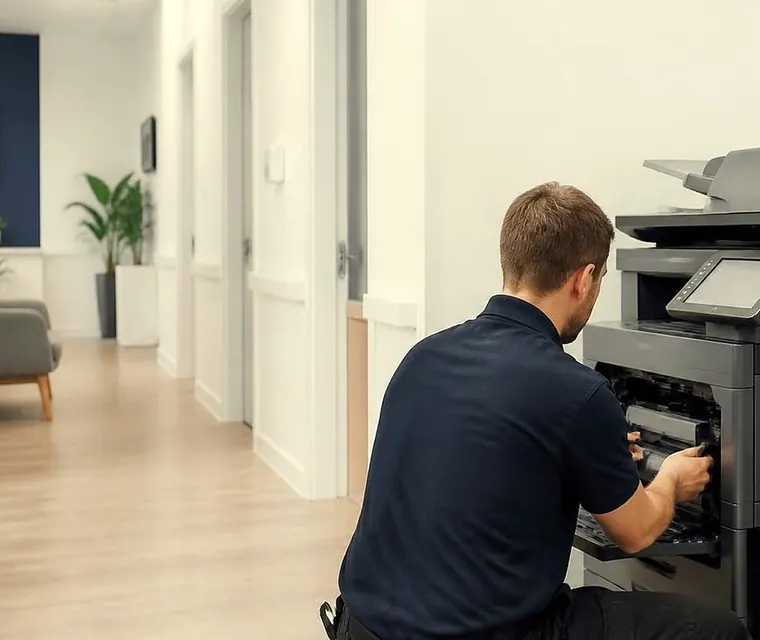
Brisbane printer service and photocopier repairs, plus machine sales
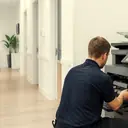
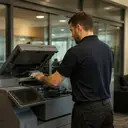
Repairs done where the machine stands
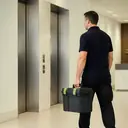
Nobody carries a floor standing copier down a lift to a workshop. It weighs more than the person who would have to push it, and it would come back with the wrong network address and a lost scan folder anyway. So the work comes to the machine: a corner of a Newstead design studio, a corridor outside a Spring Hill surgery, a mezzanine in a warehouse out past Wacol.
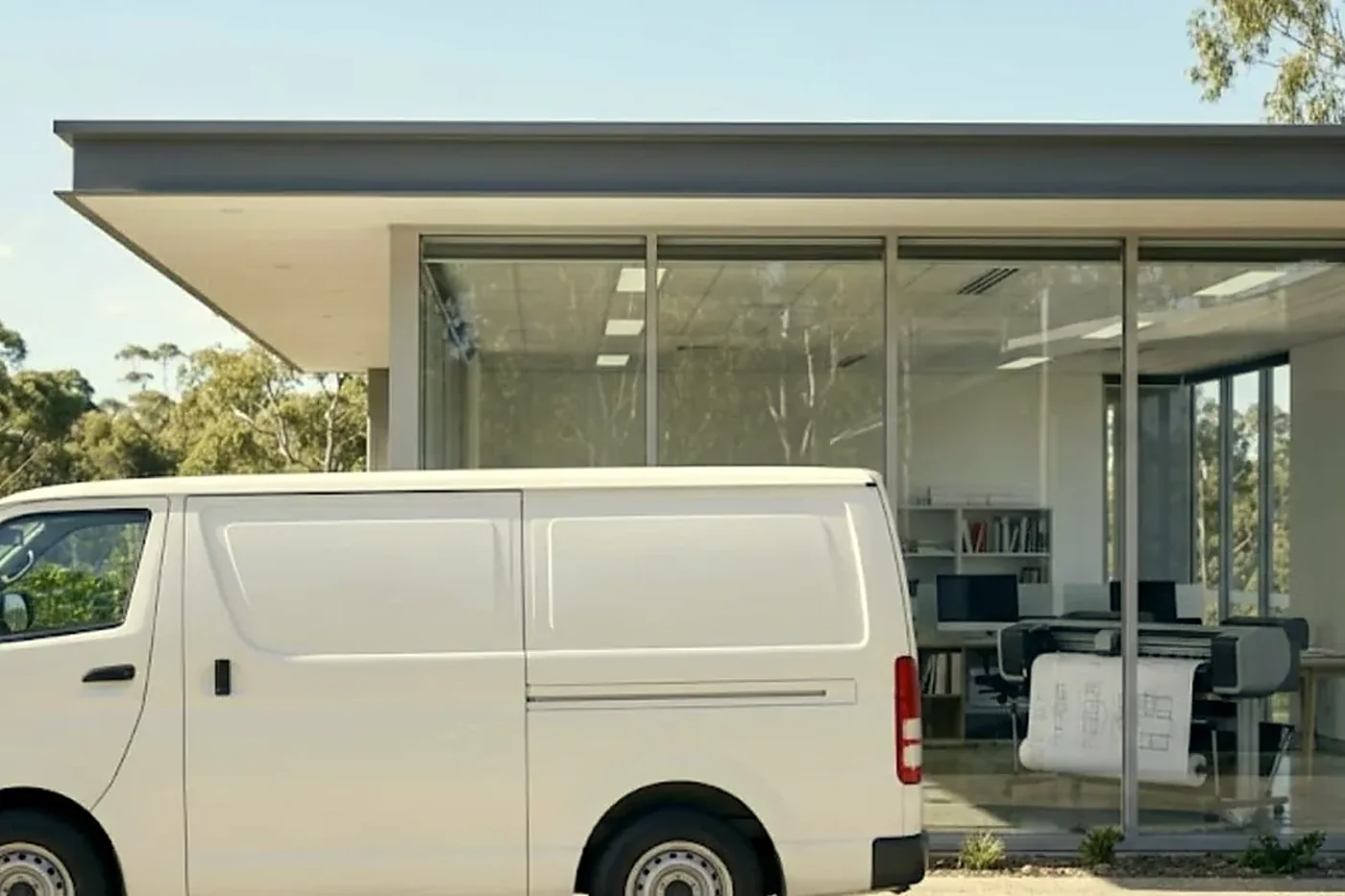
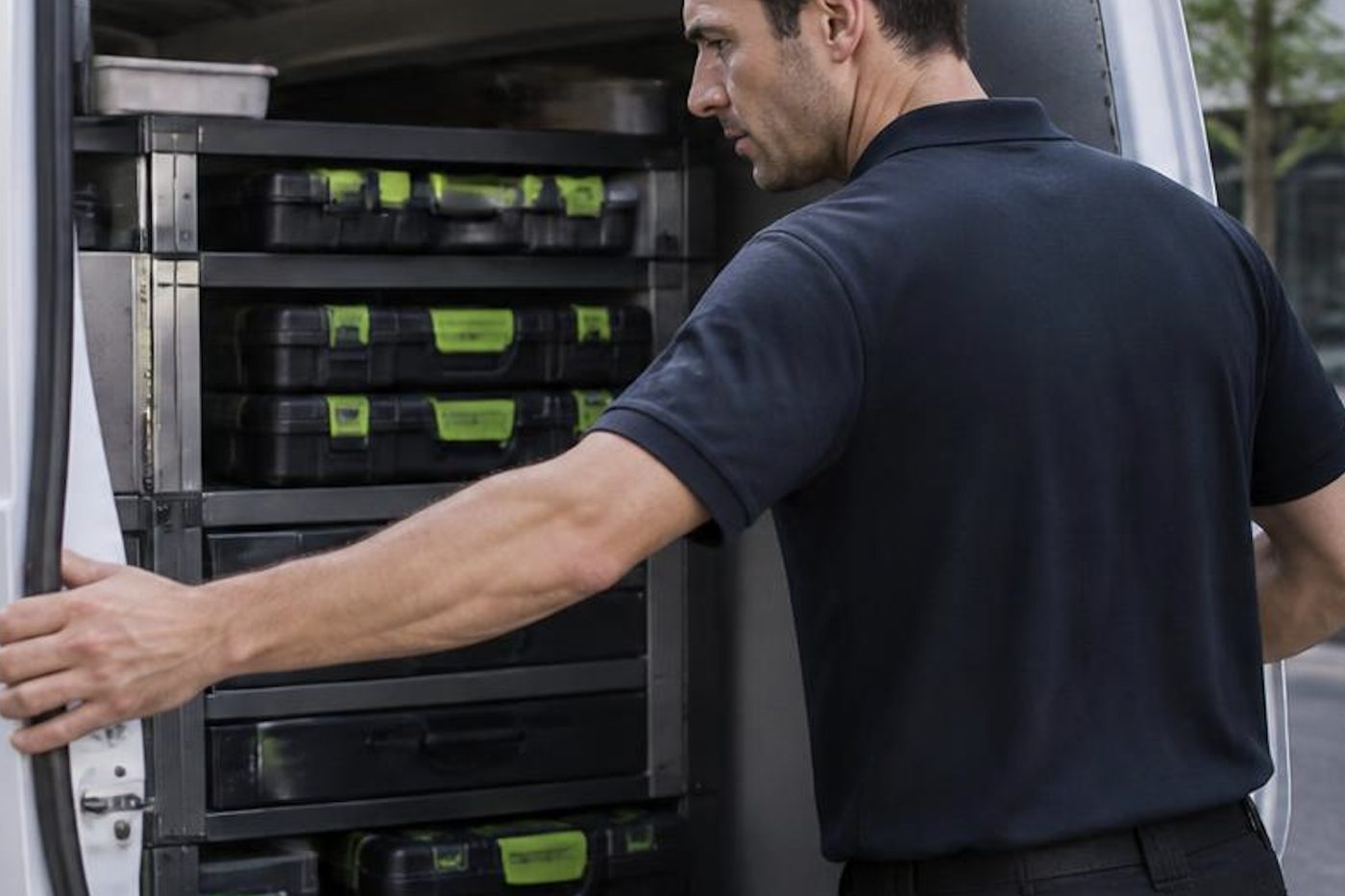
The van carries the parts that fail most often. Pickup rollers, separation pads, fusers for the common lines, cleaning blades, drums, a few boards and a lot of small hardware. That is the reason 98% of repairs are finished on the first visit. The other two in a hundred need a part ordered, and we tell you that before we leave, not after.
If the same fault comes back, we fix it again at no charge. We would rather say that plainly than bury it in a policy.



Three steps to a price
- Name the machineMake, model and the trouble it is giving you.
- Hear the price firstWe ring you back with it before a visit is booked.
- A certified technician attendsSame day wherever the diary allows.
What we repair
The list below is what a normal week looks like for us. If your machine is not on it, ring anyway, because the answer is sometimes yes and sometimes a straight no with a pointer to someone who can help.
- Floor standing A3 multifunction copiers, mono and colour, with or without finishers
- A4 workgroup lasers and multifunction printers
- Production class machines in print rooms and council offices
- Document feeders, scanners and the scan to folder and scan to email settings behind them
- Finishers, staplers, punch units and booklet makers
- Label and dispatch printers, wide format plotters and the odd dot matrix that refuses to retire
Home and small office machines get looked after too if someone rings. We just do not chase them. Our working week is offices, practices, schools, builders and councils, and the service is built around that.
What the first phone call sounds like
We ask the make and model, which is on a label inside the front or side door. We ask where the machine is, and whether the building has a loading dock or a lift booking. Then we ask the question that matters most: what was it doing when it stopped?
A copier that stops in the middle of a long scan job is a different problem from one that would not wake up on Monday. Both are different again from a machine that has been printing pale for a fortnight while everybody got used to it. Describing the last thing it did saves the technician twenty minutes at the machine.
Then we talk about money. The price is agreed on the phone before anyone is booked, and nothing is locked in by the call itself.
The faults behind most calls
Under a thousand different complaints sit a few dozen causes. This is the short version, written from the chair of the person who has to ring us.
| What you notice | Where it usually points | Can you check it yourself |
|---|---|---|
| Paper jams in the same place | A glazed roller, a dirty sensor or damp paper | Look for a scrap of torn paper in the path. Do not force trays. |
| A service code on the panel | A section of the machine, not always a broken part | Write the code down exactly. Switch off once, not five times. |
| Black lines down the page | Drum, blade, developer or a marked scanner glass | Copy a blank sheet, then copy from the glass with the feeder lifted. |
| Toner rubs off with a thumb | The fuser is not getting hot enough or pressing evenly | Try a fresh ream. If it persists, stop and ring. |
| Scan to email stopped | A changed password, a mail server rule or a lost address | Ask who changed the email account last week. |
| Slow to wake, noisy at start | A fan, a drive or a cassette heater | Listen at the side. Note the time it starts. |
A code is a pointer, not a diagnosis. The same code on two machines can mean two different repairs, which is why we ask about the fault history before we name a price.
Brands, and what each one tends to do
Toshiba and Kyocera are the two makes we know best, and they fill a large share of Brisbane offices. Toshiba e-STUDIO machines announce trouble with a Call for Service message and a code starting with C. Kyocera TASKalfa and ECOSYS machines run for years on very little attention, so when one shows a maintenance message it is usually a reminder, and when it jams it is usually a roller that has finally given up.
Ricoh copier repair is a steady part of the week, with the IM and MP lines producing the SC codes people ring about. A code that comes back after a restart is a real fault. One that vanishes may have been a passing one, but we still note it. Canon imageRUNNER ADVANCE machines give E codes. Konica Minolta bizhub machines turn up in colour print rooms. Sharp MX machines are common in schools and clinics.
Fujifilm Apeos and ApeosPort, older DocuCentre machines and Xerox WorkCentre and VersaLink machines are all in Brisbane offices too, and the maker names have shifted around enough that people are often not sure what they own. Read us the badge on the front and we will work it out. Each brand has its own page with the series and the faults.
We are an independent service business. We are not the maker and we are not a dealer for any of these brands, which means the advice you get is about your machine, not a product line.
A damp week in the Valley
Brisbane is hard on paper. A ream left in a storeroom through a humid February swells at the edges, and the next morning the pickup roller is trying to feed a sheet that no longer lies flat. We have been rung about a broken copier that turned out to be a paper problem more times than we can count. The fix was a fresh ream and a sealed cupboard.
Storm season is the other thing. A brownout or a lightning strike on the street can leave a copier with a corrupted setting, a board that has been shaken, or a power supply that no longer likes its job. If the lights flickered the night before and the machine will not come up the next day, say so on the call. It changes where we look.
Older Queenslanders converted to offices, in Paddington, Red Hill and Spring Hill, have another habit: the sun runs straight down the hallway and a copier parked at the end of it bakes through the afternoon. Sensors fade. Toner behaves differently. A move across the room is sometimes the least costly repair we do.
Photocopier technician Brisbane businesses can rely on
The person who turns up matters more than the van. We send someone who has opened a machine like yours before, who has read the job note, and who talks to the person who uses the copier before taking a cover off. They are trained, experienced and certified, and we choose them for the machine, so a production Kyocera and a label printer do not get the same visit.
If you want the long version of what to expect from a technician, our photocopier technician page covers it. The short version is that the person reads the fault history, reproduces the fault, tells you what they found in words you can pass to the office manager, and leaves a note in the machine record.
Installation and setup are part of repair too
A good share of the repair calls we answer turn out to be installation problems that nobody noticed for a month. A copier placed against a window. A scan folder that points at a server that was retired. A fixed address that clashes with the new phone system. Photocopier installation Brisbane offices pay for properly includes every one of those checks.
If you are about to fit a new machine or shift one to another floor, the installation page sets out what we do. If the machine you have is finished and a replacement makes sense, we also sell and supply commercial copiers, new and second hand, warranted. The repair advice stays separate. We tell you the truth about your machine first, and a replacement only comes up if you want to hear it.
Where we go
The CBD towers along Eagle Street and Adelaide Street, with their lift bookings and visitor sign in. Fortitude Valley and Newstead, where converted warehouses hold design studios and accountants. Milton, Toowong and Indooroopilly. Chermside and the northern corridor out towards Strathpine and North Lakes. Eight Mile Plains and Sunnybank on the southside. Logan, Beenleigh and the Ipswich corridor. Industrial strips at Acacia Ridge, Archerfield, Darra, Wacol and Eagle Farm, where the copier is often in a demountable at the back of a yard.
Tell us the suburb and the building when you ring. Parking, docks, security passes and the best time of day all change how the visit is planned, and the technician arrives knowing where to go.
Printer repair in Brisbane, and the repair shop question
People search for a printer repair shop in Brisbane expecting to carry the printer in. For business machines we work the other way: the technician comes to you, repairs the printer where it stands and tests it on your network before leaving. That suits a commercial printer that weighs too much to move, and a desk printer that has to keep working with your computers.
Brisbane printer repairs cover the same ground whichever words you use. Whether you need to repair a printer that jams, streaks, shows offline or will not scan, the steps are the same: the make, model and message on the phone, a price agreed first, then the visit. Samsung printers and copiers are covered in our Samsung printer repairs section, and Develop copiers in our Develop copier repairs section.
Is it worth fixing?
A copier that needs one wear part and otherwise runs well is nearly always worth repairing. A machine that needs a fuser, a drum, a transfer belt and a controller board in the same year probably is not. The age, the page count, parts availability and what the same money would do elsewhere all count.
We say what we would do if it were ours. Sometimes that is repair, sometimes it is a service visit and a few more years, and sometimes it is the end of the machine, in which case we can supply another or buy the old one. Our guide on whether a copier is worth repairing sets out the arithmetic.
How a repair visit runs, from the door to the test page
The technician starts by finding whoever uses the machine most and asking them to show the fault. Not describe it. Show it. A jam that only happens on the second tray with heavy stock is a ten minute job once you have watched it, and an hour of guessing if you have not.
Then the history. Every commercial copier keeps a log of jams, codes and counters, and the log often tells a different story from the one at the front desk. A machine that logged the same feed jam forty times before anyone rang has told us which roller to look at before the cover is open.
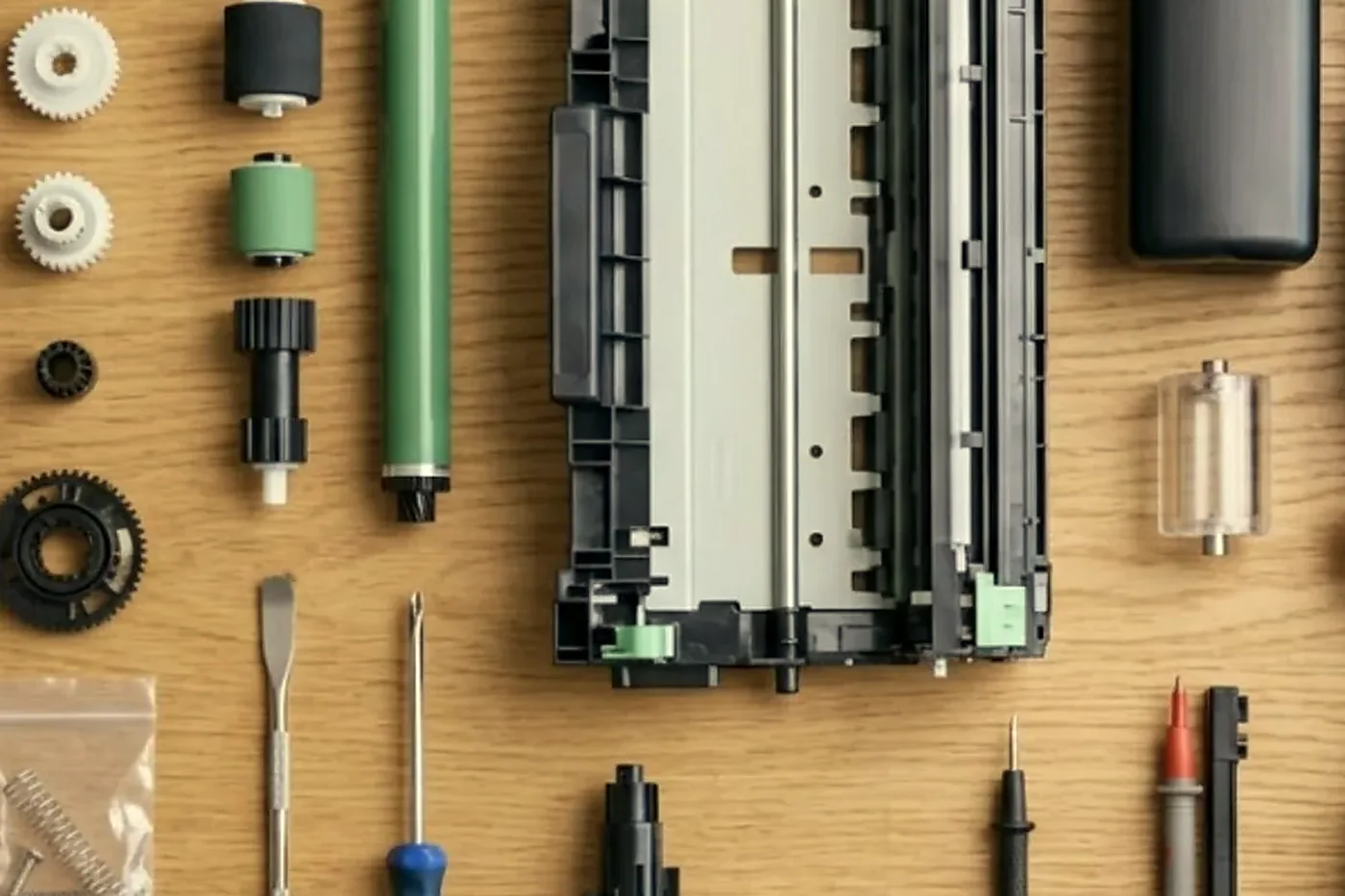
Parts come next, and only when the evidence supports them. We do not swap three components hoping one of them cures it. When a cover does come off, the drum goes straight back into its wrapper and nothing is touched with bare fingers.
The last part is the one people forget. A repair is not finished when the fault stops. It is finished when a test page prints in every tray, a scan reaches the inbox, and the finisher has stapled a real set. We run those before we pack up, and we write down what was done so the next technician starts from the record.
Several machines, several floors
A firm with a printer on every floor does not want eight separate conversations. Give us the list with the makes, the models and where each one sits, and we plan the visit as one booking where the building allows. Where there are several sites, we group by area so a technician is not crossing the city twice in a day.
Schools and clinics set their own rules around bells and patient flow. Say so when you ring and we plan the visit before the first lesson, after the last appointment or in a gap that suits you. Trades offices with a copier in a site shed ask for a different thing: that the machine be back before the quote run on Thursday. Tell us the deadline and we work back from it.
The Toshiba and Kyocera end of the fleet
If you walk into ten Brisbane offices, a good half will have a Toshiba or a Kyocera somewhere in the room. We spend more of our week on those two than on anything else, and that has shaped what the van carries.
On the Toshiba side the e-STUDIO families run from compact colour units to big mono production machines. They are sturdy, they are chatty about their own faults, and most of the calls we take are the grey panel with Call for Service and a C code. The code tells us the section: fuser, drive, feed, finisher. It does not tell us the part until somebody has looked.
On the Kyocera side, TASKalfa copiers and ECOSYS printers are built around long life drums and a design that tries not to fuss. The usual calls are a maintenance message that nobody acted on, a pickup roller that has worn smooth, and a scan setting that fell over after an IT change. Both makes have their own pages here, with the models and the codes we see.
What a repair is not
A repair is not a lease. It is not a sales pitch. We do sell machines, and we are happy to talk about it when you want to, but a technician who arrives to fix a fuser does not arrive with a brochure.
It is also not a promise of a miracle. Some machines have run out of road, and we say so. A copier that has done several million pages, whose parts are no longer easy to find, may be better replaced than repaired again. We lay out the numbers and let you choose.
Consumables, and the faults they cause
Toner is not the villain people think it is, but it is blamed for a lot. A machine printing pale after a cartridge change is often a toner that was not seated, or a waste container that has filled and is quietly telling the machine to stop. A machine printing perfectly well but showing a toner low message may simply have a sensor that wants a clean.
Paper is the one we point at most. Cheap, thin or damp stock curls in the fuser, jams in the duplex unit and leaves dust in the feed path that dulls the rollers. If a ream has been stored on the floor of a Brisbane stationery cupboard through summer, it has already absorbed more water than the machine can cope with. A sealed ream, stored flat and shelf high, costs nothing and cuts calls.
Staples, labels and letterhead each have their own habits. Tell us when you ring if the problem only shows on one of them. It narrows the search quickly.
If the line is busy
Calls are logged and returned. Lines are busy because people are ringing about their machines, which is the point of us. Leave your make, your suburb and what it is doing, and we call back with a price and a time.
Copier makes on our books
photocopier repairs, step by step




Light and drums
Ten seconds of daylight can finish a drum
Open the back door of a Queenslander turned office on a bright January afternoon and the sun runs straight down the hallway. A copier drum left on a desk in that light is already losing life. Nobody sees it happen. The pages look fine until grey bands show up a week later, and the invoice for a second drum comes with them.
Ours stay wrapped and out of the light from the van to the machine and back. A small habit with a large saving.

- Wrapped. Drums stay covered until the second they go in.
- Gloved. No skin oil on anything that touches paper.
- Cause first. If it is not the drum, the drum stays in the box.
From our news
Should you repair or replace your office photocopier?. A plain guide with a rule of thumb and the middle option.
Why does my printer keep jamming?. The common causes, and the fixes to try before you ring.
Keep reading around Brisbane
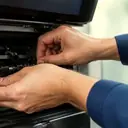 Photocopier servicePlanned servicing before the machine makes the decision for you.A3 photocopier repairsBig floor standing copiers, mono and colour, repaired in place.
 Photocopier technicianTrained, certified copier and printer technicians who come to your office.
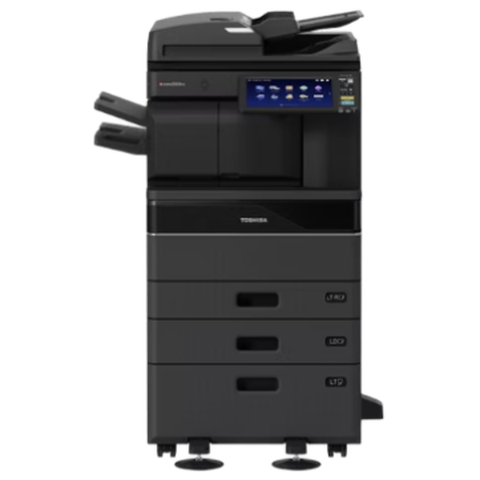 Toshiba repairse-STUDIO colour and mono copiers, fixed where they stand.
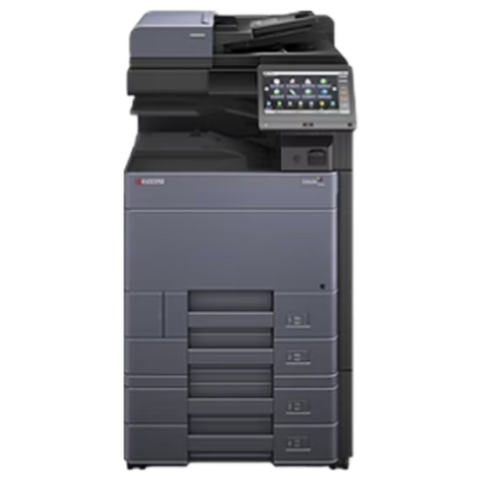 Kyocera repairsTASKalfa copiers and ECOSYS printers, repaired on site.
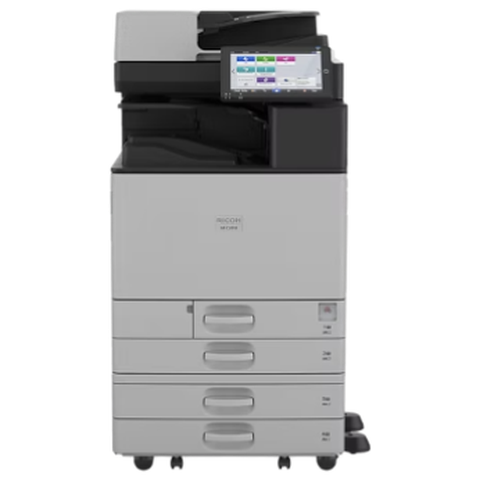 Ricoh repairsIM C, IM and MP series copiers, repaired on site.Copier error codesHow to read a code and what to note down.
 Is my copier worth repairing?How we weigh repair against replacement, honestly.
 Installation and setupA new machine set up so it prints, scans and sends from day one.
The makes, and the words people search for them
Inkjets and the office Epsons have their own page: repair Epson printers. LaserJets and the older Samsung machines sit on the page about a repair for HP printers. Copier owners usually want Canon copier repairs, Ricoh copier repair, or simply a photocopier technician in Brisbane who knows the model.
Buy, sell and lease
Buy, sell and lease commercial copiers in Brisbane
We also sell new and refurbished commercial copiers and buy used ones. Same team, same technicians.
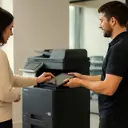
Brisbane offices, up close



Questions people ask us on the phone
Do you repair printers and copiers at our office or take them away?
At your office. Machines are repaired where they stand. If a part has to be ordered, we tell you before we leave and the same technician usually returns to fit it.
How fast can someone come out?
Same day service is available. Ring early and say what has stopped, and we tell you what is possible that day. We do not promise a time we cannot keep.
What does a repair cost?
There is no price list, because the same symptom is a different job on different machines. We give you the price on the phone, before anyone is booked, and explain what could change it once the cover is off.
Which brands do you work on?
Toshiba, Kyocera, Ricoh, Canon, Konica Minolta, Sharp, Fujifilm, Xerox and HP are the common ones, plus Brother, Epson, Lexmark, OKI and Zebra. Phone with the model if yours is unusual.
Our copier is on a lease. Can you still repair it?
Often yes, but check the contract first. Some leases name the provider who must do the work. We will tell you honestly if that is the case and not take a booking we should not.
The machine shows a code. Should I keep restarting it?
No. Write the code down exactly, switch it off once and try again. Repeated restarts can turn a recoverable fault into a stuck one.
What if the same fault comes back?
We fix it again at no charge. That applies to the fault we repaired, and we are happy to explain exactly what is covered on the call.
Do you repair the home printer a staff member brought in?
If someone rings, we look at it. Our week is built around commercial machines, so we do not pretend to be a high street repair counter.
Can you advise when a copier is not worth the repair?
Yes, and we say so even when it costs us a job. We can give you the reasons and the options, including supplying a replacement.
Can you look after a whole fleet rather than one machine?
Yes. Send the list of makes, models and locations and we plan the visits by building. A fleet with a mix of Toshiba, Kyocera and HP machines is routine for us.
Do you service machines that are no longer sold?
Often, yes. Parts for older machines vary, and we say honestly when a part is hard to find or when the repair no longer makes sense.
What should I have ready when I ring?
The make and model, the suburb, the age if you know it, any message on the display and the day the trouble started. A phone photo of the label and the panel is a great help.

Done properly once
Fixed where it stands
No lifting, no posting, no borrowed printer for a week. The repair happens at your site.
Book a repair
Printer service Brisbane, from one desk printer to a whole floor
Copier and printer repairs across Brisbane
Fault guides
- Copier and printer faults Brisbane
- Photocopier paper jams Brisbane
- Copier black lines and streaks Brisbane
- Copier error codes Brisbane
- Copier not printing Brisbane
- Scan to email not working Brisbane
- Toner smearing and fuser faults Brisbane
- Printer offline and network faults Brisbane
- Copier noise, grinding and squealing Brisbane
- Is my copier worth repairing Brisbane
- Toshiba e-STUDIO error codes Brisbane
- HP LaserJet error messages Brisbane
- Kyocera TASKalfa error codes Brisbane
Makes we work on
- Toshiba copier repairs Brisbane
- HP printer repairs Brisbane
- Kyocera copier repairs Brisbane
- Fujifilm copier repairs Brisbane
- Xerox copier repairs Brisbane
- Canon copier repairs Brisbane
- Ricoh copier repairs Brisbane
- Lexmark printer repairs Brisbane
- Brother printer repairs Brisbane
- Epson printer repairs Brisbane
- OKI printer repairs Brisbane
- Zebra printer repairs Brisbane
- Konica Minolta copier repairs Brisbane
- Sharp copier repairs Brisbane
- Fuji Xerox copier repairs Brisbane
Suburbs and districts we cover
- Printer service Inner West Brisbane
- Printer service Brisbane CBD
- Printer service Milton, Toowong and Inner Brisbane
- Printer service Centenary Suburbs
- Printer service Ipswich Corridor
- Printer service Logan
- Printer service Brisbane Northside
- Printer service Acacia Ridge and Archerfield
- Printer service Toowoomba
- Printer service Eastern Suburbs and Airport Precinct
- Printer service Southside: Sunnybank and Mount Gravatt
- Printer service Redcliffe and Moreton Bay
- Printer service Redlands, Capalaba and Cleveland
- Printer service Caboolture, Morayfield and the North
- Printer service Fortitude Valley and Newstead
- Printer service Indooroopilly, Toowong and Kenmore
- Printer service Springfield and Ripley
- Printer service Ipswich, Booval and Amberley
- Printer service Beaudesert and the Scenic Rim
- Printer service Lockyer Valley and Gatton
- Printer service Beenleigh and Yatala
- Printer service Bribie Island and Moreton Bay
- Printer service Carindale and Camp Hill
- Printer service Wynnum and Manly
- Printer service North Lakes, Strathpine and Petrie
- Printer service South Brisbane and Woolloongabba
- Printer service Logan Central and Browns Plains
- See every Brisbane area
Got the make and the fault? Send those two things and we will price it.
What do you want fixed?
Type it the way you would say it to a colleague. We ring back, and the price is settled before anyone is booked.